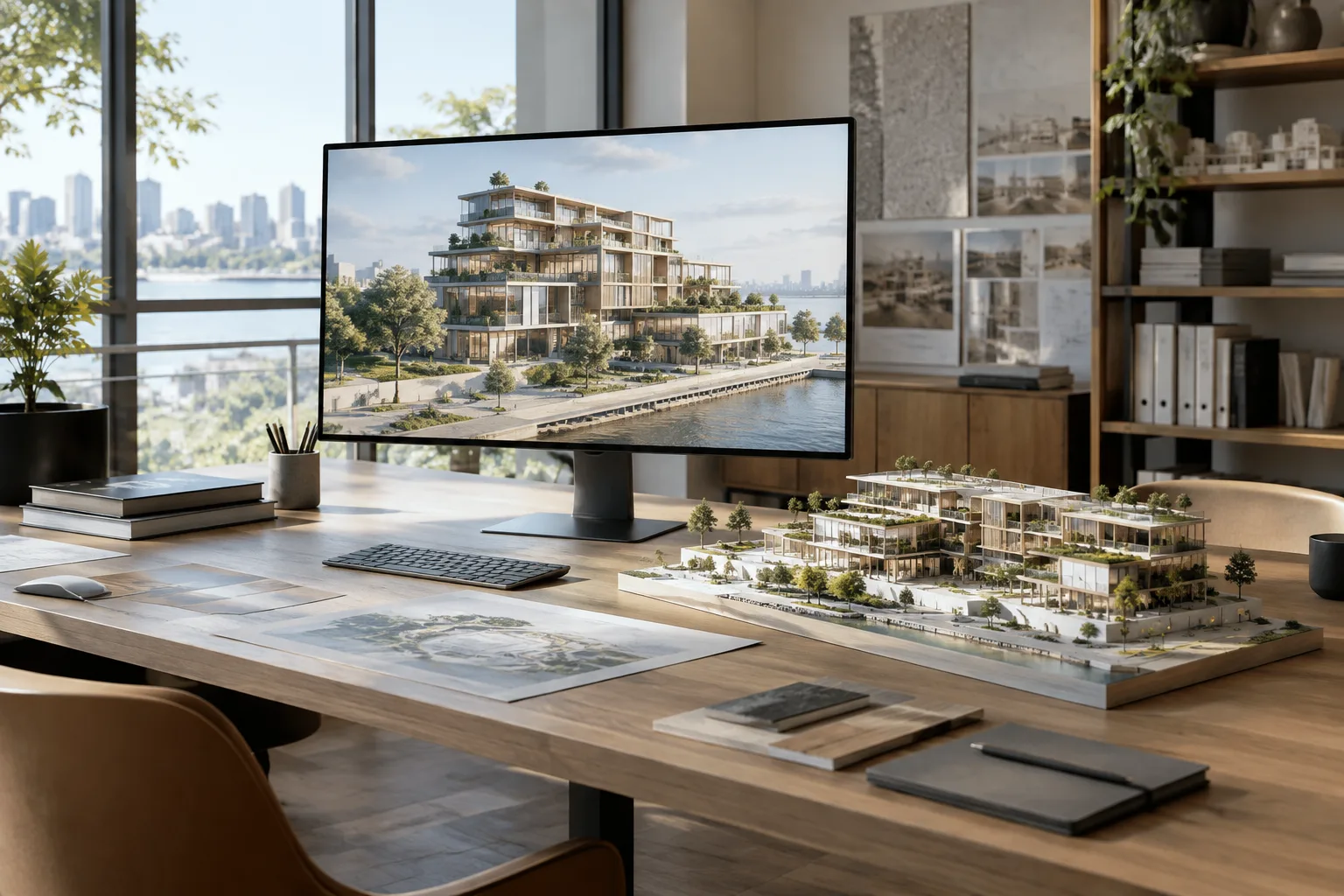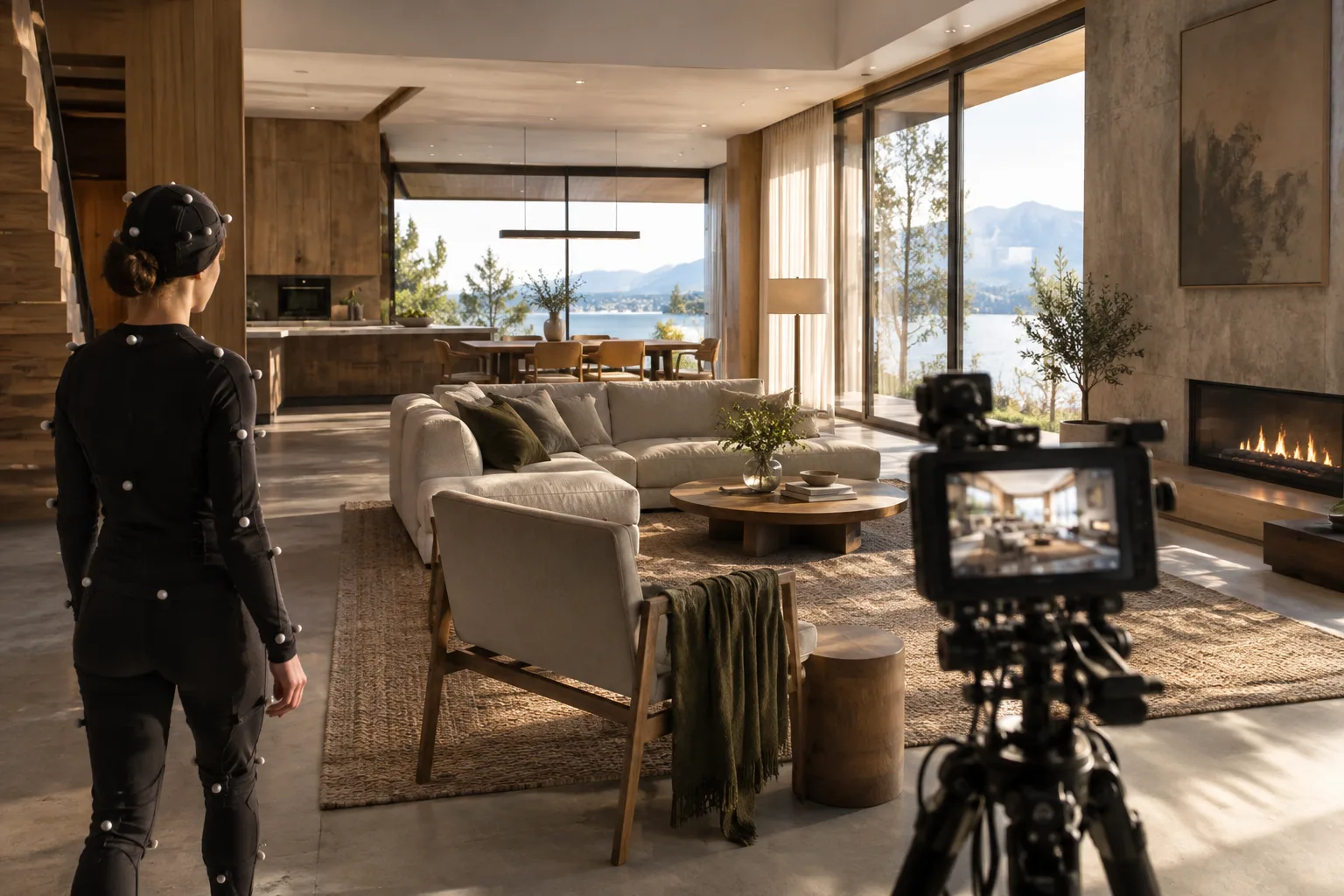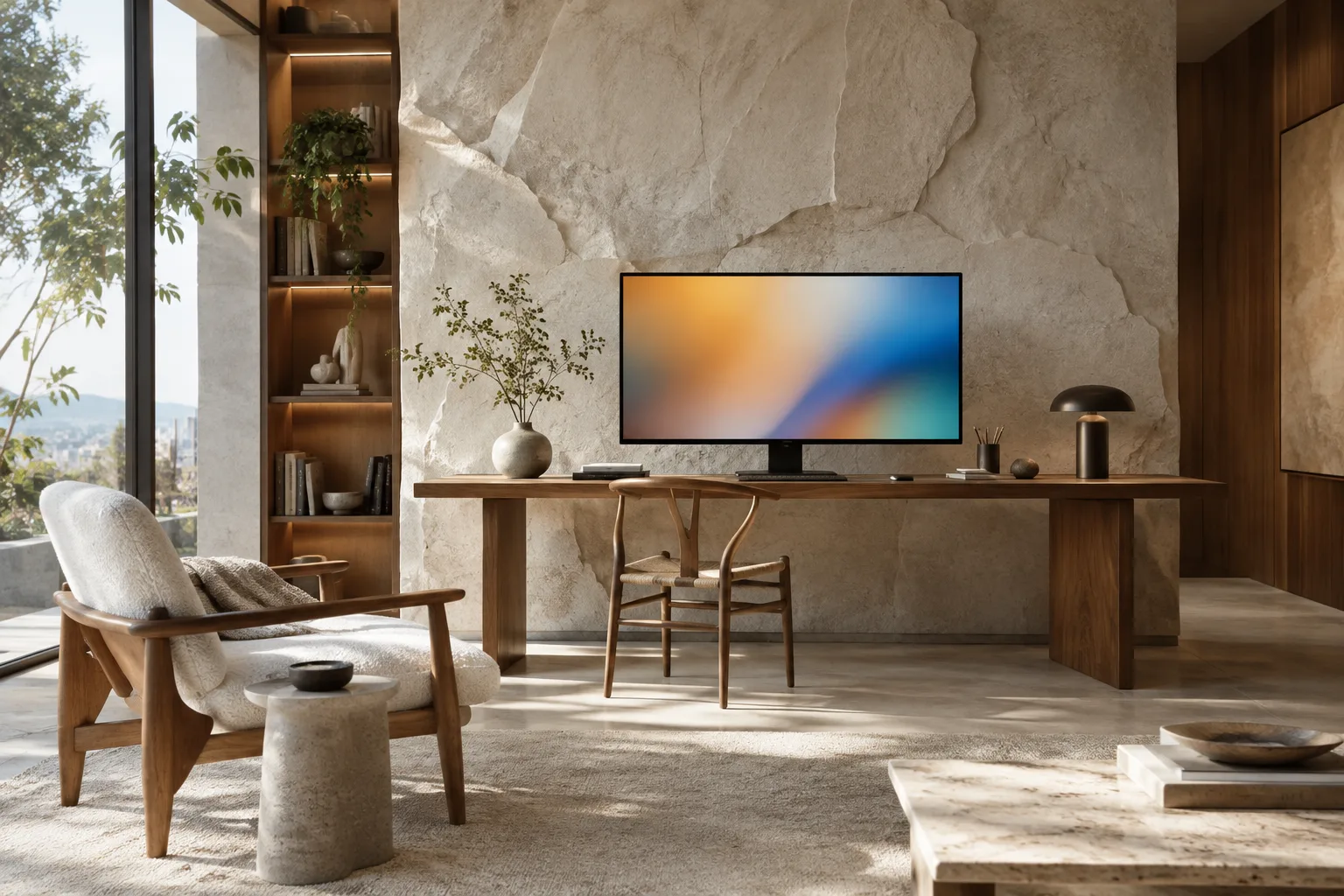
In brief
- Nano Banana 2 is the product name for the Gemini 3.1 Flash Image model, designed for image generation and editing.
- A paid API key is required to use it in Google AI Studio; it is also available through the Gemini API.
- Google highlights the model’s image generation and editing capabilities, as well as its ability to follow text instructions.
- The architectural prompts in this guide are original examples based on methods described in the sources.
What will you learn in this guide?
When creating architecture- and interior-focused prompts with Nano Banana 2, you’ll learn to describe the elements that make up a scene instead of simply asking it to “draw a modern house.” Organizing details such as building type, how the space is used, materials, lighting, camera angle, and overall mood into a single prompt makes the intended visual outcome clearer.
On Google’s model family page, Nano Banana 2 is listed as Gemini 3.1 Flash Image and described as a model for image generation and editing. It can work with both text instructions and uploaded images. Breaking prompts into layers such as objects, space, and visual atmosphere makes it easier to understand which descriptions influenced the result.
The prompts in this guide do not guarantee a particular project outcome. The aim is to offer a starting approach for describing a design idea clearly and assessing the generated image.
Requirements: model, access, and account
This guide focuses on Nano Banana 2. According to Google’s announcement, using this model in Google AI Studio requires a paid API key. Nano Banana 2 is also available through the Gemini API; Google has also announced access via Vertex AI for enterprise use. Since the sources provide no pricing for Turkey and no information about a dedicated plugin or direct integration with architecture software, this guide does not assume either is required.
Prepare prompts as text instructions. For image editing, upload the image you want to use and provide your instruction alongside it. According to Google’s model family overview, image and text inputs can be used together. In the next round, rather than rewriting the entire prompt, write a new instruction that focuses on the element you want to change in the result.
Step-by-step: preparing architectural prompts
1. Define the scene and its purpose
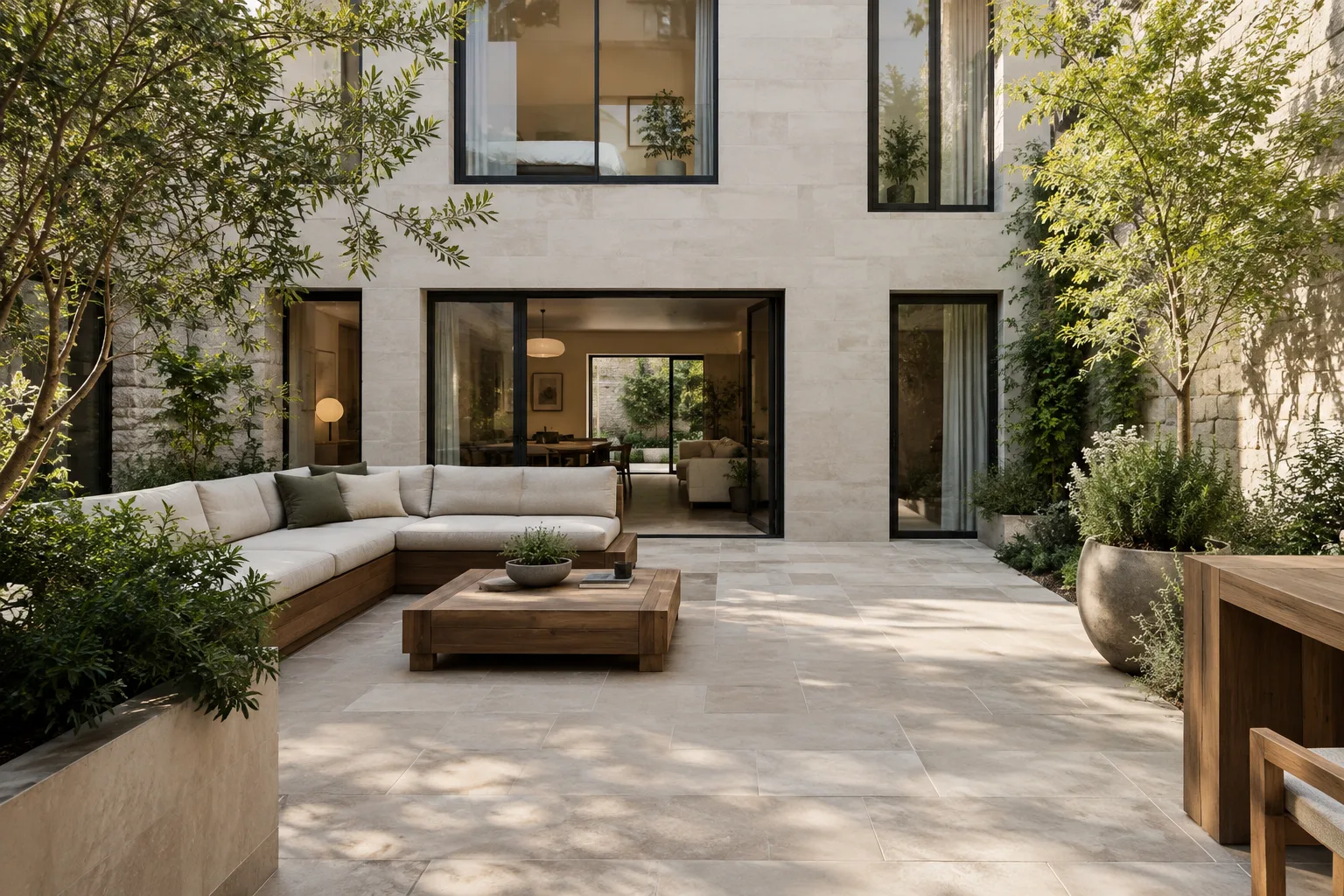
First, decide what the image should show: for example, the courtyard of a small home, a café interior, or the entrance to a public building. Then add the materials, time of day, lighting conditions, and desired atmosphere. Describing how the space will be used helps you avoid prompts that focus only on visual qualities.
Create a photorealistic architectural image showing the courtyard of a small urban home. Include light natural stone paving, simple wooden seating, and carefully controlled planting. The building should feel enclosed and serene. Use soft afternoon daylight, realistic material textures, and balanced shadows. Make the spatial layout of the courtyard the focus.This starter prompt describes the building type, space, material approach, and lighting all at once. After reviewing the first result, specify one or a few features you want to change in a new instruction rather than rewriting everything from scratch.
2. Clarify materials and atmosphere for an interior
For interior prompts, describe colors and materials in relation to how the space is used. Support general terms such as “warm” or “minimal” with visible features like wood surfaces, natural light, or simple furnishings. Also explain which spatial relationship should stand out in the frame.
Create a photorealistic interior image of a living area in a simple apartment. Use light-toned wood flooring, off-white walls, and a small number of simply shaped pieces of furniture. Soft daylight from the window should spread through the room; surfaces should look natural. Make the relationship between the living area and the window clear in the frame.Here, the focus is not just on the decor but on the relationship between the window and the living area. Including a spatial connection that matters to the project presentation helps avoid describing the image as if it were only a material collage.
3. Request an edit using a reference image
If you have an image, upload it and clearly describe what you want changed. Don’t leave the instruction vague with something like “make it better”; also specify what should stay as it is. For example, you could request a change in lighting while keeping the massing and framing unchanged.
Edit the architectural image I uploaded. Preserve the building massing, the location of the openings, and the current camera angle. Only make the daylight softer and more balanced, and bring out the texture of the light-colored stone on the facade. Do not change the landscaping or any other design decisions in the image.This is an original example written for editing based on a reference image. You’ll need to check the result to see how closely the model followed the instruction; after editing, you may need to restate which design decisions must be preserved.
4. Refine the result through feedback rounds
Rather than treating the first image as a finished deliverable, give a correction instruction in the next round that focuses on a specific visual issue. Tying each new prompt to a single group of changes and observing the result makes it easier to identify which directions worked.
Keep the camera angle and building design from the latest image. Reduce reflections on the floor, make the texture of the wooden surfaces slightly more visible, and soften the lighting. Do not add any new furniture or architectural elements.This revision example describes three visual changes while also asking that everything else in the scene remain unchanged. Making revisions in sequence makes it easier to assess how each instruction affects the result.
Common mistakes
Relying too heavily on vague adjectives: Words like “beautiful,” “striking,” and “modern” don’t explain on their own how a scene should look. Support them with descriptions of materials, lighting, spatial function, or framing.
Writing conflicting requests: A prompt can contain contradictions, such as asking for a space that is both completely empty and densely furnished. Specify separately what should stay and what should change in the image.
Not saying what should change in a reference image: Uploading an image does not replace the need for editing instructions. Separate what you want to preserve, such as massing, openings, or camera angle, from what you want to change.
Treating the first result as final: Approach image generation in short feedback rounds. Review the first output, then give a new instruction that describes a specific shortcoming.
Assuming pricing and licensing terms: The source says a paid API key is required, but does not provide pricing specific to Turkey. Before production use, check the costs and licensing terms for the access option you plan to use.
Using Nano Banana 2 in architecture and visualization workflows
Nano Banana 2 may be worth considering for architects, interior designers, and visualization teams who want to visualize design alternatives, request specific changes to a reference image, or quickly describe a presentation idea. The sources do not show that the model connects directly to architecture software, so it’s more accurate to treat it as an option for image generation and editing than as a replacement for existing modeling and rendering software.
Do not use a project output as a technical drawing or verified design document. Check as a team that the requested image aligns with the design decisions. When working with a reference in particular, state clearly in the prompt which elements should be preserved. Before adding the tool to a workflow, also verify access costs and terms of use; the sources do not provide details specific to Turkey on these matters.
Next steps
Start by preparing several prompts for the same space that vary the materials, lighting, or atmosphere. Note which phrases change the result in each attempt. Then request just one edit to a reference image and separately specify which design features should be preserved. This approach helps you spot ambiguities in your prompts and develop clearer descriptions that can be reused across the team.
Google’s model family page lists Nano Banana Pro, Nano Banana 2, and Nano Banana 2 Lite as separate options. If you’re choosing a model, check the differences described and the relevant access terms. The steps here focus on Nano Banana 2’s documented approach to prompts, image input, and editing.
Sources and licensing
This guide is based on the information on Google DeepMind’s Nano Banana model family page and Google’s developer announcement for Nano Banana 2 dated 26 February 2026. Both sources are marked as license=free in the source records. The example prompts were written specifically for this guide.
Sources
2 sourcesSource texts are not republished; short quotes are marked, everything else is our own summary and commentary.
For architecture offices and visualization teams in Turkey, Nano Banana 2 is an option to try during idea development and when discussing visual variations. Its ability to work with reference images and support revisions through new instructions could be useful in early design communication; however, the sources do not show direct integration with CAD or rendering software.
Since a paid API key is required, the cost of use should be assessed at the team level before adding the tool to a workflow. The sources do not include pricing or licensing details specific to Turkey. Rather than treating generated images as documents that verify technical accuracy, review the design decisions and confirm the access terms in advance.
Frequently asked questions
Can Nano Banana 2 be used to generate architectural images?
Nano Banana 2 is described as a model for image generation and editing. It can be used with text instructions and image inputs for architectural or interior visuals; the sources do not mention a dedicated architecture integration.
Is Nano Banana 2 free in Google AI Studio?
According to Google’s developer announcement, using it in Google AI Studio requires a paid API key. The source does not include pricing specific to Turkey.
Can I upload a reference image and have Nano Banana 2 edit it?
Google says the Nano Banana model family can process images alongside text instructions. Nano Banana 2 is also offered as a model for image generation and editing.