Tips & Guides
Step-by-step settings and workflow guides for visualizers.
 AI image
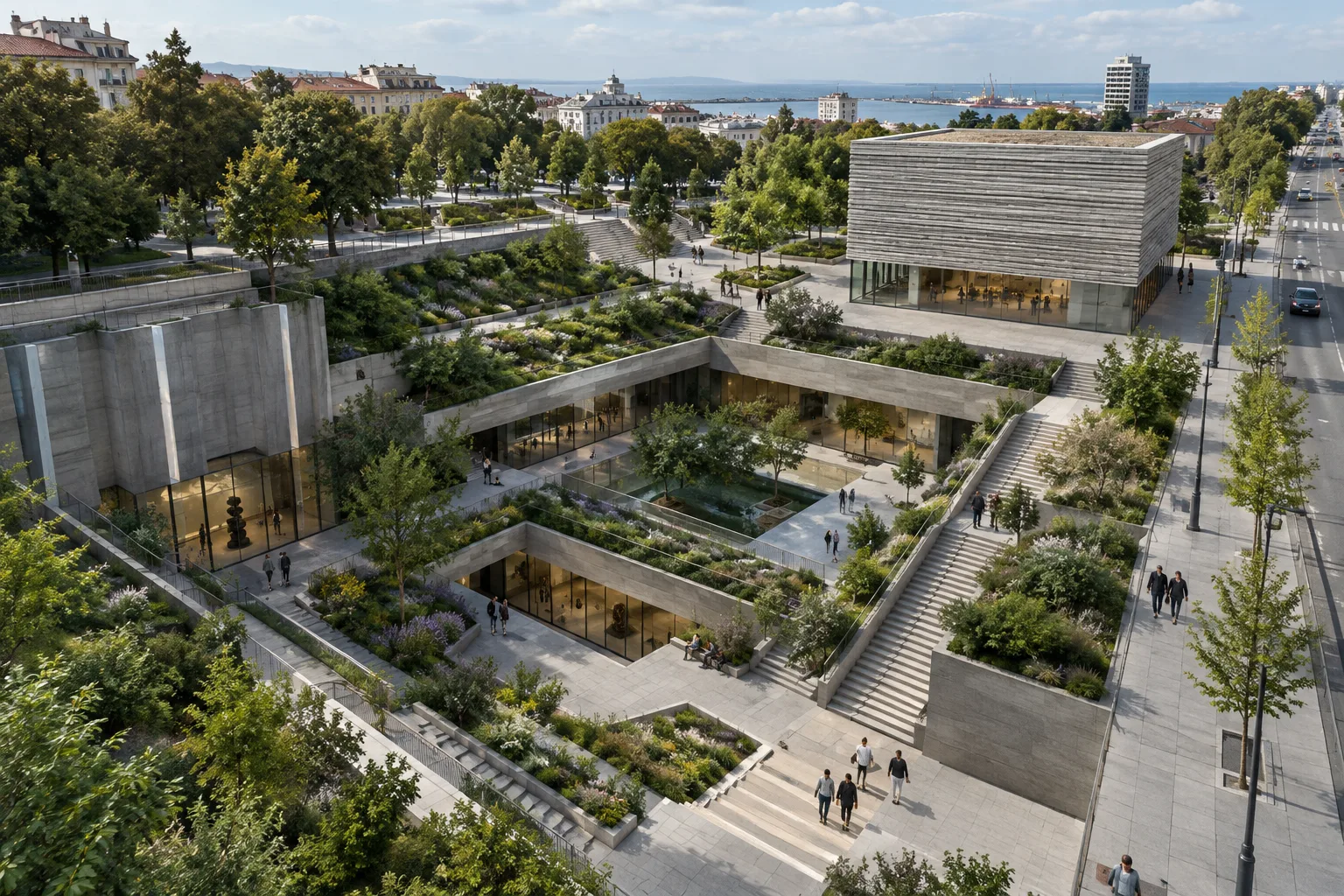
Ground of Descent: A Proposal for an Underground Arts Center in Burgas
UNFORMED DESIGN’s proposal to transform a former excavation site in Burgas into a public landscape and contemporary arts center won first place in the Park Zone 3 competition, beating 145 international projects.
 AI image
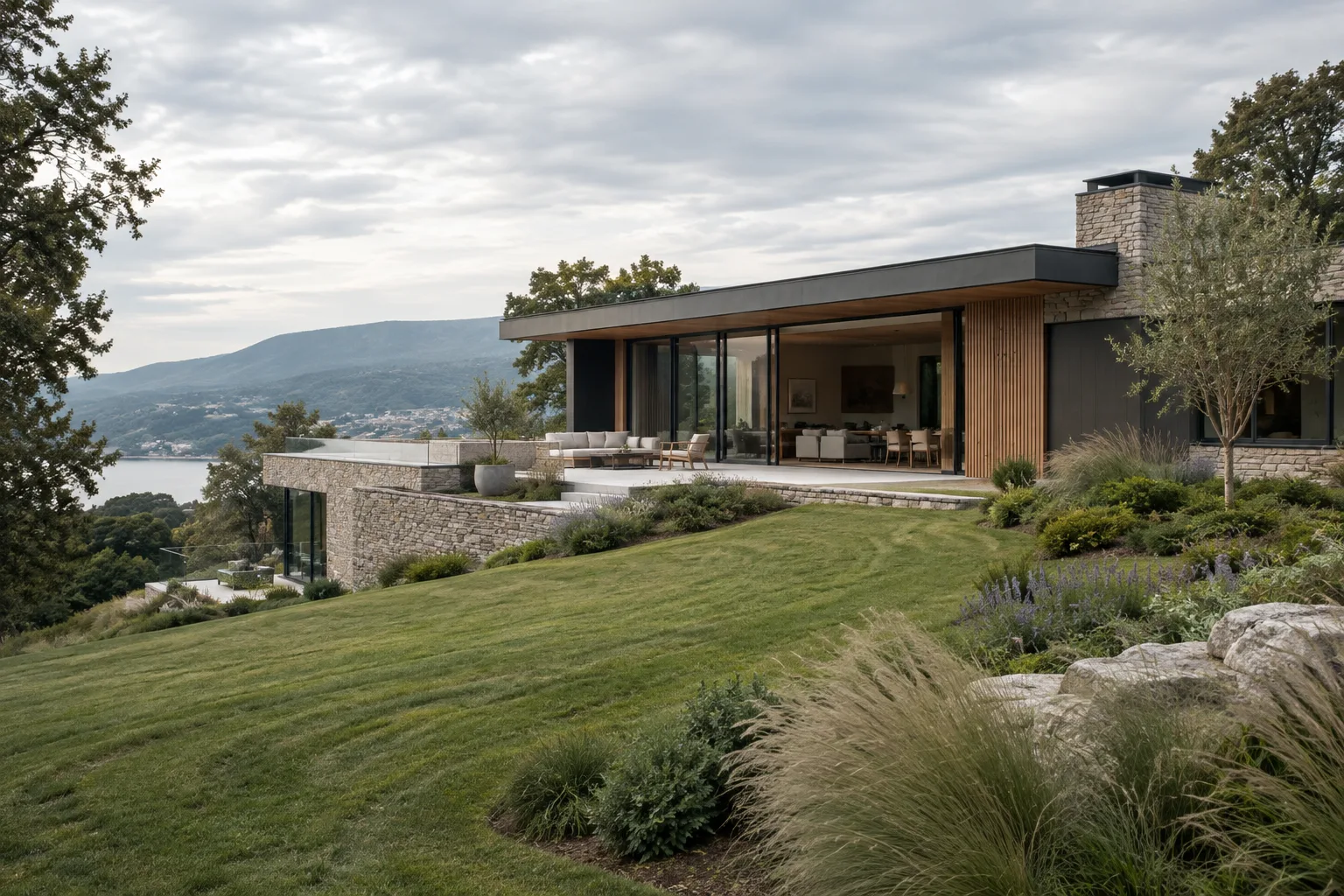
Vectorworks 2025 Site Model Guide: Contours, Textures, and Plant Layout
Vectorworks 2025 can create site models from point clouds and other types of 3D source data. This guide covers preparing topography, applying textures to surfaces, and arranging plant groups.
 AI image
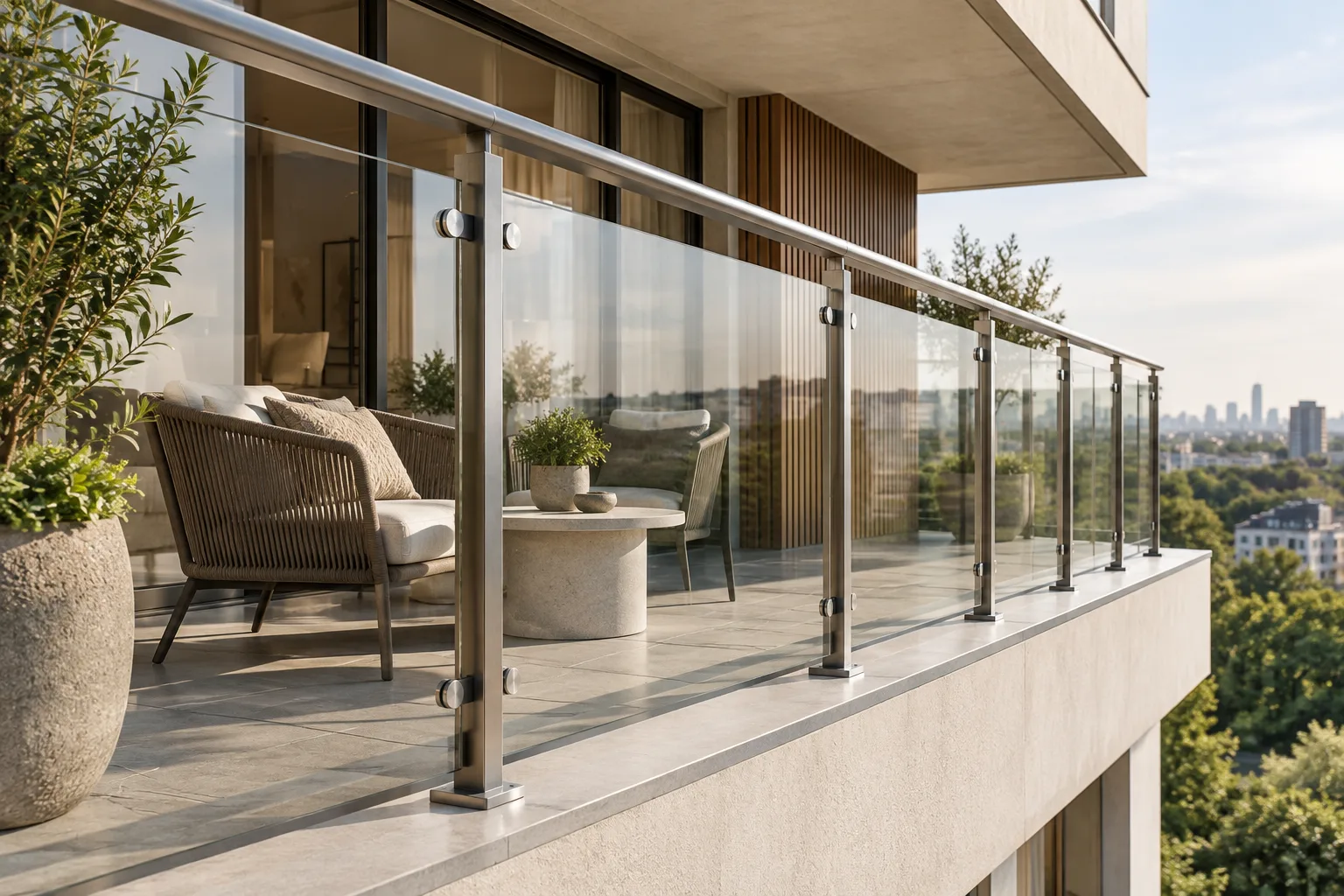
Archicad 28 Railing Settings: A Guide to Inner Posts and Rail Fixings
Graphisoft’s Archicad 28 help documentation explains how to position inner posts in railing patterns and distribute rail fixings. This guide brings together the key settings for controlling panel spacing and fixing placement.
 AI image
Houdini Vellum guide: Fabric and soft-body simulation
Based on SideFX’s official documentation, this guide explains step by step how to choose constraint types, connect geometry, and configure the solver for fabric and soft-body simulations in Houdini Vellum.
 AI image
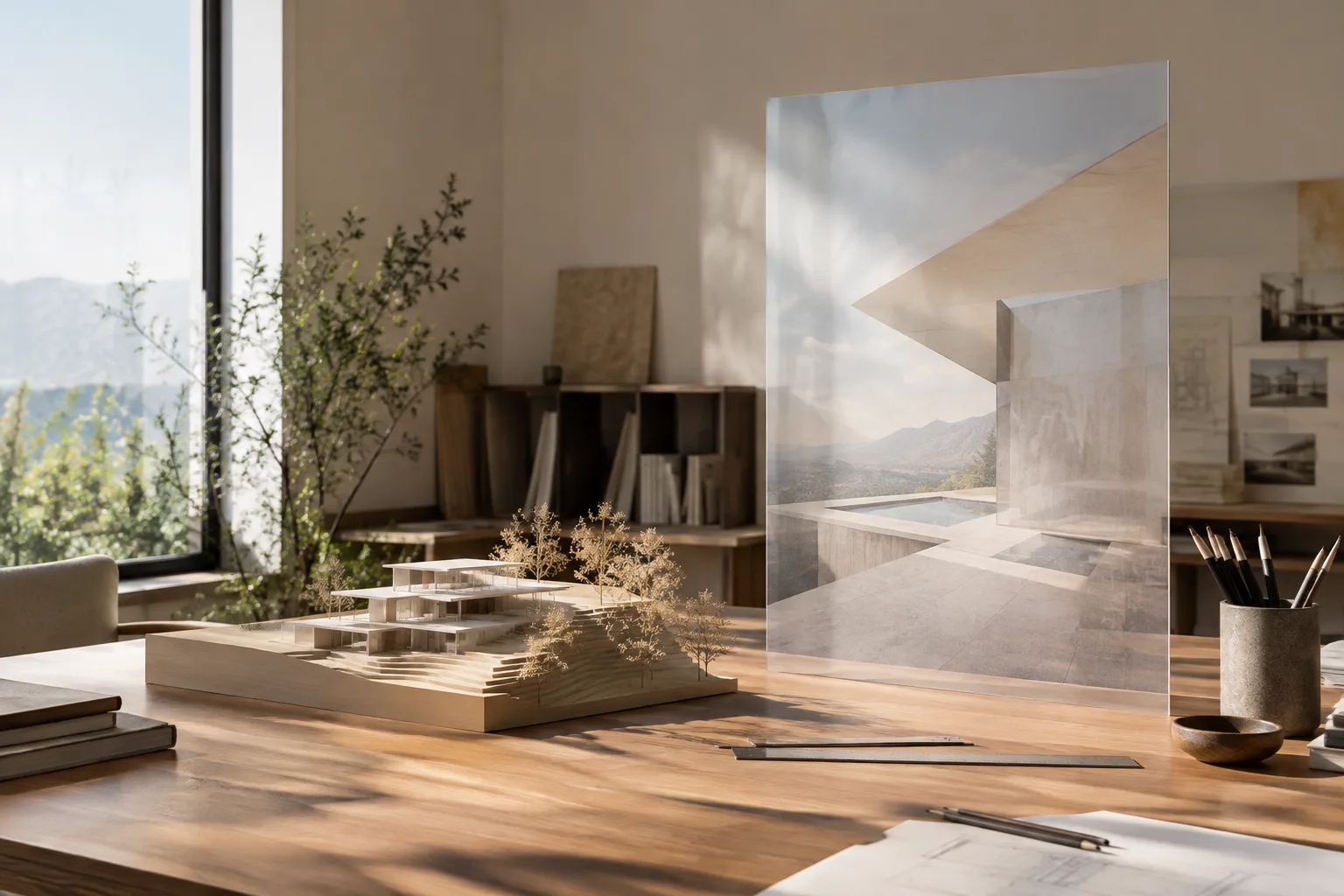
Visual References and Scaled Modeling in Rhino 8: 7 Steps
In Rhino 8, the Picture command places a bitmap on a planar surface that preserves its proportions, while the Scale tools let you resize selected objects along one, two, or three axes. This guide covers the basic steps for managing a reference image and model dimensions together.
 AI image
Unreal Engine Landscape Grass: A guide to adding grass to paintable terrain
Unreal Engine’s official documentation explains how to add grass to a Landscape using material layers and define areas by painting them. The guide covers everything from setting up Grass Type to managing performance.
 AI image
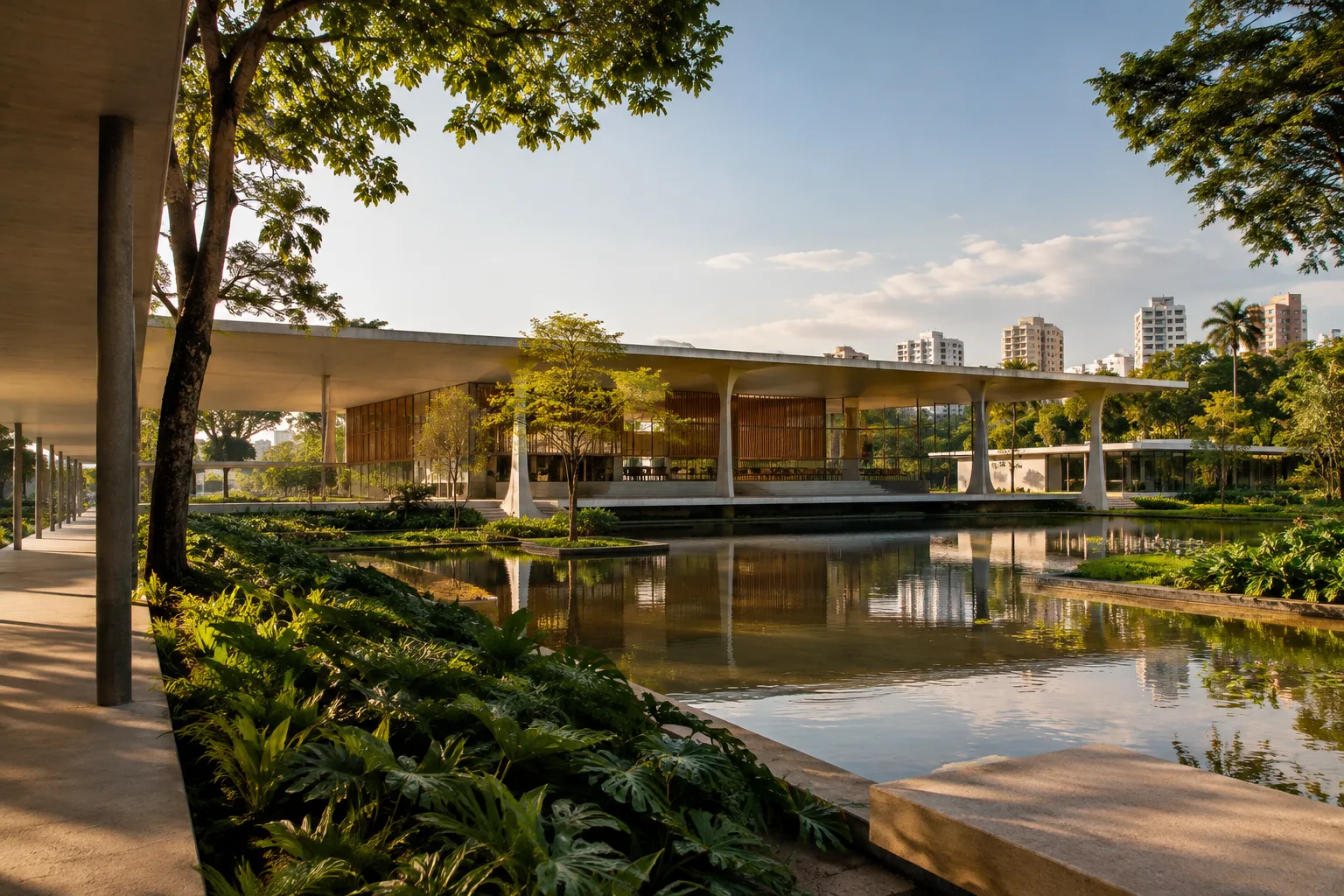
XIV BIAU 2026 to Take Place in Brasília, 3–6 November, Under the Theme “Caring for Life”
The 14th edition of the Ibero-American Biennial of Architecture and Urbanism will take place in Brasília from 3–6 November 2026. The program, themed “Caring for Life,” will address water, vegetation, housing and communities.
 AI image
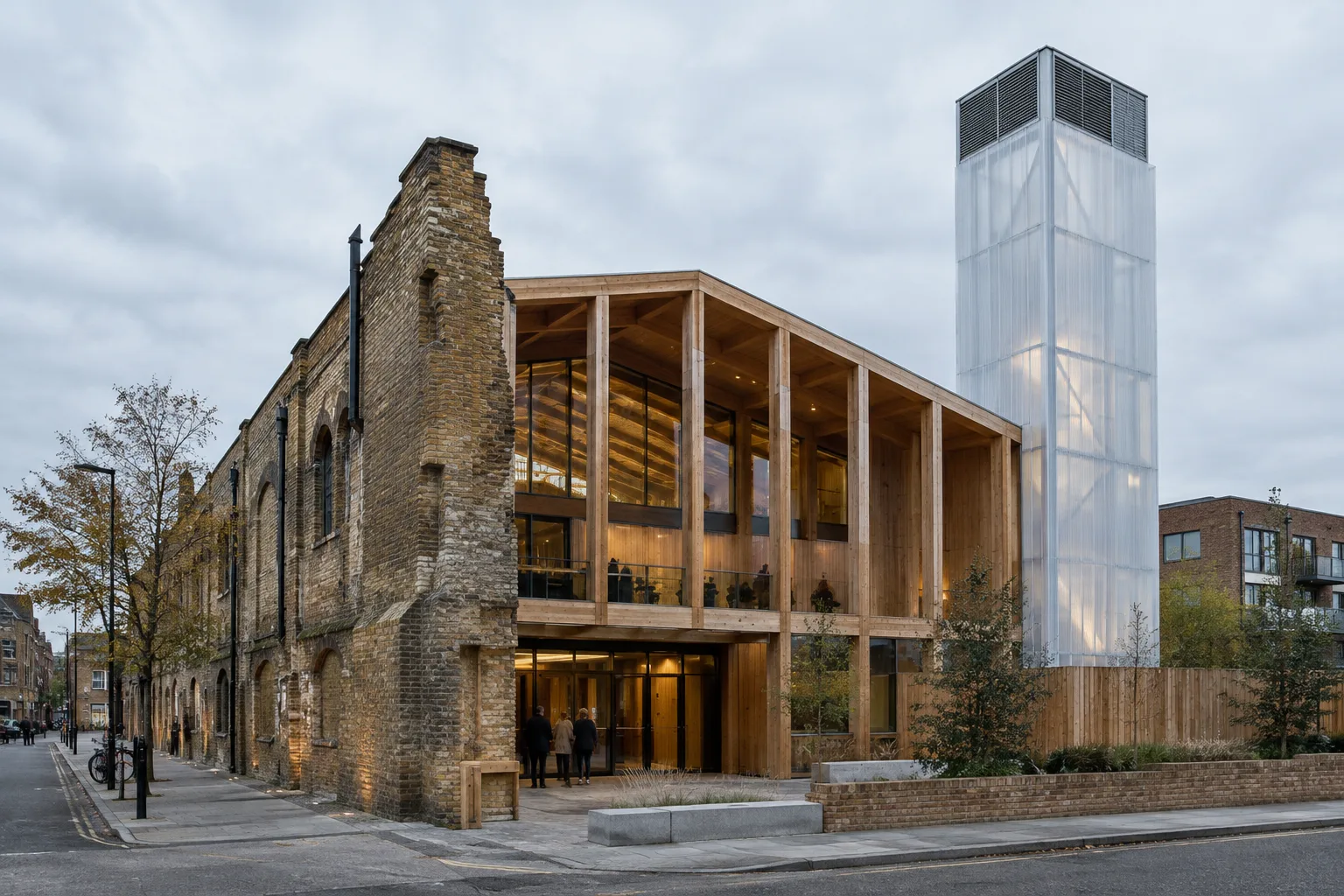
The Yard Theatre refurbished: London’s temporary theatre becomes permanent
Takero Shimazaki Architects refurbished and expanded The Yard Theatre in Hackney Wick, London. The project adds a new 224-seat auditorium, a bar and public spaces, while preserving and reusing parts of the existing building.
 AI image
A Guide to Exploring Animation Motion with Blender Motion Paths and Keyframes
Blender’s official manual explains how Motion Paths and keyframe tools let you inspect the motion of animated objects and bones, set frame ranges, and edit transition curves.
 AI image
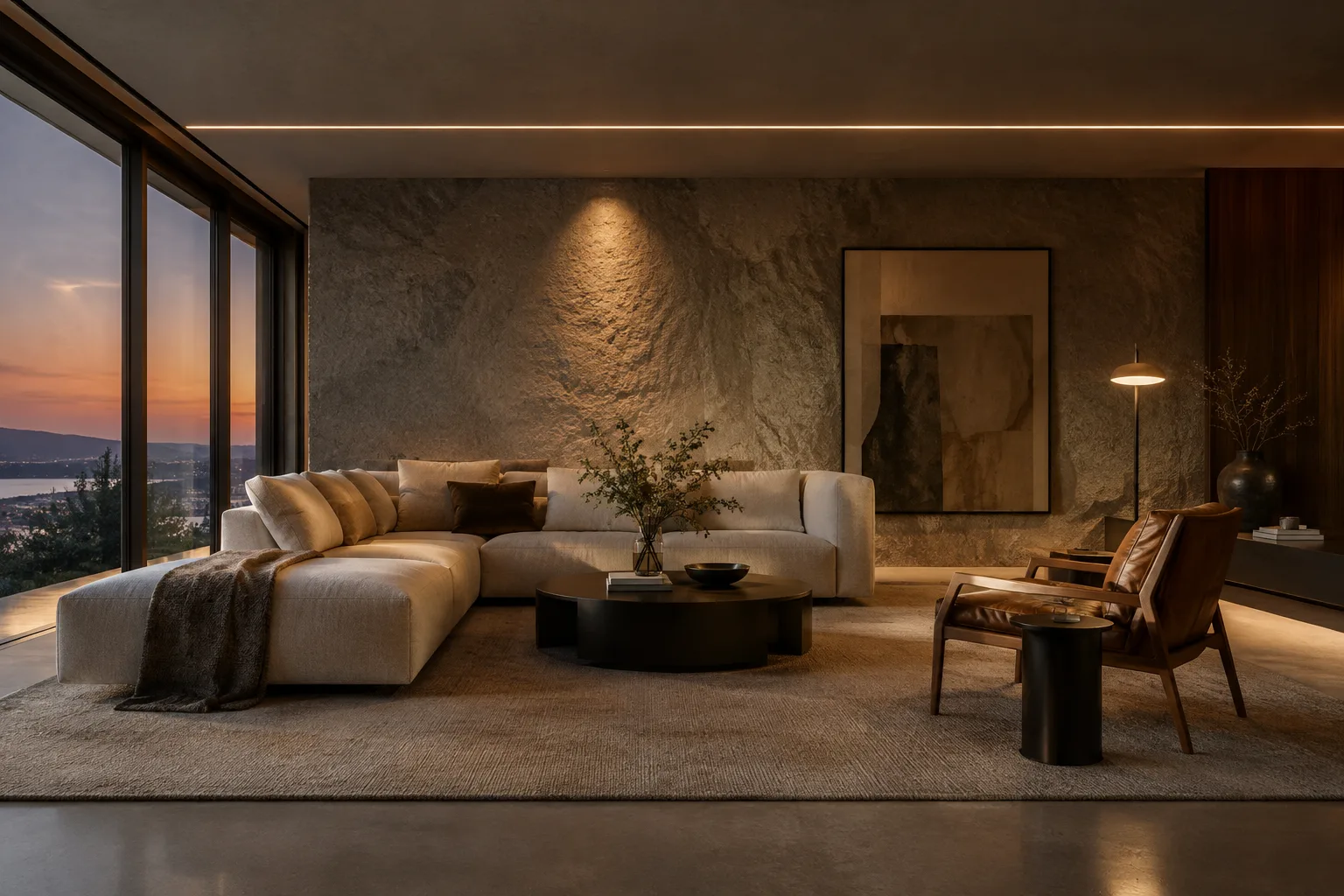
D5 Render Interior Lighting: 7 Steps for IES and Shadow Control
D5 Render offers seven light types for different lighting needs. This guide walks through choosing light sources, using IES, adjusting light color and shadow softness, and managing reflections in interior scenes.
 AI image
Corona Proxy guide: Managing heavy models in 3ds Max scenes
Corona Proxy makes 3ds Max scenes easier to manage by simplifying how complex models appear in the viewport. This guide covers creating proxies, display options, memory settings, and animation controls.
 AI image
Twinmotion Interior Rendering Guide: Path Tracer and Quality Settings
Twinmotion’s official documentation explains Path Tracer requirements, sampling presets, and reflection options. This guide helps you make informed quality and performance choices for interior renders.
 AI image
Blender Link, Append and Library Overrides: An Asset-Sharing Guide
Blender’s Link and Append features let you reuse assets from other blend files in different ways. This guide explains how to choose between them and edit linked data with Library Overrides.
 AI image
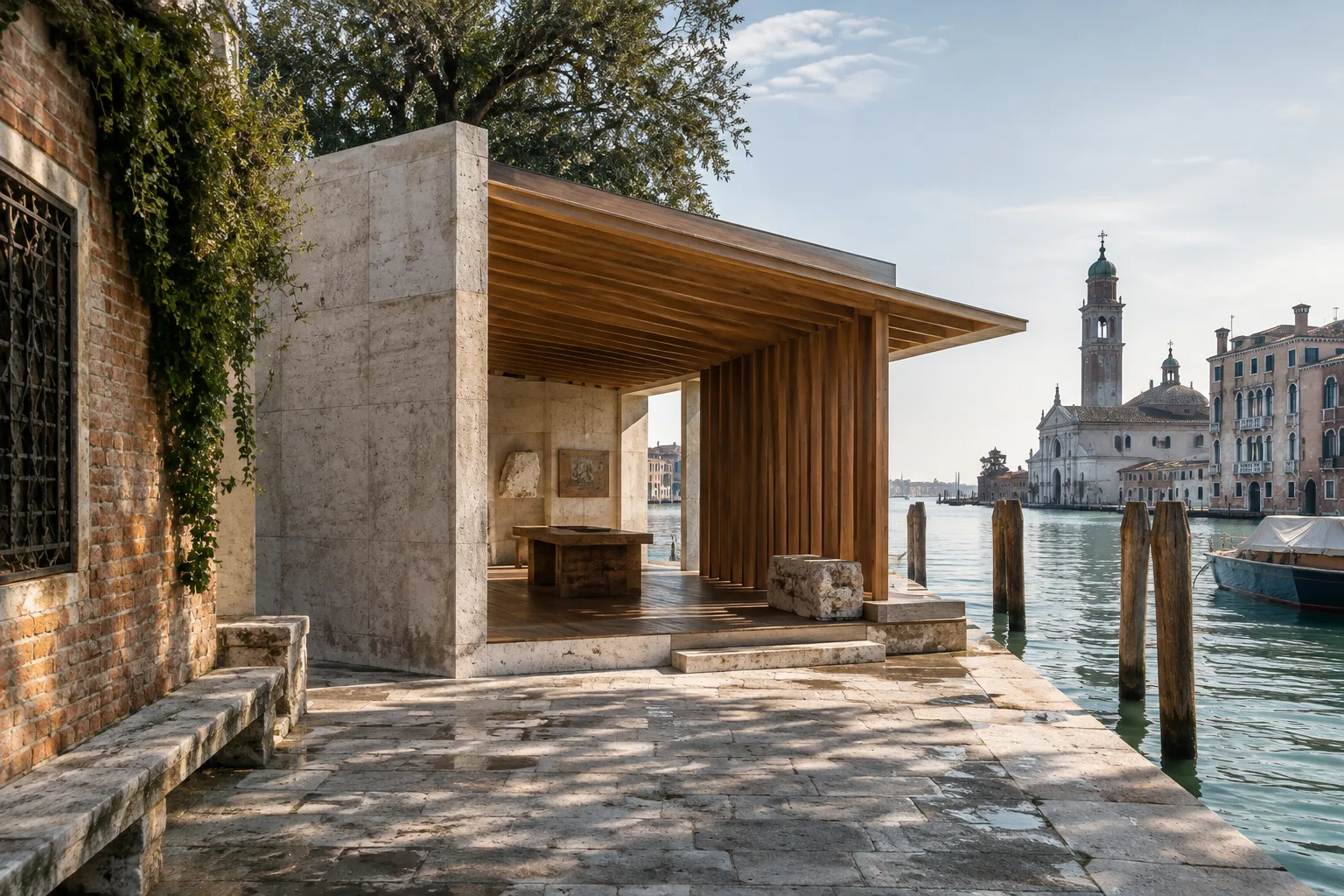
2027 Venice Architecture Biennale: Building and Local Knowledge in Focus
The 2027 Venice Architecture Biennale, curated by Wang Shu and Lu Wenyu, will focus on materials, building and local knowledge. The exhibition aims to examine architecture’s connection to everyday reality.
 AI image
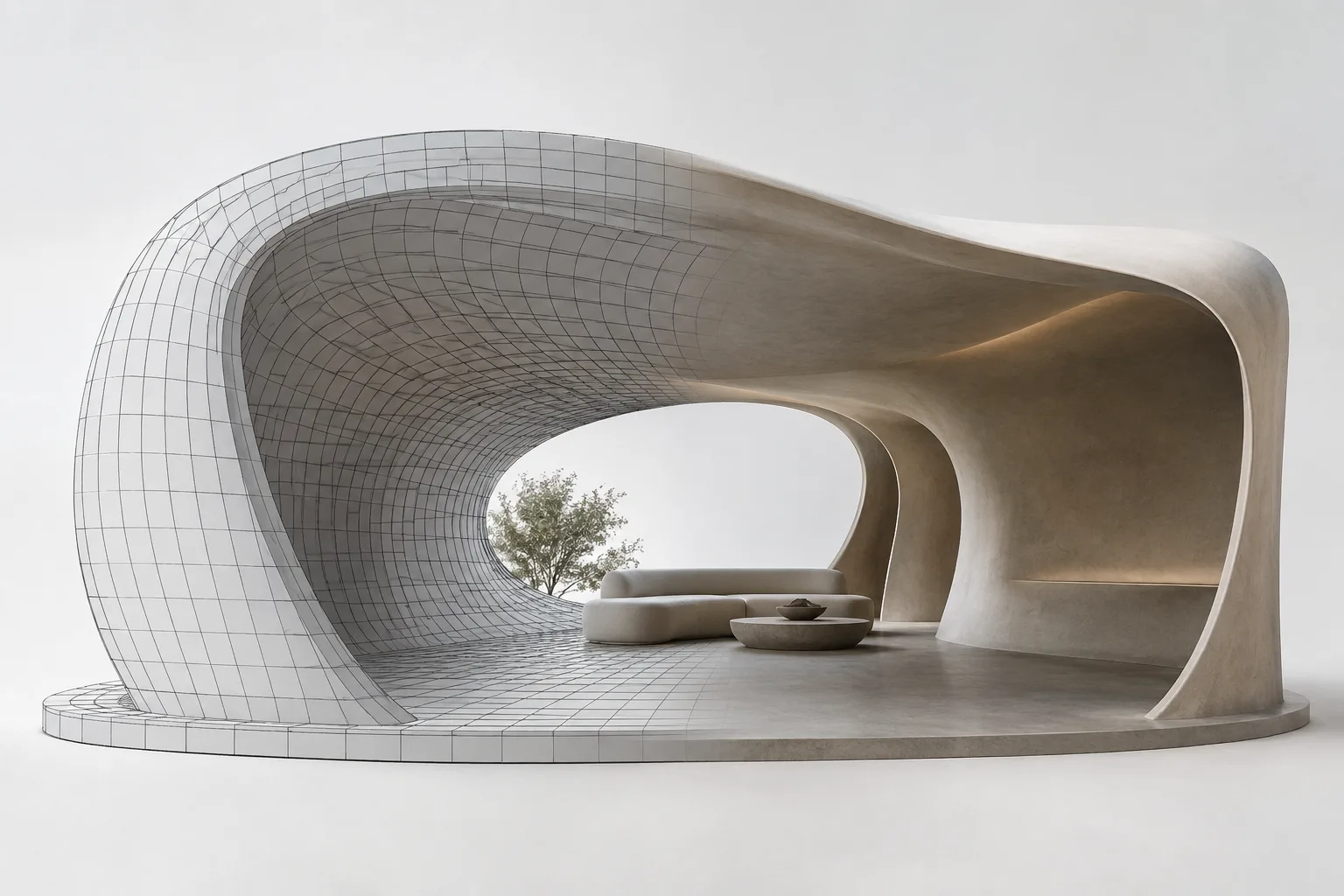
Rhino 8 QuadRemesh guide: clean quad meshes and a SubD workflow
In Rhino 8, QuadRemesh generates quad meshes from existing surfaces, meshes and SubD geometry. This guide explains target face count, adaptive size, guide curves and the settings for converting to SubD.
 AI image
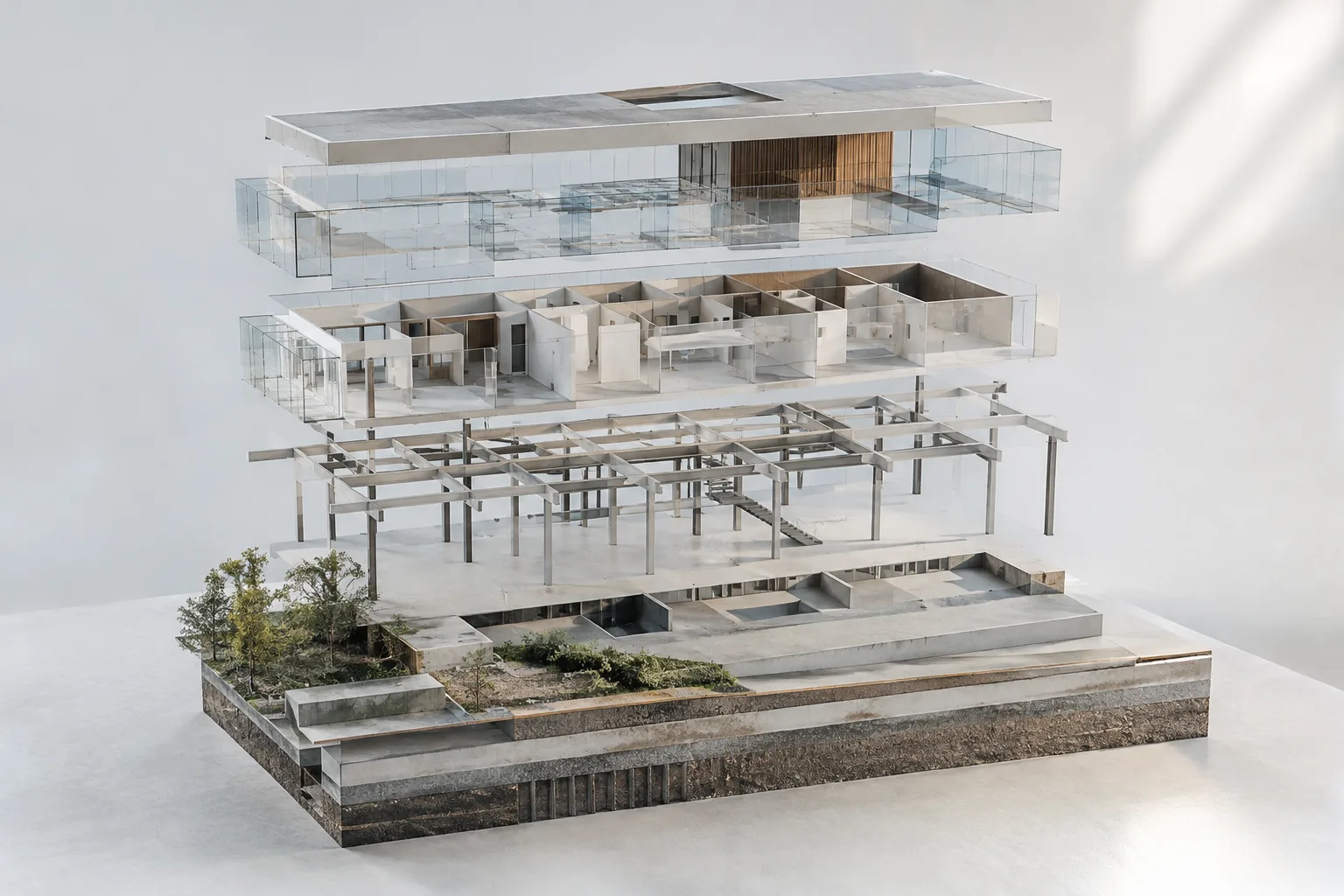
Preparing a Revit Model for Navisworks: Coordinates, Properties, and Geometry
Autodesk’s Revit and Navisworks documentation offers different options for coordinates, element properties, links, and surface detail during model transfer. This guide focuses on choosing settings to suit your needs.
 AI image
Blender Geometry Nodes Repeat Zone: A Practical Guide to Repeating Geometry
Blender Geometry Nodes’ Repeat Zone runs a selected node group a set number of times. This guide covers repeating geometry, carrying additional inputs, and inspecting iterations.
 AI image
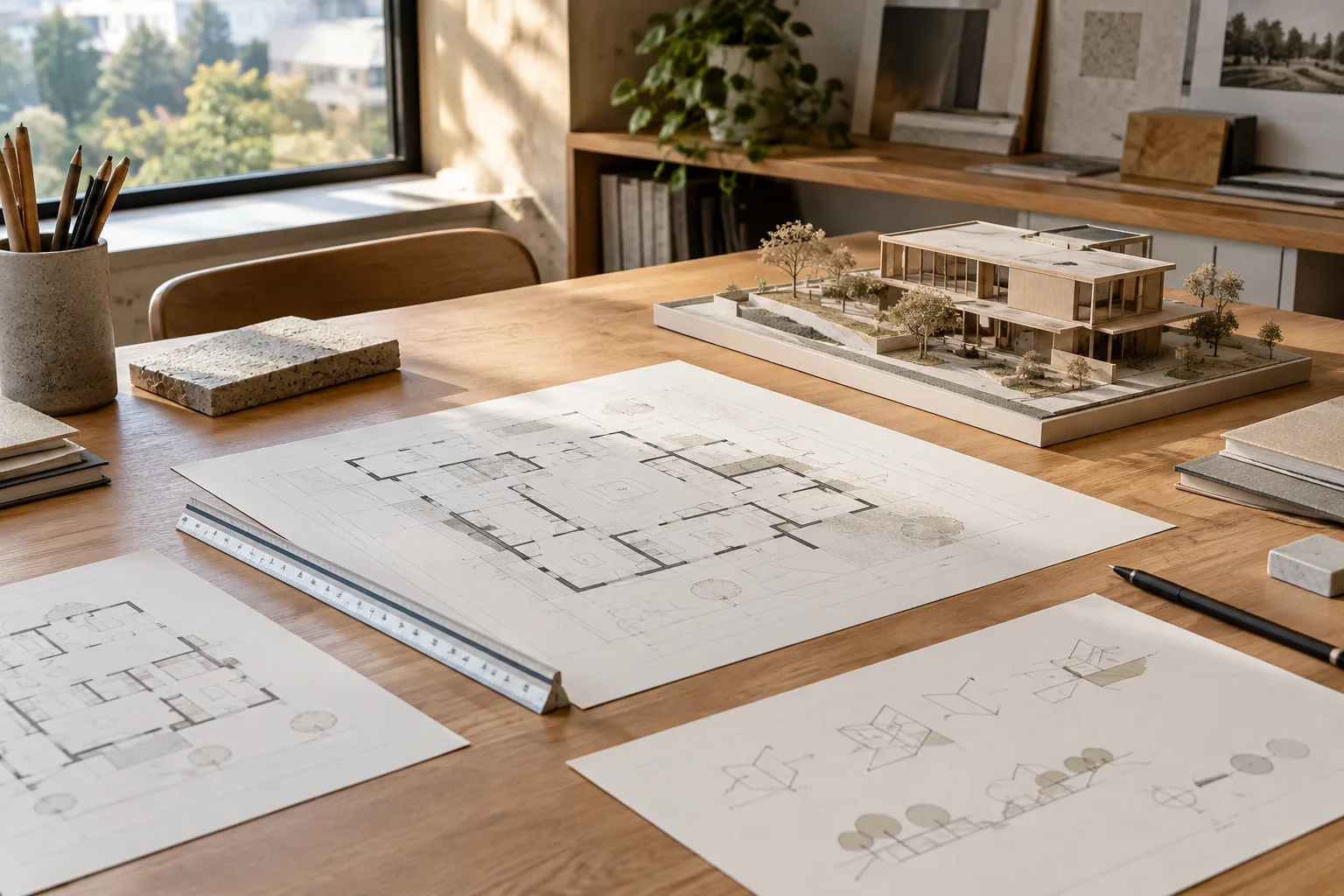
Archicad 28 Autotext and Tags: A Guide to Bringing Model Data onto Layouts
Archicad 28’s help documentation explains how Autotext keywords bring project and layout information into text, while tags can be linked to elements and update relevant parameters.
 AI image
How to Set Up Your Revit 2026 Workspace: Views and File Paths
In Revit 2026, you can organize the Project Browser, Properties palette, and Quick Access Toolbar around your workflow, and manage point cloud files using local copies for team members. This guide summarizes the steps documented by Autodesk.
 AI image
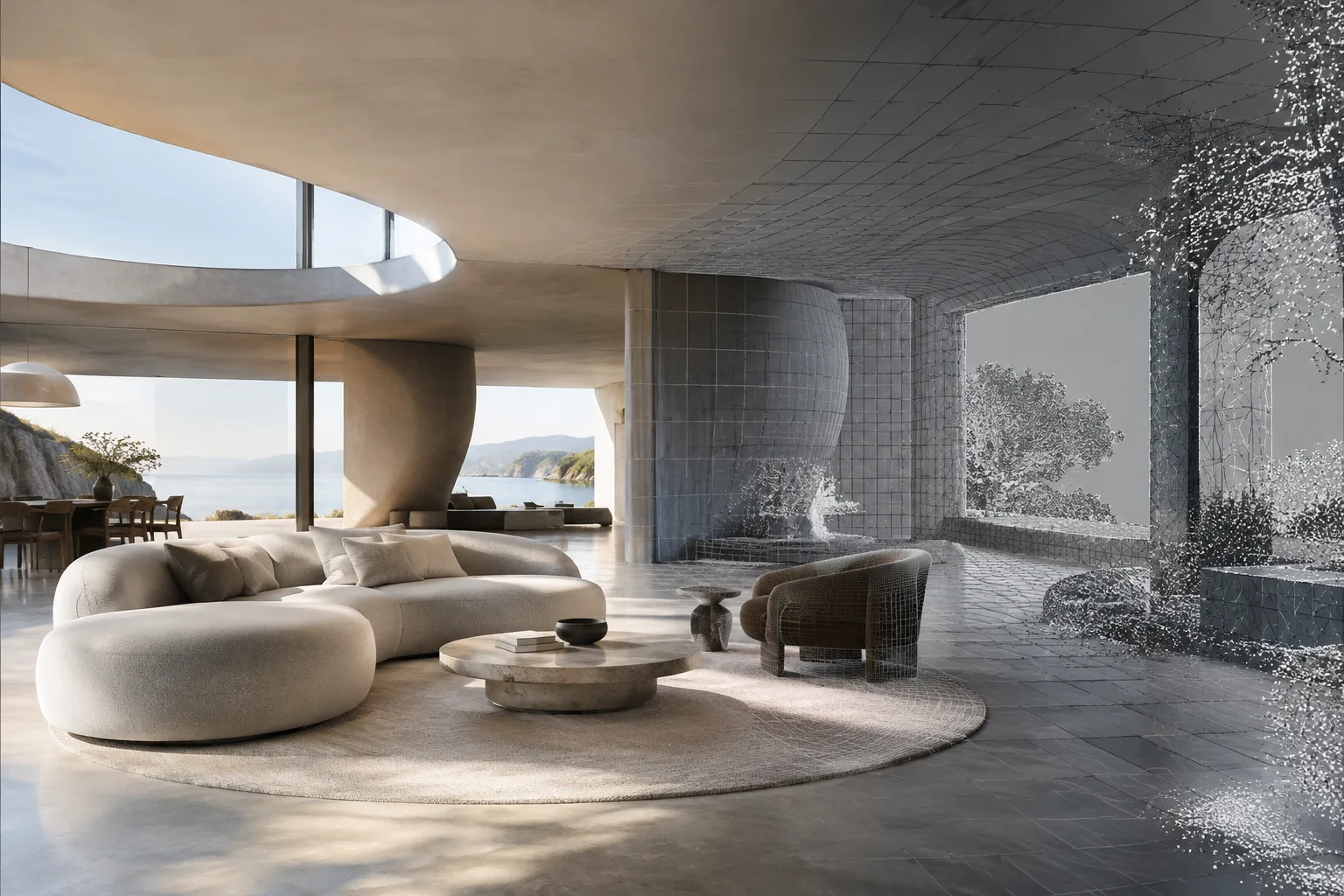
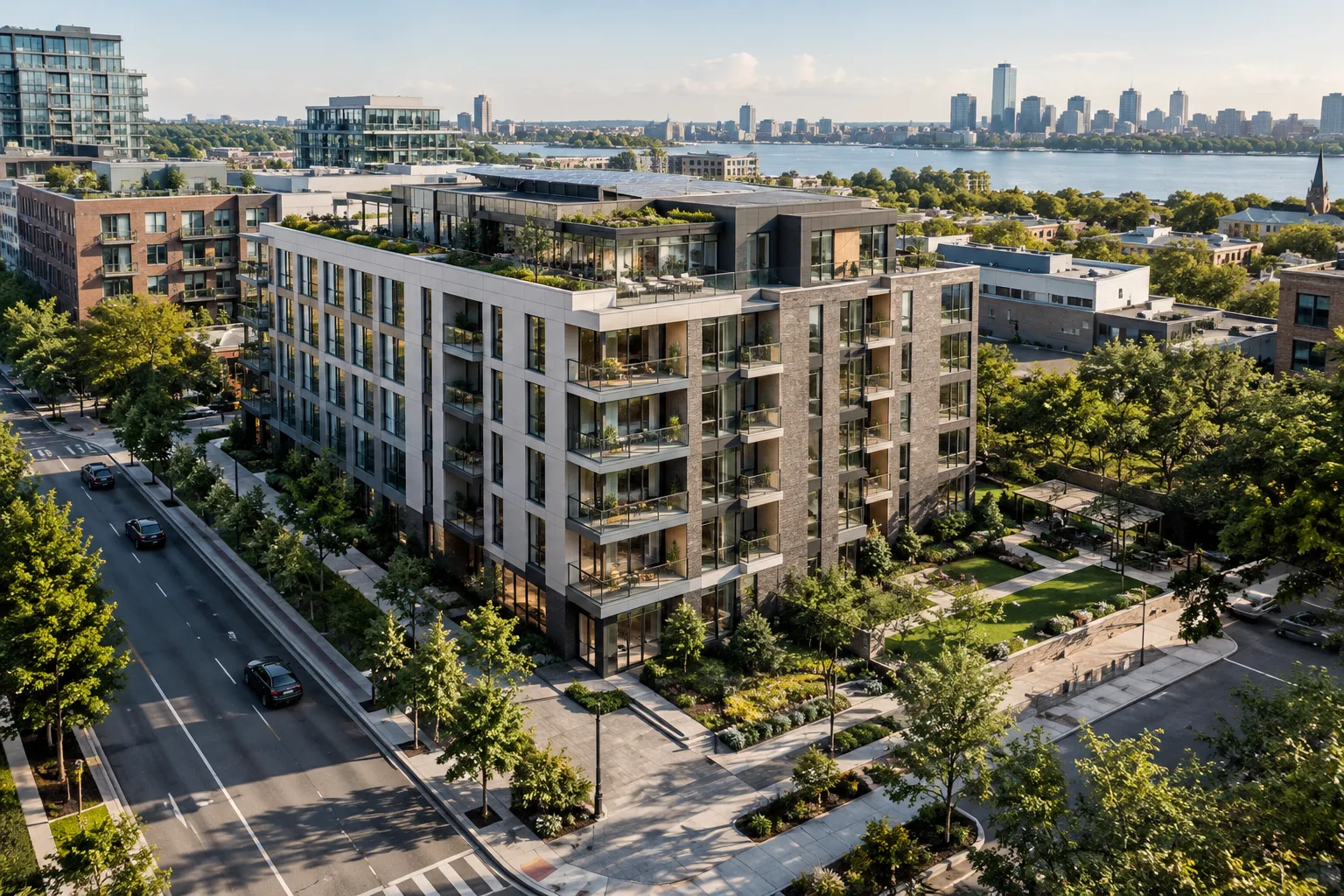
Preparing Meshes in Rhino 8: A Practical Guide to Mesh and ShrinkWrap
Rhino 8’s Mesh and ShrinkWrap commands help create meshes for different purposes from NURBS, SubD, mesh, and point cloud data. This guide explains how settings affect quality and file complexity.
 AI image
Autodesk Forma Site Design Analyses: A Step-by-Step Guide for Early Design
Autodesk Forma Site Design offers analyses for evaluating site metrics, sun, daylight, wind, microclimate and other environmental factors during early design. This guide explains how to choose analyses and connect their results to design decisions.
 AI image
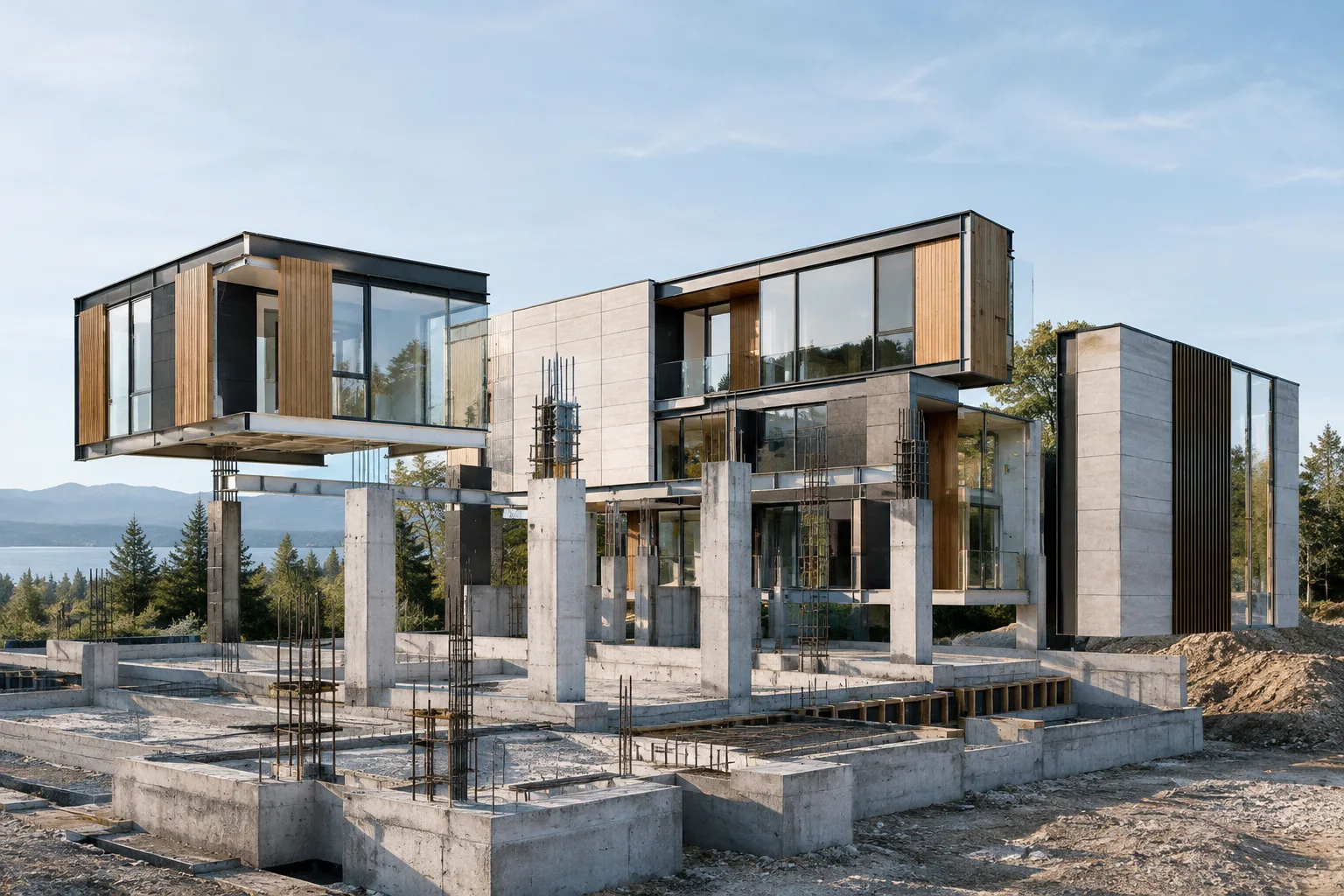
GPU Rendering in Maya and Arnold: A Guide for Interior Scenes
Arnold supports rendering with both CPU and GPU in Maya. This guide explains which option may suit interior and architectural visualization scenes, along with Arnold version requirements and hardware compatibility.
 AI image
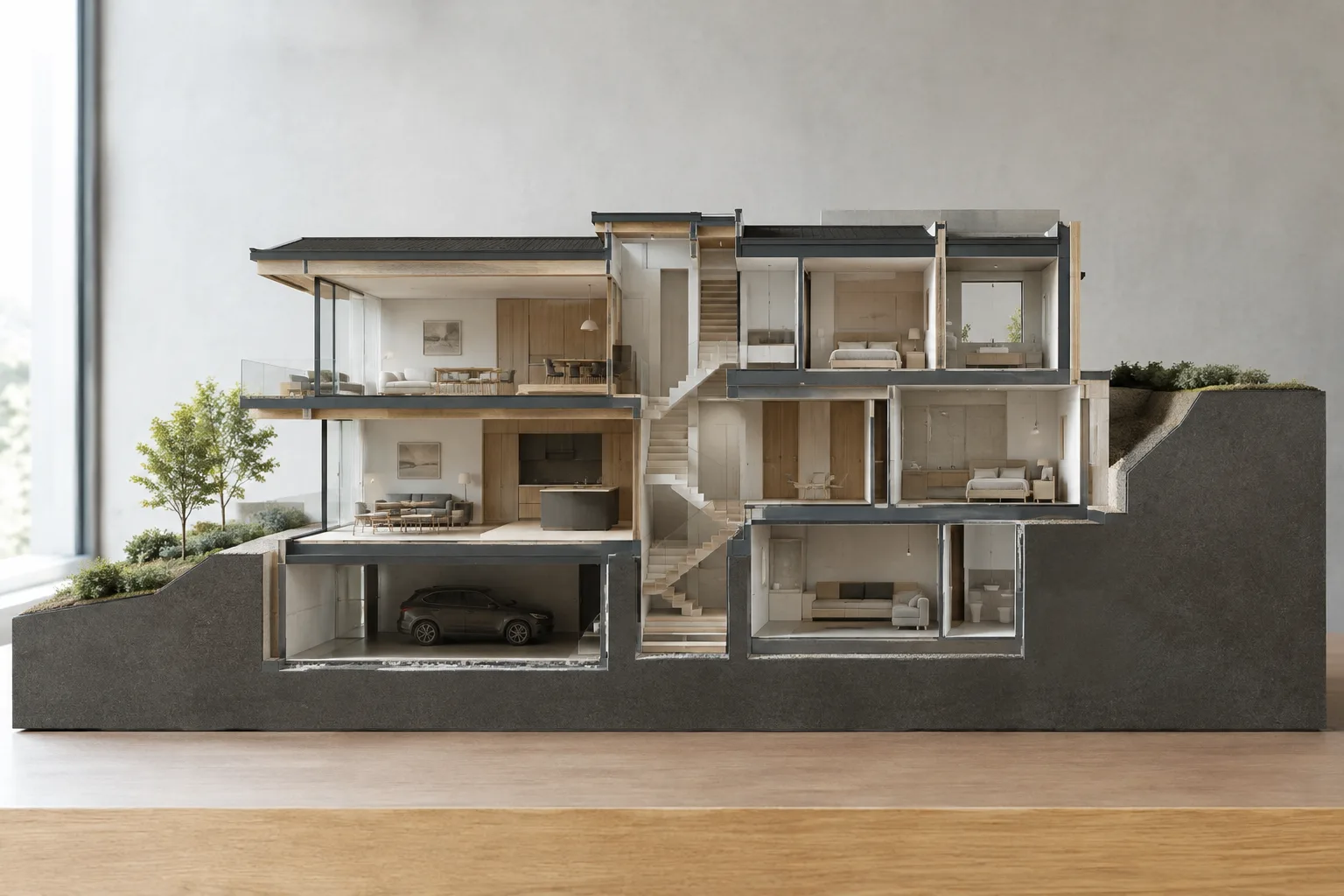
Building Construction Animation in Lumion: Phasing, Layers and Motion
You can present a building’s construction process in Lumion using Animated Phasing, layer visibility or motion effects. This guide explains the setup steps for each method and the version limits stated in the documentation.
 AI image
Rhino 8 Sectioning Guide: ClippingSections and 2D Drawings
Rhino 8’s ClippingSections command creates sections from a model, while ClippingDrawings converts section and background geometry into 2D drawings. This guide covers basic placement, depth settings, and update steps.
About this category
The Tips category is for quick, practical advice you can put to use right away: settings that reduce render times, ways to reduce noise, material and lighting tips, file organization and export settings, and small tweaks for better results with AI tools. Each tip is written for a specific piece of software or workflow.
We base our recommendations on official documentation and cite our sources, so you can also learn why a setting works. For longer, step-by-step explanations, visit Tutorials; for features introduced in new software releases, see the 3D Software and Render categories.
We choose tips with both beginners and experienced users in mind, explaining a setting’s default value, what it changes, and when to revert it. That way, you can apply each recommendation to your own scene rather than following it blindly.