Tips & Guides · Page 2
 AI image
Veras 5.3 NODES guide: Build an architectural visualization workflow
NODES in Veras 5.3 brings image, video, analysis and 3D geometry steps together in a node-based workflow. This guide covers the essentials, from building a graph to sending its results to Revit, Rhino or SketchUp.
 AI image
Interior Rendering with Unreal Engine Path Tracer: MRQ Settings
Unreal Engine’s Path Tracer mode creates physically based visuals with hardware ray tracing support. This guide explains how to enable Path Tracer for interior scenes and render with Movie Render Queue.
 AI image
Rhino 8 Grasshopper Guide: Run Definitions and Troubleshoot Plugin Issues
Rhino 8’s Grasshopper tools let you run definitions without opening the interface, launch files from the command line, and identify problematic plugins. The steps in the official documentation can help manage repetitive modeling tasks and plugin issues.
 AI image
Archicad Renovation Filters: A Guide to Existing, Demolished and New Elements
Archicad’s Renovation Palette tools let you assign elements an Existing, New or To Be Demolished status. Renovation Filter options can then show, hide or graphically highlight elements with those statuses.
 AI image
Automating Renders with V-Ray App SDK: Loading Scenes and Saving Output
V-Ray App SDK lets applications start and manage the V-Ray rendering process. This guide explains how to set environment variables, load a scene, choose a render mode and save an image.
 AI image
Sharing SketchUp Models: A Guide to Teamwork and Client Feedback
Share SketchUp models through Trimble Connect using private or public links, invite others to review scenes and measurements, and collect comments. This guide also covers transferring style files and preparing presentations.
 AI image
Rhino, Grasshopper and Archicad: A Guide to Parametric BIM Workflows
Graphisoft’s Rhino–Grasshopper–Archicad connection lets you bring parametric designs into Archicad as native BIM elements. Based on official documentation, this guide explains the setup sequence, node functions, and how to use the connection in a design workflow.
 AI image
Using View Layers and Render Passes in Blender: An Archviz Guide
Blender View Layers and render passes provide greater flexibility for compositing and revisions in architectural visualization by processing scene elements, lights, and masking data on separate layers.
 AI image
Rhino Worksession Guide: Working with Reference Files on Large Projects
In Rhino 8, Worksession lets you use different model files as references in a single session. This guide covers adding files, setting the active model, saving a session, and managing references.
 AI image
Unreal Engine 5 Virtual Shadow Maps Guide: Shadow Settings for Architectural Scenes
Designed to work with Nanite, Virtual Shadow Maps in Unreal Engine 5 deliver high-resolution dynamic shadows. This guide covers activation, light sources, and performance settings based on the official documentation.
 AI image
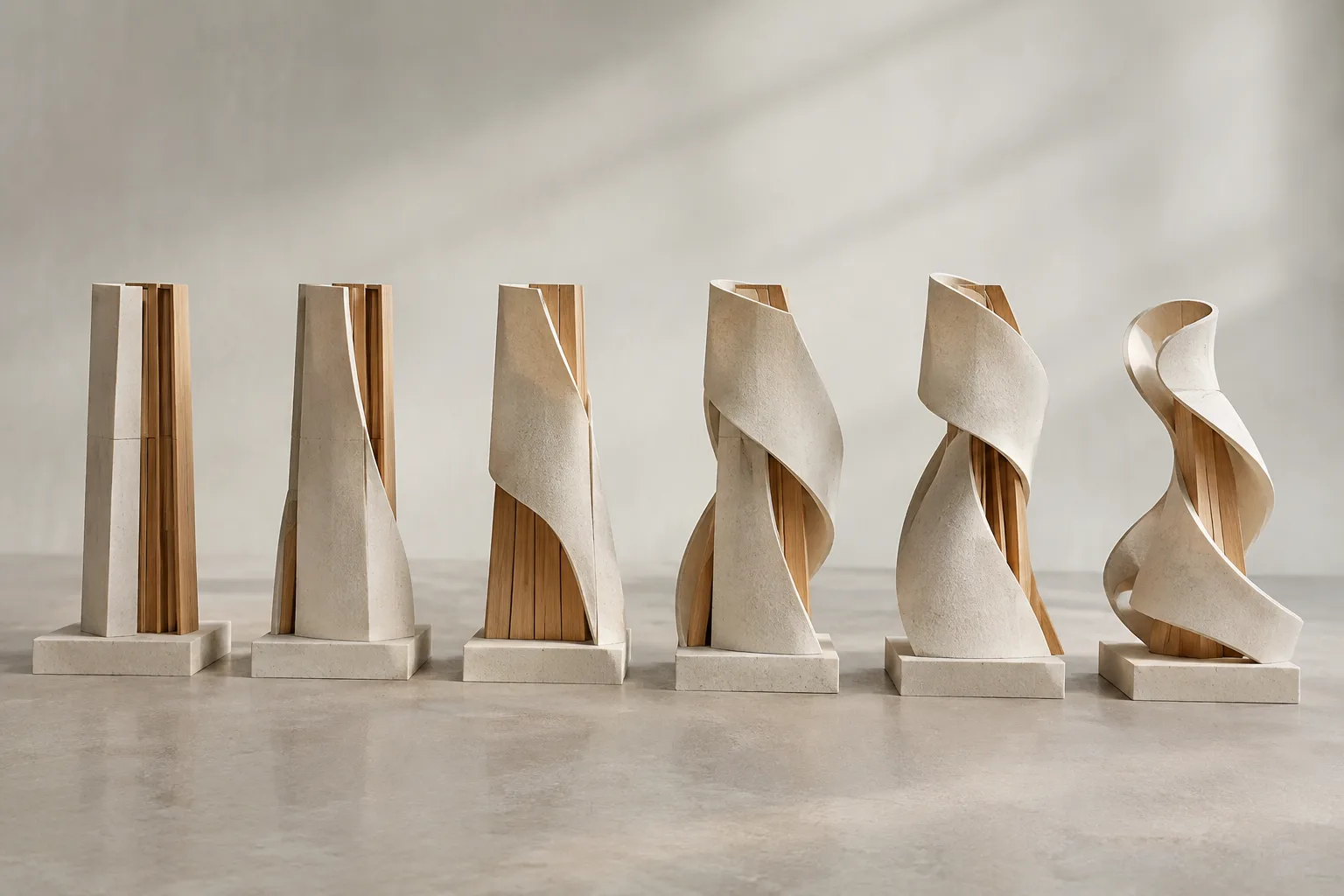
Blender 5.2 LTS Shape Keys guide: Using Relative and Absolute
Shape Keys in the Blender 5.2 LTS manual let you deform an object’s geometry into different shapes. This guide explains the difference between Relative, which blends shapes, and Absolute, which sequences them over time.
 AI image
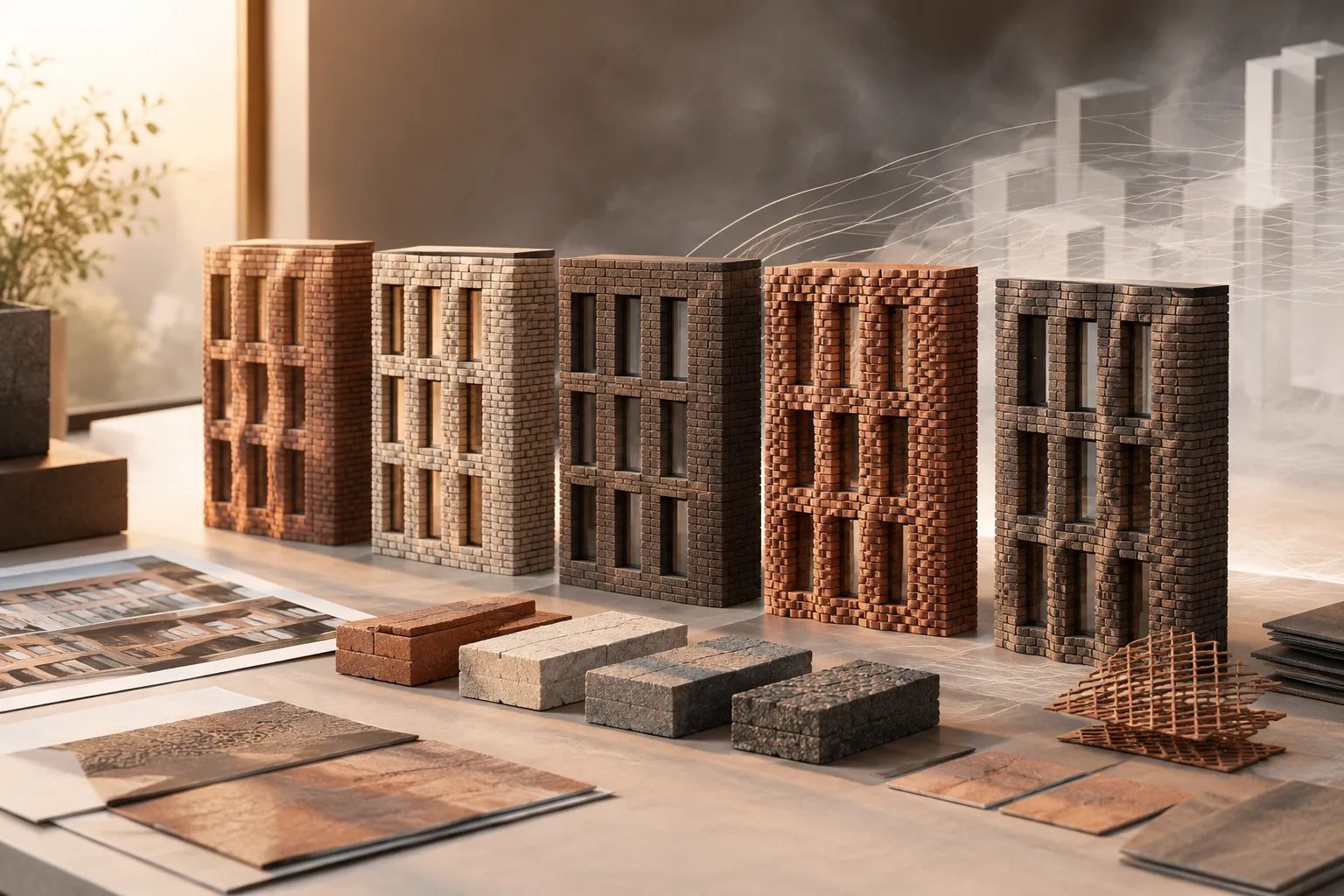
Houdini PDG/TOPs Guide: Building Variation and Render Workflows with Wedge
In Houdini, PDG/TOPs helps organize geometry, simulation, and render workflows by turning parameter variations into work items with Wedge. This guide explains the Wedge and ROP Fetch workflows in SideFX documentation.
 AI image
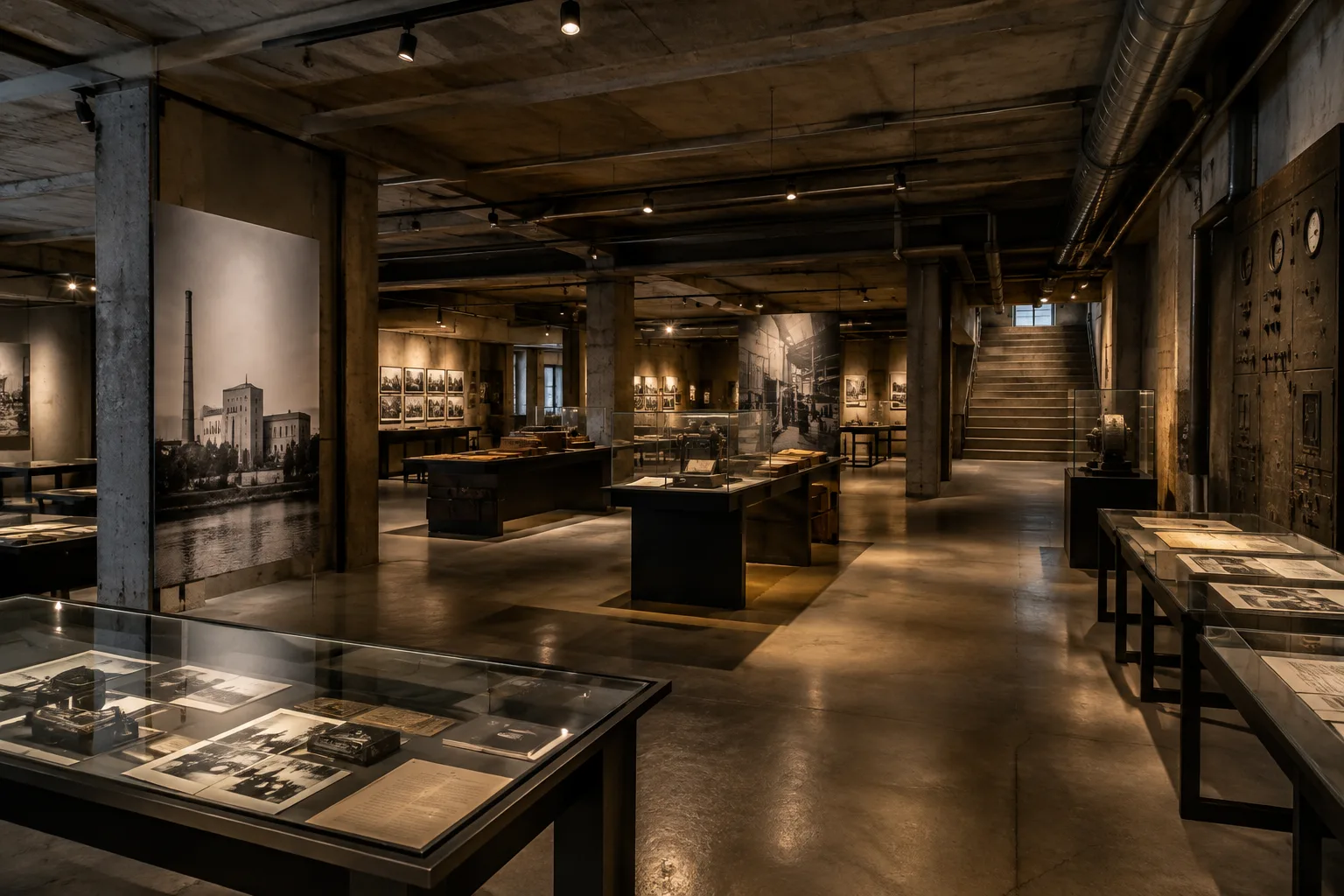
Living Archive: Former Berlin power station’s basement opens to the public
A disused 3,400 m² basement beneath a former East Berlin power station has opened to the public. Office ParkScheerbarth and Tresor founder Dimitri Hegemann’s permanent archive concept was tested over five weeks with the “Dancefloors After 1989” exhibition.
 AI image
Blender View Layers and Render Passes: An Archviz Guide
Based on the Blender 5.2 LTS documentation, this guide explains how to separate, combine, and adjust View Layers and render passes in architectural visualization.
 AI image
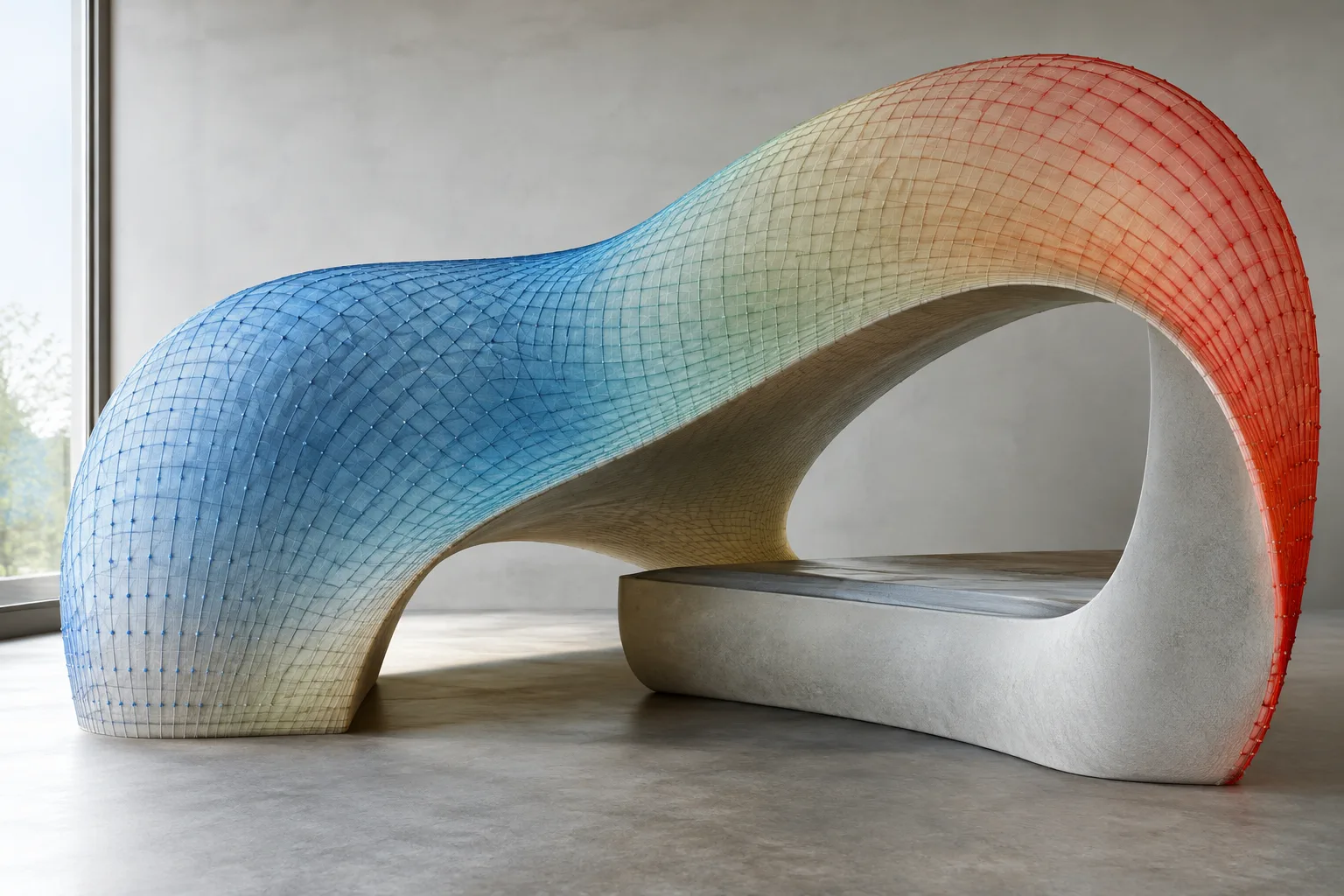
7 practical steps to speed up interior rendering in V-Ray 7
V-Ray 7 features such as Profiler, denoiser, Firefly removal, and Chaos Scatter can help identify rendering bottlenecks and use scene resources more efficiently. This guide shows how to incorporate these tools into an interior visualization workflow.
 AI image
How to Manage Vertex Paint, Weight Paint, and Attributes in Blender
Blender’s documentation shows that Grease Pencil color painting, mesh weights, and Geometry Nodes attributes serve different purposes. This guide explains the essential steps for working with each type of data.
 AI image
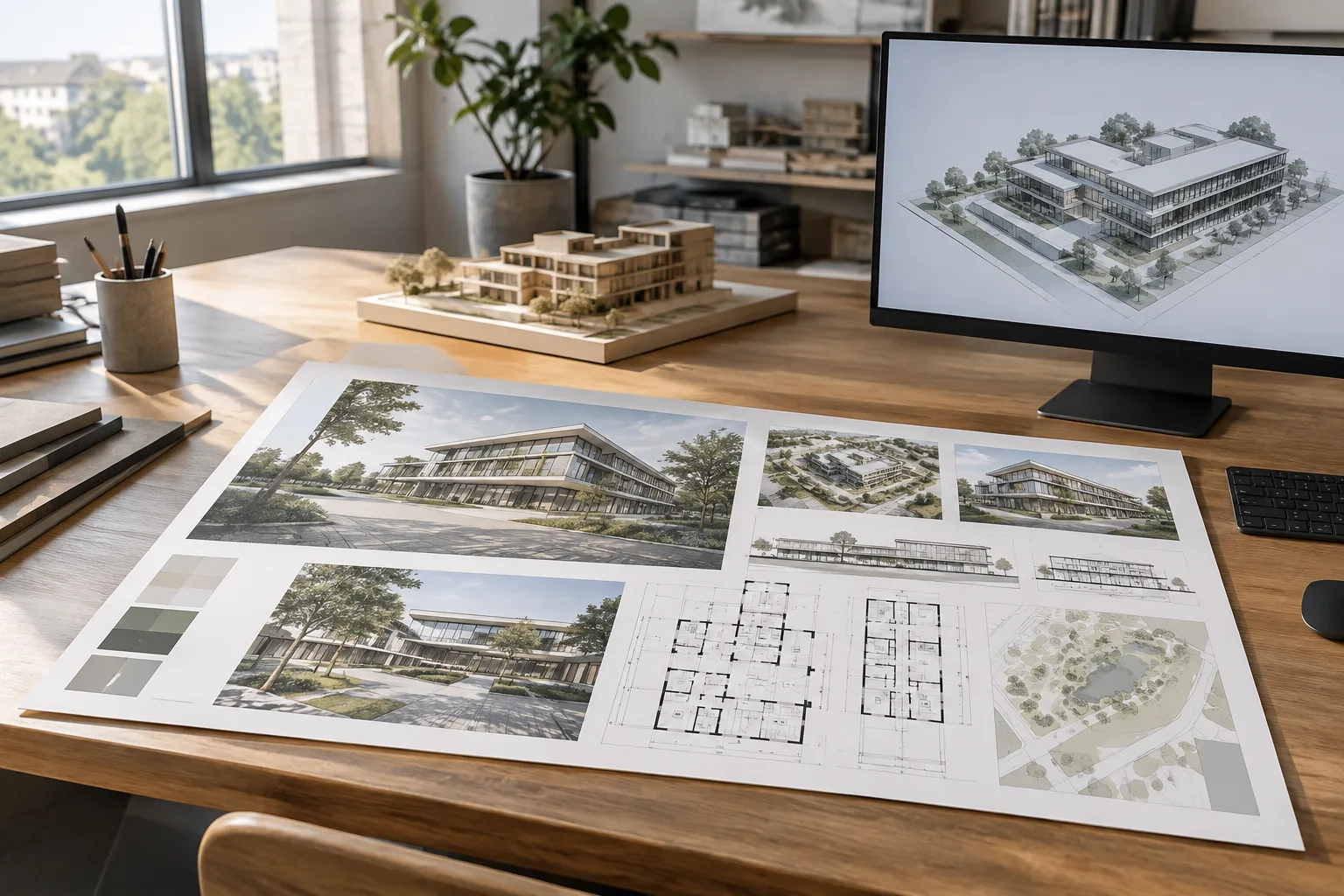
Sheet Layout in Rhino 8: A Step-by-Step Guide to Views, Scale, and Output
Rhino 8 lets you prepare printable sheets with Layout and model views with Detail. This guide covers paper size, scale, view locking, annotations, and output based on official documentation.
 AI image
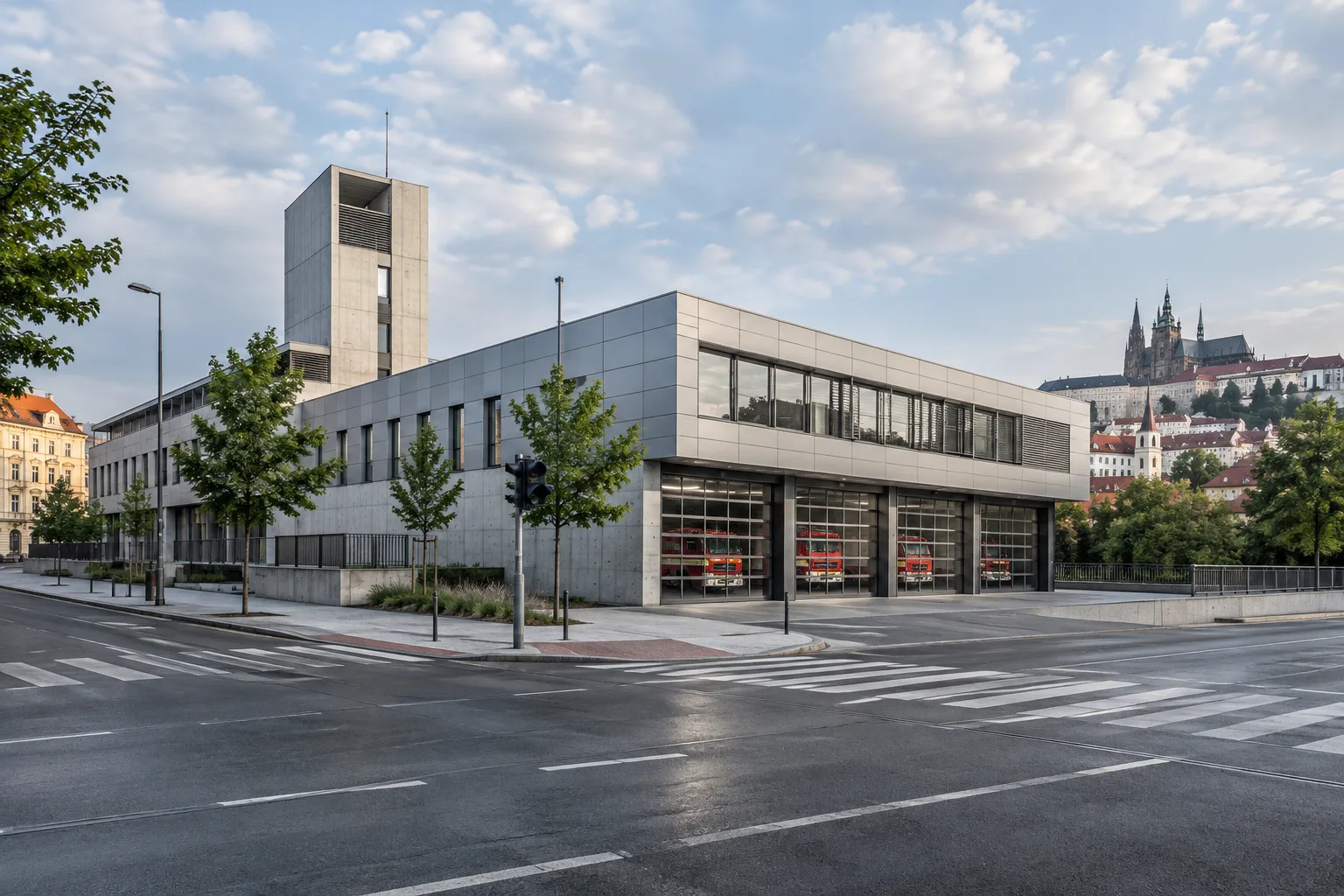
Prague Fire Service Complex Designed as a Campus by Architektura
Architektura’s Prague Fire and Rescue Service complex in Prague 7 brings operational and administrative functions together in a campus layout. The 517 m² project is dated 2025.
 AI image
Rhino 8 block guide: Manage repeated architectural elements
In Rhino 8, blocks help you use and manage repeated geometry through a single definition. This guide explains how to create and insert blocks, work with external file links, and use BlockManager.
 AI image
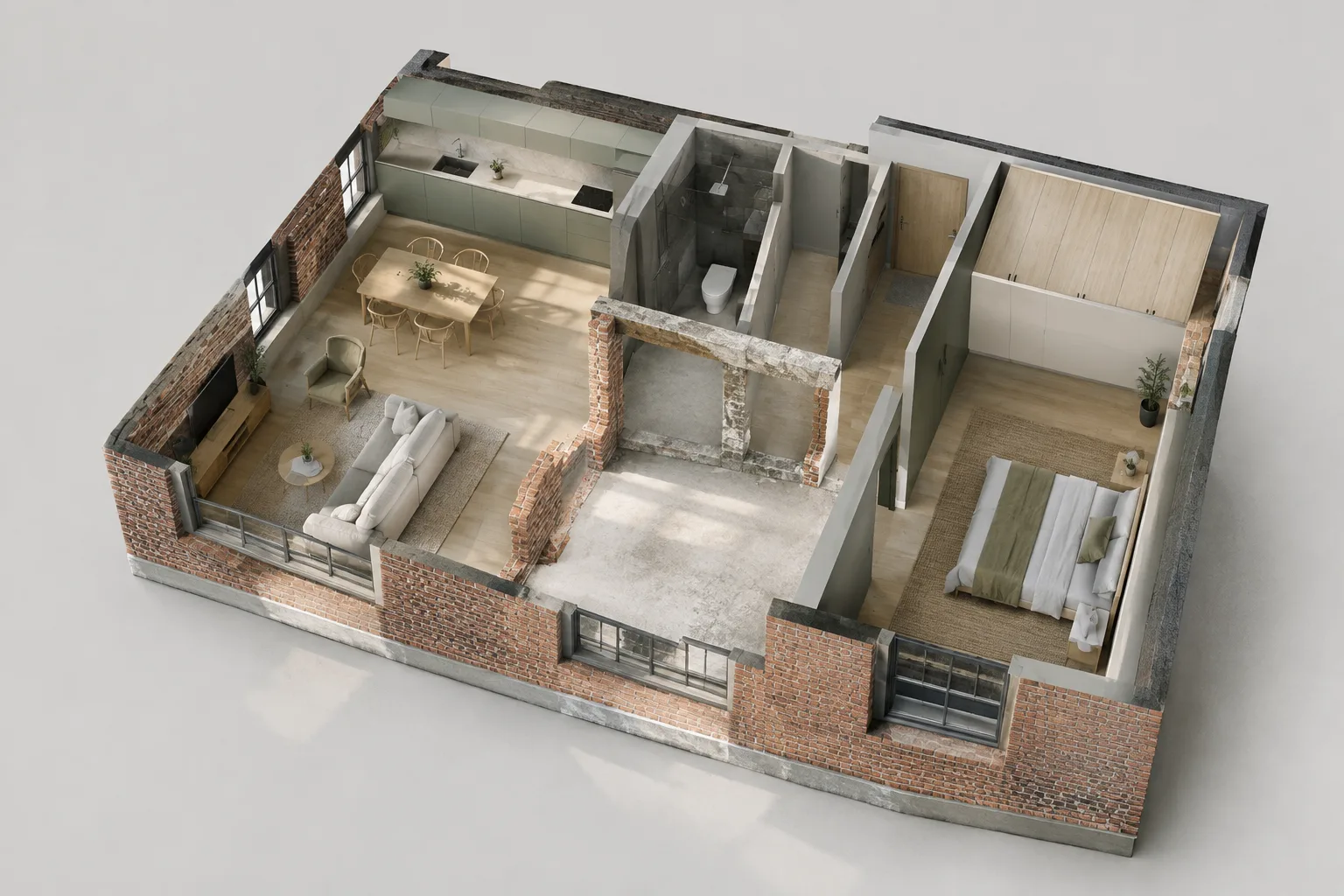
Archicad Renovation Filters: Manage Existing, Demolished and New Elements
Archicad renovation filters let you show, hide or graphically highlight elements according to whether they are existing, to be demolished or new. This guide explains filter setup and the marker update in Archicad 29.
 AI image
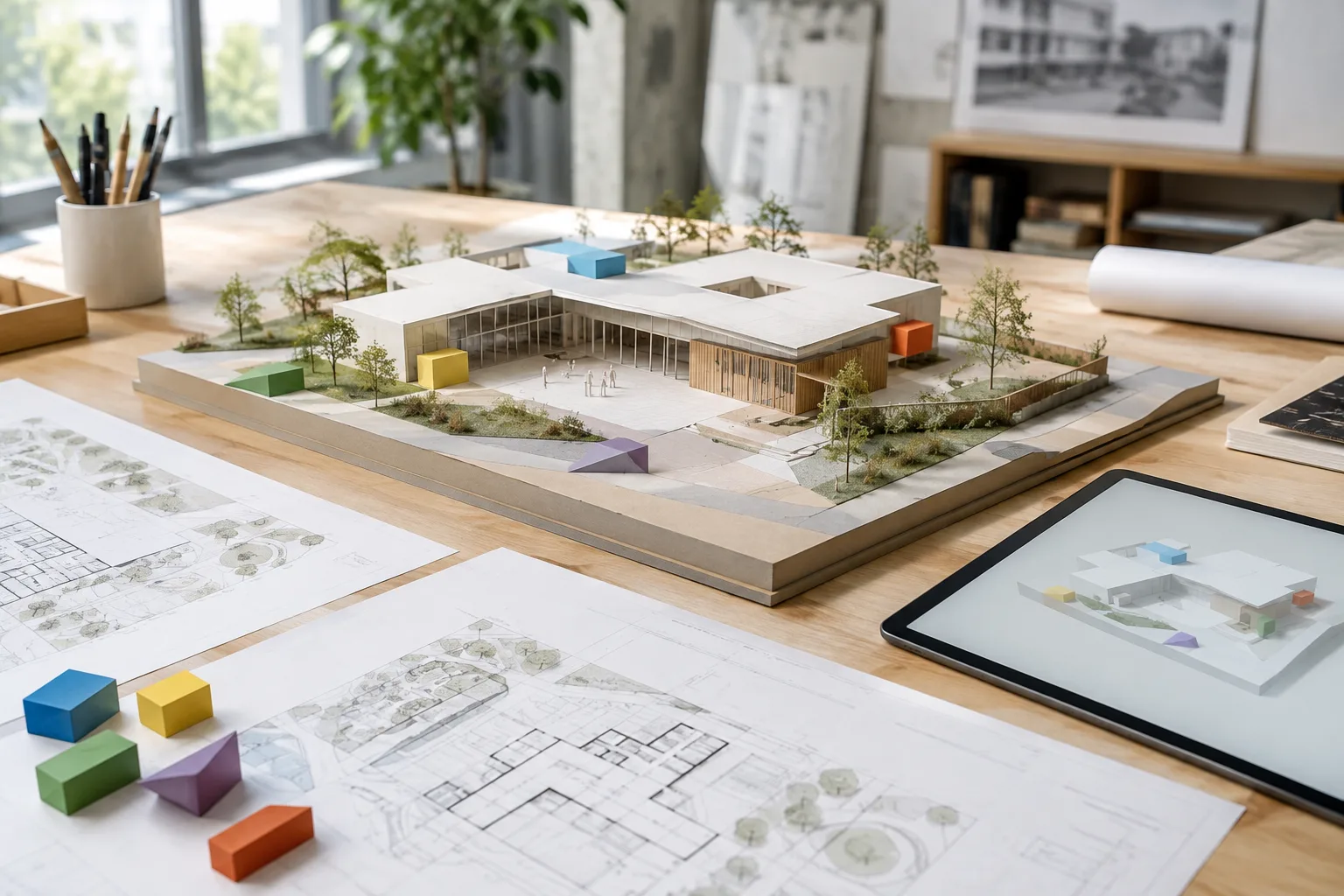
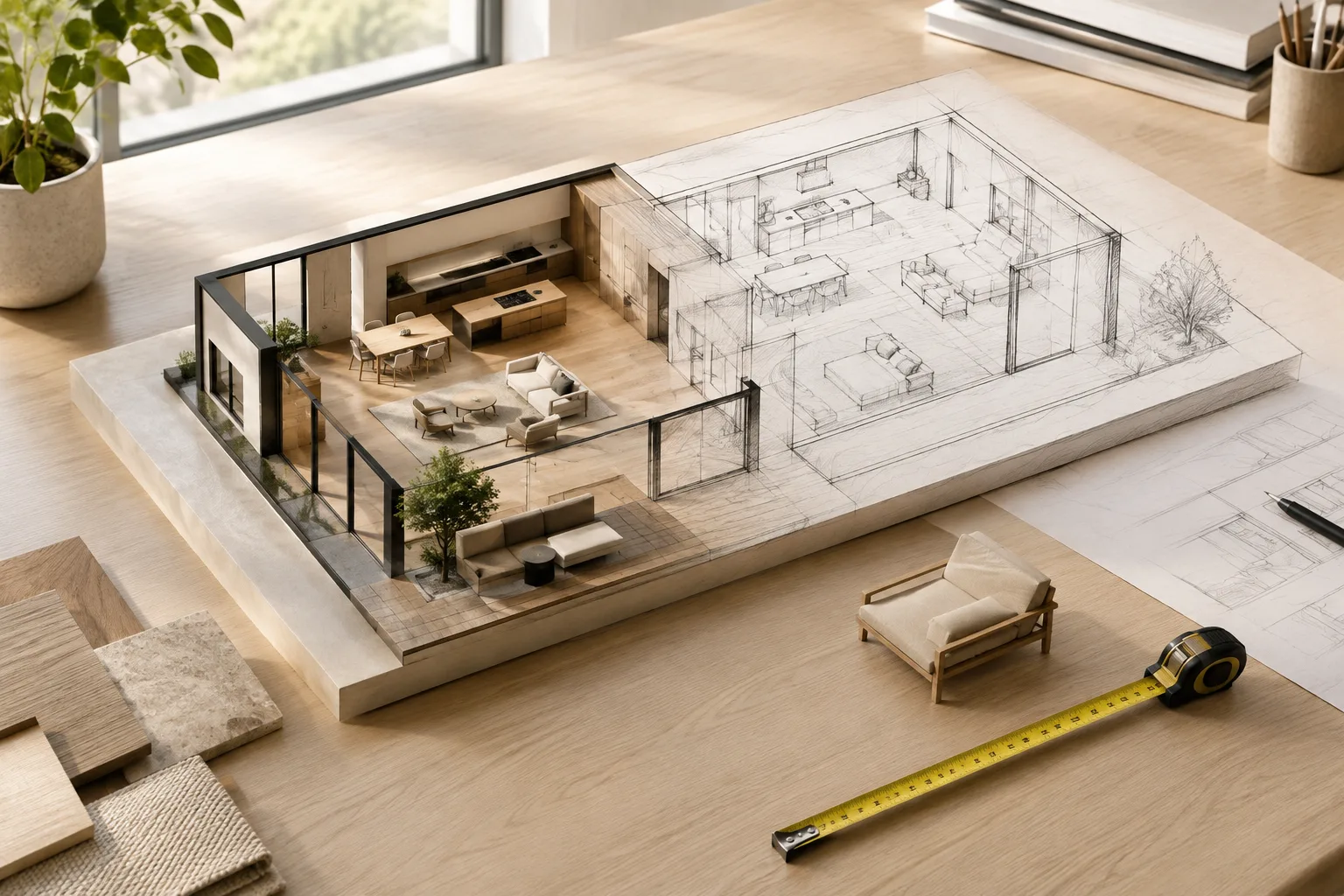
Classification and File Exchange in SketchUp: A BIM Workflow Guide
SketchUp Classifier helps organize and report model data by adding classification information to groups and components. This guide covers IFC, subscription coverage, and iPad file options.
 AI image
Managing Styles and Scale in SketchUp: A Modeling and Presentation Guide
SketchUp Styles change how model edges and faces look, while scaling tools can resize the entire model, selected geometry, or components. This guide explains both workflows step by step.
 AI image
Unreal Engine Foliage Mode guide: Painting and optimizing plants on Landscapes
Unreal Engine’s Foliage Mode tools make it easier to place vegetation on Landscapes and other supported surfaces. This guide covers painting, density, scale variation, and performance settings based on the official documentation.
 AI image
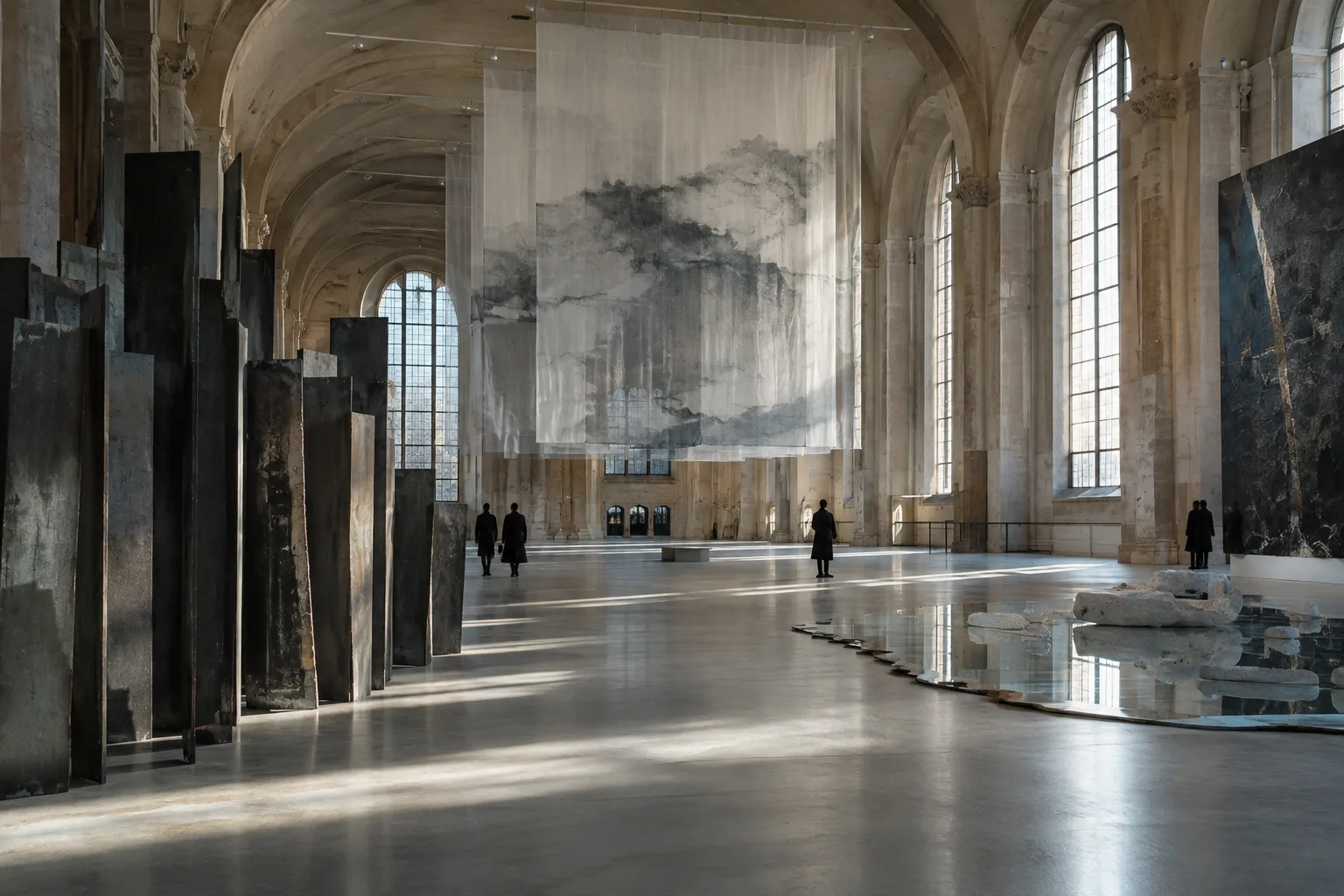
Artİstanbul Feshane Named Main Venue for the 19th Istanbul Biennial
Artİstanbul Feshane has been named the main venue for the 19th Istanbul Biennial, organized by İKSV. Applications for the open call on art in wartime will be accepted from 19 October to 22 November 2026.