Tips & Guides · Page 3
 AI image
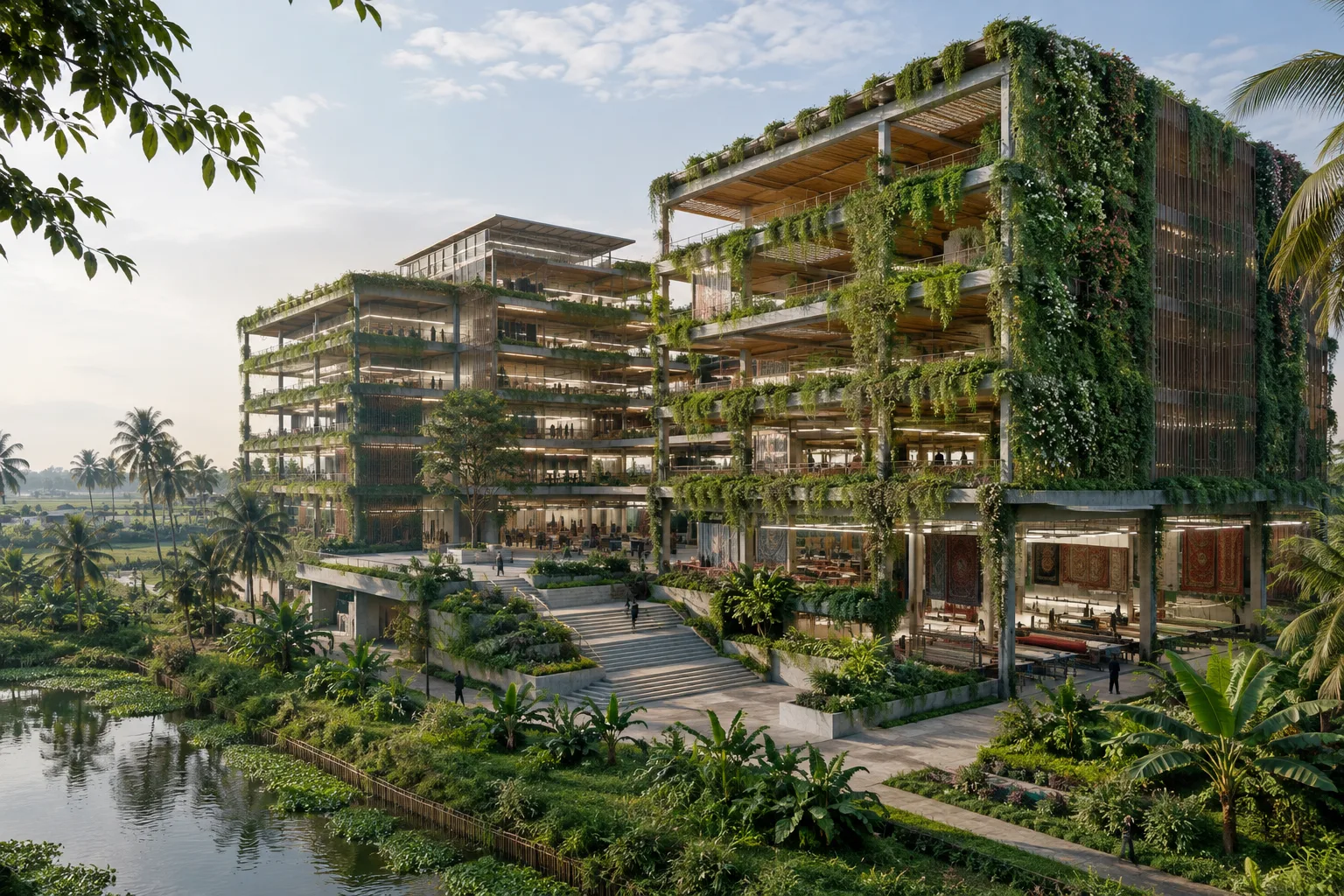
Green Field Factory in Bangladesh Wins the 2026 RIBA International Prize
Green Field Factory in Rangpur, Bangladesh, has won the 2026 RIBA International Prize. Designed by Nakshabid Architects, the factory focuses on passive design and workers’ everyday needs.
 AI image
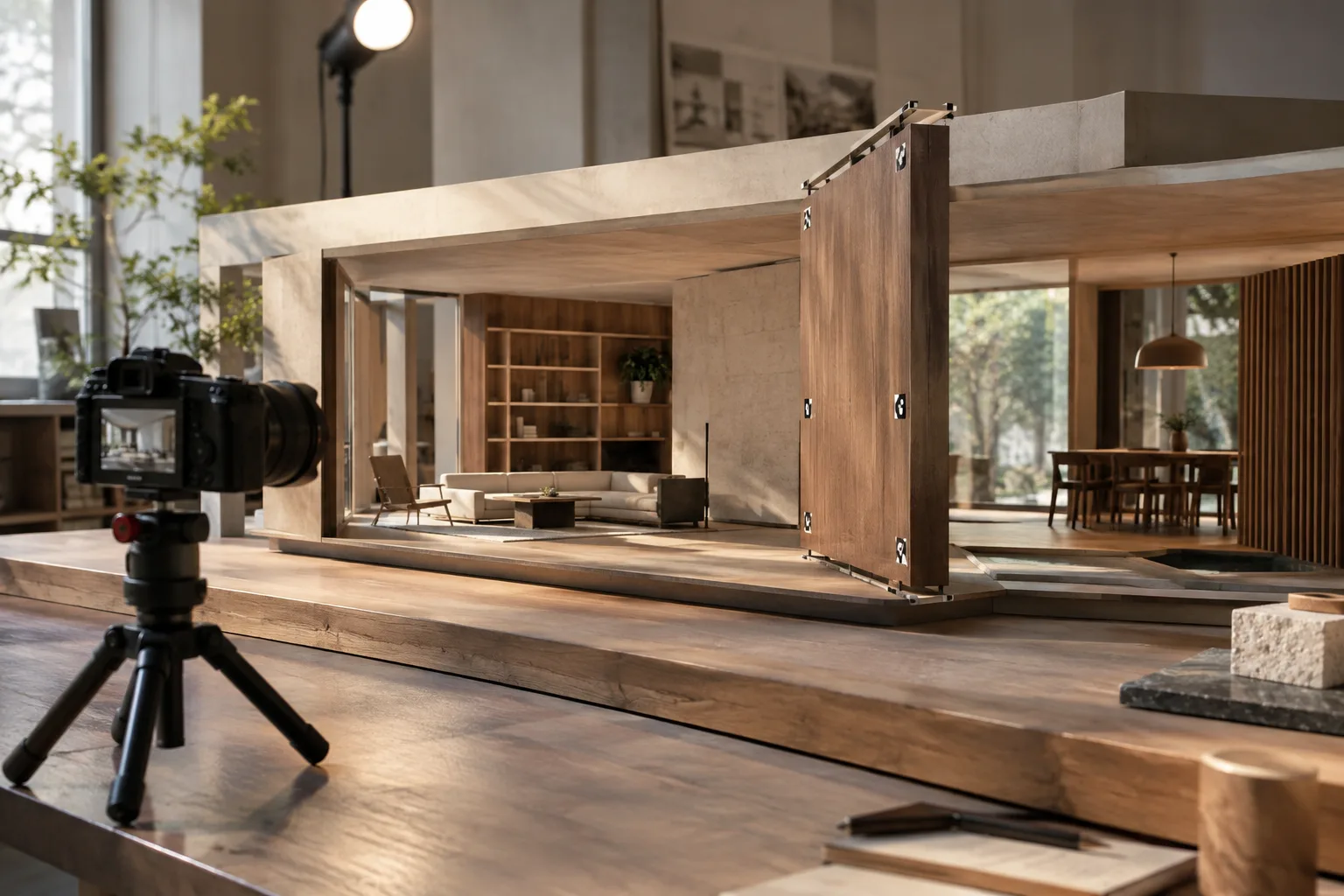
Unreal Engine Take Recorder Guide: Record Cameras and Animation in Sequencer
Unreal Engine’s Take Recorder lets you record scene actors, camera movements, and other supported sources, then edit them in Sequencer. This guide covers the core workflow, from enabling the plugin to managing takes.
 AI image
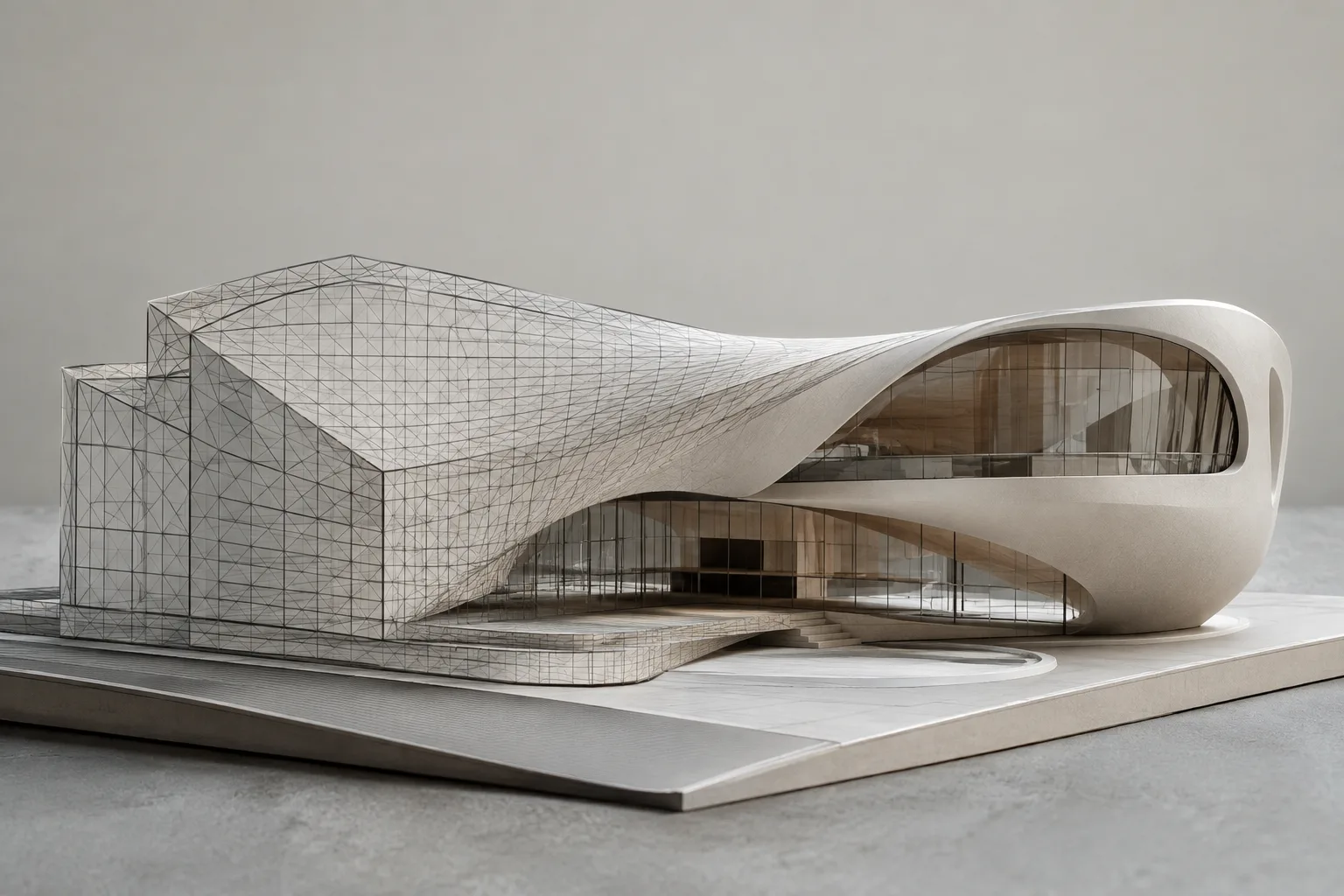
ToNURBS and Convert in Rhino 8: A Guide to Geometry Conversion
Rhino 8’s ToNURBS and Convert commands convert meshes and SubD geometry to NURBS, and curves to arc or line segments. This guide explains the conversion options and their potential effects on models.
 AI image
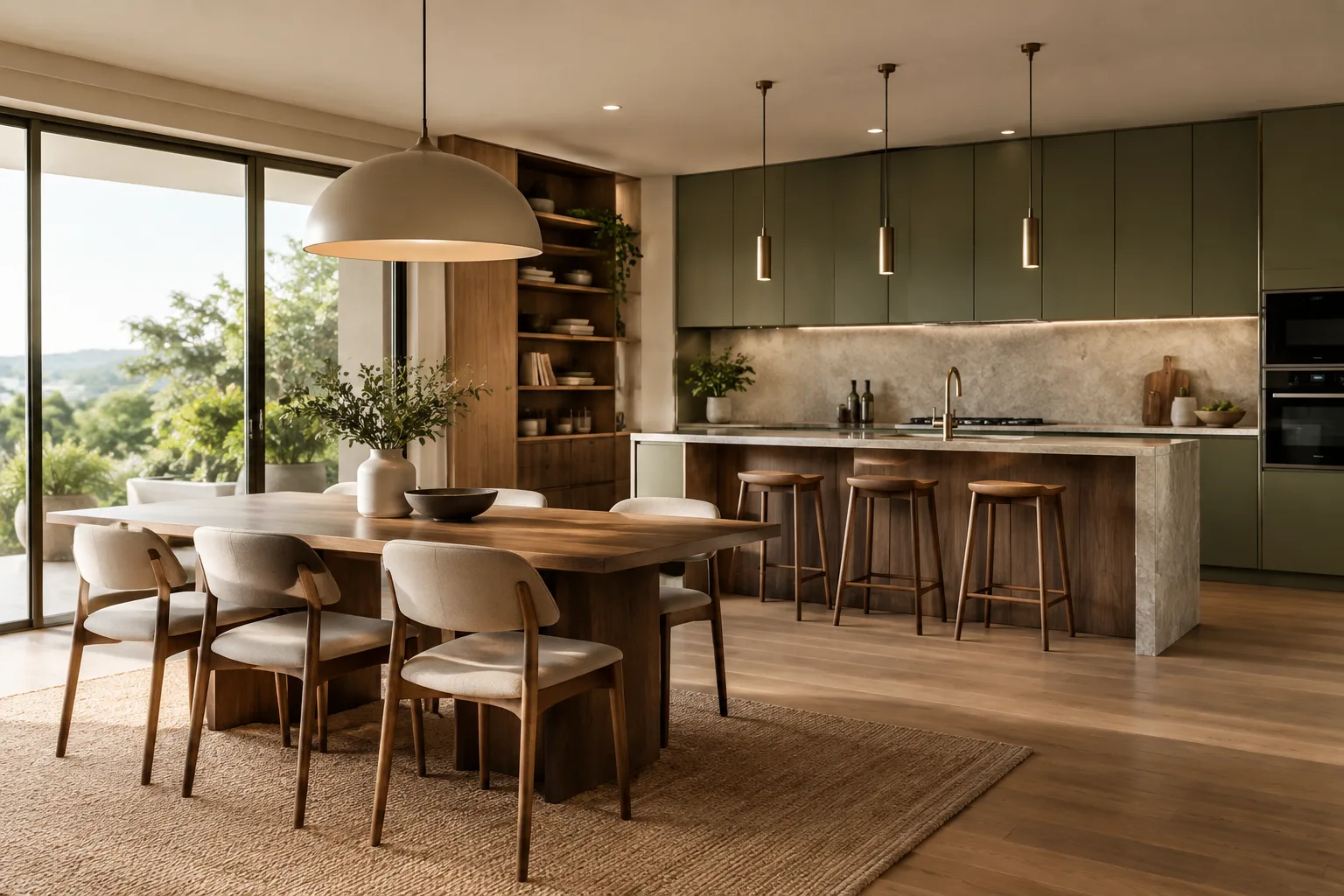
Houdini Solaris and USD: A Layered Workflow Guide for Architectural Scenes
Houdini Solaris offers a USD-based workflow for building and editing scenes. This guide turns the concepts of layers, references, and stages into a foundational setup that architectural visualization teams can use to manage scenes together.
 AI image
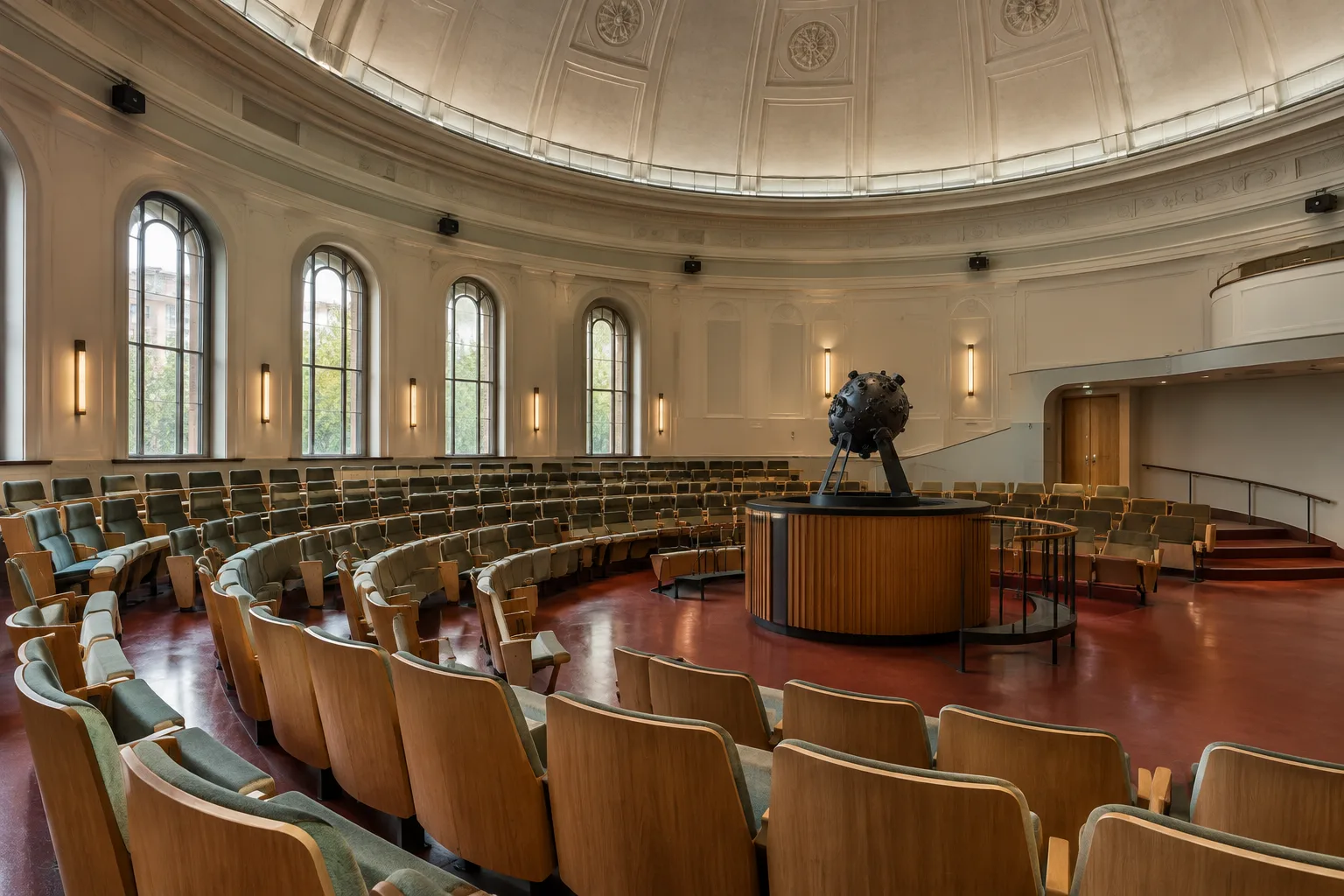
Frank Lloyd Wright’s Only Built Planetarium Restored and Reopened
Florida Southern College has reopened Frank Lloyd Wright’s designed and only built planetarium after restoration. The work covered the exterior, original interior features and technology systems.
 AI image
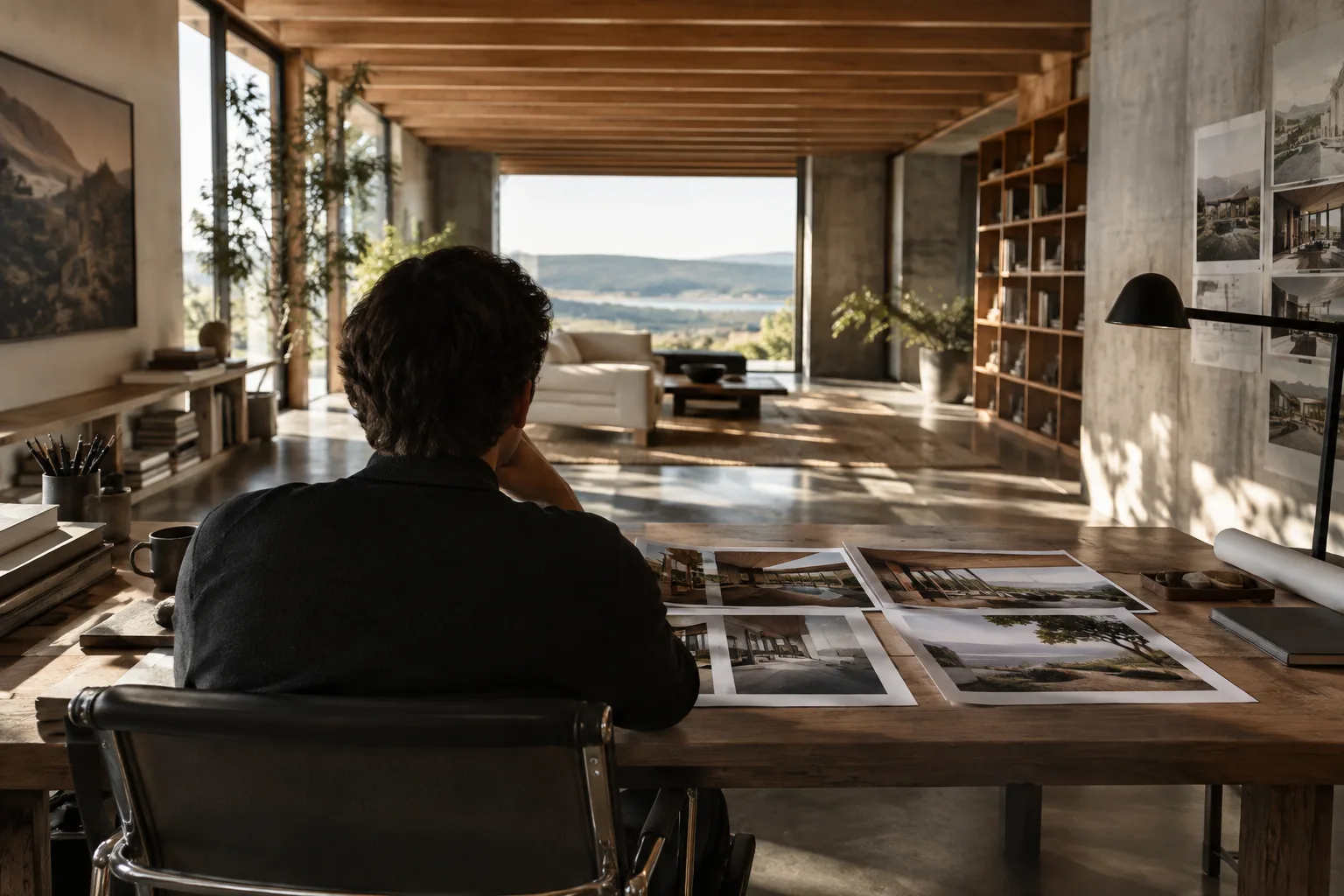
How to Set Up Render Callbacks in Unreal Engine Movie Render Graph
Unreal Engine 5.4’s Movie Render Graph system can run Python callbacks before and after a render job or each shot. This guide explains setup with the Execute Script Node and what to keep in mind.
 AI image
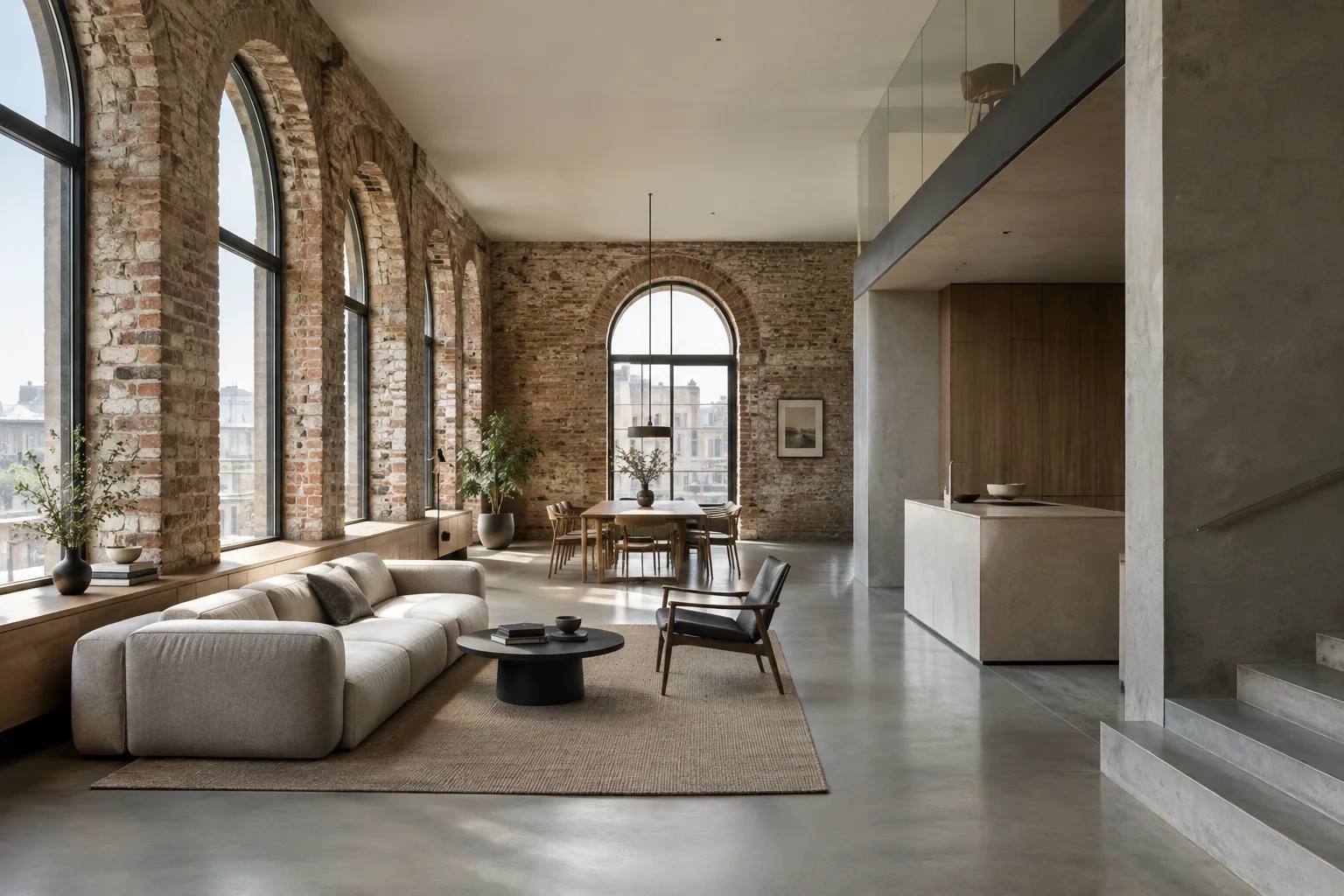
Project phases in Revit: Organize renovation and demolition views
Autodesk’s Revit 2012 documentation explains how project phases and phase filters can control the display of existing, demolished and new elements in views. The guide explores this workflow through renovation projects and schedules.
 AI image
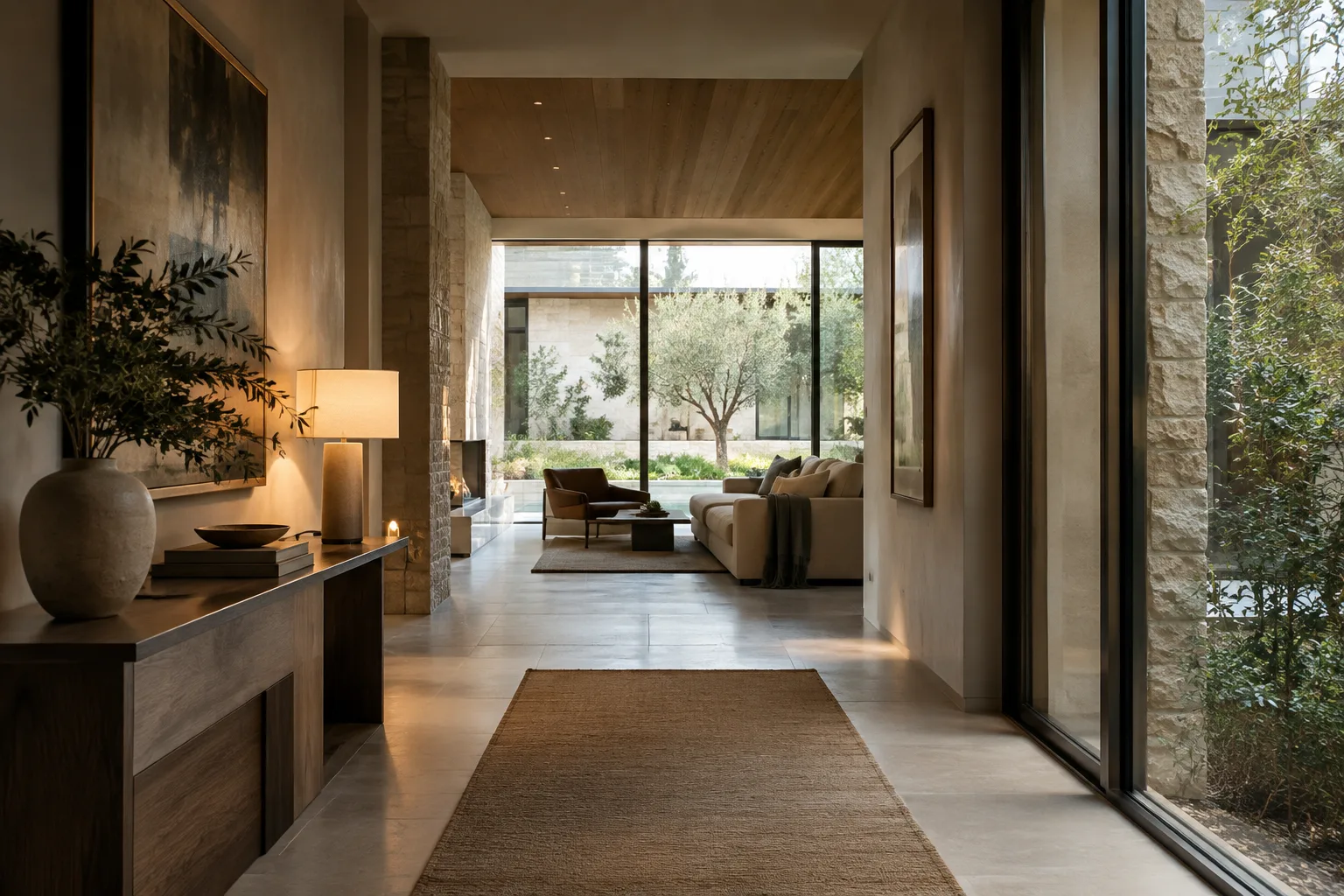
A Guide to Exposure and Depth of Field for Unreal Engine Interiors
Unreal Engine’s Post Process Volume and camera settings let you control exposure transitions and depth of field in interior visuals. This guide explains the methods covered in Epic’s documentation and the versions they apply to.
 AI image
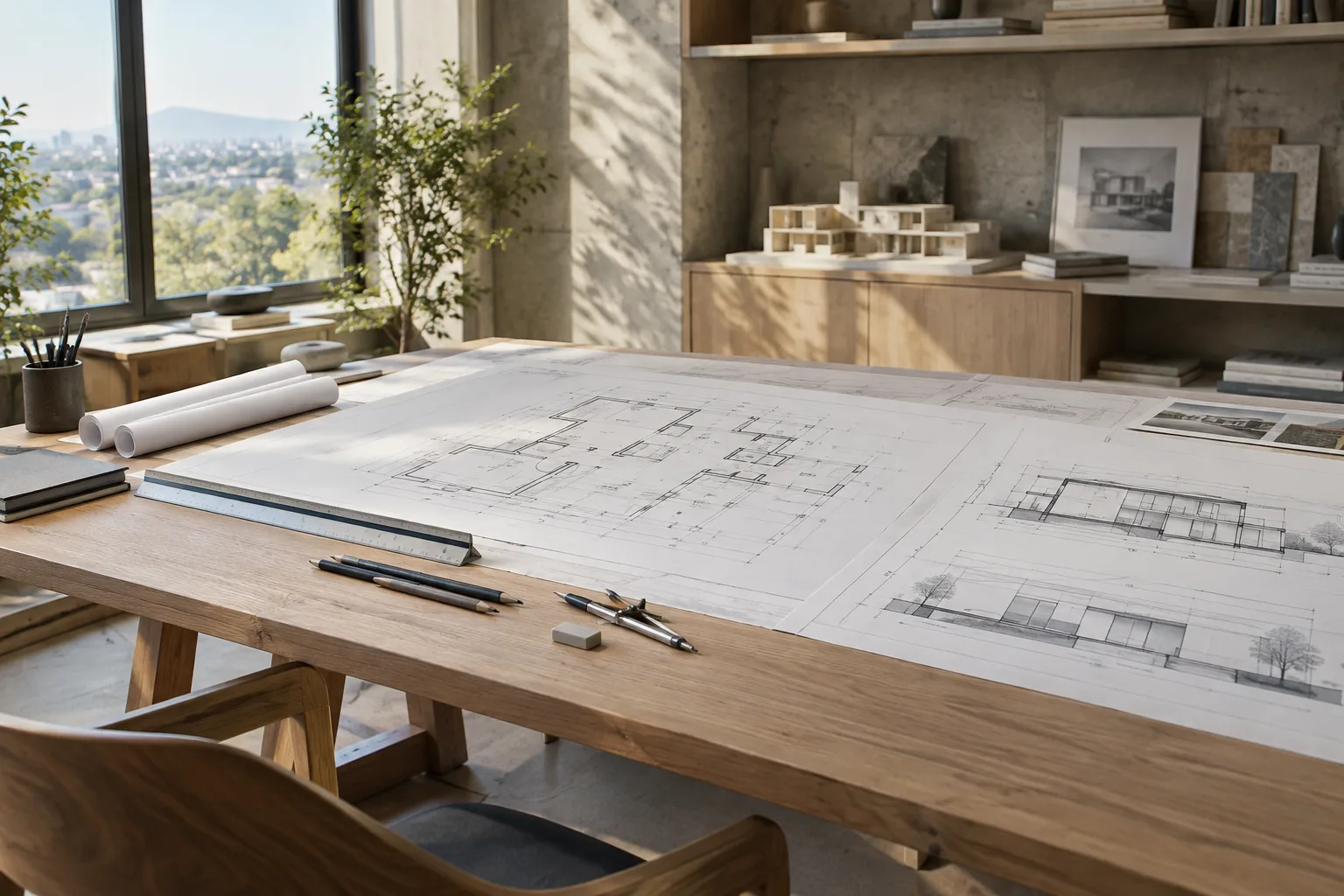
Accurate dimensioning in LayOut: A step-by-step guide for architectural sheets
Understanding dimensions in LayOut requires knowing how paper space, the SketchUp model space, and view types affect them. This guide explains how to add linear and angular dimensions and adjust line styles.
 AI image
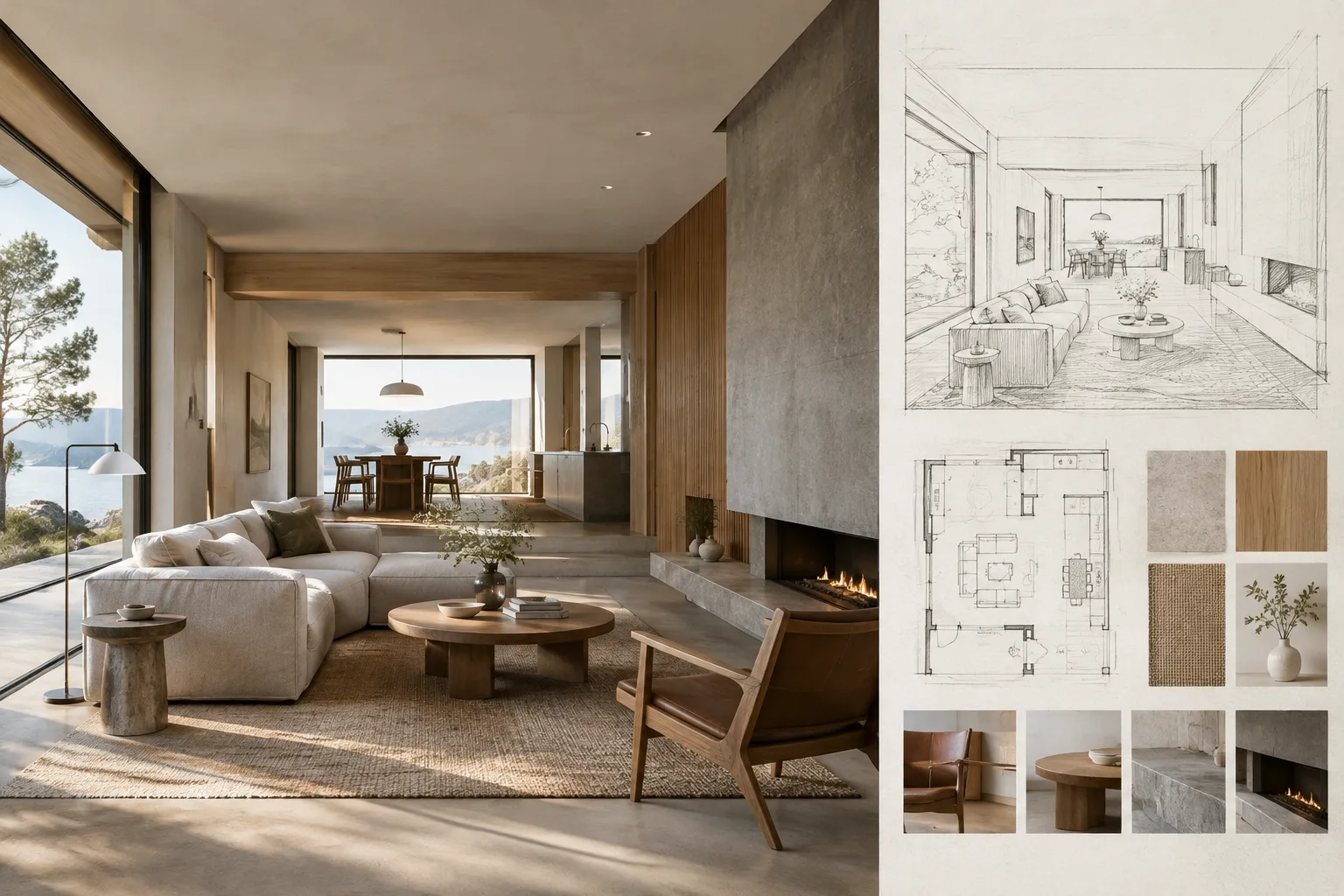
FLUX Architectural Image Generation with Diffusers: A Guide to Control and Speed
Hugging Face Diffusers documentation explains speed and memory options for generating images with FLUX, along with control methods such as Canny, Depth, and Kontext. This guide adapts those methods to architectural concept work.
 AI image
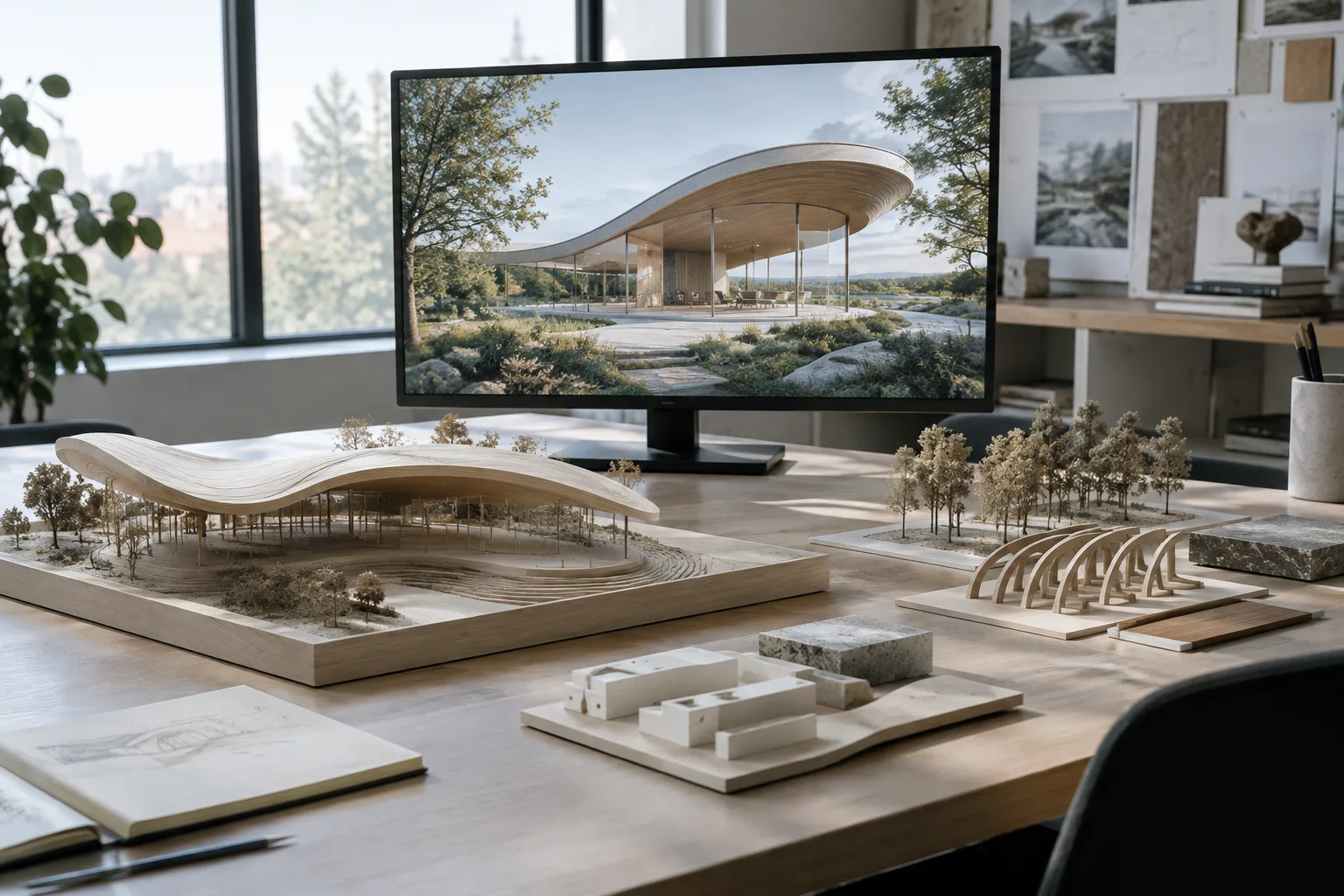
Selecting Objects in Rhino 8: A Practical Guide to Windows, Lasso, and Sub-Objects
Rhino 8’s selection tools let you isolate objects using window, crossing, lasso, and brush methods. This guide explains sub-object selection, hidden geometry, and how to check object information.
 AI image
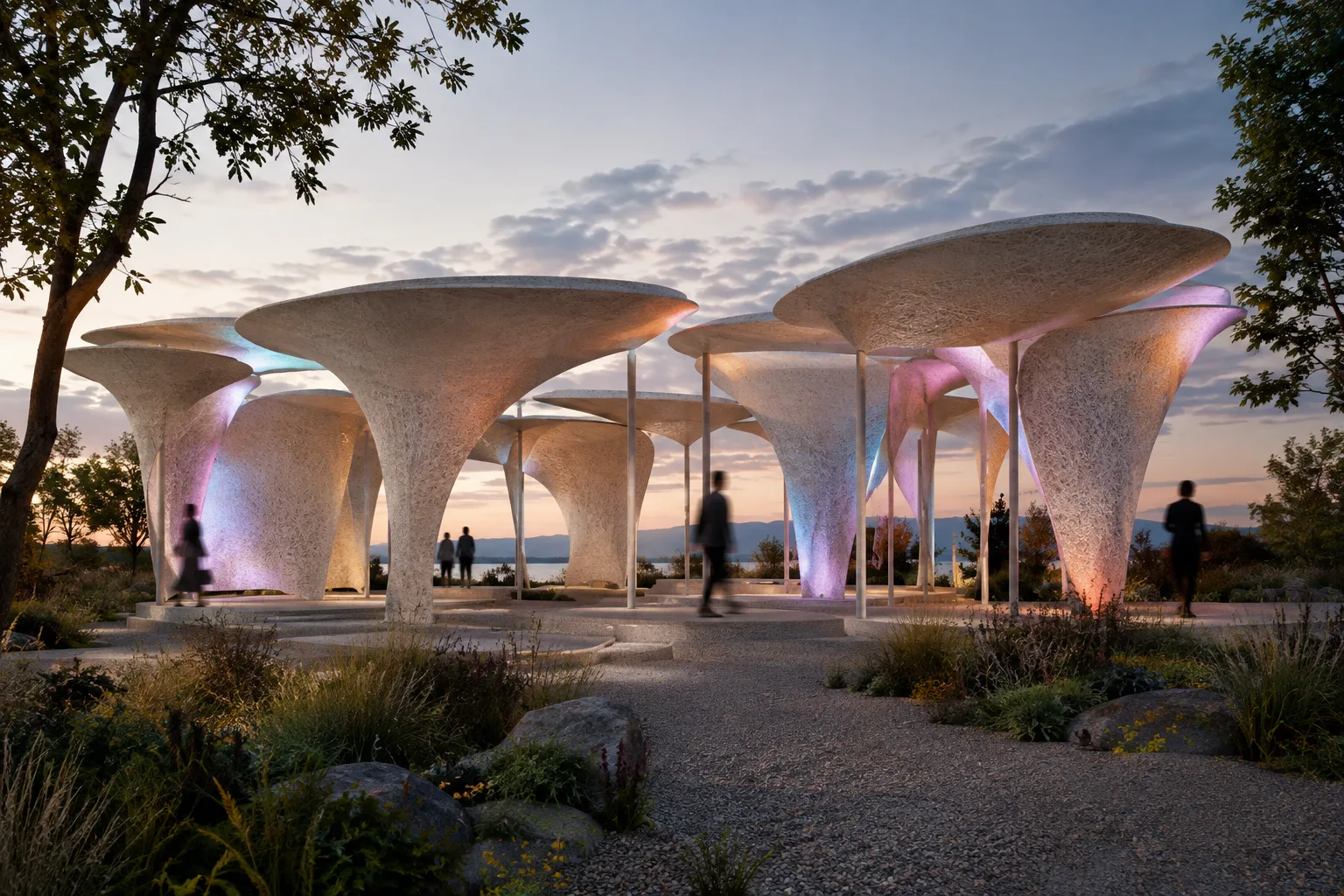
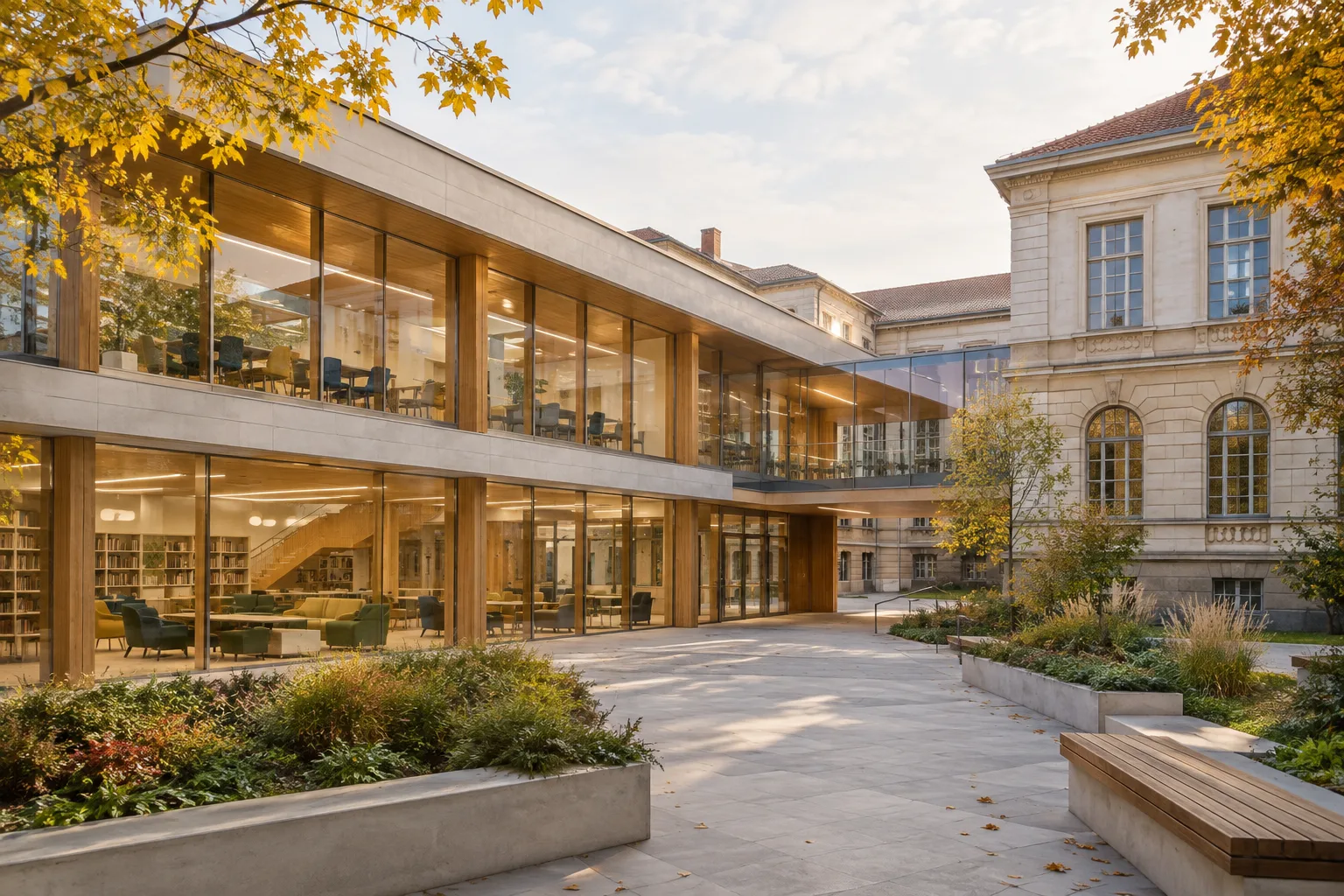
Hypha-Lume Pavilion Transforms Visitor Movement Into Light and Sound
Hypha-Lume, a project by Darya Holub and four designers, brings together reconfigurable mycelium modules, sensors, light and sound. The system turns visitors’ movements into visual traces across the pavilion’s surface.
 AI image
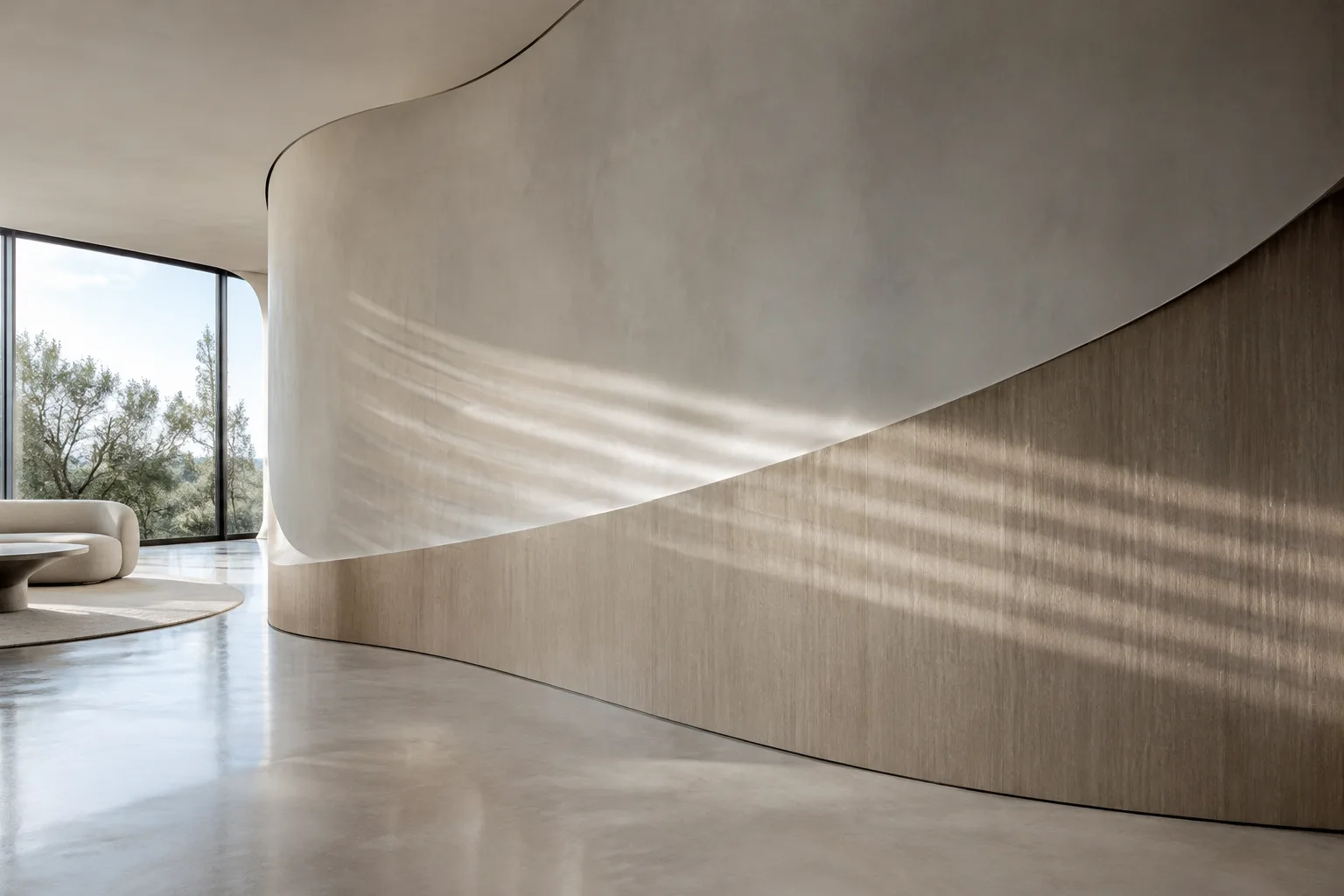
Design Competition Announced for New Academic Wing at William Gladstone School
An international design competition is launching for a new academic wing at Sofia’s 18th Comprehensive School William Gladstone. The aim is to expand educational resources and move students to a single-shift schedule.
 AI image
Surface Continuity in Rhino 8: A Guide to BlendSrf, MatchSrf, and Zebra
Rhino 8’s official documentation explains how to create transitions between surfaces with BlendSrf, adjust continuity with MatchSrf, and visually inspect the result with Zebra. This guide combines the tools into a single workflow.
 AI image
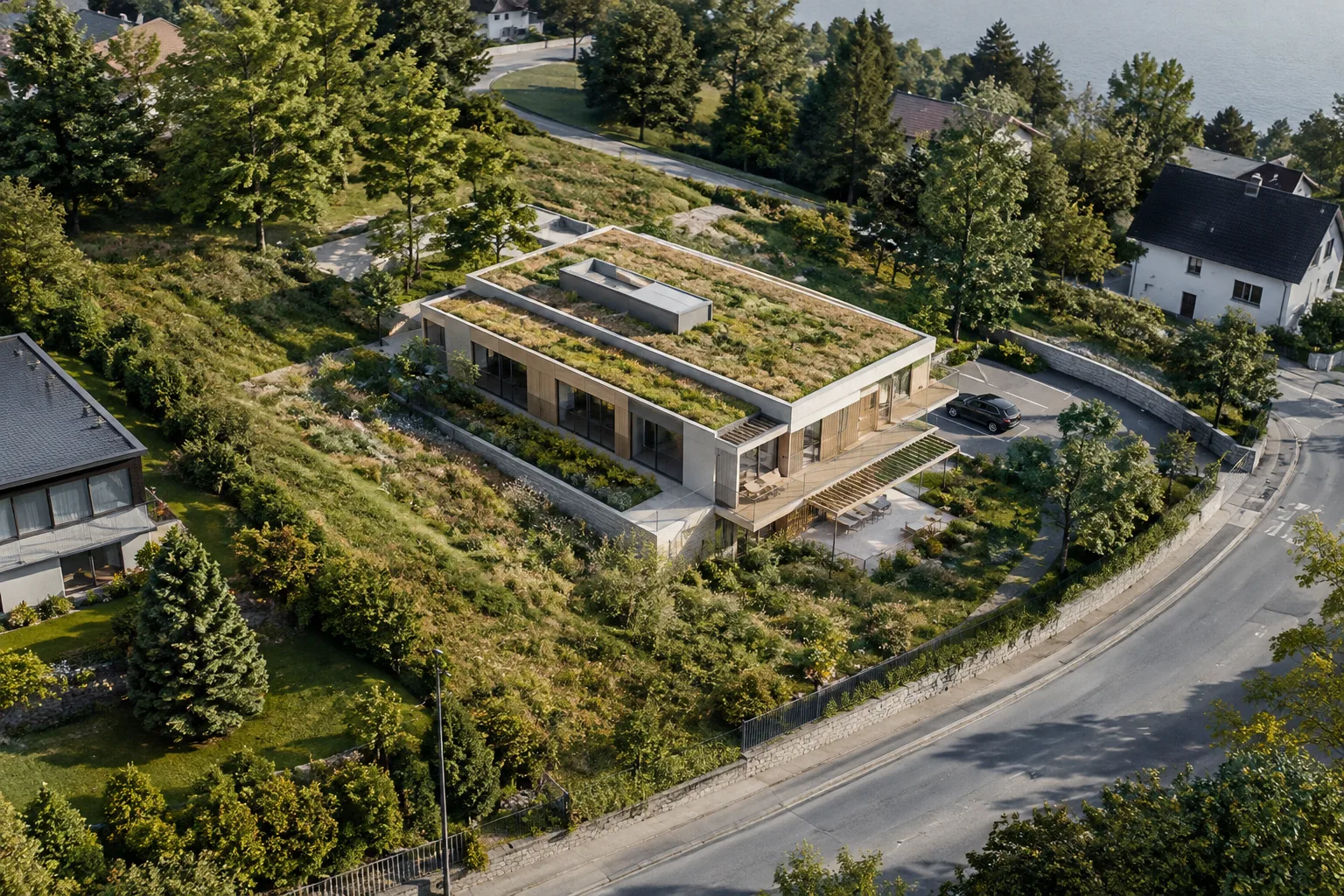
SketchUp Add Location Guide: Positioning a Model and Adding Terrain
SketchUp Add Location lets you place models in real-world locations and create surrounding context with map or terrain data. This guide explains location, north orientation, terrain, and building options across platforms.
 AI image
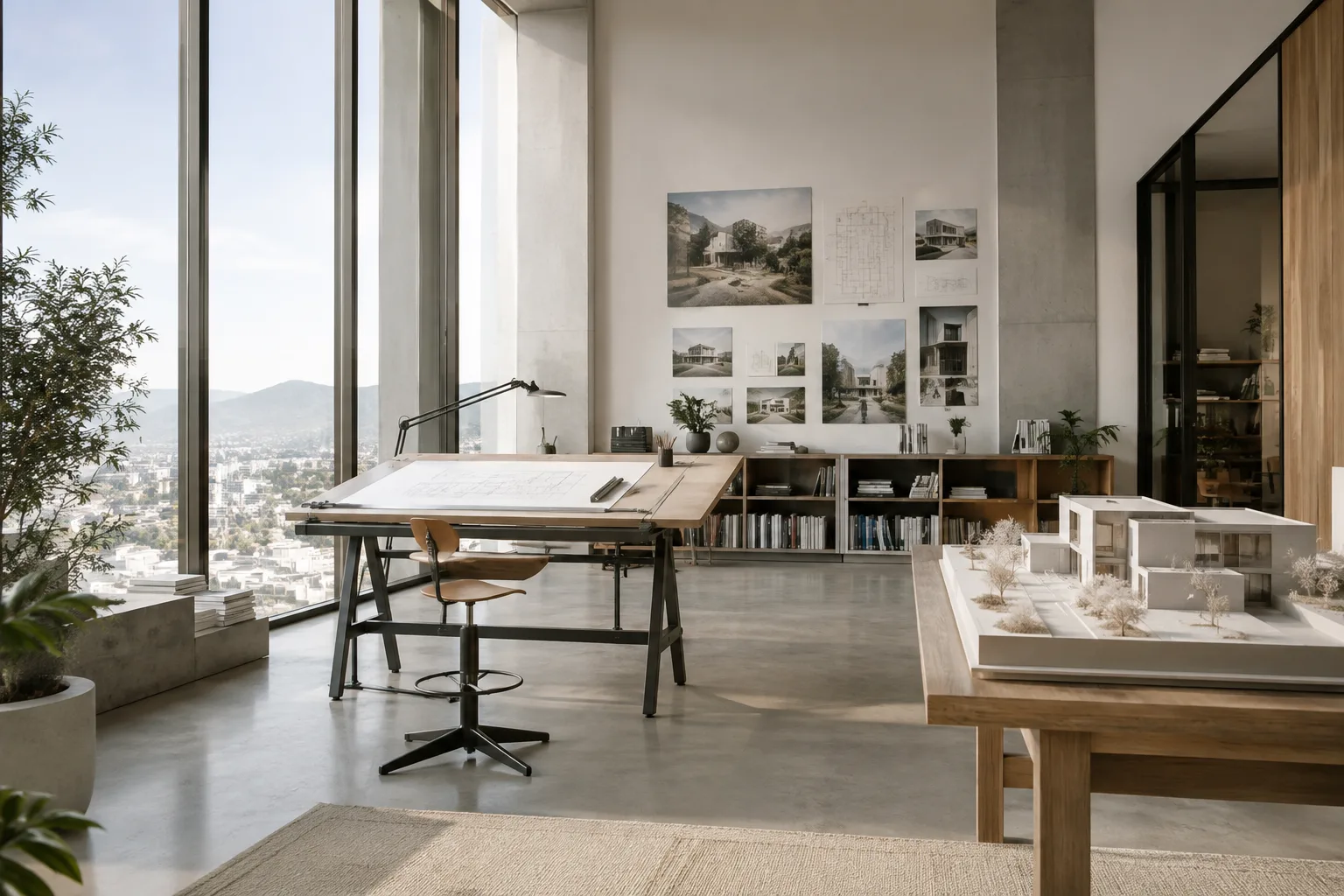
Blender Architectural Camera and Output Settings: A Framing Guide
Blender’s official manual explains camera and output settings ranging from perspective and orthographic options to lens shift, depth of field, and output resolution. This guide walks through these controls for architectural visuals.
 AI image
D5 Render Panorama Editor Guide: How to Edit a Virtual Tour
D5 Render Panorama Editor lets you manage virtual tour settings, hotspots, floor plan navigation, and comments in a single editing workflow. We walk through the features described in the official documentation, step by step.
 AI image
Sharing and Recovering Blender Projects: 7 Steps for External Files
Blender’s official documentation explains how to pack external assets into a .blend file, use relative paths, and recover unsaved work. This guide brings together file-sharing and backup steps.
 AI image
Rhino 8 CageEdit Guide: Controlled Deformation for Architectural Models
In Rhino 8, CageEdit smoothly deforms models by editing the points of a two- or three-dimensional control object. This guide explains cage setup and region-of-effect options for architectural workflows.
 AI image
Adapt Geometry to Curves and Surfaces with Flow and FlowAlongSrf in Rhino 8
In Rhino 8, Flow maps objects from a base curve to a target curve, while FlowAlongSrf maps them from a base surface to a target surface. Matching selection points and regular surface parameterization help keep results under control.
 AI image
Chaos Cosmos Browser guide: Find assets and add them to your scene
Chaos Cosmos Browser lets you search for and download 3D models, materials and HDRIs from supported Chaos applications. This guide covers the sign-in, asset discovery and scene import steps in the official documentation.
 AI image
How to Create Interactive Presentations and Virtual Tours in D5 Render
D5 Render’s official documentation explains how to create interactive presentations using scene states, build virtual tours from panoramas, and prepare stereoscopic panoramas. This guide also covers how culling distances affect previews and output.
 AI image
Using UDIMs in Blender: A UV and Texture Guide for Architectural Models
Based on the UDIM and Image Texture explanations in Blender’s official manual, this guide explains how to distribute UV islands across multiple textures and choose the right projection for architectural models.
 AI image
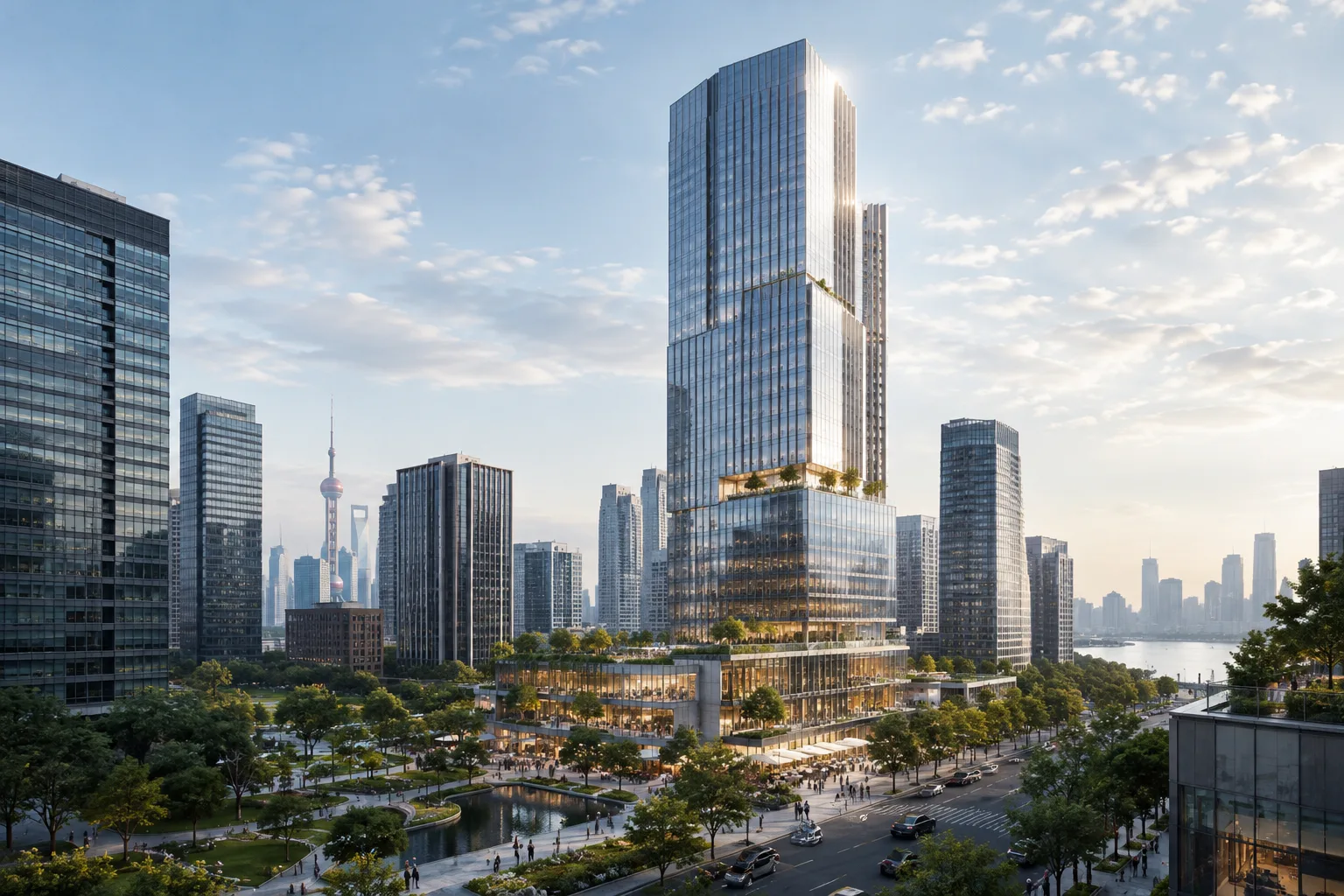
NBBJ’s 127,000 m² Mixed-Use Project in Shanghai Published
NBBJ’s 127,000 m² project in the central business district of Shanghai’s Zhangjiang Science City was published on ArchDaily on 14 October 2026. The development combines office, retail and hotel uses.