Tips & Guides · Page 4
 AI image
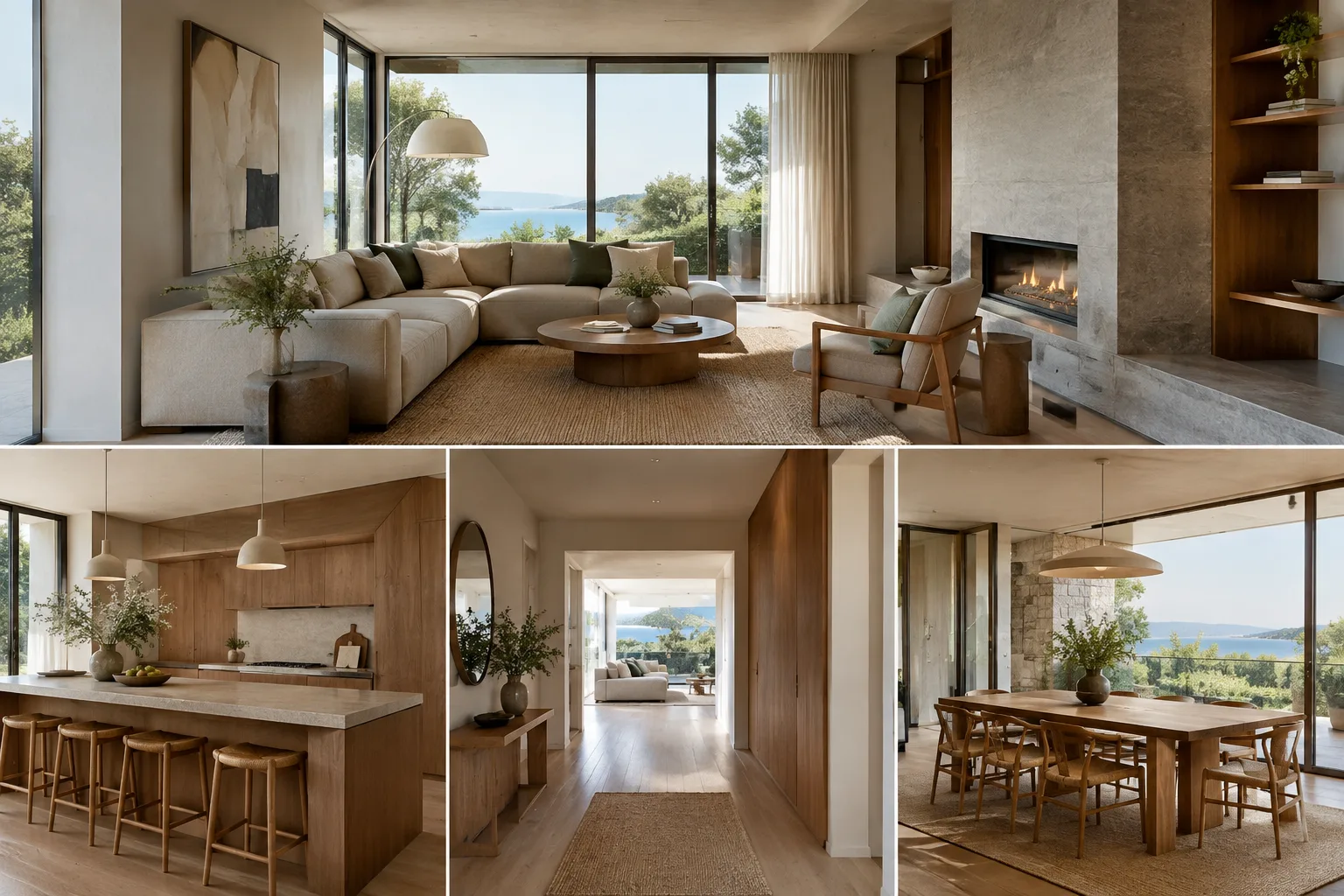
How to Present and Animate Models with SketchUp Scenes
SketchUp scenes let you save camera positions, visible tags, styles, and other view settings for reuse in presentations. This guide covers the essentials, from creating scenes to exporting animations and taking a virtual tour of a model.
 AI image
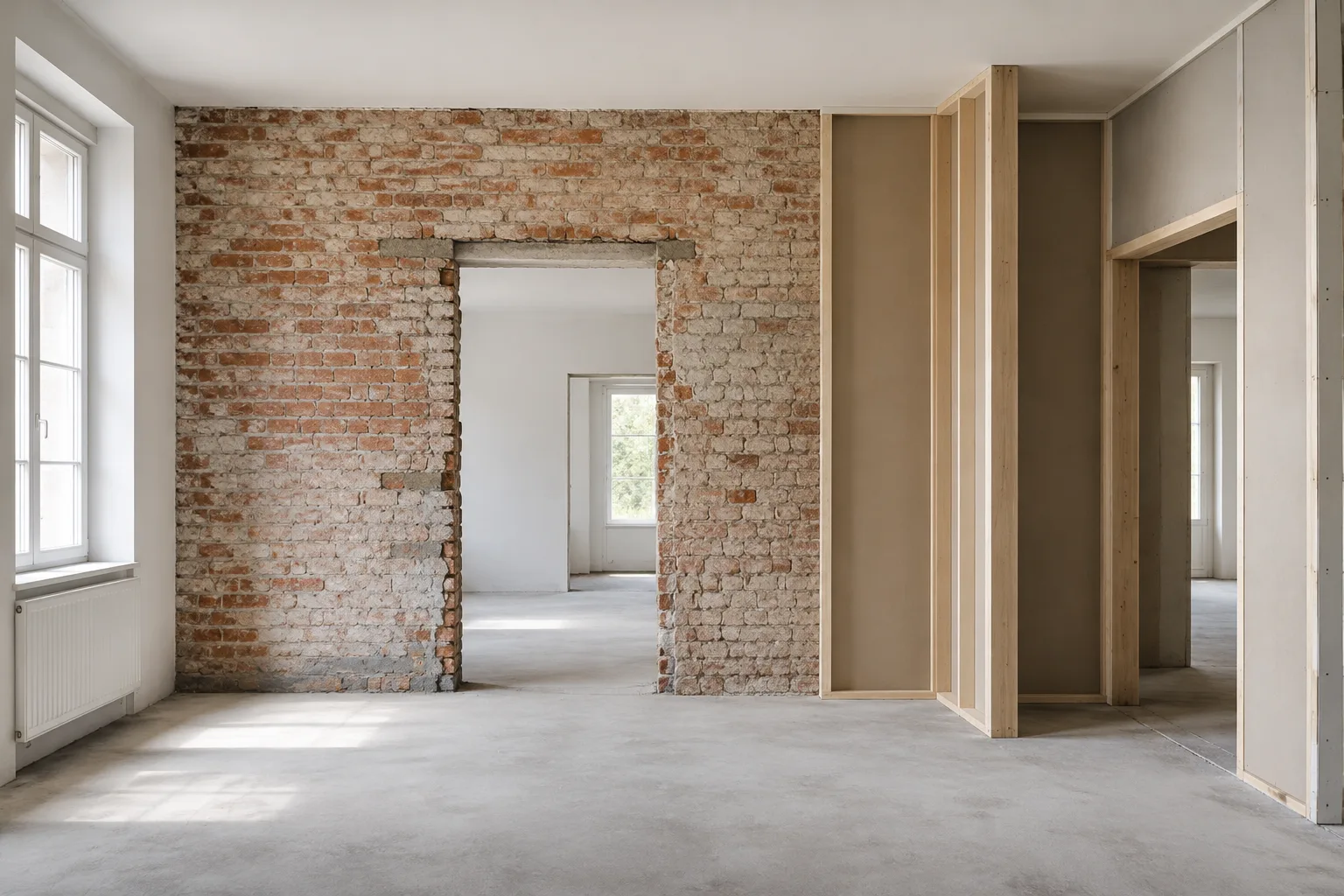
Archicad 28 Renovation Filters: Manage Existing and Demolished Elements
In Archicad 28, renovation filters let you show, hide or graphically distinguish elements according to their status. This guide explains how to configure filters and use them with saved views.
 AI image
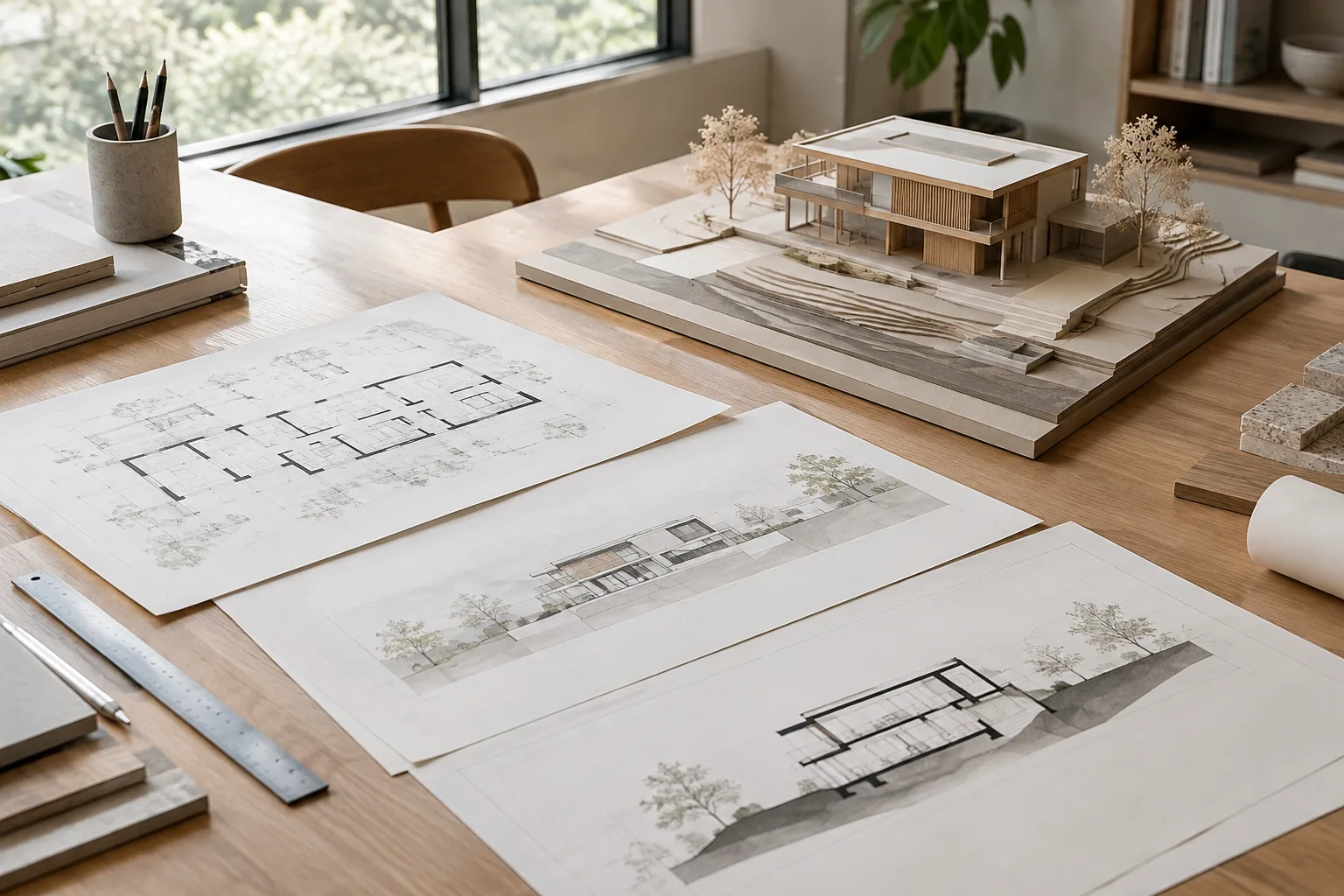
Make2D and Dynamic Section Drawings in Rhino 8: An Architecture Guide
This Rhino 8 guide explains how to create flat 2D curves from views with Make2D and organize dynamic section drawings with layers. It covers view registration, hidden lines, and updating drawings after model changes.
 AI image
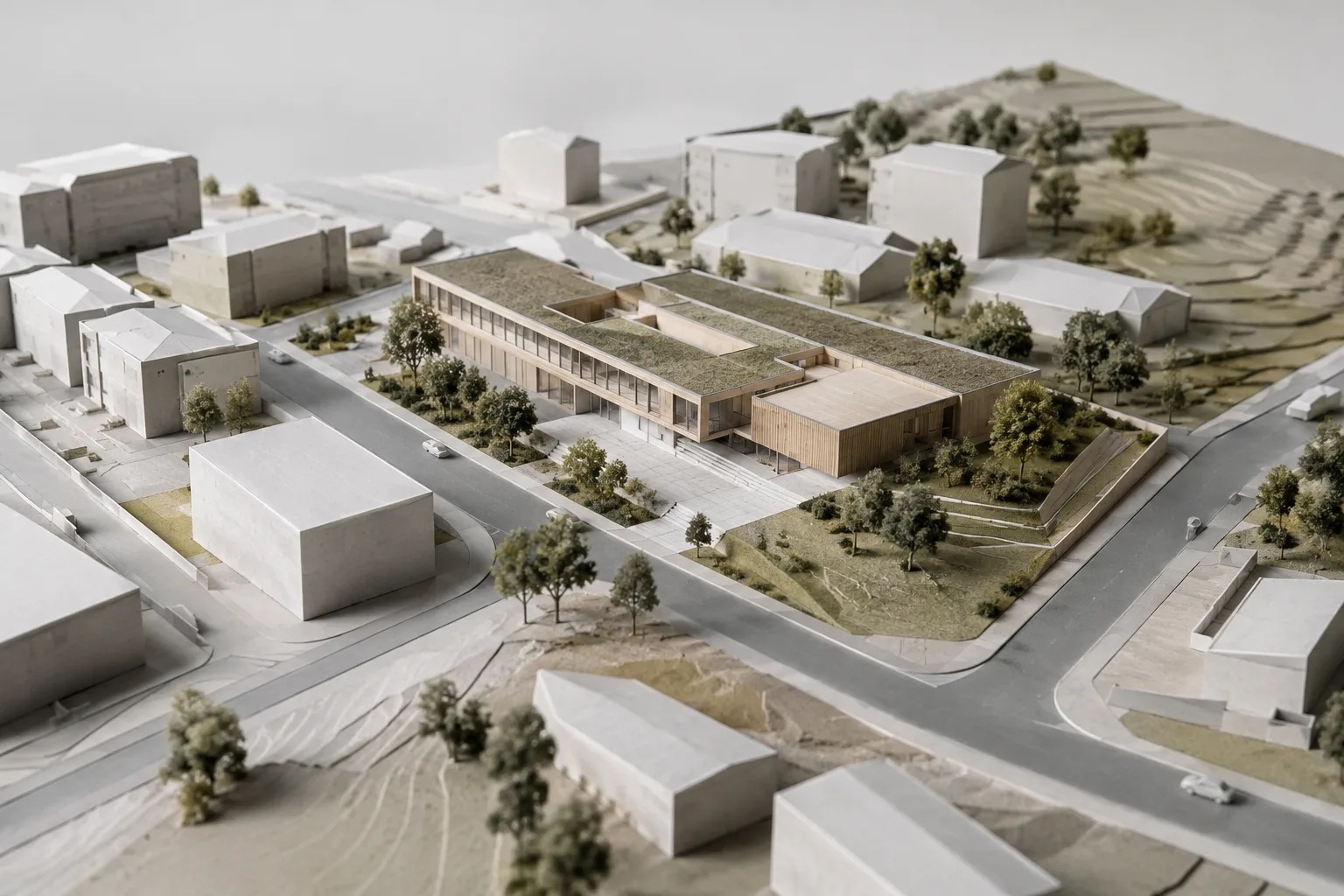
Autodesk Forma and Revit Integration: Import and Update Guide
Early design proposals in Autodesk Forma can be imported into Revit, and changes made in Revit can be sent back to Forma. This guide explains the workflow, conversion types, and key limitations.
 AI image
Blender Cycles Performance Settings: A Guide to Memory and Rendering
Blender’s current Cycles documentation explains the Tile Size, Texture Cache and Simplify options for balancing memory use and render performance. This guide explores these settings in the context of architectural visualization workflows.
 AI image
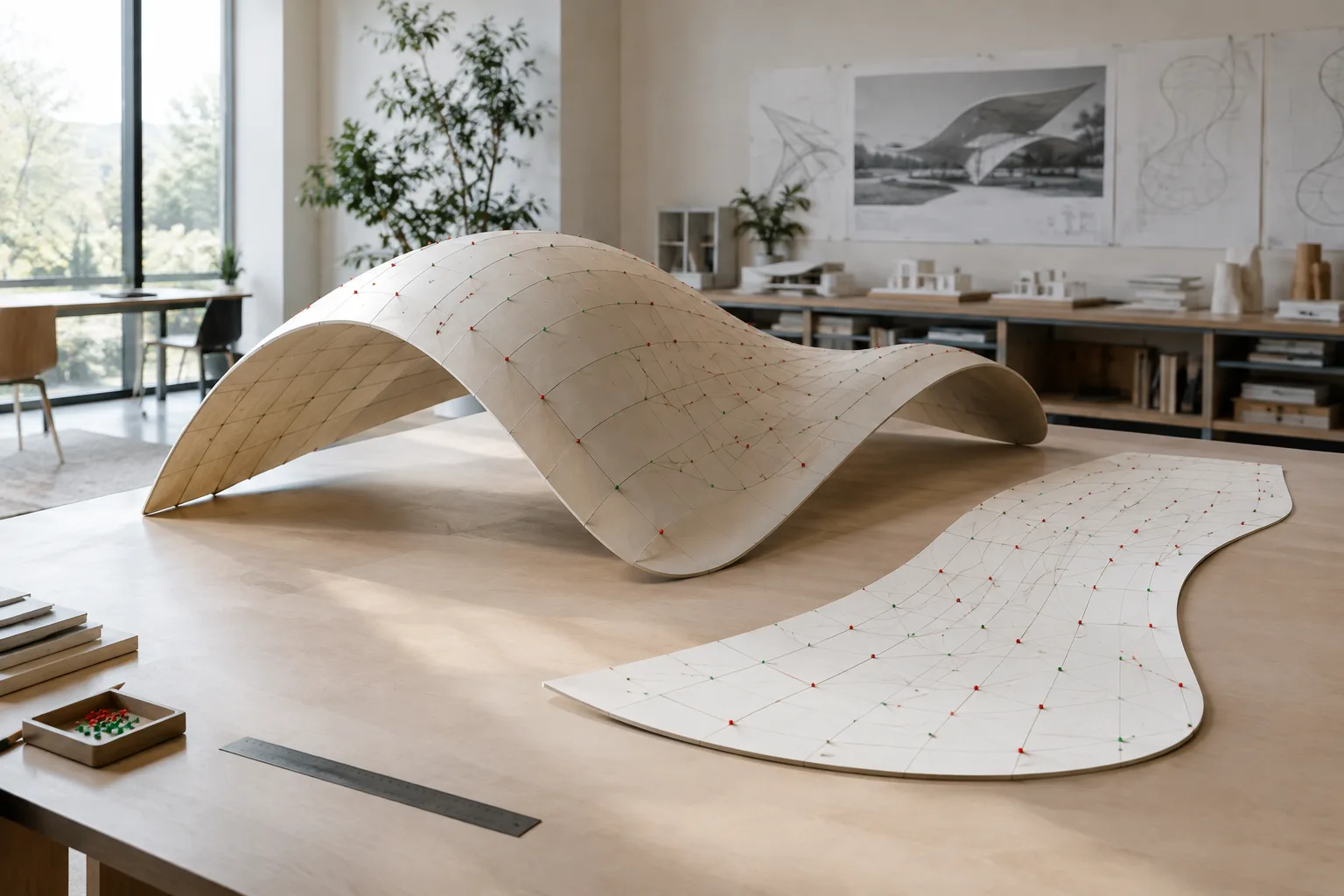
Rhino 8 Surface Unrolling Guide: When to Use UnrollSrf and Squish
Before flattening a surface in Rhino 8, determine whether it curves in one direction or two. This guide explains when to use UnrollSrf and Squish, and how to interpret their deformation warnings.
 AI image
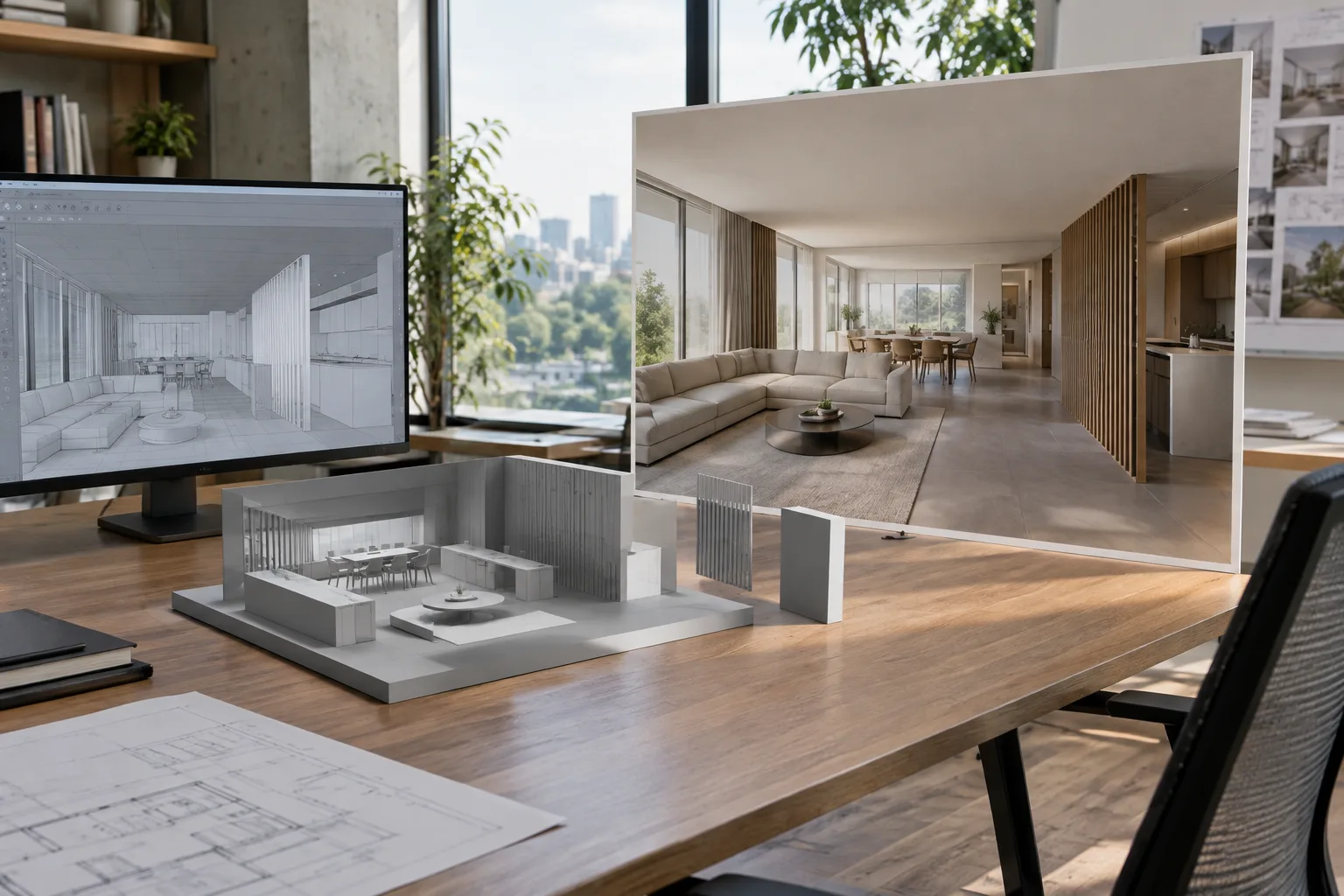
Scaling and Locking Reference Images in Rhino 8: A 5-Step Guide
In Rhino 8, the Picture command places an image on a plane while preserving its aspect ratio. Scale options resize it in different directions, while Lock prevents references from being edited but keeps them snappable.
 AI image
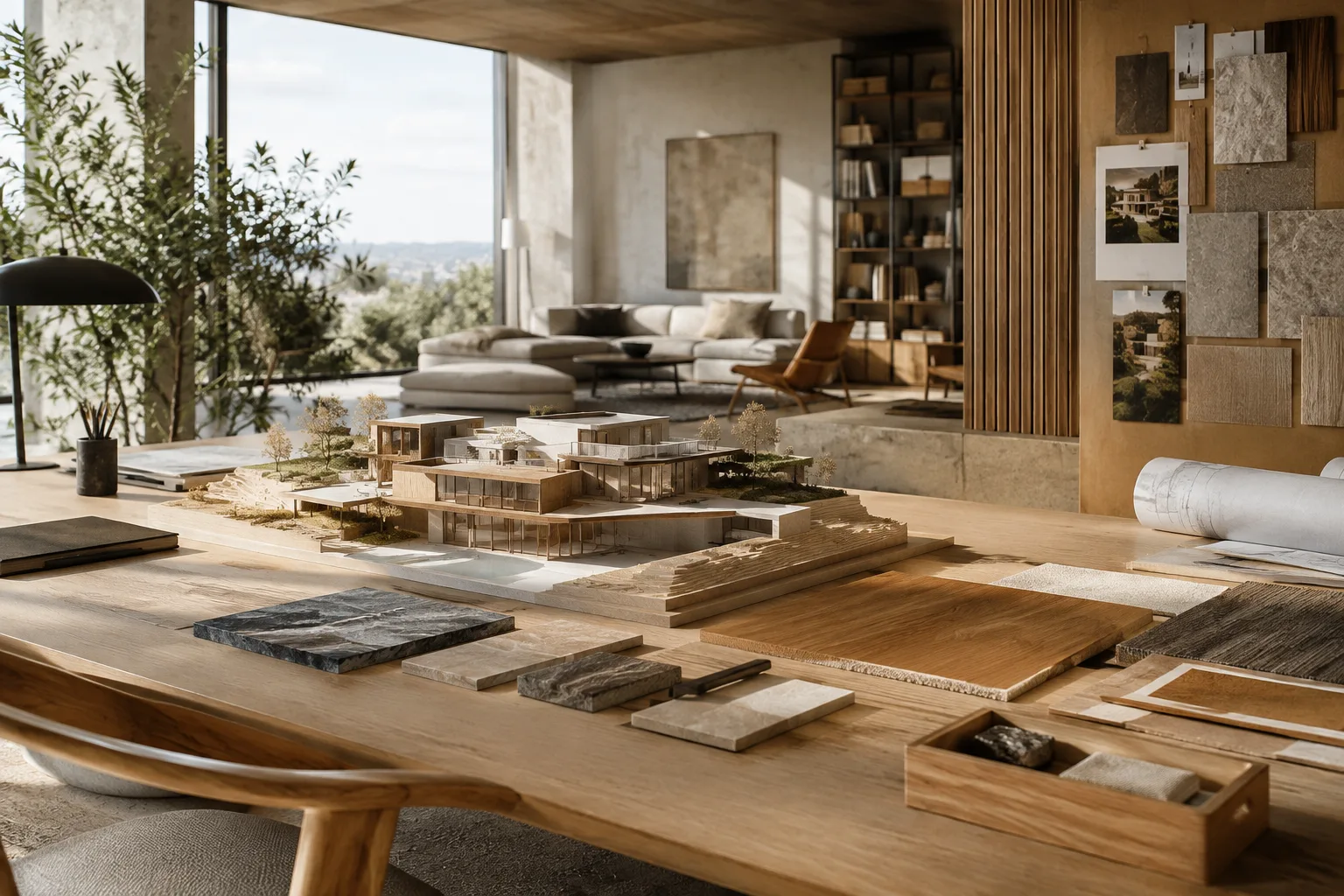
Datasmith Reimport Guide: Unreal Engine Scenes
Datasmith can transfer changes from a source scene to Unreal Engine as a complete scene or as individual assets. Because some edits may be overwritten during reimport, decide in advance which method to use and which assets to preserve.
 AI image
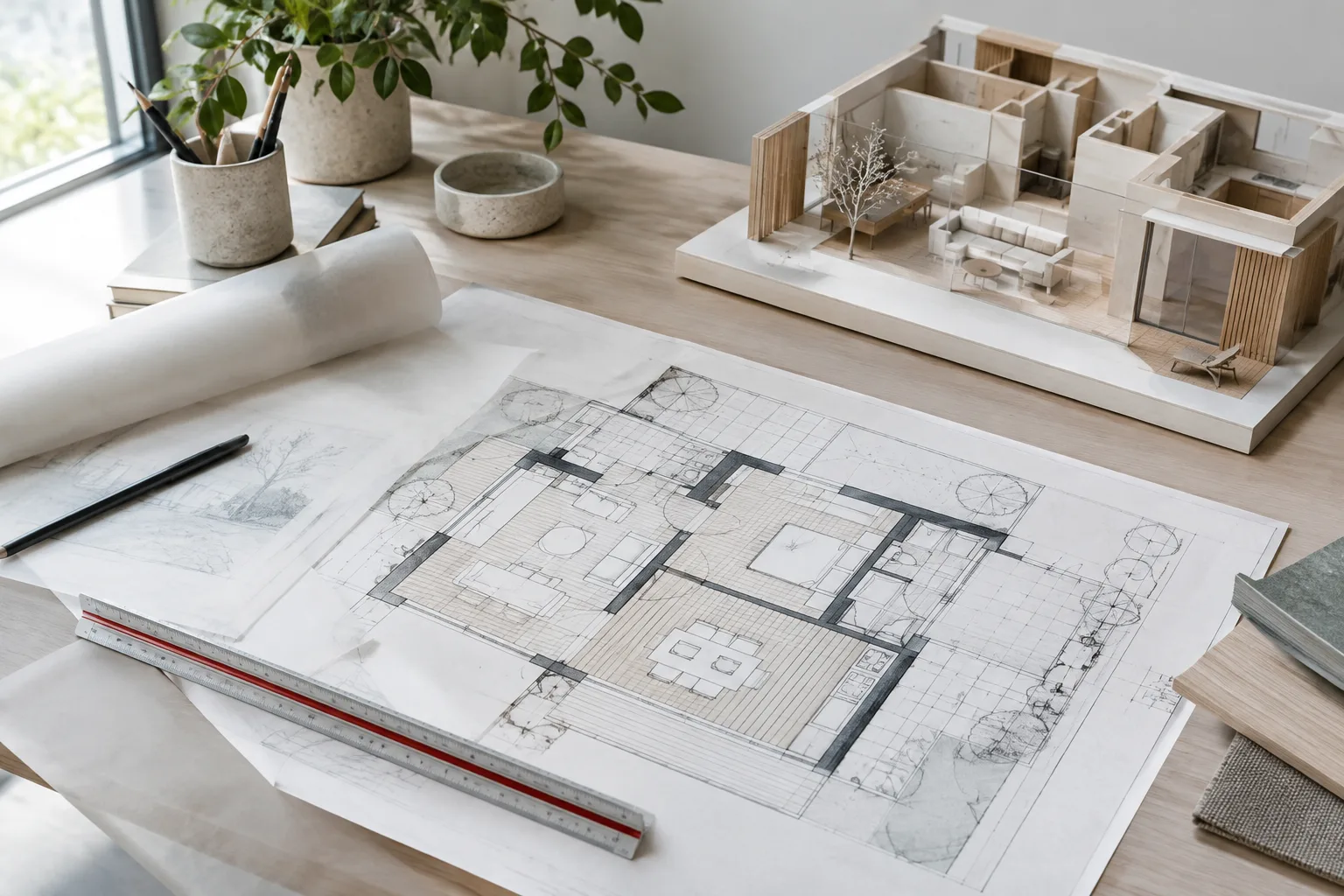
How to Scale and Edit Hatch Patterns Correctly in Rhino 8
Rhino 8’s Hatch and HatchScale tools let you create hatches inside closed curves and adjust pattern position and rotation. This guide explains scaling behavior in model and detail views.
 AI image
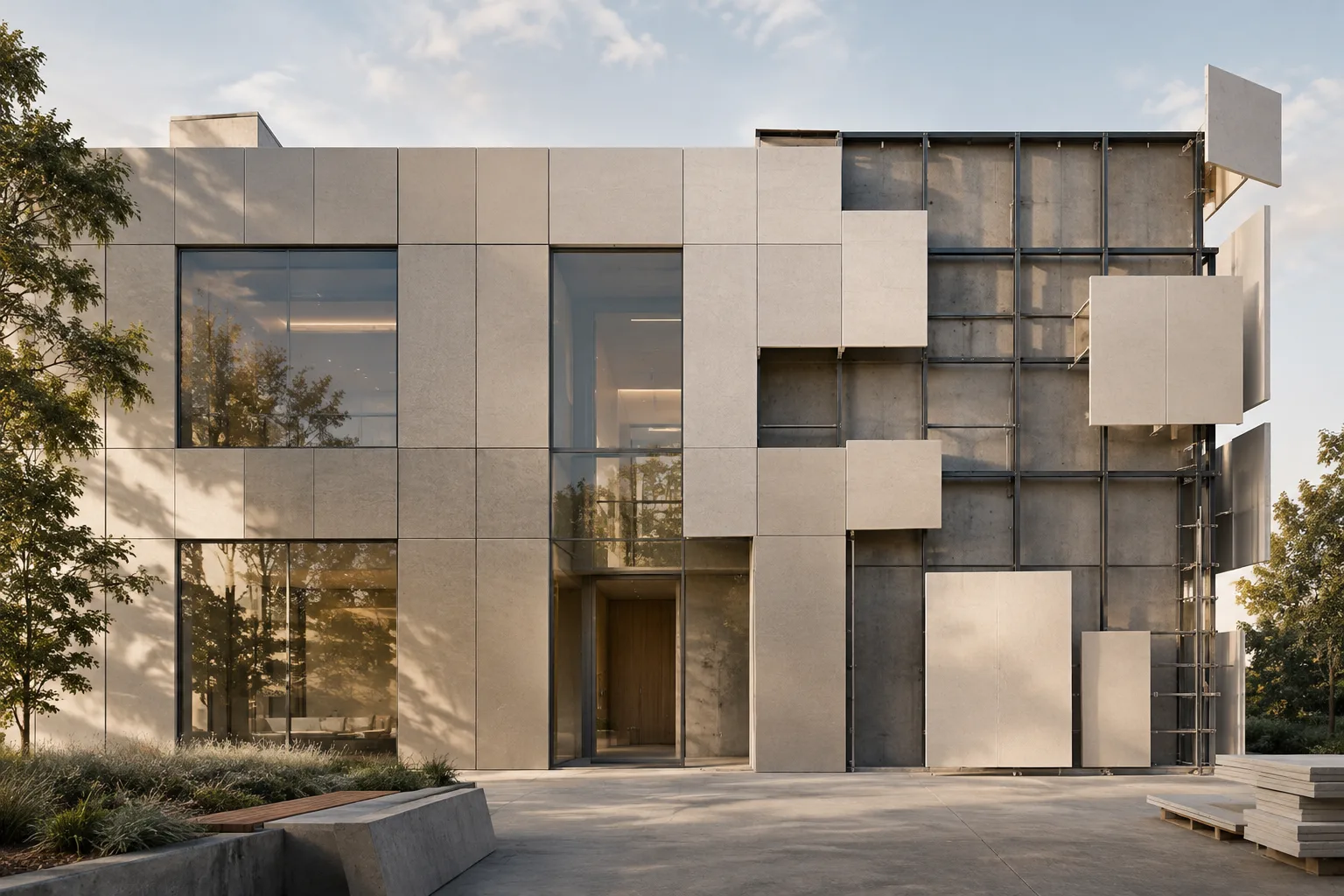
Blender Build Modifier: A Guide to Progressive Reveal in Architectural Animation
Blender’s Build Modifier reveals or hides a mesh’s faces in sequence over time. This guide explains the Start Frame, Length, reverse direction, and random order settings in an architectural animation workflow.
 AI image
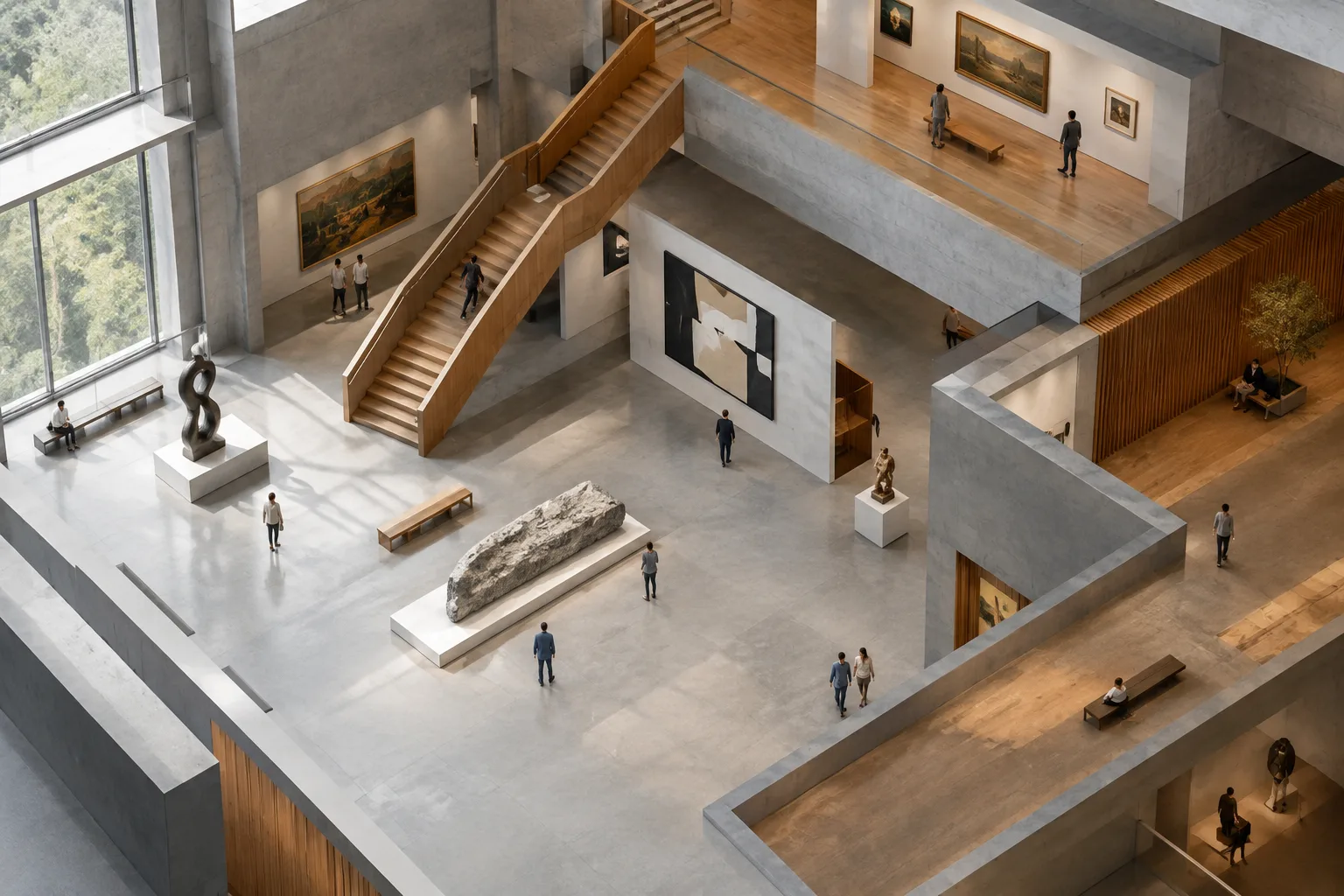
Orthographic Cameras in Unreal Engine: A Guide to Architectural Views
Orthographic cameras in Unreal Engine can create architectural views without perspective. This guide explains camera setup, framing and clipping plane adjustments, viewport navigation, and version limitations.
 AI image
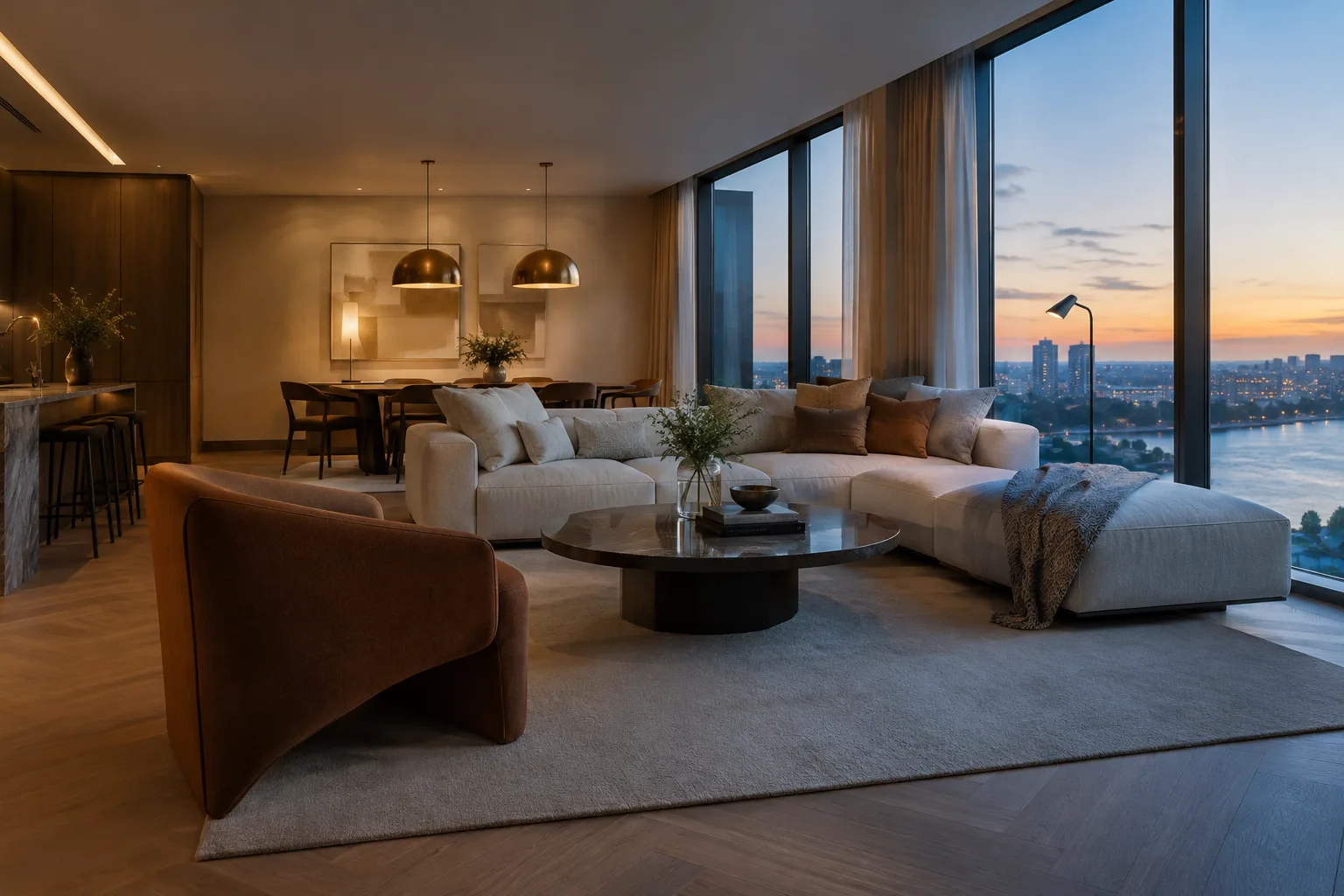
V-Ray Light Mix Guide: Adjusting Light and Color After Rendering
V-Ray Light Mix lets you adjust the color and intensity of lights from the V-Ray Frame Buffer after rendering. Here’s a guide to setup in Blender and Cinema 4D, along with key considerations.
 AI image
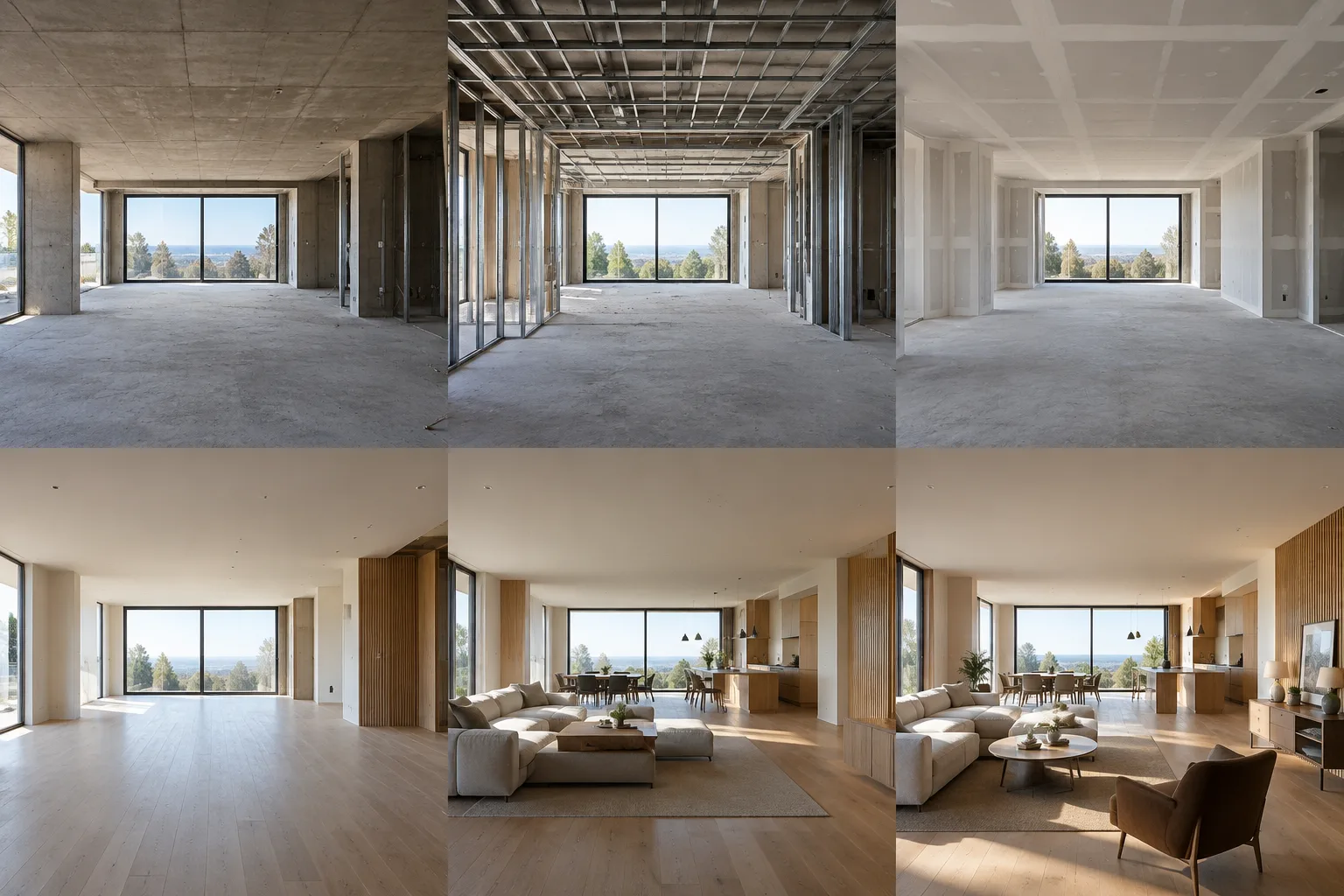
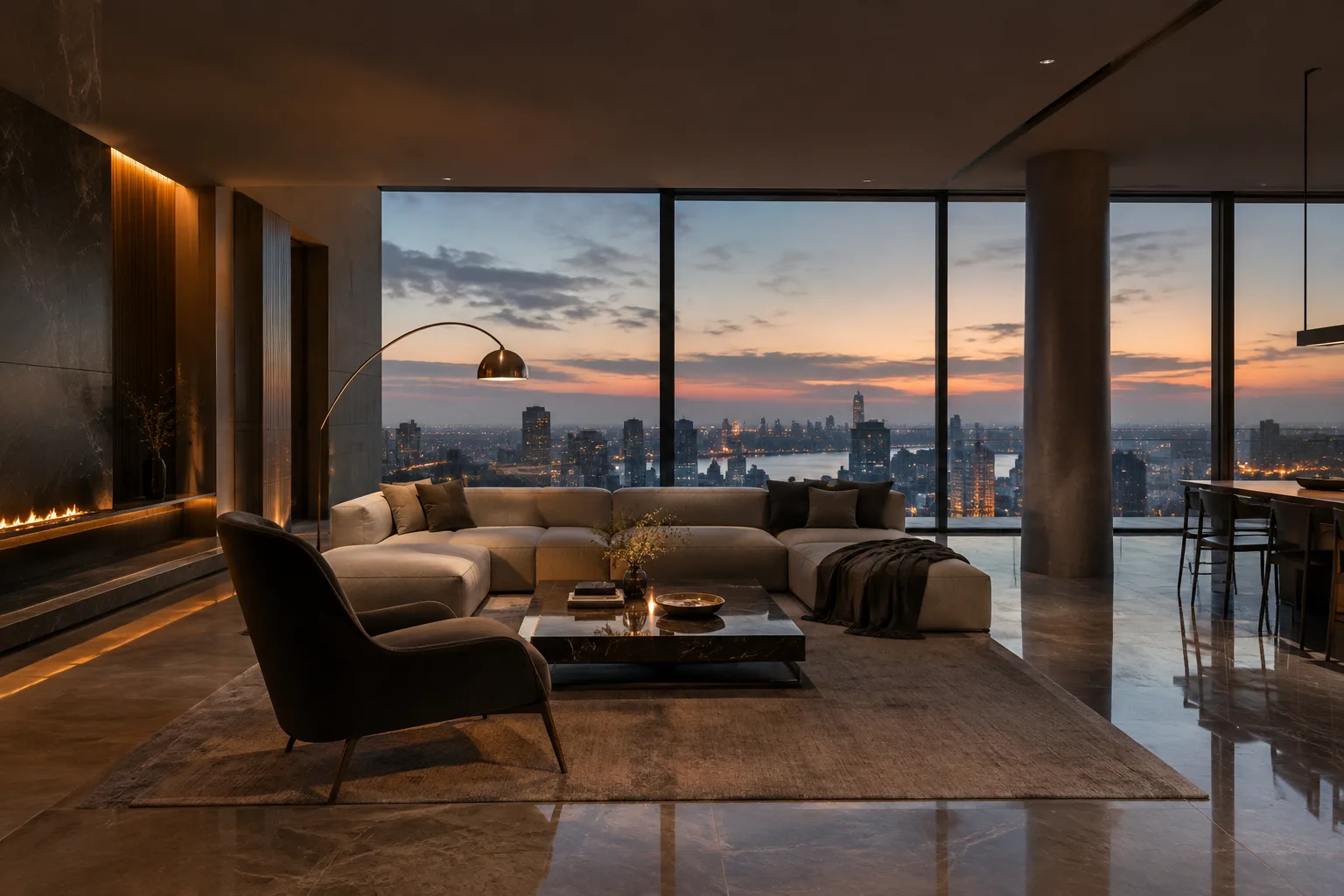
How to Present Construction Phases and Interior Options in Twinmotion
Twinmotion’s Phasing and View sets tools help show construction progress or different lighting and object arrangements in the same scene. This guide explains how to use them with video and ambience settings.
 AI image
Blender EEVEE Ray Tracing Settings: An Interior Rendering Guide
Ray tracing in Blender EEVEE improves the accuracy of indirect lighting, while resolution, method and denoising choices help balance performance and image quality. This guide explains how the settings affect interior scenes.
 AI image
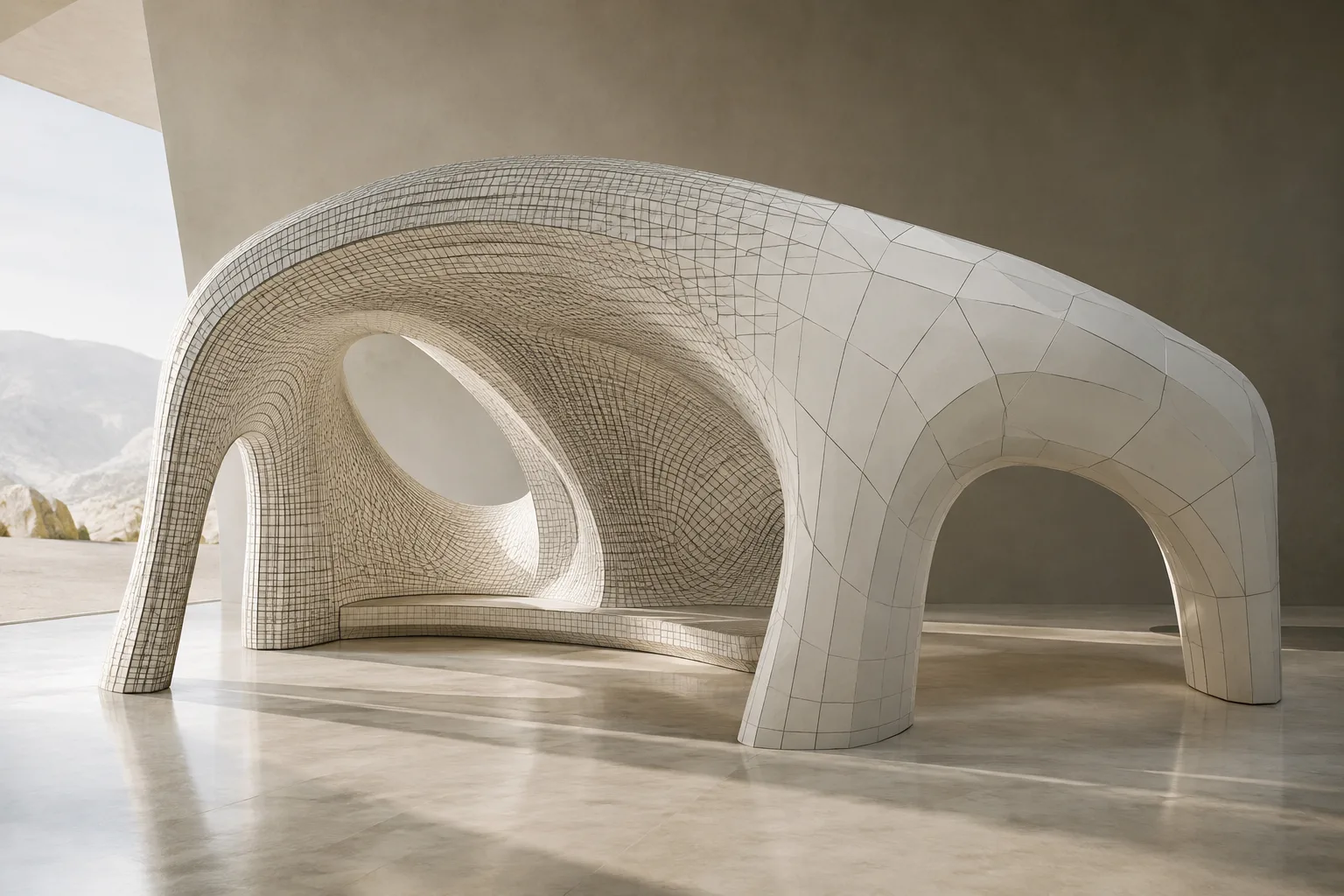
Runtime Virtual Texturing in Unreal Engine: Setup Guide for Architectural Scenes
Runtime Virtual Texturing in Unreal Engine generates texture data on the GPU at runtime and caches shading data across large surfaces. This guide explains the RVT setup steps for architectural scenes and what to consider when making choices.
 AI image
A Guide to Simplifying Scene Geometry with Decimate and Clean Up in Blender
Blender’s Decimate and Clean Up tools help reduce face counts in complex meshes and organize messy geometry. This guide explains their options and differences in architectural modeling workflows.
 AI image
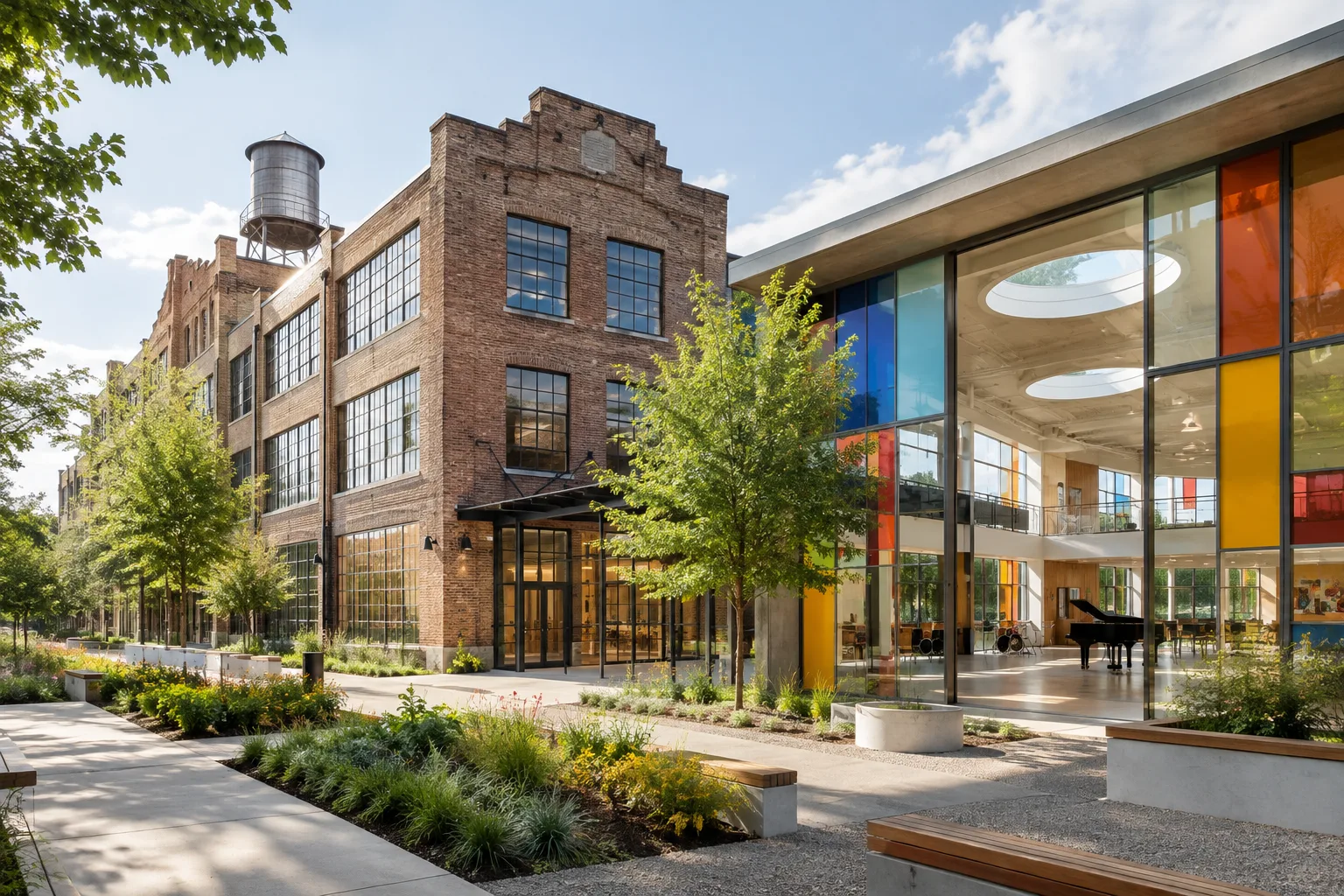
OMA’s FLAMA school repurposes a 1930s factory in Houston
OMA is transforming the 1930s J.A. Folger & Co. coffee factory in Houston into a tuition-free public school. Under construction, FLAMA features music-themed spaces and shared learning areas.
 AI image
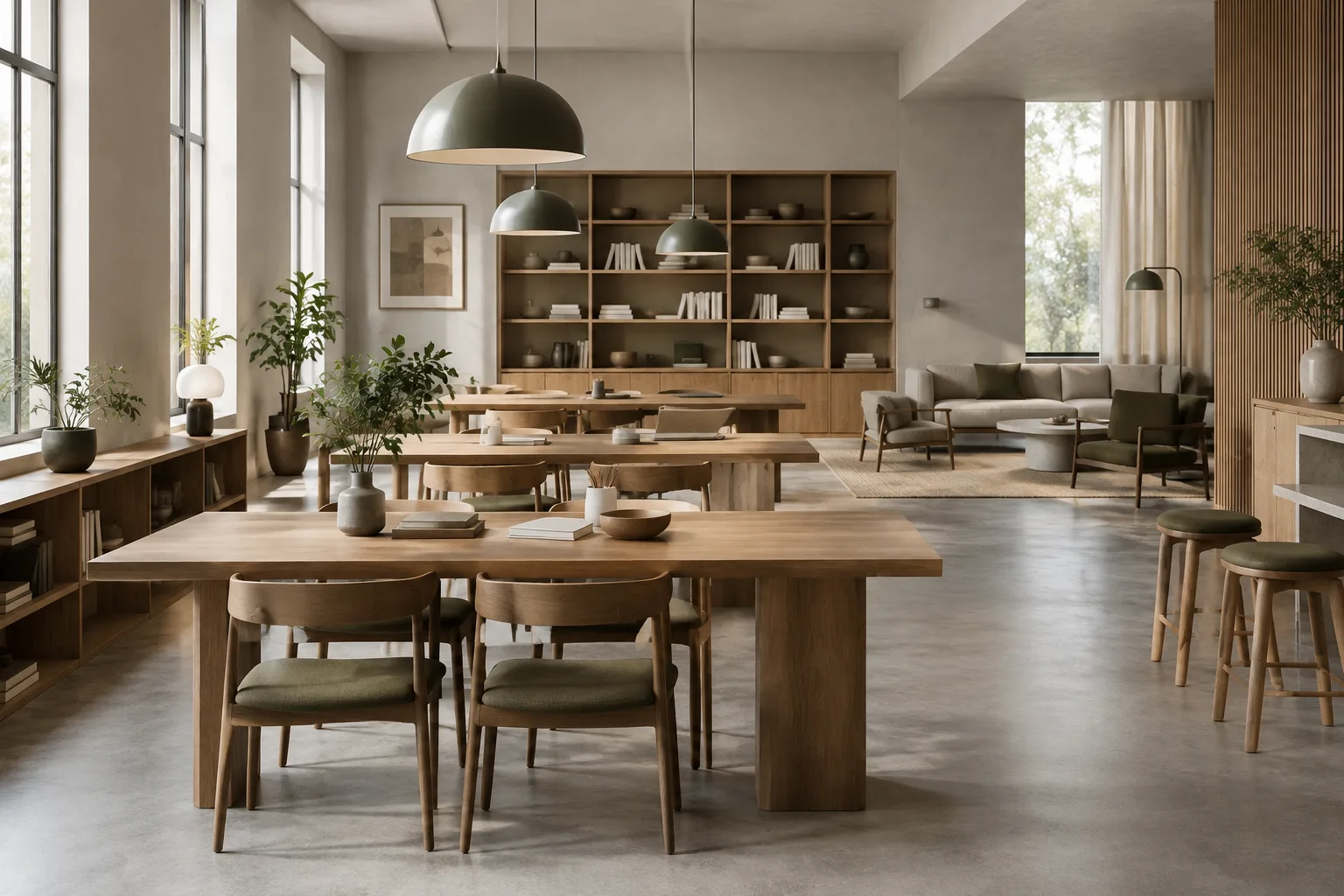
Blender Link, Append and Library Overrides: An Asset Library Guide
Blender’s Link and Append tools offer different ways to bring assets from other .blend files into a scene. Library Overrides help edit selected data while preserving the link to the source.
 AI image
A Guide to Smart Material Creation with Corona Distance Map and Triplanar
Corona Distance Map creates color and texture transitions based on the distance between objects, while Triplanar Map projects textures without UVW unwrapping. This guide covers how to use the settings and their limitations in visualization workflows.
 AI image
Blender Camera Settings: A Practical Guide to Architectural Visualization
Blender’s official documentation explains core techniques for choosing perspective or orthographic cameras, using lens shift and depth of field, and working with render regions in architectural scenes. This guide covers the settings in the context of a practical workflow.
 AI image
A Guide to Creating Repeating Architectural Elements with Blender’s Array and Curve Modifiers
The Array and Curve modifier options described in Blender’s current manual let you arrange repeated geometry along a line, circle, or curve, and deform meshes to follow a curve.
 AI image
Architectural Modeling in SketchUp: Sections, Precise Moves, and Scaling
SketchUp’s official documentation, updated on 29 September 2026, explains how to create sections, move objects precisely, create profiles with Follow Me, and scale geometry. This guide covers how to use these tools in architectural modeling workflows.
 AI image
Unreal Engine Movie Render Queue Guide: Step-by-Step Setup for Architectural Rendering
Unreal Engine’s Movie Render Queue and Movie Render Graph tools let you export sequences as high-quality images and videos. This guide explains how to create a queue, configure output and alpha settings, and choose rendering options.
 AI image
Blender Cycles Interior Rendering Guide: Balancing Noise and Render Time
Blender’s latest online manual explains how to balance noise and render time in Cycles using sampling, denoising and light path settings. This guide brings together essential settings for interior scenes.