In brief
- UnrollSrf flattens developable surfaces with curvature in one direction.
- Squish creates a 2D pattern from double-curved surfaces, with deformation estimates.
- Smash produces an approximate 2D flattening of double-curved surfaces; the result is not exact.
- McNeel cautions that Squish alone may not be sufficient when production costs or timelines are critical.
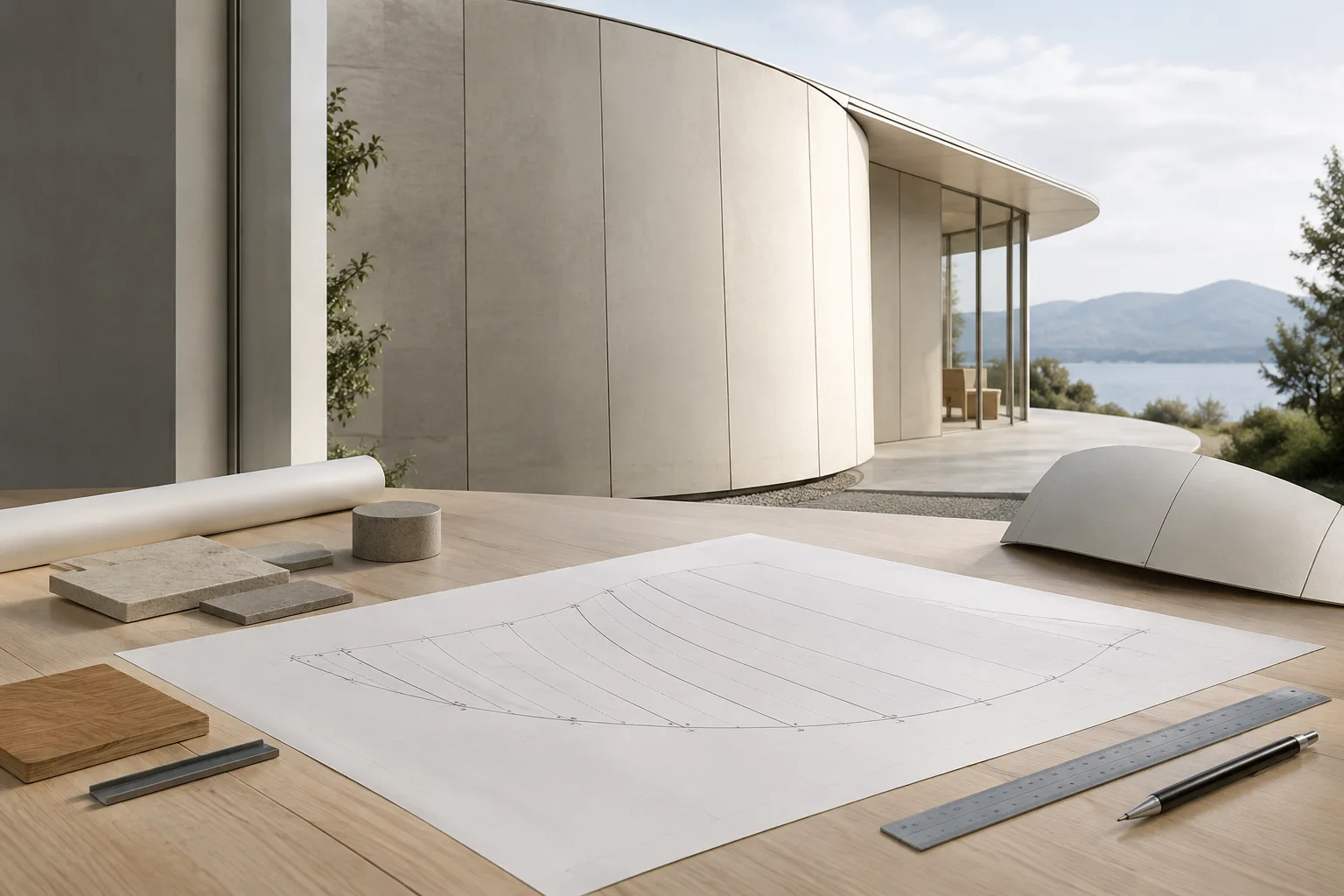
The command to use when converting a surface into a 2D pattern in Rhino 8 depends on whether the geometry is developable and how the material behaves. Rhino 8 documentation from McNeel describes UnrollSrf as an option for surfaces curved in one direction, and Squish and Smash as options for double-curved surfaces. The steps below help you assess the surface, choose the right command and evaluate the output.
1. Check whether the surface is developable
A surface is developable if a flat sheet of material can be shaped without stretching, tearing or wrinkling. Cylinders and cones are examples. Surfaces curved in two directions, such as spheres and tori, cannot be flattened accurately without taking the material’s properties into account.
Rhino documentation notes that Gaussian curvature analysis can identify double-curved, non-developable regions. The Curvature command can also help you inspect curvature as you move the cursor over a surface: developable surfaces show one arc of curvature and a straight line, while double-curved surfaces show two arcs.
This assessment helps you start with the right command. Before proceeding, check whether the surface is geometrically developable—especially when the dimensions and shape of the flat pattern matter.
2. Flatten developable surfaces with UnrollSrf
UnrollSrf flattens a surface or polysurface curved in one direction. In Rhino 8, the menu path is Surface › Surface Flattening › Unroll Developable Surface. You can also start the command by typing UnrollSrf.
Use Gaussian curvature analysis to check for double-curved regions on the surface.
Run the
UnrollSrfcommand and select the surface or polysurface to flatten. Curves, text dots or points on the surface can also be selected.Choose whether polysurface pieces should remain separate or be rejoined along their original shared edges. With the Explode option, Yes keeps the pieces separate; No rejoins the surfaces.
Check the warning comparing the flattened surface’s area with the original surface. Rhino may display a warning when the difference between the two areas exceeds the specified percentage.
For UnrollSrf to work, the surface must be linear in one direction. Spheres, tori and surfaces curved in two directions cannot be accurately flattened with this command. Since Rhino may still attempt to flatten a non-developable surface, it is important to review the result and any area-difference warning.
If you have trouble unrolling a trimmed polysurface, McNeel recommends removing the trim curves, unrolling the surface and curves, then trimming the flattened surface again. This approach may help with issues caused by trimmed geometry.
3. Evaluate Squish and Smash for double curvature
Squish converts a 3D mesh or NURBS surface curved in two directions into a flat 2D pattern. The command displays compression areas as red and stretching areas as green point clouds. Text dots can mark points of greatest deformation. The report provides estimates of compression and expansion, along with area change.
Run the
Squishcommand or use the menu pathSurface › Surface Flattening › Squish Double-Curved Surface.Set the options with the production material and acceptable direction of deformation in mind.
Once the pattern is created, review the area change and compression and stretching estimates. These values are estimates, not a guarantee of production performance.
The Deformation options set a preference for stretching or compression. Free gives neither direction priority. StretchMostly favors expansion, while CompressMostly favors compression; StretchOnly does not allow compression, and CompressOnly does not allow expansion. CustomA, CustomB and CustomC let you use custom deformation parameters. These parameters default to 1 and can be set to a positive value. When the other parameters are equal, a higher value reduces the amount of the corresponding deformation.
| Setting | Recommended value | Effect |
|---|---|---|
| Deformation | Depending on the material and deformation preference | Sets a preference for stretching or compression. |
| Material | Rigid or Floppy, depending on the material used in production | Rigid aims to reduce stress when shaping a stiff material; Floppy aims to limit geometric distortion in flexible material. |
| SplitSeams | If needed for a closed surface | Allows the mesh to be split along the seam before flattening. |
| PreserveBoundary | If boundary lengths need to be preserved | Attempts to prevent distortion in boundary lengths. |
Smash generates an approximate 2D flattening of double-curved surfaces and does not require UnrollSrf’s condition of being linear in one direction. It can be used, in particular, for surfaces that are not excessively curved and will be made from a material that can stretch, such as rubber. However, the result will contain some error and should not be treated as an exact flattening. The command’s menu path is Surface › Surface Flattening › Smash Double-Curved Surface.
For developable surfaces, McNeel recommends using UnrollSrf instead of Squish, which it says does not produce good results for these surfaces. Squish is defined as an option for double-curved mesh or NURBS surfaces. Smash also provides an approximate flattening, so its output should not be considered an exact flat pattern.
4. Validate the pattern before sending it to production
For 2D patterns derived from architectural cladding, interior components or visualization models, geometric flattening and real material behavior should be assessed separately. UnrollSrf can be a starting point for developable surfaces, while Squish or Smash may be used for double-curved forms. However, a pattern derived from a double-curved form should not be assumed to be ready for fabrication as-is.
When flattening a dense mesh, Squish attempts to reduce changes to the area and edge lengths of the surface pieces. McNeel notes that the algorithm cannot adequately model factors such as material thickness and the actual properties of the material. For work where cutting or bending is expensive, or production is critical in terms of time or cost, use the Squish result only as an initial assessment; validate the pattern against the actual material and with fabrication expertise.
SquishBack can be used to transfer curves or points created on the flat 2D pattern back to the 3D surface. The command maps curves and points from the 2D pattern back onto the original Squish-applied shape:
SquishBackCommon mistakes
Expecting an exact flattening of a double-curved surface such as a sphere or torus with UnrollSrf.
Treating Squish’s deformation report as a definitive prediction of how the real material will behave in production.
Using Squish on developable surfaces; McNeel recommends UnrollSrf for these.
Overlooking the area-difference warning after running UnrollSrf.
Treating a 2D pattern as final for costly or time-critical production without checking the material and fabrication requirements.
These commands and options are described in the Rhino 8 documentation. For architecture and interior design teams, a practical workflow is to first check whether the surface is developable, then choose the appropriate command and validate any production pattern against the material’s real behavior.
Sources
3 sourcesSource texts are not republished; short quotes are marked, everything else is our own summary and commentary.
For architecture and visualization offices in Turkey, choosing a command based on the geometry can reduce unnecessary trial and error when moving from a 3D form to a 2D pattern. UnrollSrf for developable surfaces, and Squish or Smash for double-curved surfaces, help clarify which method to start with.
However, a flattened output alone should not be treated as production approval. The documentation explicitly notes that Squish models the material’s physical properties only to a limited extent. Work under cost or time pressure requires material and fabrication checks; area differences and deformation reports should not be overlooked in the workflow.
Frequently asked questions
How do you flatten a double-curved surface in Rhino?
In Rhino 8, Squish converts a double-curved mesh or NURBS surface into a flat 2D pattern. Smash also creates an approximate flattening of a double-curved surface, but the result is not exact.
What is the difference between UnrollSrf and Squish?
UnrollSrf flattens developable surfaces curved in one direction. Squish creates a 2D pattern from surfaces curved in two directions, with deformation estimates.
Does Rhino Squish produce an exact pattern for production?
No. McNeel cautions that Squish does not adequately model the real physical properties of a material, particularly the effect of thickness. For production-critical work, the result should be validated against the actual material and with fabrication expertise.