In brief
- Equirectangular projection can capture a 360° horizontal by 180° vertical view from the camera position.
- Central Cylindrical is an option for panoramas displayed on curved screens.
- Equiangular Cubemap Face aims to improve detail distribution across different areas of a spherical image.
- The Blender manual notes that Cycles and EEVEE offer panoramic camera types, though EEVEE has some limitations.
What will you learn in this guide?
When using a panoramic camera in Blender, the first decision is where and how the scene will be viewed. An environment map showing the full surroundings, a panorama for a curved screen, and an image prepared for a dome or VR may not produce the best results with the same projection. This guide distinguishes projection types by intended use, explains how the relevant settings affect the image, and lists checks to make for different output formats.
The Blender Manual states that Cycles and EEVEE support various panoramic camera types. However, EEVEE also has limitations for panoramic cameras, so you should consider the render engine alongside the target output. The manual’s “latest” page does not specify a Blender version number. Therefore, check that the options and behavior described here apply to the version you are using.
Requirements and preparation
You need Blender and a scene file to work with. The sources do not specify an account or subscription requirement for using a panoramic camera.
You can use Cycles or EEVEE as the render engine. Check EEVEE’s panoramic camera limitations separately.
Decide in advance how the output will be used: as an environment map, on a curved screen, for a dome display, or in VR.
Plan to start with short test renders. The sources do not specify hardware requirements or performance benchmarks, so it is not possible to recommend specific equipment.
The projection options described in the manual include Equirectangular, Central Cylindrical, Equiangular Cubemap Face, Fisheye, and Mirror Ball. Some types define the field of view using latitude and longitude, while others use values such as height and cylinder radius. The sources do not describe the menu path in the interface, so this guide does not specify particular buttons or panel locations.
Choose and configure a projection
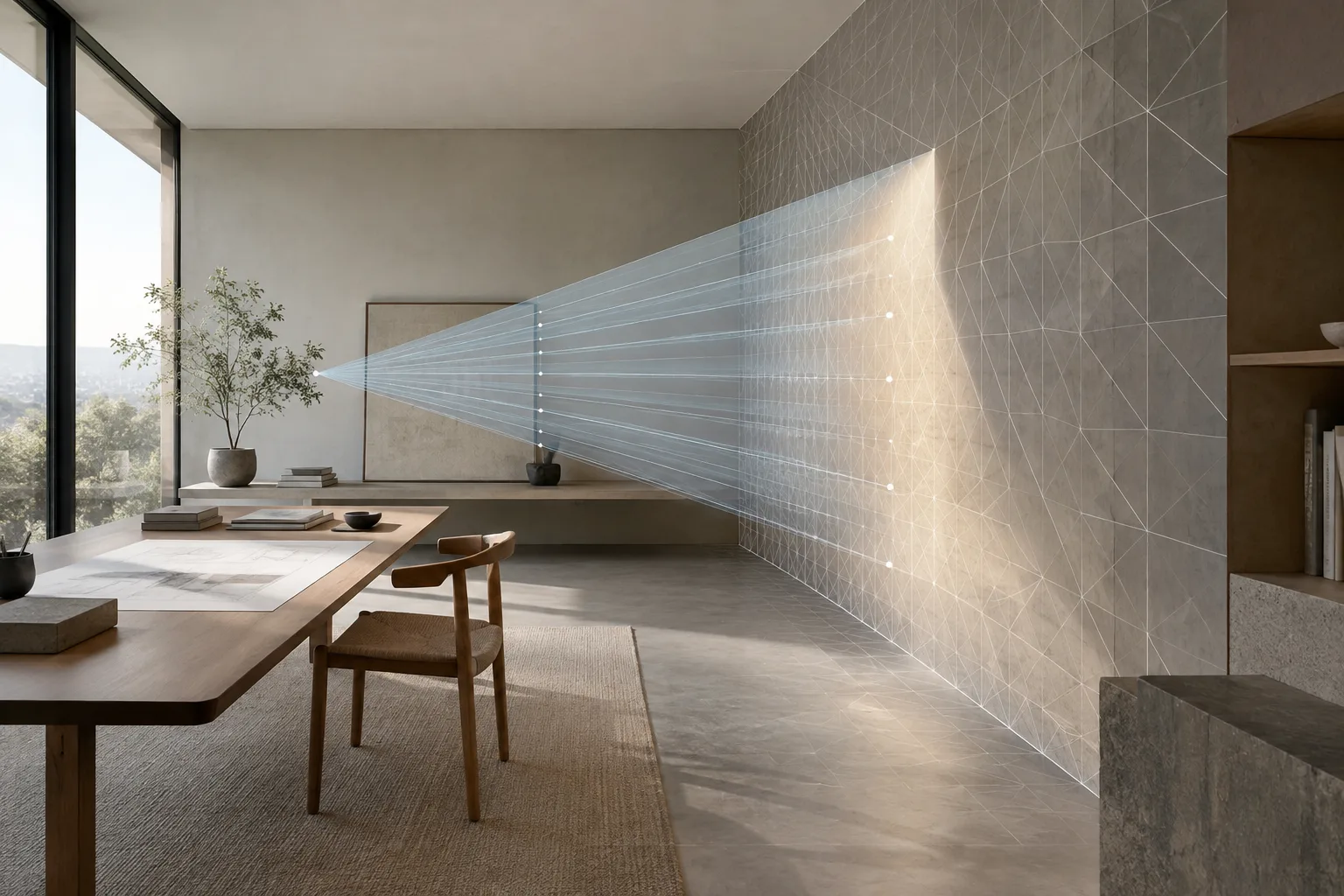
Decide how much of the surroundings the panorama should cover. Use Equirectangular to capture the entire environment from the camera position and match the result to an environment texture. This method covers 360° horizontally and 180° vertically. If you need only part of the image, you can narrow the horizontal and vertical fields of view using the latitude and longitude limits.
Compare the camera orientation with the environment mapping. For an orientation that matches the default environment texture mapping, the Blender manual gives the option of setting the camera rotation to (90, 0, -90), or pointing the camera along the positive X axis. This orientation is related to the view facing the center of the mapped image. Render a small test to make sure the main façade or focal point in your scene appears where you expect it.
Consider cylindrical projection for curved screens. Central Cylindrical projects the scene onto a virtual cylinder surrounding the camera, then turns that image into a flat panorama. According to the manual, this method can be used for panoramas displayed on curved screens. The vertical image range is limited by height values defined relative to the camera: negative values extend below it, and positive values above it. The horizontal field of view is set using “Longitude Min” and “Longitude Max.” The source gives the range from -180° to 180° as an example of a full horizontal panorama.
Consider cylinder height and radius together. The “Cylinder Radius” value, together with the height limits, determines the vertical field of view. In the example in the Blender manual, a radius of 1 and height limits of -1 and 1 produce a 90° vertical field of view. This projection cannot show the poles within a finite cylinder height. So if you need a spherical environment image that includes the poles, do not treat Central Cylindrical as interchangeable with Equirectangular.
Compare projections for work requiring a spherical image, such as VR. Equiangular Cubemap Face aims to distribute detail across different areas of a spherical image at a more consistent visual resolution. Areas near the poles in Equirectangular and the edges of cubemap faces present different challenges in terms of detail loss. Identify which areas of the spherical image are critical, then test this option against other projections. One limitation is that it does not allow you to set latitude and longitude ranges as Equirectangular does.
Choose a Fisheye type for the intended use. Fisheye projections create strong wide-angle distortion and can be used for dome displays or visual effects. Fisheye Equisolid takes sensor dimensions into account in addition to focal length and field of view. Fisheye Equidistant does not correspond to a real lens model and does not use sensor information; its circular image can be used for full-dome projections. The manual also describes Fisheye Lens Polynomial, defined by a fourth-degree polynomial, for matching a real-world camera.
Consider the other option for specific needs. Mirror Ball makes the scene look as though it were photographed in a reflective sphere. The Blender manual describes it as a method that may be useful in rare cases for comparison with a similar environment image.
Common misconceptions and checks
One misconception is that panoramic options simply save the same image in different formats. In fact, the projection type changes how the scene is mapped onto the image plane and how horizontal and vertical limits are interpreted. For example, cylindrical projection uses a height range for vertical coverage, while Equirectangular relates it to latitude limits. Start by identifying the intended use, then check which areas the image needs to cover.
Another consideration is that choosing a camera type alone may not be enough for VR or dome work. Review the output in its intended display format. Check details near the poles in an Equirectangular image, the upper and lower limits in a cylindrical output, and the effect of distortion on important parts of the scene in a fisheye image. If you use EEVEE, also take the panoramic camera limitations described in the Blender manual into account.
Using Fisheye options interchangeably can also produce different results. Equisolid takes sensor dimensions into account, while Equidistant does not and does not represent a real lens model. This distinction matters if you want to match a real camera. If you need a circular image for a dome, consider the documented use of the Equidistant option.
What changes in an architecture and visualization workflow?
Architects and visualization teams looking to show an interior with its surroundings can consider Equirectangular projection when preparing an environment image or 360° presentation. If the content is intended for a curved screen, test the image geometry and vertical limits of Central Cylindrical. Fisheye options may be relevant for domes, while Equiangular Cubemap Face may be suitable for spherical VR images. Since delivery requirements vary by project, validate camera settings with short tests rather than applying settings from one scene directly to another.
Noting the projection type, render engine, and field-of-view values used when handing off files can make it easier for the team to reproduce the same output. If you are working with EEVEE, check the behavior and relevant limitations in the Blender version you use. The sources do not provide pricing, specific hardware requirements, or render times, so no definitive conclusions can be drawn about project budgets or performance.
Stereoscopic panoramas are a separate topic. A 2015 Blender developer blog post describes an approach to creating equirectangular stereoscopic panoramas using the multiview work available at the time. The post does not show that the same workflow remains valid in current Blender versions. If you need this type of output, check the current Blender documentation and target viewing device separately.
Next steps
Render low-resolution tests from the same scene to compare projections. First check the camera orientation and environment coverage, then review the upper and lower limits and how detail is distributed. Inspect the output in the display environment where it will be used. Before creating the final render, verify EEVEE limitations and compatibility with your Blender version.
Source and license
This guide was adapted into Turkish from the panoramic camera descriptions on the “Cameras” page of the CC BY-SA 4.0-licensed Blender Manual. The Blender developer blog post “Spherical Stereoscopic Panoramas” was used to provide historical context for the 2015 stereoscopic panorama approach.
Sources
2 sourcesSource texts are not republished; short quotes are marked, everything else is our own summary and commentary.
The practical value of panoramic camera options depends on deciding from the outset where the image will be displayed. Offices and visualization teams looking to show an interior and its surroundings, prepare a panorama for a curved screen, or create a spherical VR output can compare projections using short tests to spot framing and mapping issues early.
The sources provide no basis for recommending additional software costs or hardware investment for offices and students in Turkey. A more cautious approach is to test with the existing scene and render engine first, then check version compatibility and EEVEE limitations. If a stereoscopic panorama is required, the 2015 post should not be treated as an up-to-date usage guide.
Frequently asked questions
Which projection should I use for a 360-degree panorama in Blender?
Equirectangular projection can create a 360° horizontal by 180° vertical view from the camera position. The Blender manual notes that this method is compatible with environment textures.
Can Blender’s panoramic camera be used in EEVEE?
The Blender Manual states that Cycles and EEVEE support various panoramic camera types. EEVEE has some limitations, so check the relevant manual separately.
Which panorama type can I consider for VR in Blender?
Equiangular Cubemap Face is one option designed to improve detail distribution in a spherical image. The Blender manual notes that this type is suitable for VR use cases.