In brief
- FLUX.2 prompts should begin with the main subject and its most important visual characteristics.
- Prompt length can vary to suit the task, from rapid idea exploration to detailed scene descriptions.
- Hex codes tied to specific objects can be used to control color.
- JSON prompting is supported for complex scenes and repeatable workflows.
What will you learn in this guide?
This guide explains how to structure prompts when generating architectural and interior images with FLUX.2. Rather than describing a scene simply as “a modern house,” you’ll learn to specify the main subject, elements in the scene, visual approach, lighting, colors, and framing. You’ll also see how short prompts can help take the same design idea in different visual directions, and how to build more detailed scenes using JSON.
This is not a chain of commands in drawing or modeling software; it’s an approach to structuring the text description given to an image-generation tool. The more clearly a prompt communicates design decisions, the more variables you can consciously guide in the result. However, you shouldn’t assume that a specific architectural dimension or technical specification will be preserved perfectly: the source guides cover prompt writing, not technical validation or project-delivery guarantees.
Requirements: version, access, and preparation
The official FLUX.2 page lists [max], [pro], [flex], and [klein]. The guide describes [max] as offering the highest quality and the ability to generate using up-to-date information via web search. The documents referenced here don’t detail which options are available or their access requirements. A live playground is also shown in the source; the example requests use an API key for those who want to work through the API. Since these sources don’t provide pricing or account requirements, check those details in advance.
Before you start, decide what the scene is for: concept exploration, material palette testing, or visualizing a particular atmosphere? Then note the three or four features that are essential. For example, “stone wall,” “central courtyard,” “morning light,” and “eye-level framing” may be enough to get started. When comparing prompts, update one or two features at a time rather than changing many decisions at once.
Step-by-step prompt writing
1. Put the main subject first
The FLUX.2 prompting guide says word order matters, with elements mentioned first receiving more weight. So start with the main space, then describe its key activity or use case, followed by the visual approach and environmental conditions. In an architectural scene, a basic description such as “courtyard house” should come before decorative details.
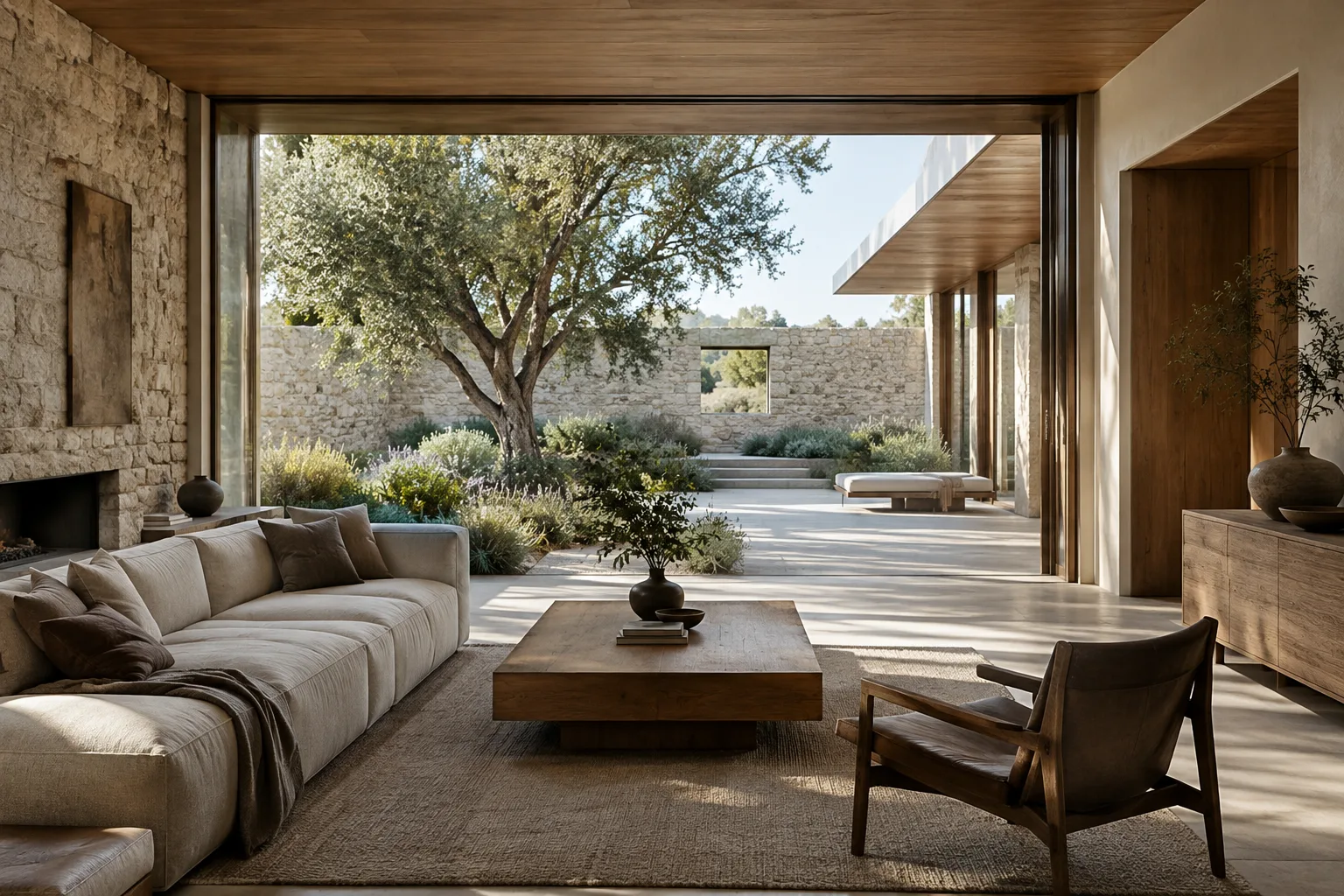
A contemporary courtyard house, a living area with large windows opening onto the courtyard, calm and natural architectural photography aesthetic, morning light, light-colored stone and wood surfaces, wide eye-level framing.This first attempt brings together the main idea and atmosphere in a single natural-language prompt. If the result is too generic, clarify the defining feature of the space first; don’t dilute the focus by adding lots of small accessories at the beginning.
2. Adjust prompt length to the scene
Not every idea needs the same level of detail. A few basic phrases may be enough to quickly explore an atmosphere or formal direction; for many image tests, a fuller description that covers the scene, style, and context is useful. You can expand the prompt when you need to describe relationships between multiple elements or details of a particular environment. Treat the ranges given in the guide as starting points, not requirements: what matters is communicating the information the scene needs clearly, without distracting with irrelevant details.
A minimalist library interior, a long wooden table at the center, soft daylight from above, light plaster walls, a quiet and serene atmosphere, architectural photography approach.This short prompt is intended for quickly exploring a single interior idea. It specifies the library layout, furniture, and atmosphere together; in subsequent attempts, change just one element, such as the lighting or surfaces, to compare visual directions.
3. Make lighting, materials, and framing specific
Instead of broad phrases like “beautiful lighting” or “realistic look,” describe the direction of the light, time of day, surfaces, and camera viewpoint. The official guide explains that a photorealistic approach can use specific visual descriptions such as camera, lens, and photographic technique. This doesn’t mean camera information is a tool for architectural measurement; its purpose here is to describe the visual language.
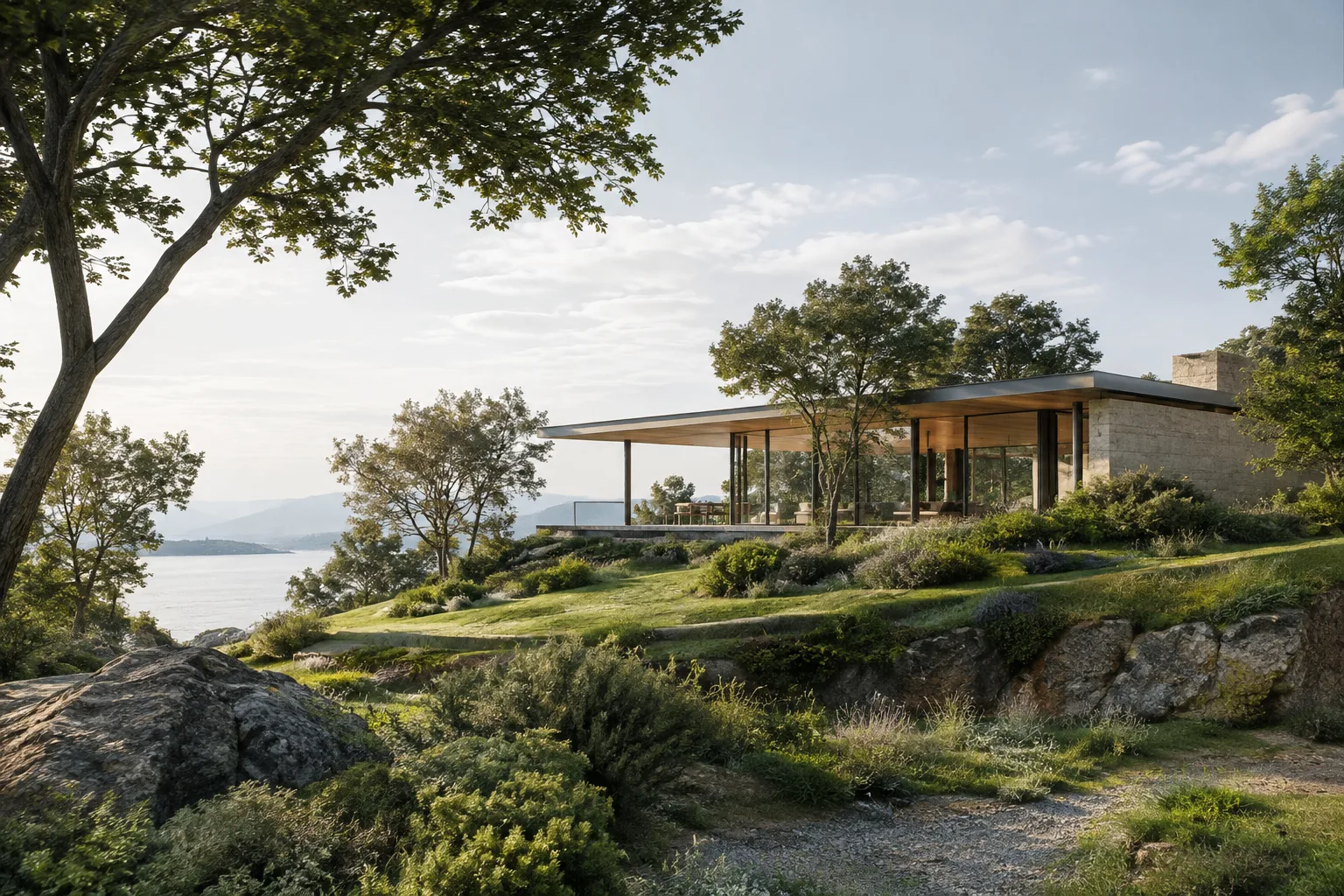
A small coastal art gallery, slender concrete columns and a light natural stone facade, eye-level framing from inside the gallery looking toward the sea, soft natural light coming from the side in the afternoon, modern architectural photography aesthetic, textured surfaces and a calm color palette.The subject comes first in this example, followed by materials, view direction, lighting, and aesthetic approach. If the scene isn’t clear enough, describe exactly what’s missing rather than adding a vague phrase like “better.”
4. Assign hex codes to specific objects
The FLUX.2 guide recommends specifying color codes with terms such as “color” or “hex” and clearly associating each code with the relevant object. Instead of listing colors on their own, place them alongside elements such as a wall, sofa, or facade. According to the guide, color codes that aren’t tied to a specific object can produce inconsistent results.
An architectural interior image of a contemporary living room; walls in #C4725A, sofa in #1B6B6F, accent accessories in #E8A847. Bright natural light, simple furniture, a close yet spacious frame that shows material textures, a balanced and warm atmosphere.Color codes help communicate design intent; don’t treat the result as color approval or a production sample for a project. Especially when assigning many colors at once, make it clear in the text which element each code refers to.
5. Try JSON for complex scenes
You can use JSON prompts when you want to track multiple decisions about subjects, positions, lighting, and framing separately. The source guide considers this approach suitable for production workflows, automation, and complex scenes, while noting that natural language may be enough for simple, rapid idea exploration. The example below is an original structured prompt for an architectural interior.
{
  "scene": "The living room of a peaceful home, with a wide opening onto the terrace",
  "subjects": [
    {
      "description": "A light wood dining table and simple chairs",
      "position": "in the central part of the living room",
      "action": "part of a tidy interior filled with daylight"
    },
    {
      "description": "A wall with a natural stone texture",
      "position": "in the background"
    }
  ],
  "style": "photorealistic architectural photography",
  "color_palette": ["#D8CDBB", "#8A674C", "#64746B"],
  "lighting": "soft morning light coming through the terrace opening",
  "mood": "calm and natural",
  "composition": "wide eye-level framing from the living room toward the terrace",
  "camera": {
    "angle": "eye level",
    "lens": "wide angle",
    "depth_of_field": "balanced sharpness throughout the space"
  }
}
Use JSON fields to organize the decisions you need to describe. The basic schema in the guide illustrates fields such as scene, subjects, style, color palette, lighting, mood, background, composition, and camera. The content here is an example written for architectural work; there’s no guarantee that the fields will be preserved exactly in the result.
Common mistakes
Leaving important information until the end: Put the main subject first, followed by secondary details.
Relying on vague adjectives: Instead of “more luxurious,” describe the materials, lighting, or composition.
Leaving color codes unattached: Associate every hex code with a specific object.
Changing everything in one attempt: Results may be difficult to compare. Update one or two decisions at a time.
Adding negative prompts: According to the guide, FLUX.2 doesn’t support negative prompts. Rather than listing unwanted features, clearly describe the features you want in the scene.
Next steps
For an interior or building concept, prepare three prompts while keeping the main subject the same: a short concept prompt, a medium-length prompt that emphasizes materials and lighting, and a JSON prompt that organizes elements into fields. When evaluating results, look not only at aesthetics but also at how well the key design decisions are represented. If an element looks wrong, make it clearer and mention it earlier in the prompt, then try again.
Architecture and interior design teams can use this approach especially for exploring atmosphere, material palettes, and visual direction. However, generated images shouldn’t replace dimensioned drawings, technical specifications, or feasibility checks. Saving the prompt text when sharing visual decisions with the team makes it easier to track which descriptions produced which results. The source includes an example request flow and API key usage for those considering API automation; check current API parameters and access requirements separately before implementation.
Sources and licensing
This guide was adapted into Turkish based on Black Forest Labs’ FLUX.2 prompt-writing guide and FLUX.2 text-to-image documentation. Both sources are identified as “license=free” in the supplied source information; however, the texts don’t specify a particular open license. For that reason, the example prompts weren’t copied directly from the sources but were written specifically for architectural and interior use.
Sources
2 sourcesSource texts are not republished; short quotes are marked, everything else is our own summary and commentary.
The most useful approach in FLUX.2’s prompting guide is breaking a design idea into small, trackable decisions. Offices and students in Turkey can use this especially to discuss atmosphere, lighting, and material options quickly; it’s important not to present generated images as technical drawings or implementation verification.
Before adding it to a workflow, check access requirements and costs; the provided sources don’t explain pricing. Although API key usage is shown for the API, these documents don’t specify hardware requirements. It’s therefore sensible not to make this a team standard until licensing, account access, and the suitability of processing images for project confidentiality have been clarified.
Frequently asked questions
How do you write a FLUX.2 prompt?
State the main subject first, then add important actions or spatial features, the visual approach, and environmental conditions. The guide recommends prioritizing important elements.
Can you use negative prompts in FLUX.2?
According to the prompting guide, FLUX.2 doesn’t support negative prompts. Instead, describe the visual features you want directly.
Can you use color codes and JSON prompts in FLUX.2?
Yes. The guide explains how to associate hex color codes with specific objects and how to write JSON prompts for complex scenes.