In brief
- SimReady Central brings together more than 2,000 OpenUSD assets on Hugging Face.
- The library includes robot arms, grippers, warehouse equipment, shelving and cooling infrastructure.
- SimReady profiles define requirements such as collision geometry, physical properties, joint structures and semantic labels.
- NVIDIA says the assets can be added to scenes for robotics scenarios and digital twins of AI factories.
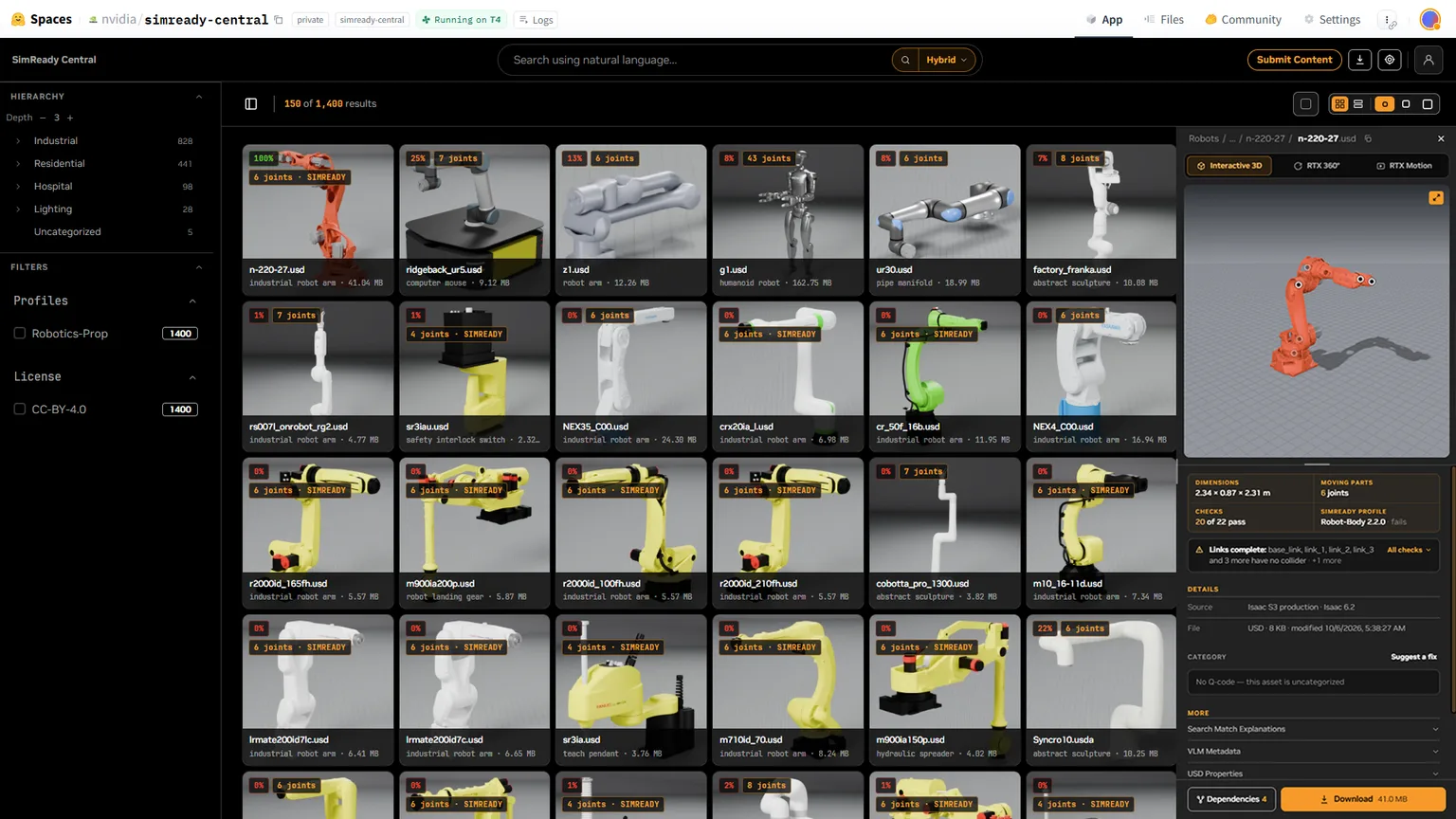
On October 21, 2026, NVIDIA announced SimReady Central, an open library on Hugging Face. It offers more than 2,000 simulation-ready OpenUSD assets for free and with no access restrictions, for robotics simulations and digital twins of AI factories. Examples include robot arms and grippers, as well as warehouse equipment, shelving and cooling infrastructure.
What makes an asset simulation-ready?
SimReady assets are more than 3D geometry: they are prepared with additional properties for use in simulation workflows. For example, a robot’s object-picking scenario may rely on information about mass, collision geometry and friction. Equipment in an AI factory may also use electrical or thermal data alongside geometry.
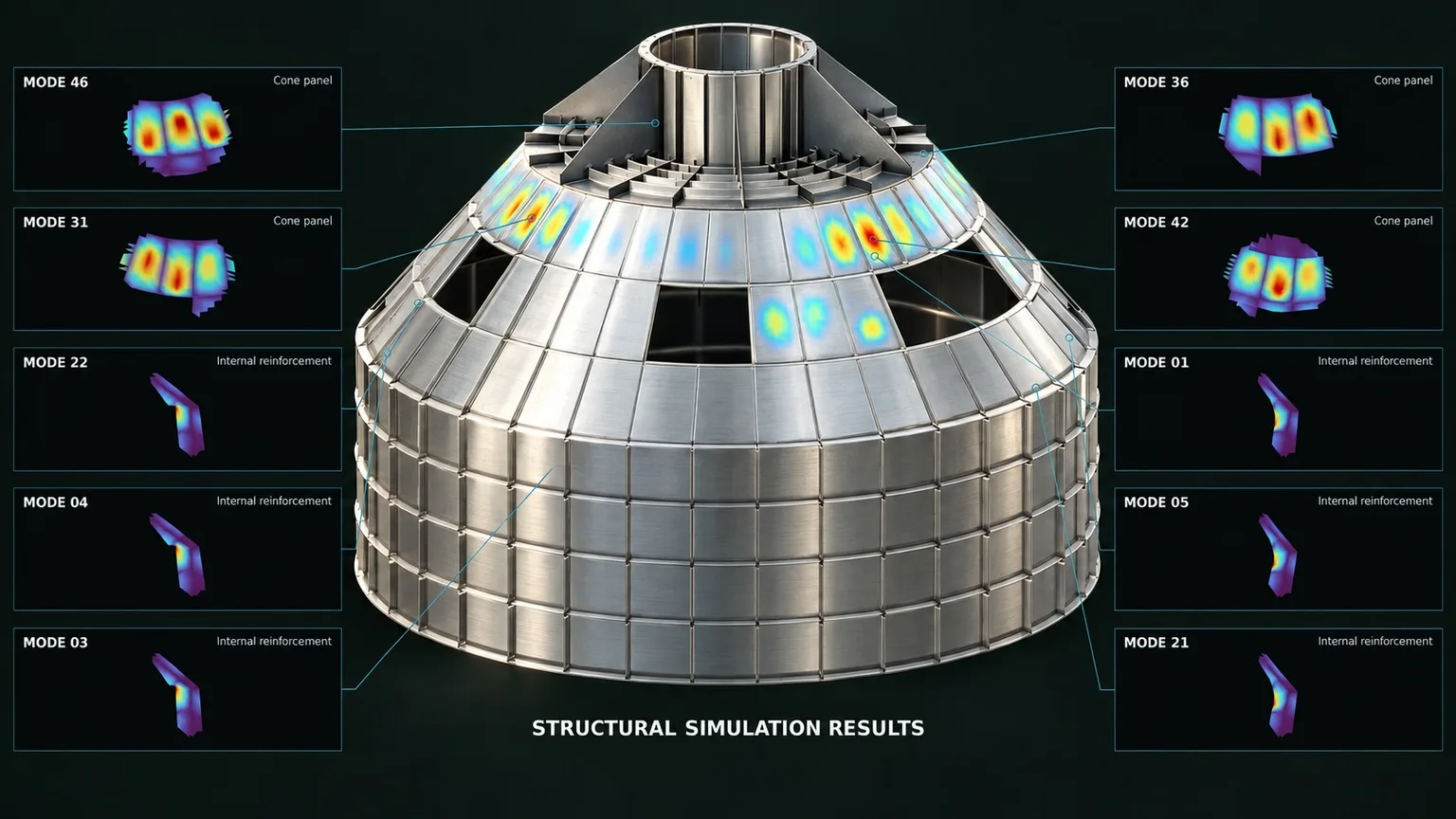
SimReady Foundation defines requirements for different use cases through profiles. Depending on the asset and profile, these can cover collision and physics properties; joint structures and limits for moving parts; semantic labels that help identify objects; and material and sensor information. These features help represent physical interactions and equipment movement in a simulation environment.
Use in robotics and factory layouts
One of NVIDIA’s example workflows is to create a robotic workspace for a pick-and-place task in a warehouse. Developers can find a robot arm, compatible gripper and warehouse assets on SimReady Central, then bring them together in an OpenUSD scene. The example in the announcement describes setting up the scenario with Isaac Sim and PhysX and preparing a preview. Changing the positions of objects in the scene can be used to assess robot behavior under different conditions.
Another example is preparing AI factory layouts with shelving and cooling equipment. The scenario shared shows how to create two alternative layouts based on equipment dimensions and aisle-clearance requirements, then check for equipment collisions and clearance violations. Saving the results as OpenUSD scenes for comparison is also among the demonstrated steps.
Asset creators can also prepare and validate their own CAD models against the relevant SimReady profiles before submitting them to the library. NVIDIA says companies that make robotics and factory equipment, as well as simulation asset providers, can contribute. Search on Hugging Face uses USD properties and simulation metadata to help users find content; the announcement also mentions natural-language search.
Implications for architecture and visualization workflows
Architecture and interior design teams working on industrial spaces, warehouses or factory digital twins can consider using the library’s shelving, cooling systems and robotic equipment when building scenes. The examples of generating layout alternatives and checking clearances point to a workflow for assessing equipment placement not only visually, but also against specified spatial requirements. This is a potential workflow suggested by the examples shared by the source; it does not mean the assets are suitable for every architectural project.
The announcement does not state that all assets are compatible with every 3D application or simulation runtime. Users should therefore check that the content they plan to use meets the relevant SimReady profiles and works with their project’s OpenUSD setup. Free access to the library also does not, by itself, clarify the terms of use for every asset; check the license for each asset before using it in a project.
Sources
1 sourceSource texts are not republished; short quotes are marked, everything else is our own summary and commentary.
SimReady Central’s practical value lies in bringing together assets prepared with simulation data, particularly for scenes featuring technical equipment such as warehouses and factories. Teams in Turkey working on digital twins or robotics scenarios can test whether the ready-made content fits their setups; the announcement provides no measured time savings.
Offices would be wise to assess the OpenUSD workflow, target application requirements and each asset’s license together when making a decision. Free access does not mean the content can be used unconditionally in every project. The library’s real value will also depend on how well it aligns with existing production pipelines and the asset profiles they need.
Frequently asked questions
What is SimReady Central?
It is a library published on Hugging Face that brings together more than 2,000 simulation-ready OpenUSD assets. It can be used for robotics simulations and digital twins of AI factories.
What information can SimReady assets include?
Depending on the asset and use-case profile, they may include collision geometry; physics properties such as mass and friction; joint structures and limits; semantic labels; and material and sensor properties.
Is SimReady Central free?
NVIDIA describes the library as a free starting point with no access restrictions. The terms of use for each asset should still be checked separately.