In brief
- Wan 2.2 is an open-source image-to-video model built on a Mixture-of-Experts architecture.
- The I2V-A14B model generates video at 480P and 720P resolution; the TI2V-5B model produces 720P@24fps video on consumer GPUs (such as the RTX 4090).
- The models are available on Hugging Face under the Apache 2.0 license and are integrated with ComfyUI and the Diffusers library.
- Without any optimization, the TI2V-5B model can generate a 5-second 720P video in under 9 minutes on a single consumer GPU.
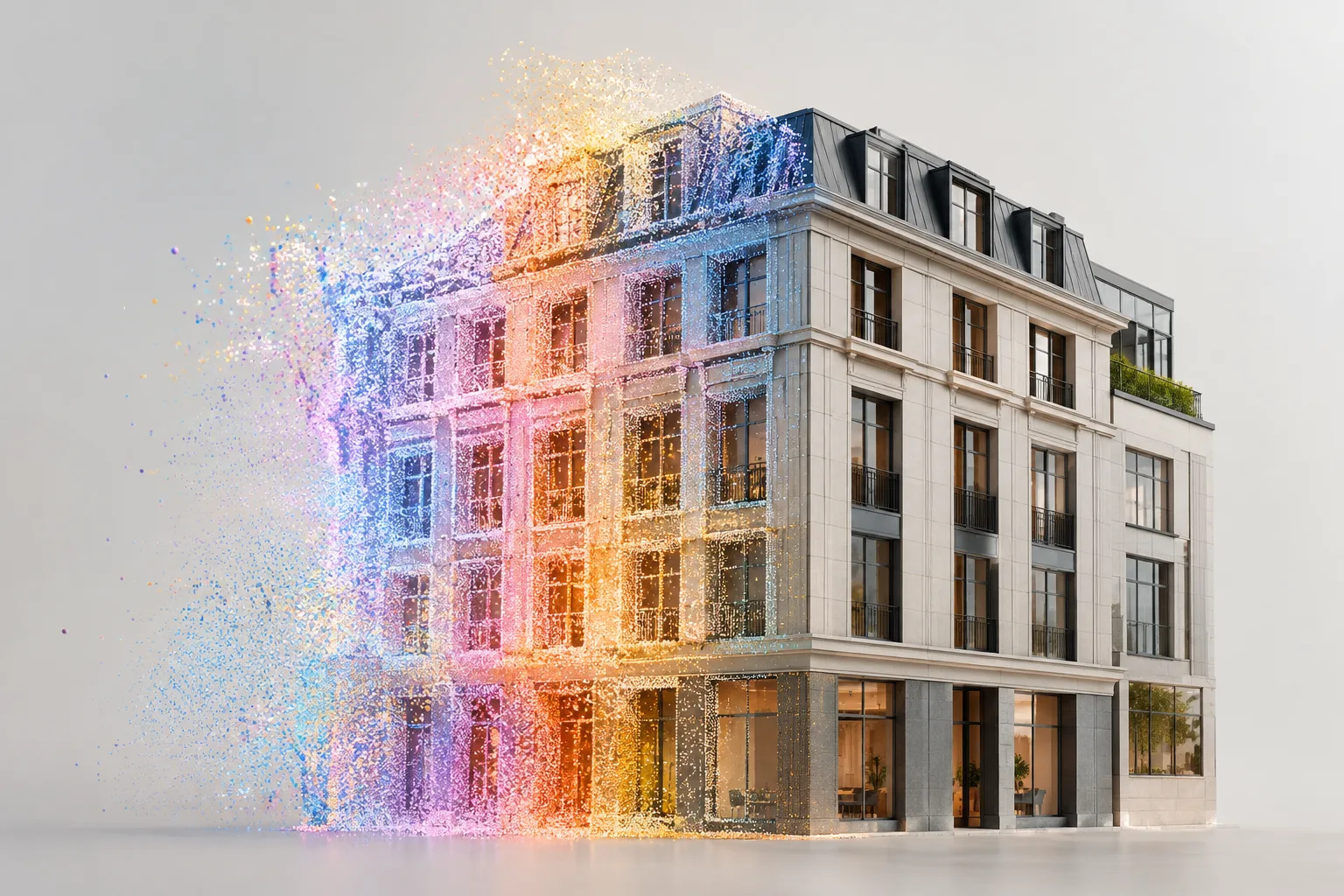
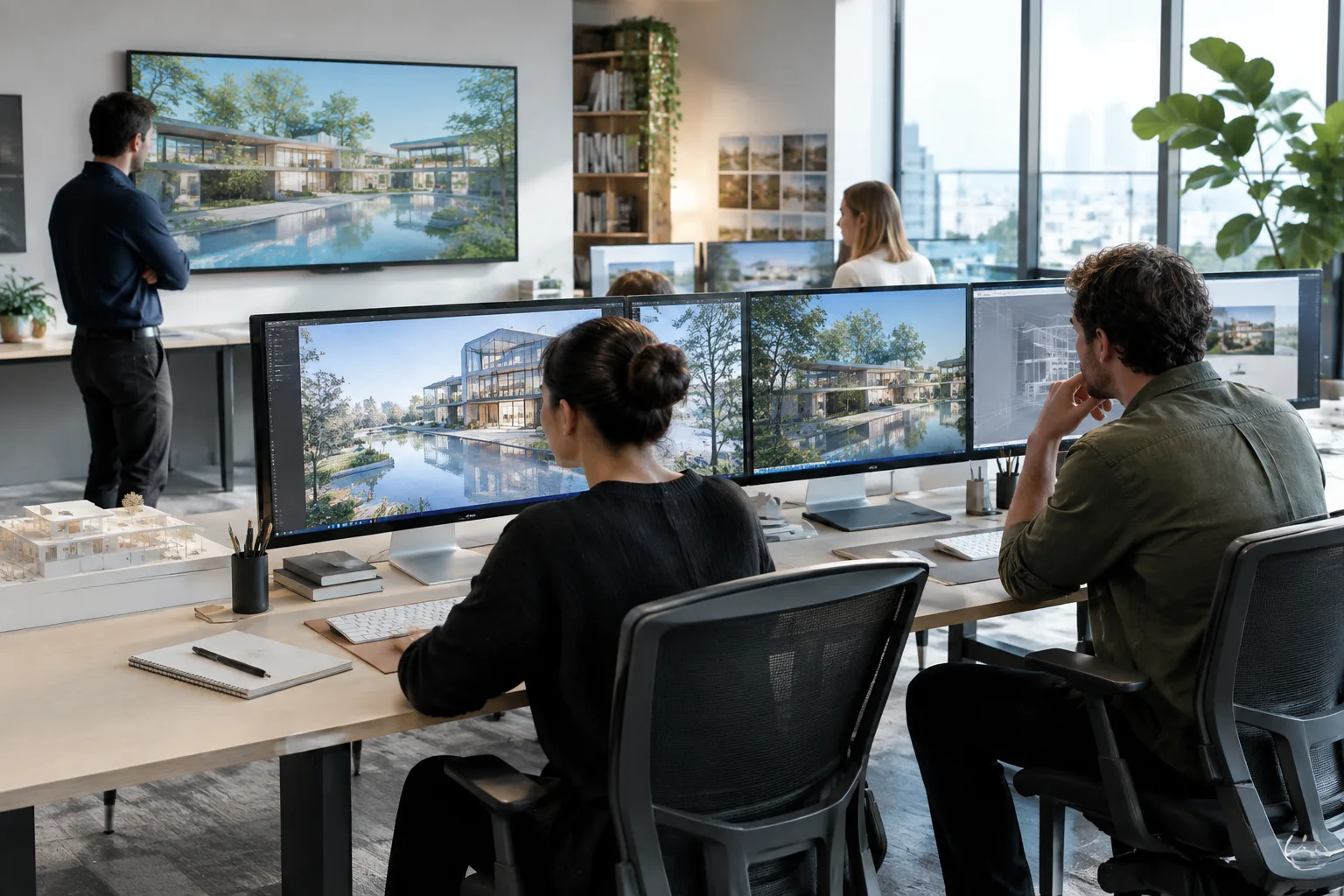
For visualization studios that want to add a bit of motion to static renders before presenting them to clients, the open-source Wan 2.2 model offers a practical option. Released by the Wan team on Hugging Face, this model takes a reference image (for example, an exterior facade render or an interior shot) and turns it into a short video. This guide explains what the model does, what hardware it requires, and how it can be used for interior and exterior renders, step by step.
What you'll learn in this guide
What models make up Wan 2.2 and how they differ
Setup steps for image-to-video (I2V) generation
A sample prompt structure for architectural renders
Common mistakes and next steps
Requirements
The Wan 2.2 family consists of three models: text-to-video (T2V-A14B), image-to-video (I2V-A14B), and text+image-to-video (TI2V-5B). The I2V-A14B model is a Mixture-of-Experts (MoE) model capable of generating video at 480P and 720P resolution; although it has 27 billion parameters in total, only 14 billion are active at each step. Generating video with this model on a single GPU requires at least 80 GB of VRAM, which is why the A14B model is typically used in multi-GPU workstations or cloud servers.
For more modest hardware, the TI2V-5B model stands out. This model uses a custom VAE with a high compression ratio and, without any additional optimization, can generate a 5-second 720P@24fps video in under 9 minutes on a consumer-grade GPU such as the RTX 4090. For architectural studios, this model is usually the more practical starting point.
Setup requires a Python environment, PyTorch (2.4.0 or later), and the dependencies listed in the project's requirements.txt file on GitHub. The models can be downloaded via Hugging Face or ModelScope, and are also integrated with ComfyUI and the Diffusers library.
Step-by-step setup and usage
1. Clone the repository and install dependencies:
git clone https://github.com/Wan-Video/Wan2.2.git
cd Wan2.2
pip install -r requirements.txt
2. Download the model weights. TI2V-5B is recommended for consumer GPUs, while I2V-A14B is better suited for multi-GPU systems:
pip install "huggingface_hub[cli]"
huggingface-cli download Wan-AI/Wan2.2-I2V-A14B --local-dir ./Wan2.2-I2V-A14B
3. Prepare your reference image. This could be an exterior facade render or an interior perspective with a fixed camera frame. The image's resolution and aspect ratio determine the aspect ratio of the resulting video.
4. Run the generation command. The following command starts image-to-video generation on a single GPU (requires at least 80 GB VRAM for I2V-A14B):
python generate.py --task i2v-A14B --size 1280*720 --ckpt_dir ./Wan2.2-I2V-A14B --offload_model True --convert_model_dtype --image render_disçephe.jpg --prompt "PROMPT_METNI"5. Write a prompt suited to your architectural render. Sample prompts below:
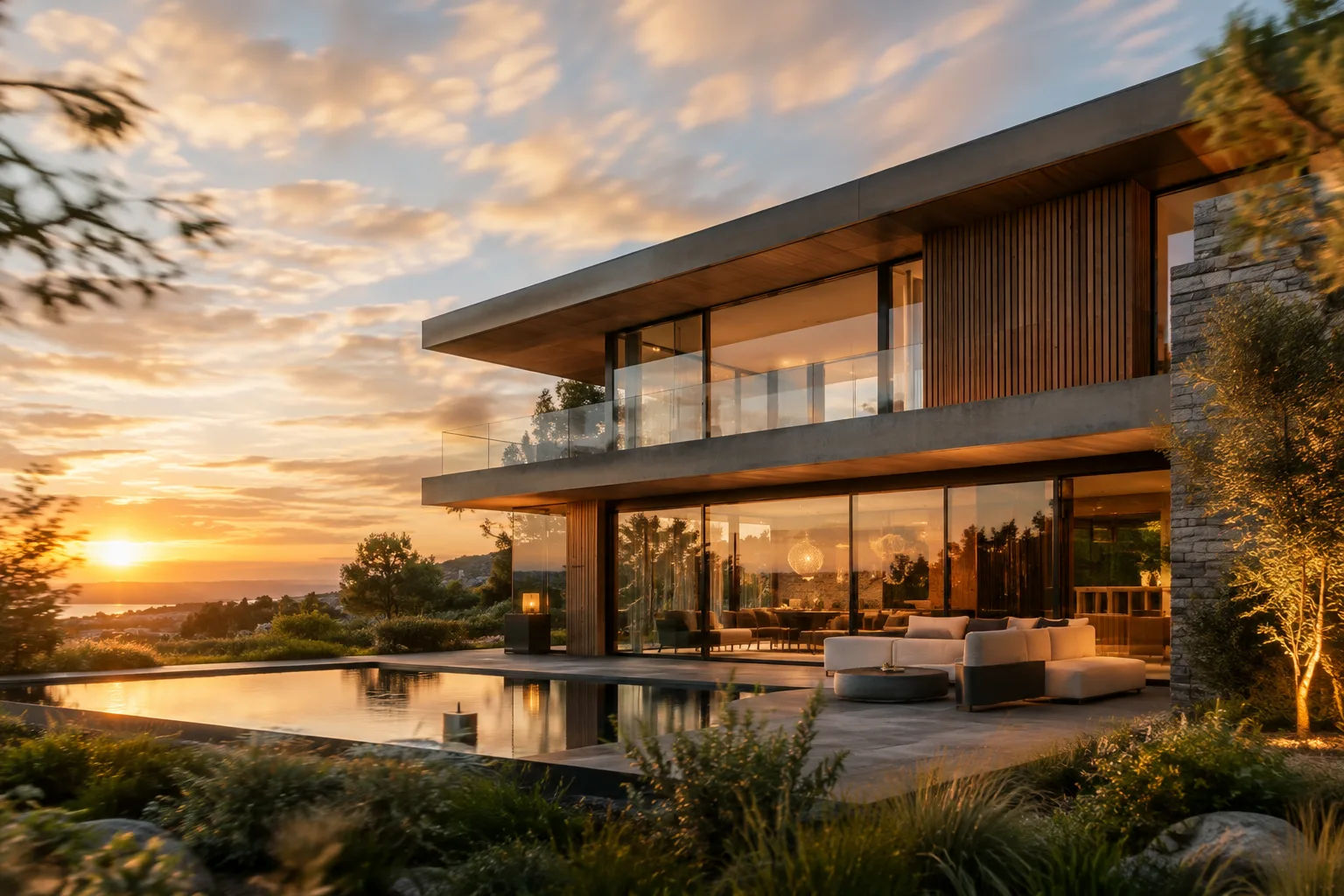
A modern residential facade with large glass windows, captured at golden hour. Soft clouds drift slowly across the sky, subtle reflections move across the glass surface, and light gently shifts on the concrete texture. The camera remains static, cinematic lighting, architectural visualization style.This prompt animates a static-camera exterior render by adding sky movement, reflections and shifting light; since no camera movement is desired, the phrase "camera remains static" is important.
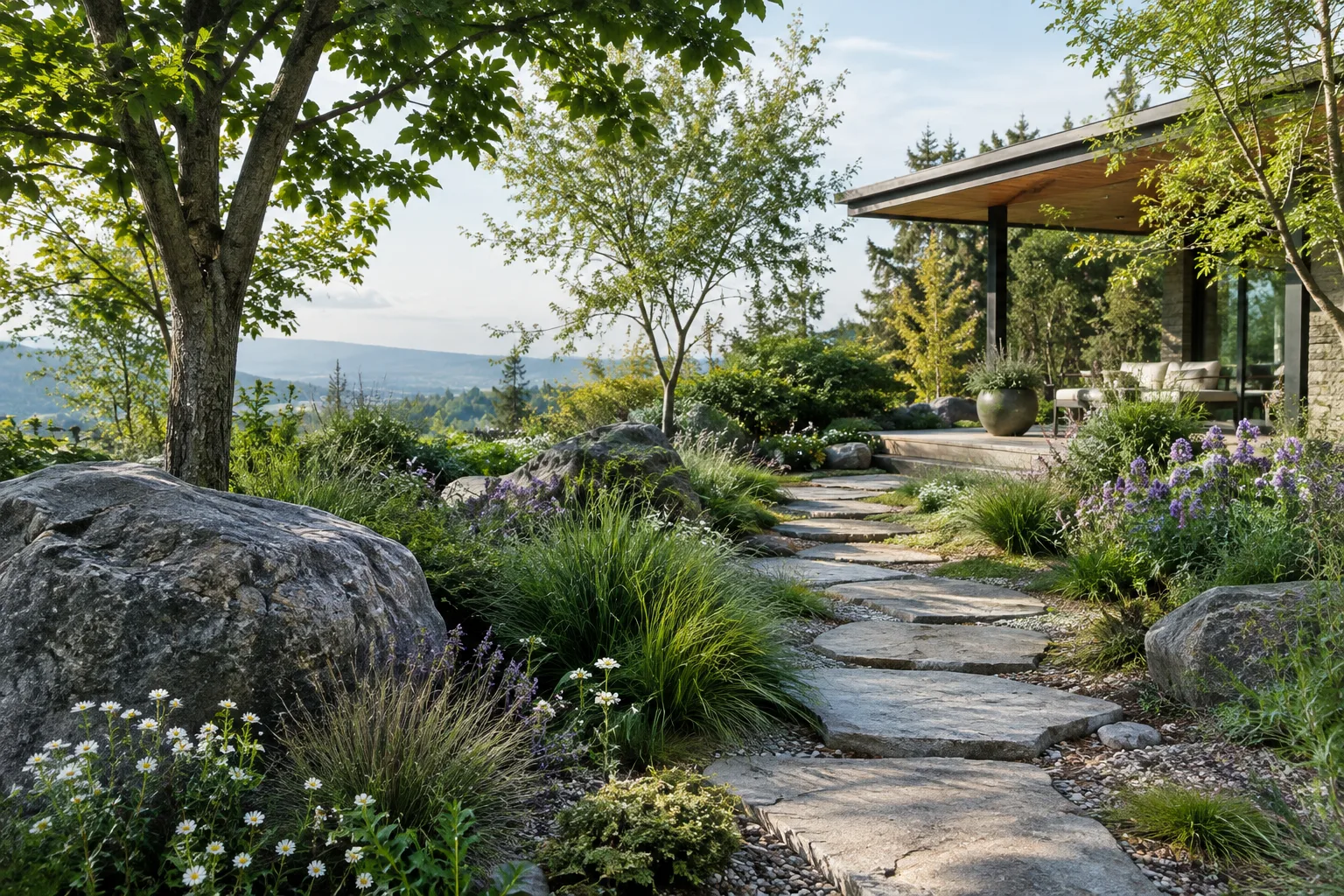
A bright interior living room rendered in architectural visualization style, with sheer curtains gently swaying near an open window. Dust particles float softly in the sunbeam, warm afternoon light slowly shifts across the wooden floor, camera static, photorealistic rendering.This prompt can be used for interior renders to produce small but effective details like curtain movement and shifting light.
Common mistakes
If you don't define camera movement in the prompt, the model may produce unexpected camera shifts; if a fixed frame is desired, this needs to be stated explicitly.
If VRAM is insufficient for the TI2V-5B model, skipping the
--offload_model Trueand--convert_model_dtypeparameters can cause errors.Requesting very high resolution (above 1280x720) significantly increases VRAM requirements, especially for the A14B model.
If you run into issues installing
flash_attn, it's recommended to install the other dependencies first and installflash_attnlast.
Next steps
The generated short clip can be combined with a render sequence in an editing program to create a presentation video. Thanks to ComfyUI integration, quickly testing combinations of prompts and images is a practical way to incorporate this into an in-house workflow.
Source and license
This guide is adapted from the Wan2.2 model card published by the Wan team on Hugging Face under the Apache 2.0 license. The command examples are taken from the original documentation, while the architectural sample prompts were created by the authors based on the documented techniques.
Sources
2 sourcesSource texts are not republished; short quotes are marked, everything else is our own summary and commentary.
Wan 2.2, especially with the TI2V-5B model, offers an accessible option for small and medium-sized visualization studios in Turkey thanks to its ability to generate 720P video quickly on a single consumer GPU (such as the RTX 4090). The Apache 2.0 license provides comfort for commercial use; however, the fact that larger models like I2V-A14B require at least 80 GB of VRAM may exceed the current hardware of most studios.
In practice, it would be reasonable for studios to first run small tests with TI2V-5B, then move to the A14B model by renting cloud GPUs if needed. The model's potential to add subtle motion (reflections, light, swaying plants/curtains) to static-camera renders can be valuable, especially for presentation videos and social media content; however, it should be kept in mind that camera control and consistency still require trial and error.
Frequently asked questions
What hardware does Wan 2.2 run on?
The TI2V-5B model can run without optimization on a single consumer GPU such as the RTX 4090, while the I2V-A14B model requires at least 80 GB of VRAM on a single GPU.
Under what license is Wan 2.2 distributed?
The models are released on Hugging Face under the Apache 2.0 license, and no rights are claimed over the generated content.
What resolution can Wan 2.2 generate video in?
The I2V-A14B model can generate video at 480P and 720P resolution, while the TI2V-5B model can produce 720P@24fps video.