In brief
- Clearly describe the subject, framing, action, setting, and visual style in your prompts.
- Guide the image with details such as camera angle, lighting, color, and aspect ratio.
- When using multiple reference images, explain the role of each one separately.
- Bear in mind that the model can make mistakes with small text, factual accuracy, and complex image edits.
What will you learn in this guide?
Nano Banana Pro is a model for generating images and editing existing ones. Google’s guide recommends combining details such as subject, composition, action, location, and style in a prompt rather than simply naming an object, to get more controlled results. You can also specify the camera angle, lighting, text, and intended use of uploaded images.
In this guide, we’ll adapt the same approach for architectural visualization and interior concepts. The examples are designed to help turn a design idea into a presentation image, change the mood of an existing image, and bring different references together in a single composition. They are not a substitute for construction drawings or technical verification; think of them as concept work.
What you need and how to access it
According to Google, the model is available in the Gemini app; access through AI Studio, Vertex, and other platforms may vary depending on the service. The official product page lists options for trying it through Gemini and Google AI Studio. These sources do not specify a particular app version, account type, or subscription requirement, so check the current terms of the platform you use for access and any potential costs.
Before you start, prepare the following:
Confirm that you can access Nano Banana Pro on the platform you’ll use to generate or edit images.
Prepare the image you want to edit. If you’re adding reference images, decide in advance what each one represents.
Consider where the result will be used: the intended use—such as a presentation, vertical post, or wide-format image—will affect the composition you request.
Google says Nano Banana Pro can accept up to 14 image inputs for a composition on some platforms; this number may vary depending on the platform. Don’t assume the same limit applies everywhere. The sources do not provide a specific price for Turkey or access terms that apply to all users.
How to write a good architectural prompt
Start by stating the main subject and intended use. Then add the framing, setting, lighting, and aesthetic approach. Instead of a broad description like “a modern interior,” use observable details, such as “a wide-angle view of a residential living room, with the seating area centered in frame and daylight coming through windows on the left.”
The prompts below were written specifically to demonstrate this approach. Use each one as-is or adapt it to your project.
1. Exterior concept image
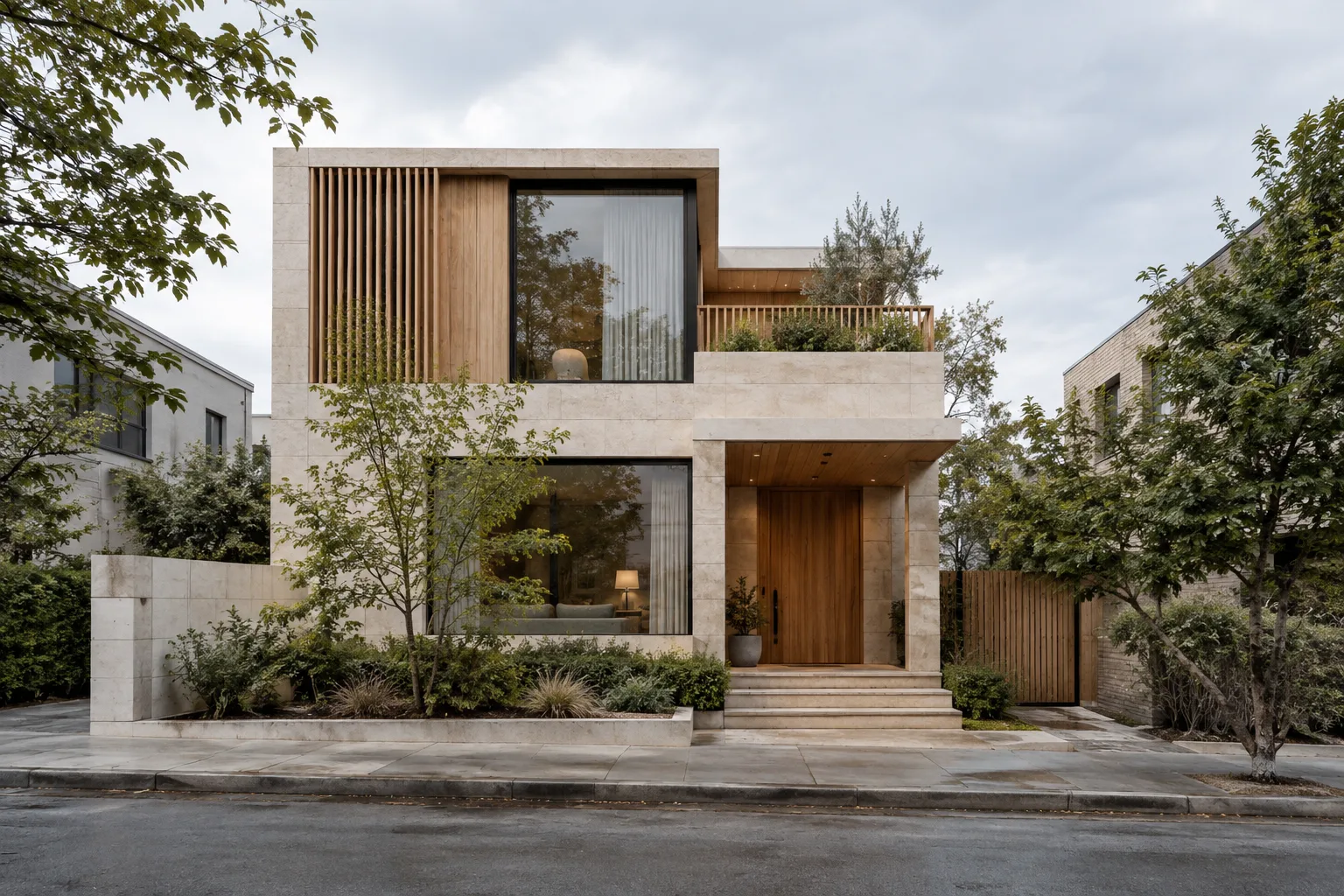
Photorealistic architectural visualization: A three-story urban residence with simple geometry, on a narrow city lot, seen from sidewalk level in a wide frame. Light-colored stone and natural wood surfaces on the facade, with a small landscaped area at the entrance. Soft, overcast daylight, realistic shadows, and restrained colors. Show the building’s main volume and entrance clearly; keep the surroundings calm and secondary. Horizontal 16:9 composition for a presentation.This prompt describes the subject, location, materials, lighting, and framing together. Keeping the composition consistent while changing the materials can make it easier to compare design options, but the generated appearance of materials is not a technical specification.
2. Mood and materials in an interior
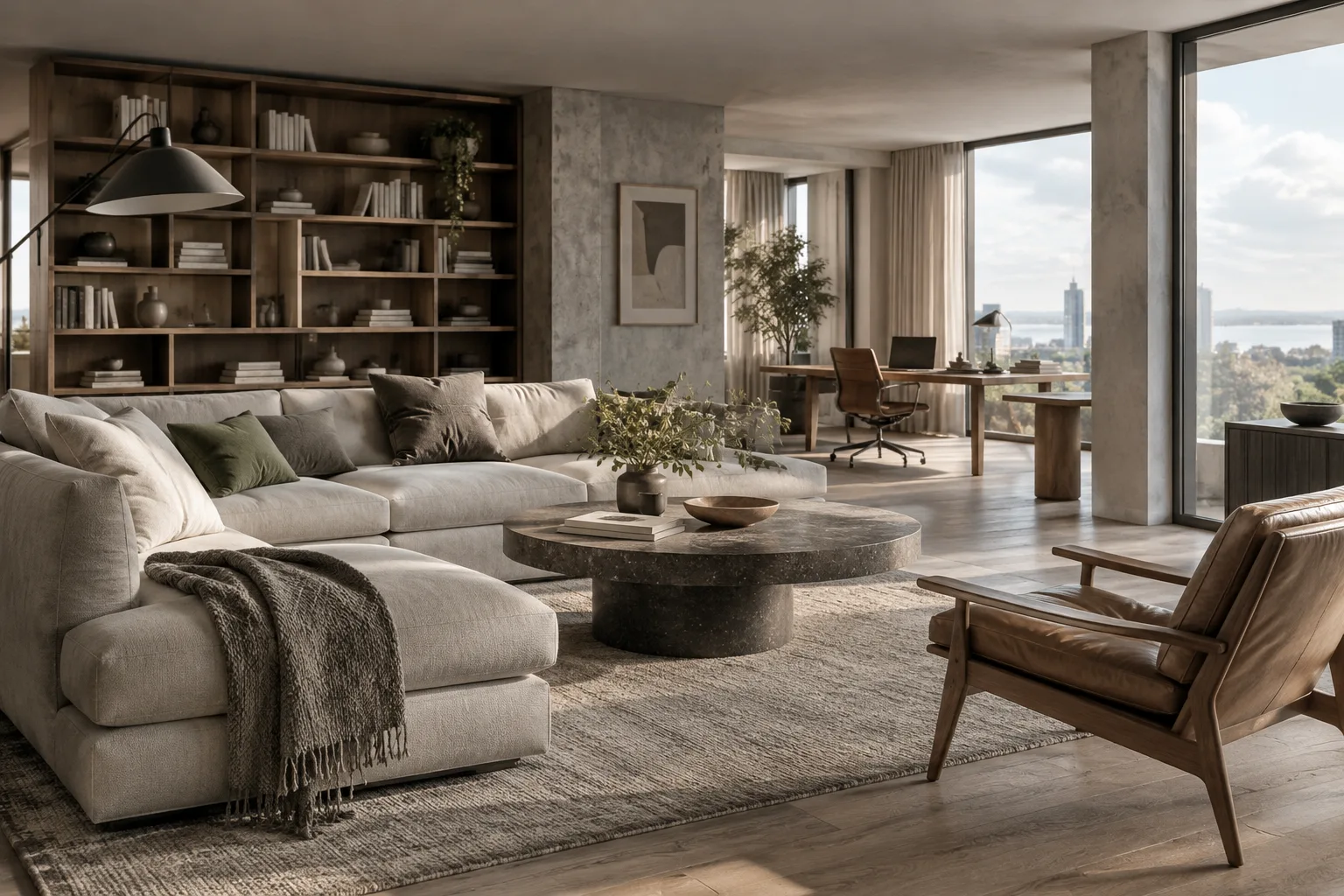
Photorealistic interior concept image: A contemporary kitchen and dining area filled with daylight. A wide-angle view from slightly below eye level; the kitchen island in the foreground and the dining table in the background. Matte light-colored cabinets, a natural wood table, and a light-toned stone countertop. Morning light coming in from the side windows, soft shadows, and a natural color palette. A tidy, lived-in home feel; horizontal 16:9 frame.Here, camera position and the direction of light are specified alongside the materials. Some surfaces may look different than expected, or details may vary. Before using the image in a design review, check critical materials and spatial relationships separately.
3. Changing the lighting in an existing image
Keep the building massing, openings, and camera framing in the architectural image I uploaded. Transform the scene into a nighttime atmosphere; warm light should come from the interiors, with low-level ambient lighting outdoors. The sky and shadows should convey a sense of night, while the main facade materials remain recognizable. Do not add new building elements.This example directly describes the change to make to an existing image. Google’s guide recommends that editing instructions be clear and specific. Since the model can create unexpected visual artifacts in complex edits or lighting changes, compare the result with the source image.
4. Combining reference images
Generate an architectural concept image. Use Image A as a reference for the building’s massing composition, Image B for facade materials, and Image C for the landscape atmosphere. Do not confuse the roles of these references. Use a wide exterior view close to eye level; choose soft daylight and natural colors. Create a new building proposal; do not carry text or markings from the references into the image.When you upload the images, make sure it’s clear on the platform which one is A, B, and C. The prompt also explains the role of each image in writing. The ability to combine references in a single result and the number of images accepted may vary by platform.
5. Framing for a presentation aspect ratio
Create a photorealistic hotel lobby image for use on an interior design presentation board. In a wide horizontal frame, show the reception desk, seating area, and main circulation route together. Use natural stone, wood, and fabric surfaces in a balanced way. Side-lit daylight should reveal the depth of the space; create a calm, professional atmosphere. Do not include text or graphics in the image. 16:9 aspect ratio.The Nano Banana Pro guide says you can specify the aspect ratio and composition in your prompt. Stating the ratio helps communicate the intended layout, but don’t assume output options are identical across platforms.
Common mistakes
Being too vague: A short prompt such as “design a stylish office” leaves the framing, materials, and lighting unspecified. Define the core idea first, then add only the details that affect the visual result.
Conflicting instructions: Asking for many different styles, lighting conditions, and compositions at once can make the result unclear. Generate the basic scene first, then edit it by clearly specifying one change at a time.
Not specifying the role of references: When you upload multiple images, say which one is for massing, which for materials, and which for atmosphere. Google’s guide recommends clearly defining the role of reference inputs.
Using text in an image without checking it: Although the model offers advanced text-generation capabilities, small text and correct spelling may not be flawless. Check the information in diagrams and any text in the image; also review translations for language and cultural suitability.
Treating a concept image as technical proof: Google notes that factual accuracy and complex edits may still have limitations. Do not consider details such as dimensions, construction details, regulations, or building performance verified based solely on generated images.
Next steps
After you get the first result, instead of rewriting the entire prompt, target one change—for example, update only the lighting, camera angle, or feel of the materials. This makes it easier to see which instruction affected the result. If you need different frames for a presentation, specify the target ratio in the prompt and check the output in the context where it will be used.
Office teams can try this approach to quickly visualize concept options or vary the mood of an image. Students can also create presentation studies that compare massing, material, and lighting decisions. In either case, the image is a tool to support design decisions; it should not replace measured drawings, models, or project data.
Sources and licensing
This guide was adapted into Turkish based on Google’s official prompt guide, “7 tips to get the most out of Nano Banana Pro,” and information on DeepMind’s Nano Banana Pro product page. The source texts are freely licensed according to the licensing information provided. The example architectural prompts were written specifically for this guide.
Sources
2 sourcesSource texts are not republished; short quotes are marked, everything else is our own summary and commentary.
For architecture and interior design offices in Turkey, Nano Banana Pro could be useful for quickly exploring alternatives in mood and framing, especially in early concept presentations. Students can also visualize the same spatial idea using different lighting and material descriptions to compare presentation options.
It should not be treated as a production drawing or technical verification tool: the sources explicitly note that errors may occur with small text, factual accuracy, and complex edits. Offices should check access terms and potential costs on the platform they use, and account for the fact that reference image limits and features can vary by platform. Architectural decisions should be verified against project data as well as the image.
Frequently asked questions
Can Nano Banana Pro be used to generate architectural images?
The model is offered for image generation and editing. For architectural concept images, you can describe the subject, framing, setting, materials, and lighting; the results are not a substitute for technical verification.
Can you use reference images with Nano Banana Pro?
Google’s guide recommends clearly stating the role of each uploaded image in the prompt. It says some platforms can accept up to 14 image inputs for a composition, but the number varies depending on the platform.
Which platforms offer Nano Banana Pro?
Google says the model is available in the Gemini app, with access through AI Studio, Vertex, and other platforms beginning to roll out. Check the platform you use for current availability.