In brief
- A Collection groups objects and child collections together.
- A Layer Collection manages a Collection’s state within a View Layer.
- Exclude, holdout, and indirect_only serve different purposes.
- The View Layer API provides settings for scene layers and render passes.
What will you learn in this guide?
In an architectural Blender scene, putting the building, furniture, environmental elements, and lights into a single group can make it difficult to understand the scene structure and manage different presentation needs. Collections let you group objects and child collections. A View Layer helps control how these groups are handled in a particular view layer of the scene.
In this guide, you’ll learn the difference between a Collection and a Layer Collection, the scope of visibility settings, and how to inspect the scene hierarchy through the Python API. The examples use collection names suitable for an architectural file; they do not promise a specific render result.
Requirements
Blender must be installed, and the Python API must be accessible.
The sources are Blender’s current API documentation. As the documentation does not specify a particular Blender version number, none is given here.
The sources do not describe any account, subscription, online service, hardware, or add-on requirements. The documentation is licensed under CC BY-SA 4.0.
Save a copy of the file before running code that changes the scene structure. Changes to View Layer properties can affect the contents of the active layer.
Step by step: Using Collections and View Layers
1. Understand the difference between Collection and Layer Collection
A Collection is a scene structure that groups objects and child collections. A Collection’s objects property contains the objects directly in that group, while its all_objects property includes objects in the group and its child collections. As a result, checking only the parent group when inspecting the hierarchy can cause you to overlook objects in child collections.
A Layer Collection is the counterpart of a Collection within a specific View Layer. Which group holds an object and how that group behaves in the relevant View Layer are separate concerns. Settings such as exclude, hide_viewport, holdout, and indirect_only are available on Layer Collections.
2. Create a Collection and link it to the scene
The example below creates a Collection named Mobilya and adds it among the children of the scene’s master collection. This creates the group; it does not automatically move existing objects into it. Use consistent names that suit their purpose throughout the project.
import bpy

collection = bpy.data.collections.new('Mobilya')
bpy.context.scene.collection.children.link(collection)
After creating the collection, moving objects into the appropriate group and building a hierarchy with child collections are separate operations. The API documentation lists collection creation and linking collection children as separate functions. So this code will not organize the rest of the scene by itself.
3. Inspect the active View Layer hierarchy
The example below traverses the active View Layer’s child groups, starting from its root Layer Collection. Each line shows the Collection name and the values of exclude, hide_viewport, and is_visible. This lets you check where groups sit in the hierarchy and their visibility status.
import bpy

def print_layer(layer, depth=0):
    collection = layer.collection
    indent = '  ' * depth
    print(
        indent + collection.name,
        'exclude=', layer.exclude,
        'viewport=', layer.hide_viewport,
        'visible=', layer.is_visible,
    )
    for child in layer.children:
        print_layer(child, depth + 1)

print_layer(bpy.context.view_layer.layer_collection)
is_visible also takes the state of parent collections into account. Therefore, interpreting the setting on a child group in isolation may not be sufficient. The documentation also defines visible_get() as a visibility query that accounts for the parent hierarchy and viewport state. Checking the entire chain will give you a more reliable result.
4. Exclude a Collection from the active View Layer
When you need to keep a group out of the active View Layer only, you can use the Layer Collection’s exclude property. The example searches the hierarchy for the named collection and changes the property if it finds a match.
import bpy

hedef_ad = 'Mobilya'
root = bpy.context.view_layer.layer_collection

def set_excluded(layer, name, value):
    if layer.collection.name == name:
        layer.exclude = value
        return True
    for child in layer.children:
        if set_excluded(child, name, value):
            return True
    return False

if set_excluded(root, hedef_ad, True):
    print('Collection etkin View Layer\'dan hariç tutuldu.')
else:
    print('Adı eşleşen Collection bulunamadı.')
The True in the example excludes the matching Layer Collection from the View Layer. Set the value to False to include it again. Consistent collection names make it easier for the search to find the intended group.
5. Choose visibility and render settings for the task
Temporarily hiding a collection in the viewport is not the same as generally disabling it for renders. hide_viewport on a Layer Collection temporarily affects viewport visibility. hide_viewport on a Collection generally disables the collection in viewports. The Collection’s hide_render property is defined for disabling it in renders, while exclude on a Layer Collection removes it from the relevant View Layer.
The other Layer Collection options have distinct purposes:
holdoutmasks objects in the collection in the View Layer.indirect_onlymakes objects contribute indirectly through shadows and reflections only.excludekeeps the collection out of the relevant View Layer.hide_viewportaffects the collection’s viewport visibility.
The View Layer’s use property enables or disables rendering of the relevant layer. There are also material and world overrides at the layer level, along with various render pass options. These features help manage the same scene data for different visual requirements; they do not, by themselves, guarantee a particular image result.
What changes in architectural and visualization workflows?
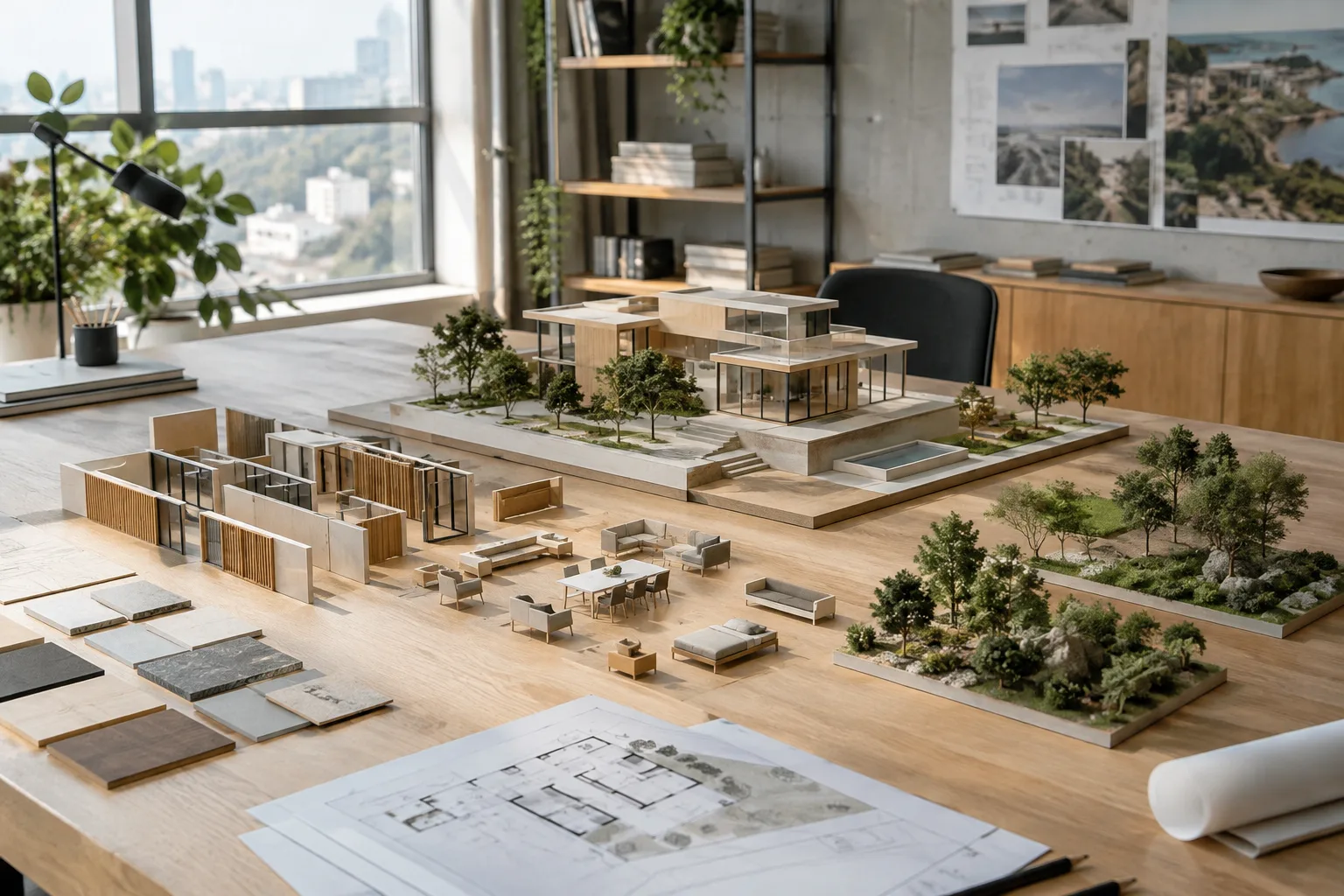
Architects and interior designers can make a file’s hierarchy easier to understand by keeping building elements, furniture, and landscaping in separate Collections. Visualization artists can use Layer Collection settings to control which groups are included in a particular View Layer and which contribute indirectly. This approach can make scene content easier to manage for different presentation needs.
Consistent naming and parent-child relationships are especially important in large scenes. The sources do not specify any hardware or add-on requirements. Since no version number is given either, test the API examples in a small copy of the file before using them in your Blender installation.
Common mistakes
Treating Collection and Layer Collection as the same thing: one represents object groups, while the other represents those groups’ state within a View Layer.
Assuming
hide_renderandexcludeare equivalent: the former is a Collection-level property, while the latter belongs to a Layer Collection.Looking only at
objects: this property returns objects directly in the group, whileall_objectsalso includes child collections.Interpreting visibility without considering the hierarchy: the state of parent groups can affect a child collection’s visibility.
Using the code without checking for a matching collection name: the example prints a separate message if it cannot find the name.
Changing settings without backing up the file: the examples can affect the state of the active scene and View Layer.
Next steps
First, create a Collection hierarchy in a small test file and run the inspection code to check the names in the output. Then try the exclude example with your own collection names and observe its effect on the active View Layer. For further exploration, review the AOV, render pass, sample count, and material or world override properties in the View Layer documentation. Working on a copy at each step helps preserve your project structure.
Sources and license
This guide has been adapted into Turkish based on Blender’s Collection, LayerCollection, and ViewLayer API documentation. All three sources are licensed under CC BY-SA 4.0. The code examples were written for this guide using documented API properties.
Sources
3 sourcesSource texts are not republished; short quotes are marked, everything else is our own summary and commentary.
Getting the distinction between Collection and View Layer right can make architectural files with many furniture items, environmental elements, and presentation options easier to understand. The approach of inspecting the hierarchy with the Python API is also a useful starting point for visualization teams that perform repetitive checks.
For offices and students in Turkey, the sources do not specify any additional hardware requirements; still, it’s important to test the code in the Blender installation in use before adding it to a production file. Standardizing collection names across the team and checking the difference between `hide_render` and `exclude` before delivery can be practical steps.
Frequently asked questions
What is the difference between a Blender Collection and a Layer Collection?
A Collection groups objects and child collections. A Layer Collection manages the state of that group within a specific View Layer.
Which setting removes a Collection from only one View Layer in Blender?
Use the `exclude` property on the Layer Collection. The Collection’s `hide_render` property is defined for generally disabling it in renders.
Can you inspect a collection hierarchy with the Blender API?
Yes. Starting from the View Layer’s root Layer Collection and traversing through `children` lets you inspect collection names and visibility values.