In brief
- Face Picker lets you animate facial expressions in Blender by selecting thumbnails.
- Simple mode switches between full-face expressions, while Advanced mode provides separate controls for the eyes and mouth.
- The tool includes a demo character and 25 starter face textures.
- An optional asset pack includes more than 300 textures and editable vector source files.
SouthernShotty released Face Picker, a free tool for Blender, on 27 November 2026. The tool is designed to prepare character faces for animation without building a rig, and to let users select and keyframe expressions from thumbnails in Blender’s 3D Viewport. The release information says the tool includes a demo character and 25 starter face textures.
How does Face Picker work?
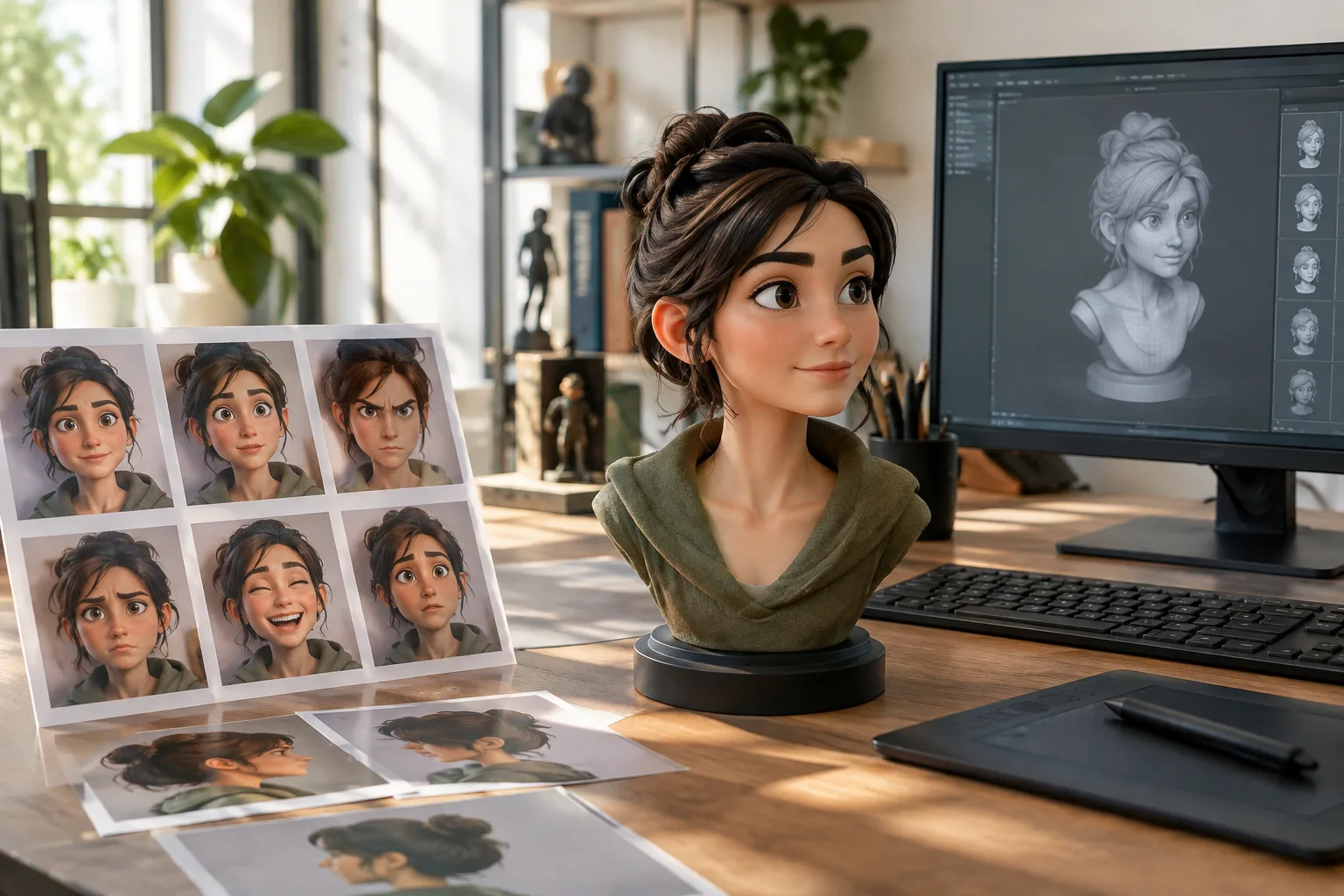
Face Picker uses numbered PNG files as a library of facial expressions. Animators can browse these expressions in the viewport and keyframe them on the relevant frames. Instead of building a separate rig for facial animation, users can choose from a set of pre-made visual expressions.
The tool offers two modes. Simple mode focuses on switching between full-face expressions. Advanced mode provides separate controls for the eyes and mouth. This distinction makes it possible to use a single, complete expression when that is sufficient, or to animate different parts of the face separately when needed.
Starter content and additional options
Face Picker comes with a demo character and 25 face textures for getting started. SouthernShotty also offers an optional asset pack for users who need a wider range of expressions. According to the source, the pack contains more than 300 ready-to-use face textures in anime, round, and square styles. It also includes editable vector source files for users who want to make changes.
The available information does not disclose the price or licensing terms of the additional pack. These terms should therefore be checked separately before using it, especially for team work or commercial projects. The base tool is described as free, but that does not mean the optional asset pack is also free.
Uses beyond facial animation
Face Picker is not limited to character faces. Numbered PNG sequences can also be used to import images with different frames and create smoother transitions or subtle expression changes. The source also gives examples of animating screenshots and changing signs. This approach opens up other uses for animation elements made from sequential PNGs rather than a single image.
For architecture and interior visualization teams, the tool’s direct applications appear limited to character animation and changing visual elements within presentations. For example, users can change a character’s facial expression in a scene or update content displayed on a screen or sign by selecting images frame by frame. However, the source does not provide information about Face Picker’s integration with specific architectural software or its compatibility with production pipelines.
What to check in a production pipeline
Anyone evaluating the tool should first test the numbering scheme of their PNG sequence and confirm that the expression images suit the project’s needs. Since sequences with more frames can be used to create transitions, it is also important to test which mode offers the desired level of animation control. Teams should assess the free base tool separately from the terms of the optional asset pack before sharing project files.
The published report provides no details on hardware requirements, supported Blender versions, or the asset pack’s license. Until those points are clarified, it would be more cautious to test the tool in a small scene rather than introduce it into a large production process. SouthernShotty’s video demonstrates the installation and basic usage steps.
Sources
1 sourceSource texts are not republished; short quotes are marked, everything else is our own summary and commentary.
Face Picker’s most tangible advantage is that it skips the rigging step for facial animation and offers an image-selection-based approach instead. This is a useful convenience to try for small teams working with stylized characters and visualization artists creating quick animatics in Blender. The option to animate screens or signs with numbered PNGs could also offer a limited but practical use in architectural presentation scenes.
For offices in Turkey, it’s important to assess the free base tool separately from the optional asset pack. The pack’s price and license, Blender version compatibility, and hardware requirements have not been disclosed, so it’s best to test it in a sample project before deciding whether to use it across a team. It should not be assumed to replace a comprehensive animation pipeline.
Frequently asked questions
Is Blender Face Picker free?
Face Picker is presented as a free tool. The source does not disclose the price or licensing terms of the optional asset pack.
Does Face Picker require a rig?
No. The tool is presented as a way to select and keyframe facial expressions without the need to build a rig.
Is Face Picker only for facial animation?
No. Numbered PNG sequences can also be used to animate other visual elements, such as screens or changing signs.