In brief
- Curve Sculpt 3D uses Blender’s built-in sculpting brushes along curves drawn on a model’s surface.
- The curves follow the surface and can be edited from different angles before application.
- Control points, curve shape, and pressure can be adjusted before applying the brush.
- The add-on requires Blender 5.2 or later and is in early development.
In a report published on 27 November 2026, 80 Level introduced Curve Sculpt 3D, an add-on created by Mark Kingsnorth, who develops tools for Blender. The tool focuses on applying Blender’s built-in sculpting brushes along curves drawn on a model’s surface. It requires Blender 5.2 or later and is still in early development.
How do the curves follow a model’s surface?
While Blender’s Curve Stroke method works on a flat drawing plane on screen, Curve Sculpt 3D attaches the drawn path to the surface of a 3D model. This lets the curve follow the object’s shape and continue across its surface. Because the curve stays attached to the object, it can be viewed and edited from different angles.
The workflow starts by selecting a sculpting brush and drawing a curve on the model. Before the brush is applied, its control points, shape, and pressure can be adjusted. When the result looks right, pressing Enter applies the brush effect to the model along the curve.
Editing before application makes it possible to try different brush and shape options on the same curve. If the result is not quite right, the curve can be adjusted; users can also try another brush or add more strokes while continuing from the existing work. This means there’s no need to redraw the line from scratch for every attempt.
What kinds of details can it create?
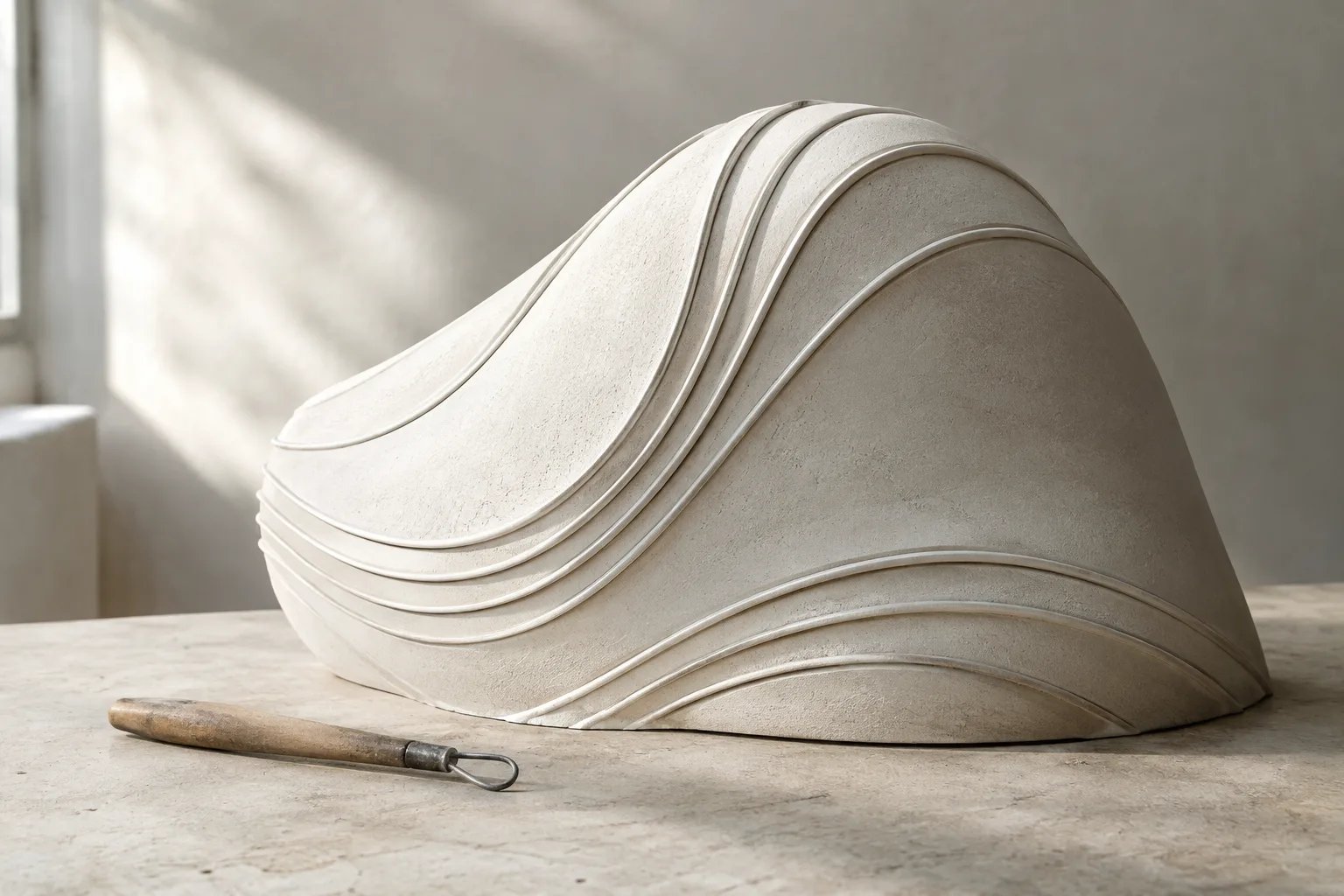
Examples of possible uses include panel lines, grooves, raised seam-like marks, rows of protrusions, and more complex patterns. These are scenarios for creating details that extend across a surface by editing a curve and then applying a brush effect. Curve Sculpt 3D does not introduce a new brush system; it works with Blender’s existing sculpting brushes.
Performance will vary rather than deliver a single predictable result. According to information reported by 80 Level, speed can depend on the selected brush, the complexity of the model, and the length of the stroke. For that reason, the workflow should be tested with the model and brush intended for use in each scene. The source does not specify any hardware requirements.
Impact on architecture and visualization workflows
The tool is not specifically positioned for architectural or interior design work in the source. However, artists creating surface lines, grooves, or raised details in visualization scenes may find it useful to edit a curve before turning it into a brush stroke. This does not mean the add-on has been validated for a particular architectural workflow; its suitability should be tested with the model and production process in question.
Along with Blender version compatibility, performance with complex geometry and long strokes is another consideration for studios. The add-on is available for purchase, but the article does not include pricing. Since licensing terms are not described there either, it would be prudent to check the seller’s page for current information before deciding to use it within a team.
What should you check before trying it?
Users evaluating Curve Sculpt 3D should first confirm that they have Blender 5.2 or later. They can then test the control points, shape, and pressure settings with a short curve. This small test helps show how the selected brush behaves on the surface. Keep in mind that performance may vary when working with longer strokes or more complex models.
The add-on is at an early stage, and the developer is accepting feedback and bug reports. This makes it especially important to test compatibility and stability with real project files before adding it to a production workflow. Teams should clarify purchase and licensing terms before deciding to use it.
Sources
1 sourceSource texts are not republished; short quotes are marked, everything else is our own summary and commentary.
Curve Sculpt 3D’s practical value lies in letting users edit a sculpting stroke that follows a surface before applying it. It’s an approach worth trying for visualization artists creating details such as panel lines, grooves, or raised features, but the source does not present the tool as a solution specifically designed for architectural workflows.
Studios in Turkey should test the Blender version compatibility and performance in their own scenes before adding the tool to their production pipeline. The add-on is paid, but the article does not specify pricing or licensing terms. For a tool in early development, verifying technical compatibility and team-use conditions before purchase would be a prudent approach.
Frequently asked questions
Which versions of Blender does Curve Sculpt 3D require?
The add-on works with Blender 5.2 or later.
What does Curve Sculpt 3D do?
It applies Blender’s built-in sculpting brushes along curves that follow a model’s surface. The curve can be edited before the brush is applied.
Has the price of Curve Sculpt 3D been announced?
The add-on is available for purchase, but 80 Level’s article does not provide pricing information.