In brief
- Directional Light represents light coming from a very distant source, producing parallel rays.
- Static lighting is described as the fastest method and allows precomputed lighting.
- With Stationary lights, shadows and indirect lighting from static geometry are precomputed with Lightmass, while other lighting remains dynamic.
- The Unreal Engine 5.3 release notes classify orthographic rendering as experimental; they say most modern features, including Lumen, Nanite, and shadows, are expected to work.
What will you learn in this guide?
You’ll learn how to choose and configure Directional Light, which represents sunlight in Unreal Engine, for your scene. The guide covers setting the light’s direction, evaluating its color and intensity, controlling shadow softness, and choosing between Static, Stationary, and Movable. It also looks at how these choices affect interior, exterior, and architectural presentation workflows.
Directional Light treats its source as infinitely far away. Its rays are therefore parallel, making it suitable for simulating sunlight. It’s one of the key tools for setting the direction of light entering through a window, roof opening, or gap in a facade.
Requirements and version notes
This guide is based on Unreal Engine’s Directional Light documentation. The sources do not specify a single required engine version for the features discussed. The Unreal Engine 5.0 release notes describe rendering features such as Lumen, Nanite, and Virtual Shadow Maps, while the 5.3 release notes classify orthographic rendering as experimental. If you need orthographic projection, consider this experimental status when evaluating your version and workflow. The source says that most modern features, including Lumen, Nanite, and shadows, are expected to work with orthographic rendering; this should not be treated as a guarantee of compatibility.
The sources do not specify a particular computing requirement, price, or hardware requirement, so none is assumed here. Also keep in mind that the results of light settings depend on the lighting and shadow methods in use. For example, some Cascaded Shadow Maps settings may have no effect in a project with Virtual Shadow Maps enabled.
Step-by-step Directional Light setup
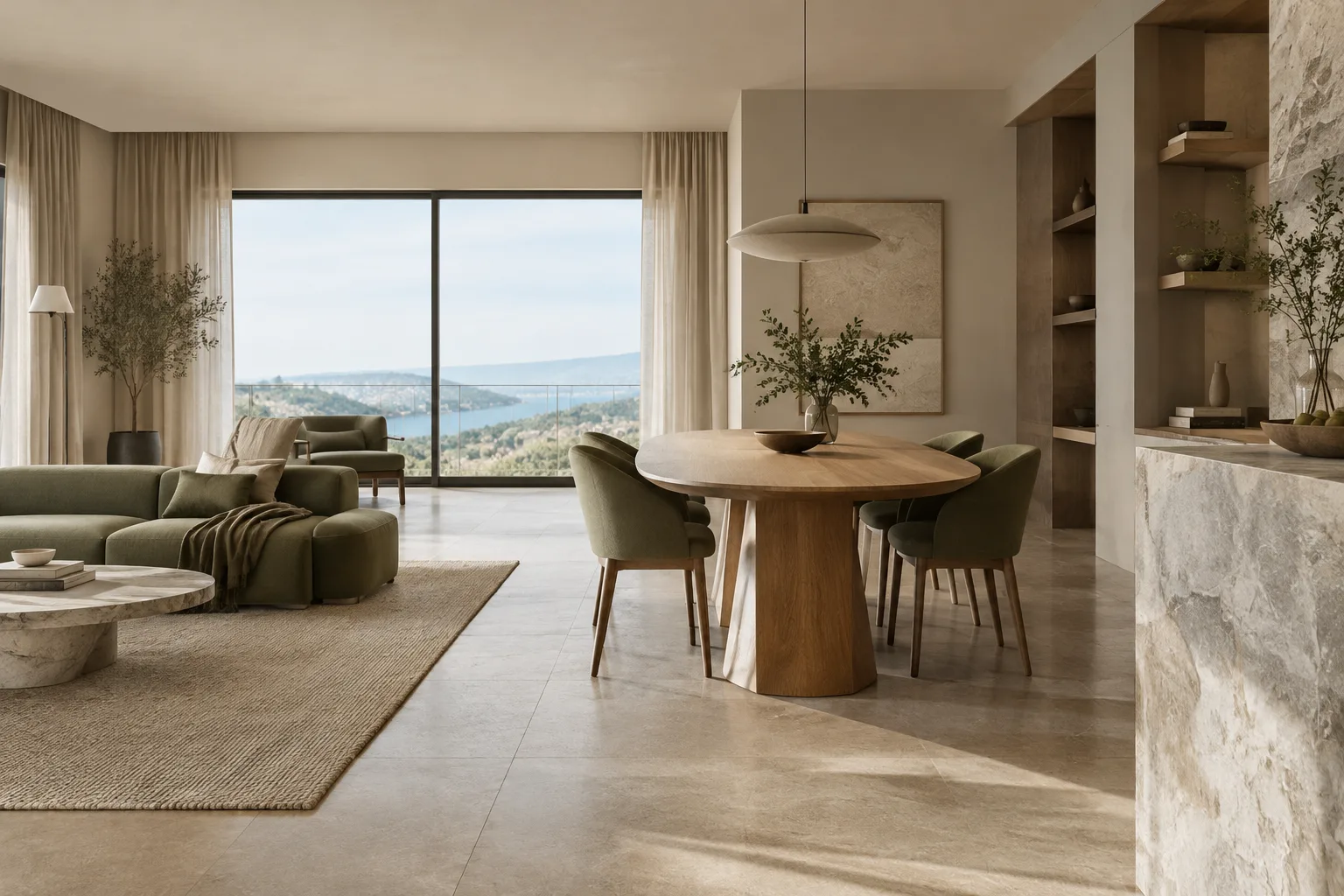
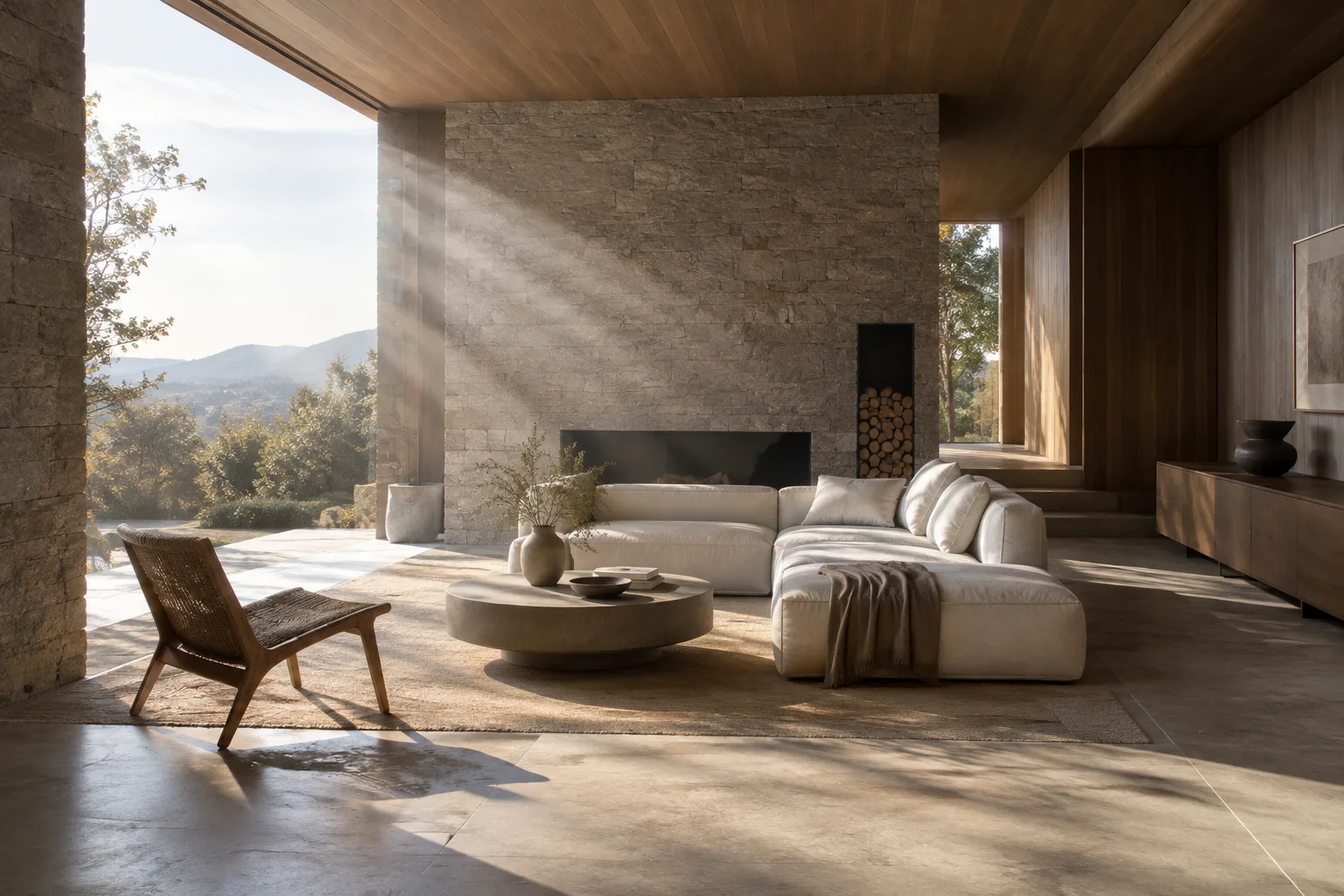
Determine the light’s role in the scene. First decide which direction the sun should hit the scene from. The Directional Light’s direction arrow shows which way the light travels; use it as a reference when positioning and orienting the light. For interior visualization, directing the rays through an opening makes the light-and-shadow pattern easier to read. The goal isn’t to physically place the source beside the window, but to set the direction of parallel light according to the scene composition.
Choose a mobility option based on the scene’s needs. The light’s Mobility setting offers three behaviors:
Static: Cannot be changed during gameplay. The source documentation describes this as the fastest rendering method and notes that it allows precomputed lighting.
Stationary: The light does not move, but its color and intensity can be changed at runtime. Shading and indirect lighting from static geometry are precomputed by Lightmass, while other lighting remains dynamic.
Movable: The light is fully dynamic and can cast dynamic shadows. It is described as the slowest option to render, but offers the most flexibility.
Static may be worth considering for a fixed presentation scene where precomputation and speed are priorities. Stationary may be a better fit if you need to change the light’s color or intensity later, but not move the source. If the light’s position or behavior needs to be dynamic, the flexibility of Movable becomes important; its performance cost should also be taken into account.
Adjust intensity and color. Directional Light’s Intensity value represents the maximum illuminance in lux. Light Color sets the light’s color. Evaluate these settings together to establish the overall lighting balance in the scene; rather than changing one setting while assuming the others can stay fixed, check the result—especially around window openings and interior shadows. If you prefer to use temperature, the Temperature value is in Kelvin; the documentation gives 6500 K as the value for white.
Check shadow edges. Source Angle defines the angle of the light source in degrees. The source documentation gives a default value of 0.5357 and notes that it corresponds to the sun’s angular size. Higher values produce softer shadows and broader specular highlights. Experiment with Source Angle to choose between sharper and softer shadows. Check the entire image as you increase the setting; looking at only one edge can make you overlook the effect on other shadows in the scene.
Distinguish precomputed lighting from dynamic behavior. Directional Light settings in the Lightmass category affect precomputed lighting for Static and Stationary lights. Don’t assume these options do the same thing when working only with a Movable light. With Static and Stationary, evaluate the precomputed and dynamic parts of the scene separately; pay particular attention to Stationary’s behavior if you need to change light intensity or color.
Check whether the shadow method limits the relevant settings. Cascaded Shadow Maps split the view into multiple shadow maps, providing more detail in areas close to the camera. However, if the project uses Virtual Shadow Maps, Directional Light cascades are not drawn and most of these settings have no effect. Dynamic shadow distance remains relevant. Before changing shadow settings, confirm which Shadow Map Method the project uses and how the light is configured to cast shadows.
Common mistakes
Choosing Mobility based only on appearance: Static, Stationary, and Movable do not work the same way. Precomputed lighting, changes during gameplay or interaction, and render cost all lead to different results. Choosing before clarifying the required light behavior may mean revisiting the scene settings later.
Confusing Source Angle with light intensity: Source Angle affects shadow softness and the width of specular highlights; Intensity represents maximum illuminance in lux. Increasing intensity to soften a shadow doesn’t change the setting that controls shadow softness.
Assuming every shadow option applies to every project: Many Cascaded Shadow Maps settings have no effect in projects using Virtual Shadow Maps. Changing cascade values without considering the method in use may not produce the expected result.
Treating experimental features as production-ready guarantees: Orthographic rendering is described as experimental in Unreal Engine 5.3. Although the release notes say that most modern features, including Lumen, Nanite, and shadows, are expected to work, this should not be interpreted as guaranteed compatibility across every project and use case. If you use an orthographic camera for architectural drawings or presentations, verify the feature in your production workflow.
Impact on architectural visualization workflows and next steps
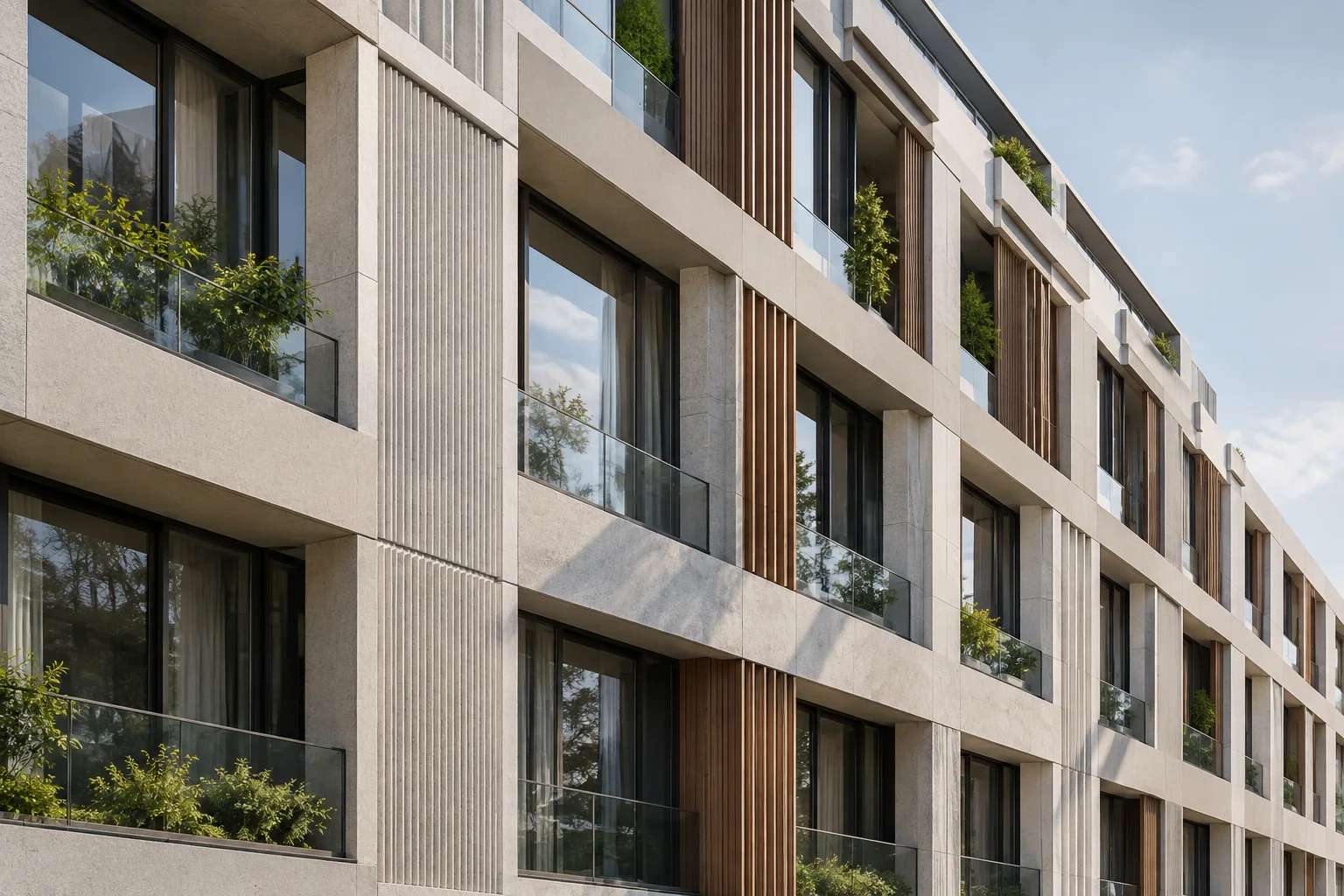
Directional Light is useful for architects, interior designers, and visualization artists who want to establish facade sun exposure, light patterns falling into interiors, and the scene’s shadow characteristics. Precomputed lighting may be a priority in a static scene; if you need to change the light’s color or intensity, or create fully dynamic shadows, consider the other Mobility options. These choices balance speed and flexibility. Since the sources do not specify particular hardware requirements, performance should not be predicted based on hardware.
As a next step, compare the same scene under different sun directions. When deciding, assess not only shadow edges but also the effect of the light on how the space reads. In the Unreal Engine 5.0 sources, Lumen is described as a dynamic global illumination and reflection solution that responds instantly to changes in the scene and lighting; this approach may help workflows that evaluate results by changing the light. If you need an orthographic view, also consider the experimental support in Unreal Engine 5.3 and verify how it behaves in your project.
Sources and license
This tutorial is a Turkish adaptation of relevant information in Epic Games’ Unreal Engine Directional Light documentation and the Unreal Engine 5.0 and 5.3 release notes. The sources are marked as license=free in the provided content.
Sources
3 sourcesSource texts are not republished; short quotes are marked, everything else is our own summary and commentary.
For architecture firms and visualization artists in Turkey, the practical value of this workflow lies in deliberately setting the sun’s direction and shadow characteristics, then choosing light behavior to suit the scene. For light entering through openings in particular, the Mobility choice affects both flexibility for making changes and the lighting approach.
When evaluating budgets and hardware, it’s important not to assume requirements that the sources don’t mention. The speed-versus-flexibility differences between Static, Stationary, and Movable are a useful starting point, but they should be tested in an actual project alongside the target quality and shadow method. The experimental status of orthographic support in UE 5.3 should also be verified before production.
Frequently asked questions
What is Directional Light used for in Unreal Engine?
It simulates parallel rays coming from a distant source, making it suitable for representing sunlight.
What’s the difference between Static, Stationary, and Movable lights?
Static cannot be changed during gameplay and is described as the fastest rendering method. Stationary does not move, but its color and intensity can be changed; Movable offers dynamic shadows and greater flexibility, but is the slowest option to render.
Can you use orthographic rendering in Unreal Engine 5.3?
The 5.3 release notes describe orthographic rendering as experimental. They say most modern features, including Lumen, Nanite, and shadows, are expected to work; this is not a guarantee of compatibility.