In brief
- Nano Banana 2.1’s API model ID is listed as gemini-nano-banana-2.1.
- The model can generate images from text prompts; editing with image inputs is also documented.
- Output resolutions are 1K, 2K, and 4K, with 1K as the default.
- Google has discontinued its Imagen models and recommends switching to Nano Banana for image generation.
What will you learn in this guide?
This guide outlines a basic workflow for generating an architectural concept image with Nano Banana 2.1 through the Gemini API. It covers model selection, prompt writing, a sample Python request, and how to assess the resulting image. The aim is not to automatically produce technical drawings or a dimensioned model for a construction project, but to create a concept image for use in early-stage ideation and visual research.
Nano Banana is the name for Google’s image-generation and conversational image-editing capabilities within Gemini. The Gemini API documentation describes Nano Banana 2.1 as its current image generation and editing model, focused on high efficiency. Its model ID is gemini-nano-banana-2.1. According to the company, compared with the previous Nano Banana 2 version, it brings improvements in image quality, prompt adherence, multi-turn consistency, and text generation.
Requirements and model selection
To run the example, you’ll need access to the Gemini API, a Python environment, and a workflow using Google’s google.genai library. The API client must have valid credentials; the source documentation does not specify a particular operating system, computer hardware, or library version. For that reason, this guide does not provide a specific installation command or version number.
For model selection, use the ID recommended in the current guide: gemini-nano-banana-2.1. The documentation states that the model supports 1K, 2K, and 4K resolutions, with 1K as the default. It also mentions improvements for 2K and 4K outputs at wide and panoramic aspect ratios. However, since the sample API workflow does not show a parameter for setting the resolution, the code below does not assume one is available.
Important migration note: Google’s Imagen page states that Imagen models have been removed from the Gemini API and recommends switching to Nano Banana for image generation. If your workflow relies on legacy Imagen model names and the generate_images method, check the current documentation and update it to use the new model and API methods. The example below follows the interactions.create approach shown in the image-generation documentation for Nano Banana 2.1.
Step-by-step image generation
1. Define the purpose of the image
First, decide how the image will be used in the design process: massing studies, material exploration, or interior atmosphere. Clearly describe the space type, camera angle, lighting, materials, and framing in your prompt. Keep in mind that a concept image is not a dimensioned drawing or a verified construction detail.
2. Write the initial prompt
The example below is an original prompt for a contemporary courtyard house. It describes the visual style and framing; it does not claim compliance with any specific architectural standard.
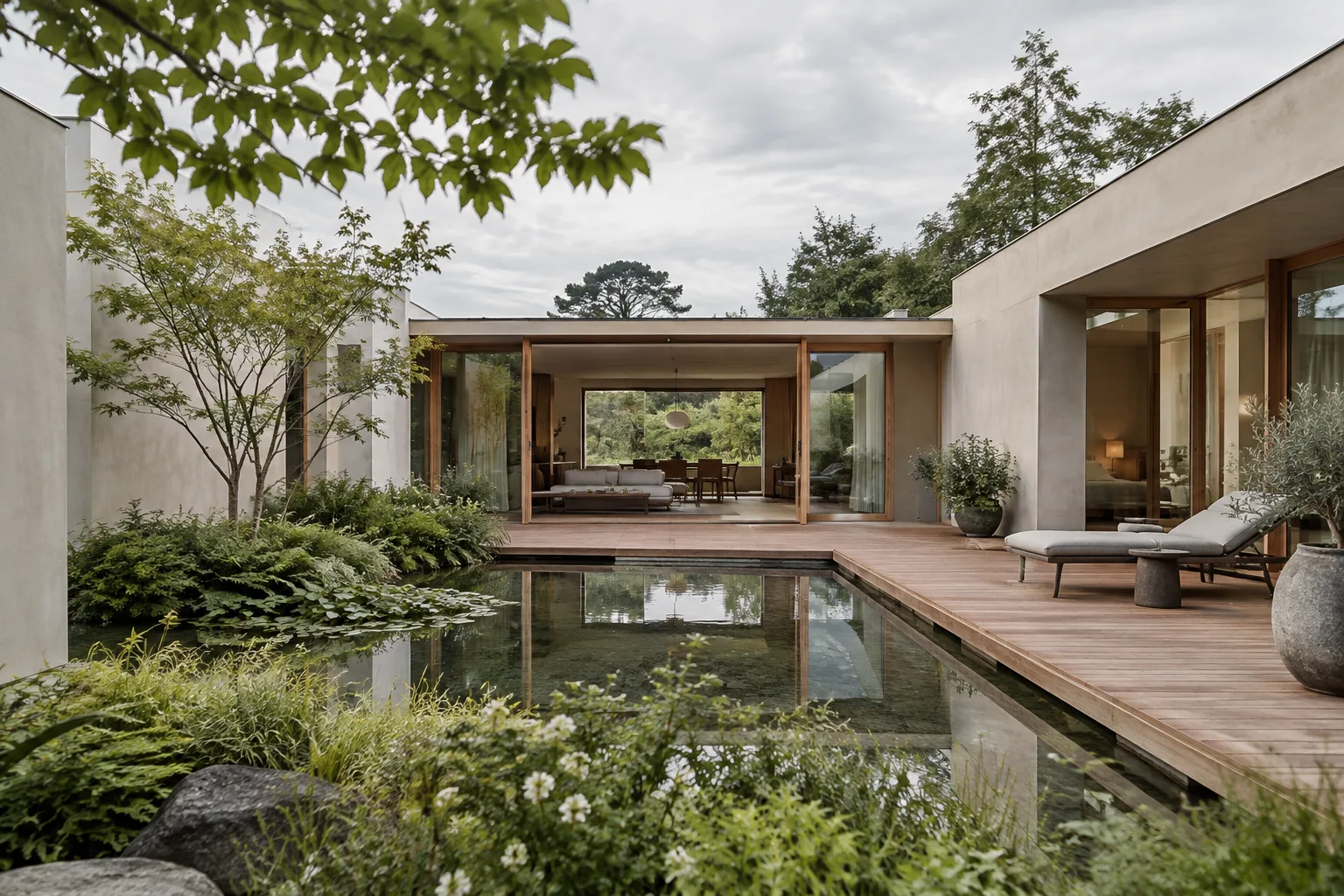
Create a photorealistic architectural concept image of a compact contemporary courtyard house, viewed from the garden at eye level. Show a shaded timber terrace, pale mineral plaster walls, large sliding glass doors, a small reflecting pool, and restrained native planting. Soft overcast daylight, calm material palette, realistic proportions, clear spatial depth, no people, no signage.Treat the first generation as visual exploration. You can assess the main spatial relationships, balance of materials, and quality of light, but the dimensions and structural solutions shown are not a substitute for design validation.
3. Send the request with Python
Save the prompt text in a file called prompt.txt. The example below reads the file, sends it to Nano Banana 2.1, and saves the image data in the response as generated_image.png. It follows the basic structure of the Python example in the documentation.
from google import genai
import base64

client = genai.Client()

with open("prompt.txt", "r", encoding="utf-8") as prompt_file:
    prompt = prompt_file.read()

interaction = client.interactions.create(
    model="gemini-nano-banana-2.1",
    input=prompt,
)

with open("generated_image.png", "wb") as image_file:
    image_file.write(base64.b64decode(interaction.output_image.data))
When the request completes, the example decodes the Base64-encoded image data in interaction.output_image.data. The documentation also notes that, for more complex outputs combining text and images, convenience fields for individual outputs may not show every part. This guide’s simple, single-image workflow is separate from those more complex scenarios.
4. Compare the result with your design goal
Open the image and check whether it includes the key elements in your prompt. For example, the courtyard, terrace, pool, and material feel should be visible. If the expected relationships aren’t there, clarify just one element in the next request instead of rewriting the entire prompt—for example, the camera height, shadow intensity, or material description. This makes it easier to track which changes in the prompt led to each revision.
5. Try a separate interior prompt
When exploring an interior concept, clearly specify the room’s function, viewing direction, and light source. The second example applies the same generation approach to a lounge.
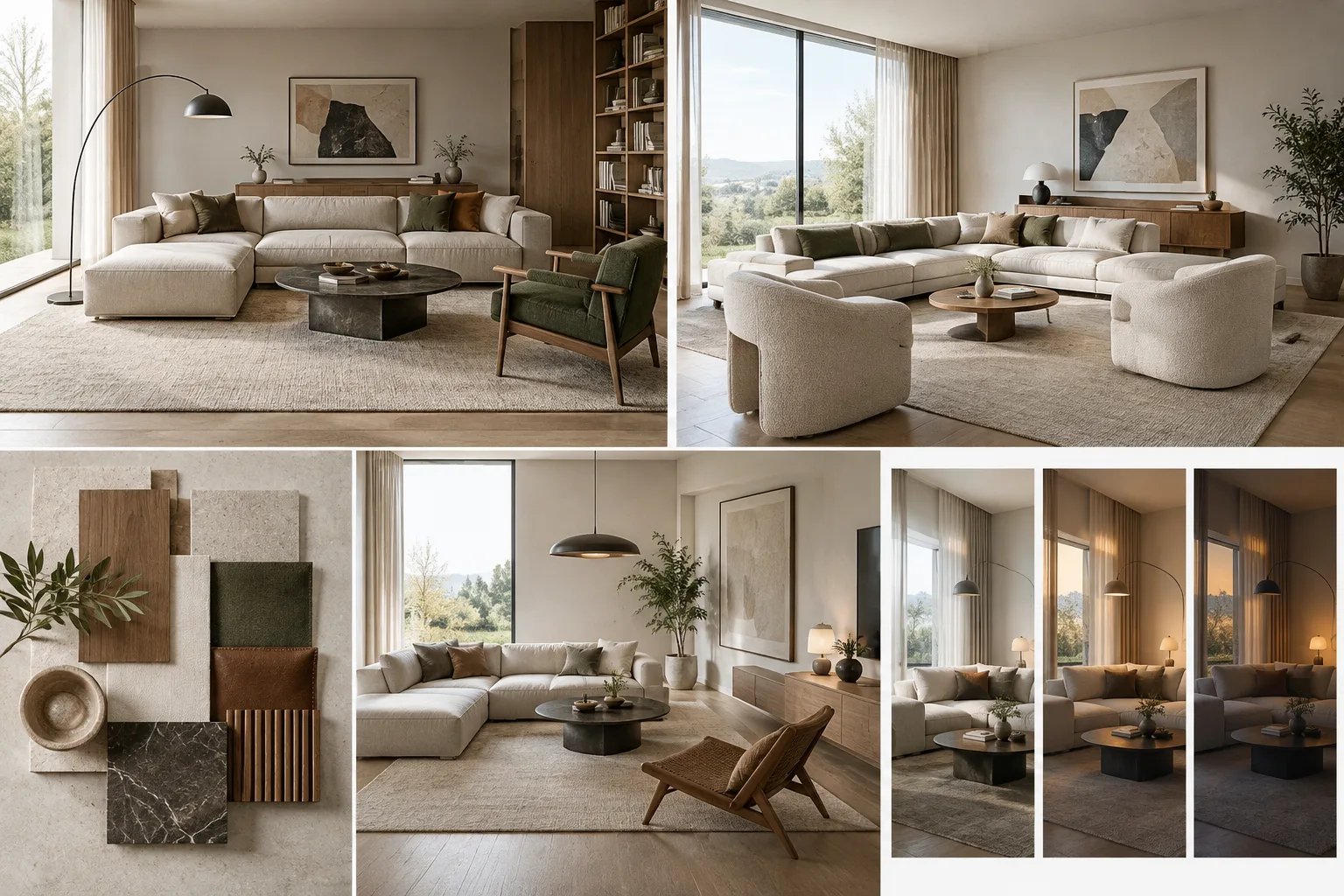
Create a photorealistic interior design concept for a quiet reading lounge in a small urban apartment. Show a built-in oak bookcase, a low linen sofa, a compact reading chair beside a tall window, warm neutral finishes, and soft indirect daylight. Frame the room from the entrance so the seating layout and circulation are easy to read. Natural textures, balanced exposure, no people, no text.This prompt can be used for early-stage ideas about furniture layout and atmosphere. Don’t make decisions about dimensions, accessibility, or feasibility without comparing the generated image against the project drawings.
Common mistakes
Packing too many goals into one prompt: Multiple requests for spaces, materials, and camera angles can compete with one another. Keep the first attempt focused on a single main design idea.
Treating a concept image as a technical output: The API documentation describes image generation and editing; it does not claim that generated images are dimensioned plans or construction details.
Continuing to use a legacy Imagen workflow: Google states that Imagen models are no longer available in the Gemini API. Check older integrations against the current documentation.
Assuming a resolution setting is available: The documented outputs include 1K, 2K, and 4K, with 1K as the default. However, the short code example shown here does not include a resolution parameter.
Overlooking usage rights for reference images: Google’s guide reminds users to ensure they have the necessary rights to any images they upload for editing.
Where it fits in architectural and visualization workflows
Nano Banana 2.1 may help architecture firms and students quickly explore options for materials, lighting, and spatial atmosphere, especially during early concept development. Working through the API may be useful for technical teams looking to integrate a repeatable generation workflow into their own tools. The model accepts text and image inputs, can generate images, and supports grounding with search. Its documentation also specifies support for combining up to 14 reference images, maintaining consistency for up to 4 characters, and preserving the fidelity of up to 10 objects. These capabilities do not guarantee the technical accuracy of an architectural scene; firms should test their limits when working with references.
The sources do not specify a local GPU requirement; the guide describes API usage. Pricing and licensing terms are not stated on the pages reviewed, so check the API and service terms separately before moving to regular production. Also ensure that you have the rights to use any reference images uploaded for editing. Use the results for presentations and design research, and validate project decisions against dimensioned documentation and expert review.
Next steps
After your first attempt, generate the same space with different lighting and material descriptions, and note which prompt elements you change each time. If you use image editing with a reference image, first verify that you have the right to use it. For more advanced integrations, consult Google’s image-generation and model documentation for current API examples, supported inputs, and model capabilities. API behavior and access conditions may change, so refer to the latest documentation before using the workflow in production.
Sources and license
This guide has been adapted into Turkish based on information in Google’s Gemini API image-generation guide, Nano Banana 2.1 model page, and Imagen migration documentation. The source pages are licensed under CC BY 4.0. The prompt examples were written specifically for this guide; prompts from the sources have not been copied.
Sources
3 sourcesSource texts are not republished; short quotes are marked, everything else is our own summary and commentary.
For architecture firms and students in Turkey, one of the most practical uses of Nano Banana 2.1 is quickly visualizing different atmospheres and material options during the concept stage. An API-based workflow opens the door for technical teams to incorporate repeatable experiments into their processes; however, since the sources do not explain usage fees or licensing terms, these should be checked separately before committing to regular use.
The images generated by the model should not be treated as dimensioned project outputs. Design decisions must be validated against technical drawings and expert review. If you use a reference image, usage rights should also be part of the workflow.
Frequently asked questions
What is the API model ID for Nano Banana 2.1?
The model ID is listed as `gemini-nano-banana-2.1`.
What image resolutions does Nano Banana 2.1 support?
The model documentation lists 1K, 2K, and 4K outputs. The default resolution is 1K.
Are Imagen models still available in the Gemini API?
According to Google’s migration documentation, Imagen models have been discontinued and are no longer available in the Gemini API. Google recommends switching to Nano Banana models for image generation.