In brief
- Dolly Zoom is a free Blender add-on developed by Surf-Ace.
- The add-on works in Blender’s 3D viewport and with cameras.
- A single slider adjusts focal length and forward-backward movement together.
- The Dolly Zoom control itself cannot be keyframed; focal length and camera position must be keyframed separately.
Surf-Ace’s free Dolly Zoom add-on is available for Blender 4.2 LTS and later, according to an 80 Level article published on 26 October. The tool is designed to adjust focal length and forward-backward movement through a single slider, both in Blender’s 3D viewport and with cameras. This makes it easier to control the dolly zoom look—also known as the Hitchcock, Vertigo, or Jaws effect—when composing a shot.
How does the slider work?
Dolly Zoom moves the view or camera forward or backward along the Z axis in the viewing direction while also changing the focal length. This can preserve the apparent on-screen size of objects around the 3D cursor. Instead of simply making objects larger or smaller in the frame, users can work with camera distance and the sense of perspective.
Since the add-on works both in the 3D viewport and with scene cameras, it offers the same approach to control for exploring different framings. Adjusting the slider lets users control camera movement and focal length at the same time while refining a composition. The add-on announcement does not list features relating to other camera settings or specific output types.
An important limitation for animation
The Dolly Zoom slider itself cannot be keyframed. So if the effect needs to change over time, keyframes must be created separately for focal length and camera position. The add-on does not combine the two values into a single animation control; the slider helps adjust them together during composition.
This distinction matters when preparing a moving camera shot. The desired look can be found with the slider, but the timing and movement of the animation must be set using separate keyframes for focal length and position. The tool can simplify composition tests, but it does not eliminate the animation steps.
Impact on architectural visualization and interior workflows
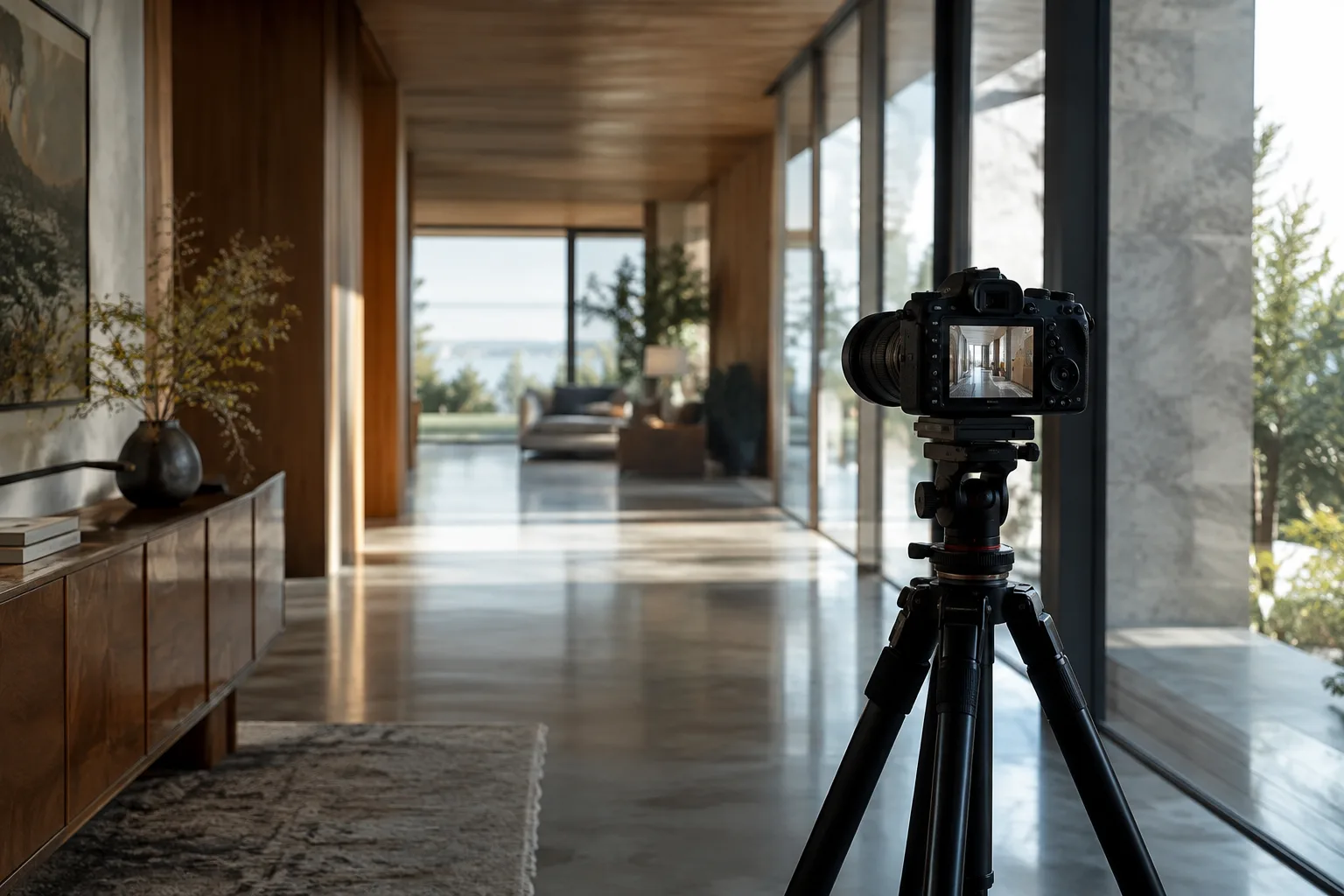
In architectural visualization and interior presentations, camera framing is a key decision that affects how a space is perceived and where the viewer’s attention falls. By adjusting camera movement and focal length together, Dolly Zoom could offer visualization artists a practical way to compare different perspective effects. It may be useful for controlling the frame in short camera moves or when testing an approach toward an object in a scene; this is a potential workflow application of the functionality the add-on offers.
On the other hand, the source does not provide information about hardware requirements, installation steps, or compatibility with other add-ons. Before using it, users should confirm that their Blender version is at least 4.2 LTS. If they plan to create an animated move, they should also account for the need to keyframe focal length and camera position separately.
Dolly Zoom is available for free. However, the source does not explain licensing terms or conditions such as paid support. Teams should therefore check the license details and compatibility with their current Blender versions before incorporating the tool into a shared workflow.
Sources
1 sourceSource texts are not republished; short quotes are marked, everything else is our own summary and commentary.
Dolly Zoom’s most tangible benefit is that it lets users adjust camera movement and focal length together through a single control when exploring framing options. Its free price makes the add-on a low-cost option for independent visualization artists and small studios experimenting with this look. However, the need to use separate keyframes for animation means this step should be factored into the workflow.
For offices in Turkey, it is important to first verify the Blender version in use and the add-on’s licensing terms. Since the source provides no hardware requirements or compatibility details, testing the add-on in a small scene before using it in existing projects would be a cautious approach.
Frequently asked questions
Which Blender versions does Dolly Zoom work with?
The add-on is available for Blender 4.2 LTS and later.
Is the Dolly Zoom add-on free?
The 80 Level article says the add-on is available to download for free.
How do you animate the Dolly Zoom effect in Blender?
The Dolly Zoom slider cannot be keyframed directly. To animate the effect, keyframe focal length and camera position separately.