In brief
- CADQuader is being developed to convert STEP and IGES files into quad polygon meshes.
- The tool detects sharp corners and edges, and can create edge loops around circular details.
- Blender integration lets users transfer meshes between the two applications and send edited models back.
- After registration, the free beta provides 30 days of full access, including saving and exporting.
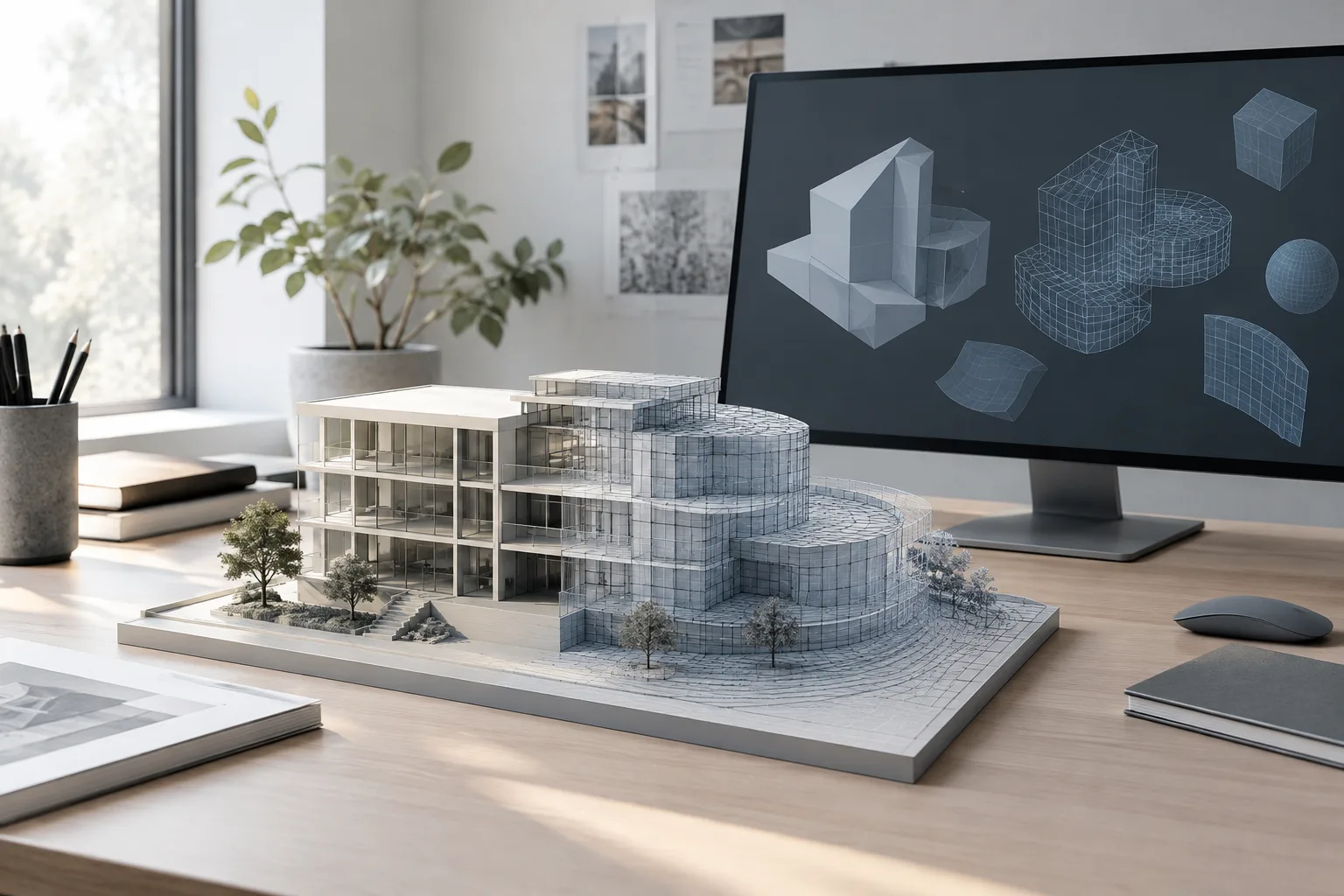
Pilgway, the developer of 3DCoat, has released CADQuader in beta, a tool focused on converting CAD models into polygon meshes. Announced on 21 November, it is designed to convert STEP and IGES files into quad meshes. According to 80 Level, the beta can be downloaded for free after a brief registration process.
What conversion options does CADQuader offer?
CADQuader lets users choose from different mesh-generation methods depending on the shape of the model. The tool can automatically detect and preserve sharp corners and edges, and create edge loops around circular geometry. Pilgway’s goal is to convert CAD geometry into quad meshes that are closer to being ready for production use.
The software uses its own native .quader file format and can export models as OBJ. The source lists STEP and IGES as the supported CAD input formats. No information is provided about other file types or additional export options.
How does the Blender integration work?
The Blender bridge developed for CADQuader lets users send generated meshes directly to Blender and bring them back to CADQuader after editing. During transfer, polygon data, as well as the model’s position, scale, UVs, normals, and sharp-edge information, are preserved.
This two-way workflow is useful for users who continue working in Blender after conversion. Those who want to edit a model and then return it to the source application can take into account which data is preserved during transfers between the two programs. However, the source does not specify Blender version compatibility or the bridge’s installation requirements.
Beta access and licensing terms
The beta provides 30 days of full access, including the ability to save and export. After that period, users can view models and generate meshes, but a license is required to save or export their work. The license price and other terms after the beta have not been announced.
Pilgway is reportedly continuing to develop CADQuader and is asking users to try the tool and share feedback. Features and workflows may therefore change during the beta. Before using it in production, check that files can be saved and exported and that transfers to Blender meet the project’s needs.
Impact on architecture and visualization workflows
Architecture firms and visualization teams that use CAD geometry for rendering or editing in Blender may want to evaluate the tool. Generating quad meshes from STEP and IGES offers an option for bringing CAD data into a Blender-based workflow. The stated preservation of sharp edges, circular details, and other data during transfer also highlights what to check when revisiting a model.
However, the source does not provide CADQuader’s system requirements, compatibility with different CAD applications, or license price. It should not be assumed to fit existing hardware or licensing budgets. During the beta, trying a small sample model and testing the round trip to and from Blender can help determine whether the tool meets the needs of existing projects.
Sources
1 sourceSource texts are not republished; short quotes are marked, everything else is our own summary and commentary.
For architecture and visualization teams, CADQuader’s most notable aspect is its attempt to bring the workflow from CAD files to quad meshes and Blender together in a single tool. That approach looks worth testing during the beta for projects that continue in Blender. In particular, the features for preserving corners and circular details are important when assessing how a model can be edited afterward.
However, full-featured free access is limited to 30 days; after that, a license is required to save and export. With pricing, system requirements, and compatibility details still undisclosed, offices should not rush to add the tool to their production pipeline. They should first test mesh quality and the transfer workflow with sample files.
Frequently asked questions
Which file formats can CADQuader import?
The source lists STEP and IGES as supported input formats. OBJ export is also supported.
Is CADQuader free?
The beta can be downloaded for free after registration and provides 30 days of full access, including saving and exporting. After that period, a license is required to save and export.
Can CADQuader transfer models to Blender?
Yes. The Blender bridge transfers meshes between the two applications, preserving polygon, position, scale, UV, normal, and sharp-edge data.