In brief
- ChatGPT Images 2.5 became available across all tiers in ChatGPT, ChatGPT Work and Codex on 8 September 2026.
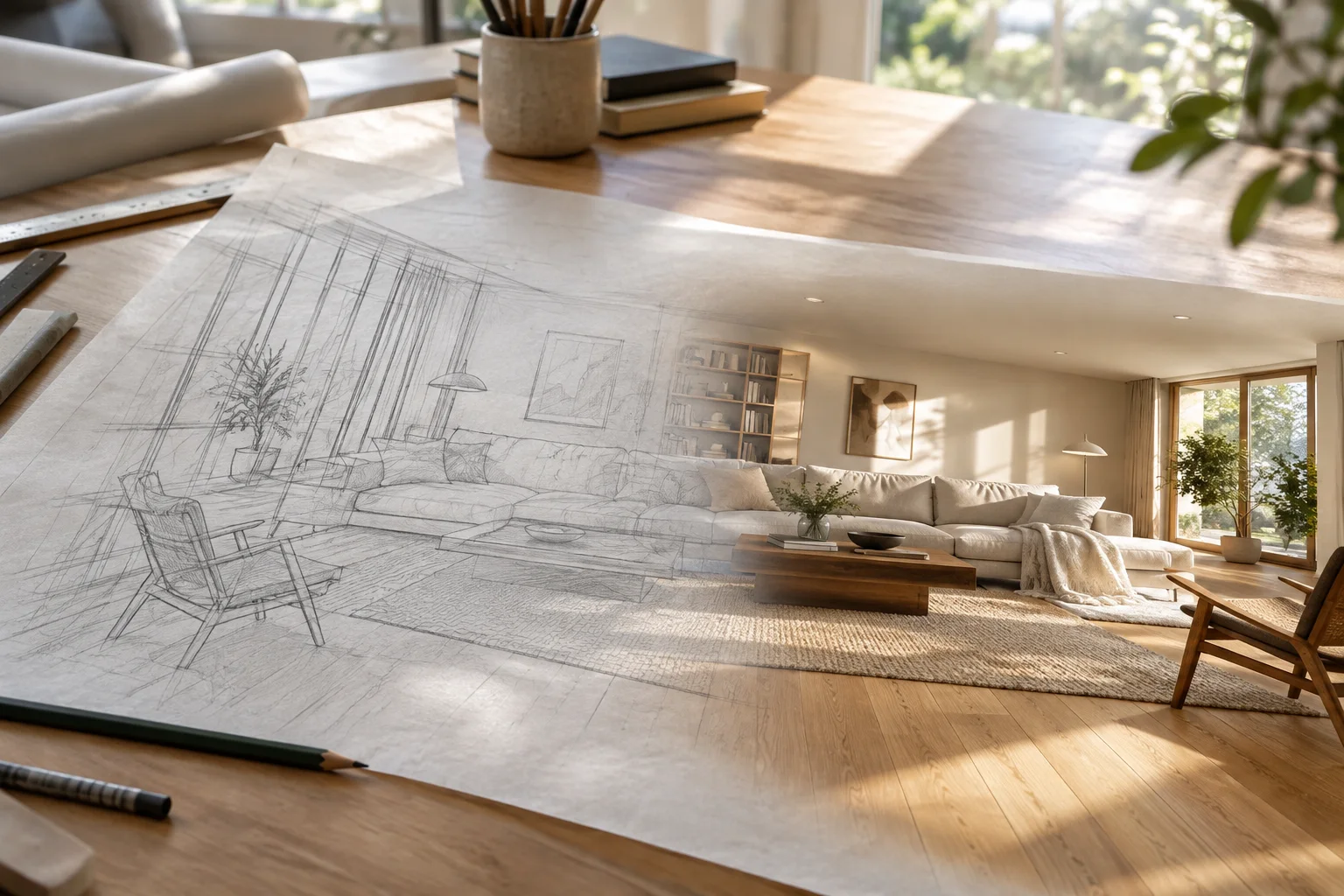
- The new Sketch tool lets users guide an image’s composition with a rough drawing.
- The API offers two models: speed-focused gpt-image-2.5-flare and detail-focused gpt-image-2.5-sunburst.
- Pricing is the same as GPT Image 2: $30 per 1M tokens for image output.
On 8 September 2026, OpenAI updated the image generation infrastructure in ChatGPT with ChatGPT Images 2.5. The new version became available across all subscription tiers to ChatGPT, ChatGPT Work and Codex users on desktop, mobile and the web. For developers, the model arrived in the API in two variants: speed-focused gpt-image-2.5-flare and detail-focused gpt-image-2.5-sunburst. OpenAI highlights sharper detail, more natural lighting, more reliable results across multi-step edits and up to 50% lower generation latency than the previous version.
What’s new in ChatGPT Images 2.5?
According to DataCamp’s review of the release, the main improvement is in editing rather than generating images from scratch. The model is more consistent than its predecessor at preserving a subject and scene through successive changes to an image. The new tools added to the ChatGPT interface are:
Sketch: A drawing canvas opened by typing
@Sketchin a chat. Users can describe the composition, object placement and proportions with a rough drawing; the model turns this spatial guidance into an image.Focused editing: Users can comment directly on a specific area of an image to request changes to that area alone, while the surrounding content is preserved as much as possible.
Templates: Ready-made layouts for designs such as posters and products reduce the need for lengthy prompts.
Shareable prompts: A generation prompt can be attached to a shared image, allowing colleagues to create variations of the same image.
What’s the difference between Flare and Sunburst?
The two API models use the same pricing structure but are aimed at different tasks. Flare is built for speed and volume, making it suitable for work that requires many iterations, such as social media content and rapid prototyping. Sunburst offers more detail and precision in exchange for longer generation times, and is positioned for final images with presentation-quality output.
According to OpenAI’s developer documentation, Flare’s default snapshot is gpt-image-2.5-flare-2026-09-08. The model works only with the image generation (v1/images/generations) and image editing (v1/images/edits) endpoints. Quality can be set from low to max, and masked editing (inpainting) is supported.
| Item | gpt-image-2.5 (Flare / Sunburst) |
|---|---|
| Text input | $5 per 1M tokens |
| Image input | $8 per 1M tokens |
| Image output | $30 per 1M tokens |
| Cached input | 75% discount |
| Rate limit (by tier) | 5–250 images per minute |
DataCamp notes that these rates are the same as GPT Image 2. That means the improvements in quality and speed do not come at an extra cost; the selected quality level and resolution still determine the cost.
Where can it help in architectural visualization?
In architecture and interior design offices, generative image models are most often used in three areas: quickly exploring mood during the concept phase, creating material or furniture variations from an existing render, and retouching images before client presentations. Two of Images 2.5’s key features directly support these workflows.
The first is Sketch. For designers who think through drawing, it’s far more controlled to sketch the position of a window in a room, an island kitchen or a break in a façade’s massing and generate an image than to describe it in a lengthy prompt. This method is no substitute for a scaled model or BIM data, but it can make it easier to answer “something like this?” within minutes during an early design meeting.
The second is consistency across multi-step edits. A common problem in archviz is that a model may change the wall colour, lighting direction or perspective when asked to change the fabric on a chair. OpenAI’s focus on editing reliability and preserving the subject in this release is a tangible promise of improvement for teams making local revisions to renders. Masked editing support in the API is also significant for studios looking to automate this work.
What limitations remain?
Reviews indicate that dense text and typography are still weak points. Written information such as levels, dimensions and legends on architectural presentation boards should not be left to the model; it should be added later in graphic design software. Reviews also note that complex layout changes can cause distortions beyond the edited area. For this reason, images should be checked after every revision, and the original should be kept.
The model is also available on ChatGPT’s free plan, but OpenAI has not disclosed usage limits. For teams expecting to generate images at high volume, the API may be a more predictable option, since costs can be calculated in advance.
How should offices set up their workflow?
A two-stage process seems practical. The Sketch and focused editing tools in the ChatGPT interface can be used for rapid exploration during the concept and variation stages. Once a direction has been chosen, the main image should still be produced in the render engine with accurate dimensions and material information; the AI model should be brought in only for retouching, atmosphere or background adjustments.
For studios using the API, Flare’s per-minute image limit and low quality setting can make bulk variation generation less expensive. Using Sunburst only for final images going to clients can offer a good balance of time and cost.
Sources
3 sourcesSource texts are not republished; short quotes are marked, everything else is our own summary and commentary.
For our audience, the main innovation in Images 2.5 is control more than image quality. Being able to guide a composition with a sketch and change only one area of a render could speed up concept meetings and material variation presentations in architecture offices. Keeping the price the same as GPT Image 2 is also a positive for studios planning their costs.
Still, this model should not be treated as a replacement for a render engine. Proportions, straight lines and dimensional consistency are not guaranteed, so every edit to a final image for a client needs to be checked carefully. Given the dollar-denominated token pricing, it’s also wise to account for exchange-rate risk when usage is high and decide in advance which tasks the team will handle with Flare and which with Sunburst.
Frequently asked questions
Is ChatGPT Images 2.5 free?
The model is available on all ChatGPT tiers, including the free plan. However, OpenAI has not disclosed usage limits for free and paid plans.
What’s the difference between Flare and Sunburst?
Flare is optimized for speed and volume, making it suitable for work that requires many iterations. Sunburst takes longer to generate more detailed images and is positioned for final output; both models have the same price.
How do you open the Sketch feature in ChatGPT?
Type @Sketch in a chat to open the drawing canvas. The rough sketch created there is used to guide the spatial layout of the generated image.