In brief
- CozyBlanket Pro is currently available only on iPad and requires iPadOS 18.6 or later.
- Users can guide retopology and UV seams by drawing guides on a model’s surface.
- The basic app is free; saving or exporting requires a one-time payment of $89.99.
- A desktop version is in development, but no release date has been announced.
Sparseal released CozyBlanket Pro, an app for retopology, UV mapping and texture baking, for iPad on 13 October 2026. According to CG Channel, the software is designed to create lighter, animation-ready 3D meshes from sculpted models and scans. A desktop version is in development, with no release date announced yet.
Retopology guided by user-drawn guides
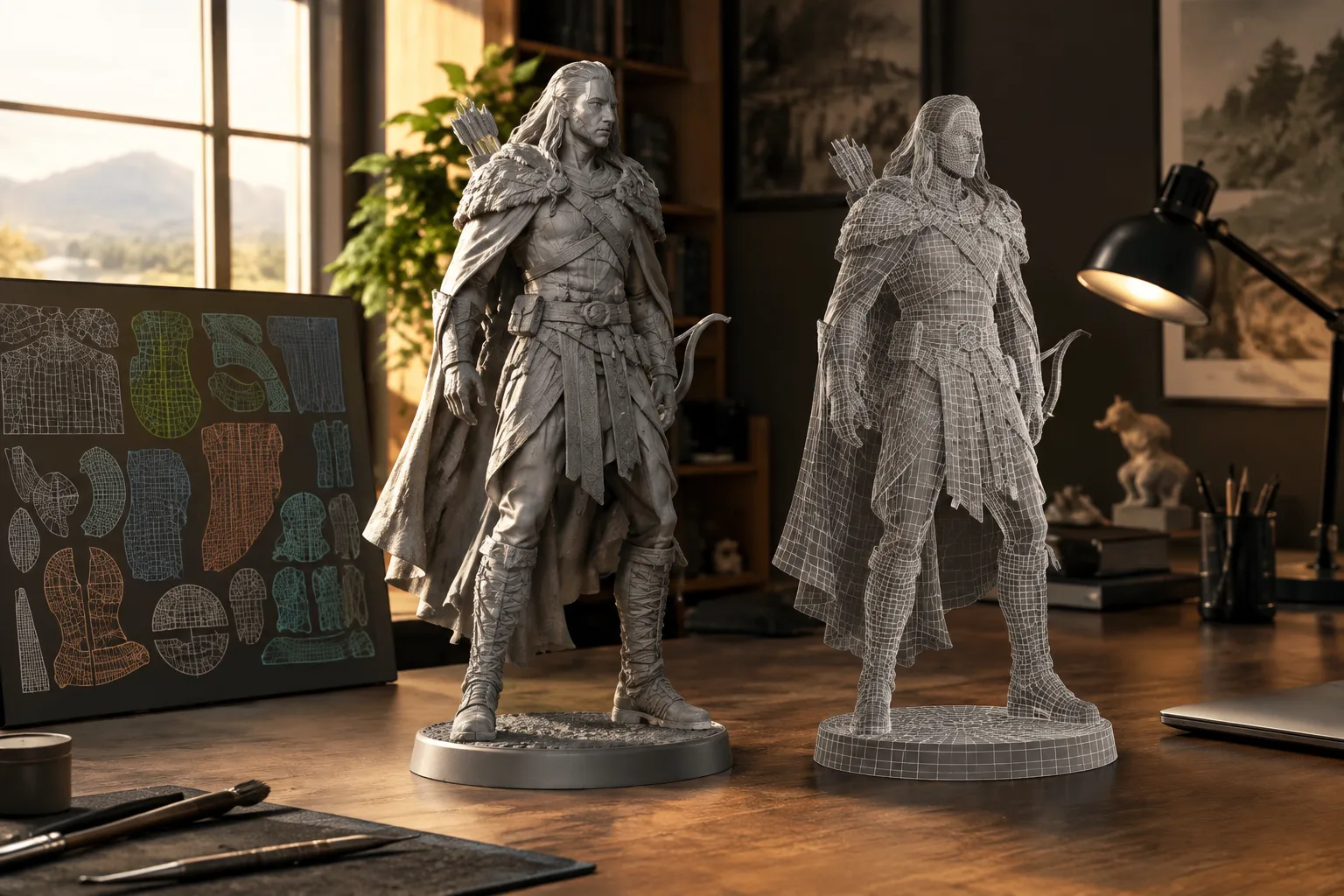
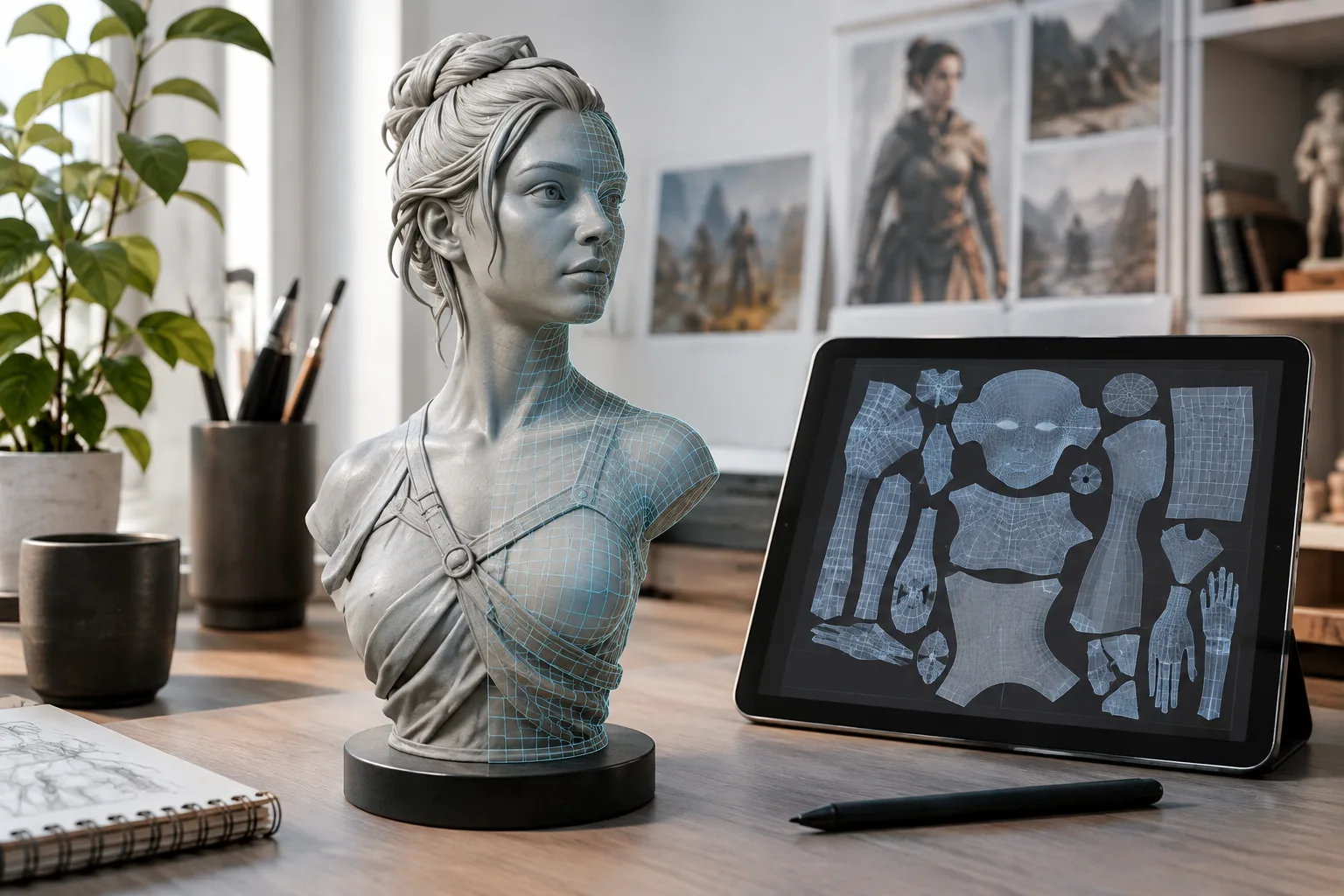
In CozyBlanket Pro, users define the initial structure of the new topology by drawing guides on the model. The pen tool marks the boundaries of topology sections on the surface, and the app uses those marks to generate the mesh in between. Users can refine the result by adding guides or changing the camera angle. Vertices, edges and faces can also be added, deleted or moved manually.
Sparseal says its AI models were developed in-house, trained exclusively on synthetic data and run locally on the user’s device. This automation does not hand all modeling decisions over to the software: how the guides are drawn affects the resulting topology. Early demonstrations reported by CG Channel also showed unusual topology on face models, suggesting that results need to be checked.
The app is designed to work with entire characters or environments in a single file. It includes an Outliner for navigating complex scenes, where objects can be viewed or hidden individually. The viewport is built to handle models containing millions of polygons.
UV mapping, packing and export
For the UV workflow, users first draw seam guides on the model, then the app creates the remaining seams. UV layouts can be adjusted manually and refined using general density settings. Users can also view the 2D UV layout on the model’s surface and see changes in real time. UV packing is GPU-accelerated.
The texture baking tools can transfer vertex color, tangent space or ambient occlusion maps from a high-poly source model to a low-poly model. UDIM UV layouts are supported. Models can be exported in OBJ or glTF format, while textures can be exported as PNG, JPG, TIFF or EXR.
Pricing and platform availability
The basic version of the app is free. However, saving or exporting projects requires a one-time payment of $89.99. CozyBlanket Pro is compatible with iPadOS 18.6 or later and is not currently available on any platform other than iPad.
This product is not a direct upgrade to the previous CozyBlanket app. Sparseal says the two apps share neither code nor software architecture and use different file formats; there is also no migration path from the old app to Pro. Although the previous app has been removed from the store, it will continue to receive maintenance updates.
Alongside the desktop version, Sparseal is also working on a network bridge intended to make it easier to share scenes between its own products and desktop DCC applications. No release date has been announced for either project. Sparseal says the desktop version will be sold separately, but has not shared pricing details for the network bridge.
Implications for architecture and visualization workflows
CozyBlanket Pro is positioned for creating character and environment assets for games and animation. Some of its tools may also be worth considering for architecture and interior visualization teams looking to reduce the complexity of scanned or densely modeled objects and prepare their textures. The announcement does not specify integration with any particular architectural software or support for BIM workflows. Compatibility between its model and texture export formats and existing production pipelines will therefore be important.
Teams evaluating the app should check the iPadOS requirement, the payment needed for export, and whether OBJ/glTF and the texture formats are compatible with their software. For workflows that depend on desktop delivery, planning may be difficult until the desktop version’s release date and platform options are clarified.
Sources
1 sourceSource texts are not republished; short quotes are marked, everything else is our own summary and commentary.
Guiding retopology and UV work by drawing guides is a practical approach for artists who do not want to rely entirely on automated results. But because the outcome depends on the quality of those guides, the tool should not be treated as an unsupervised automation solution. For architecture firms, its potential value lies in reducing dense models and preparing textures; no dedicated integration with architectural software has been announced.
For teams in Turkey, the free basic app lowers the barrier to trying it, but the $89.99 payment required to save or export production files should be factored into the cost. Compatibility with existing iPad workflows and export formats should be tested on a small project before making a decision. The desktop version’s release date is also still unknown.
Frequently asked questions
Which platforms does CozyBlanket Pro run on?
It is currently available only on iPad and requires iPadOS 18.6 or later. A desktop version is in development, but no release date has been announced.
How much does CozyBlanket Pro cost to export?
The basic app is free. Saving or exporting projects requires a one-time payment of $89.99.
Which file formats can CozyBlanket Pro export?
Models can be exported in OBJ or glTF format; baked textures can be exported as PNG, JPG, TIFF or EXR.