In brief
- CozyBlanket Pro is a standalone desktop app released for Windows and macOS.
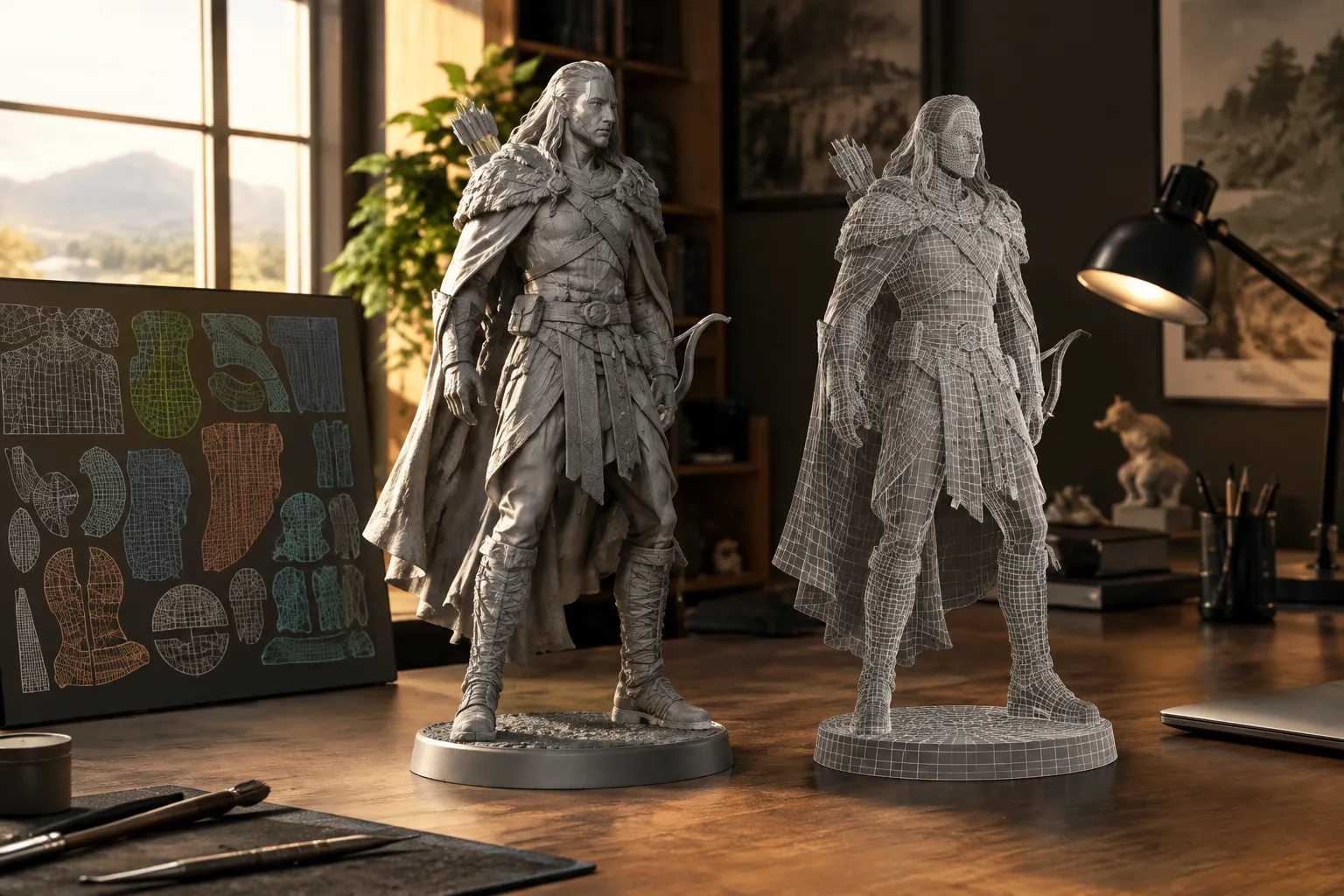
- The software analyzes high- and low-polygon meshes and suggests ways to improve topology.
- It supports GPU-accelerated UV island packing and baking with multiple UV sets.
- The app is free to download, but saving documents and exporting require a paid license.
Sparseal released CozyBlanket Pro, a set of geometry editing and optimization tools, for Windows and macOS on 3 November 2026. The app covers retopology as well as UV preparation and baking. It’s free to download, but saving documents and exporting from the app require a paid license.
How does its retopology workflow work?
CozyBlanket Pro isn’t a new version of CozyBlanket; it’s a standalone app with its own tools and file format. The software analyzes high- and low-polygon meshes as you work, suggesting areas where the topology could be edited.
Its toolset includes filling gaps with quads, changing edge loop flow and placing poles. These tools focus on editing steps where the artist makes decisions about the topology. Developer Sparseal says its AI models run on the user’s device and can be used without an internet connection.
UV editing and baking options
For UV preparation, seams can be marked in the 3D viewport, then the UV layout can be edited. Packing large numbers of islands uses GPU acceleration, and the resulting layouts can be exported.
Baking tools cover vertex color, normal and ambient occlusion maps. According to the source, the features also support multiple UV sets and UDIMs, custom bake cages, and baking from a high-polygon model to a low-polygon one. This brings UV and baking steps associated with retopology into the same app.
Scene organization and licensing
CozyBlanket Pro can keep projects made up of multiple parts, such as character or environment models, in a single file. High-polygon objects can be organized separately. The scene outliner includes solo and mute options for objects, and provides statistics for both the whole scene and individual objects.
The app is free to download, but saving documents and exporting require a license. The source doesn’t disclose the license price. It reports a 20% discount during the first week after launch with the code CBPRORELEASE at checkout. Check the promotion’s terms and the current license price before purchasing.
What does it mean for architecture and archviz workflows?
The source doesn’t say that CozyBlanket Pro offers any features specifically for architectural visualization projects. However, archviz artists working with mesh topology, UV preparation or baking can evaluate the app using their own assets. This is an inference about potential use; there is no confirmed information about compatibility with architectural models or performance in a specific workflow.
For offices evaluating the software, two points stand out: whether its proprietary file format fits into the existing pipeline, and the license cost. GPU-accelerated UV packing is mentioned, but the required hardware isn’t specified. The fact that AI models run locally doesn’t mean the app will perform equally well on all hardware, so teams should test it on their own machines.
Sources
1 sourceSource texts are not republished; short quotes are marked, everything else is our own summary and commentary.
CozyBlanket Pro is worth evaluating for 3D artists who regularly handle retopology, UV and baking in one package. Archviz teams can also try the app with their own models, but no information has been provided about dedicated support for architectural scenes or compatibility with existing software.
For offices in Turkey, a free download doesn’t mean that the saving and exporting features required for production are also free. With pricing and hardware requirements unclear, it would be wise to test the file workflow and performance on the computers in use before purchasing a license.
Frequently asked questions
Which operating systems does CozyBlanket Pro run on?
The desktop version has been released for Windows and macOS.
Is CozyBlanket Pro free?
The app is free to download. Saving documents and exporting from the app require a paid license.
Can CozyBlanket Pro’s AI features be used offline?
According to the developer, the AI models run on the device and can be used without an internet connection.