In brief
- Cosmos can search using reference images; beta 3D Model Generation creates custom 3D assets from images.
- Chaos AI Assistant answers questions inside Enscape and suggests Cosmos assets based on text, images, or the active view.
- Chaos Cloud brings Enscape output management together in one place and supports uploading, viewing, and sharing PDFs alongside images.
- More than 1,500 real-time assets are being added to the Cosmos library, while Enscape’s built-in library now contains over 13,000 assets.
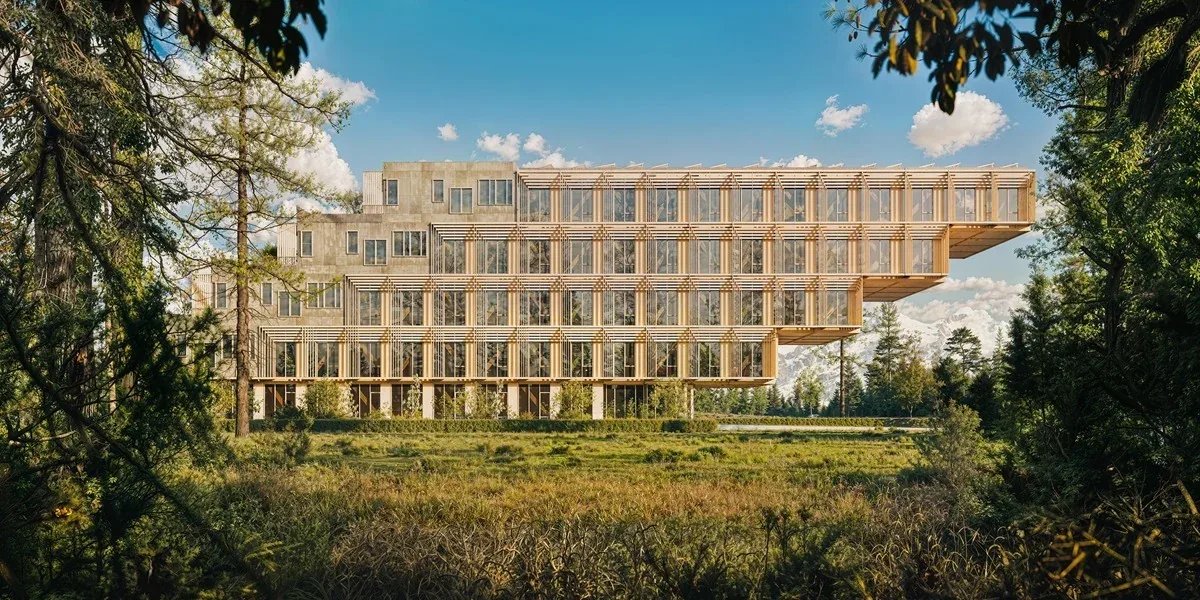
Chaos announced Enscape’s November 2026 update on 4 November. The release, published on the Enscape blog, brings image-based search in Cosmos, beta 3D model generation, in-app AI assistance, and PDF support in Chaos Cloud. The update focuses on keeping CAD/BIM workflows within Enscape, while also refreshing Cosmos assets, Veras integration, and project-output sharing.
Find scene assets from a reference image
Cosmos’s new image-based search lets users submit an image—such as a product photo or moodboard—and returns similar assets from the library. This can reduce the need to know the exact search term or browse categories one by one, especially when looking for furniture, lighting, and plants.
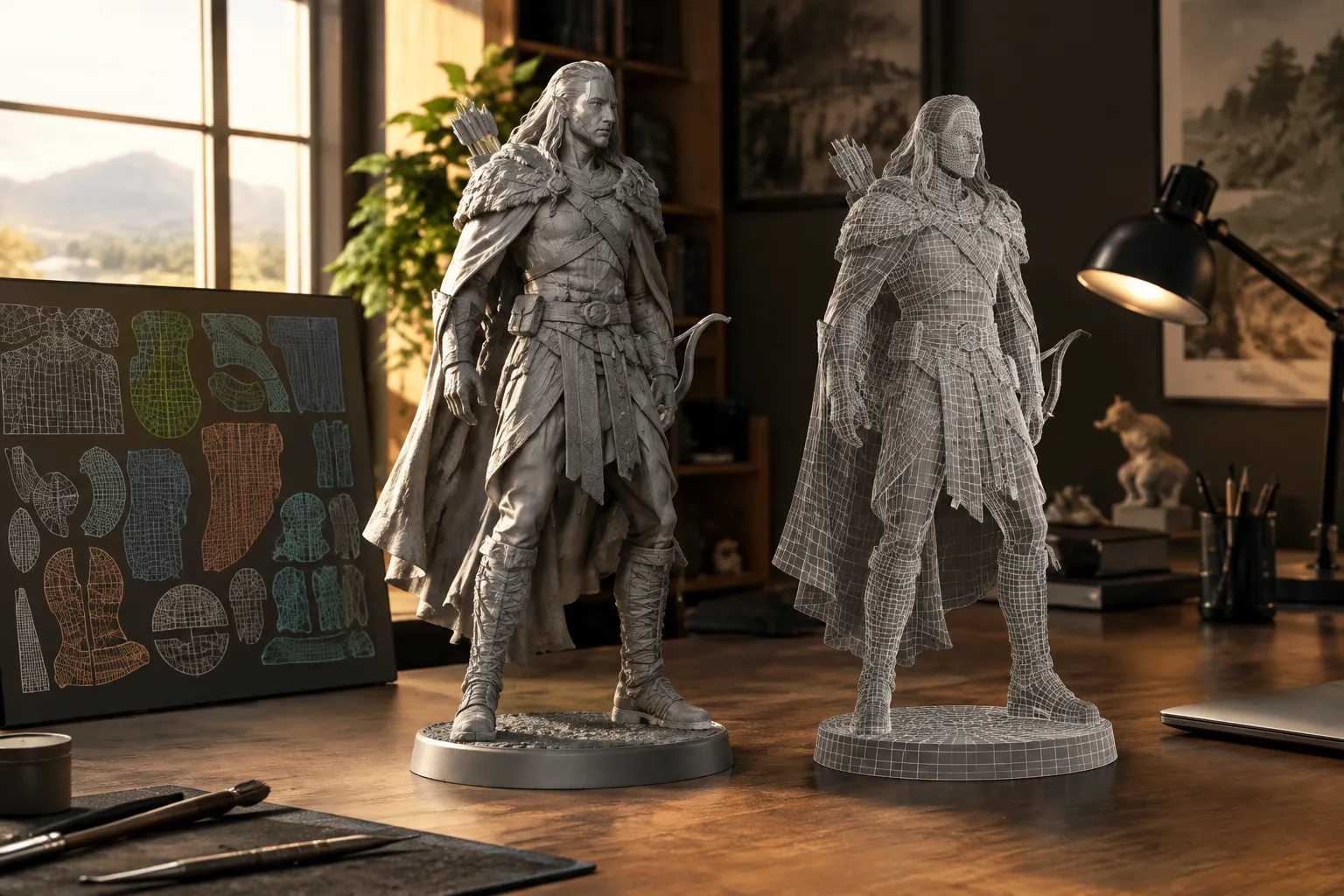
When the library doesn’t have a suitable model, 3D Model Generation can create a custom 3D asset from a reference image. The feature is in beta and does not consume Chaos Credits at this stage. Chaos says more than 1,500 new real-time assets have been added to Cosmos, while Enscape’s built-in library contains more than 13,000 assets.
AI and Veras inside Enscape
The beta Chaos AI Assistant answers questions about settings and provides contextual help without requiring users to leave Enscape. It can also suggest Cosmos assets based on a text prompt, reference image, or active view. This means users can search for suitable scene content and learn how to use a feature in the same workspace.
The Veras integration, with its updated Veras 2.0 interface, makes it easier to move from an Enscape view to AI-assisted ideation, visual exploration, and video creation. The announcement also mentions new AI video models. Enscape users receive 500 additional Chaos Credits to try the integration, but the offer is valid only for new trials started between 4-15 November and new annual licenses. Credits on annual licenses can be used for one month.
Project outputs and PDFs in Chaos Cloud
Enscape renders, panoramas, scenes, and web standalone outputs are managed in Chaos Cloud. With PDF support, plans, sections, and presentation documents can be uploaded, viewed, and shared in the same place as visual content. Chaos recommends that teams with large archives of older uploads set aside time at the outset to organize their content in the new setup.
The update also includes composition grids to help adjust framing in the Enscape view, along with performance, rendering, and stability improvements. Envision updates include Guided Camera Viewpoints, Asset Placement & Scatter, Critique, and Combined Object Gizmo; the Section Tool has also been improved. Envision users have access to more than 800 high-quality assets and over 1,500 4D Anima assets.
Impact on architecture and visualization workflows
Architecture and interior design teams working with visual references can find models without knowing their names, and try the beta generation feature for unique objects that aren’t in the library. By keeping the CAD/BIM model at the center of the process, Enscape aims to reduce the need to move projects into a separate visualization environment. In-app help and asset suggestions may also mean less switching between tools while arranging a scene.
For sharing, presenting renders and drawings together in Chaos Cloud makes it possible to review visuals and technical documents in the same place during design reviews. However, teams should consider the scope of the beta features and the work involved in organizing older uploads in the new setup. The announcement does not specify system requirements or the update’s price, and provides no additional information about hardware compatibility or licensing costs.
Sources
1 sourceSource texts are not republished; short quotes are marked, everything else is our own summary and commentary.
For project offices in Turkey, the update’s most tangible benefit may be bringing non-design tasks such as asset search and project sharing into the same workflow. Image-based search makes it easier to find similar content without knowing product names from different manufacturers, while PDF support helps teams review drawings and renders together. How reliable and useful beta 3D generation and AI assistance will be in day-to-day production remains to be seen in real projects.
Before deciding, teams should check the licensing terms, especially the limited date window for the 500 Chaos Credits offer. The announcement does not include hardware requirements or pricing, so its impact on existing workstations should not be assumed. Teams should also factor in the time needed to organize large archives of older uploads in Chaos Cloud.
Frequently asked questions
What new features are included in the Enscape November 2026 update?
The update includes image-based search in Cosmos, beta 3D Model Generation, beta Chaos AI Assistant, Veras integration, and PDF support in Chaos Cloud.
Is Enscape’s 3D Model Generation feature paid?
The feature does not consume Chaos Credits while it is in beta. The announcement does not specify the terms after the beta period.
How can Enscape users get 500 additional Chaos Credits?
The offer applies to new trials started between 4-15 November 2026 and new annual licenses. Credits on annual licenses can be used for one month.