In brief
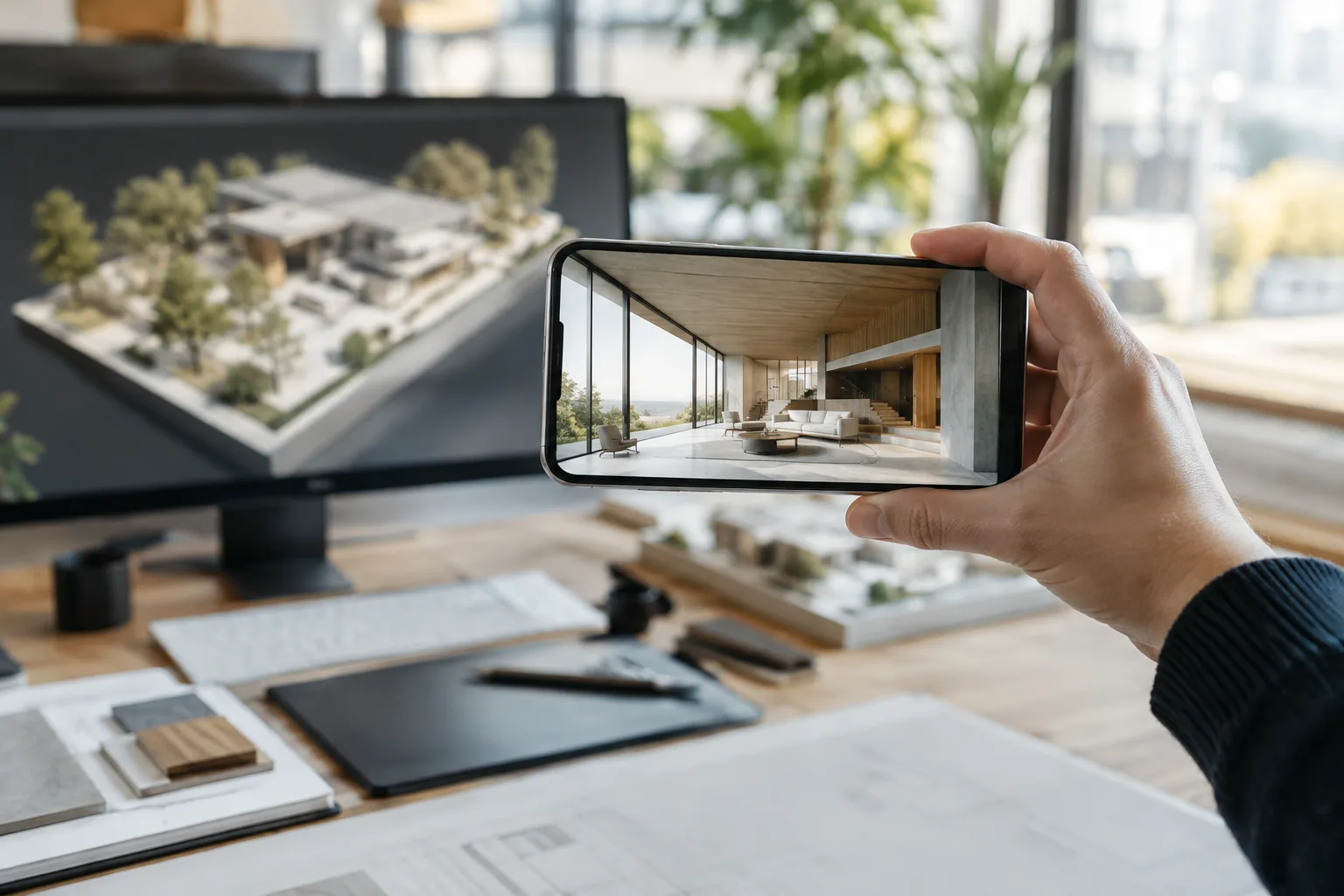
- Omniscient turns an iPhone into a handheld virtual camera for Blender.
- The tool includes live preview and augmented reality controls.
- Camera animations can be recorded; the source does not explain how recordings can be edited.
- The source does not specify pricing, licensing, hardware requirements or Blender version compatibility.
Omniscient is a tool for using an iPhone as a handheld virtual camera in Blender. Digital Production introduced the product in a report published on 6 November 2026; the features mentioned include live preview, augmented reality (AR) controls and camera animation recording. The report gives no details on how to install the tool, which Blender versions it supports, or when and under what conditions it will be available.
What features does Omniscient offer?
The report says Omniscient turns an iPhone into a handheld virtual camera. This indicates that the phone is used in connection with camera operations in a Blender scene, but the report does not explain how camera movements are controlled, how the connection is established, or which camera settings can be managed in the app. It is therefore not possible to draw more detailed conclusions about the available controls.
Live preview is one of the features cited in the source. No information is provided on which screen displays the preview, transmission latency or preview quality. Similarly, the report does not describe the AR controls’ interface or the operations they cover. The feature names offer a general indication of what the tool includes, but do not, on their own, explain how it works technically.
How should camera animation recording be assessed?
Another reported feature of Omniscient is camera animation recording. The source says the feature is available, but does not specify how recorded movements are stored in a Blender project, how they can be edited later, or whether they can be exported in another format. As a result, what the recording feature offers in a production workflow remains unclear based on the available information.
These details matter to teams evaluating the tool. Being able to record camera movement does not, by itself, indicate whether the animation can be edited or reused in different scenes. Without technical documentation or user guides, no definitive assessment can be made on these points.
Potential impact on architecture and visualization workflows
Camera movement can play an important role in how a scene is presented in architectural visualization and interior design presentations. Omniscient’s phone-based virtual camera approach offers a different method for architects and visualization artists preparing camera animations in Blender to explore. The mention of live preview alongside camera animation recording also makes the tool relevant for evaluation in these workflows, but the source does not provide enough information to determine how much time it could save in practice or which projects it would suit best.
Before adding the tool to a production pipeline, offices should confirm its iPhone requirements, Blender version compatibility, connection method, licensing and pricing. The report does not provide this information. How camera recordings can be edited in Blender and the conditions required for live preview are also open questions to resolve before making a decision.
For now, what can be confirmed is that Omniscient positions the iPhone as a handheld virtual camera for Blender, highlighting live preview, AR controls and camera animation recording. How these features fit into architectural scene production can be assessed once the product’s technical details and real-world usage conditions are known.
Sources
1 sourceSource texts are not republished; short quotes are marked, everything else is our own summary and commentary.
The idea of using an iPhone as a handheld virtual camera for Blender is an interesting option for teams working on architectural scenes and presentation animations. Live preview, AR controls and camera animation recording are mentioned together, but more technical detail than the report provides is needed to assess how these features perform in production.
For offices in Turkey, pricing, licensing, device requirements and Blender compatibility should be clarified before purchasing or adding the tool to a workflow. Whether camera recordings can be edited will also be a key factor in determining its practical value. Until this information is available, it is too early to integrate the tool into an existing production pipeline.
Frequently asked questions
What does Omniscient do in Blender?
Omniscient is a tool for using an iPhone as a handheld virtual camera for Blender. The report also mentions live preview and AR controls.
Can Omniscient record camera animations?
Yes. Digital Production’s report lists camera animation recording as one of the tool’s features. It does not explain how recordings can be edited.
Have Omniscient’s pricing and Blender version compatibility been announced?
The source provides no information on pricing, licensing terms or Blender version compatibility.