In brief
- Nano Banana 2 is available in the Gemini API under the model name gemini-3.1-flash-image.
- You can generate images from text prompts, or edit images by providing both an image and text.
- Google describes Nano Banana 2 as suitable for handling multiple reference images and tasks that require consistency.
- According to Google's documentation, generated images contain a SynthID watermark.
What will you learn in this guide?
Nano Banana is the name Google uses for its image-generation capabilities in Gemini. This guide focuses on writing clearer prompts when creating architectural and interior images with Nano Banana 2. Instead of simply asking it to “draw a modern home,” the goal is to describe the space, materials, lighting, framing, and any changes to avoid.
Google's Gemini API documentation describes image generation from text prompts and image editing by combining image and text inputs. The examples therefore include prompts for creating a scene from scratch as well as requests to change an existing image. Generated results should be treated as material for design exploration and visual communication, not as exact project documentation.
Requirements and model selection
Google's guide lists Nano Banana 2 in the Gemini API under the name gemini-3.1-flash-image. The image-generation examples use the Gemini client; for editing, an image is added to the text prompt. The sources do not specify particular computer hardware requirements or current pricing. Check API access and usage costs before getting started; the documentation covered in this guide does not explain the relevant terms.
The documentation also lists these models:
Nano Banana 2 Lite (gemini-3.1-flash-lite-image): According to Google, it is designed for tasks where speed and cost are priorities; it is not optimized for use with multiple references or multi-turn, sequential editing.
Nano Banana 2 (gemini-3.1-flash-image): Described as a general-purpose model, with 4K generation, support for handling multiple reference images, and consistency features.
Nano Banana Pro (gemini-3-pro-image): Offered as a premium option for complex image tasks.
Nano Banana (gemini-2.5-flash-image): The previous model. Google recommends that users switch to Nano Banana 2 Lite.
These capabilities are descriptions from the provider's documentation; they do not guarantee a specific result for a given project. Google also says that generated images contain a SynthID watermark. It's important to have the necessary usage rights for any reference images you upload.
Step by step: creating architectural prompts
Google's prompt design guide recommends giving clear, specific instructions, describing the output format, and stating constraints. Treat prompt writing not as a one-off task, but as a process of reviewing the results and revising your prompt.
1. Define the scene and its purpose
First, describe what the image should show: for example, a residential interior, lobby, facade, or landscape. Then explain whether it's for exploring an atmosphere, testing materials, or creating a presentation image. This distinction narrows down the visual language you're asking the model to produce.
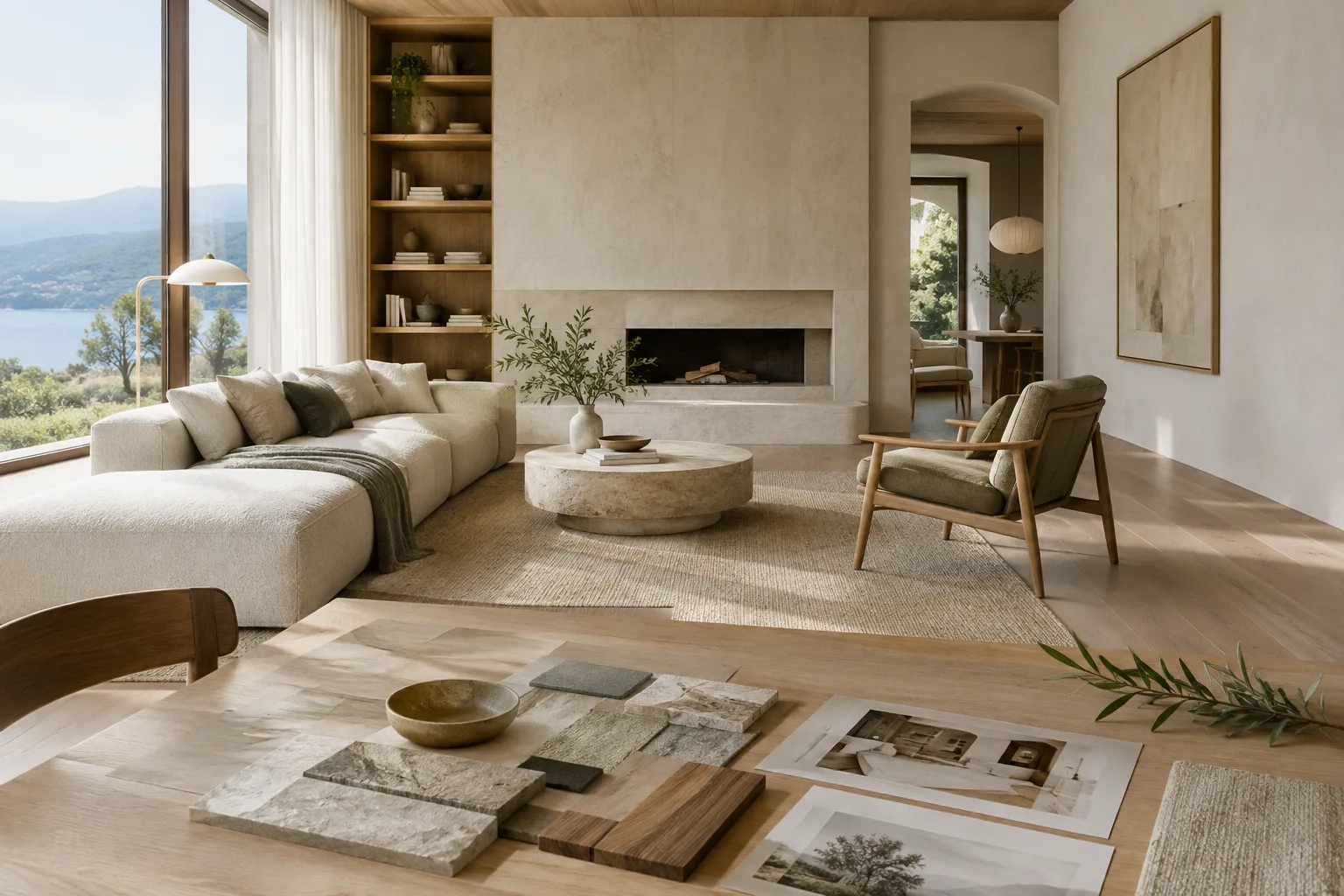
Create an architectural visualization of a compact contemporary apartment living room for an early-stage interior design concept. Show the full seating area, a dining corner, and the main window in one coherent view. Use warm oak, pale stone, and muted natural colors. Soft morning daylight, realistic material appearance, restrained styling, clear spatial composition. Landscape image, no people, no text.This prompt specifies the space, purpose, main materials, lighting, and framing separately. If the layout or atmosphere misses the mark in the first result, update the problematic part with more precise wording rather than rewriting the entire description.
2. Ask for edits while preserving the existing image
If you have a draft render or image, you can use it as an input alongside a text prompt. State what you want changed, and explicitly identify what should remain untouched. The source demonstrates adding an image and editing it with text; it does not specify a particular app interface or menu path.
Edit the provided interior image. Keep the existing room layout, camera viewpoint, window positions, and furniture arrangement unchanged. Replace the glossy floor with matte light oak. Make the wall finish a softly textured warm white plaster. Preserve the original daylight direction and produce a calm, natural material palette.Before using this example, make sure you own the reference image or have permission to use it. If the model makes unwanted changes, list the elements to preserve more explicitly in your next attempt.
3. Describe materials and atmosphere with multiple references
According to Google, Nano Banana 2 is designed to handle multiple reference images and tasks that require consistency. Specify in your prompt which qualities to draw from each reference; for example, one image might represent the material feel and another the lighting atmosphere. Explaining the purpose of each image makes your instructions clearer.
Create a new interior concept using the supplied reference images. Use the first image only as inspiration for the oak grain and pale stone palette. Use the second image only as a reference for soft, indirect daylight. Design a small reading lounge with built-in shelving and a simple upholstered bench. Do not reproduce either reference image's exact room or furniture. Keep the composition quiet and uncluttered.Here, the role of each reference is distinguished, and elements that should not be copied are identified. If the material language varies between results, narrow down your descriptions of color and surface and try again. The source mentions the ability to use multiple references, but does not guarantee the same level of visual consistency in every task.
4. Add output-format requirements and constraints
A prompt doesn't have to consist only of a scene description. Google's prompt guide recommends explicitly stating constraints such as length or format. For architectural images, you can also describe the framing, what should appear in the image, and what should be left out.
Generate a 3:2 landscape architectural visualization of a small courtyard garden beside a contemporary house. Show the relationship between the paved terrace, planting beds, and a shaded seating area. Use a restrained palette of stone, timber, and green foliage, with soft overcast daylight. Keep the garden believable and uncluttered. No people, no labels, no signage, no added text.This prompt describes a 3:2 landscape composition in text; it is not an aspect-ratio parameter shown in the source. If the framing doesn't meet your expectations, emphasize the ratio and the parts of the space you want visible in the prompt.
Common mistakes
Relying on vague adjectives: Instead of using ambiguous words such as “beautiful,” “luxurious,” or “modern” on their own, make your descriptions of materials, lighting, and space more specific.
Packing everything into one sentence: Describe the scene, camera, materials, and constraints separately. This makes it easier to see which part of the prompt is affecting the result.
Not specifying what references are for: If you're providing several images, explain which qualities each one illustrates.
Treating the first result as final: Google describes prompt design as an iterative process. Identify a specific issue in the result and revise the prompt accordingly.
Overlooking image rights: Google reminds users to ensure they have the necessary rights to uploaded images.
Next steps: assess the output in your workflow
Try a few different material or lighting descriptions for the same scene, then refine the approach you prefer with an editing prompt. This can be useful for concept exploration and discussing different atmosphere options with a client. However, the documentation does not describe generated images as measured project drawings or verified building information. Treat them as visual studies that support design decisions, and check any information that requires technical accuracy separately.
For architects and interior designers, the most practical use is quickly exploring alternative atmospheres and material directions. Archviz artists can try requesting color or surface changes to an existing image. Students can also develop the same space description using different prompts and observe how prompt writing affects the visual result. When choosing a model, consider your need for reference images and the usage differences Google describes. Also review pricing, access terms, and project confidentiality before putting it into a real workflow.
Sources and license
This content is adapted from Google's Gemini API documentation on image generation and prompt design. Both sources are provided under the CC BY 4.0 license. The architectural prompts are original examples written for this guide.
Sources
2 sourcesSource texts are not republished; short quotes are marked, everything else is our own summary and commentary.
For architecture firms and students in Turkey, Nano Banana 2 offers a space to experiment with material and atmosphere alternatives, particularly in the early concept stage. The ability to edit an existing image with text can make it easier to explore specific surfaces and colors instead of rebuilding the scene from scratch for every option.
However, the sources do not clearly specify API pricing, access terms, or hardware requirements, so check the latest conditions before incorporating it into your workflow. Image rights and the SynthID watermark should also be part of any professional-use assessment. For deliverables that require technical accuracy, generated images should not replace verified project information.
Frequently asked questions
What is the Gemini API model name for Nano Banana 2?
Google's documentation lists Nano Banana 2 under the model name gemini-3.1-flash-image.
Can Nano Banana 2 edit an existing interior image?
According to the documentation, Gemini can edit images with text prompts; adding, removing, or changing elements are among the examples. The image must be provided as an input along with the text.
Do images generated with Nano Banana 2 have a watermark?
Google's documentation states that all generated images contain a SynthID watermark.