In brief
- Wan 2.2 is an open-source model that generates video from text and images; its TI2V-5B variant can produce 720p video at 24 frames per second.
- The TI2V-5B model can generate a 5-second 720p video in under 9 minutes on a consumer-grade GPU such as the RTX 4090.
- MoE models like T2V-A14B and I2V-A14B, with 14B active parameters, require at least 80GB VRAM on a single GPU or a multi-GPU/cloud setup.
- The FLUX Krea Dev model is a variant used with a SwarmUI and ComfyUI based setup, stated to produce better images than the standard FLUX Dev.
What you'll learn in this article
You'll learn how to set up the open-source video generation model Wan 2.2 and the image generation model FLUX Krea Dev via the SwarmUI interface and ComfyUI backend, and how to produce concept images and short animations with camera movement. This guide is based on the open-licensed installation guide prepared by Furkan Gözükara (MonsterMMORPG) and the official model documentation from Wan-AI. The sources list use cases for these tools as digital art, advertising, film pre-visualization, game development and social media content; the architecture- and interior-focused prompt examples in this article have been separately adapted for 3dsınıfı readers based on the documented techniques.
Requirements
NVIDIA graphics card: An RTX 4090 with 24GB VRAM is recommended for Wan 2.2's TI2V-5B variant.
A system with Python, Git, CUDA and FFMPEG installed.
A one-click installer for SwarmUI and ComfyUI (shared via Patreon in the guide).
A Hugging Face or ModelScope account to download model weights.
For larger Wan 2.2 models (T2V-A14B, I2V-A14B), at least 80GB VRAM on a single GPU or a multi-GPU/cloud setup.
Optional: a Dashscope API key or a local Qwen model for prompt expansion.
Step-by-step installation
Install the prerequisites. Install Python, Git, CUDA and FFMPEG on your system.
Install ComfyUI and SwarmUI. The 1-click installer shared in the guide comes with support for Flash Attention, Sage Attention, xFormers, Triton and DeepSpeed; RTX 5000 series cards are also supported.
Connect the SwarmUI backend to ComfyUI. This step is covered as a separate section in the video guide; during installation you need to select the ComfyUI backend from within SwarmUI and complete the connection.
Download the models. Depending on your hardware, choose and download either TI2V-5B (for a single consumer GPU) or T2V-A14B / I2V-A14B (for multi-GPU or cloud setups).
Import the ready-made preset package. Presets prepared after hundreds of parameter tests let you get high-quality results without manual tuning.
Start your first generation and monitor GPU usage by watching the console logs; if low GPU usage is detected, apply the optimization steps described in the guide.
Example prompts for architectural images and animation
The following prompts have been separately prepared for architectural use based on the techniques in the sources (camera movement, lighting description, cinematic style); the source texts do not contain direct architectural examples.
1. Interior concept image with FLUX Krea Dev
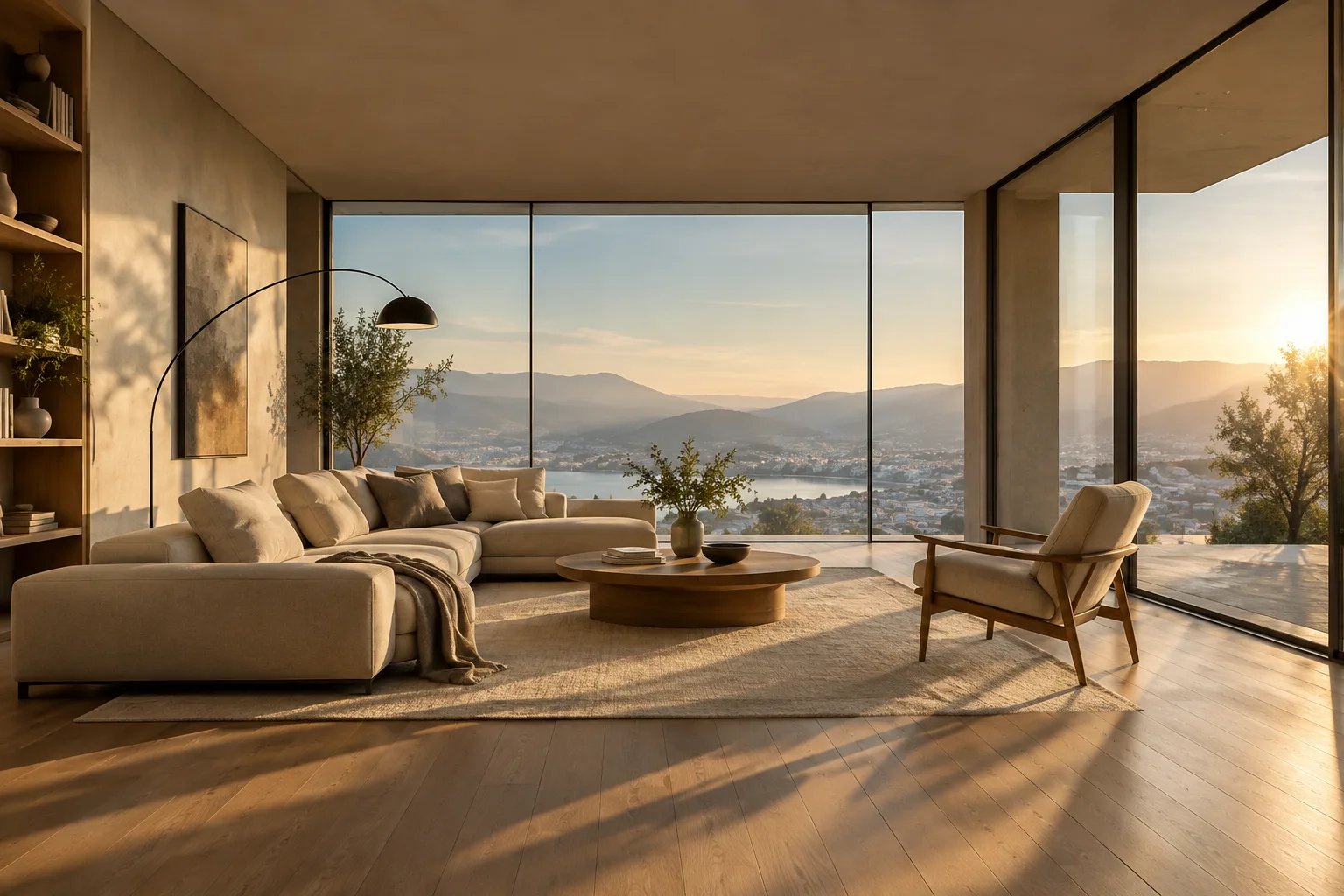
A modern minimalist living room interior, floor-to-ceiling windows, warm afternoon sunlight, oak flooring, cinematic lighting, photorealistic architectural visualization, ultra detailedThis prompt highlights lighting and material detail in FLUX Krea Dev's text-to-image generation; it creates a quick concept image for interior design presentations.
2. Camera movement with Wan 2.2 Image-to-Video
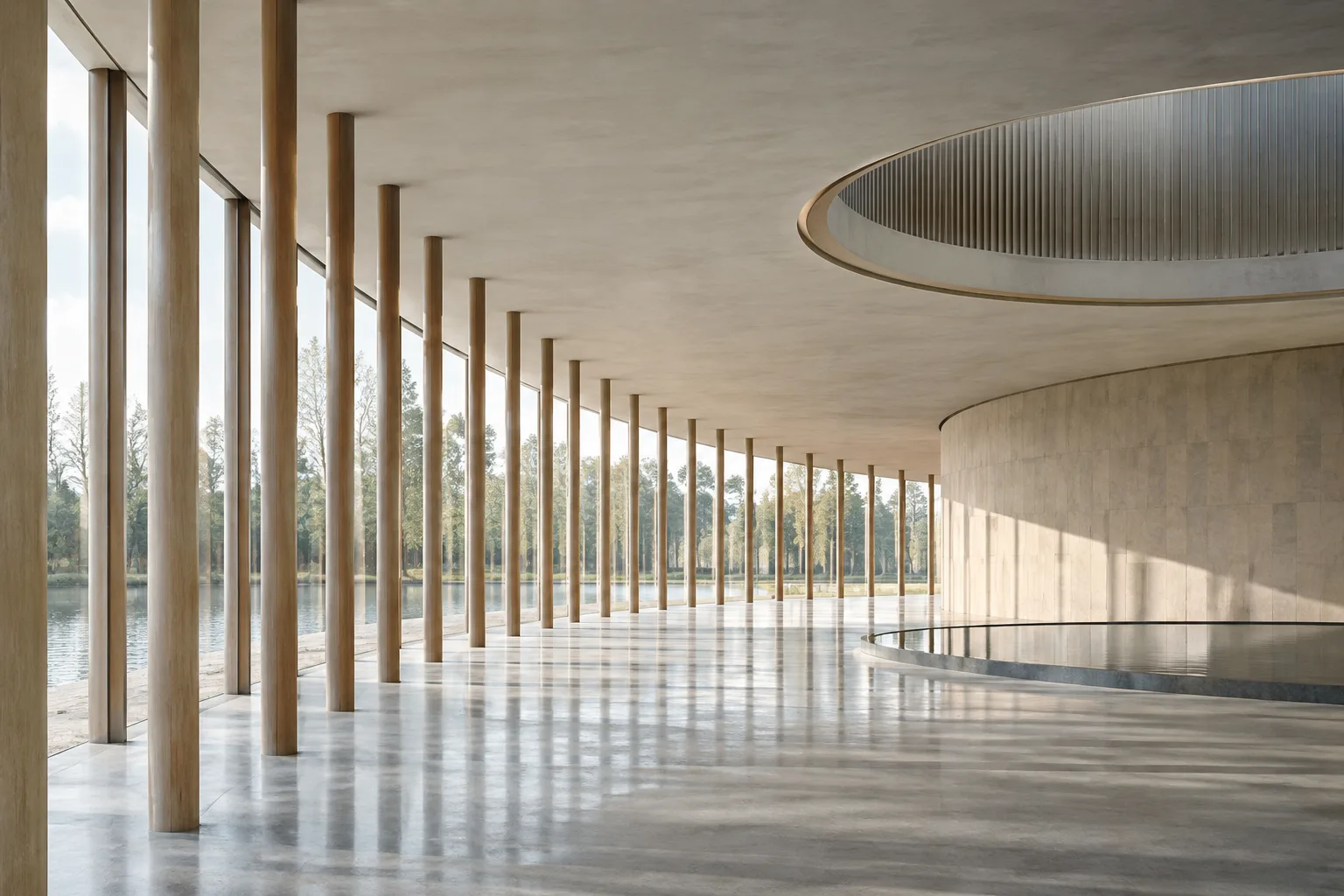
Slow dolly-in camera movement through a contemporary house entrance hall, soft natural light shifting across concrete walls, gentle motion blur, cinematic color grading, 24fps realistic videoBy feeding an existing render image into Image-to-Video mode with this prompt, you can get a slow dolly-in camera animation into the entrance hall; the model can apply camera movements like dolly and pan with mathematical precision.
3. Outdoor presentation with Wan 2.2 Text-to-Video
A drone shot slowly rising above a glass pavilion surrounded by a garden, golden hour lighting, smooth camera pan, photorealistic rendering, architectural visualization styleThis prompt can be used to create an outdoor presentation animation from scratch via text-to-video generation; the golden hour lighting and slow pan movement descriptions engage the model's cinematic control.
4. Command line example for prompt expansion
python generate.py --task t2v-A14B --size 1280*720 --ckpt_dir ./Wan2.2-T2V-A14B --offload_model True --convert_model_dtype --prompt "A drone shot slowly rising above a glass pavilion surrounded by a garden, golden hour lighting"On single GPUs with low VRAM, the --offload_model True and --convert_model_dtype parameters in this command reduce memory usage; if prompt expansion is enabled, the model automatically enriches the descriptions.
Common mistakes
Trying to run A14B models on a single GPU under 80GB VRAM without offload parameters causes memory errors.
Choosing a resolution unsuited to your hardware (for example, running 720p T2V-A14B directly on a consumer card) drastically slows down generation.
Never using prompt extension can result in insufficiently detailed scenes.
Continuing generation without noticing low GPU usage; the guide recommends following the optimization steps in this case.
Next steps
You can try customizing the presets for your own projects, training a LoRA on FLUX Krea Dev for your own office style, and shortening generation times with acceleration options like TeaCache.
Source and license
This guide has been adapted into Turkish under the Apache-2.0 license, based on the official Wan2.2-T2V-A14B model documentation by the Wan-AI team on Hugging Face and the community article "Wan 2.2 & FLUX Krea Full Tutorial" published by Furkan Gözükara (MonsterMMORPG) on Hugging Face.
Sources
3 sourcesSource texts are not republished; short quotes are marked, everything else is our own summary and commentary.
For offices and individual visualizers in Turkey, Wan 2.2 and FLUX Krea Dev could be an appealing option for those wanting to experiment with quick concept images and short promotional animations; however, it's worth noting that the sources don't present these tools as having an architecture-specific use case, and their listed use areas are general fields such as digital art, advertising, film pre-visualization and game development. The fact that TI2V-5B can run on a single RTX 4090 offers a cost advantage for small offices wanting to experiment without investing in large render farms. The fact that A14B models require 80GB VRAM or multiple GPUs, on the other hand, will push those seeking this level of quality toward cloud services.
Being open source means experimentation is possible without licensing costs; but the fact that setup requires technical knowledge (Python, CUDA, ComfyUI) may make direct integration into architectural presentation workflows difficult. It would reduce time loss for offices to first test these tools on a small pilot project, in parallel with their existing render workflow.
Frequently asked questions
What hardware can I run Wan 2.2 on?
The TI2V-5B model can run on a consumer-grade GPU with 24GB VRAM such as the RTX 4090, while MoE models like T2V-A14B and I2V-A14B require at least 80GB VRAM on a single GPU or a multi-GPU/cloud setup.
How does FLUX Krea Dev differ from the standard FLUX Dev?
According to the guide, FLUX Krea Dev is a model variant stated to produce noticeably better images compared to the standard FLUX Dev.
How many seconds of video can Wan 2.2 generate?
Wan 2.2 can generate videos up to 5 seconds long at 480p and 720p resolutions; the TI2V-5B model can complete a 5-second 720p video on a single consumer GPU in under 9 minutes.