In brief
- VRayEnmeshMod repeats pattern geometry across a mesh surface at render time.
- Stretched UV coordinates can cause unwanted distortion in patterns and randomized textures.
- For flat surfaces, matching UVW Map dimensions is recommended; for organic surfaces, unwrap and flatten UVs as much as possible.
- VRayUVWRandomizer and VRayMultiSubTex can be used together with the By instance ID randomization mode.
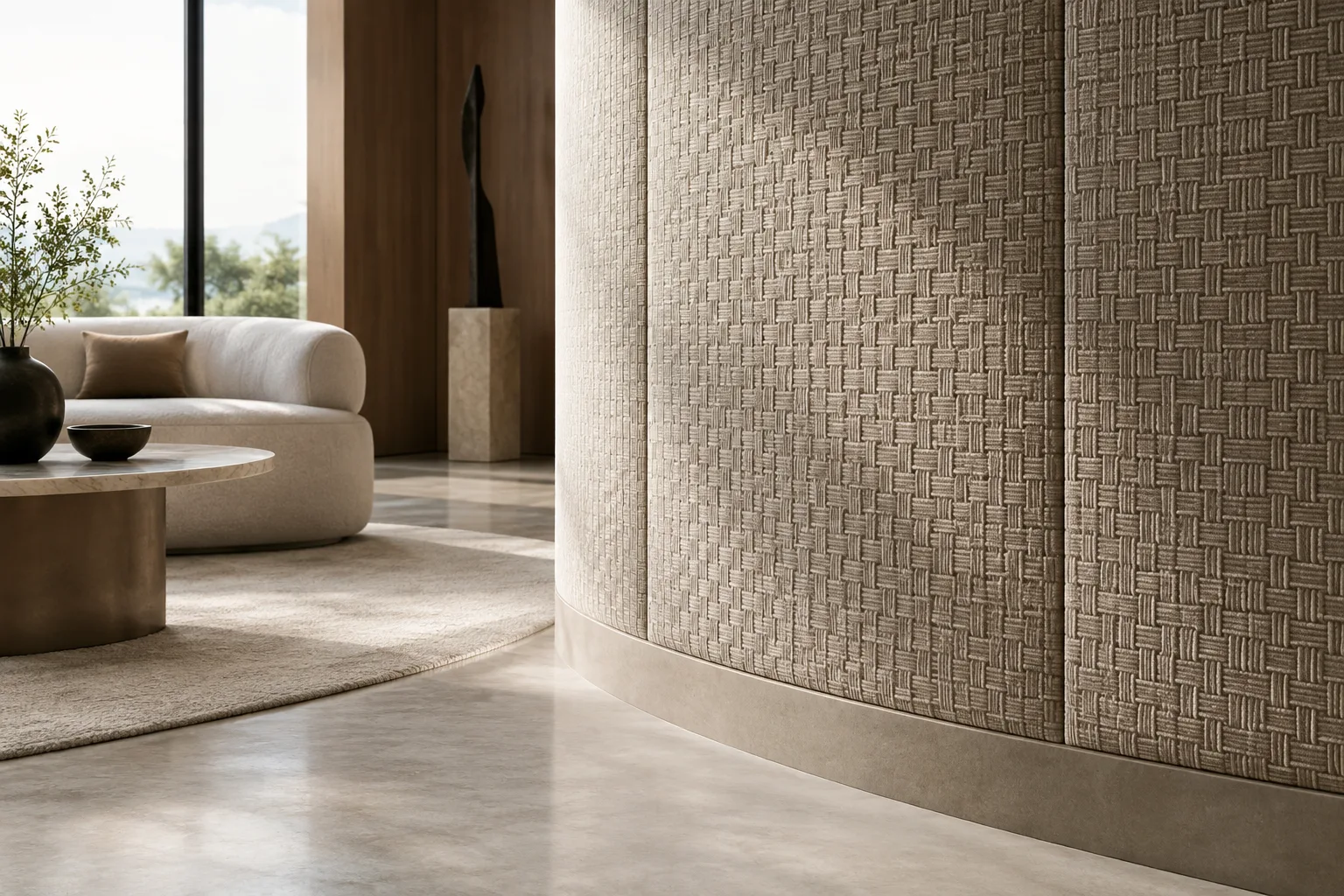
V-Ray Enmesh can be used in 3ds Max to apply repeating patterns such as tiles, fabric weaves, chainmail or mesh to a surface. Chaos’s official documentation notes that these patterns are generated at render time, and that their appearance depends largely on the UV mapping of the underlying geometry. The workflow below is based on the VRayEnmeshMod and texture randomization methods described in the V-Ray for 3ds Max documentation. The documentation does not specify a particular V-Ray version for the Enmesh workflow; it also notes that the interface is slightly different in 3ds Max 2018 due to limitations in the Qt embedded version.
1. Prepare the pattern geometry and Enmesh area
Create the mesh to use as the pattern. Mesh objects added to the Objects list in VRayEnmeshMod form the pattern instance that repeats across the underlying surface. Adding multiple objects lets you build more complex patterns that tile together.
Select the base surface geometry and add VRayEnmeshMod. The documentation lists these interface paths:
Command panel > Modify tab > Modifier List > VRayEnmeshMod;V-Ray menu > Create > Modifiers > V-Ray EnMesh Mod; andModifiers menu > V-Ray > V-Ray EnMesh Mod.Adjust the Crop box gizmo to fit the pattern geometry. The box encloses the listed instance; its size and position affect how the pattern is cropped and repeated. Use Fit in object space to fit the objects inside the box. For seamless tiling, the box edges need to pass through suitable points on the pattern elements.
Adjust the repetition frequency across the base surface with Tiling U/V. Offset U/V shifts the pattern along the surface’s local mapping, while Rotation controls its rotation around the surface normal. These settings serve different purposes, so adjust scale and alignment separately.
2. Fix UVW stretching
The layout of an Enmesh pattern depends on the mapping of the underlying geometry. If UV coordinates are stretched, tiles and the textures on them can look stretched too. Chaos’s example workflow recommends adding a UVW Map and adjusting its dimensions for flat or box-shaped geometry; for complex, curved surfaces, it recommends unwrapping and flattening the UVs.
Add a UVW Map to the base geometry and, if you’re using Box as the mapping type, click Fit. This adjusts the mapping dimensions to the geometry.
Check the Length, Width and Height dimensions. In the rectangular prism example in the documentation, the largest dimension, 83.54 cm, is copied to the other two axes to make all three dimensions equal. The goal is to prevent the applied texture and pattern from stretching by different amounts along different axes.
If needed, move and align the UVW Map gizmo with an edge of the base geometry. This can prevent the pattern from appearing sliced at the surface edges. If the pattern or texture shifts after moving the gizmo, readjust Enmesh’s Offset U/V values.
Adjust Enmesh’s Tiling U/V values to get the desired pattern density. The values below are examples from Chaos’s documentation, not fixed or universal recommendations for every model.
| Setting | Suggested value | Effect |
|---|---|---|
| UVW Map Length, Width, Height | Example: 83.54 cm | Reduces UV stretching by equalizing the dimensions of the example geometry along each axis. |
| Tiling U/V | Example: 10 / 10, 20 / 20 or 40 / 40 | Changes the pattern repetition frequency across the surface. |
| Offset U/V | Depending on the example, 1 / 1 or Offset V = 8 | Helps realign a shifted texture after changing the gizmo or mapping. |
3. Set up texture variation and material IDs
To make patterns look less identical, Chaos’s documentation describes VRayUVWRandomizer and VRayMultiSubTex. VRayUVWRandomizer can be connected to the Diffuse channel and, if present, other channels such as Reflection, Glossiness and Bump. Setting the randomization mode to By instance ID can add variation between pattern instances.
VRayMultiSubTex can be used for color variations such as hue, saturation and gamma. The documentation shows Get ID From: Random and the By instance ID mode for this texture. Using VRayUVWRandomizer and VRayMultiSubTex together in the same material setup lets you control both texture rotation and color variation. If the randomized texture shifts off the surface after moving the mapping gizmo, readjust Enmesh’s Offset values; one example setup in the source uses Offset V = 8.
If the pattern mesh has multiple material IDs, check the Use mesh IDs option. This option is enabled by default; when enabled, the pattern mesh’s polygon material IDs are used. When disabled, the base object’s IDs are used. Use mesh UVW mapping is disabled by default, and when disabled, the base surface’s mapping is used. If the pattern object’s own UVW mapping is correct, enabling this option uses the pattern geometry’s mapping instead.
4. Choose a method based on the surface type
For flat surfaces with known dimensions, adjusting the UVW Map dimensions and aligning the gizmo with an edge generally provides a controllable starting point. For organic or curved surfaces, Chaos notes that UVW Map may not produce the correct mapping. On this type of geometry, unwrapping and flattening the UVs as much as possible can help reduce distortion in the pattern and its material.
Keep VRayEnmesh’s limitations in mind as well: the source documentation states that it is incompatible with displacement geometry generated at render time and with V-Ray Fur. When using V-Ray GPU, it recommends making the gizmo’s Z dimension slightly larger than the source object’s bounding box dimension to prevent Z-fighting.
Common mistakes
Increasing Tiling values without checking the UVs: This changes the repetition frequency but may not eliminate stretching in the underlying mapping.
Not adjusting the Crop box to fit the pattern geometry: Poorly positioned box edges can prevent repetitions from joining seamlessly.
Not checking Offset values after moving the UVW gizmo: The pattern or randomized textures may no longer cover part of the surface.
Relying only on planar, cylindrical or spherical mapping for curved surfaces: The documentation notes that these methods can leave distortion on complex curves, where unwrapping UVs is more suitable.
Sources
2 sourcesSource texts are not republished; short quotes are marked, everything else is our own summary and commentary.
Enmesh can be a useful option for visualization teams that want to apply patterns to a surface instead of building every repeated weave, tile or cladding detail as separate scene geometry. However, the result depends not only on the Tiling setting, but also on the UVW layout of the base surface and the position of the pattern instance inside the Crop box. In production files, checking the mapping and edge alignment on a small test surface first can therefore save time.
For offices in Turkey, the key point is not to assume that this workflow automatically reduces hardware or licensing costs; the sources make no such performance or cost claims. If you’re using V-Ray GPU, add the Z-dimension warning to your pre-render checklist. The incompatibility with render-time displacement and V-Ray Fur should also be considered during scene planning.
Frequently asked questions
What is V-Ray Enmesh used for in 3ds Max?
VRayEnmeshMod creates repeating pattern geometry across a mesh surface. Chaos gives examples such as weaves, chainmail and mesh.
How do you fix UVW stretching in a V-Ray Enmesh pattern?
Chaos’s documentation shows using a UVW Map and adjusting its dimensions on flat geometry, and aligning its gizmo with an edge if needed. For organic surfaces, it recommends unwrapping and flattening the UVs as much as possible.
Can VRayEnmeshMod be used with V-Ray GPU and displacement?
The documentation states that VRayEnmesh is incompatible with displacement geometry generated at render time and with V-Ray Fur. With V-Ray GPU, it recommends making the gizmo’s Z dimension slightly larger than the source object’s bounding box to prevent Z-fighting.