In brief
- The Copy to Points SOP has been available since Houdini 18.0 and copies source geometry onto target points.
- Point attributes such as pscale can be used to vary the scale of each copy.
- The Pack and Instance option packs the source geometry to reduce memory usage.
- VEX is a Houdini-specific expression language offering performance close to compiled C/C++ code.
Houdini's official documentation describes the Copy to Points SOP node for distributing repeating geometry elements (such as trees, buildings or furniture) across a scene, along with the VEX language for customizing this process. This guide explains, based on information in the documentation, how these two tools can be used in architectural visualization (archviz) work. Copy to Points has been available since Houdini 18.0.
What does the Copy to Points SOP do?
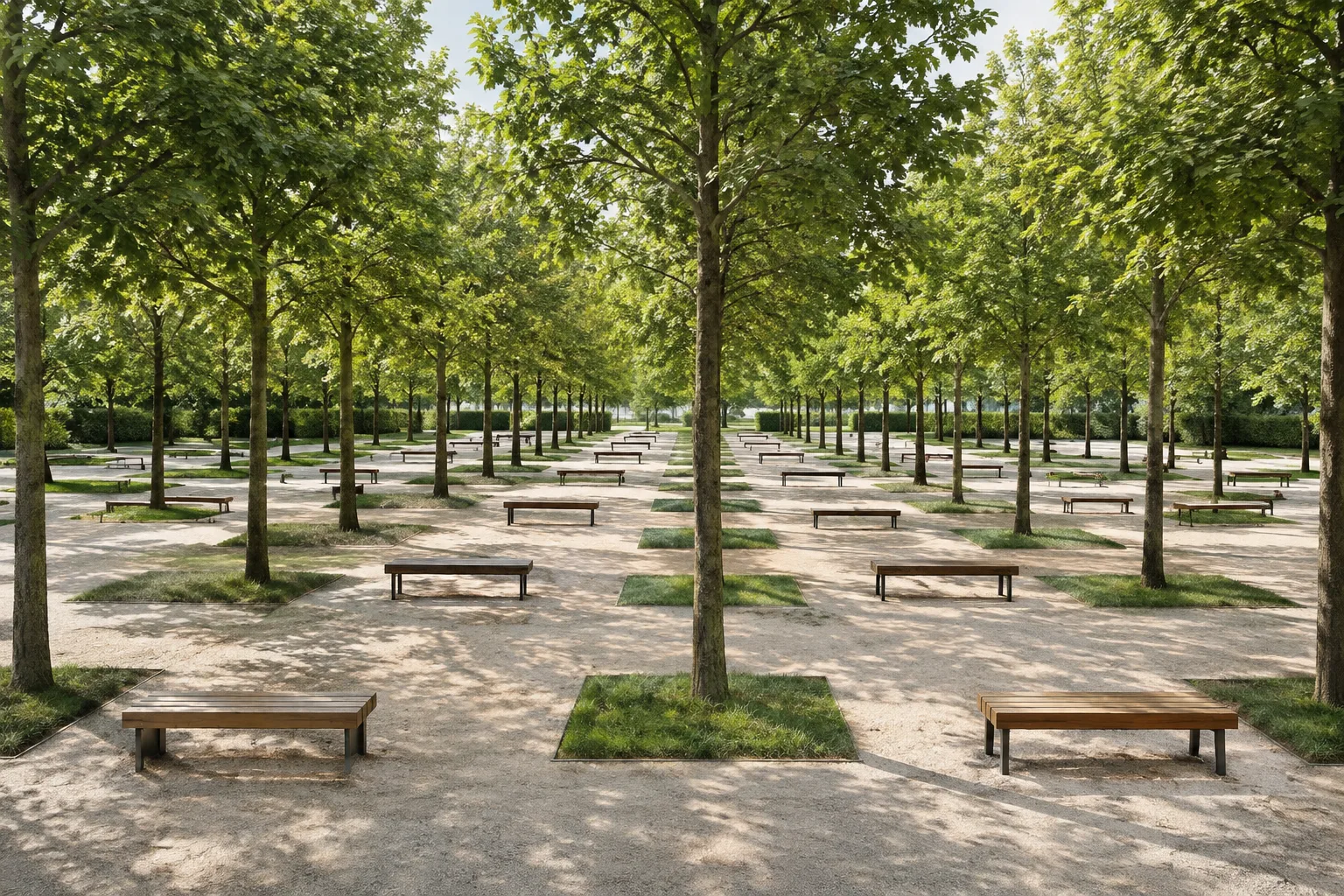
According to the documentation, this node is used to copy source geometry onto the points of target geometry, in order to "fill scenes with repeating elements such as trees, buildings, or snowflakes." For example, copies placed onto a sphere can be arranged in a spherical pattern, or points can be scattered across terrain geometry and trees copied onto them.
The documented usage steps are as follows:
Click the Copy to Points tool in the
Modifytab.Select the source geometry to be copied and press Enter.
Select the target geometry to copy onto and press Enter again.
Customizing copies: point attributes
The documentation states that specific attributes on the target points can be used to make each copy look different. For example, an attribute called pscale can be created to vary the scale of each copy. This is useful for creating natural variation, such as differing tree heights in a forest.
If different source geometries need to be copied onto different target points, the Piece Attribute parameter can be used; this works provided all the source geometry is present in the first input (source geometry input). According to the documentation, Piece Attribute specifies the name of an integer or string-type attribute on the target point, and the corresponding source points/primitives are copied onto that target point.
Memory management: Pack and Instance
The documentation notes that when a large number of copies are created, this node generates additional geometry in the scene for each copy, so for large numbers, methods such as render-time instancing or Alembic, packed primitives, or polysoups should be considered to reduce memory usage.
The Pack and Instance parameter packs the source geometry into a Packed Geometry primitive before copying. According to the documentation, as a result, the input geometry is shared (instanced) rather than being recreated for each copy. If Source Group or Piece Attribute is specified, subsets of the source geometry are packed into separate Packed Geometry primitives.
Why does customization with VEX matter?
According to the documentation, VEX is a Houdini-specific expression language offering "performance close to compiled C/C++ code," loosely based on the C language but also drawing ideas from C++ and the RenderMan shading language. The documentation explains that VEX is not an alternative to a scripting language, but rather a smaller, more efficient general-purpose language for writing shaders and custom nodes.
In a modeling context, the VEX SOP allows writing a custom surface node that modifies point attributes; it can move points, set velocities, and change colors. According to the documentation, VEX SOPs typically run 10 times faster or more than a Point SOP.
What does this mean for architectural visualization workflows?
These tools can be useful in archviz scenes containing large numbers of objects, such as vegetation, furniture layouts, or repeating façade elements. When a large number of copies will be used, considering the Pack and Instance option can help keep the scene lightweight in terms of memory and scene weight before it is handed off to the render engine. For studios wanting to write custom behavior with VEX, the VEX SOP offers flexibility that ready-made nodes don't provide, along with the performance advantage noted in the documentation.
Sources
3 sourcesSource texts are not republished; short quotes are marked, everything else is our own summary and commentary.
Houdini's Copy to Points SOP is a solid foundational tool for archviz offices in Turkey, especially for tasks like vegetation placement, furniture distribution, and repeating façade elements, where it can save considerable time. Attribute-based controls described in the documentation, such as `pscale` and `Piece Attribute`, make it possible to build a rule-based, reproducible workflow instead of manual placement — a major advantage during revision cycles.
However, if memory management is neglected in large scenes, performance problems are inevitable. Planning ahead for the `Pack and Instance` option and render-time instancing methods is critical, especially for studios working with mid-range hardware. While learning VEX takes time, given the performance gains noted in the documentation, it's a worthwhile investment for teams looking to automate repetitive tasks.
Frequently asked questions
Since which Houdini version has the Copy to Points SOP been available?
According to the official documentation, the Copy to Points SOP has been available since Houdini 18.0.
What should be done to avoid memory issues when creating a large number of copies?
The documentation recommends considering render-time instancing or methods such as Alembic, packed primitives, or polysoups for large copy counts, as well as the Pack and Instance option within Copy to Points.
How much faster is a VEX SOP compared to a standard Point SOP?
According to the documentation, VEX SOPs typically run 10 times faster or more than a Point SOP.