In brief
- Hunyuan3D 2.1 consists of two separate modules that generate shape (Hunyuan3D-Shape) and texture (Hunyuan3D-Paint) from an image.
- Depending on the system, shape generation requires 10 GB VRAM, texture generation requires 21 GB, and running both together requires 29 GB VRAM.
- The model has been tested with Python 3.10 and PyTorch 2.5.1+cu124, and supports macOS, Windows and Linux.
- Outputs can be saved in standard mesh formats such as glb/obj and can also be used via a local Gradio-based interface.
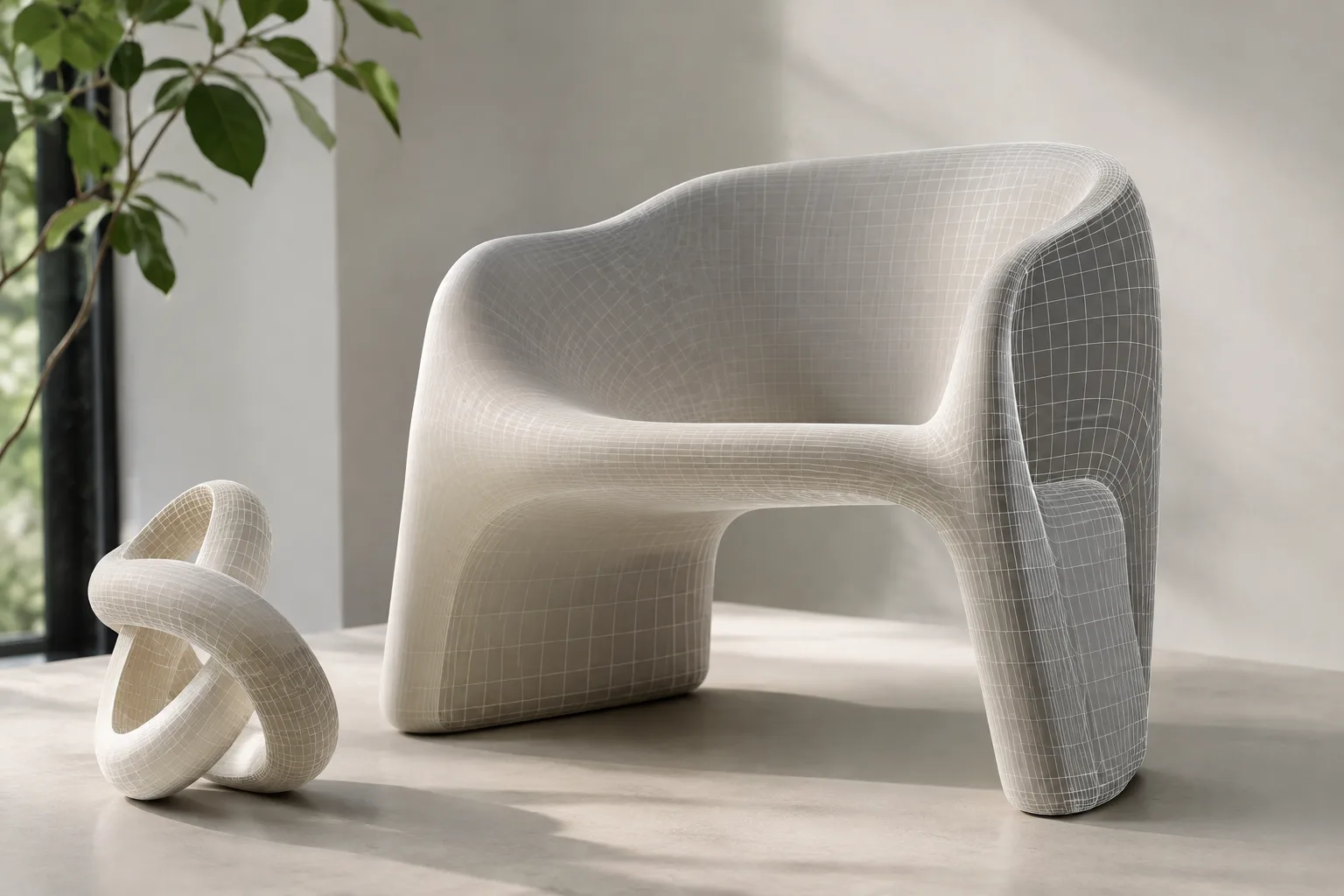
Hunyuan3D, developed by Tencent, is an open-source image-to-3D system that generates a textured 3D mesh from a single reference image. This guide explains step by step how to set up version 2.1 of the model and run it either via code or through the Gradio interface. It's a practical starting point for those working in archviz and interior visualization who want to quickly generate concept furniture, object or accessory meshes.
What you'll learn
By the end of this guide, you will have learned how to generate a mesh (shape) from an image, apply texture to that mesh, and export the result in glb/obj format. You will also have seen how to launch a local Gradio-based interface on your own computer.
Requirements
Python 3.10 and PyTorch 2.5.1 (tested with CUDA 12.4).
NVIDIA GPU: at least 10 GB VRAM recommended for shape generation only, 21 GB for texture generation only, and 29 GB VRAM to run both together.
Hunyuan3D-Shape-v2-1 (3.3 billion parameters) and Hunyuan3D-Paint-v2-1 (2 billion parameters) model weights are downloaded from Hugging Face.
The system can run on macOS, Windows and Linux.
Installation steps
Install PyTorch with CUDA 12.4 support:
pip install torch==2.5.1 torchvision==0.20.1 torchaudio==2.5.1 --index-url https://download.pytorch.org/whl/cu124
pip install -r requirements.txt
Compile the custom rasterizer and differentiable renderer module required for texture generation:
cd hy3dpaint/custom_rasterizer
pip install -e .
cd ../..
cd hy3dpaint/DifferentiableRenderer
bash compile_mesh_painter.sh
cd ../..
Download the pretrained weight used for texture upscaling:
wget https://github.com/xinntao/Real-ESRGAN/releases/download/v0.1.0/RealESRGAN_x4plus.pth -P hy3dpaint/ckptFirst generate an untextured mesh from an image, then apply texture using the same image:
import sys
sys.path.insert(0, './hy3dshape')
sys.path.insert(0, './hy3dpaint')
from textureGenPipeline import Hunyuan3DPaintPipeline, Hunyuan3DPaintConfig
from hy3dshape.pipelines import Hunyuan3DDiTFlowMatchingPipeline

shape_pipeline = Hunyuan3DDiTFlowMatchingPipeline.from_pretrained('tencent/Hunyuan3D-2.1')
mesh_untextured = shape_pipeline(image='assets/demo.png')[0]

paint_pipeline = Hunyuan3DPaintPipeline(Hunyuan3DPaintConfig(max_num_view=6, resolution=512))
mesh_textured = paint_pipeline(mesh_path, image_path='assets/demo.png')
This code block first runs the shape generation pipeline to obtain an untextured mesh, then feeds the same reference image to the texture generation pipeline to apply a physically based (PBR) texture. The resulting mesh is returned as a trimesh object and can be saved in formats such as glb/obj.
If you prefer an interface instead of the command line, you can launch the Gradio app locally:
python3 gradio_app.py --model_path tencent/Hunyuan3D-2.1 --subfolder hunyuan3d-dit-v2-1 --texgen_model_path tencent/Hunyuan3D-2.1 --low_vram_modeThis command loads both the shape and texture models and opens a browser-based interface where you can upload an image and generate a mesh; the --low_vram_mode option can help on systems with limited VRAM.
What this means for architectural visualization
Hunyuan3D is a usable tool for 3D artists and interior designers who want to quickly generate concept-level furniture, accessories or sculpture-like objects from a single photo or render image. Since the generated meshes are in glb/obj format, they can be imported into software such as Blender or 3ds Max and placed into scenes. According to comparative benchmarks published by Tencent, Hunyuan3D surpasses other open and closed-source models in terms of geometric detail, fidelity to the conditioning image, and texture quality; however, it should be noted that these results are based on the vendor's own tests and have not been independently verified. Additionally, the full pipeline (shape+texture), which requires 29 GB VRAM, is a hardware demand beyond most office computers, so access to a powerful workstation or cloud GPU is required.
Common pitfalls
Trying to run both the shape and texture pipelines simultaneously on a GPU with insufficient VRAM can cause errors or crashes; use
--low_vram_modeif necessary.Reference images with complex backgrounds or multiple objects can cause the model to infer incorrect geometry; single-object images with plain backgrounds are preferred.
Failing to match your CUDA version with the one in the PyTorch installation command (cu124) will cause installation errors.
Next steps
You can import the generated glb/obj file into Blender or 3ds Max for scaling, material correction, and scene placement. It would also be useful to compare with the previous version, Hunyuan3D 2.0, to test which version best suits your hardware.
Source and license
This guide has been adapted into English from the official installation and usage instructions in the Hunyuan3D-2 and Hunyuan3D-2.1 model cards published by Tencent on Hugging Face. The license on the Hunyuan3D-2.1 model card is listed as "tencent-hunyuan-community" (a custom community license); code samples have been taken from these sources in their original form.
Sources
3 sourcesSource texts are not republished; short quotes are marked, everything else is our own summary and commentary.
Thanks to being open-source, Hunyuan3D 2.1 offers a free trial opportunity for offices and students in Turkey; it's particularly appealing for those who want to quickly generate concept furniture or accessory meshes. However, the 29 GB VRAM requirement exceeds the capacity of most laptops or standard desktop workstations, so a powerful local GPU or rented cloud GPU may be necessary.
It's worth remembering that the benchmark tables shared by Tencent are based on the vendor's own tests; rather than accepting the results at face value without independent comparison, it's healthier to experiment with your own project images. For commercial use, carefully reviewing the license terms (Tencent Hunyuan community license) is important, especially if it will be used in project deliverables.
Frequently asked questions
Is Hunyuan3D 2.1 free?
Yes, the model weights and code are publicly released on Hugging Face and anyone can set it up and run it on their own computer; however, use is subject to Tencent's community license.
What file format does Hunyuan3D 2.1 output?
The generated mesh is returned as a trimesh object and can be saved in standard 3D formats such as glb and obj.
What is the minimum hardware required to run the model?
Depending on the system, shape generation alone requires 10 GB VRAM, texture generation alone requires 21 GB VRAM, and both together require 29 GB VRAM; the model was tested on an A100 GPU.