In brief
- Chaos recommends downloading a sample scene and rendering it locally in the main application for comparison.
- CPU LQ settings are Noise threshold 0.04, Max subdivs 20, and Shading rate 6.
- For GPU LQ, Noise threshold is 0.04; Samples limit is listed as 500 for 3ds Max and Maya.
- Credit amounts in the sample results vary by scene and quality settings; they are not direct monetary prices.
Chaos’s official Chaos Cloud sample scene page explains how to compare local render times with cloud rendering results across different scenes, including architectural visualization, and outlines LQ/HQ settings. The values in the guide apply to the V-Ray applications listed on the page; the documentation does not specify software version numbers. When using these settings, check which options are available for the relevant scene and application, and compare results only under matching conditions.
Purpose of the comparison and settings table
When deciding whether to render in the cloud, looking only at the time shown on screen is not enough. The local measurement and cloud sample need to use the same scene, quality level, and render type. Chaos recommends downloading the original sample scene, opening it in the main application, rendering locally with the low- or high-quality settings in the table, and comparing the time with the Chaos Cloud result shown on the page.
The values below are the settings Chaos published for its sample scenes. They are not a universal recipe guaranteed to deliver the best results for every project; the documentation notes that the samples are intended to help compare local render times and credit estimates.
| Setting | Recommended value | Effect |
|---|---|---|
| CPU LQ — Noise threshold | 0.04 | Threshold used for the samples’ low-quality comparisons |
| CPU LQ — Max subdivs | 20 | Maximum specified for CPU LQ samples |
| CPU LQ — Shading rate | 6 | Value specified for CPU LQ samples |
| CPU HQ — Noise threshold | 0.01 | Threshold used for the samples’ high-quality comparisons |
| CPU HQ — Max subdivs | 64 | Maximum specified for CPU HQ samples |
| CPU HQ — Shading rate | 6 | Value specified for CPU HQ samples |
| GPU LQ — Noise threshold | 0.04 | Threshold specified for GPU LQ samples |
| 3ds Max/Maya GPU LQ — Samples limit | 500 | Sample value listed for these two applications |
| Rhino/SketchUp GPU LQ — Max subdivs | 32 | Sample value listed for these two applications |
| GPU HQ — Noise threshold | 0.01 | Threshold specified for GPU HQ samples |
| 3ds Max/Maya GPU HQ — Samples limit | 1000 | Sample value listed for these two applications |
| Rhino/SketchUp GPU HQ — Max subdivs | 64 | Sample value listed for these two applications |
In the documentation, LQ and HQ refer to the low- and high-quality settings for the sample scenes. The CPU and GPU tables use different parameters, so it is important not to treat the same quality labels as identical technical conditions. For example, the GPU section lists Samples limit for 3ds Max and Maya, but Max subdivs for Rhino and SketchUp.
Step-by-step guide to measuring locally
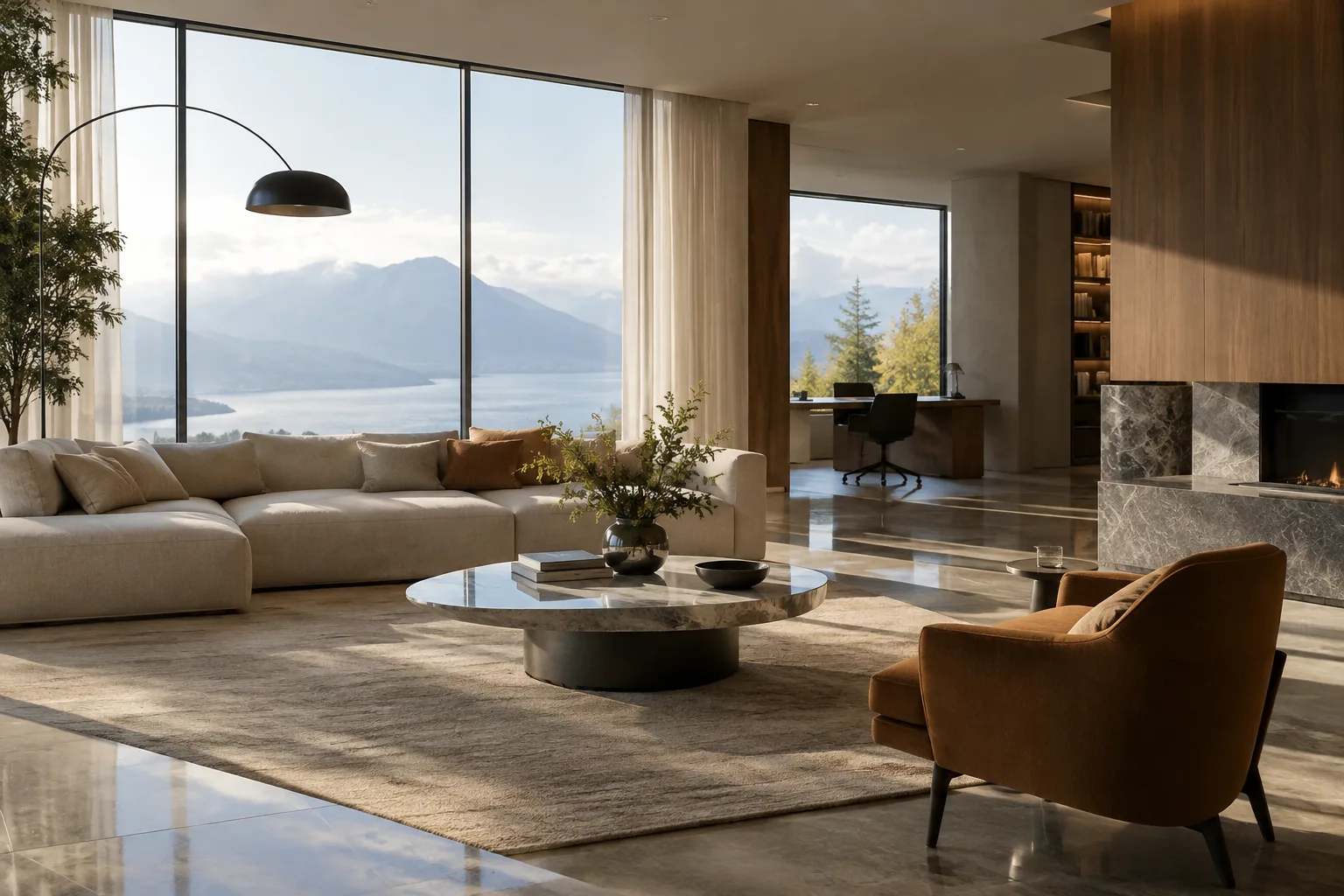
Choose a sample to compare. Select a sample scene on the Chaos page that matches the application you use. For architectural interiors, V-Ray for 3ds Max includes a “Modern interior” sample. Download the original file from the scene link. If you use another application, choose its own sample scene; do not treat render times across applications as a hardware comparison on their own.
Open the scene in the main application. Chaos’s instructions call for loading the downloaded scene in its main application. This keeps the comparison within the application for which the sample scene was created. Using a different project file or a modified scene makes it harder to compare directly with the published sample result.
Choose CPU or GPU rendering. Use the relevant settings group for the rendering method you plan to use locally. CPU LQ/HQ settings include Noise threshold, Max subdivs, and Shading rate. For GPU, an additional limit is specified alongside Noise threshold, depending on the application: Samples limit for 3ds Max and Maya, and Max subdivs for Rhino and SketchUp. The documentation does not provide menu paths, so no specific menu location is given here.
Apply either the LQ or HQ settings consistently. Do not mix LQ and HQ values within the same measurement. For example, a CPU HQ test should use Noise threshold 0.01, Max subdivs 64, and Shading rate 6; an LQ test should use 0.04, 20, and 6. Separate quality settings are expected to produce different render times, so record each condition separately to make sure the local timing matches the comparison.
Record the render time and compare it with the cloud sample. When the local render is complete, note the elapsed time alongside the selected scene and quality setting. Check the result for the same scene and LQ/HQ setting on the Chaos page. The page also shows credit amounts alongside render times for the relevant samples. These are estimates and sample results; they should not be carried over unchanged to a different scene, setting, or workload.
How to interpret the numbers
In Chaos’s V-Ray for 3ds Max list, the “Modern interior” sample is shown at 3 minutes 6 seconds and 14 credits for LQ, and 9 minutes 56 seconds and 45 credits for HQ. A separate sample called “Modern interior GPU” shows an LQ result of 2 minutes 30 seconds and 15 credits, and an HQ result of 4 minutes 45 seconds and 28 credits. These samples are not, by themselves, a general performance comparison between CPU and GPU: the page presents them as separately named examples. Do not use these times alone to draw general conclusions about hardware or rendering methods.
Credits are also not the same thing as the price. The page gives credit amounts for specific samples; this guide does not infer a currency value or purchase price from them. When planning cloud usage, it is more useful for an office to measure its own scenes and use the published sample as a starting point for comparison. If the resolution, scene content, or settings differ, do not expect the sample results to match exactly.
How this fits into an architectural visualization workflow
Using measurements like these, interior visualization teams can have a more concrete discussion about which renders to run on local machines and when to consider the cloud, based on delivery schedules. For recurring scene types in particular, recording LQ and HQ render times separately using the same sample or a similar test file can help with planning. However, the render times on the Chaos page apply to specific samples; they do not guarantee the performance of an office’s hardware or project files.
Autodesk’s explanation of path tracing notes that this rendering approach can represent light reflection and indirect illumination in greater detail, but that its computational load can be higher than ray tracing for real-time use. This helps explain why balancing quality and render time matters in photorealistic interior work; it should not be treated as the same measurement category as the V-Ray render times in the Chaos sample table. Hardware capacity, the rendering method, and licensing/credit terms should also be checked before making a decision; the sources do not specify particular hardware requirements or license prices.
Common mistakes
Directly comparing a local render using CPU settings with a GPU sample.
Mixing LQ and HQ parameters in the same test or overlooking the scene name.
Treating sample scene render times as a fixed performance guarantee for every project.
Interpreting credit amounts as a published monetary price.
Assuming the documentation applies to a specific software version or interface when it does not provide version information or menu paths.
For the most reliable comparison, use the same sample scene and quality settings, and record the CPU/GPU choice, local render time, and Chaos Cloud result being compared.
Sources
2 sourcesSource texts are not republished; short quotes are marked, everything else is our own summary and commentary.
For small visualization teams in Turkey, this method brings cloud rendering decisions closer to measurement and further from guesswork. Especially as delivery deadlines approach, seeing LQ and HQ render times separately for the same scene can help assess when a local machine will be sufficient.
However, sample times should not be treated as guaranteed results for your own hardware, and credit amounts should not be confused with prices. Offices should run short tests with their own scenes and note the GPU/CPU method and quality settings. Since the documentation does not provide version or hardware requirements, compatibility and current licensing terms should be verified separately.
Frequently asked questions
How do you estimate Chaos Cloud render time?
According to Chaos’s instructions, download a sample scene, open it in the main application, and render locally using LQ or HQ settings. Compare the local time with the Chaos Cloud result for the same scene.
What are the CPU LQ settings for Chaos Cloud sample scenes?
The CPU LQ settings listed are Noise threshold 0.04, Max subdivs 20, and Shading rate 6.
Do Chaos Cloud credits show the render price?
The sample page shows credit amounts for specific scenes. The source does not state these amounts as monetary prices.