In brief
- Genie 4 is available to eligible Google AI Ultra subscribers through the new Project Genie experience.
- According to Google, users can change environments with natural-language prompts as they explore a world; the model can generate scene-aware audio.
- Updated Genie 3 offers sessions of up to three minutes per generation, 360-degree panorama support, and the ability to connect worlds.
- Google says audio and video created in Project Genie carry SynthID watermarks, and model inputs and outputs undergo safety checks.
Google DeepMind announced Genie 4 on 18 November 2026 as part of the new Project Genie experience. Available through a browser, the experience lets eligible Google AI Ultra subscribers create interactive worlds, make changes as they explore them, and publish their work in the community gallery. Google AI Pro members can join the waitlist.
How does Genie 4 change worlds as you explore them?
According to Google, Genie 4 lets users change their surroundings with natural-language prompts as they move through a world they have created. Changing the weather, adding characters to a scene, or directing how events unfold are among the use cases shared by the company. Google says the model can generate not only visuals but also scene-dependent audio, such as ambient sounds and character dialogue.
The agent added to Project Genie helps users turn their ideas into interactive experiences through multiple steps. According to Google, users describe their world in natural language, and the agent guides the company’s multimodal models to create starting images and background music suited to the environment. During a session, Gemini models can observe what is happening on screen, offer context-aware suggestions, or trigger events within the world.
What’s new in Genie 3?
Genie 3 remains available in Project Genie alongside Genie 4. Google presents it as an option for longer exploration sessions or worlds started from panorama images. With the update, exploration time per generation increases from 60 seconds to three minutes. Multiple worlds can also be connected to create a longer journey.
Genie 3 can use 360-degree panorama images as starting points for new worlds. Users can also change their surroundings with natural-language prompts while exploring. Google describes Genie 4 as offering greater visual detail, physics, and native audio, while Genie 3 supports longer sessions and panorama-based starting points.
Gallery, sharing, and safety
The new community gallery brings together examples curated by Google and community creations. Users can explore worlds, remix existing experiences, and publish their own creations. Google’s examples include “Living Memory,” which turns personal photos into explorable spaces, and “Dino Field Guide,” which uses 360-degree panoramas.
The company says all video and audio created in Project Genie carry SynthID watermarks, and that model inputs and outputs undergo safety checks. Google also emphasizes that Genie 3 and Genie 4 are research-stage world models. Camera latency, complex physical interactions, the accuracy of real-time audio, and the persistence of scenes are among the areas the company says still need work.
Potential impact on architecture and visualization workflows
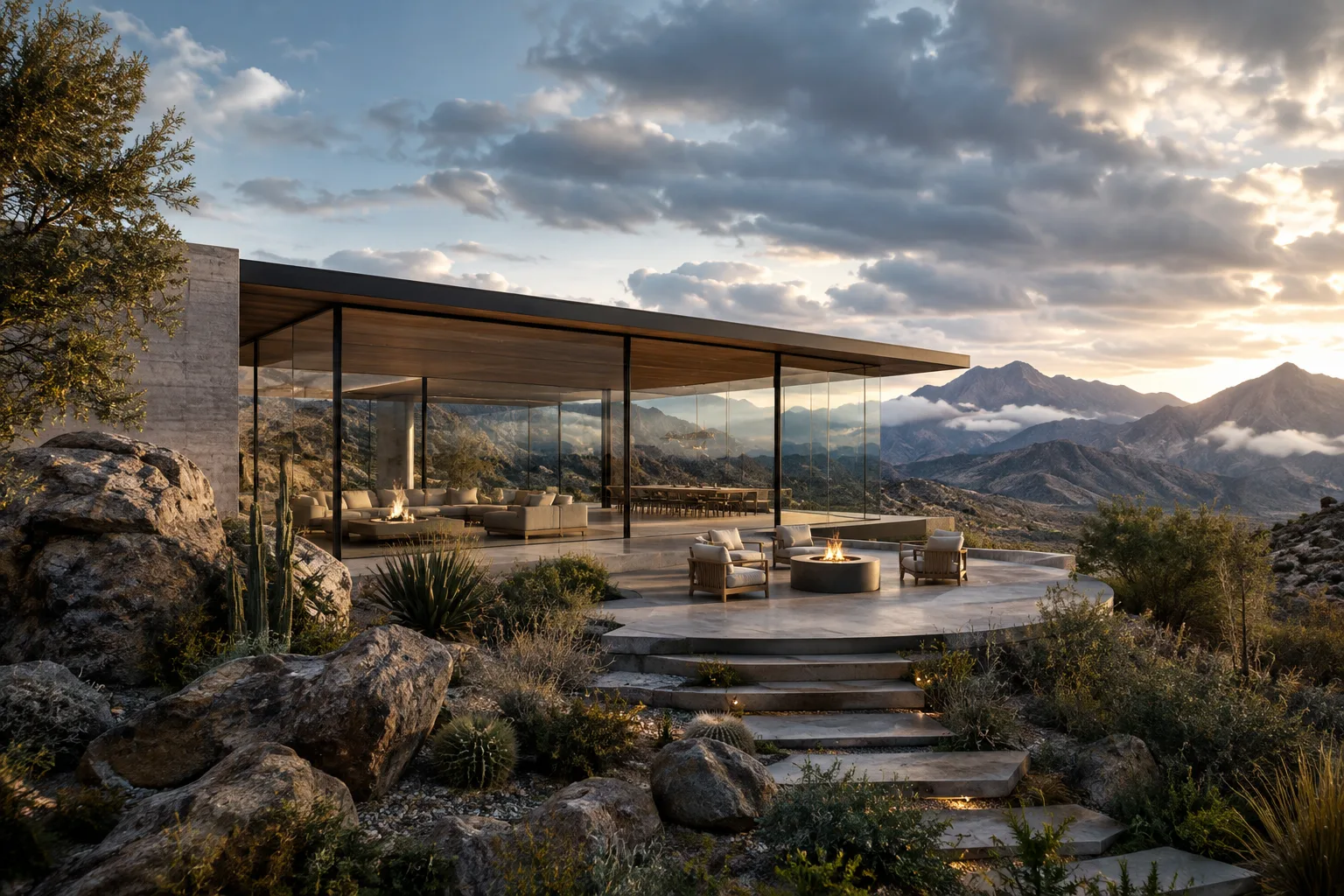
Project Genie’s ability to create interactive spaces offers an approach that architecture and interior design teams could explore to examine design ideas in different ways. For example, Google shows a hillside café transformed into a glass desert pavilion. While this example points to the possibility of exploring spatial ideas interactively, the announcement does not define a specific workflow for using the tool in professional architectural production.
The announcement provides no information about compatibility with design software, specific hardware requirements, or subscription pricing. Access is also limited to eligible Google AI Ultra subscribers, rather than all subscribers; Google AI Pro members can join the waitlist. Teams evaluating the tool should therefore consider access requirements and the research challenges Google has identified, such as scene continuity, physical interactions, and camera latency.
Sources
1 sourceSource texts are not republished; short quotes are marked, everything else is our own summary and commentary.
What’s striking about Project Genie is that it turns a digital scene from an image to be viewed into an experience that can be changed with prompts. This approach is worth exploring for teams looking to examine architectural ideas interactively; however, the announcement does not describe compatibility with professional design software or a method for production deliverables. Google’s stated technical limitations should also be taken into account when assessing the scope of the experience.
For offices in Turkey, access requirements and the subscription pricing not specified in the announcement will be important to the decision-making process. Hardware requirements are also not disclosed, so access and equipment compatibility should be checked before incorporating the tool into a workflow. It would be prudent to monitor test results and scene consistency to see how well the features meet current production needs.
Frequently asked questions
Who can access Genie 4?
The new Project Genie experience is available to eligible Google AI Ultra subscribers. Google AI Pro members can join the waitlist.
Can worlds created with Genie 4 be edited in real time?
According to Google, users can change the environment with natural-language prompts as they explore a world; the model can also generate scene-aware audio.
What’s included in the Genie 3 update?
Genie 3 offers sessions of up to three minutes per generation, the ability to connect worlds, start a world from a 360-degree panorama image, and change the environment with prompts while exploring.