In brief
- Runway Academy defines four core camera movement categories for Image to Video prompts: dolly, pan, tracking and crane/jib.
- Runway's Gen-4 and Gen-4.5 models offer text-to-video and image-to-video generation, while the Aleph model includes video transformation functions such as adding scene elements, changing environments and generating new angles.
- The Gen-4 References feature can be used to keep the same space or character consistent across different frames and angles.
- Courses and short video tutorials on Runway Academy require free registration; the sources do not specify pricing for the video generation itself.
Runway's own learning platform, Runway Academy, has published a Prompt Guide that explains Image to Video prompt writing through four core camera movements. This guide is a general camera-language resource and does not include an example specific to architectural or interior renders; in this article, the guide's dolly, pan, tracking and crane/jib categories are adapted step by step for architectural scenes.
What you'll learn
In this tutorial, you'll learn how to write prompts that correctly describe camera movement when converting an architectural render image into video using Runway's Gen-4 or Gen-4.5 models. The dolly, pan, tracking and crane/jib movements are covered for use in architectural scenes, each with a sample prompt and points to watch out for.
Requirements
A Runway account with access to Image to Video (Gen-4 or Gen-4.5).
A render or photograph with sufficient resolution to convert into video (interior, facade or urban scene).
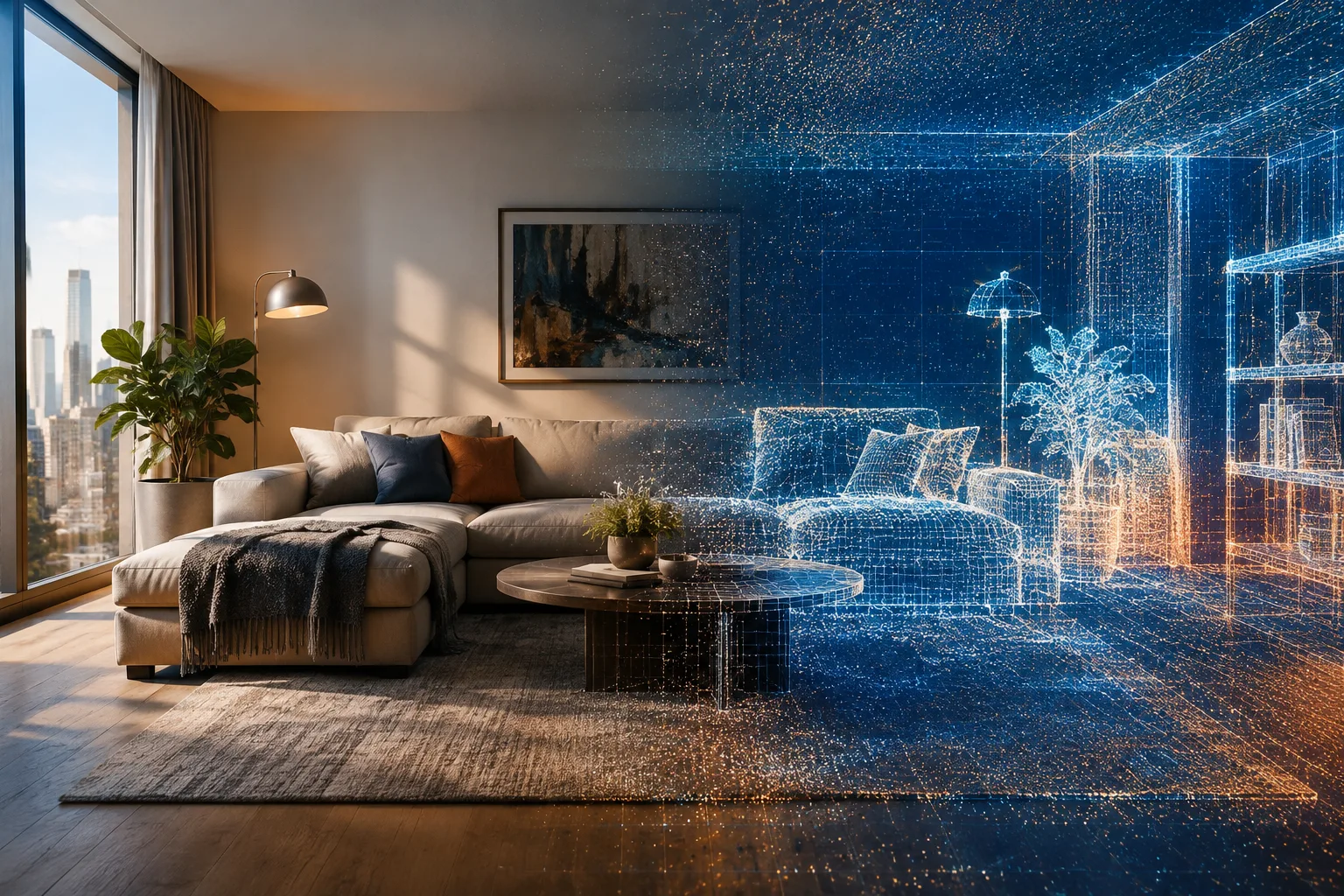
Gen-4's References feature, if consistency is needed in the scene; this feature can be used to keep the same space consistent across different angles.
Runway's Aleph model, for more advanced video edits, which has functions for adding scene elements, changing environments and generating new angles.
Step by step: camera movement prompts
1. Dolly (forward/backward movement)
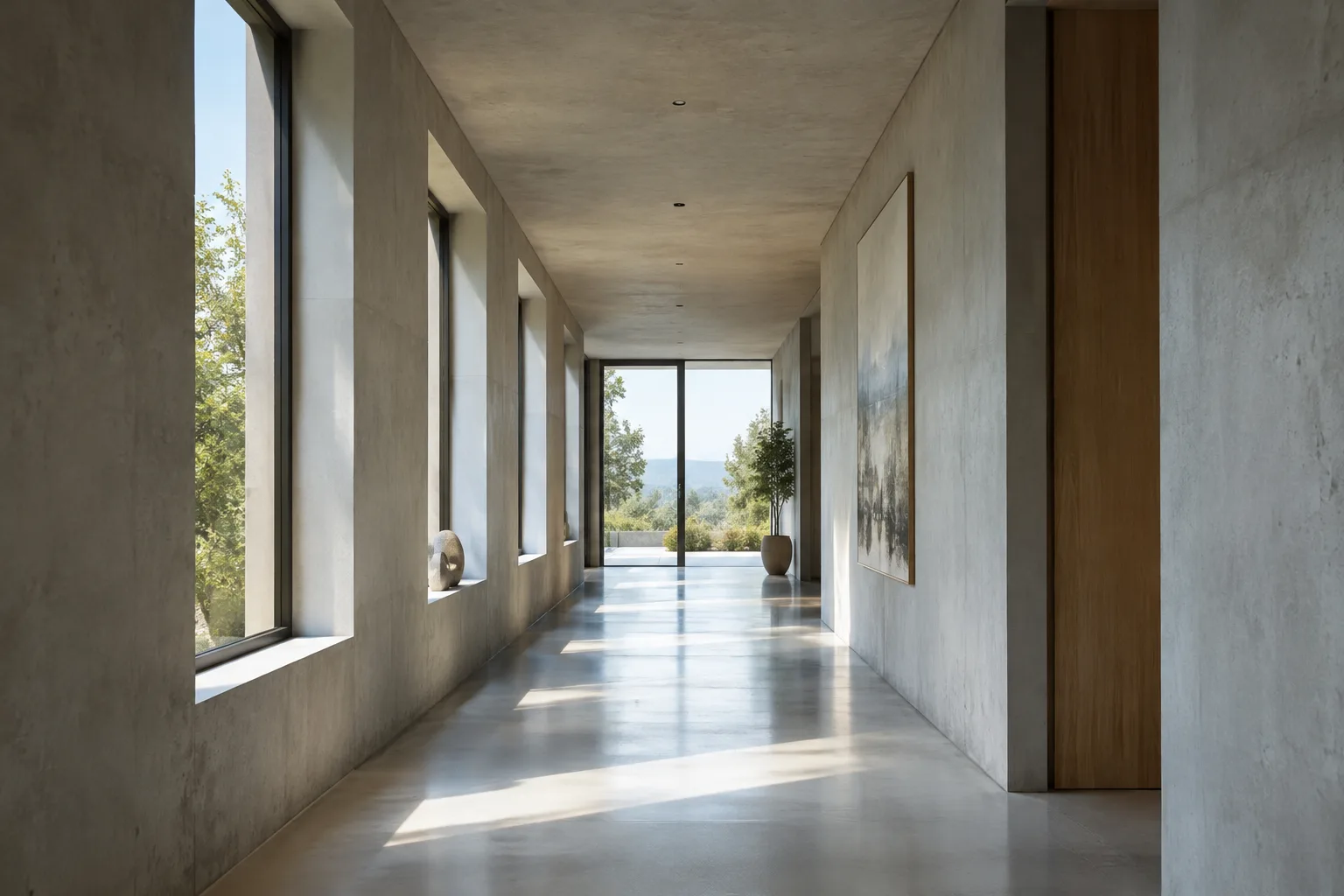
A dolly movement refers to the camera moving forward or backward on a rail or wheeled rig. It works well in spaces with depth, such as corridors, lobbies or entrance axes.
A dolly shot moves slowly forward through a minimalist concrete corridor, soft daylight entering from side windows, camera gliding at eye level toward a glass door at the endThis prompt specifies that the camera moves at eye level and at a constant speed, emphasizing the depth of the space; the clearer the description of speed and lighting, the more predictable the result.
2. Pan (left/right rotation)
A pan is the camera rotating left or right from a fixed point. It's useful for facade presentations or for revealing a large interior gradually rather than fitting it into a single frame.
A horizontal pan sweeps left to right across the facade of a modern residential building, revealing large glass openings and a landscaped courtyard in the foreground3. Tracking (follow shot)
Tracking is the camera moving alongside a moving subject. It can be used in office or public space scenes that aim to convey human scale.
A tracking shot follows a person walking along an open-plan office floor, camera maintaining a steady side angle as sunlight falls through tall windows4. Crane/Jib (rising movement)
A crane or jib movement is the camera moving up or down on a large mechanical arm. It's suitable for showing an entire building from street level up to the sky.
A crane shot rises slowly from street level, revealing the full height of a glass office tower against a clear sky at sunsetCommon mistakes
Not naming the camera movement explicitly in the prompt; the guide recommends defining each category with a clear name (dolly, pan, tracking, crane/jib).
Trying to combine more than one camera movement in a single sentence; this can lead to conflicting instructions for the model.
Skipping the scene's lighting and material description; camera movement alone isn't enough, spatial detail strengthens the prompt.
Not using the Gen-4 References feature in projects that require consistency, and trying to generate each frame independently instead.
What this means for architecture and archviz
This camera-movement-based prompting method offers a practical technique for visualization teams who want to turn a static render image into a short video. The Gen-4 and Gen-4.5 models support text-to-video and image-to-video generation, while the Aleph model provides transformation functions for an existing video, such as adding scene elements, changing environments or generating new angles. The Gen-4 References feature comes into play when you want the same space or character to look consistent across different frames and angles; this can be useful for teams wanting to produce multiple views of a project. The sources don't indicate that these tools are tailored to a specific architectural workflow or use case (such as marketing, competitions or construction documentation); therefore, the technique should be evaluated as a general-purpose video generation tool.
Next steps
After trying these basic camera movements, it would be useful to look into the Aleph model for adding elements to a scene or changing environments, Aleph 2.0 for adapting to different platform aspect ratios, and Runway Workflows for automating repetitive workflows.
Source and license
This tutorial is adapted into Turkish based on the camera movement categories and tool descriptions published on Runway Academy's official course and guide pages (academy.runwayml.com); the sample prompts have been rewritten specifically for architectural and interior scenes.
Sources
2 sourcesSource texts are not republished; short quotes are marked, everything else is our own summary and commentary.
For architecture and interior design offices in Turkey, this kind of camera-movement-based video generation can be a practical way to add an extra layer of narrative to existing render images. Using standard camera language such as dolly, pan, tracking and crane/jib makes prompt writing more predictable, and features like Gen-4 References can help teams seeking consistency.
Still, it's important to know the limits of this method: account access and model usage terms can change, and the sources don't specify clear pricing for video generation. It would be healthier for offices to test this tool's actual costs and hardware requirements through their own experience, treating it as a complementary visual storytelling layer rather than a replacement for technical drawings or construction documentation.
Frequently asked questions
Is converting a render into video with Runway Gen-4 free?
The sources state that courses and tutorials on Runway Academy can be accessed with free registration; however, there's no pricing information in the sources for video generation itself with Gen-4 or Gen-4.5.
Which camera movement types are supported?
According to Runway's Prompt Guide, there are four core categories: dolly (forward/backward), pan (left/right rotation), tracking (follow shot) and crane/jib (rising/lowering movement).
What does the Aleph model do?
According to the sources, Aleph offers functions such as adding scene elements to a video, changing the environment, generating new camera angles, and transforming videos using natural language commands.