In brief
- Lyria 3.5 Clip Preview generates 30-second, 44.1 kHz stereo audio from text or image input via Google AI Studio.
- Model output can include MP3 audio and lyric text, but does not support features like image generation or function calling.
- The input token limit is stated as 131,072; consumption options such as caching, batch API, and priority inference are not currently supported.
- The model documentation is current as of September 2026 and is still offered in preview stage.
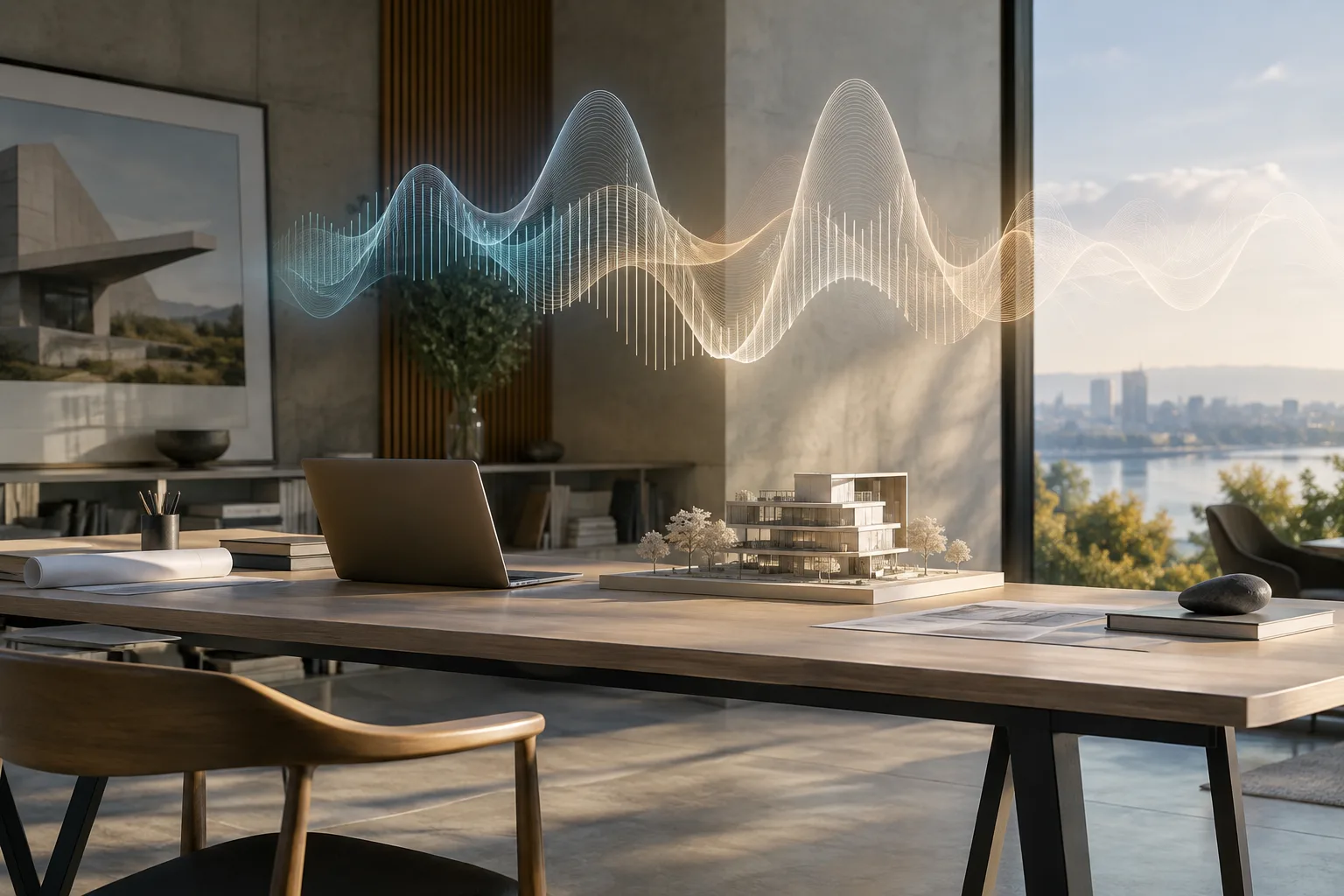
Lyria 3.5 Clip Preview, added by Google to its Gemini API family, is an audio generation model optimized for producing short music clips, loops, and previews. The model can generate 30-second, 44.1 kHz quality stereo audio from a text-based description or from an image. In this guide, we walk through step by step how the model can be used for architectural and interior presentation videos, which input types it supports, and the limitations to keep in mind.
What you'll learn in this guide
By following this guide, you'll learn how to try Lyria 3.5 Clip Preview via Google AI Studio, how to write prompts for short music clips suited to architectural project presentations, walkthrough videos, or social media reels content, and how to use a render image as input for audio generation.
Requirements
Access to Google AI Studio; the model is currently offered in preview status.
A text-based prompt or an image file (image input support is available).
Note that the input token limit is 131,072, and the output is only 30 seconds of audio (MP3) along with lyric text when applicable.
Be aware that the model does not support features such as caching, code execution, function calling, image generation, Live API, structured output, batch API, and priority inference; as such, it's a suitable tool only for generating short, standalone audio clips.
Step by step: sample prompts for architectural video
The following five sample prompts have been prepared specifically for architectural and interior projects, based on the model's documented text-to-audio generation capability. You can copy each prompt as-is and try it; you can adjust the tempo, instrumentation, or mood description according to your needs.
Calm ambient lounge music, warm minimal textures, soft piano and subtle strings, slow tempo, suitable for a modern interior walkthrough videoThis prompt aims to produce an unobtrusive background score to accompany a calm, minimal interior showcase video. It creates a smooth transitional feel, particularly suited to luxury residential or office interior presentations.
Cinematic orchestral swell, wide strings and distant brass, building tension, suited for an aerial drone flythrough of a large architectural masterplanThis prompt is suitable for adding a grand musical layer to a drone-shot flythrough animation of a large-scale masterplan or urban design project.
Warm acoustic guitar loop with light percussion, cozy and inviting mood, for a residential project presentation videoFor residential project presentations seeking a warm, inviting tone, this acoustic guitar-driven loop creates a welcoming atmosphere.
Upbeat minimal electronic loop, clean synth pads, confident and modern energy, suitable for a client pitch deck introThis prompt is designed to give an energetic, modern impression at the start of a corporate presentation or investor pitch deck.
Soft lo-fi instrumental loop, gentle keys and vinyl texture, relaxed mood, for a short interior design social media reelSuitable for those looking to create a relaxed, intimate background score for short interior design videos prepared for social media.
The model isn't limited to text alone; according to the documentation, image input is also supported. So you can try feeding a render image or moodboard image as input together with the text prompts above to generate music closer to the image's atmosphere.
Common mistakes
Expecting a single piece of music longer than 30 seconds from the model: The model generates only a 30-second clip at a time; for a longer piece, you need to loop the generated clips in a video editing program or generate multiple clips and combine them.
Users expecting batch processing or priority inference may be disappointed; according to the documentation, these consumption options are not currently supported.
Expecting the model to generate images or perform operations like function calling: Lyria 3.5 Clip Preview only generates audio (and lyric text when needed), it does not support image generation or code execution.
Ignoring the 131,072 input token limit and writing overly long and detailed prompts; short and clear atmosphere descriptions generally yield more consistent results.
Implications for architecture and interior design workflows
Short, atmospheric music clips could make it easier for architecture firms and archviz studios to quickly add background music to walkthrough videos, presentations, and social media content produced with tools like Enscape, Twinmotion, or Lumion. Since the model is still in preview and licensing/pricing information is not specified in the sources, it would be wise to wait for clarity on the copyright and usage terms of generated audio before using it in corporate projects.
Next steps
You can create background music for longer presentation videos by looping the 30-second clips you generate in video editing software or by combining multiple clips. It's recommended to generate multiple variations with different mood descriptions (warm, energetic, calm, grand) and test them according to project type.
Source and license
This guide has been adapted into Turkish from the "Lyria 3.5 Clip Preview" model page (ai.google.dev) in Google AI for Developers' Gemini API documentation, under the Creative Commons Attribution 4.0 (CC BY 4.0) license. The sample prompts have been originally prepared for architectural use cases based on the model capabilities defined in the documentation.
Sources
3 sourcesSource texts are not republished; short quotes are marked, everything else is our own summary and commentary.
Lyria 3.5 Clip Preview could be a practical tool for architecture firms and archviz studios looking to quickly add background music to presentation videos; 30-second clips can be sufficient especially for short walkthrough videos, social media reels, and pitch presentations. However, since the model is still in preview and pricing along with commercial usage licensing are not clarified in the sources, it's necessary to wait for clarity on these matters before using it in large-scale or client-delivered projects.
For offices in Turkey, the main advantage would be the ability to quickly produce prototype music without searching for an extra licensed music library. Still, the lack of support for enterprise features like batch processing and priority inference suggests the model will remain an experimental tool for high-volume video production pipelines for now.
Frequently asked questions
How long is the audio generated by Lyria 3.5 Clip Preview?
The model generates 30-second, 44.1 kHz quality stereo audio from text or image input.
What input types does Lyria 3.5 Clip Preview support?
The model supports text and image input; it produces MP3 audio and lyric text when needed as output.
What is the pricing for Lyria 3.5 Clip Preview?
Pricing is not specified in the sources; the model is currently offered in preview stage.