In brief
- The Gemini API offers four different image generation models in the Nano Banana family: Nano Banana 2 Lite, Nano Banana 2, Nano Banana Pro, and the legacy Nano Banana (Gemini 2.5 Flash Image).
- Nano Banana 2 (gemini-3.1-flash-image) delivers 4K resolution output, reliable text rendering, and multi-reference image processing.
- Nano Banana Pro (gemini-3-pro-image) provides, according to the maker, the highest world knowledge, brand consistency, and precise creative control.
- All generated images include a SynthID watermark depending on the source, and editing is possible using combined text-and-image input.
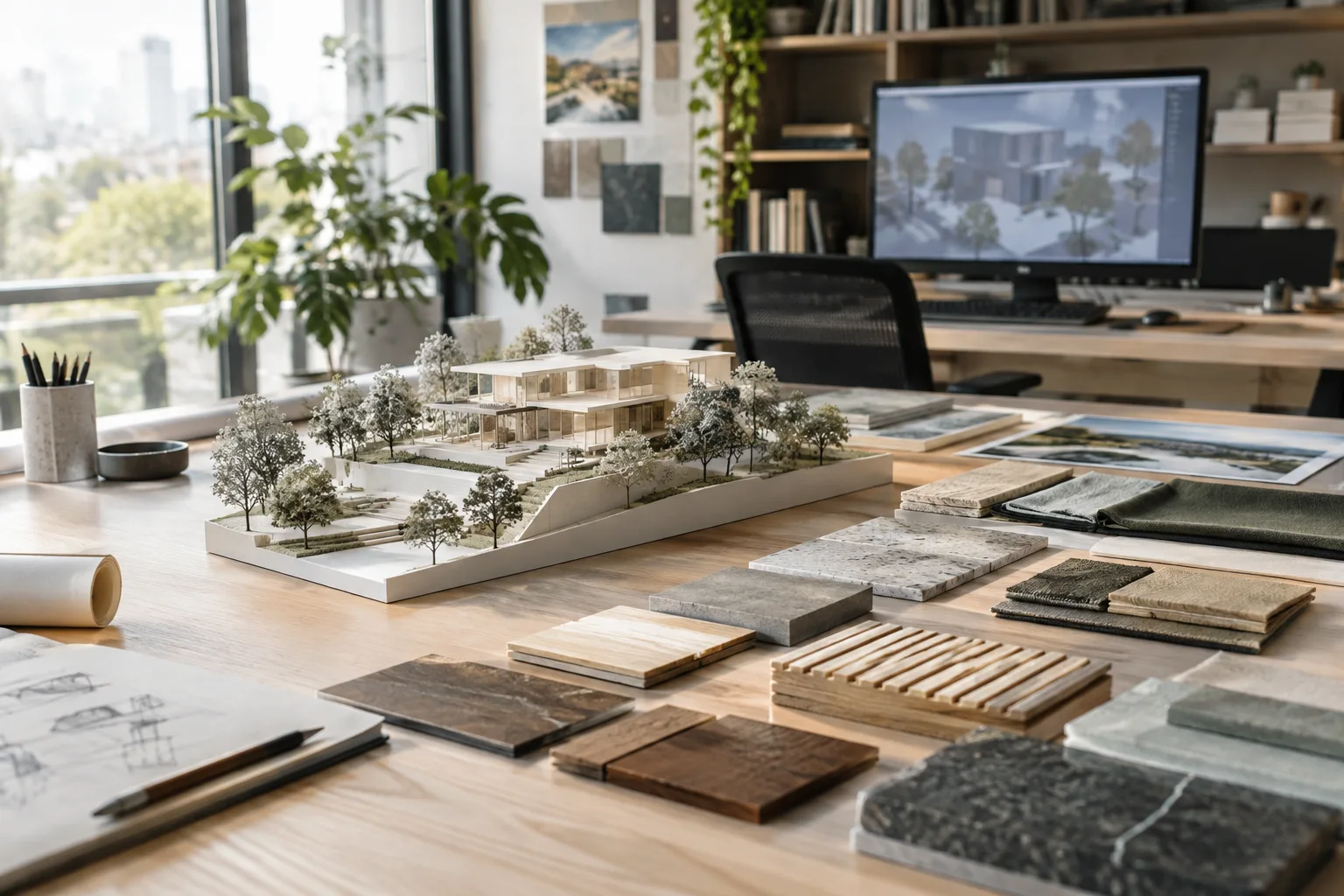
Google's Gemini API brings together text-to-image generation and existing image editing under the name "Nano Banana." For architecture firms and archviz professionals, these tools can be used to produce concept visuals, presentation boards, and quick material/lighting tests. Drawing on the model specifications and prompt design strategies found in the Gemini API documentation, this guide covers architecture-specific sample prompts and practical steps.
What you'll learn
By following this guide, you'll learn the differences between the Nano Banana models, the logic behind generating architectural visuals from text, how to turn an existing image (such as a floor plan or sketch) into a render through editing, and techniques for adding a logo or text to a presentation board.
Requirements
A Gemini API key (obtainable through Google AI Studio).
A simple development environment capable of sending requests via Python, JavaScript, Java, Go, or REST; alternatively, an interface that supports the Gemini API.
A reference image (plan, sketch, or photo) to upload for the editing steps, with the user holding the rights to that image.
Differences between the Nano Banana models
| Model name | Gemini API model ID | Key feature |
|---|---|---|
| Nano Banana 2 Lite | gemini-3.1-flash-lite-image | The fastest and cheapest model; not optimized for multi-reference input or multi-step editing |
| Nano Banana 2 | gemini-3.1-flash-image | General purpose; 4K generation, reliable text rendering, multi-reference image consistency |
| Nano Banana Pro | gemini-3-pro-image | For the most complex tasks; according to the maker, the highest world knowledge, brand consistency, and precise control |
| Nano Banana (legacy) | gemini-2.5-flash-image | The previous version in the series; Google recommends users switch to Nano Banana 2 Lite |
Step by step: writing prompts for architectural visual generation
According to the Gemini API documentation, an effective prompt should clearly state explicit instructions, constraints, and the desired output format. The examples below are prepared for architectural use cases based on these principles.
1. Exterior concept visual
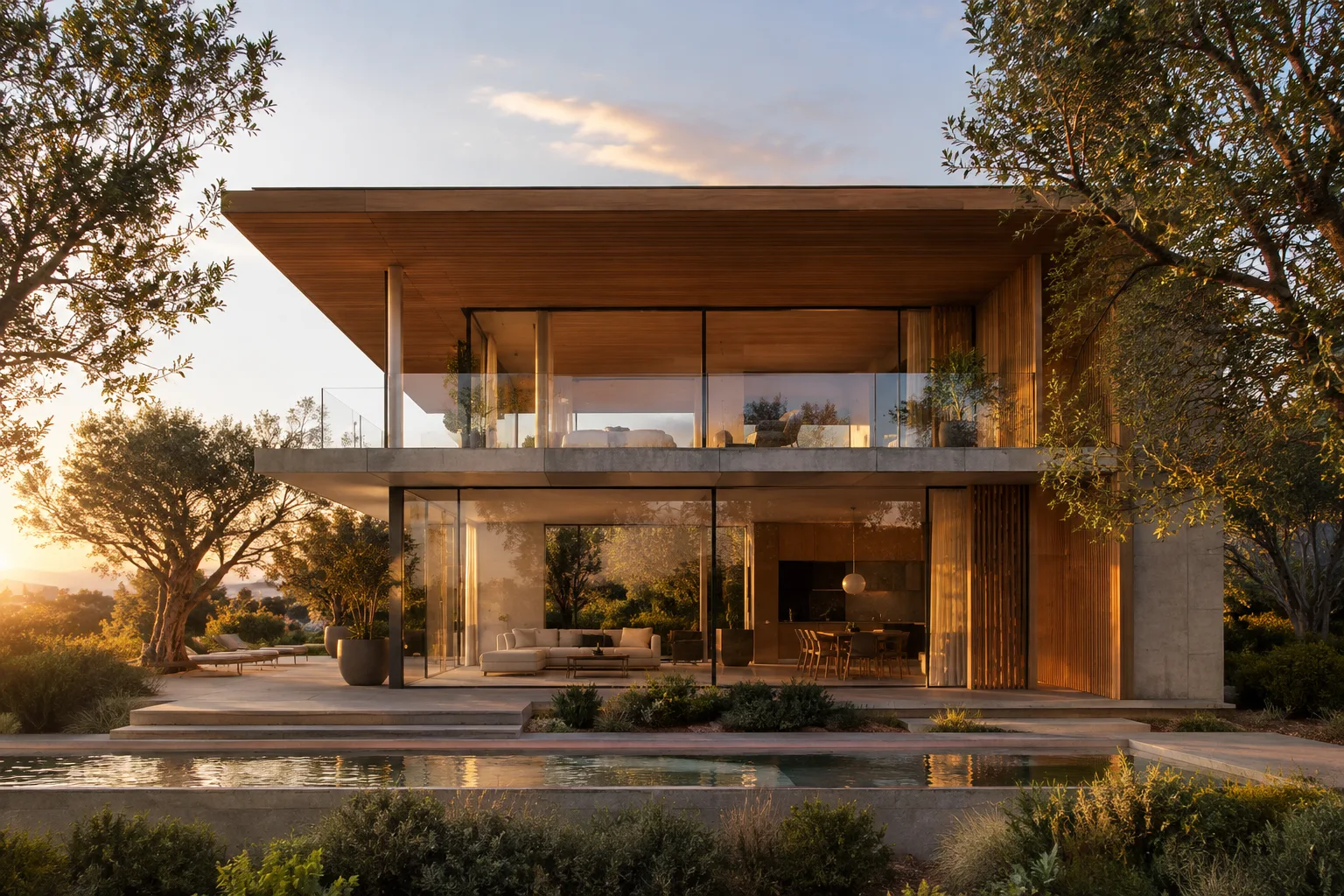
Create a photorealistic exterior render of a minimalist two-story house with a flat roof, large glass facade, light grey concrete cladding, and a timber entrance canopy. Set it in a quiet suburban street at golden hour, soft warm sunlight, long shadows, surrounded by mature trees. Camera at eye level, 35mm lens look, no people, no text.This prompt gives the model clear constraints by separately defining material, lighting conditions, camera angle, and scene context. As noted in the Gemini API documentation, writing instructions step by step and concretely makes it easier to achieve consistent results.
2. Detailed prompt for an interior render
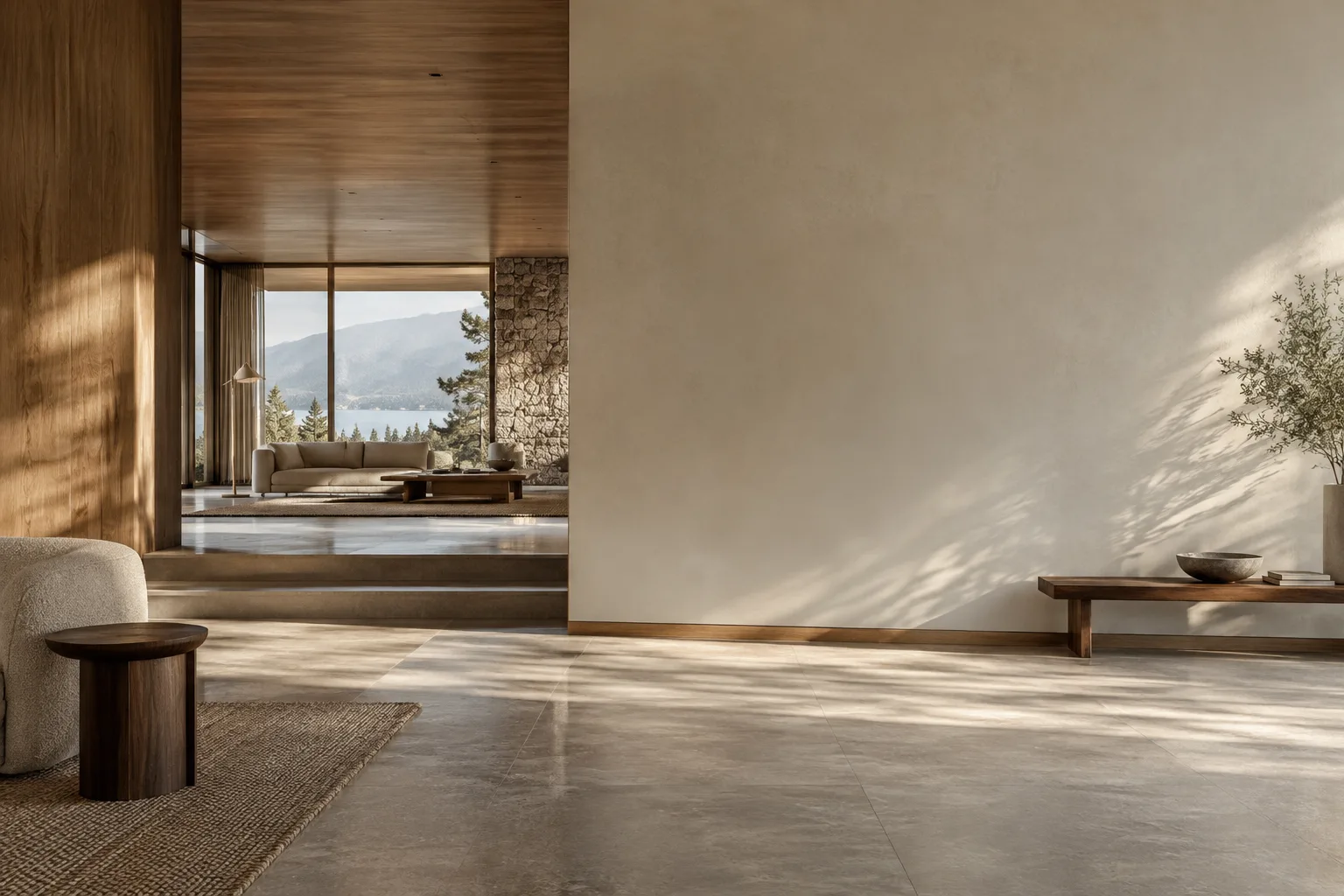
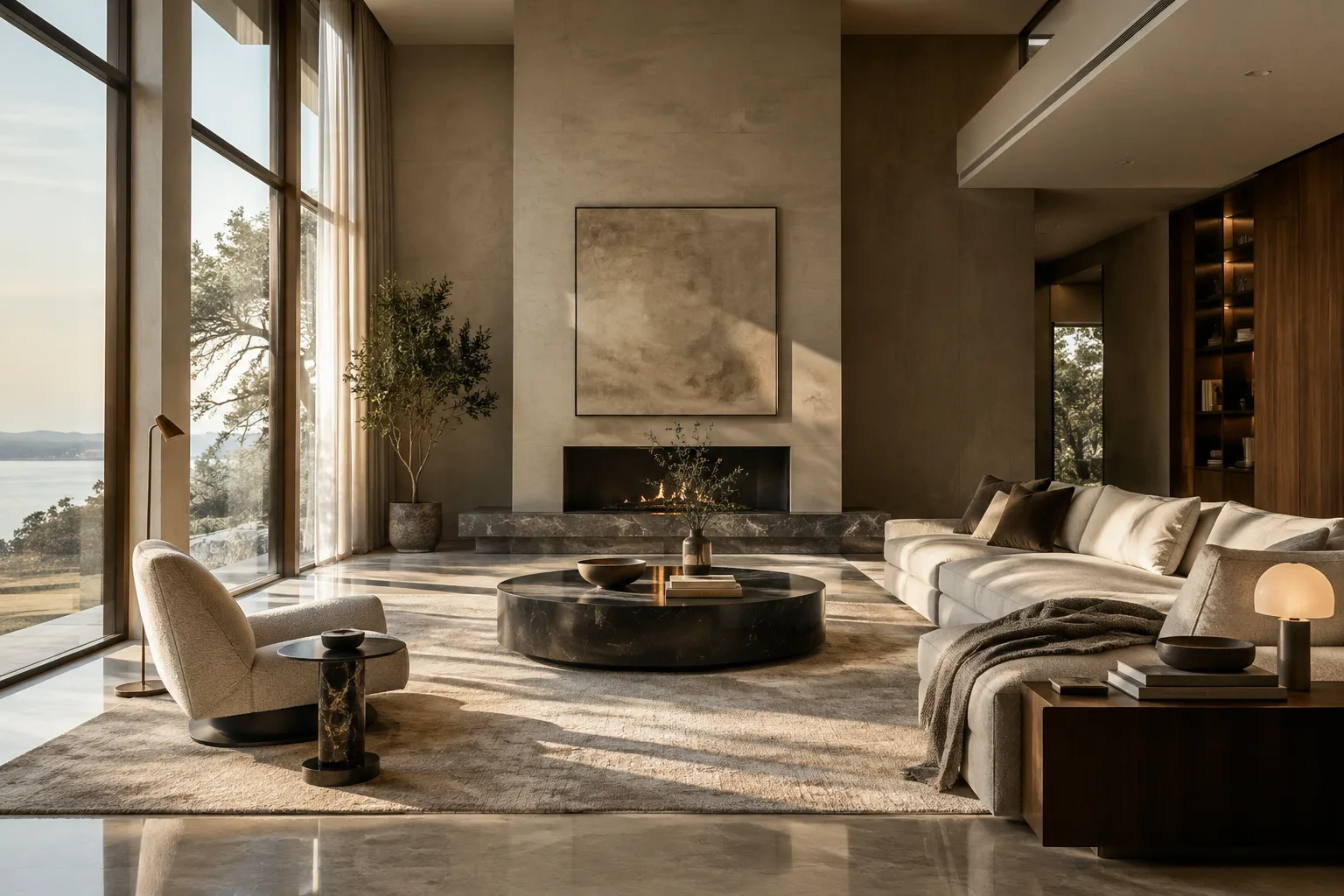
Generate an interior visualization of an open-plan living room with light oak flooring, a dark green velvet sofa, a floor-to-ceiling window overlooking a garden, and soft diffused daylight entering from the left. Include a minimal black metal shelving unit. Style: clean architectural photography, neutral color palette, no text, no watermark overlays beyond the standard image signature.In this example, the material palette and lighting direction are clearly defined; as emphasized in the documentation, specifying the response format (for instance, an "architectural photography" style) brings the model's output closer to the intended presentation.
3. Turning an existing sketch into a render (image editing)
The Nano Banana models can modify an existing image by accepting text and image together as input (text-and-image-to-image). For example, a hand-drawn interior sketch can be uploaded together with a text prompt like the following:
Using the uploaded sketch as the layout reference, turn it into a photorealistic interior render. Keep the furniture positions and window placement from the sketch, apply a warm Scandinavian material palette with light wood and white walls, and add soft natural daylight.In this method, the reference image is added to the API either as base64-encoded data or as a file uploaded via the Files API; the model evaluates both the text and the image together.
4. Adding a logo and title to a presentation board
Place the uploaded office logo discreetly in the bottom right corner of this exterior render, as if printed on a presentation board. Add a small title text area at the top left with placeholder space for a project name, consistent lighting and perspective with the rest of the image.These kinds of prompts take advantage of the brand consistency and text rendering capabilities that Nano Banana Pro is documented to offer.
What this means for architecture and archviz workflows
These models can be used by architecture firms looking to quickly generate alternatives at the early concept stage, students preparing presentation boards, and visualizers testing materials and lighting. Points to keep in mind: API usage requires a Gemini API key and either code or a compatible interface; every generated image contains a SynthID watermark, so this should be kept in mind for final client presentations; and you must hold usage rights to any reference images you upload.
Common mistakes
Using vague phrases in the prompt without specifying material, lighting, and camera angle, which leads the model to choose a random composition.
Preferring Nano Banana 2 Lite for complex tasks that require multi-step editing; this model is not optimized for multi-reference input or multi-step editing.
Uploading a reference image for editing without holding the usage rights to it; the documentation contains an explicit warning about this.
Next steps
In the next stage, you can try sending multiple reference images at once (for example, a plan plus a material palette) to produce a consistent series of renders, and compare zero-shot and few-shot prompting strategies to develop a prompt template tailored to your own office.
Source and license
This guide has been adapted into English from Google's Gemini API documentation pages "Nano Banana image generation" and "Prompt design strategies" (under the CC BY 4.0 license); the architecture-specific sample prompts have been written originally based on the techniques described in these sources.
Sources
2 sourcesSource texts are not republished; short quotes are marked, everything else is our own summary and commentary.
The Nano Banana family can be a practical tool especially for offices looking to quickly generate alternatives at the early concept stage. Since usage via the API requires coding knowledge or a compatible interface, small offices in Turkey should weigh the integration cost; also, the fact that generated images carry a SynthID watermark is an important detail for transparency in final presentations.
For students and freelance visualizers in Turkey, these models' ability to edit via a reference image (turning a sketch into a render) can save time, especially in design presentations requiring fast iteration. However, the copyright status of reference images used in commercial projects must always be verified, and outputs should always be subject to human review.
Frequently asked questions
Which model is most suitable for generating architectural visuals with Nano Banana 2?
According to the documentation, Nano Banana 2 (gemini-3.1-flash-image) offers 4K generation and multi-reference image consistency for general purpose use, while Nano Banana Pro (gemini-3-pro-image) is recommended for the most complex tasks requiring high accuracy.
Do images generated with Nano Banana contain a watermark?
Yes, depending on the source, all generated images contain a SynthID watermark.
Is it possible to turn an existing sketch or plan into a render?
Yes, the Nano Banana models can modify an existing image by accepting text and image together as input (text-and-image-to-image); for this, the reference image can be uploaded as base64 data or via the Files API.