In brief
- UVgami was introduced as a free, open-source tool that runs in a browser.
- The tool can open OBJ, GLB, GLTF and FBX files and automatically create UV maps.
- OptCuts is the default CPU engine; xatlas can deliver results faster but may create more seams.
- PartUV uses the GPU and requires CUDA on Windows and Linux; it is said to create fewer UV islands.
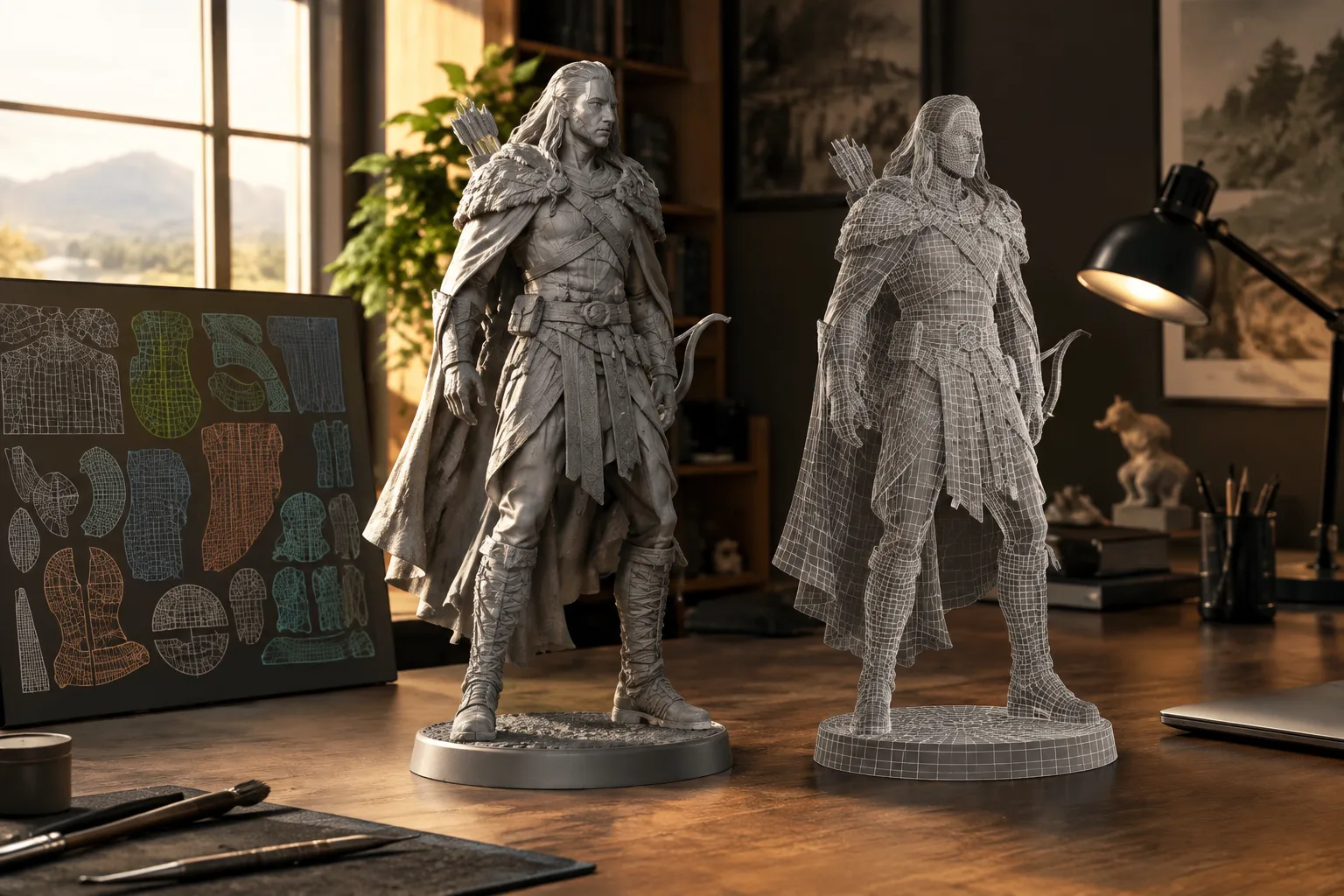
Software developer Daniel Boxer introduced UVgami, a free, open-source UV unwrapping tool, on 13 October 2026. The browser-based app opens OBJ, GLB, GLTF and FBX files and automatically creates UV maps. UV unwrapping is performed locally; files are not uploaded to a server, according to the announcement. UVgami offers a choice of processing engines, allowing users to balance speed against UV seams and island count.
Which file formats and engines does UVgami support?
UVgami can import OBJ, GLB, GLTF and FBX files. Its automatic UV generation uses engines based on OptCuts, xatlas and PartUV. These options work in different ways, so the selected engine affects both processing time and the resulting UV layout.
OptCuts runs on the CPU by default. According to the source, it can deliver the highest quality, but processing may take longer. xatlas is geared toward faster UV generation, though it may produce more seams. Its suggested uses include quick UV preparation, lightmap baking and texture painting.
PartUV, meanwhile, uses the GPU and requires CUDA on Windows and Linux. The source says this engine creates fewer UV islands. When choosing an engine, users should therefore consider not only speed but also the desired seam and island layout, as well as the available hardware.
Are files uploaded to a server?
UV unwrapping in UVgami is performed locally, and models are not sent to a server, according to the announcement. This is one of the tool’s notable features for users who prefer to work without uploading models to an online service. The source does not say whether the app works without an internet connection; the description of local processing alone does not guarantee offline use.
The tool is described as open source and is available on GitHub. However, the source does not name its open-source license or detail the terms of use. Before integrating it into a corporate or commercial workflow, reviewing the repository documentation can help clarify the licensing terms.
Implications for architectural and visualization workflows
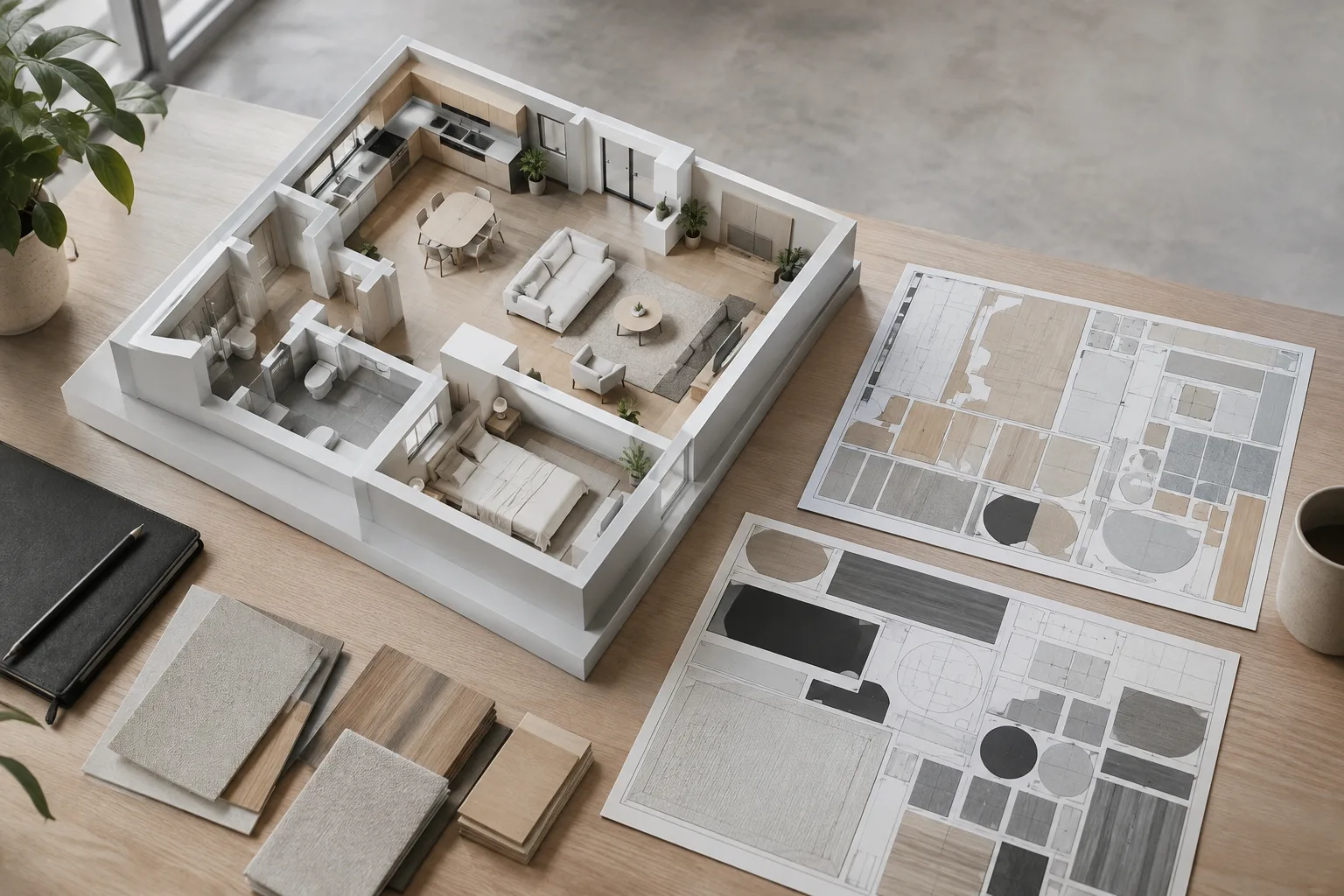
Teams working with architectural models, interior scenes and visualization assets can try UVgami to speed up UV preparation. xatlas may be a good choice when a quick UV layout is needed, but the result should be checked before applying textures because it may create more seams. Since the tool opens files in a browser, its import options are also relevant for users working with the listed formats.
PartUV may be worth considering for tasks that call for fewer UV islands, with its CUDA requirement and Windows and Linux support taken into account. OptCuts runs on the CPU, but processing may take longer. Since the source provides no specific hardware requirements or performance benchmarks, teams should test different models to assess processing times and UV output for their own workflows.
Sources
1 sourceSource texts are not republished; short quotes are marked, everything else is our own summary and commentary.
UVgami’s local processing approach and support for four file formats offer visualization teams working with models from different sources a practical way to try the tool. Its introduction as free and open source lowers the barrier to evaluation; however, since the source does not provide licensing details, offices should review the terms of use separately.
The key workflow decision is the trade-off between speed and UV layout. Before making a choice, offices in Turkey should test the engines on their own models and compare seams, island counts and processing times. The CUDA requirement for PartUV should also be factored into hardware planning.
Frequently asked questions
Which file formats does UVgami support?
UVgami can open OBJ, GLB, GLTF and FBX files.
Does UVgami upload models to a server?
According to the source, UV unwrapping is performed locally and models are not uploaded to a server.
What is required to use PartUV in UVgami?
PartUV uses the GPU and requires CUDA on Windows and Linux.