In brief
- Corona Layered Material builds effects like rust, cracked concrete or a glossy pattern by adding extra layers (Layer 1, 2, 3...) controlled by masks on top of a base material.
- Displacement offers three modes: Only from base material, Blend all layers (default) and Add all layers.
- Stacking many complex materials within a single Layered Material can reduce render performance; a single material or Corona Decal may be preferable for similar results.
- Corona 9 is compatible with Autodesk 3ds Max 2016-2024 and runs on 64-bit Windows 8-11 with SSE4.1-capable processors.
What is Corona Layered Material and what is it for
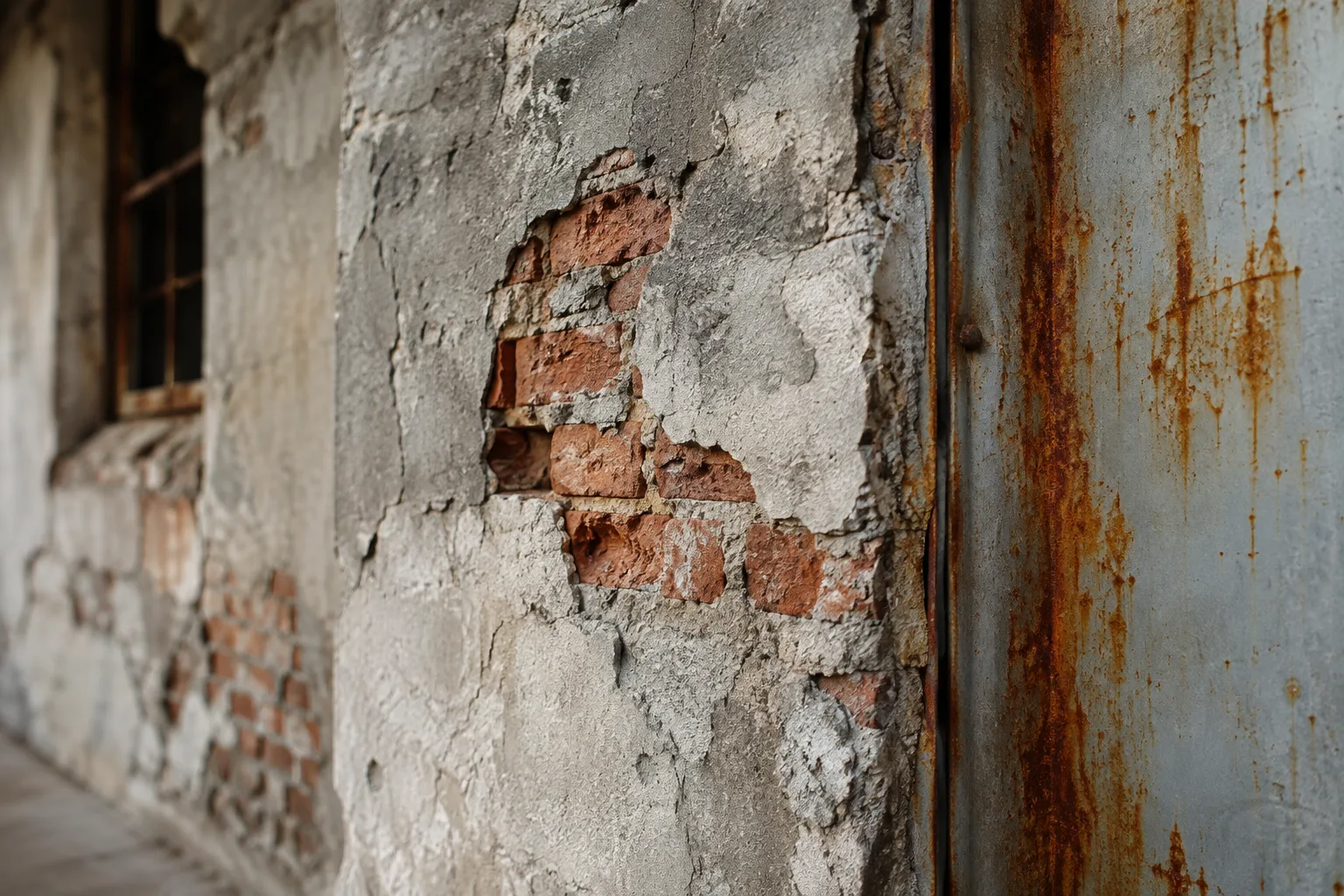
Corona Layered Material, offered by the Chaos Corona render engine for 3ds Max, is a tool that lets you stack multiple materials on top of each other to combine them into a single surface. According to the official documentation, this tool is used to build effects such as rust stains on a metal surface, brick texture showing through a cracked concrete wall, or a glossy pattern over a matte-painted object, all within a single material tree. The transition between layers is controlled by a mask assigned to each layer; the mask determines in which areas the upper layer becomes visible.
This guide is based on Chaos's official Corona Layered Material documentation on documentation.chaos.com and the official system requirements for Chaos Corona 9 on the Autodesk app store.
Basic parameter structure
Corona Layered Material exists as a material type in the 3ds Max material editor and consists of the following sections:
Base mtl: The main (base) material of the surface; all other layers are added on top of it. If this slot is left empty, the base material falls back to a simple material that uses the object's wireframe color as the diffuse color. So defining a base material is mandatory.
Displacement: Determines in which mode the layered displacement will be blended (see the table below). The base material's displacement is always used regardless of the mode.
Layer 1, 2, 3...: Layers added on top of the base material. Each layer has its own Mtl (material) and Mask settings.
In practice, this structure works, for example, by defining glossy painted metal as the base and a rusted material as Layer 1, then controlling the transition between them with a noise- or texture-based mask.
Displacement blending modes
When displacement maps are used on multiple layers, how these maps are combined is determined by one of three modes:
| Mode | Description | Effect |
|---|---|---|
| Only from base material | Only the base material's displacement is applied to the object | The displacement of the upper layers is completely ignored |
| Blend all layers | The default mode; the displacement maps of the base and all layers are stacked together | Each layer's displacement blends according to that layer's opacity |
| Add all layers | Base and layer displacements are stacked using the Add blending mode | Each layer's displacement still blends based on opacity, but the results are summed and intensified |
The choice between these three modes depends, for example, on whether you want to emphasize both an overall rough texture and local cracks on a wall at the same time; since Add all layers sums the two displacement effects together, it gives a more pronounced, cumulative sense of depth.
Impact on the architectural visualization workflow
This tool is particularly valuable for 3ds Max + Corona users in archviz and interior design presentations who want to achieve time-worn surfaces (rust, damp stains, cracked plaster, aged wood) through procedural masks instead of hand-painting textures one by one. No additional plugin or license is required; Corona Layered Material is part of Corona's own material editor. According to the documentation, Chaos Corona 9 runs with Autodesk 3ds Max 2016-2024 versions, on 64-bit Windows 8-11 operating systems, and on any SSE4.1-capable processor from the last decade; installation must be done with administrator rights, and for distributed rendering the Autodesk Backburner version must match. No extra GPU or VRAM requirement is specified in the documentation on the hardware side, but loading many complex materials at once can extend overall scene render times.
Common mistakes
Leaving the base material empty: If Base mtl is not defined, the surface falls back to a simple material that uses the object's wire color as diffuse; this is usually noticed as unexpected flat-colored surfaces.
Stacking too many layers: The documentation notes that stacking complex materials in many layers can worsen render performance. If a similar result can be achieved with a single material, that is the more efficient route.
Trying to solve local displacement effects with Layered Material instead of Corona Decal: For local displacement effects (scratches, dents, localized damage), Corona Decal is offered as a more flexible and lighter alternative compared to Layered Material.
Ignoring mask resolution: Since the mask determines where the layer appears, a low-resolution or poorly UV-mapped mask can cause rough-looking layer transitions.
Summary
Corona Layered Material is the standard way for offices using 3ds Max + Corona to produce complex, multi-layered surface effects without needing additional software. Defining the correct base material, choosing the appropriate displacement mode, and keeping the number of layers reasonable directly affect both visual quality and render time.
Sources
2 sourcesSource texts are not republished; short quotes are marked, everything else is our own summary and commentary.
For archviz offices in Turkey, Corona Layered Material is a low-cost gain since it doesn't require any additional purchase or license, being readily available within Corona's own material editor. It can especially shorten the texture-painting process in residential and restoration projects where weathering, rust and damp effects are wanted in presentations.
However, as the documentation warns, multi-layered setups can extend render times; in large scenes, instead of creating a separate Layered Material for every surface, building a single shared material tree for repeated materials provides a more sustainable workflow. Making sure team members who will use this tool are working on a 3ds Max version supported by Corona 9 (2016-2024) also prevents compatibility issues from the start.
Frequently asked questions
What is Corona Layered Material?
This material, offered by Chaos Corona for 3ds Max, allows you to stack multiple materials as layers controlled by masks on top of a base material, creating mixed surface effects such as rust, cracked concrete or a glossy pattern.
What are the displacement blending modes in Corona Layered Material?
There are three modes: Only from base material (only the base material's displacement is used), Blend all layers (the default mode, where all layers blend according to their opacity) and Add all layers (layers are combined by being summed with the Add mode).
Which 3ds Max versions does Corona Layered Material work with?
According to the official Autodesk app page, Chaos Corona 9 works with Autodesk 3ds Max 2016-2024 versions, on 64-bit Windows 8-11 operating systems and SSE4.1-capable processors.