In brief
- Epic Games’ ArchViz Interior sample project contains a small apartment scene that uses ray-tracing features.
- The Movie Render Pipeline plugin must be enabled to use Movie Render Queue.
- PNG and EXR outputs can support an alpha channel; this support must also be enabled in the project settings.
- The sample project requires a compatible graphics card with DirectX 12 ray-tracing support.
What will you learn in this guide?
Movie Render Queue can be used in Unreal Engine to export a cinematic sequence as an image sequence. This guide is based on Epic Games’ ArchViz Interior sample project and covers preparing the project, adding a sequence to the queue, and choosing output settings. It also looks at how to plan format and alpha-channel choices for an interior scene that uses ray tracing.
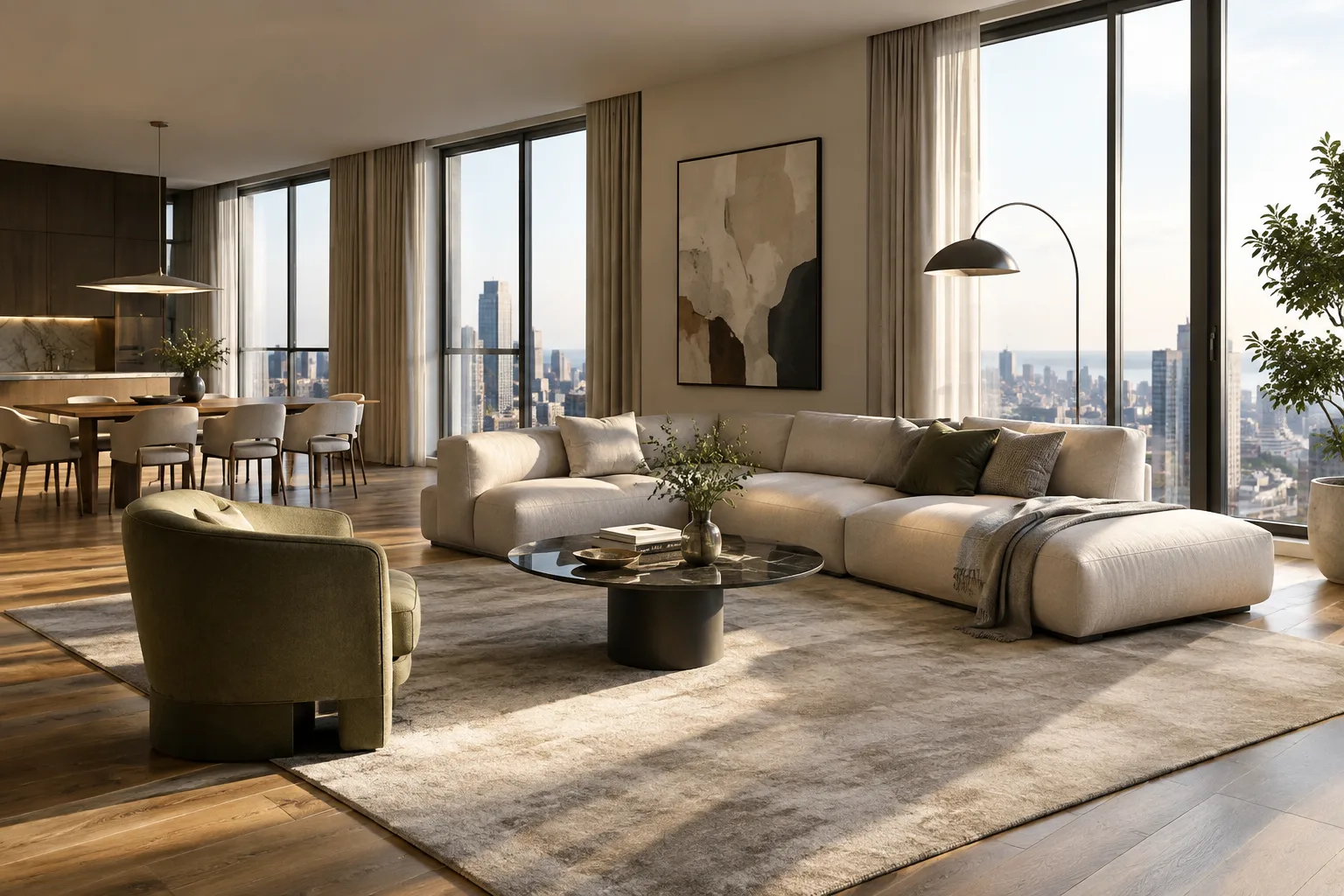
ArchViz Interior is a small apartment scene featuring examples of realistic materials and lighting. The scene documented by Epic Games uses physically based materials, dynamic lighting, and ray-tracing techniques. The sample can be used both to try out the export workflow and to examine how materials and lighting affect the final image.
Requirements
This Movie Render Queue guide is intended for users running the 64-bit version of Windows 10. You can download the sample project from ArchViz Interior in the Engine Feature Samples section of the Learn tab in the Unreal Engine area of the Epic Games Launcher. The project requires a compatible graphics card with DirectX 12 ray-tracing support. The sources do not specify a particular graphics card model, processor, or amount of memory. The ArchViz Interior documentation describes the sample as an Unreal Engine 4 (UE4) project.
The Movie Render Pipeline plugin must be enabled to use Movie Render Queue. Epic Games’ guide also notes that, during long GPU operations, Windows may reset the graphics driver because it assumes the graphics card is not responding. As an optional system setting to help prevent this, set the TdrDelay value at Computer\HKEY_LOCAL_MACHINE\SYSTEM\CurrentControlSet\Control\GraphicsDrivers in the Registry to 60 seconds in decimal format, using administrator privileges. This step is not required and involves changing the Registry, so consider it carefully.
Preparing an image sequence with Movie Render Queue
Download the sample project and enable the plugin. In the Epic Games Launcher, open the Unreal Engine section, download and create the ArchViz Interior project from the Engine Feature Samples area on the Learn tab. Once the project is open, go to Edit > Plugins. Search for
movieamong the Built-In plugins and enable Movie Render Pipeline if it is not already enabled.Review the main sequence in Sequencer. In the Content Browser, double-click the
archviz_cine_MASTERsequence in theContent > Cinematicfolder to open it in Sequencer Editor. The master sequence contains the shots in the sample project. Use the timeline to review the shots and frame ranges; click the camera button to switch to the relevant camera view.Add the sequence to the render queue. Open the queue from the editor’s Window > Cinematics > Movie Render Queue menu. Click
+ Renderand select thearchviz_cine_MASTERsequence from the list. You can also drag the sequence from the Content Browser into the queue window. Remove an item from the queue by selecting it and clicking the minus button, pressing Delete, or using the right-click menu.Set the render options. In the queue, open the sequence’s configuration area and use the
+ Settingbutton to add the options you need. The settings window presents options in groups; you can enable or disable each one for rendering. Anti-aliasing controls the number and type of samples used in the final images. The Camera setting controls shutter values to determine effects such as motion blur and exposure. Console Variables lets you add console variables to be run during rendering.Choose an output format for your use case. Epic Games’ guide lists these formats for different needs:
BMP, 8-bit: Saves quickly; files can be large because the format is uncompressed.
JPG, 8-bit: Uses lossy compression and produces smaller files; it is a suitable option for previews. It does not support an alpha channel.
PNG, 8-bit: Lossless and can carry an alpha channel; file sizes may be larger.
EXR, 16-bit: A lossless, high-dynamic-range image format that supports an alpha channel.
To use an alpha channel with PNG or EXR, enable
Enable alpha channel support in post processing (experimental) > Linear color space onlyunder Edit > Project Settings > Engine > Rendering > Postprocessing. You will be prompted to restart the engine for the change to take effect. To get a transparent background, you also need to hide opaque scene objects such as the sky and Atmospheric Fog.Check the render type and additional settings. Deferred Rendering is the default option and should remain enabled while following the process in this Epic Games guide. UI Renderer (Non-Composited) outputs UI elements to a separate PNG or EXR file so they can be combined in another compositing application. Adjust the settings for your target output, then run the queue and check the resulting images.
Common mistakes and things to keep in mind
If the Movie Render Pipeline plugin is not enabled, you may not be able to use Movie Render Queue. Check the plugin status before opening the queue. For a transparent background, selecting PNG or EXR alone is not enough: you also need to enable alpha support in the project settings and hide opaque background elements in the scene.
It is also important to choose a format based on delivery requirements. JPG can be used for previews with smaller files; if you need lossless images or an alpha channel, consider PNG or EXR. Before creating a large image sequence, determine the frame range to render and the format to use. Keep the compatible graphics card requirement in mind for the ray-traced ArchViz Interior sample as well.
The Registry change is an optional step related to GPU timeout behavior; it is not a required part of the standard setup. Before changing this setting, bear in mind that administrator privileges are required and that system settings will be modified in the process.
Impact on architecture and visualization workflows
Movie Render Queue can be useful for architecture firms and archviz artists who want to export still frames for interior visualizations and presentations. The alpha-channel options in PNG and EXR suit workflows where images are later combined with other elements. The ArchViz Interior sample project also provides a ready-made scene for students who want to study physically based materials and ray-traced lighting.
The source does not provide render-time measurements or performance figures for specific hardware. It is therefore sensible to run a short test with your scene and system to verify the output format and render settings before processing a long sequence. Project and plugin compatibility should also be checked against the Unreal Engine installation in use; the sources do not provide a separate compatibility table for current versions.
Next steps
For your first test, choose a single sequence and an output format that suits your intended use. Check the images for alpha-channel behavior, quality, and file size before expanding the settings. To review the material examples, you can look in the project’s Content\Materials folder. Epic Games’ ArchViz Interior documentation includes additional information about physically based materials, material examples, and the ray-traced lighting setup.
Sources and license
The Epic Games documents “Rendering High-Quality Frames with Movie Render Queue” and “Archviz Interior Rendering” were used. The source records list these documents as lisans=serbest; the content has been adapted into Turkish.
Sources
2 sourcesSource texts are not republished; short quotes are marked, everything else is our own summary and commentary.
Movie Render Queue offers a useful workflow for exporting individual frames from interior scenes in a controlled way and planning for different output requirements from the outset. Alpha-enabled PNG or EXR can be practical for visualization teams that composite images afterward.
For offices and students in Turkey, the main considerations are hardware that meets the scene’s ray-tracing requirements and the time available for rendering. Since the sources include no cost or performance comparisons, it makes sense to run a short test before processing the full sequence. The Registry setting is optional, so it should be considered carefully before making any changes.
Frequently asked questions
How do you enable Unreal Engine Movie Render Queue?
Find and enable the Movie Render Pipeline plugin under Edit > Plugins. Then open the queue from Window > Cinematics > Movie Render Queue.
Which formats can be used for a transparent background in Movie Render Queue?
According to the Epic Games guide, PNG and EXR can output an alpha channel. You need to enable alpha support in the project settings and hide opaque objects such as the sky.
What hardware does the ArchViz Interior sample project require?
The sample project requires a compatible graphics card with DirectX 12 ray-tracing support. The sources do not specify a particular graphics card model.