In brief
- Path Tracer requires DirectX 12 and hardware ray tracing support enabled in the project settings.
- Camera or scene changes invalidate accumulated samples, so the image must be allowed to converge again.
- For stills, samples should be weighted toward spatial sampling; for animations, temporal sampling is recommended.
- Render times can increase in interiors, especially with materials whose albedo is close to 1.0, because light paths can be longer.
As described in Unreal Engine’s official documentation, Path Tracer can be used to achieve physically based lighting, reflections, and refractions in architectural visualization scenes. It runs on a hardware ray tracing pipeline and can be combined with Movie Render Queue (MRQ) to output stills or animations. Epic’s documentation does not specify a particular Unreal Engine version, so the steps below are limited to the settings and menu paths listed in the documentation.
1. Prepare the project for ray tracing
Before using Path Tracer, check that your project meets the hardware requirements. The documentation lists Windows 10 1809 or later, DirectX 12, and NVIDIA RTX or GTX-series graphics cards with DXR drivers enabled. The Movie Render Queue guide to high-quality frames is also aimed at Windows 10 64-bit users.
In Unreal Editor, follow
Edit > Project Settings > Platforms > Windows > Targeted RHIs > Default RHIand set the default RHI to DirectX 12.In
Edit > Project Settings > Engine > Rendering > Hardware Ray Tracing, enableSupport Hardware Ray Tracing. Path Tracer support must also be enabled in the same section.When you enable hardware ray tracing, Unreal Engine may prompt you to turn on
Support Compute Skin Cacheif it is disabled. This feature is required, so follow the prompt and restart the engine for the settings changes to take effect.
| Setting | Recommended value | Effect |
|---|---|---|
| Default RHI | DirectX 12 | The Windows RHI setting required for Path Tracer |
| Support Hardware Ray Tracing | On | Enables hardware ray tracing features |
| Support Compute Skin Cache | On | Required for hardware ray tracing and Path Tracer support |
| Temporal Sample Count – still | 1 | Renders stills without increasing samples along the temporal axis |
| Spatial Sample Count – animation | 1 | Lets you allocate most samples to temporal sampling in animation |
2. Check Path Tracer in the viewport
In the Level Viewport, open the
View Modesmenu and selectPath Tracing. As long as the camera remains still, the image gradually sharpens as samples accumulate.Once the sample count reaches its target, noise in the final image is reduced if a denoiser is enabled in the Post Process settings. The relevant plugin must be enabled for the denoiser option to work; the documentation notes that the NNE Denoiser plugin is used by default.
Moving the camera, changing a material, or adding or moving an object invalidates the samples and starts accumulation from the beginning. Give the image time to settle again when testing lighting and materials.
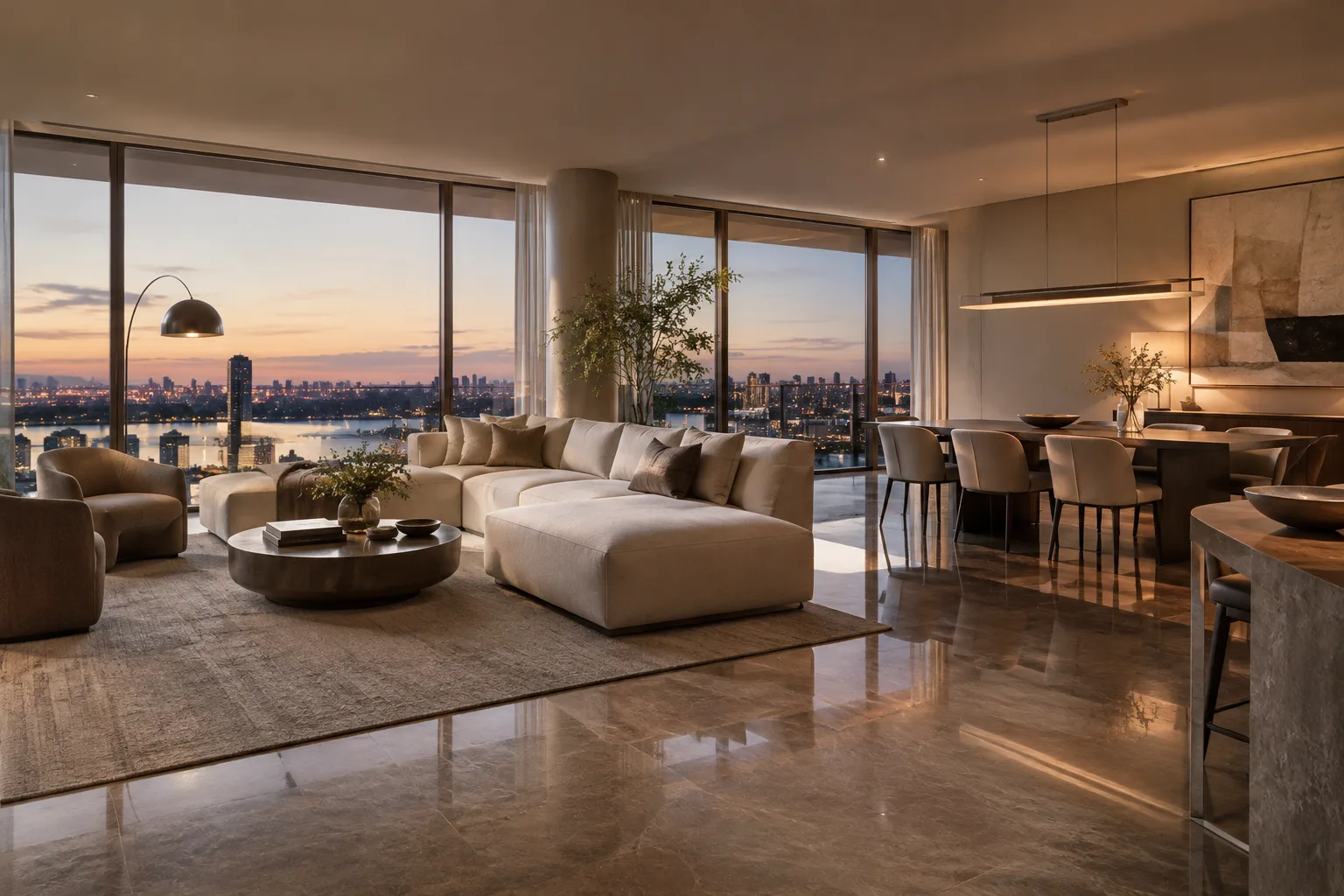
Interiors can take longer to render than exteriors. According to Epic, light paths can involve more bounces indoors; materials with an albedo close to 1.0 can also lengthen those paths. Complex scenes and materials can further affect render times.
3. Configure frames in Movie Render Queue
To access MRQ, enable the
Movie Render Pipelineplugin underEdit > Plugins. Then openWindow > Cinematics > Movie Render Queueand add the Level Sequence you want to render to the queue.Click
Unsaved Config*in the queue. Add the required settings via+ Setting. Along with the Path Tracer module, selectAnti-aliasingfor output type and sampling.Path Tracer’s Post Process Volume settings include
Samples Per Pixel; increasing this value can reduce noise, but also increases render time per frame. When using MRQ, the samples-per-pixel setting in the Post Process Volume is ignored; sampling is determined bySpatial Sample CountandTemporal Sample Countin MRQ.The total samples per pixel equal the spatial sample count multiplied by the temporal sample count. For example, 16 samples can be achieved with 4 spatial and 4 temporal samples, 16 spatial and 1 temporal sample, or 1 spatial and 16 temporal samples. The right distribution depends in particular on whether motion blur is needed. For stills, increasing spatial samples while keeping temporal samples at 1 is recommended; for animation, use 1 spatial sample and more temporal samples with
Reference Motion Blurenabled.
4. Choose the output format and resolution
MRQ’s Output settings let you specify the file type, naming, resolution, and frame range to render. PNG and EXR can output an alpha channel; to do so, enable Edit > Project Settings > Engine > Rendering > Postprocessing > Enable alpha channel support in post processing (experimental) > Linear color space only and restart the engine. For a transparent background, visibility must also be disabled for opaque objects such as Sky and Atmospheric Fog.
PNG is lossless and supports an alpha channel; JPG is lossy and suited to smaller preview files. EXR is a high-dynamic-range format that supports alpha channels. For high-resolution frames, MRQ’s High Resolution module can render the image as separate tiles and combine them. The maximum supported tile size depends on the graphics card.
What changes in architectural and visualization workflows?
Path Tracer can be useful for interior frames where reflections, refractions, and indirect lighting details are important. Sequencer and MRQ integration makes it possible to output high-quality frame sequences from the same scene. However, real-time navigation speed should not be treated as a fixed benchmark: while Path Tracer accumulates samples, render times are affected by scene complexity, materials, and hardware.
For render workstations, the priority is to verify compatibility with DirectX 12 and hardware ray tracing, as specified in the documentation. Temporal sampling should be planned for motion blur and animation; spatial sampling is preferable for stills. The sources do not provide license or pricing information for Path Tracer, nor do they specify the cost of the required hardware or performance times for any particular card.
Common mistakes
Trying to use Path Tracer while hardware ray tracing or
Support Compute Skin Cacheis disabled.Overlooking that accumulated samples are discarded and recalculated after camera or scene changes.
Adjusting sampling in MRQ through
Samples Per Pixelin the Post Process Volume; MRQ ignores this value.Automatically using the same sample distribution for animations and stills. Motion blur requirements affect the choice of temporal sample count.
Sources
3 sourcesSource texts are not republished; short quotes are marked, everything else is our own summary and commentary.
For architecture firms and visualization teams in Turkey, Path Tracer is a useful option, particularly for checking lighting and reflections in final interior frames. MRQ’s sampling and output controls add flexibility to the production workflow, but more samples mean longer render times. Rather than using the same settings for drafts and finals, it is practical to plan quality according to the needs of the scene.
Before getting started, verify that the graphics card meets the DXR and DirectX 12 requirements, and check the project settings and plugins. Light-colored materials and complex light paths can extend render times in interiors. The documentation does not include license or pricing information; firms should also evaluate hardware costs and compatibility with their existing workstations, and test long renders in advance.
Frequently asked questions
What settings are required for Unreal Engine Path Tracer?
A Windows project requires DirectX 12 and `Support Hardware Ray Tracing`. `Support Compute Skin Cache` must also be enabled, and Path Tracer support must be turned on in the project settings.
How do you set the Path Tracer sample count in Movie Render Queue?
MRQ uses `Spatial Sample Count` and `Temporal Sample Count`; the total samples per pixel are the product of these two values. MRQ ignores the samples-per-pixel setting in the Post Process Volume.
Can you get a transparent background in PNG or EXR with Path Tracer?
PNG and EXR support an alpha channel. First, enable experimental alpha channel support in Project Settings, restart the engine, and hide opaque sky objects to get transparency.