In brief
- MechaPaint 2.0 is a standalone 3D asset painting application for Windows and macOS.
- Its painting system supports base color, normal, roughness, metallic, ambient occlusion and height channels.
- PhotoMesh and LightMesh can turn photos into textured geometry or height data.
- AI features can run through a local ComfyUI connection or a user-provided Google image service API key.
MechaPaint 2.0, covered in Digital Production’s 30 September 2026 article, is the latest version of a standalone application designed for painting and preparing materials on existing 3D models. Available for Windows and macOS, the software focuses on asset processing between modeling applications and game engines rather than replacing them. The release brings together PBR painting, photo-to-geometry tools, physical paint matching and optional AI-assisted editing.
Six-channel PBR painting and physical paint matching
Painting in MechaPaint 2.0 can be performed across base color, normal, roughness, metallic, ambient occlusion and height channels. Channels can be selected individually, so an operation can affect only roughness or height data; it is also possible to work across multiple channels at once. A layer-based structure allows separate edits to different paintable areas of a model.
CC0 materials from Material Depot, ambientCG and Poly Haven are available in 1K, 2K and 4K options. External PBR folders can also be imported. The software attempts to identify channel maps from common naming conventions and can split packed ORM textures into separate channels.
The Real Paints database contains more than 13,000 physical paint colors from 38 brands. Match The Brush searches for close matches to a digital color using CIEDE2000 color distance and displays the 40 nearest results. Palette Match provides tools for limiting a painted layer to a selected set of paint colors.
Creating materials and geometry from photos
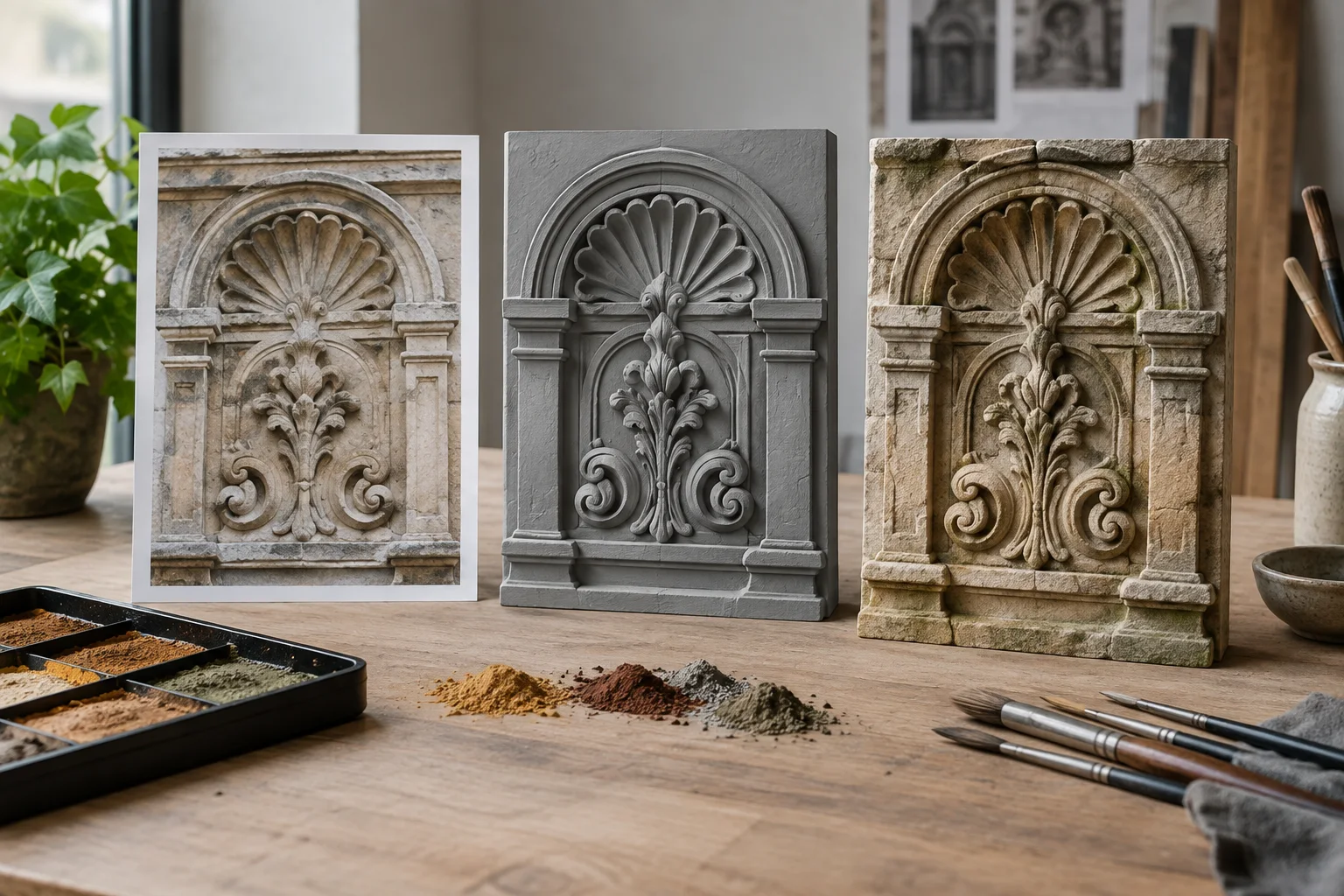
PhotoMesh can create textured geometry from a single photo. The result can be left as a relief or converted into a closed model. LightMesh uses image brightness as height data on a flat surface. The resulting height can be edited, after which the geometry can be regenerated. Photo Material turns a photo into starting material data, covering color, normal, roughness, metallic, ambient occlusion and height.
The quality of the input image matters for these methods. According to Digital Production’s review, even lighting and positioning the camera nearly perpendicular to the surface reduce the risk of shadows generating misleading depth data and of perspective distortion. Photo-to-model generation therefore does not eliminate the need to prepare the source image.
AI is optional; the workflow relies on file exchange
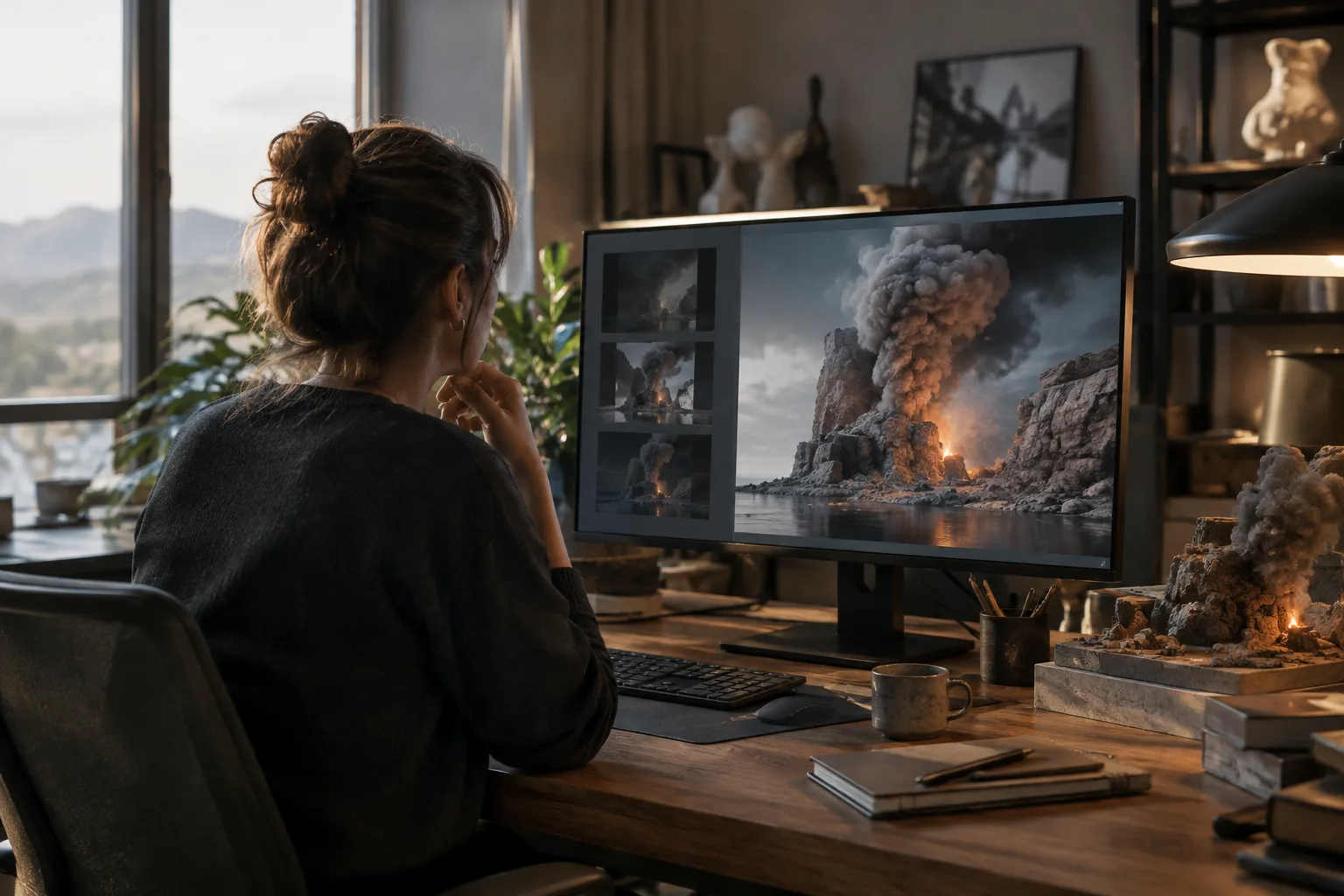
AI-assisted editing is not a required part of the application. Users can connect to a local ComfyUI server or use their own Google image service API key. AI Brush sends the selected frame area of the model for processing and projects the returned result onto the corresponding surface. With local use, processing can take place on studio hardware; the application’s other features do not depend on AI or an internet connection.
Model transfer relies on file exchange rather than plugin integration. The source lists various geometry formats, including FBX, OBJ, GLB, glTF, DAE, STL, PLY, 3MF and USD. When geometry is updated in the modeling application, the new file can be reloaded and painted layers transferred to the updated model. Export presets include texture adjustments for targets such as Unity, Unreal Engine, Godot and glTF.
Implications for architecture and visualization workflows
For architectural visualization teams, MechaPaint’s main advantage is that it lets them handle surface work on an individual asset as a separate step without taking over the scene in their modeling application. Photo-based material and height creation can give artists tools for experimenting with surface details, though the result will depend on the source photo’s quality and how the model is transferred. Physical paint matching may also be useful when teams need to compare an on-screen color with a real paint product.
The stated Windows requirement is Windows 10 version 21H1, build 19043 or later; on macOS, the requirement is Monterey 12. Windows requirements include a 64-bit x86 processor with SSE2 support and graphics hardware capable of using DirectX 10, 11, 12 or Vulkan. The source provides no details on pricing or licensing, so these should be verified separately before business use.
Sources
1 sourceSource texts are not republished; short quotes are marked, everything else is our own summary and commentary.
MechaPaint 2.0’s practical value for architecture and visualization teams lies in letting them handle surface painting and photo-based material and geometry experiments as a separate step, without replacing their modeling tools. The local ComfyUI option is also worth considering for those who want to run AI processing on studio hardware, although it is not necessary for every workflow.
Before making a decision, teams should consider whether their existing computers meet the stated operating system and graphics requirements, as well as their file exchange workflow and licensing terms. The source does not provide pricing or licensing details, so it is not possible to estimate the total cost. For photo-to-geometry work, results also depend on the quality of the source image.
Frequently asked questions
Which PBR channels does MechaPaint 2.0 support?
It supports base color, normal, roughness, metallic, ambient occlusion and height channels.
Is AI required in MechaPaint 2.0?
No. AI features are optional. The application can use a local ComfyUI connection or a user-provided Google image service API key.
Can MechaPaint 2.0 create geometry from photos?
Yes. PhotoMesh can create textured geometry from a single photo, while LightMesh can generate height data from image brightness.