In brief
- Tyson Ibele’s tyFlow 2.1 (v2.100) was released on 28 August 2026, followed by a patched release on 2 September.
- New PhysX Vehicle operators, helpers, and presets enable physics-based vehicle rigs and multi-vehicle simulations.
- Objects with a Gaussian Splat interface can be imported in 3ds Max 2027 and later, while splat data can be exported from tyFlow and tyCache.
- The BFECC mode added to the Birth Inferno operator uses 30% less VRAM in simulations.
Version 2.1 of tyFlow, a particle and multiphysics plugin for 3ds Max, has been released. According to developer Tyson Ibele’s official release history, tyFlow v2.100 came out on 28 August 2026; a patched release with bug fixes and ten new sample scenes followed on 2 September. The update’s main addition is a PhysX-based vehicle rigging and simulation toolkit. It also brings support for the Gaussian Splatting framework introduced in 3ds Max 2027, memory savings for the Inferno smoke and fire system, and several small but useful tool improvements for architectural visualization artists.
Vehicle rigging and simulation with PhysX
tyFlow 2.1 adds new PhysX Vehicle operators, helper objects, and flow presets for vehicles. Used together, these tools make it possible to build physics-based animation rigs for vehicles and use them in multi-vehicle simulations. According to CG Channel, presets are available for cars, trucks, and tanks; the vehicle toolkit offers features such as dynamic suspension, tow physics, and procedural skid marks.
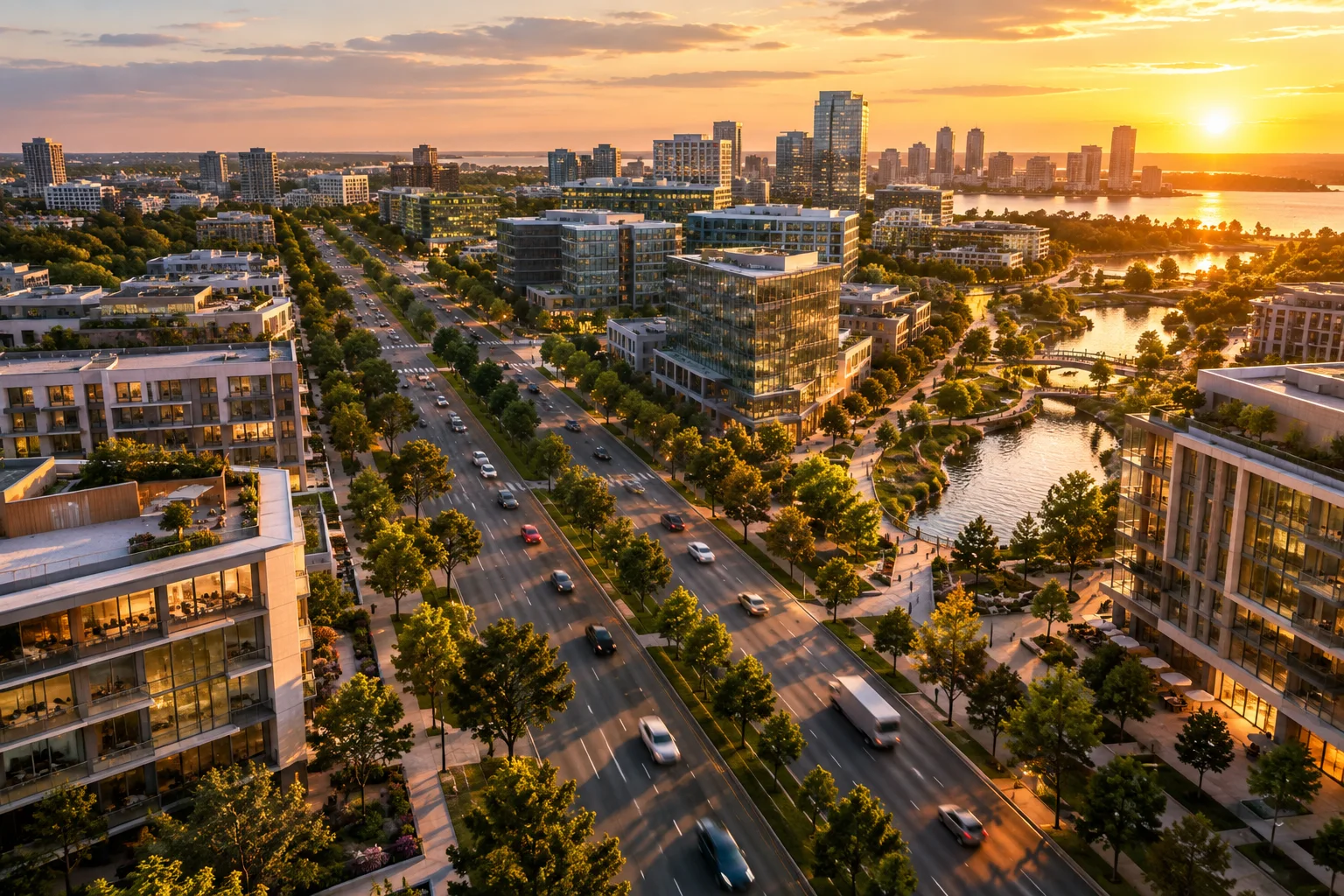
The 2 September patch added ten new tyVehicle scenes to the official sample files. The patch also fixed issues with spline following in the PhysX Vehicle AI operator and with controlling fully physics-driven wheeled vehicles. AI-controlled vehicles can follow splines, making it possible to create scenes such as traffic flowing along a road.
Gaussian Splat support
Autodesk added a 3D Gaussian Splatting toolset to 3ds Max with version 2027.2. tyFlow 2.1 uses this framework. According to the release notes, in 3ds Max 2027 and later:
Objects with a Gaussian Splat interface can be brought into the Birth Flow operator and tyMesher objects.
Gaussian Splat data can be exported from tyFlow and tyCache objects.
This opens the door to scanned environment data—for example, a terrain scan or a splat capture of an existing building—interacting with particle systems.
Other updates relevant to architectural visualization
Among the extensive list of release notes, several items directly affect archviz workflows:
Roof generation: An open-gables mode has been added to tySplineMesher’s straight skeleton roof algorithm.
Terrain downloads: When latitude/longitude coordinates are copied to the clipboard from a source such as Google Maps, the tyTerrain Downloader map can jump directly to that location from its right-click menu.
Wetness maps: Crashes and performance issues in the tyWetmap modifier have been fixed, and the UV unwrapping algorithm has been accelerated for high-resolution meshes.
Render farm: tyCache exports through Deadline can acquire a floating license seat when available.
Viewport: Viewport playback performance has been improved while the tyFlow editor is open.
Lower VRAM usage in Inferno
There’s also a significant change to Inferno, tyFlow’s gas-fluid simulation system. When the BFECC (conserve VRAM) advection mode added to the Birth Inferno operator is enabled, simulations use about 30% less GPU memory. A new “surface bias” setting has also been added to the Inferno Vorticity operator.
Pricing and system requirements
| Version | Features | Price |
|---|---|---|
| tyFlow Free | All simulation tools, commercial use permitted; no CPU multithreading, GPU acceleration, or cache export | Free |
| tyFlow Pro (node-locked) | All features | $495 (perpetual license) |
| tyFlow Pro (floating) | All features | $645 (perpetual license) |
tyFlow 2.1 is compatible with 3ds Max 2020 and later. Some GPU-accelerated features are hardware-agnostic, while others are CUDA-based and require a compatible NVIDIA graphics card. Gaussian Splat features require 3ds Max 2027 or later.
What does this mean for archviz teams?
tyFlow is widely used in archviz for tasks such as scattering vegetation, dropping leaves and objects, and cloth and physics-based placement. The vehicle simulation tools in version 2.1 offer a new way to create traffic scenes in urban animations and exterior films using physics rather than hand animation. The open-gables roof mode and coordinate-based terrain downloads are more geared toward teams that quickly build contextual models. Gaussian Splat support further expands the new splat workflow within 3ds Max for studios working with scanned existing-condition data.
The VRAM savings in Inferno shouldn’t be overlooked either: teams simulating atmospheric elements such as fireplace flames, chimney smoke, or outdoor fire effects can try higher-resolution simulations on the same graphics card. As always, before upgrading, it’s good practice to open and test a copy of existing tyFlow scenes from ongoing projects.
Sources
2 sourcesSource texts are not republished; short quotes are marked, everything else is our own summary and commentary.
tyFlow remains one of the most valuable third-party tools in the 3ds Max ecosystem. For archviz studios in Turkey, the most practical addition in 2.1 is the ability to create more convincing, physics-based traffic scenes for exterior animations. The continued availability of perpetual licenses is also significant for smaller studios experiencing subscription fatigue.
One hardware caveat: some GPU features require CUDA, so teams using non-NVIDIA cards may not be able to take advantage of every feature. The Gaussian Splat workflow depends on 3ds Max 2027, so studios on older versions will need to factor in the cost of upgrading to use it. Still, the fact that the Free version permits commercial use makes it possible to try the new tools without risk.
Frequently asked questions
Is tyFlow free?
The free tyFlow Free version includes all simulation tools and permits commercial use, but it doesn’t include CPU multithreading, GPU acceleration, or cache export. The Pro version is available with a perpetual license for $495 (node-locked) or $645 (floating).
Which versions of 3ds Max does tyFlow 2.1 work with?
tyFlow 2.1 is compatible with 3ds Max 2020 and later. Gaussian Splat import and export features require 3ds Max 2027 or later.
How does vehicle simulation work in tyFlow 2.1?
The new PhysX Vehicle operators, helpers, and presets let you build physics-based rigs for vehicles and use them in multi-vehicle simulations. Presets are available for cars, trucks, and tanks.