In brief
- NODES in Veras 5.3 connects image, video, and 3D model inputs through nodes.
- NODES Agent can add nodes, connect them, and configure basic settings based on a described goal.
- Geometry nodes run locally; tools such as Building, Extrude, and Boolean can be used to create parametric models.
- Models can be transferred to Revit as a family, to Rhino as a block, and to SketchUp as a model or proxy.
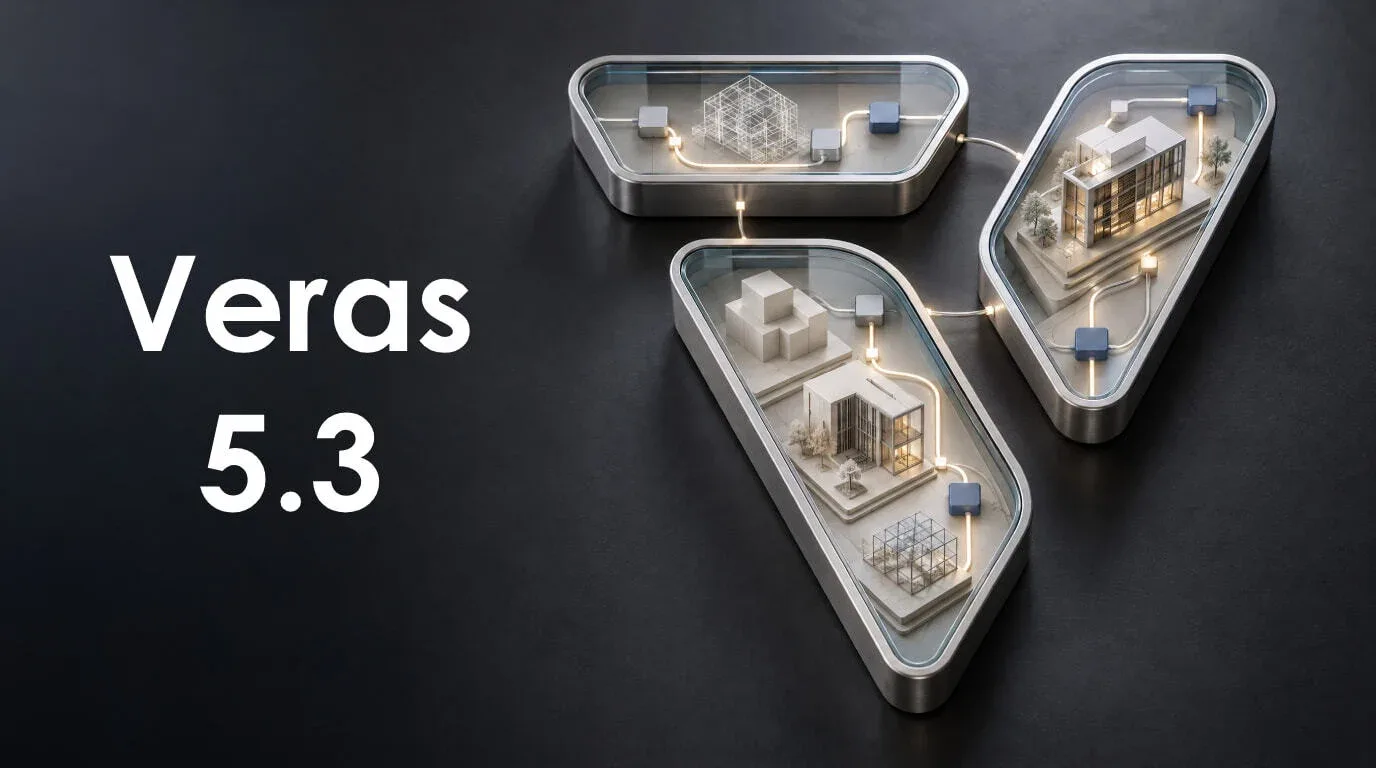
On October 19, 2026, Chaos announced Veras 5.3 and the new NODES workspace. This beta feature lets users combine image and video generation, content analysis, and parametric 3D geometry steps using nodes. Completed models can be transferred to the open project in Revit, Rhino, or SketchUp.
How does NODES build workflows?
NODES is designed as a workspace where components, each assigned a specific task, are connected by wires. Starting with image, video, 3D model, and text input nodes, users can organize generation, analysis, geometry, and output steps in the same graph. When the graph is run, Veras executes the connected steps in sequence.
Image and video generation nodes use the engines available in the corresponding Veras tabs. Analysis options include describing an image, generating a depth map, and detecting objects. The LLM node can respond to text, images, or video; according to Chaos, it uses GPT-6 Astra or Claude Opus 5.5. The estimated cost of a response is displayed before a run.
Previous results can be reused for nodes that have not changed in the graph. This means that if a prompt is changed near the end of a workflow, there is no need to rerun the entire graph from scratch. The total cost is displayed before execution; Veras also asks for confirmation before an expensive operation. Up to four cloud jobs can run at the same time.
The Agent and controls turn graphs into tools
When given a description of the desired result, NODES Agent adds and connects nodes, configures settings, and gathers key controls in a separate panel. The Agent can run the graph and review the results. Chaos says it asks for confirmation before a run costing 25 credits or more, or if it would exceed the session budget.
Prompts, numbers, and other settings can be changed from the controls panel without searching for nodes in the graph. The results view lets users inspect images, video, or 3D views; 3D models can be displayed shaded, in clay mode, or as wireframes. This setup turns a generated graph into a simple tool that can be used by adjusting settings and running it.
Parametric geometry and BIM/CAD transfers
The Building node creates parametric building masses with adjustable dimensions such as width, depth, and height. Box, Extrude, Boolean, Array, and Transform nodes can also be used to create, combine, duplicate, and transform basic solids. According to Chaos, these geometry operations run locally and are free, with results updating live as settings change.
The Capture View node can capture an image of the geometry. That image can be connected to Image Generator to try different visual treatments on massing studies. Geometry can be saved to the Gallery as a GLB or transferred directly to the host application. Revit transfers place the model at the internal origin as a family; Rhino offers a block, while SketchUp provides a model or proxy option. In Revit and Rhino, users can preserve the model’s size or scale it to a specified height. On a rerun, the new transfer replaces the previous one.
Impact on architecture and visualization workflows
Architecture and interior design teams can experiment with parametric massing variations alongside image generation and editing steps in the same workflow. Visualization artists can also build production chains starting from images or video and connect the results to 3D geometry. However, because NODES is in beta, workflow reliability and the status of the host plugins should be checked before putting it into use.
Veras’s transfer nodes for Revit, Rhino, and SketchUp are listed separately for each host. Users therefore need to select the correct node for the application receiving the transfer. Chaos recommends updating the Veras SketchUp plugin to version 5.3 to address the previously encountered “Bake chunk out of order” error in SketchUp. The cloud job cost preview should also be reviewed before starting a production workflow.
Sources
1 sourceSource texts are not republished; short quotes are marked, everything else is our own summary and commentary.
The practical value of NODES lies in bringing visual experimentation, parametric massing, and transfer to a host application together in one chain. This approach could make repetitive steps more visible and editable, especially for architecture offices and visualization teams that want to compare alternatives quickly. The controls panel also offers a way to make prepared graphs easier to reuse across a team.
However, the beta status, cloud job costs, and host plugin compatibility should be considered before making a decision. The source does not disclose license pricing, so offices should verify their current usage terms separately. Teams using SketchUp should check for the 5.3 plugin update; for critical projects, it would be more prudent to test the new transfer chain on a small example first.
Frequently asked questions
What does NODES in Veras 5.3 do?
NODES combines image and video generation, analysis, and 3D geometry steps in a node-based workflow. The workflow can be run and saved for reuse.
Which applications can Veras NODES transfer models to?
NODES can transfer models to Revit, Rhino, and SketchUp. Models are placed as families in Revit and blocks in Rhino, while SketchUp offers a model or proxy option.
Is NODES in Veras 5.3 free?
The source does not state the license price for Veras 5.3. Chaos says geometry nodes run locally and are free, while cloud operation costs are shown before a run.