In brief
- VRayGaussiansGeom was added to 3ds Max with V-Ray 7.00.02 (31 October 2024) and only reads Gaussian splat files in .ply format.
- If the splat is used as an environment, Affect matte surfaces should stay on and Affect shadows off; for a standalone object the opposite applies.
- V-Ray GPU supports VRayGaussiansGeom, but the VRayGaussianGeom Lighting feature isn't supported on GPU.
- Splats used as standalone objects have lighting and reflections baked into the geometry, so they aren't affected by scene lights.
The V-Ray and 3ds Max plugins that arrived with V-Ray 7's 7.00.02 release on 31 October 2024 make it possible to render Gaussian splatting models. According to Chaos's official documentation, this feature works through a new geometry object called VRayGaussiansGeom, which brings 3D Gaussian splat files (.ply) generated from photos or video into a V-Ray scene. This guide summarizes, step by step, the parameters and workflows described in the documentation.
What is Gaussian Splatting?
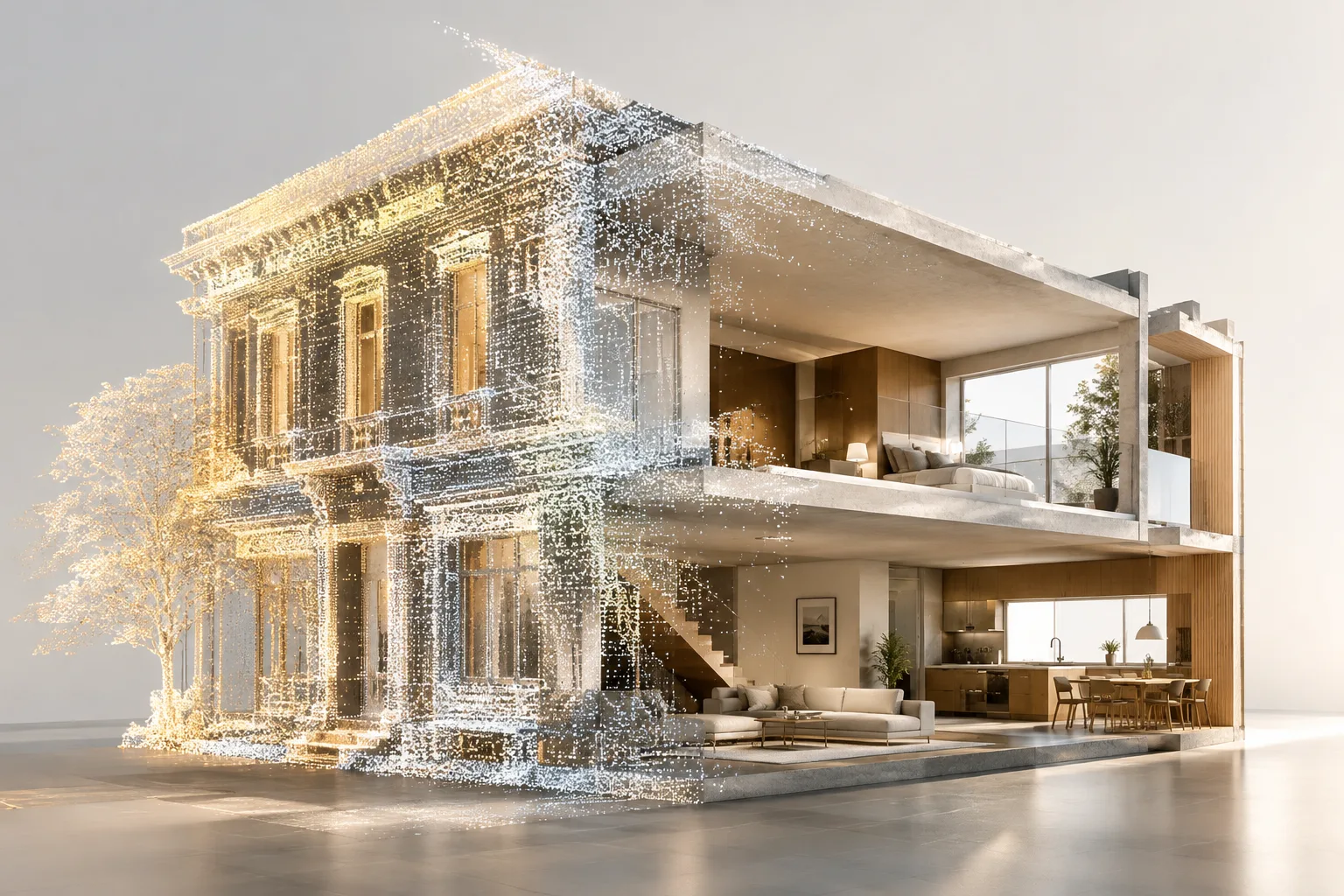
3D Gaussian Splatting is a method that combines multiple photos or video of an object taken from different angles to create a detailed three-dimensional representation. Unlike classic mesh-based modeling, the scene is expressed as a kind of point cloud made up of points, each representing a 3D Gaussian function. On the V-Ray side, the object that reads this data, VRayGaussiansGeom, only works with Gaussian .ply files.
Two main usage modes
According to the documentation, Gaussian splats can be used for two different purposes:
As an extended environment: to use a scene generated from photo or video as a background. In this mode, correct parallax and view-dependent effects are achieved compared to classic environment maps, and the splat can also occlude other objects.
As a standalone object: to represent small, individual objects in the scene (e.g. a statue, a piece of furniture). In this case, since lighting and reflections are baked into the splat data, the object isn't affected by scene lighting.
The settings for the Affect matte surfaces and Affect shadows parameters change depending on which mode is chosen:
For environment use,
Affect matte surfacesshould be on, andAffect shadowsshould generally stay off.If you want the splat to be visible over other matte objects in the background,
Affect matte surfacesshould again be on.For standalone object use,
Affect matte surfacesshould be off andAffect shadowson, so the splat can properly cast shadows on other objects.
VRayGaussiansGeom parameters
The main parameters listed in the documentation and their functions are as follows:
| Parameter | Description | Example Value |
|---|---|---|
| File | Specifies the Gaussian splat file in .ply format | - |
| Clipping mask | Uses VRayDistanceTex to cut regions of the splat or blend multiple splats | - |
| Flip axis | Applies a -90 degree rotation around the X axis | - |
| Scale | Scales the splat up or down | 0.5 / 1 / 1.5 |
| Affect camera | Determines whether the splat is visible to camera rays | - |
| Affect shadows | Allows the splat to affect shadow rays | Object: On, Environment: Off |
| Affect reflections | Allows the splat to appear in reflections | On/Off |
| Affect refractions | Allows the splat to appear on refractive surfaces | On/Off |
| Affect matte surfaces | Calculates the splat as a background over matte objects | Environment: On |
| Intensity | Increases the effect by multiplying the Color parameter | - |
On the viewport side, options such as Point size, Viewport primitives % and Opacity filter are used to control viewport performance with heavy splat files; going above the default value can cause viewport slowdown.
Gaussian Splatting with V-Ray GPU
According to the V-Ray GPU support table, VRayGaussiansGeom is supported on V-Ray GPU; the only exception is that the VRayGaussianGeom Lighting feature isn't supported on GPU. In other words, additional lighting parameters on the splat such as Lighting On, Lighting Blend and Shadow Blur can be used in CPU rendering, but according to the documentation this lighting calculation isn't supported in GPU rendering. Studios planning to do fast previews on GPU and final renders on CPU should keep this difference in mind.
Impact on architectural visualization workflow
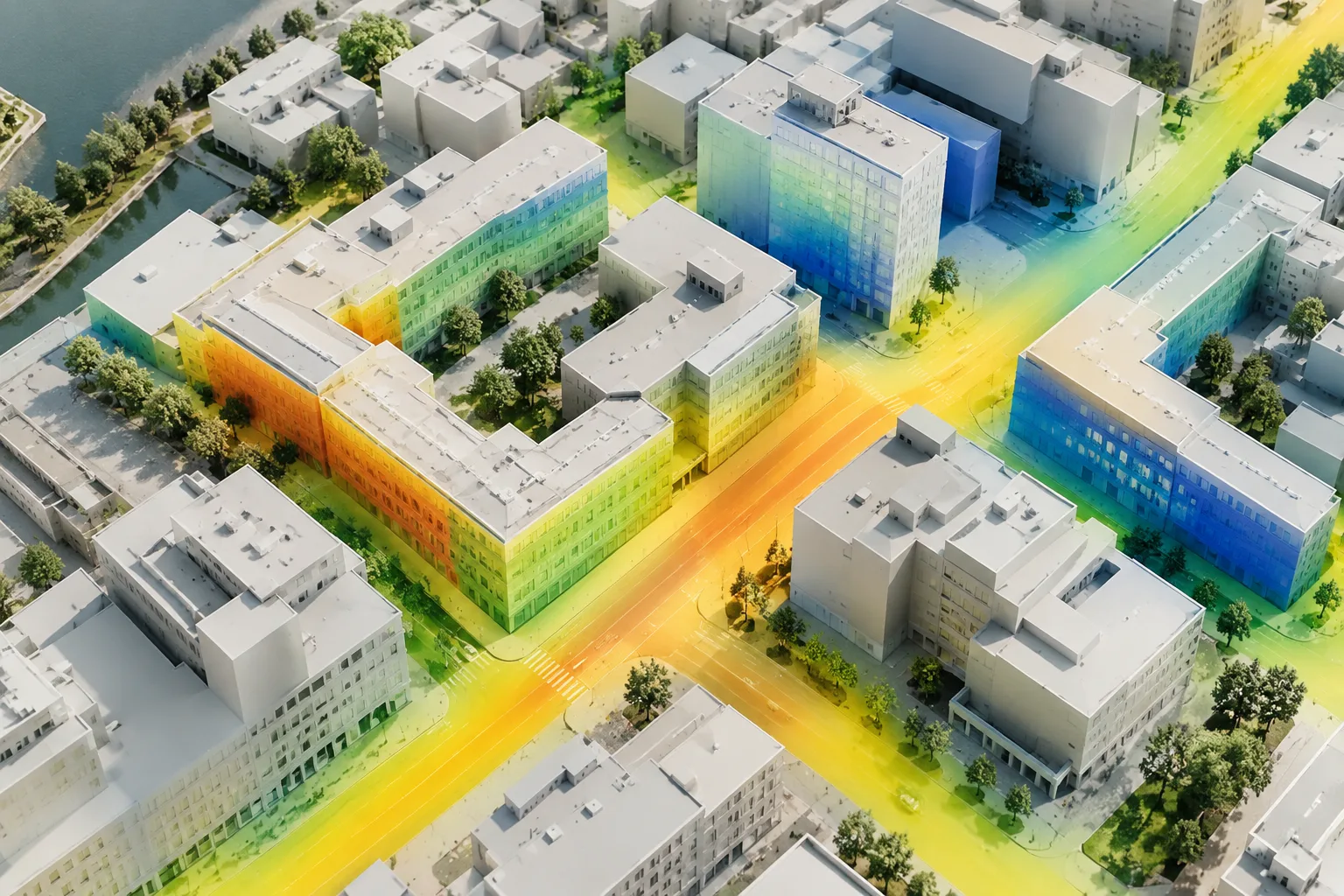
For archviz and interior design offices, this feature makes it easier to bring real site/terrain data obtained from site scans or drone/photo sets directly into a V-Ray scene as a background or context. Since it offers a parallax and occlusion advantage over classic HDRI environments, it can be used to represent ground or surrounding buildings, especially in restoration and urban context visualizations. Points to watch: the file format must be .ply only, heavy splat files can increase viewport and memory usage, and since the VRayGaussianGeom Lighting feature isn't supported in GPU rendering, final quality control should be done on CPU.
Common mistakes
Leaving
Affect shadowson for a splat used as an environment can cause unexpected shadow artifacts; the documentation recommends generally keeping it off in this mode.Expecting scene lights to affect the splat in standalone object mode: since lighting and reflections are baked into the data, scene lighting doesn't change the splat's appearance.
Setting the point size value far above the default, which reduces viewport performance with heavy splat files.
Trying to load a file format other than .ply;
VRayGaussiansGeomonly works with Gaussian .ply files.Forgetting that the
VRayGaussianGeom Lightingfeature isn't supported in GPU rendering and expecting the CPU lighting result from the GPU.
Sources
3 sourcesSource texts are not republished; short quotes are marked, everything else is our own summary and commentary.
Gaussian Splatting support is a practical bridge for archviz and restoration offices in Turkey that want to bring site data (drone scans, photo series) directly into a V-Ray scene. Offering more realistic parallax than HDRI, especially when creating context/surrounding buildings or terrain references, can save time on urban projects.
However, offices need to plan for two points: the viewport and memory cost of heavy .ply files, and the lack of support for the `VRayGaussianGeom Lighting` feature in GPU rendering. Doing fast iterations with V-Ray GPU and verifying final quality control on the CPU side will prevent surprise discrepancies, especially before delivery.
Frequently asked questions
Which file format does VRayGaussiansGeom support?
VRayGaussiansGeom only works with Gaussian .ply files; it can't be used with any other format.
Can Gaussian splats be rendered with V-Ray GPU?
Yes, VRayGaussiansGeom is supported on V-Ray GPU, but the VRayGaussianGeom Lighting feature isn't supported on GPU.
What's the difference between using a Gaussian splat as an environment versus a standalone object?
For environment use, Affect matte surfaces is on and Affect shadows is generally off; for standalone object use it's the opposite, because lighting and reflections are baked into the splat data and aren't affected by scene lights.