In brief
- Runway's official Prompt Guide defines four core camera movements—dolly, pan, tracking and crane/jib—for Text to Video and Image to Video generation.
- Video generation can be done with models like Gen-4 Turbo and Gen-4 Aleph, or via the API using the @runwayml/sdk package.
- Runway AI Academy also offers separate tutorials on transformation techniques such as changing video aspect ratio and adding scene elements with Aleph 2.0.
- The sample prompts in this guide are written specifically for interior/exterior architectural scenes, based on the techniques found in these official sources.
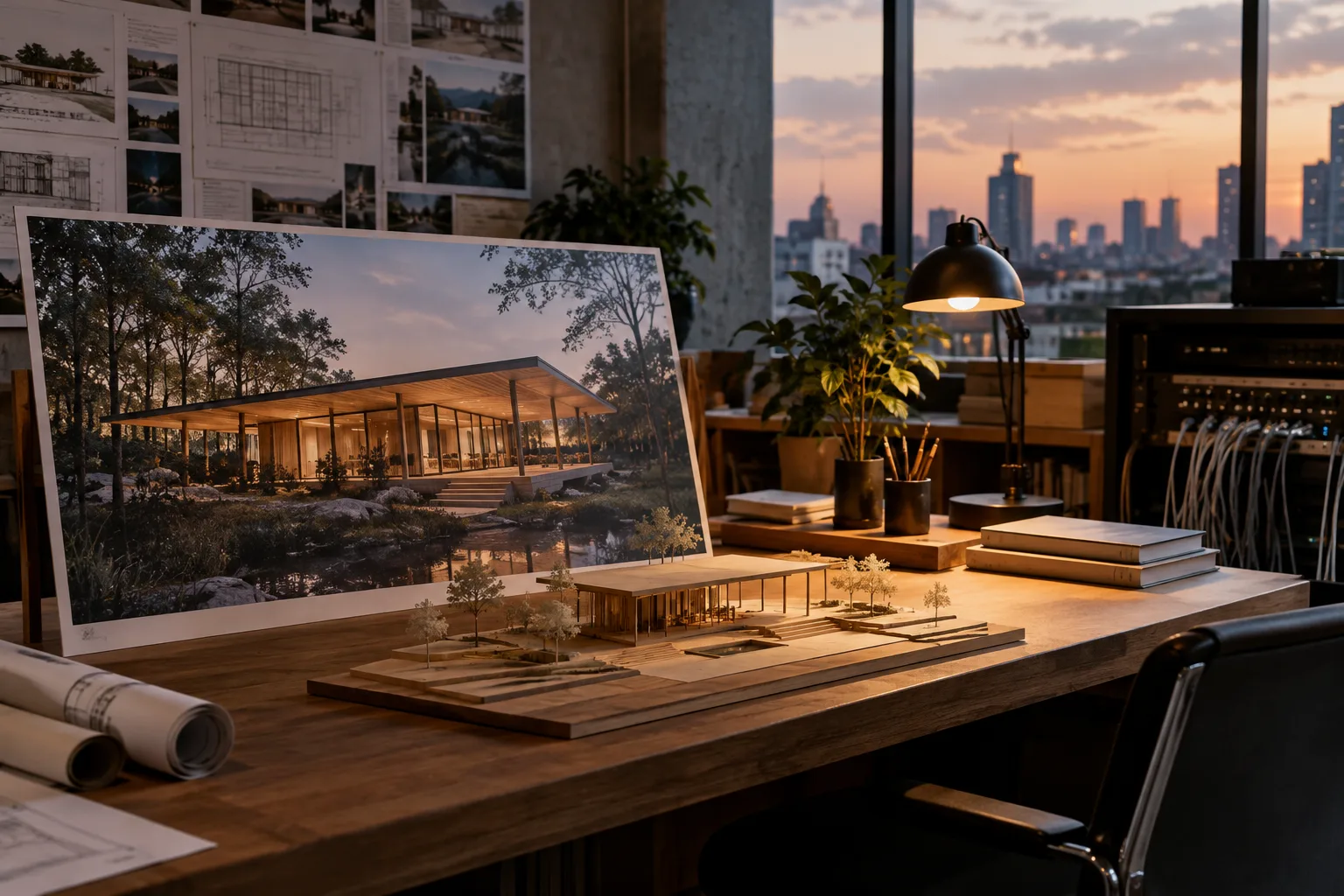
More and more clients at architectural visualization studios are requesting short promotional videos alongside static renders. Runway's official AI Academy platform and developer documentation provide a Prompt Guide showing how to describe camera movement in text when generating video with AI. This guide draws on techniques from those official sources to prepare practical sample prompts for architectural project videos.
What you will learn
In this article, you'll learn how to apply the four core terms that describe camera movement in Runway's Text to Video and Image to Video modes—dolly, pan, tracking and crane/jib—to architectural scenes, what to watch out for when generating video from a render image, and the possibility of transforming a scene afterward with the Aleph model.
Requirements
A Runway account (for model access via the web interface).
Access to Gen-4 Turbo (fast) or Gen-4 Aleph (advanced, including video transformation) models for video generation.
If you plan to integrate via code, a Node.js environment and the
@runwayml/sdkpackage; you'll need to define your API key as an environment variable (RUNWAYML_API_SECRET).For Image to Video, it's recommended to have a render image or concept image on hand.
Step by step: Writing camera-movement prompts
According to Runway's Prompt Guide, camera movement terms should be defined clearly in a single sentence, specifying the direction, speed and focal point of the movement within the scene. The four examples below are written for architectural scenes based on the official guide's definitions of dolly, pan, tracking and crane/jib.
1. Dolly (forward/backward camera movement) — for exterior facade presentation
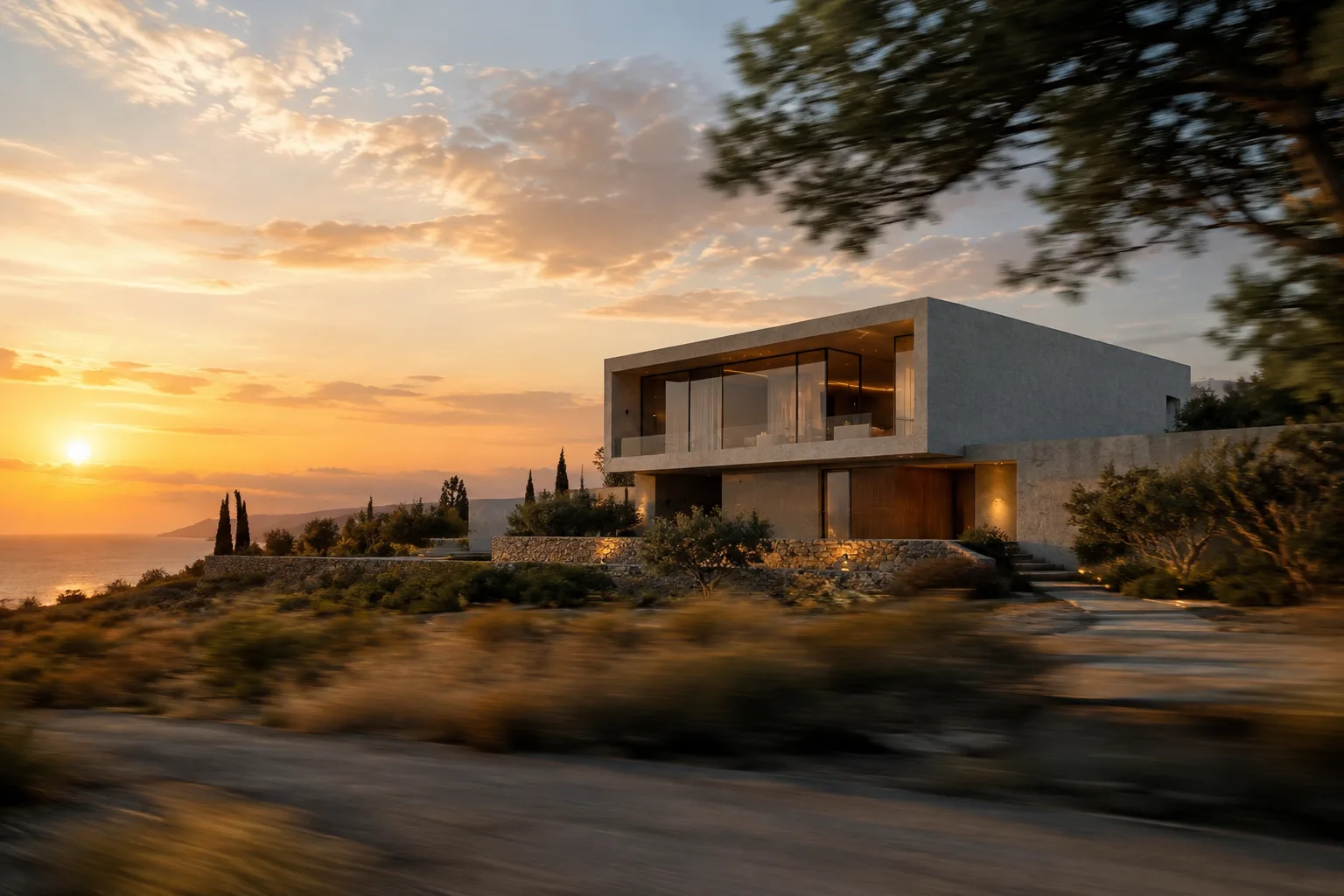
A slow dolly forward shot glides toward the glass entrance of a minimalist concrete house at golden hour, revealing the facade details as the camera approachesThis movement is used to gradually draw the viewer's attention to details by approaching a building's entrance facade; feed the render with the exterior image in Image to Video mode.
2. Pan (horizontal rotation around a fixed point) — for interior presentation
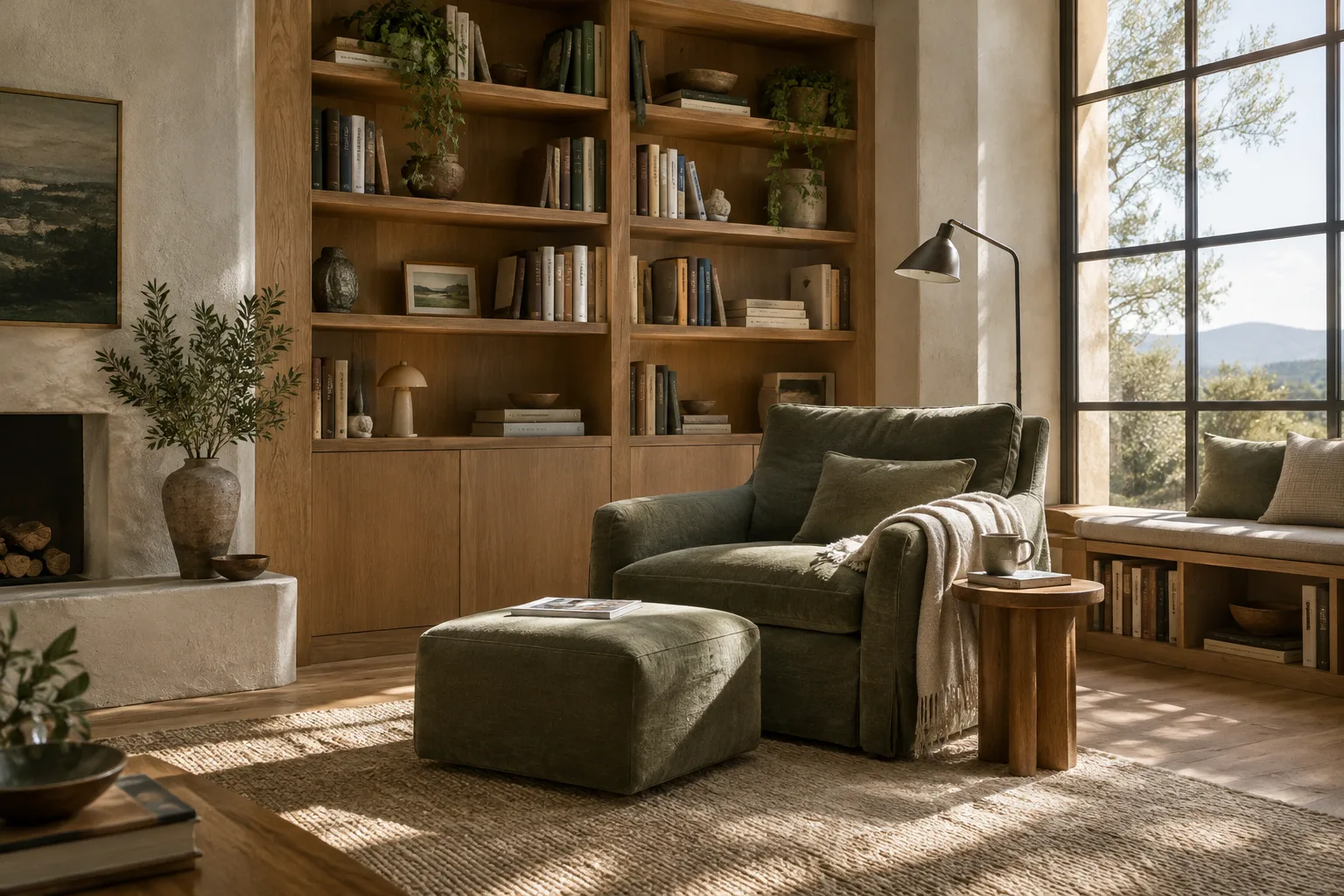
A smooth horizontal pan sweeps left to right across an open-plan living room, showing the kitchen island, dining table and floor-to-ceiling windows in sequenceSince the pan movement rotates the camera around a fixed axis, it's suitable for interior designers who want to show different areas of a single room in sequence.
3. Tracking (lateral follow shot) — for corridors/circulation spaces
A tracking shot follows alongside a person walking through a long museum corridor lined with concrete columns and soft ceiling lightSince tracking moves the camera alongside the subject, it's effective for depicting walkways, corridors, or landscape circulation.
4. Crane/Jib (vertical mechanical arm movement) — for mass and context relationship
A crane shot moves smoothly upward from ground level, revealing the full massing of a terraced residential building against the surrounding hillsideThe crane/jib movement provides an angle that rises from ground level, ideal for showing a building's relationship to its surroundings or its massing scale.
5. Transforming a scene afterward with Aleph (changing video aspect ratio)
One of the tutorials in Runway AI Academy states that the aspect ratio of a video generated with the Aleph 2.0 model can be changed to fit different platforms. This feature saves time for studios wanting to repurpose the same architectural promotional video for different formats such as a website, Instagram, or a presentation screen.
Common mistakes
Combining more than one camera movement in a single prompt (for example, requesting both a dolly and a pan at the same time) can produce inconsistent movement; it's recommended to define a single movement per video clip.
Failing to specify the speed or direction of the movement can lead the model to make an arbitrary interpretation;
Sources
2 sourcesSource texts are not republished; short quotes are marked, everything else is our own summary and commentary.
For architecture and interior design studios in Turkey, AI-powered video generation adds value as a complementary tool to static renders, especially in client presentations. Trying it out via Runway's web interface offers a low-cost entry point, while API integration requires Node.js knowledge and a separate development resource, which can be an added burden for smaller studios.
Since camera-movement terminology (dolly, pan, tracking, crane) consists of cinematography concepts already familiar from render production, the learning curve is low for architecture students and archviz artists. Still, because the consistency of generated videos depends on the model version and the quality of the input image, it's advisable to run a few tests before applying it to an actual project.
Frequently asked questions
Which model should be used to generate architectural video in Runway?
If speed is the priority, Gen-4 Turbo can be preferred; for more advanced control and video transformation, Gen-4 Aleph is an option—both are listed among Runway's models.
What should I pay attention to when writing a camera-movement prompt?
According to Runway's Prompt Guide, you need to specify the type of movement (dolly, pan, tracking, crane/jib), its direction, and the focal point in the scene within a single, clear sentence.
Can I change the aspect ratio of a generated video afterward?
Yes, according to Runway AI Academy tutorials, the Aleph 2.0 model can transform a video's aspect ratio to fit different platforms.