In brief
- Fumaris runs smoke and fire simulations on the GPU in Blender.
- Users can adjust settings such as smoke color, density, and flame brightness while previewing, without baking.
- Meshes, particles, Geometry Nodes points, and OpenVDB sources can be added as simulation inputs.
- The add-on runs on Windows, Linux, and macOS with Blender 5.2 and later.
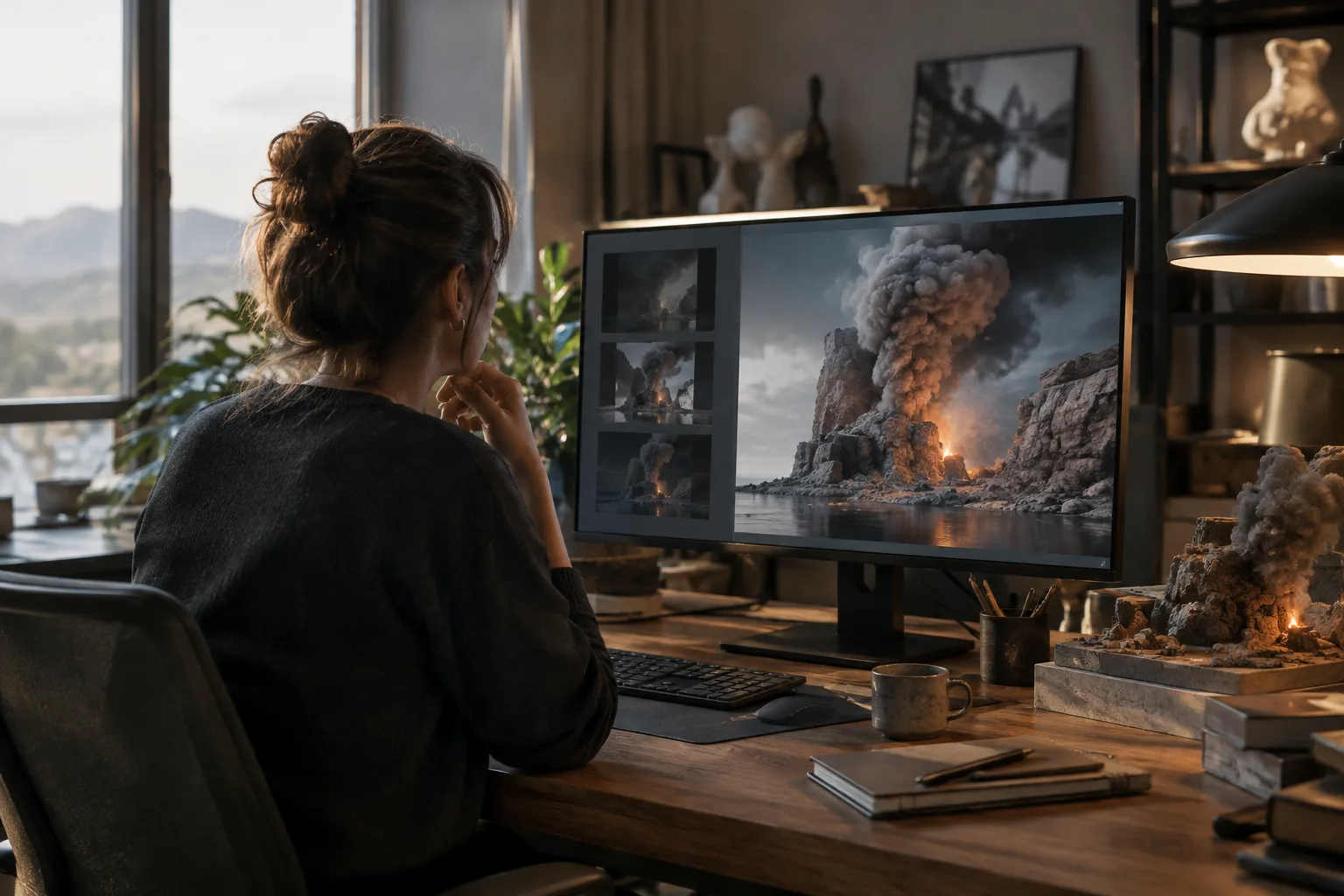
Fumaris, developed by Venous FX for Blender, is an add-on that runs smoke and fire simulations on the GPU. 80 Level covered the tool in a story dated 21 October 2026; the source does not separately specify when the add-on was first announced or released. Fumaris’s standout feature is that it lets users change settings while previewing a simulation, reducing the need to bake it again each time they want to adjust its look.
Simulation settings can be changed during preview
With Blender’s Mantaflow system, users have to rebake a simulation on the CPU to see the results of changing its settings. Fumaris aims to eliminate this wait with a GPU-based workflow. The simulation can be paused and restarted, and settings affecting the look of smoke and fire can be adjusted during preview.
The add-on consists of a Python add-on for the interface and scene transfer, plus a native component that runs the simulation. Simulation values are stored on an object, while collections determine whether scene objects act as emitters, colliders, effectors, or outputs.
The volume calculation uses a sparse grid based on the active smoke region, so the simulation area does not need to be fixed according to object dimensions. For display, the result is raymarched on the GPU and transferred at a size suitable for Blender’s viewport. This approach is part of a design intended to let users continue working inside Blender during preview.
Which sources and look settings are supported?
Fumaris accepts meshes, particles, Geometry Nodes points, and OpenVDB sources as inputs. Emission can be controlled using attributes such as velocity, temperature, and divergence. This means the simulation is not limited to a single type of emitter.
Smoke color and density, along with flame brightness, are among the settings that can be changed without starting a new bake. Separate cache slots are also available for keeping different results. However, Fumaris uses a different solver from Mantaflow. As a result, entering the same values used in Mantaflow will not produce the same simulation.
OpenVDB output generated by Fumaris can be used with Blender’s volume-rendering workflows in Cycles and EEVEE. This makes it possible to use the simulation output in those rendering workflows.
Operating systems, hardware, and availability
On Windows and Linux, the add-on uses the NVIDIA Flow GPU solver via Vulkan. On Apple Silicon, Metal support is provided through MoltenVK, which is included in the package. Fumaris is available for Blender 5.2 and later on Windows, Linux, and macOS.
The source does not specify a particular GPU model, minimum memory requirement, or performance comparison. Pricing and licensing terms are also not given; the story reports that the add-on is available through Gumroad. Before purchasing or using it in a team, check the current terms on the product page and verify hardware compatibility.
Impact on architecture and visualization workflows
Architectural animation and archviz teams working with smoke, fire, or atmospheric volume effects may benefit from being able to update the look during preview. In particular, reducing the need to repeat the bake process when evaluating variables such as smoke density or flame brightness could make iteration smoother. The ability to use meshes and Geometry Nodes points as sources also offers different options for setting up a scene.
On the other hand, because existing Mantaflow settings do not map directly, simulations may need to be readjusted when moving them to Fumaris. Offices should test the Blender version, operating system workflow, and performance on their own GPUs using a small test scene. The absence of pricing and licensing information in the source is another point to check before making a commercial-use decision.
Sources
1 sourceSource texts are not republished; short quotes are marked, everything else is our own summary and commentary.
Fumaris’s practical benefit for archviz is that teams can evaluate the look of smoke and fire effects without restarting the bake cycle every time. Its OpenVDB output, which can be used with Cycles and EEVEE, also connects with existing Blender workflows. These features could save time, especially in animation and presentation projects where effect settings change frequently.
For offices in Turkey, it’s important to clarify pricing and licensing terms before deciding; the source does not include this information. Specific GPU requirements are also not provided, so compatibility and performance should be tested on the system in use. The fact that Fumaris uses a different solver from Mantaflow should also be factored into any migration plan.
Frequently asked questions
Which Blender versions does Fumaris support?
Fumaris runs on Blender 5.2 and later.
Which operating systems does Fumaris support?
Windows, Linux, and macOS are supported. On Windows and Linux, it uses NVIDIA Flow via Vulkan; on Apple Silicon, it uses Metal through MoltenVK.
Does Fumaris produce the same simulation results with Mantaflow settings?
No. Fumaris uses a different solver, so Mantaflow setting values will not produce the same results.