In brief
- Twinmotion adds point cloud files in .e57, .las, .laz, .xyz, .txt and .pts formats to the scene as objects via the Import panel.
- Properties such as point size, point shape, and color source (Data, Elevation, Position, Solid color) can be adjusted within the scene.
- Path Tracer mode doesn't support point clouds and files become invisible while it's enabled; Datasmith Exporter plugins also don't carry point cloud data.
- Completed scenes can be shared through Twinmotion Cloud as presentations, panorama sets, or configurators directly from a web browser.
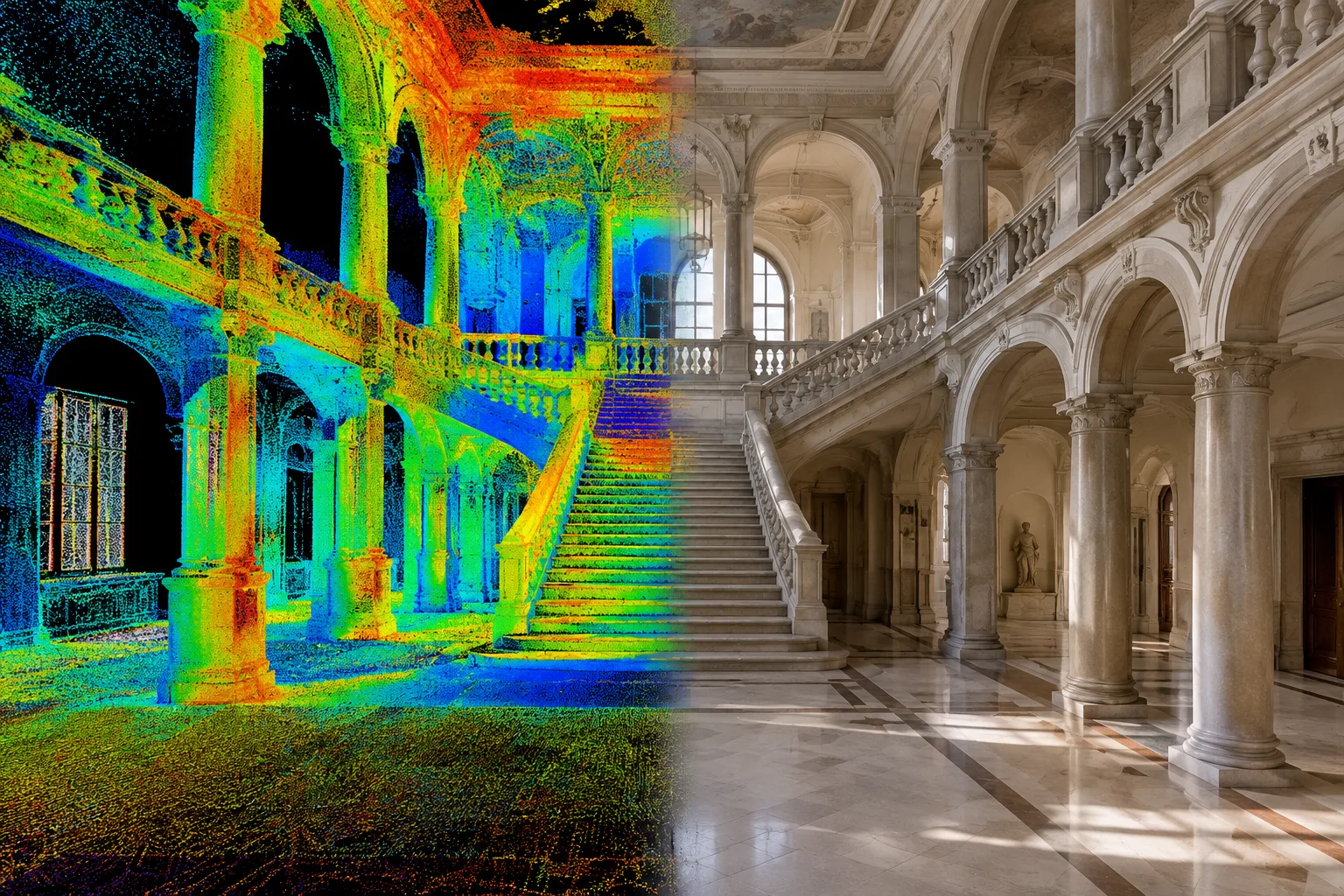
Overlaying laser scan data with 3D models for comparison has become a common need in architectural visualization and as-built surveying work. Based on Epic Games' Twinmotion documentation, this guide explains how to import point cloud files, manage them within a scene, and share the completed project.
What you'll learn in this guide
Which point cloud file formats Twinmotion supports
Importing, updating, and deleting point clouds from the Import panel
Adjusting properties like point size, color source, and shadows within the scene
Known limitations and sharing via Twinmotion Cloud
Requirements
Before starting, you need a point cloud file produced by a 3D laser scanner or photogrammetry software in one of the following formats:
| Format | Description |
|---|---|
| .e57 | Open-source, compact format that can also carry images and metadata; not supported on macOS |
| .las / .laz | Common open-source format for laser scan data; .laz is compressed with a smaller file size but longer import time |
| .xyz, .txt, .pts | ASCII formats containing X,Y,Z coordinates, optionally with RGB color information |
Twinmotion supports 8-bit, 12-bit, and 16-bit LAS/LAZ files. Point cloud files are imported into Twinmotion directly through the Import window, not via Datasmith Exporter plugins.
Step-by-step import and management
Click the Import icon at the bottom of the Twinmotion interface to open the Import panel.
Select the Point Cloud option among the import methods and specify your file; multiple point cloud files can be added at the same time.
Once the file is added to the scene as an object, you can select and move it via the Scene graph and make it interact with other library objects.
If you've updated the source file outside Twinmotion, use the refresh icon in the Import panel to load the updated content at the same location; if the file name or location changed, use "Reimport with new file" from the three-dot menu.
To completely remove a point cloud, delete it from the Import panel; you also need to separately select the object in the scene and remove it with the Delete key, otherwise the object will remain visible.
Adjust Point size, Point shape (square/circle), Cast shadows, and Collision quality (Low/High) settings from the scene properties according to your project.
Set the Color source to Data, Elevation, Position, or Solid color; Elevation mode colors based on highest and lowest elevations, while Position mode colors based on proximity/distance to the scanner.
You can also use tools like Section cubes, Measure tool, and decals on point clouds; when placing a decal, it's recommended to increase the Offset value since point clouds are imported as a collection of data points rather than geometry.
Known limitations
Point clouds cannot be edited within Twinmotion; points cannot be deleted, and multiple point clouds cannot be merged.
Datasmith Exporter plugins don't carry point clouds; even if they're displayed in applications like Revit or ArchiCAD, they need to be uploaded to Twinmotion separately.
Point cloud files in the scene become invisible while Path Tracer mode is enabled.
Point cloud objects added to presentations aren't displayed when exported to Twinmotion Cloud; they can be exported as Local Presentations instead.
Point cloud objects cannot be saved to the Twinmotion library.
What this means for architecture and interior design workflows
In as-built surveying and restoration projects working with laser scan data, comparing the existing building condition with the planned 3D model in the same scene makes design control easier. Since high-density .las/.laz files increase VRAM consumption, it's necessary to adjust the render quality (Low/Medium/High/Ultra) in the Quality tab of the Preferences panel according to the hardware before export. If a team is working with large files, it's important to remember that point clouds remain visible in scenes where Path Tracer won't be used, but disappear once Path Tracer is enabled. Completed scenes can be shared via Twinmotion Cloud as browser-viewable presentations, panorama sets, or configurators; presentations stream at 1080p resolution for up to 90 minutes per session, while panorama sets have no time limit.
Source and license
This guide has been adapted into Turkish and English from Epic Games' official Twinmotion documentation (the Point Cloud Overview, Managing Point Clouds, and Import Process pages on dev.epicgames.com) and the Twinmotion Cloud page on twinmotion.com.
Sources
3 sourcesSource texts are not republished; short quotes are marked, everything else is our own summary and commentary.
In as-built surveying, restoration, and urban transformation projects working with laser scan data, Twinmotion's point cloud support makes it easier to view the existing condition alongside the planned design in the same scene. For offices in Turkey, the real advantage is being able to directly import common formats like .e57 and .las/.laz without purchasing extra plugins.
However, limitations such as VRAM consumption from large scan files and incompatibility with Path Tracer need to be taken into account during project planning. Since sharing via Twinmotion Cloud allows presenting to off-site investors and clients without requiring high-end hardware, it can save time especially in projects with many stakeholders, such as museum and restoration projects.
Frequently asked questions
Which point cloud file formats does Twinmotion support?
Twinmotion supports point cloud files in .e57, .las, .laz, .xyz, .txt, and .pts formats; the .e57 format isn't supported on macOS, and 8-bit, 12-bit, and 16-bit LAS/LAZ files can be used.
Can point clouds be imported via Datasmith Exporter plugins?
No, Datasmith Exporter plugins currently don't support point clouds; even if they're displayed in applications like Revit or ArchiCAD, they need to be uploaded separately to Twinmotion through the Import panel.
Is there a time limit for presentations shared via Twinmotion Cloud?
Presentations provide real-time streaming at 1080p resolution for up to 90 minutes per session; panorama sets have no time limit and don't require a strong internet connection.