In brief
- Instancer 2D distributes 2D sources as numerous instances in Fusion and other OpenFX hosts.
- In the review, 10,000 instances ran at 19–25 fps on a system using an RTX 4090 and Windows 11.
- The free Demo adds a watermark; the Indie license is normally priced at €149, and the Studio license at €349.
- The Studio license lets render machines work without separate activation using a token stored on a licensed workstation.
Instancer 2D, a plugin by noVFX developer Noah Hähnel, was reviewed in Fusion by Digital Production in an article published on 2 October 2026. The tool runs in OpenFX hosts and is designed to duplicate images, text, graphics, or image sequences as 2D instances, while giving users control over their distribution and appearance. The review highlights its focus on managing large numbers of elements with fields and color channels rather than editing them individually.
Distribution and variation in a single node
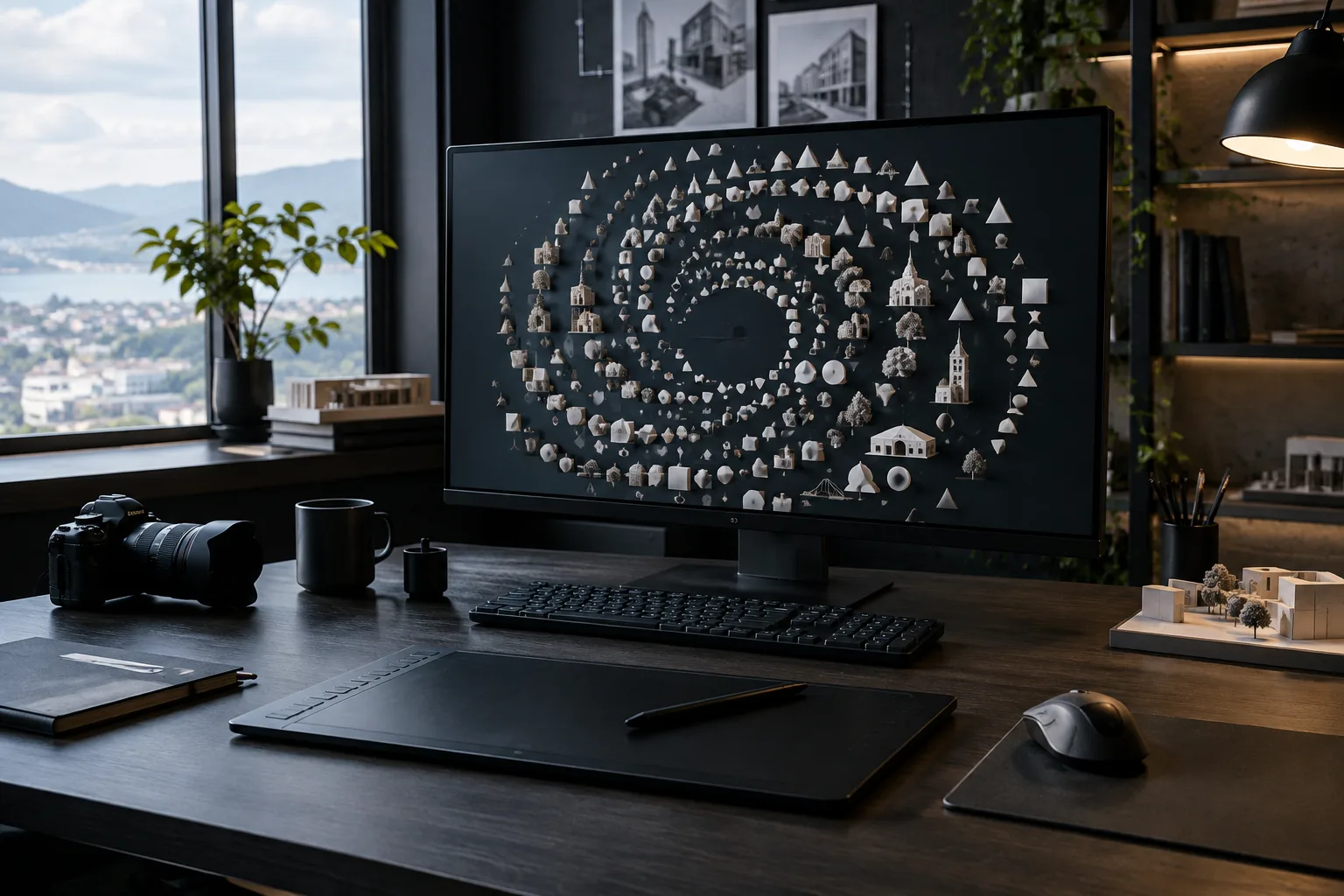
Instancer 2D sources can be placed using methods such as grids, circles, spirals, random distribution, clustering, and Blue Noise. Blue Noise attempts to maintain a set minimum distance between instances, reducing both clumping and gaps. Distribution can also be guided by a Density Map that uses grayscale values; the review mentions sources such as FastNoise, gradient backgrounds, and images.
The plugin’s Fields create spatial and temporal effects to control values such as scale, position, rotation, color, opacity, and defocus. Color channels can be assigned different tasks—for example, the red channel can control scale and the green channel rotation. According to the review, these fields work with animated sources, allowing the appearance of distributed instances to change over time. Aim at Center and Push from Center options are also available to direct elements toward a target or move them away from a point.
Variants can be selected using frame ranges or atlas textures. When using an atlas, rows and columns need to be set up correctly; otherwise, the source image may be cropped. In the version covered by the review, automatic segmentation was still in development. Debug Mode helps users inspect how the atlas is being divided.
Performance test with 10,000 instances
Digital Production tested different distribution methods by duplicating a simple character generated from a Text+ node 10,000 times. On a test system running Windows 11 with an RTX 4090, the review measured 19–25 fps with an animated scale field and Aim enabled; GPU usage peaked at 67 percent. Using a 128 × 128-pixel or 1920 × 1080-pixel source made no significant difference to this measurement in the review.
With three variants, performance dropped to 18 fps, and with a 3 × 3 atlas, it fell to 15 fps. With the plugin’s motion blur, depth of field, and Aim features enabled together, performance was around 10 fps. These are measurements from the specific test setup in the published review and do not mean the same performance will be achieved on every system. The review also reports that adding another GPU did not improve speed in the test.
Licensing options and impact on production workflows
The review says the Demo version unlocks all features with no time limit, but adds a watermark to output and is not suitable for commercial delivery. The perpetual Indie license for individual users is normally priced at €149 and includes two activations. During the review, the price with the EarlyBird code was listed as €89.40. The perpetual Studio license includes three workstation seats; its normal price is €349, or €209.40 with the same code.
The review also highlights Studio’s licensing approach for render networks: Instancer 2D nodes on a licensed workstation store a token, allowing render machines to process those nodes without separate activation or an internet connection. For architecture and interior design teams, this could make it easier to produce motion graphics, titles, or repeated 2D elements at the compositing stage for work prepared in Fusion. However, the tool is not presented as a 3D scene instancer; compatibility and performance should be assessed for the OpenFX host and hardware in use. The review tested the plugin on Windows 11 with an RTX 4090, so it does not provide results for other hardware.
Sources
1 sourceSource texts are not republished; short quotes are marked, everything else is our own summary and commentary.
Instancer 2D’s practical value lies in letting users distribute large numbers of 2D elements and control their animation with fields without leaving Fusion. It may be worth trying for teams at architecture firms that create presentation videos, animated diagrams, and repeated graphic elements, but it is not a replacement for creating 3D scenes.
When making a decision, teams in Turkey should consider not only the promotional price but also the license’s user/workstation structure and render network requirements. The performance figures come from a single test setup with an RTX 4090; trying a real project with the Demo on your current hardware offers a more reliable benchmark before purchasing.
Frequently asked questions
Which software does Instancer 2D work with?
The plugin runs in OpenFX hosts and was tested with Fusion in the review. The source does not provide a separate compatibility list for other hosts.
How much do Instancer 2D licenses cost?
The review lists the normal price of the Indie license as €149 and the normal price of the Studio license as €349. At the time of publication, prices of €89.40 and €209.40, respectively, were listed with the EarlyBird code.
How does Instancer 2D perform with 10,000 elements?
The review measured 19–25 fps in a test using Windows 11 and an RTX 4090, with an animated scale field and Aim enabled. This result does not guarantee performance on different hardware.