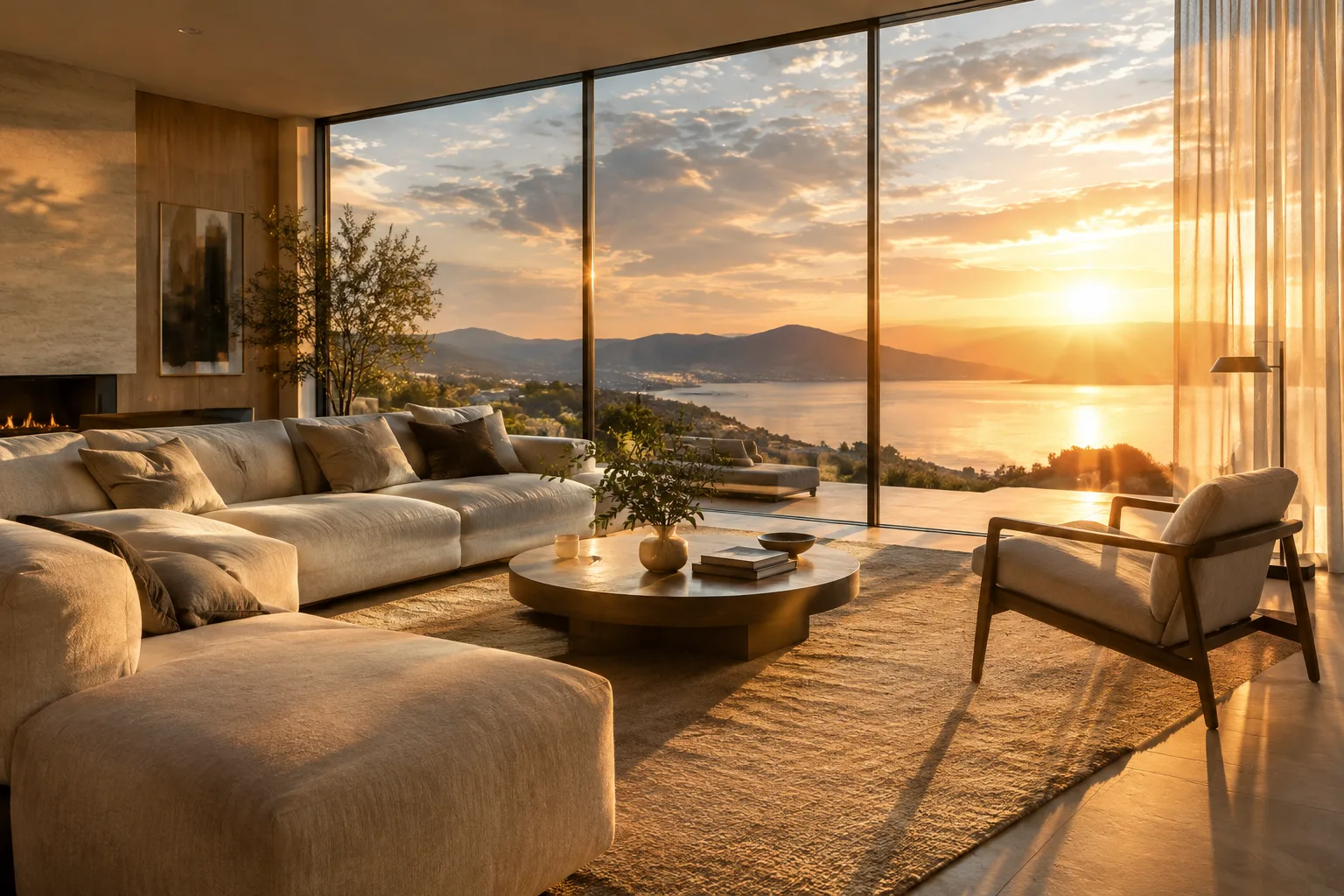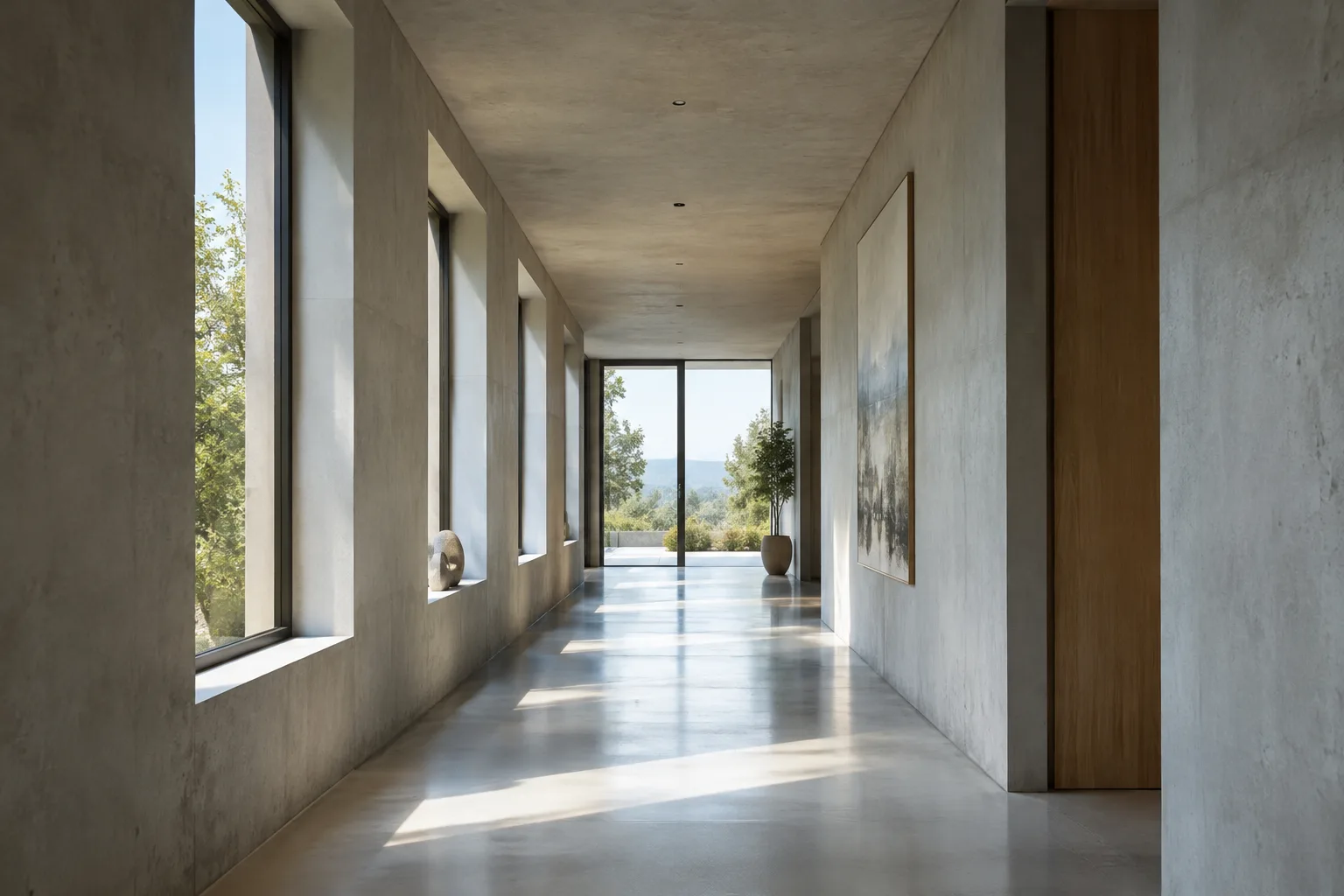
In brief
- Nano Banana 2 is the product name for Google’s Gemini 3.1 Flash Image model.
- The model can generate images from text prompts and edit existing images.
- A paid API key is required to use the model in Google AI Studio.
- Detailed prompts help clarify the space, materials, lighting, and visual approach.
What will you learn in this tutorial?
Nano Banana 2 is the product name for Google’s Gemini 3.1 Flash Image model. In addition to generating images from text, the model can edit uploaded images based on instructions. In this tutorial, you’ll learn how to break down prompts for architectural and interior images, work from a reference image, and refine the result with follow-up instructions.
The goal isn’t to assume that a single sentence will produce a flawless project image. Instead, clearly describe the space’s function, key design decisions, and desired atmosphere to make image exploration more controlled. Generated images can help communicate a design idea, but they don’t replace construction documents or technical verification.
Requirements
The model is available through Google AI Studio and the Gemini API. According to Google, a paid API key is required to use Nano Banana 2 in AI Studio. No coding is needed for this tutorial; simply write prompts in natural language and enter them in the available interface. Since the names and placement of interface options may change, no specific menu path is provided here.
If you’re working from an existing image, have it ready. For example, you can upload an interior sketch or an initial visualization as a reference, then ask the model to edit it. Make sure you have the appropriate rights to share and use the file.
When writing a prompt, consider four areas: the type of space, design elements that must be preserved, material and lighting preferences, and the overall visual approach. Rather than changing everything at once, clarify one point at a time in follow-up messages based on what’s missing from the first result. This makes the workflow easier to follow.
Create architectural images with five prompts
1. Describe the space and visual style first
The first example describes a new interior concept without using an existing image. It specifies the function, main materials, daylight, and camera view in a single prompt. Use it as a starting point and adapt the function and design decisions to your project.
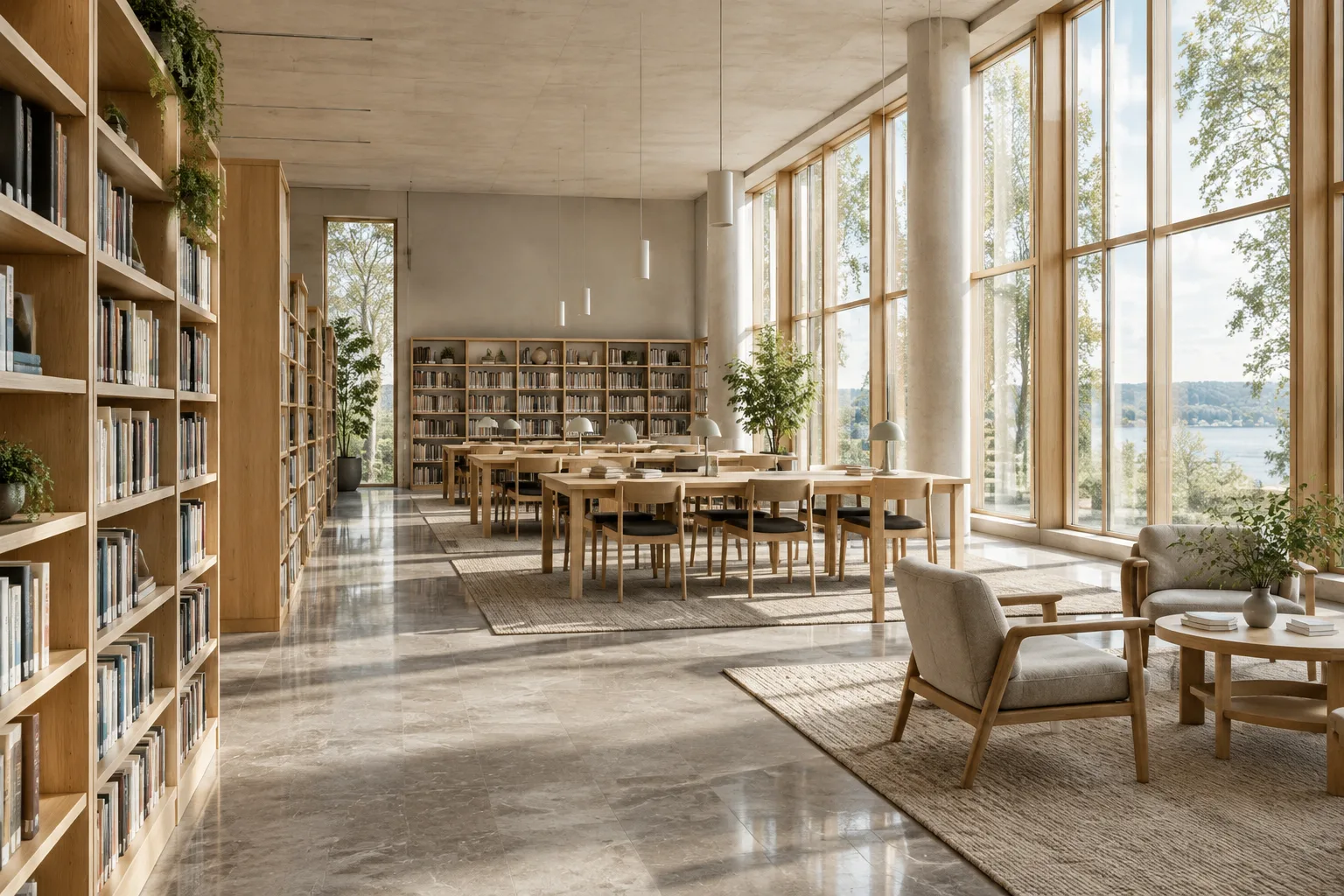
Create a photorealistic architectural visualization of a compact public library reading room. Use pale oak shelving, a light stone floor, built-in reading benches, and soft daylight entering from tall windows on the left. Show a calm, welcoming atmosphere with a clear view of the room layout and realistic material textures.The prompt’s elements work together: the space’s function, materials, direction of light, and desired atmosphere are all clear. If the lighting, layout, or material effect is lacking in the first result, address that specific point in a separate follow-up message instead of rewriting the whole description.
2. Create a different interior atmosphere
This example applies the same general approach to a residential interior. It describes visual decisions such as color, surfaces, and daylight together. The prompt doesn’t specify a software setting or dimensioning method; it describes in natural language the image you want the model to produce.
Create a photorealistic interior visualization of a small apartment living room with warm white walls, a muted terracotta accent, a low timber coffee table, and linen seating. Use soft morning daylight and subtle shadows. Keep the composition uncluttered and make the room feel comfortable and lived-in.If the result looks too cluttered, specify which elements you want reduced in a follow-up message. If the color or furniture style isn’t what you expected, clarify just that preference. The conversational editing feature lets you refine instructions step by step during image generation.
3. Request edits based on a reference image
Nano Banana 2 can use an uploaded image together with a text instruction. With this approach, it’s important to state clearly which parts of the image should be preserved and which should change. In this example, the goal is to preserve the basic layout of an existing interior image.
Using the uploaded interior image as the reference, preserve the room layout, window positions, and camera viewpoint. Change the main seating fabric to a soft olive green and make the daylight feel warmer. Keep the rest of the visible design consistent with the reference.After uploading the image, limit the scope of the changes in your prompt. Instructions such as “preserve the layout” make your intent clear, but don’t guarantee that every design detail will be preserved perfectly. Compare the output with the reference side by side and note any unwanted changes in a follow-up message.
4. Describe multiple design decisions in layers
In a complex prompt, listing decisions about materials, lighting, and atmosphere separately makes the desired image easier to understand. Google says Nano Banana 2 follows layered prompts more closely. The example below adapts this approach to a café interior.
Create a photorealistic visualization of a neighbourhood café interior. Use a terrazzo counter, dark timber stools, and light plaster walls. Show warm pendant lighting above the counter while keeping soft daylight visible near the windows. Make the space feel inviting, with a clear distinction between the service counter and the seating area.When you specify multiple qualities, also state the image’s main purpose: in this example, the space should read as a café, with the service area clearly distinguished from the seating area. If that distinction isn’t clear enough, focus your next message only on circulation or the visibility of each area.
5. Improve the result with a short follow-up message
You don’t have to describe everything again after receiving the first image. Use the model’s conversational editing approach to change one visual decision at a time. This example revisits the lighting and material effect in the library image.
Refine the current image by softening the contrast between sunlight and shadow. Keep the room layout and furniture unchanged, and make the oak shelving read more clearly as a natural timber surface.A follow-up message like this states both what to preserve and what to change. Limiting the scope of an edit makes it easier to assess one aspect of the image rather than rebuilding the design idea from scratch.
Common mistakes
Relying on vague adjectives: Words such as “beautiful,” “modern,” or “spacious” may not communicate a design decision on their own. Support them with more concrete descriptions of the space’s function, materials, lighting, or composition.
Changing too many things in one prompt: Changing the layout, color, materials, and camera approach all at once in a reference image makes the result harder to evaluate. Set one or two priorities first, then proceed step by step.
Treating the image as technical verification: Generated output can help visualize a design idea, but the sources don’t say that the model verifies dimensions, code compliance, or construction details. Don’t use the image as a technical drawing or construction decision.
Accepting a reference-based edit without checking it: Review whether the elements you asked to preserve in an image-editing prompt actually remain unchanged. For presentations where design decisions matter, compare the result with the project references.
What should you consider in an architecture and visualization workflow?
Architects, interior designers, and visualization teams can explore Nano Banana 2 for early-stage atmosphere studies or to test limited changes to an existing image. Conversational editing can be useful when discussing visual alternatives within a team. However, the sources don’t describe direct integration with specific CAD, modeling, or rendering software, so don’t assume that the model edits project files in those applications.
For access, keep in mind that Google AI Studio requires a paid API key. Google mentions 512-pixel, 1K, 2K, and 4K resolution options for Nano Banana 2, as well as new native aspect ratios of 4:1, 1:4, 8:1, and 1:8. Check the interface or API documentation to confirm which options are available for your needs. Before including images in a presentation, assess their design consistency and suitability for the project requirements separately.
Next steps
For your first experiment, choose a single space type and structure the prompt around function, materials, lighting, and atmosphere. Then change just one design decision in a follow-up message. If you’re using a reference image, clearly state which elements should be preserved and check that they remain unchanged in the result. This lets you compare which descriptions best communicate your design intent.
Sources and licensing
This tutorial was prepared based on the feature descriptions on Google DeepMind’s Nano Banana and Gemini Image model page and Google’s Nano Banana 2 announcement, and adapted with architectural visualization examples. The sources are available under a free-use license; the example prompts were written originally for this tutorial.
Sources
2 sourcesSource texts are not republished; short quotes are marked, everything else is our own summary and commentary.
Nano Banana 2 is worth trying for offices and students who want to quickly turn a design idea into visual alternatives or discuss the atmosphere of an interior image. Conversational editing can make it easier to describe different options within a team, but the output shouldn’t be treated as proof of dimensions, material specifications, or construction accuracy.
For teams in Turkey, the first thing to check is the cost of access: using Google AI Studio requires a paid API key. The sources don’t specify local hardware requirements, so they don’t support recommendations for a particular graphics card or workstation. Before incorporating images into a project deliverable, verify the design decisions and applicable access terms separately.
Frequently asked questions
Can Nano Banana 2 generate architectural images?
Nano Banana 2 can generate images from text prompts and edit existing images. For architectural interiors, you can describe preferences such as the space type, materials, lighting, and atmosphere in your prompt.
Is it paid to use Nano Banana 2 in Google AI Studio?
According to Google’s announcement, a paid API key is required to use Nano Banana 2 in Google AI Studio.
Can Nano Banana 2 edit an existing interior image?
Yes. You can upload an image and provide a text instruction—for example, asking to change a particular material or lighting effect. You’ll need to check the result for consistency with the reference.