Tutorials · Page 11
 AI image
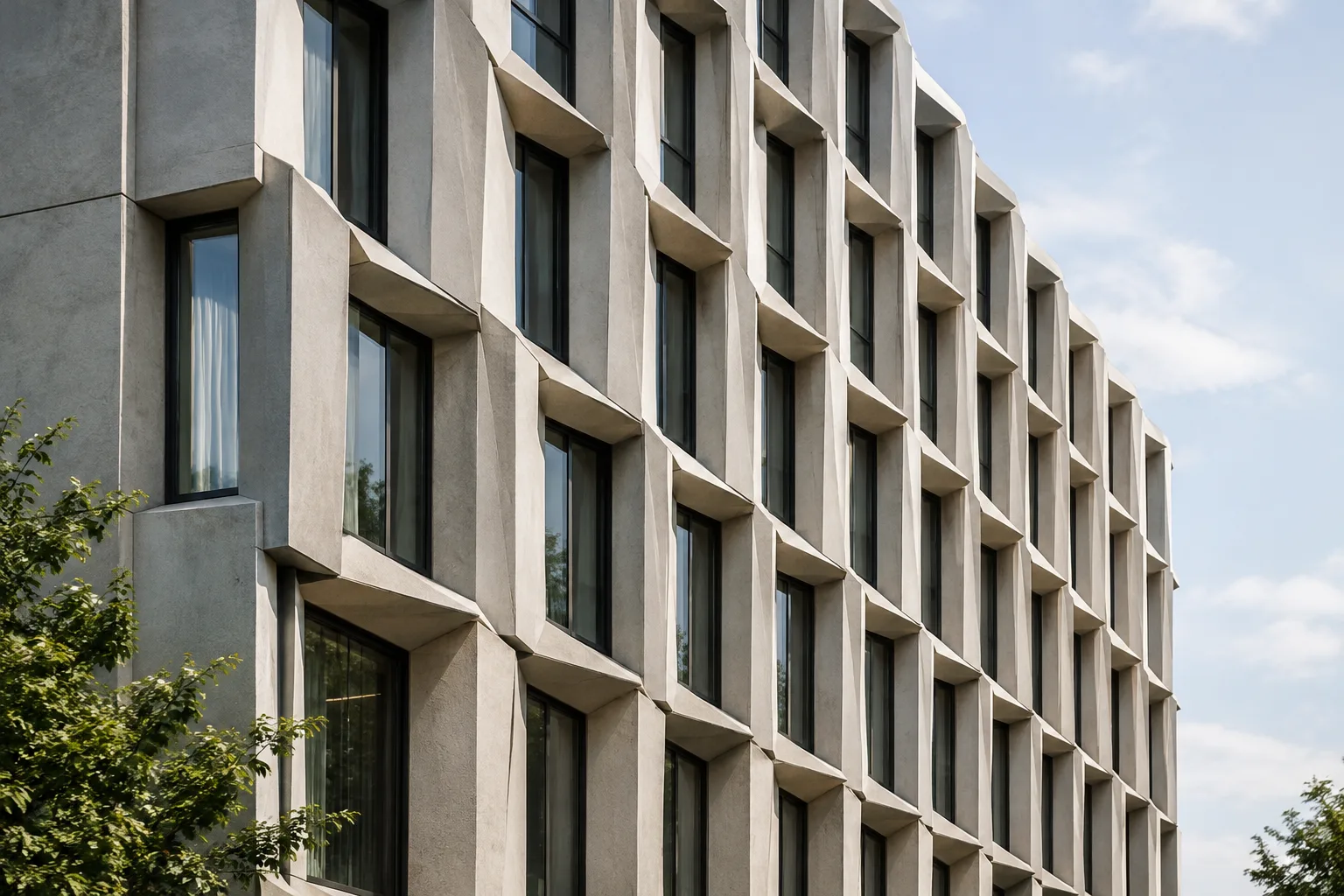
Place Repeated Geometry on Points with Blender Geometry Nodes
Blender’s official manuals explain that the Instance on Points node creates geometry instances at point positions. This guide covers the node’s basic use for architectural modeling and visualization.
 AI image
Volumetric Fog and Smoke in Blender: Getting Started with Volume Scatter
Blender’s Volume Scatter node simulates light scattering as it passes through volumes such as fog or smoke. This guide covers the basic node connections, density and anisotropy settings, and what to watch for when using mesh volumes.
 AI image
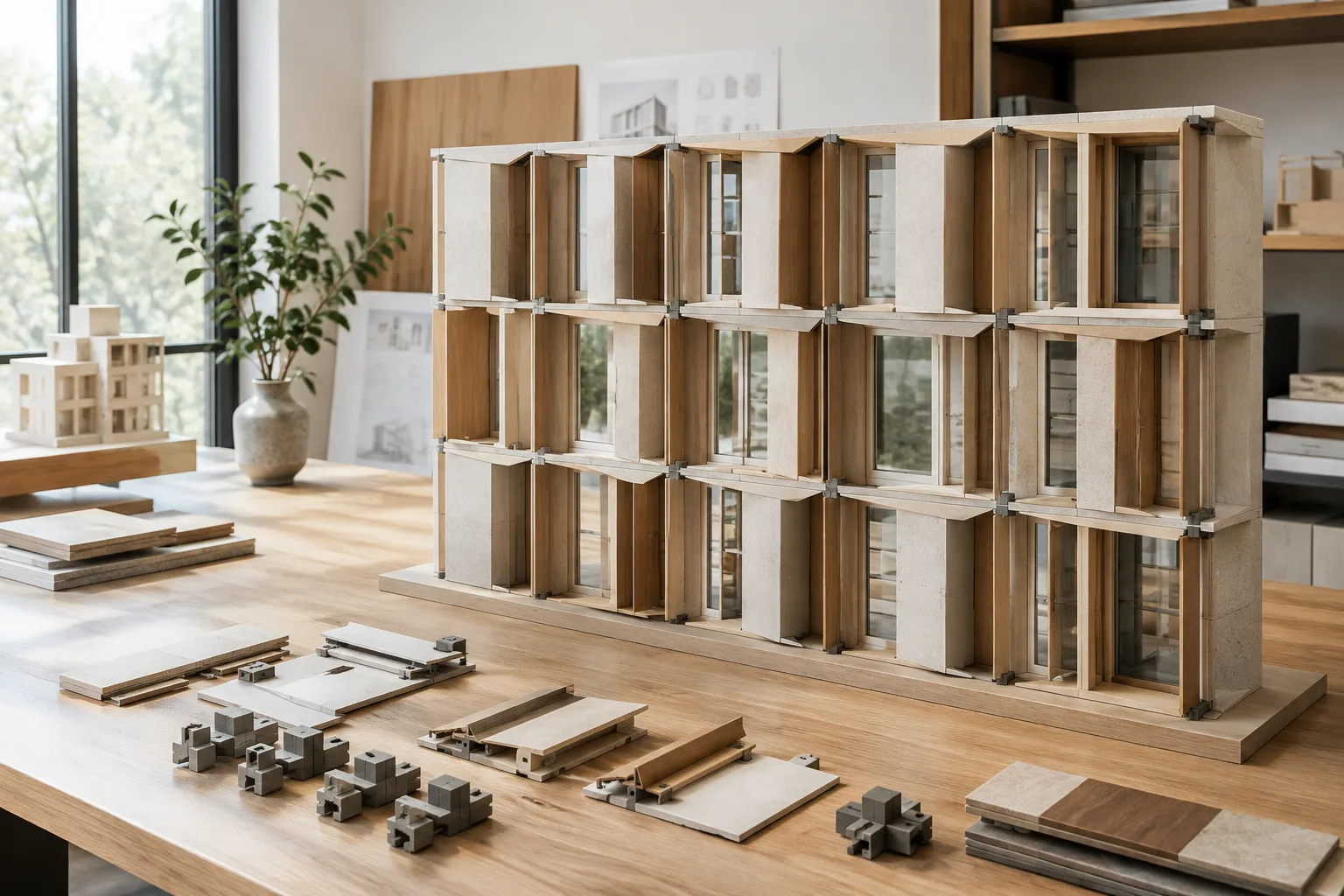
Blender Geometry Nodes: Creating a Reusable Node Group
In Blender Geometry Nodes, node groups simplify complex setups by combining multiple nodes into a single unit. This guide covers creating a group, organizing its interface, and using it in other projects.
 AI image
Unreal Engine Lumen Setup: Lighting and Reflection Settings for Archviz
Steps for enabling Lumen in Unreal Engine 5, configuring hardware ray tracing requirements, and balancing quality and performance. This guide covers the essential settings for architectural scenes.
 AI image
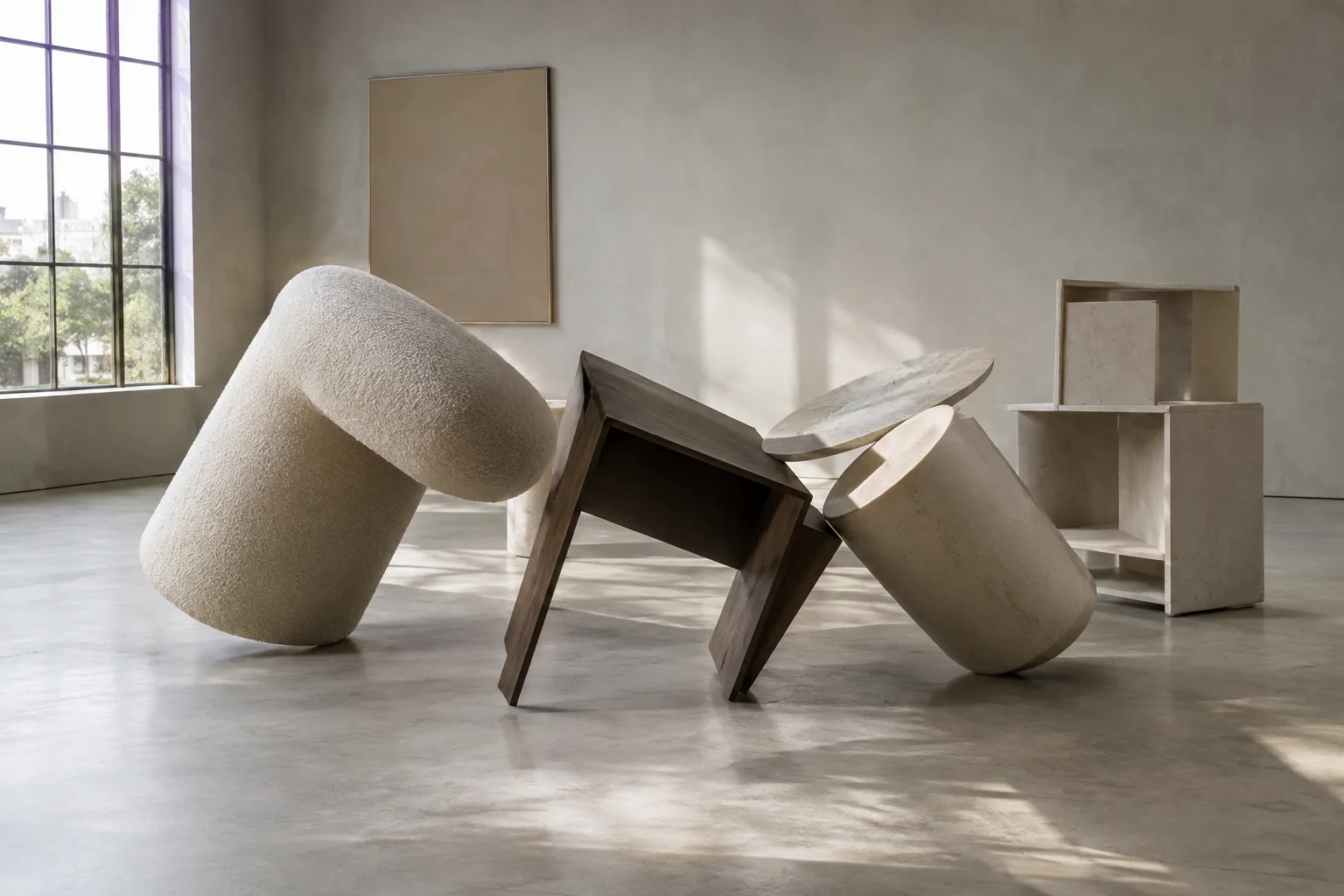
Blender Rigid Body Physics: A Step-by-Step Guide to Collision Simulation
Blender’s Rigid Body system simulates the movement and collisions of mesh objects. This guide covers setting up Active and Passive bodies, adjusting simulation settings, and baking the cache.
 AI image
A Guide to Creating Architectural Video Prompts with Gemini Omni Flash and Veo 3.1
Gemini Omni Flash and Veo 3.1 are designed for different video-generation workflows. This guide explains how to plan short design videos by describing architecture, action, camera, and atmosphere in your prompts.
 AI image
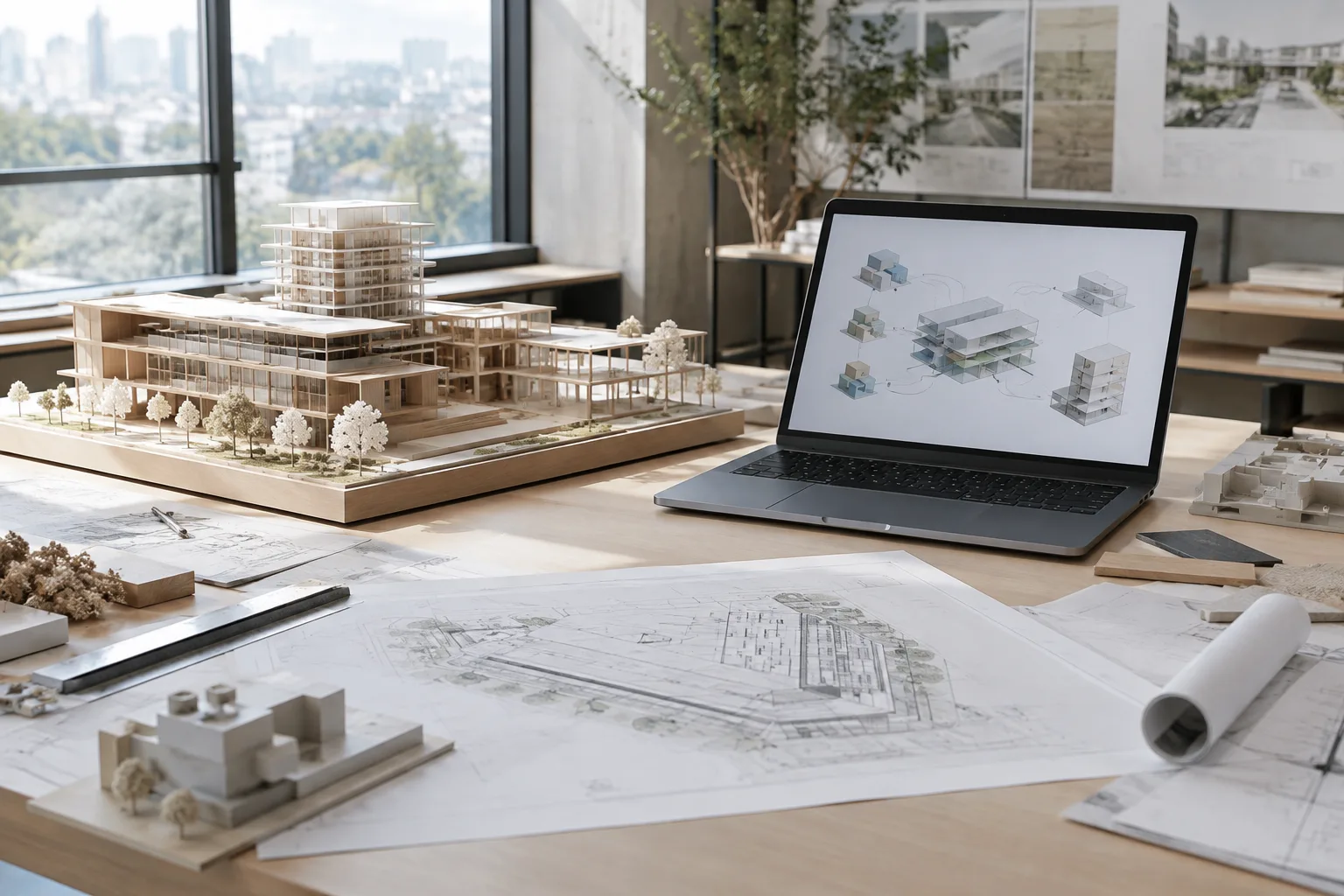
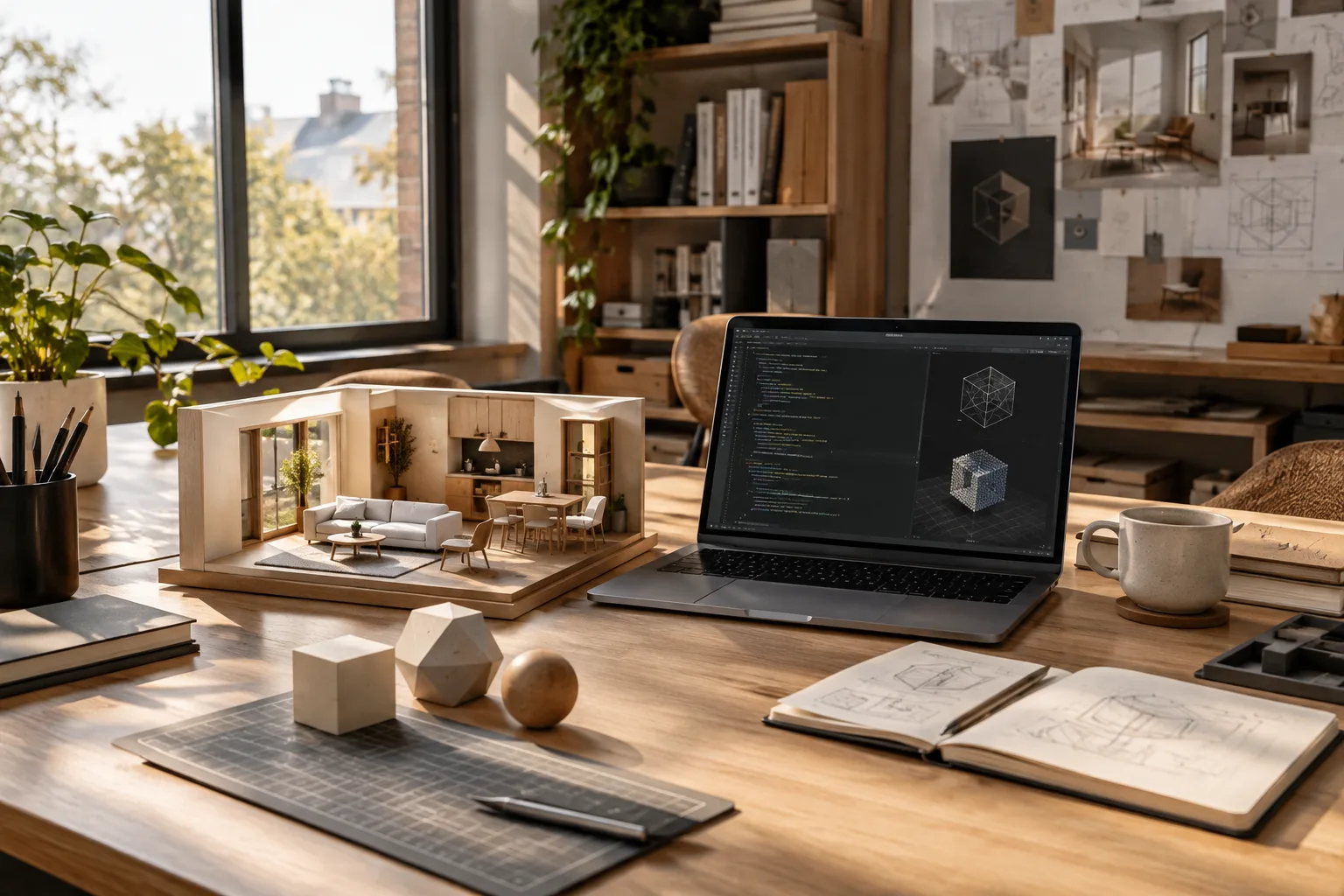
Processing Linked Models with the Revit Automation API: A Step-by-Step Guide
This guide explains why a Revit Cloud Worksharing model may download as a ZIP and how to pass a composite design to a Revit Automation API work item. The method depends on the model’s publication date.
 AI image
A Guide to Designing Blender Workflows with Gemini API Function Calling
Gemini API function calling can turn natural-language requests into defined functions and structured parameters. This guide explains how the approach could be adapted into an automation workflow with Blender Python scripts.
 AI image
Create a Character Rig and Start Animating with Unreal Engine Control Rig
This guide explains how to create a Control Rig asset in Unreal Engine and prepare for character animation. Since Epic’s documentation does not specify version or system requirements, the scope is limited to the basic workflow.
 AI image
Curve Modeling in Blender: Create Ribbons, Tubes, and Variable Profiles
Blender’s curve tools let you turn lines into ribbon and tube shapes, customize profiles, and vary scale along a curve. This guide explains the key settings and common pitfalls step by step.
 AI image
Move an Object Along a Curve with Blender’s Follow Path Constraint
Blender’s Follow Path Constraint can position an object or bone on a curve and move it along the path. This guide covers assigning a target curve, setting position and orientation, and controlling the animation.
 AI image
Unreal Engine World Partition and HLOD: A Setup Guide for Large Scenes
This guide walks through dividing large scenes into cells with World Partition in Unreal Engine and representing distant content with HLOD proxies. Setup options and key considerations are based on official documentation.
 AI image
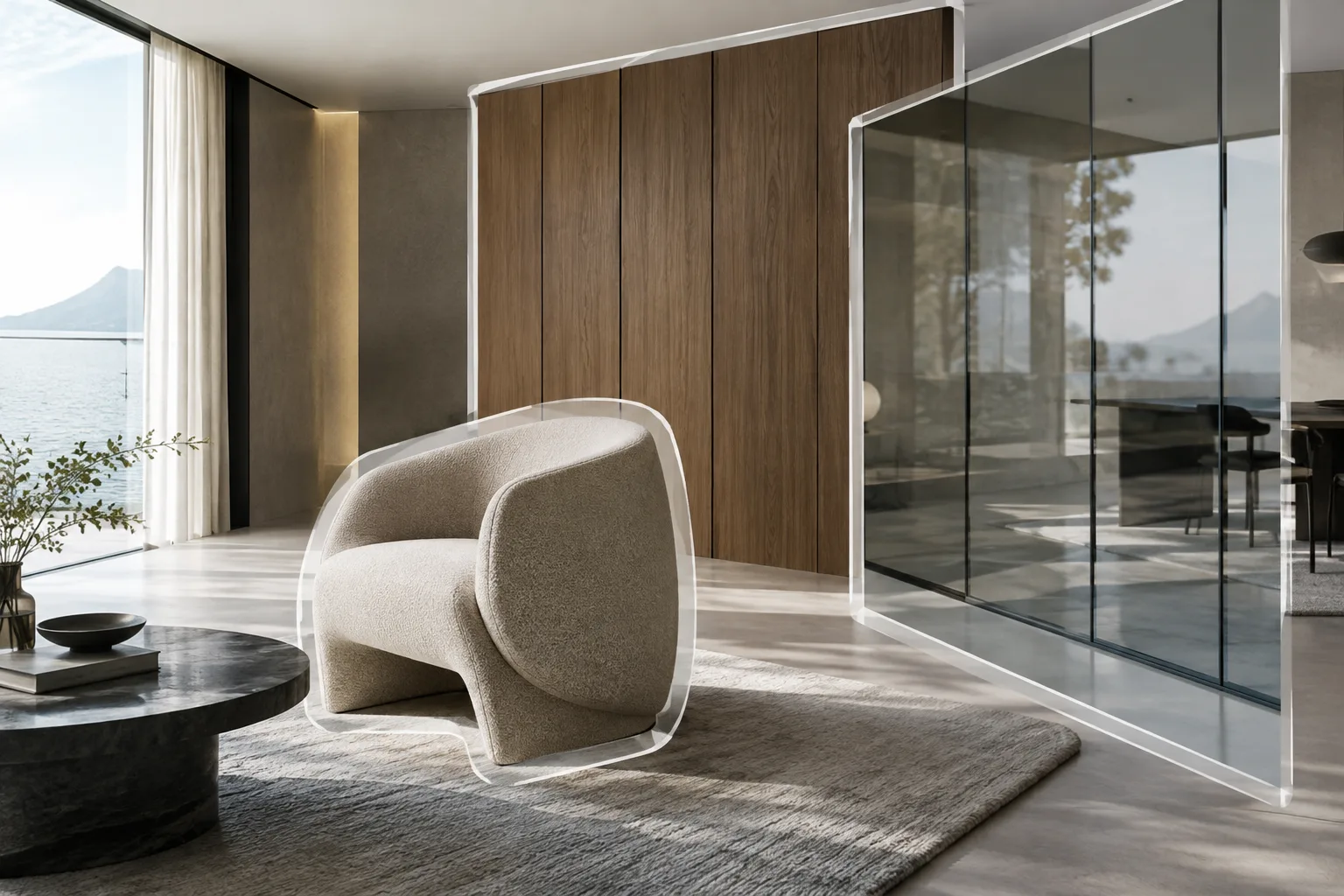
Blender Cloth Simulation: Pressure, Sewing and Pin Group Settings
Blender’s cloth physics can create a range of fabric behaviors using pin groups, sewing springs, internal springs and pressure settings. This guide explains the key settings with architectural visualization examples.
 AI image
How to Create Object and Material Masks in Blender with Cryptomatte
Blender Cryptomatte lets you select and mask objects or materials in a render using the compositor. This guide covers the essential workflow, from setting up passes to using the mask output.
 AI image
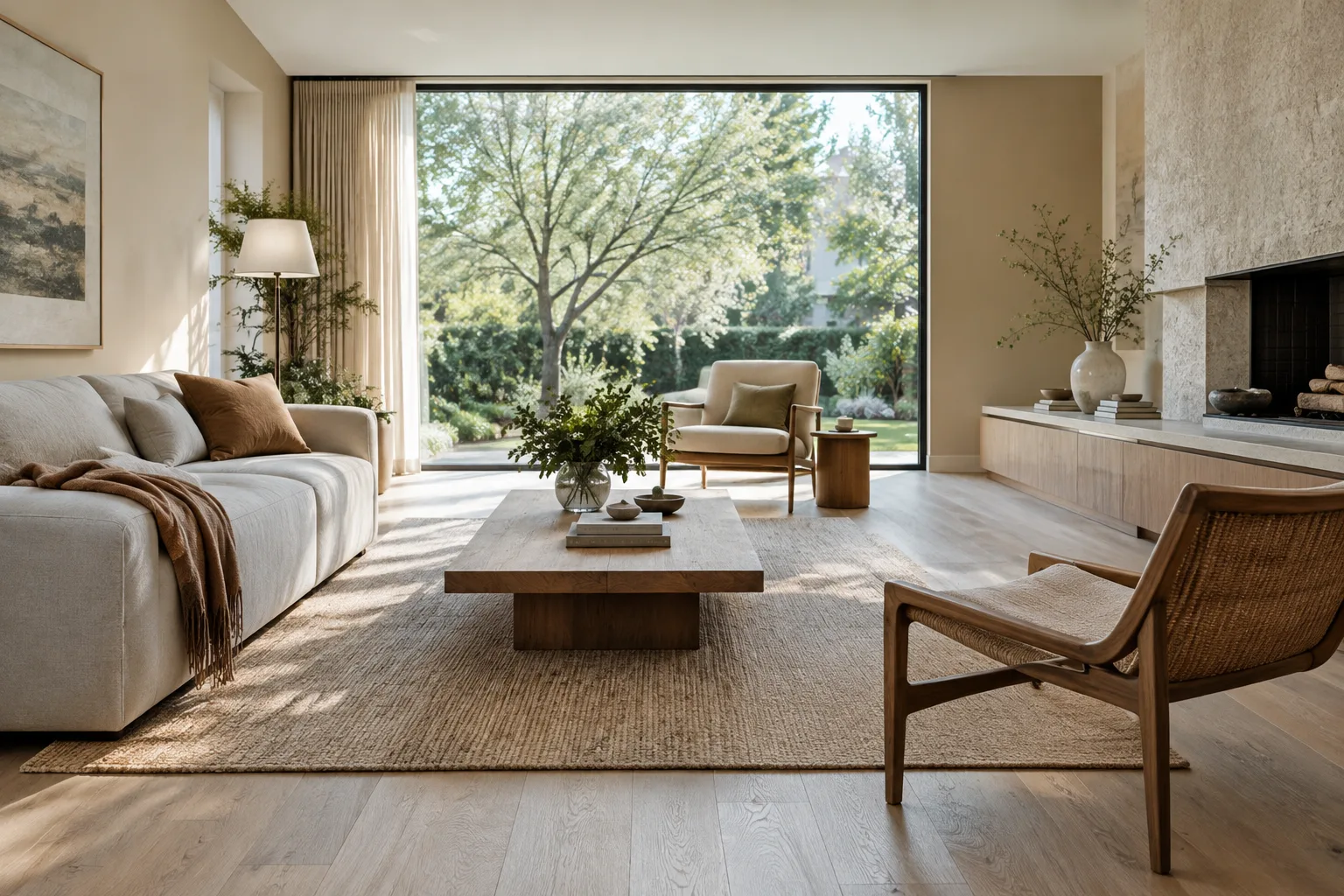
Architectural Image Generation with Nano Banana 2.1: 5 Prompts and a Workflow
Gemini API lets you use Nano Banana 2.1 to generate architectural and interior images or edit an existing image. This guide covers model selection, prompt writing, and five example workflows.
 AI image
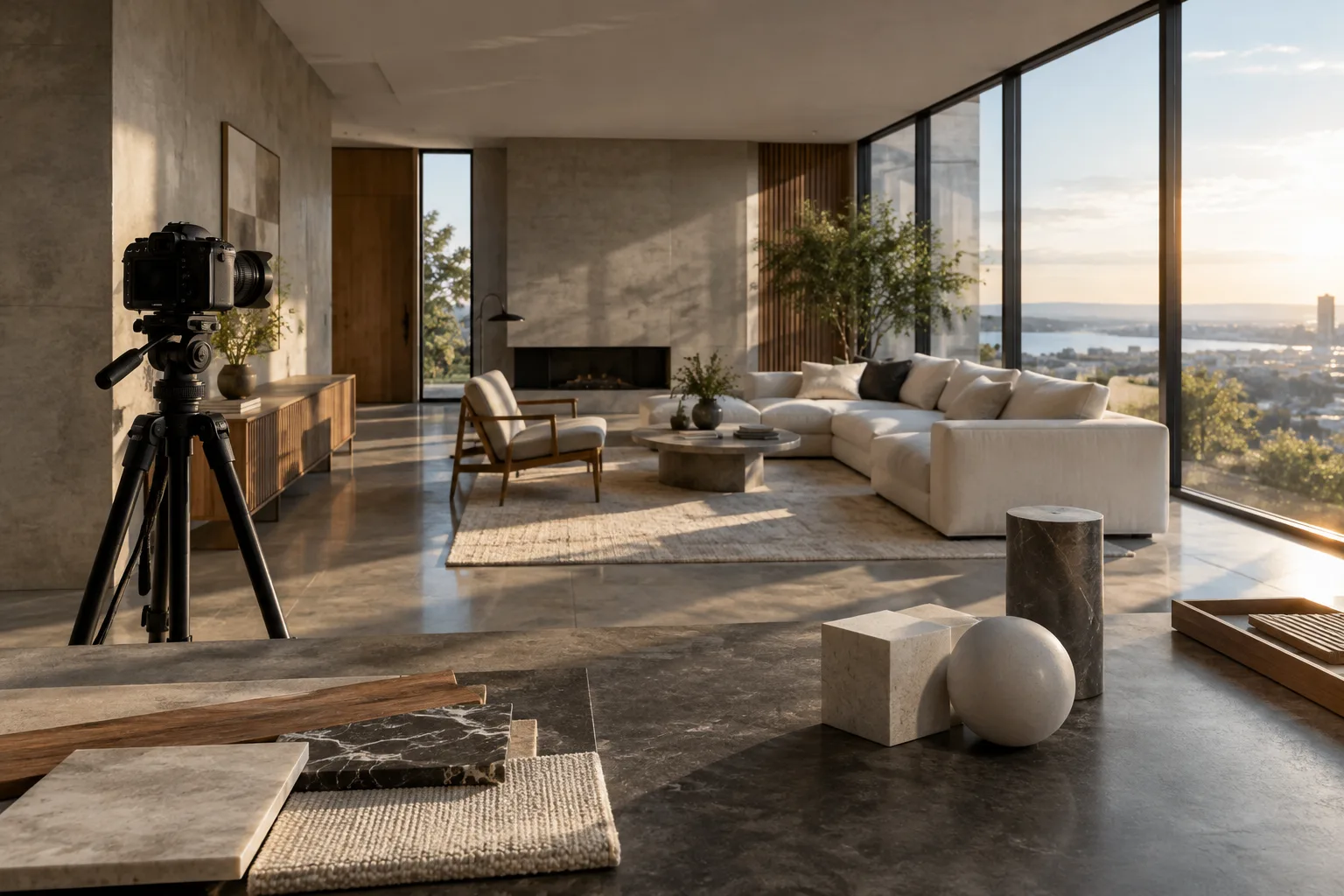
Using Actions, Slots, and Keyframes in Blender: An Animation Guide
Blender’s Action and Slot system lets you organize and reuse animation data across different data-blocks. This guide explains the essentials, from keyframes and F-Curves to animation ranges.
 AI image
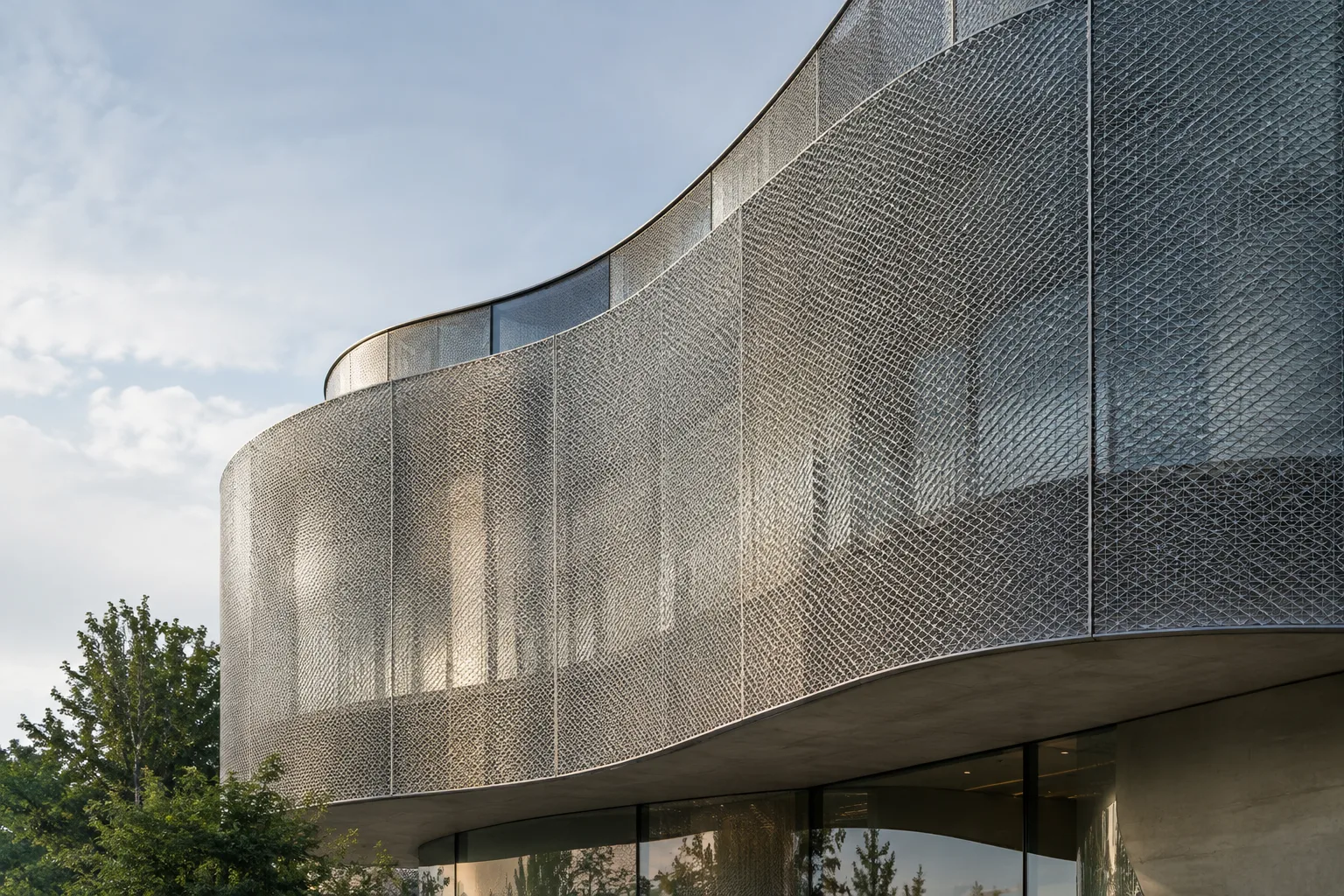
Preparing Gaussian Splat Files: SketchUp Tools and PLY Notes
Gaussian splats can be created with mobile, cloud-based, or desktop tools; cleaning up files before using them in SketchUp is also worth considering. Blender’s PLY import options are general-purpose, and the available sources do not confirm compatibility with splat files.
 AI image
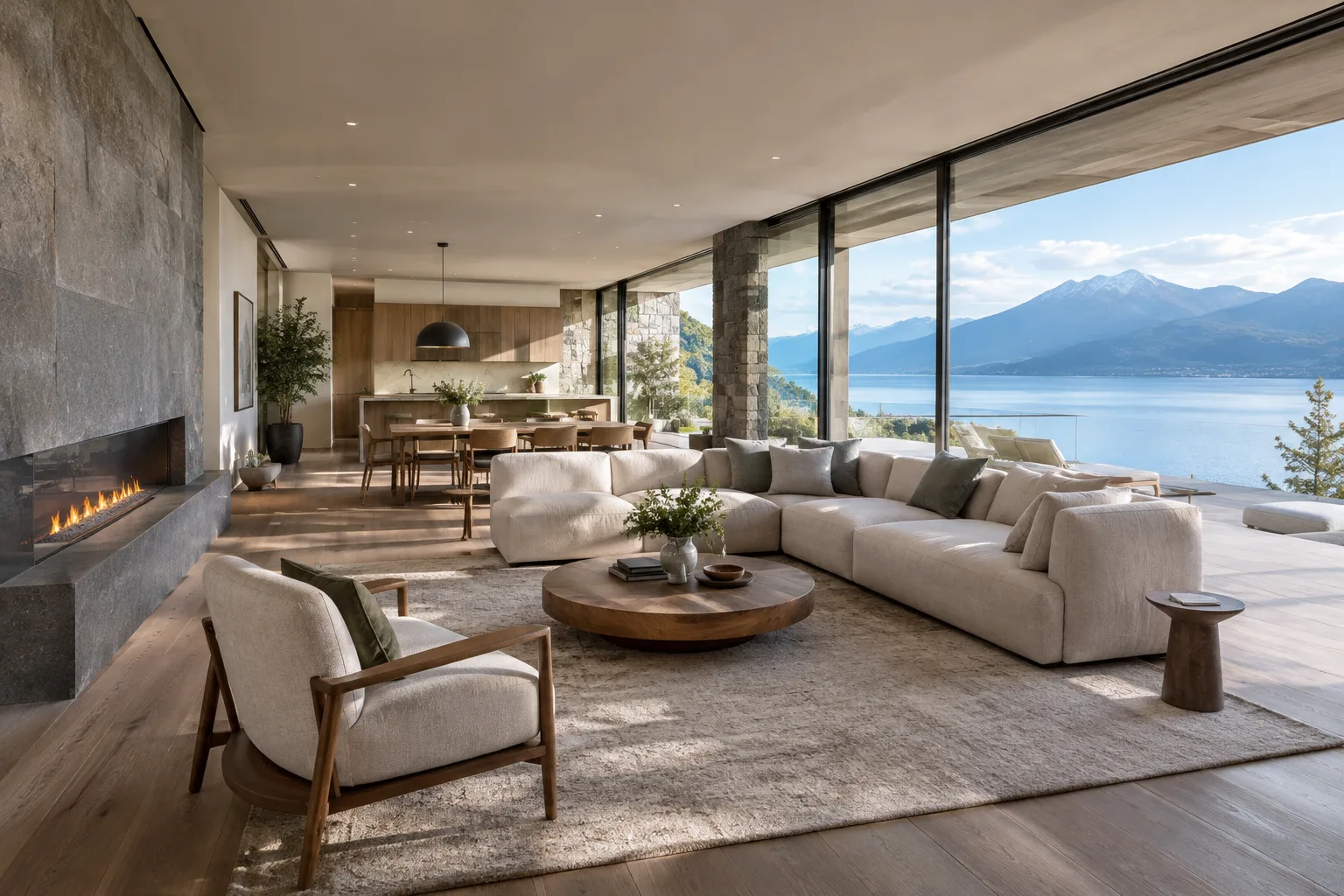
Blender Shrinkwrap Modifier Guide: Ways to Fit a Model to a Surface
Blender’s Shrinkwrap Modifier moves an object’s vertices toward another mesh’s surface to fit the geometry to the target shape. This guide walks through the methods, key settings, and modifier order.
 AI image
How to Create an Architectural 360° Panorama Render in Blender Cycles
Blender’s Cycles render engine can create panoramic renders using the Equirectangular and Equiangular Cubemap Face camera types. This guide explains projection choices and output settings for architectural scenes, step by step.
 AI image
A Guide to Importing and Exporting USD and USDZ Files in Blender
This guide walks through importing USD/USDZ scenes into Blender and exporting Blender data to USD. It highlights considerations around textures, materials, animation, and version differences.
 AI image
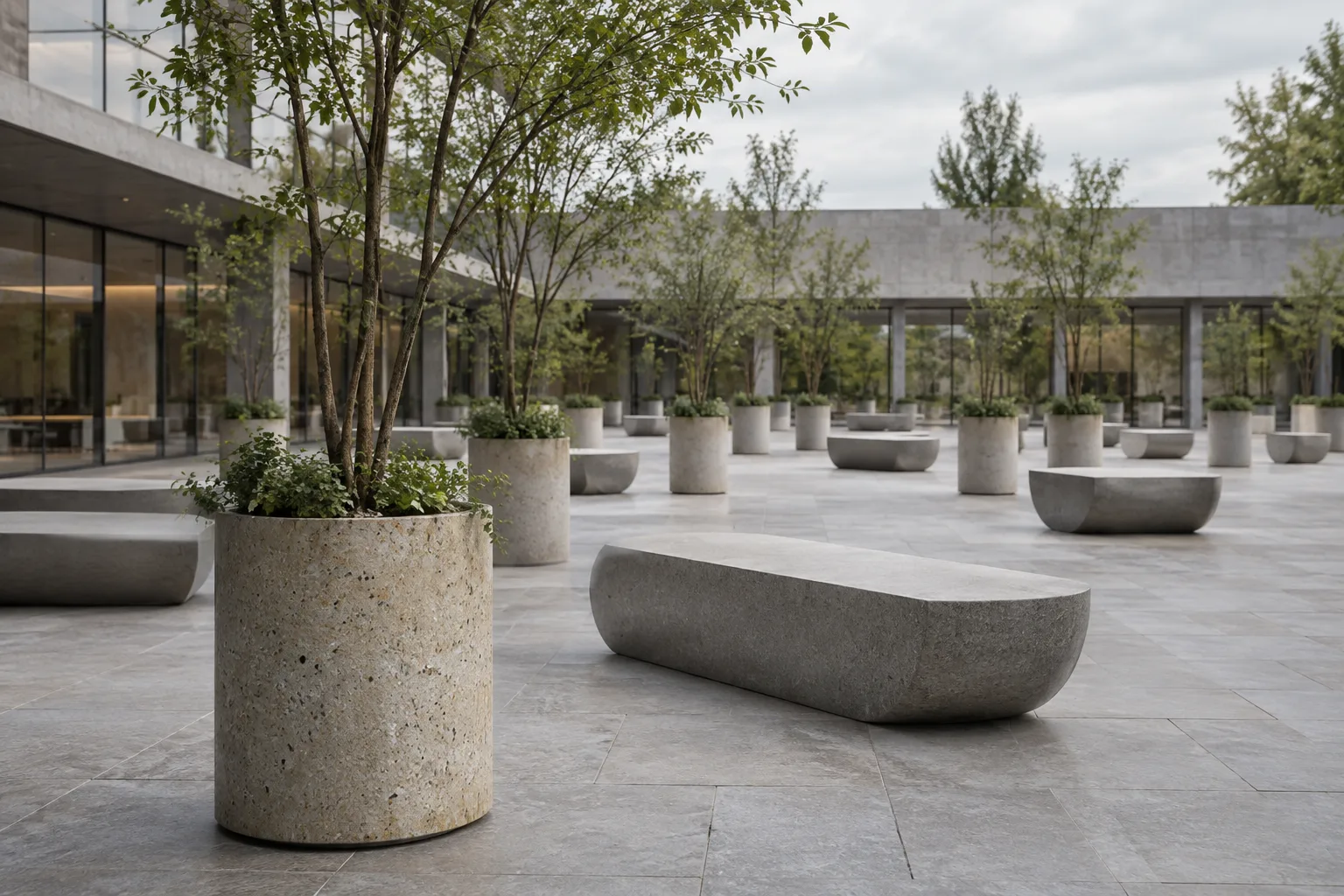
Blender Geometry Nodes: Instance Objects on Points and Realize Instances
In Blender Geometry Nodes, Instance on Points efficiently places geometry instances on points. Realize Instances converts them into real, individually editable geometry.
 AI image
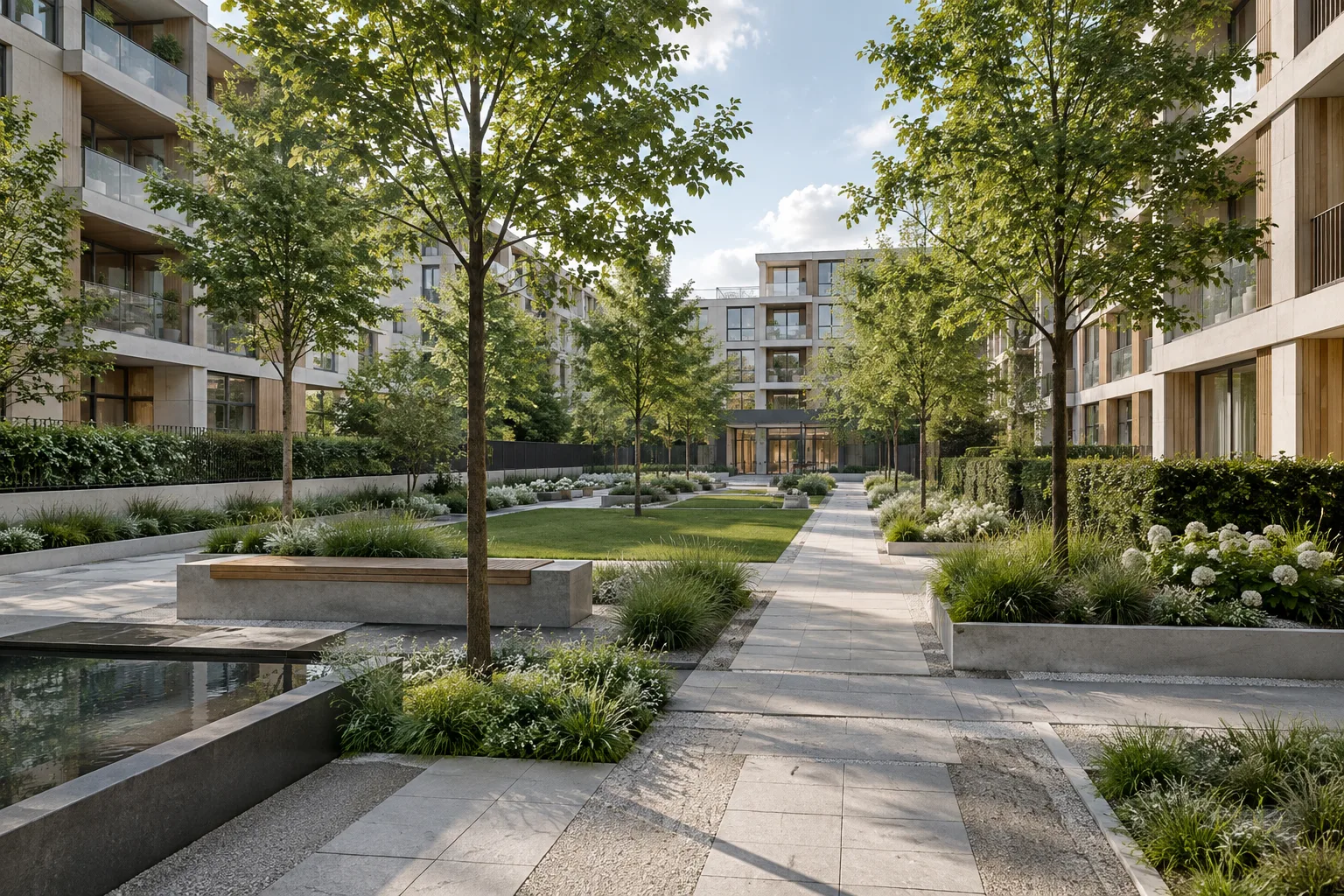
Getting Started with Procedural Content Generation in Unreal Engine PCG
This beginner’s guide explains how to plan for Unreal Engine’s PCG framework in architectural and visualization scenes. The steps focus on defining an area, organizing spatial data, and validating results.
 AI image
A Guide to Architectural Image Generation and Editing with Nano Banana 2.1
Nano Banana models in the Gemini API can be used to generate images from text and edit existing visuals. This guide covers model selection, prompt writing and image-based iteration for architecture and interior design work.
 AI image
Editing Color and Images After an Architectural Render in Blender Compositor
Blender Compositor lets you edit architectural images in a node-based workflow, combine different images and adjust colors. This guide explains the basic steps for still images and animation output.