Tutorials · Page 12
 AI image
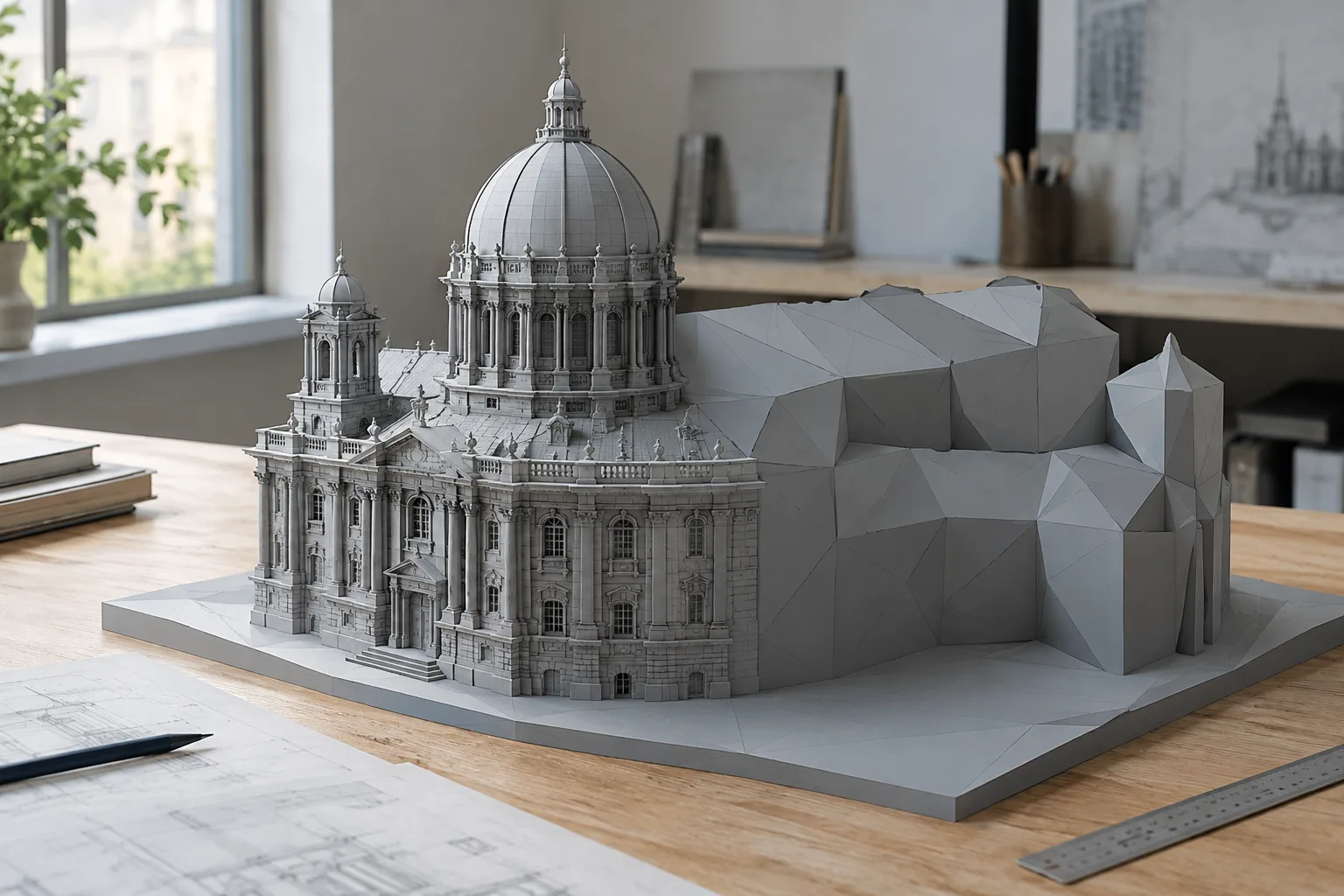
Blender Voxel Remesh and Mesh Cleanup: A Step-by-Step Guide
This guide walks through the voxel remesh and mesh cleanup tools in Blender’s official manual. From adjusting voxel size to reducing face counts and filling holes, it covers the essential steps.
 AI image
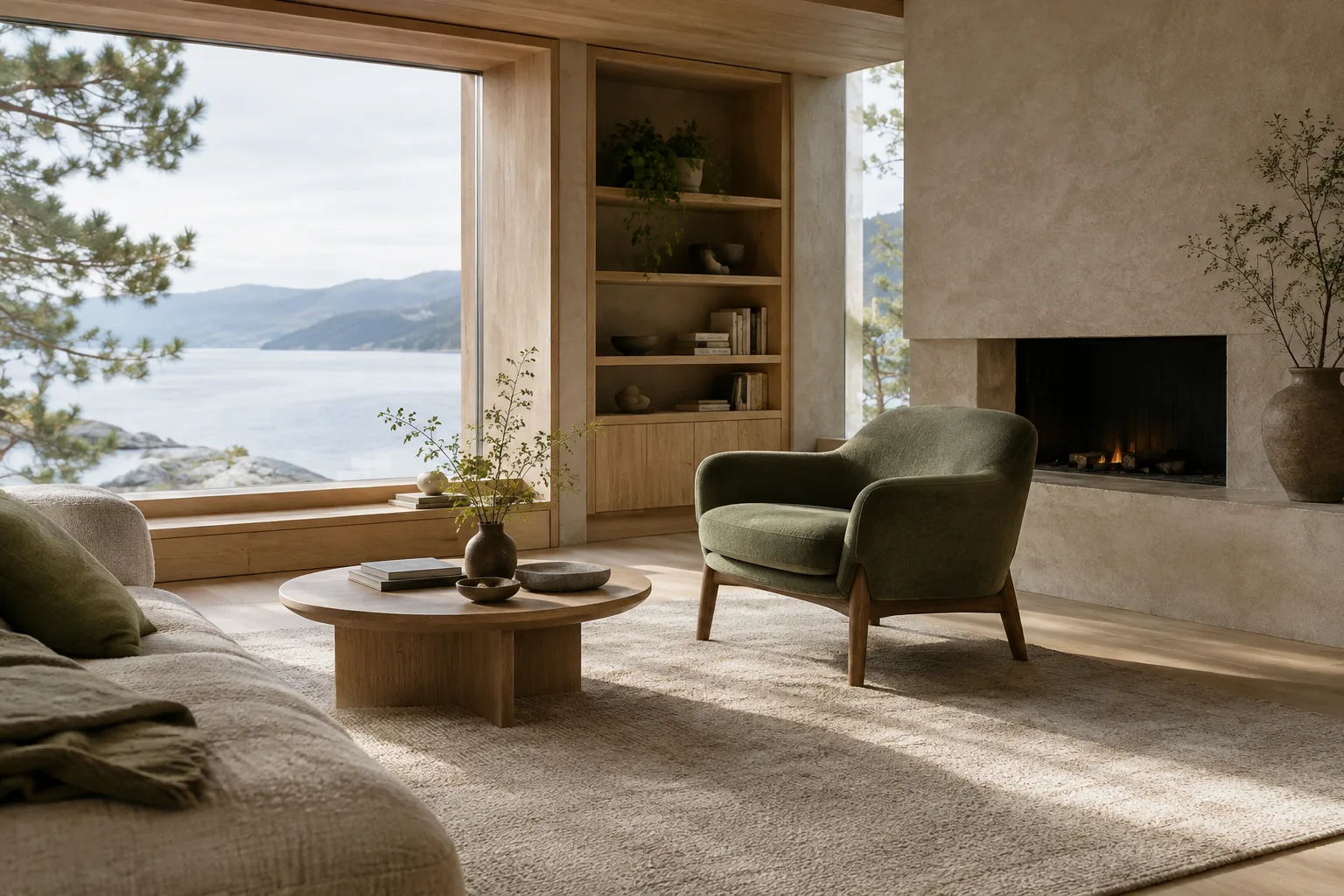
Creating Architectural Images with Nano Banana 2.1: 5 Prompts and a Workflow
A practical prompt workflow for creating architectural and interior concept images with Nano Banana 2.1 in the Gemini API. This guide covers requirements, five sample prompts, and common mistakes.
 AI image
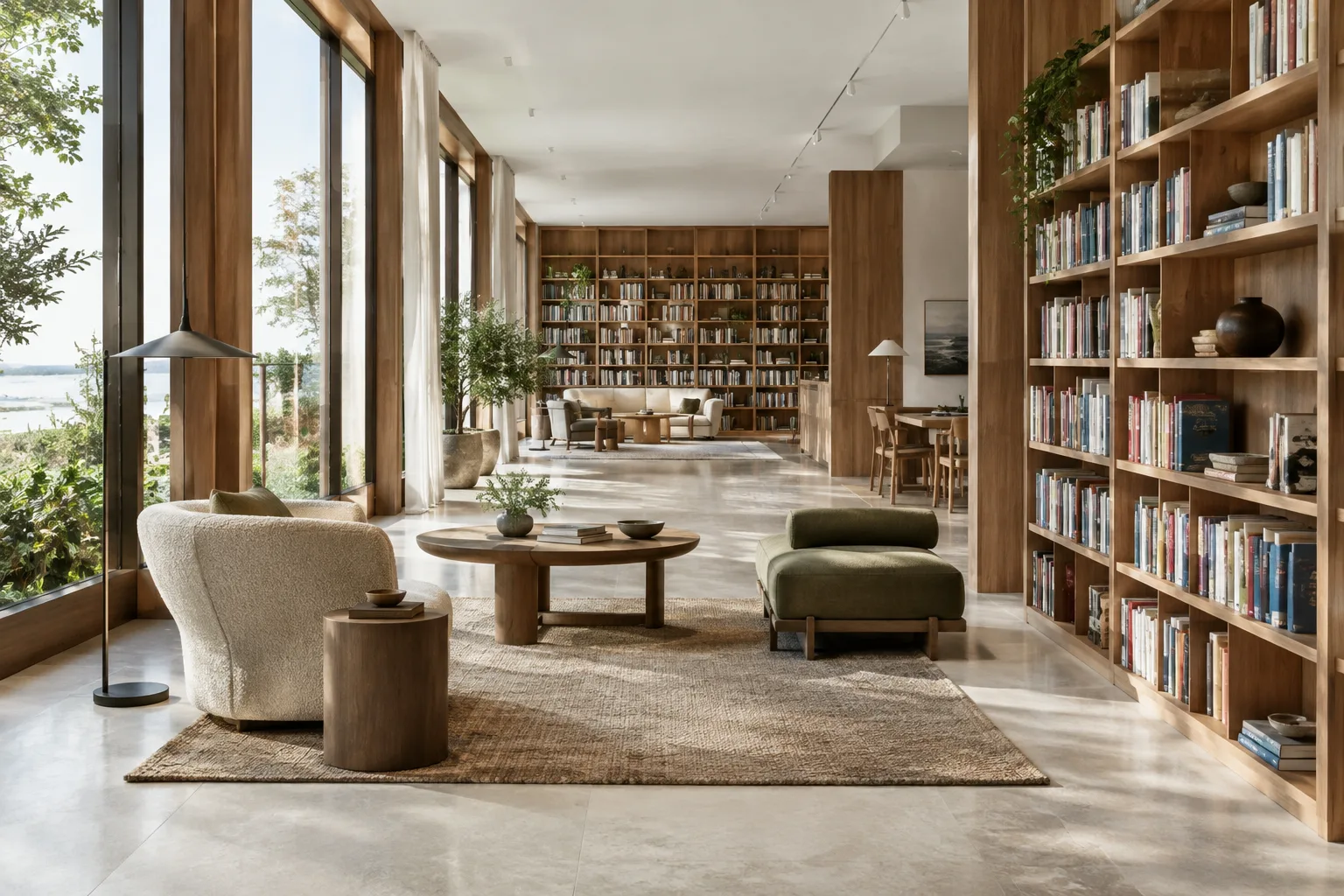
Architectural video generation with the Gemini API: prompt and editing guide
When generating architectural videos with the Gemini API, you can use Gemini Omni Flash for multimodal, conversational editing workflows, and Veo 3.1 for capabilities such as video extension and frame-specific generation. This guide explains how to build prompts step by step.
 AI image
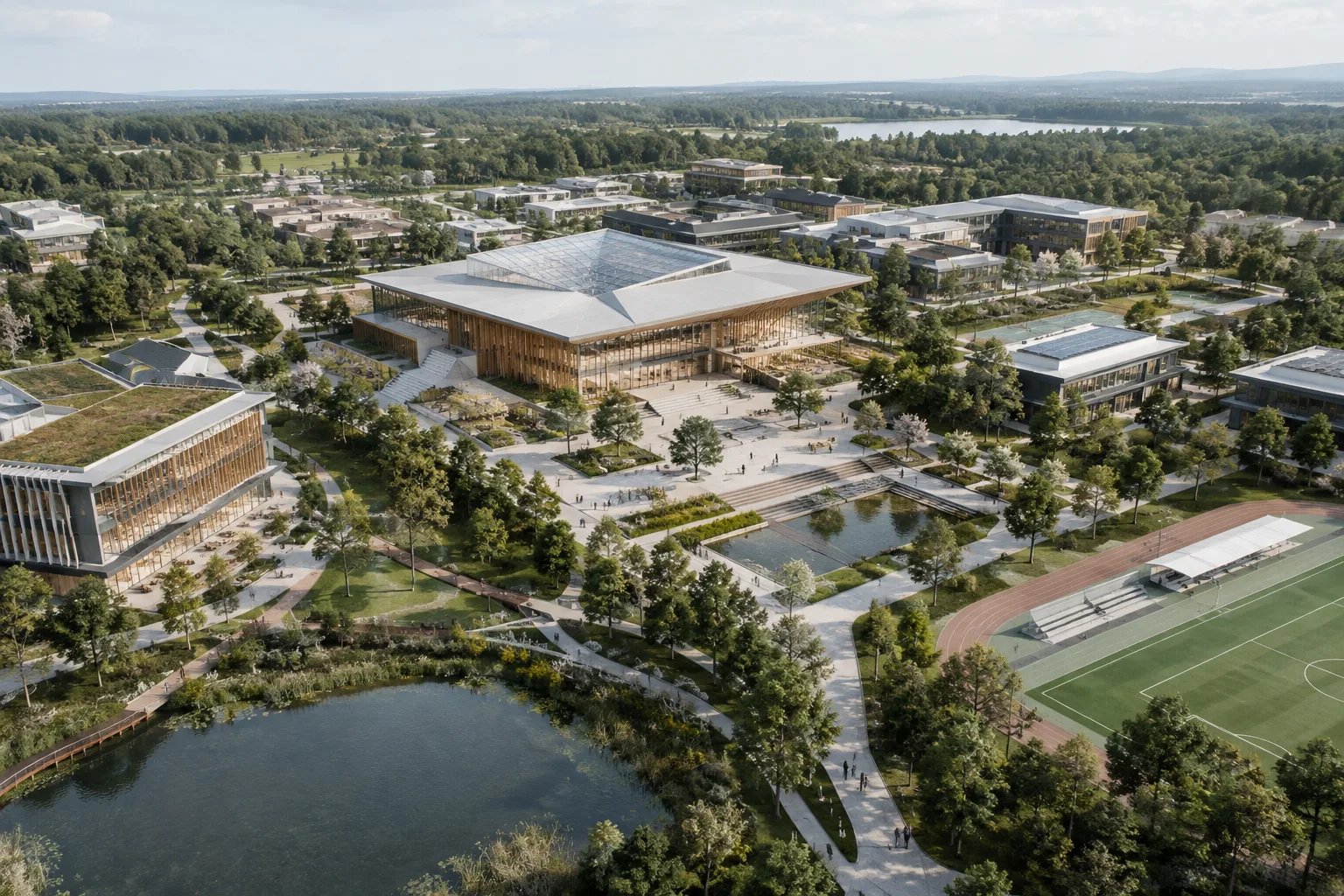
How to Use Unreal Engine Data Layers: A World Partition Guide
In Unreal Engine, Data Layers let you group actors in World Partition maps and manage their state in the editor or at runtime. This guide explains how to set up the system and adapt it to architectural visualization scenes.
 AI image
A Guide to 3D Modeling in Unreal Engine with Modeling Mode
Unreal Engine Modeling Mode provides tools for creating and editing meshes in the editor. This guide explains how to open the mode, create geometry, accept changes, and work with UV tools.
 AI image
How to Use Blender Bevel Modifier: A Guide to Softening Edges with Control
Blender’s Bevel Modifier softens model edges non-destructively and lets you control where the effect is applied. This guide covers the core workflow, from width and segments to limit, intersection, and shading settings.
 AI image
Importing and Exporting PLY in Blender: Scale, Color, and Axis Settings
Blender’s PLY import and export options help manage data such as scale, axes, vertex colors, UV coordinates, and normals. This guide explains the basic transfer steps and the settings to check.
 AI image
AUTOM8LABS MCP Connector for 3ds Max: Automate Scene Tasks Step by Step
AUTOM8LABS MCP Connector gives an AI agent tools to inspect 3ds Max scenes and, with a license, handle workflows involving geometry, materials, UVs, animation, and rendering. Learn how to install and use it.
 AI image
Render Architectural Visuals from the Command Line with Blender 5.2 LTS
Blender 5.2 LTS’s command-line options let you render a still or animation without opening the interface. This guide covers output paths, frame selection, Cycles devices, and automation with Python scripts.
 AI image
How to Test Orthographic Architectural Visualization in Unreal Engine 5.3
Orthographic rendering is available experimentally in Unreal Engine 5.3. This guide outlines a test workflow for evaluating the projection in architectural scenes with Lumen and Nanite, comparing results, and identifying points to check before production.
 AI image
How to Set Up Camera Cuts and Transitions in Unreal Engine Sequencer
The Camera Cut Track in Unreal Engine Sequencer determines which camera is active in cinematic sequences. This guide covers adding cameras, setting cuts and preparing transitions between cameras.
 AI image
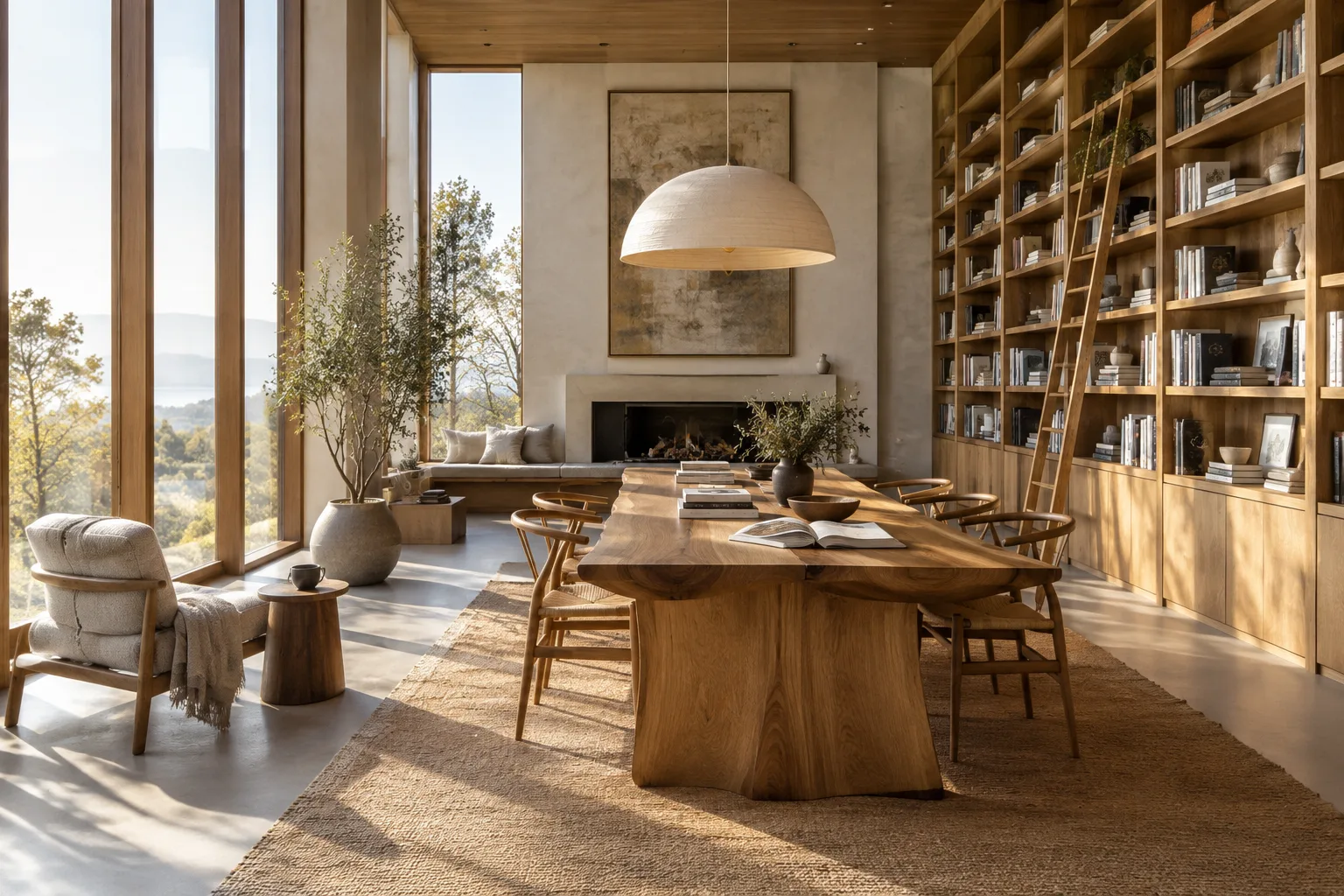
Architectural Image Generation with FLUX.2: A Prompt-Writing Guide
The FLUX.2 guide recommends specifying the main subject first, then describing the action, style, and context. This adaptation offers a practical workflow with color, camera, and JSON examples.
 AI image
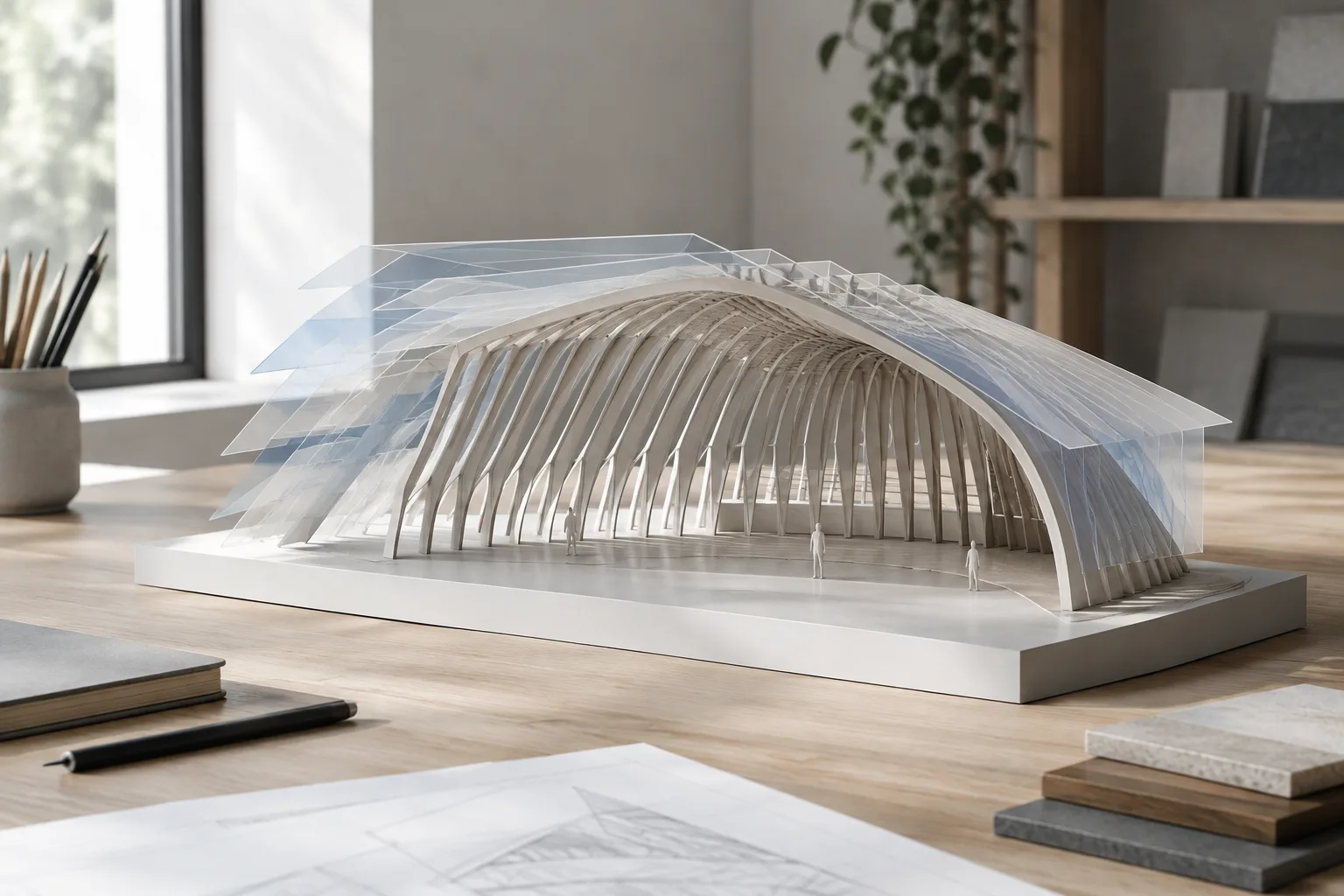
How to Use Blender Geometry Nodes Bake and Inspection Tools
In Blender Geometry Nodes, the Bake node saves intermediate geometry data, while inspection tools help you understand the node tree’s final evaluation. This guide explains the settings and how to check your results.
 AI image
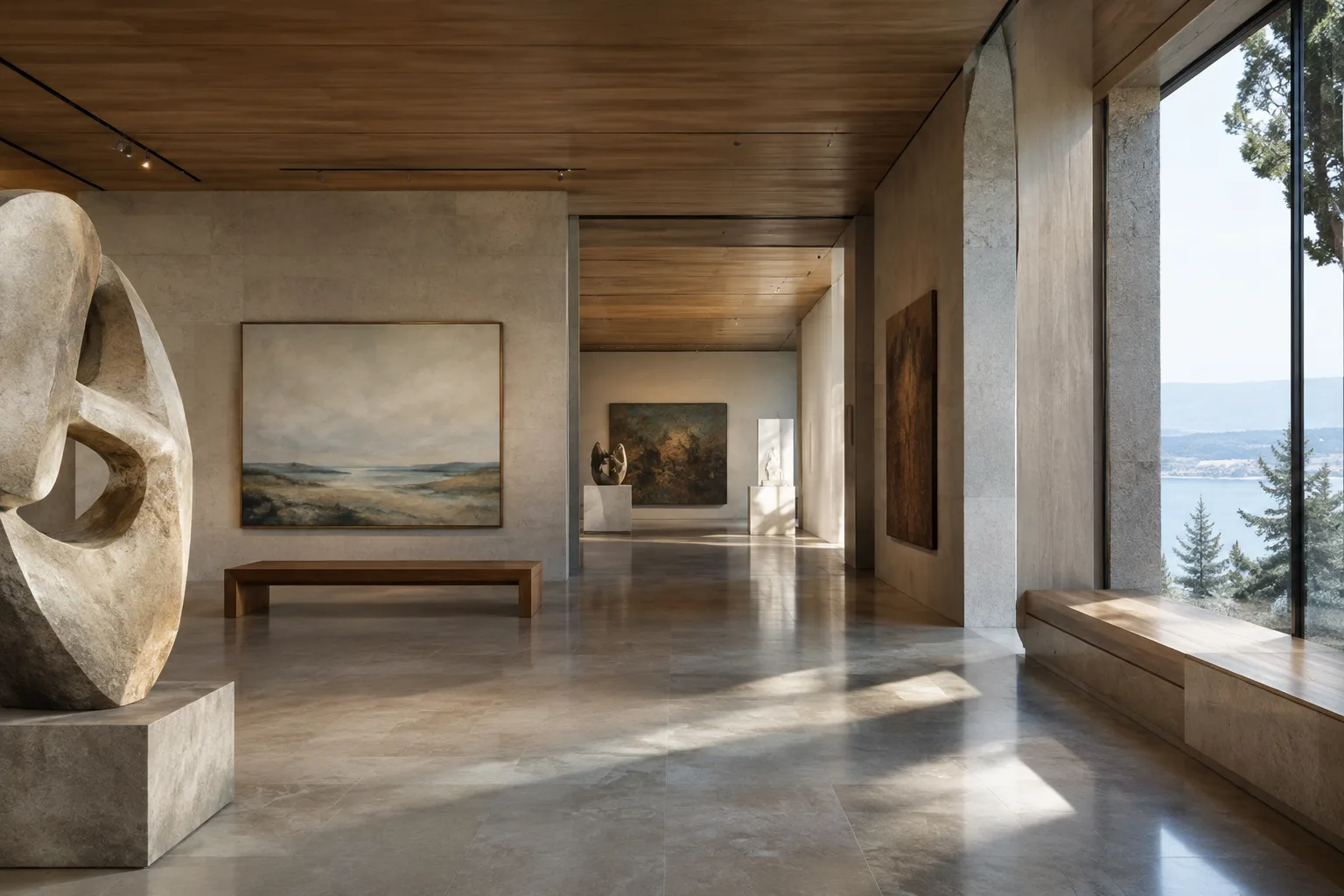
A Guide to Editing Surface-Bound Curves with Blender Geometry Nodes
This guide explains how to trim curves with Trim Curve and adapt them to surface changes with Deform Curves on Surface in Blender 5.2 Geometry Nodes. UV data and certain node limitations directly affect the workflow.
 AI image
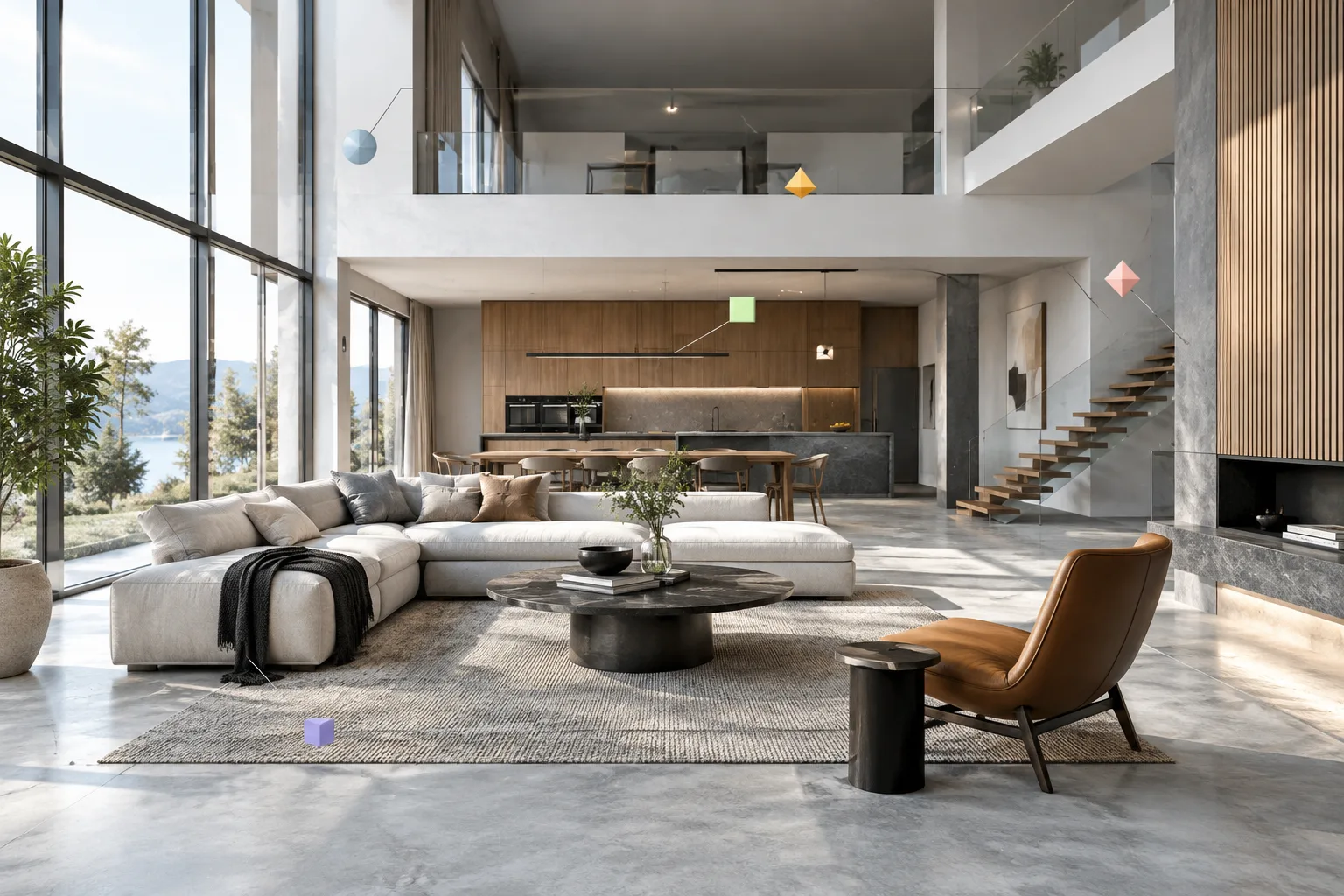
Architectural Video Generation with the Gemini API: Omni Flash and Veo 3.1 Guide
The Gemini API offers Gemini Omni Flash and Veo 3.1 for video generation. This guide explains how to write clear prompts for architectural visualization and interior presentations, then refine the results iteratively.
 AI image
Unreal Engine Datasmith Metadata: Using Data in Architectural Models
Datasmith can transfer object metadata from supported 3D and CAD sources into Unreal Engine. This guide covers filtering data during import, accessing it afterward with Blueprint or Python, and troubleshooting common transfer issues.
 AI image
A Guide to Creating Architectural Video Prompts with Gemini Omni Flash and Veo
Gemini Omni Flash and Veo offer different workflows for generating video from text prompts. This guide walks through how to structure subject, action, setting and camera direction for architectural and interior storytelling.
 AI image
Create an Interactive Architectural Scene Element with Unreal Engine Blueprint
Learn step by step how to create a reusable actor with Blueprint in Unreal Engine and trigger character movement with a collision event. This guide introduces interactive scene logic for architectural visualization projects.
 AI image
Architectural Image Generation with Nano Banana 2.1: API Steps and Prompts
Google’s Gemini API documentation lists Nano Banana 2.1 as its current model for image generation and conversational editing. This guide covers the basic steps for trying architectural image generation through the API.
 AI image
Create Architectural Scene Variants with Unreal Engine Variant Manager
In Unreal Engine, you can use Variant Manager to create alternative scene configurations and organize them into sets. This guide covers the essential steps, from enabling the plugin and preparing variants to applying them in the editor.
 AI image
Unreal Engine Material Parameter Collection for Shared Material Controls
In Unreal Engine, Material Parameter Collection lets you manage shared scalar and vector values across multiple materials from one place. This guide covers creating a collection, connecting it to materials, and using it with Blueprint or Sequencer.
 AI image
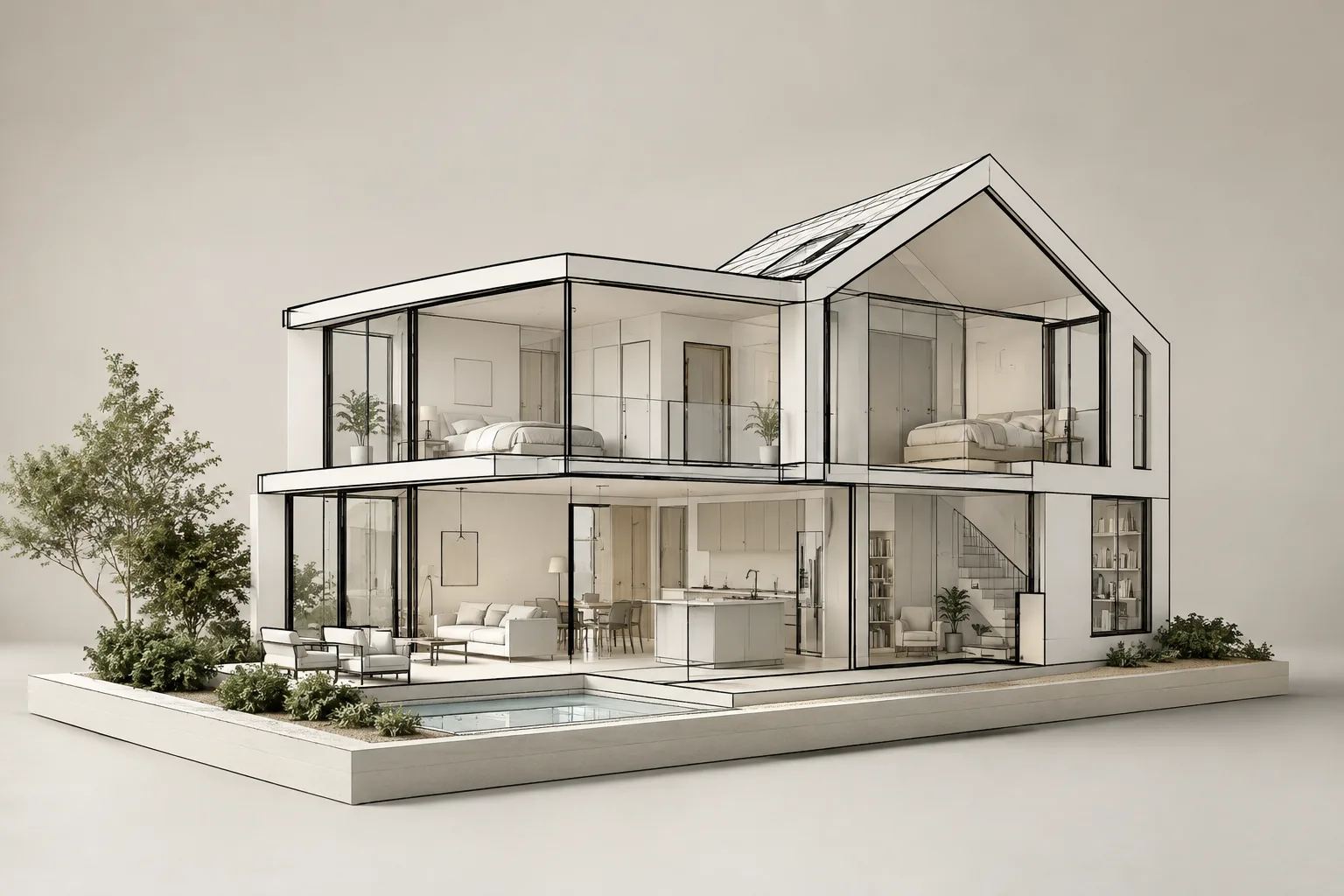
Architectural Line Rendering with Blender Freestyle: A Step-by-Step Guide
Blender Freestyle can be used to create contour and technical line views of architectural scenes. This guide covers choosing line types, marking edges, and evaluating render output.
 AI image
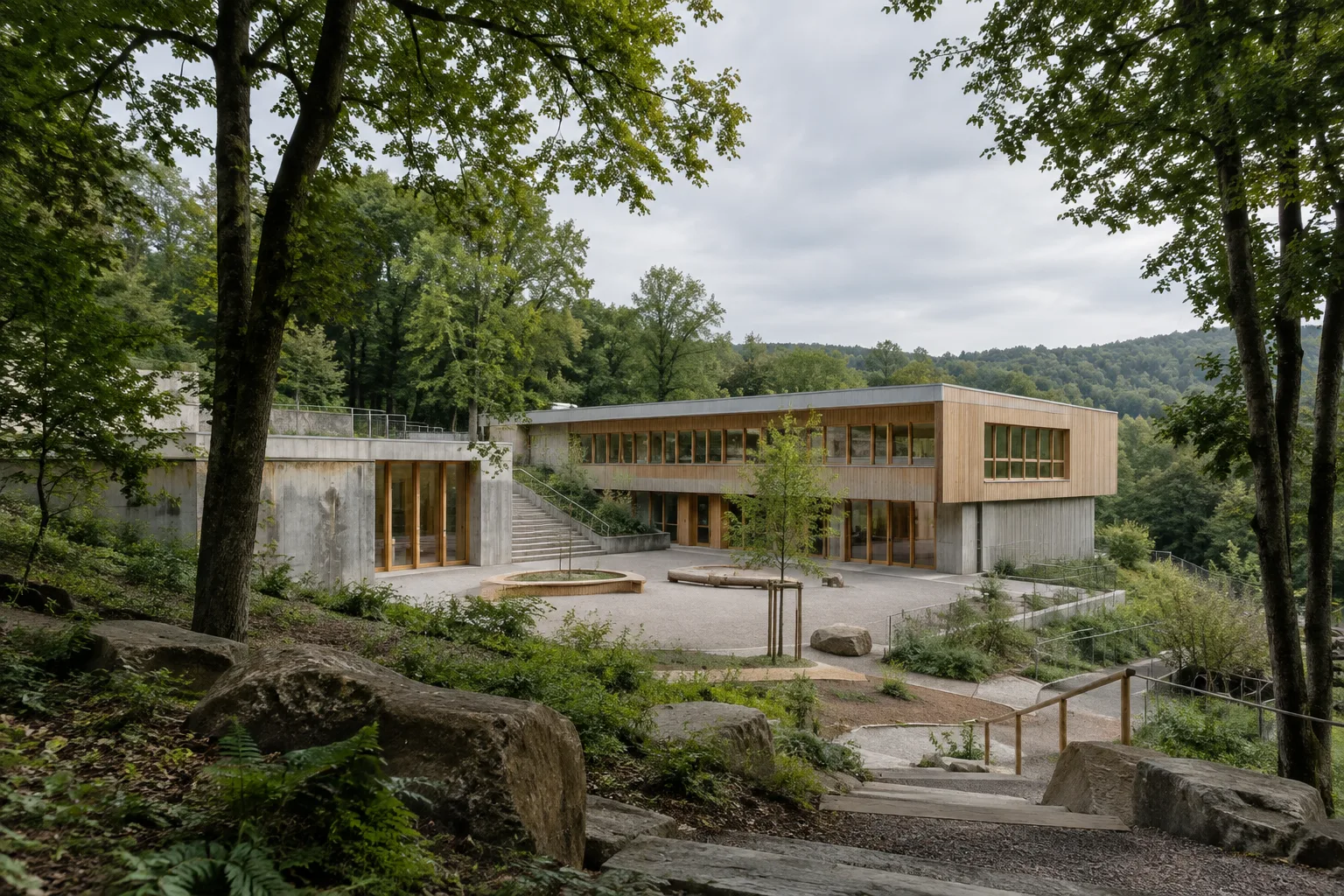
Timber and reclaimed concrete feature in Wilnsdorf Primary School project
BUERO BB’s Wilnsdorf Primary School and Sports Hall project in Germany was published on ArchDaily on October 14, 2026. Listed at 4,600 m², the project features timber, regional precast concrete and concrete reclaimed from a demolished viaduct.
 AI image
Blender Geometry Nodes: A Guide to Simulation Zones and Instancing
This tutorial walks through how simulation zones work over time in Blender Geometry Nodes and how instancing lets you reuse geometry. It also explains the essentials of caching, baking, and memory use.