Tutorials · Page 13
 AI image
Reducing Noise in Blender Cycles: A Sampling and Denoising Guide
Blender’s official manuals explain how to manage noise in Cycles renders with sampling and denoising settings. This guide walks through the settings and workflow step by step to help produce cleaner images.
 AI image
Camera and framing settings for interior renders in Blender
This guide explains how to refine an interior camera frame in Blender using perspective, focal length, lens shift, and depth of field, then configure output resolution and the render region.
 AI image
A Guide to Architectural Image Generation and Editing with Nano Banana 2.1
This guide covers the steps for generating architectural concept images and editing an existing image with a text prompt using Nano Banana 2.1 in the Gemini API. It brings together the model name, sample prompts, and key considerations.
 AI image
Architectural Image Generation with GPT Image: A Prompt and Editing Guide
The GPT Image API documentation explains how to generate new images from text prompts and edit existing visuals. This guide covers both workflows for architectural visualization with example prompts.
 AI image
Light Linking in Blender: Controlled Lighting for Architectural Scenes
Blender’s light linking lets you specify separately which objects a light illuminates and which objects cast shadows. This guide covers an interior lighting workflow and the differences between Cycles and EEVEE.
 AI image
How to Clean Up Invisible Area Boundaries and Separation Lines in Revit
Even when boundaries left behind by deleted area plans are invisible in Revit, they can affect how new rooms and areas connect. This guide explains how to find leftover elements using area schedules and plans.
 AI image
How to Create and Assign a Redshift Material in Houdini Solaris
This guide covers the essential steps for creating a Redshift material in Houdini Solaris and assigning it to geometry in a USD scene. It focuses on defining the material path and managing the priority of existing assignments.
 AI image
Texture Baking in Blender Cycles: Step-by-Step from UVs to Normal Maps
Blender Cycles can transfer surface, material, and lighting data to image textures. This guide covers the essential steps, from preparing UVs and a bake target to choosing a bake type and checking normal map settings and edge margins.
 AI image
Architectural Video Generation with Gemini: Omni Flash and Veo 3.1 Guide
The Omni Flash and Veo 3.1 models in the Gemini API are designed for different video workflows. This guide covers prompt writing and model selection for developing short video concepts from architectural images.
 AI image
How to Set Up a Procedural Sky and Cycles Environment Lighting in Blender
This guide explains how to create a procedural sky with Sky Texture in Blender and use Cycles World settings. It also covers exposure, environment sampling and Mist Pass, with a focus on architectural visualization.
 AI image
Creating Surface Patterns with Blender Noise Texture and Voronoi Texture
Blender’s Noise Texture and Voronoi Texture nodes create different procedural patterns. This guide explains how to choose basic settings, evaluate the outputs, and troubleshoot common pattern issues.
 AI image
A Guide to Creating Architectural Interior Images with Nano Banana 2.1
This guide offers practical prompt examples for creating architectural interior concept images and editing existing visuals with text using Nano Banana 2.1 in the Gemini API. It also covers the model and basic usage requirements.
 AI image
Blender UV Unwrapping Guide: Reduce Texture Stretching with Seams
In Blender, UV unwrapping maps a 3D model’s surfaces onto a 2D texture space, defining how images are applied to the model. This guide covers marking seams, unwrapping, checking, and refining the result.
 AI image
Blender Boolean Modifier Guide: Cut, Join, and Intersect Meshes
Blender Boolean Modifier lets you non-destructively cut meshes, join them, or isolate their shared volume. This guide covers operation types, solver options, and troubleshooting steps.
 AI image
Architectural Video Generation with Gemini Omni Flash and Veo 3.1: A Step-by-Step Guide
The Gemini API offers Gemini Omni Flash for short videos and conversational editing, and Veo 3.1 for tasks such as extending scenes and generating from specific frames. This guide walks through two workflows for architectural visualization.
 AI image
Add Controlled Thickness to Mesh Surfaces with Blender Solidify Modifier
Blender Solidify Modifier adds thickness and depth to mesh surfaces. This guide walks through the differences between Simple and Complex modes, key settings, and considerations for architectural modeling.
 AI image
Tool Calling and Structured Output in the Gemini API: An Architecture Guide
The Gemini API can connect to external tools and services through function calling, while structured output formats responses according to a JSON Schema. This guide explains how to use both approaches in architecture workflows.
 AI image
Preparing for Teamwork in Revit: File Paths and Point Clouds
Revit’s official 2026 help explains paths for project templates, family templates, and point cloud files. This guide covers reviewing the relevant settings before beginning team collaboration and managing point cloud links consistently across the team.
 AI image
Architectural Video Generation with Gemini Omni Flash: Prompt and Editing Guide
Gemini Omni Flash in the Gemini API is designed to generate short videos from text and images, then refine the results through multi-turn conversational editing. This guide explains how to prepare prompts for architectural and interior visualization.
 AI image
How to Use Blender Motion Paths: Show an Animation Path Step by Step
Blender’s Motion Paths tool displays the paths animated objects and bones follow across frames. This guide walks through creating keyframes, calculating a path, and adjusting its range and display settings.
 AI image
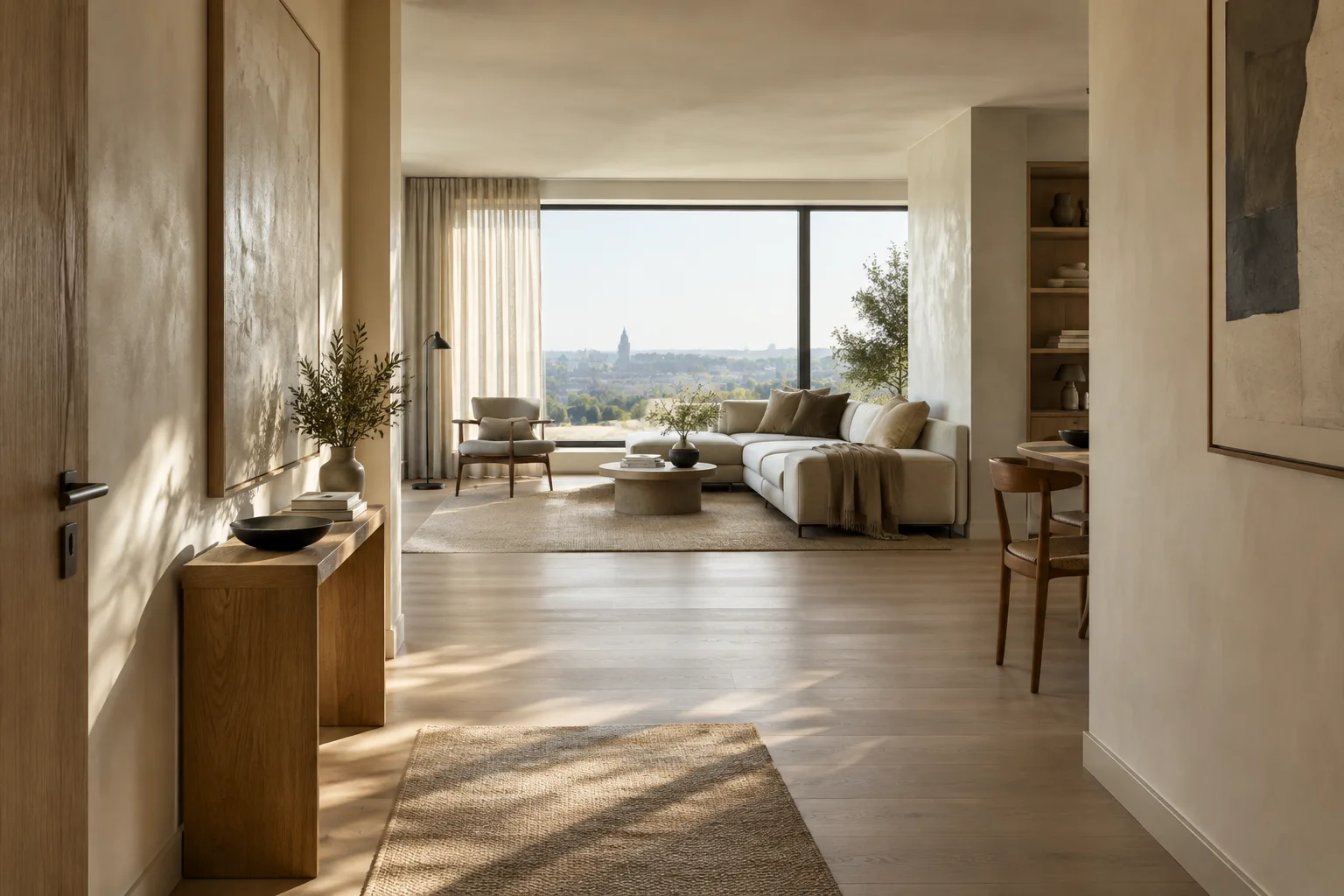
Architectural Image Generation with Nano Banana 2.1: Prompt and Editing Guide
Nano Banana 2.1 lets you generate images from text and edit images conversationally through the Gemini API. This guide explains how to prepare prompts for architectural concepts and interior design work.
 AI image
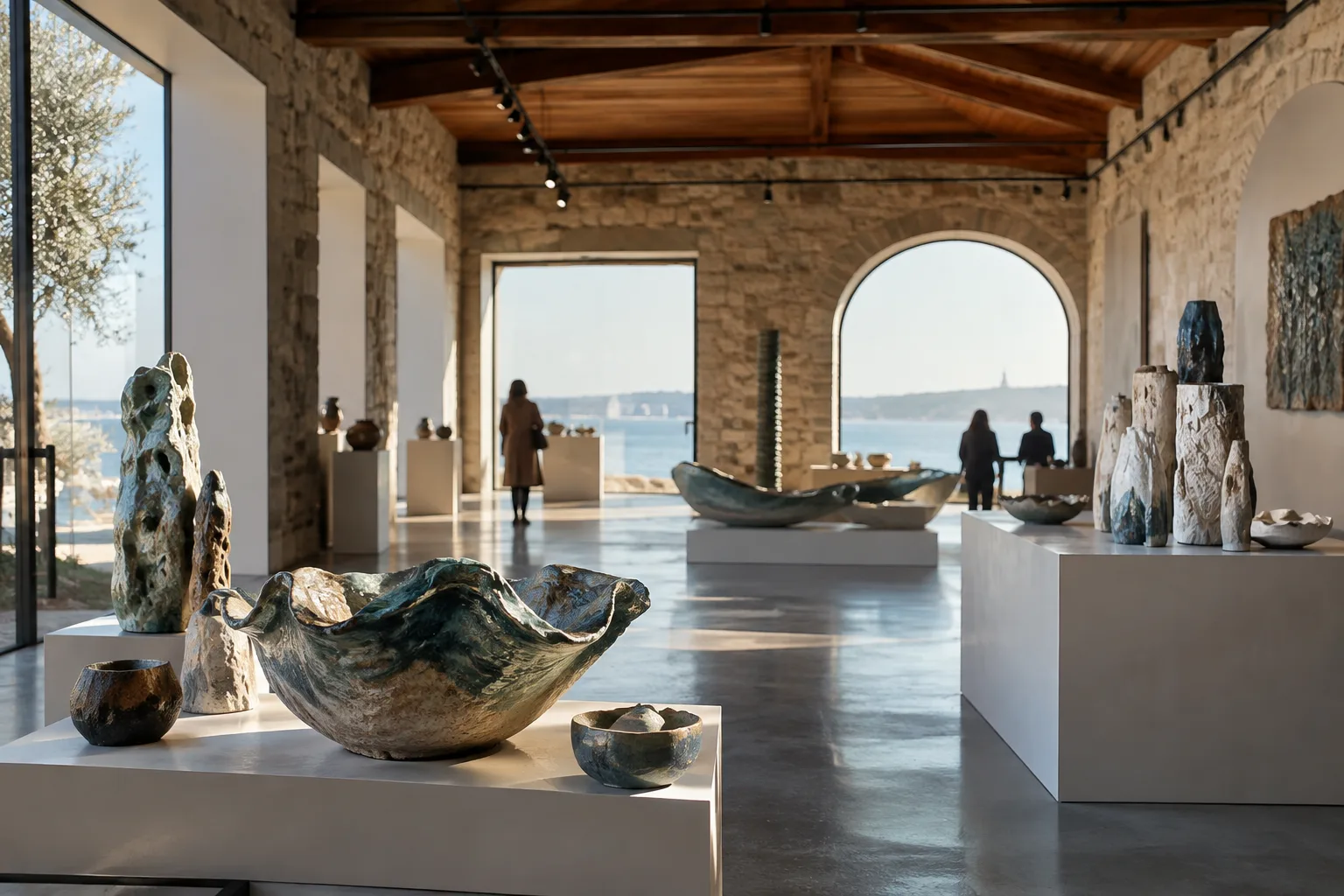
10th Çanakkale Biennial Focuses on Ceramics, with Events Through November 20
The 10th Çanakkale Biennial, which began on October 10, has a special focus on ceramics. Events across Çanakkale include a children’s ceramics workshop scheduled for October 31.
 AI image
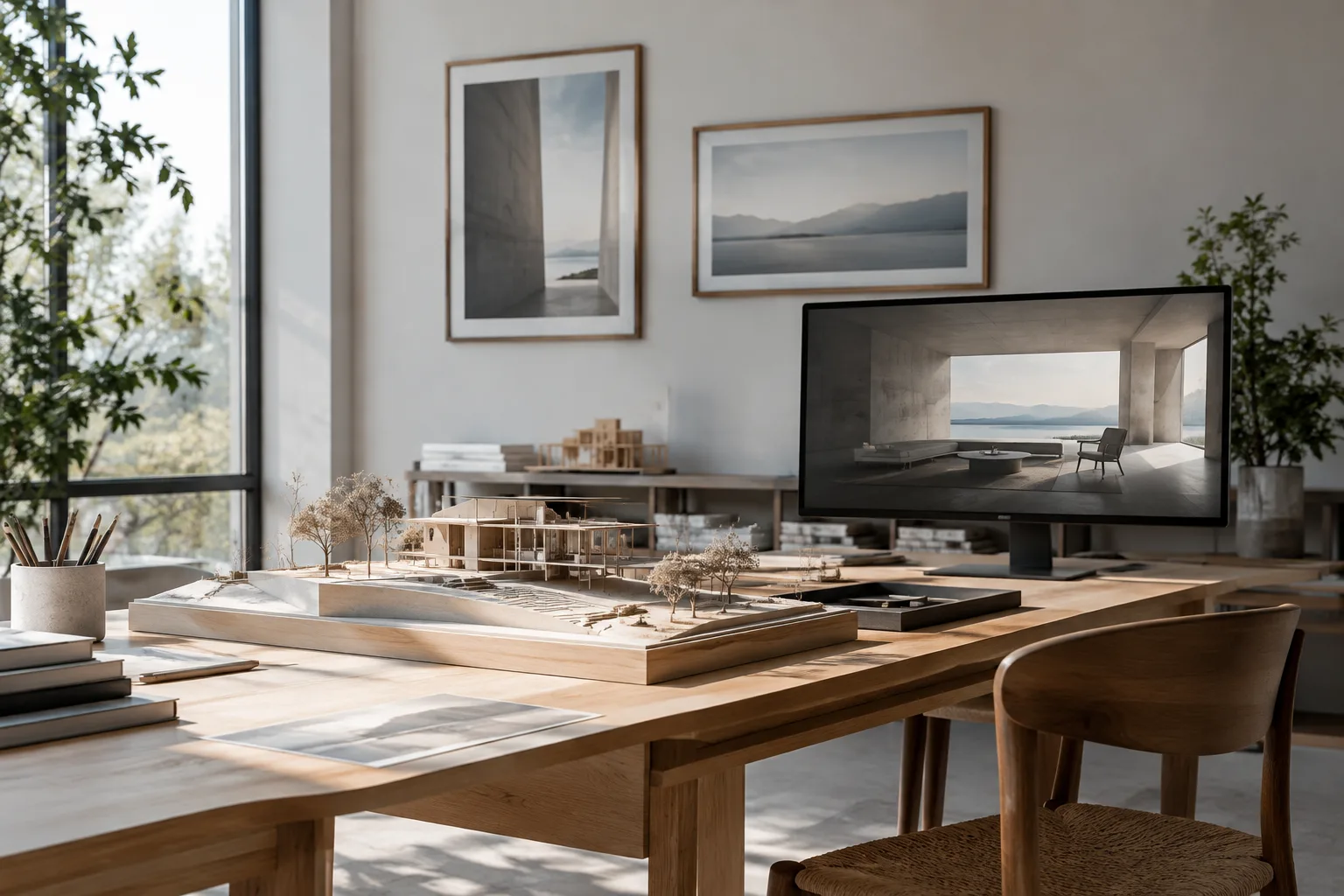
Blender Render Output Settings: Resolution, Framing, and FPS
The resolution, scale, pixel aspect ratio, render region, and frame rate settings in Blender’s Format panel help you prepare architectural visuals and animation output for their intended use. This guide explains the key steps.
 AI image
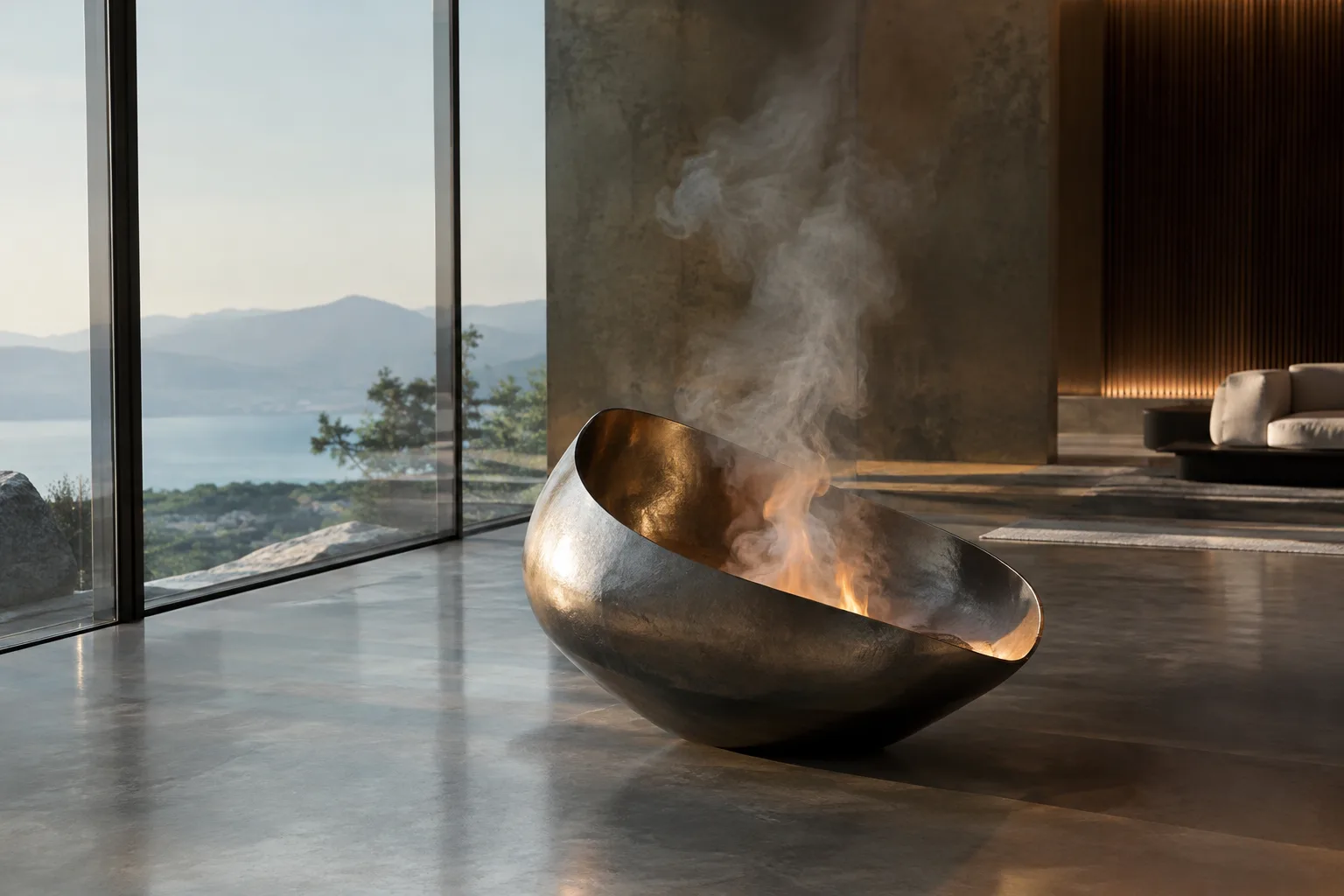
Blender Smoke and Fire Simulation: How to Set Up a Flow Source
Blender’s Flow object defines source behavior in liquid, smoke, and fire simulations. This guide explains the key settings, from source type and flow behavior to emission controls.