Tutorials · Page 14
 AI image
Unreal Engine Android Packaging: A Guide to Preparing Projects as APKs
Learn how to configure the SDK, connect a device and package an Unreal Engine project for testing on Android devices or preparing for distribution. The guide also covers the AAB option alongside APKs.
 AI image
Architectural Image Generation with Nano Banana 2.1: A Prompting Guide
This guide explains how to prepare prompts to generate architectural and interior images—or edit existing ones—with Nano Banana 2.1 in the Gemini API. The examples focus on describing visual decisions clearly.
 AI image
Architectural Animation in Blender: Object Origins and Keyframes
Blender’s official manual explains how origins define an object’s rotation and scaling center, and how animation curves can be edited with greater control in architectural scenes.
 AI image
A Guide to Enhancing Architectural Renders with D5 Render AI Post-Processing
D5 Render’s AI Post-Processing tools let you enhance specific areas of renders, transfer styles, and edit sky, water, or vegetation. This guide explains the workflow and the 6,200-pixel limit.
 AI image
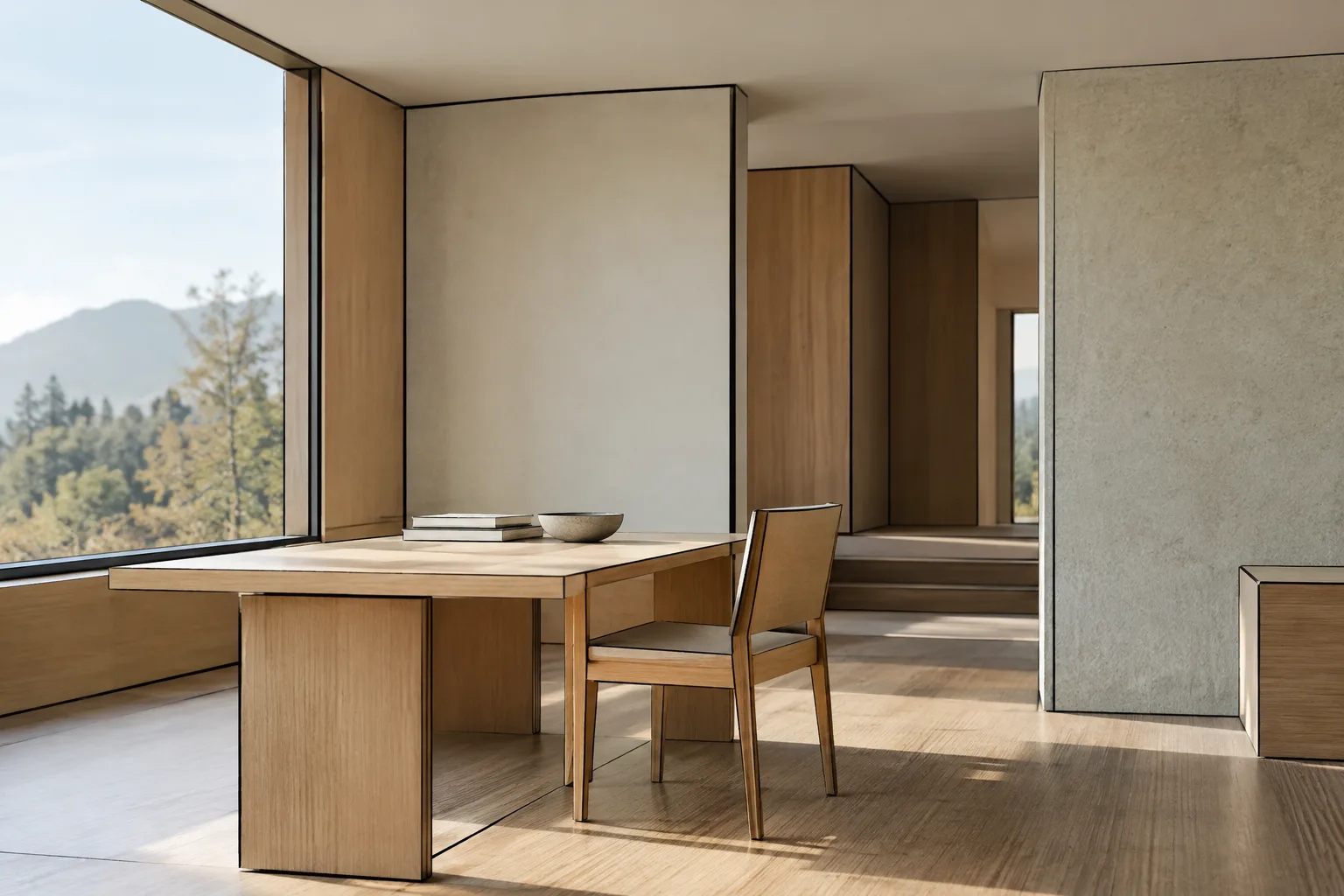
Blender Grease Pencil Line Art: A Guide to Drawing Lines in Architectural Scenes
Blender Grease Pencil Line Art creates a line-based look by evaluating a 3D scene from the selected camera’s perspective. This guide covers setting sources and edge types for architectural scenes, editing lines, and baking the result.
 AI image
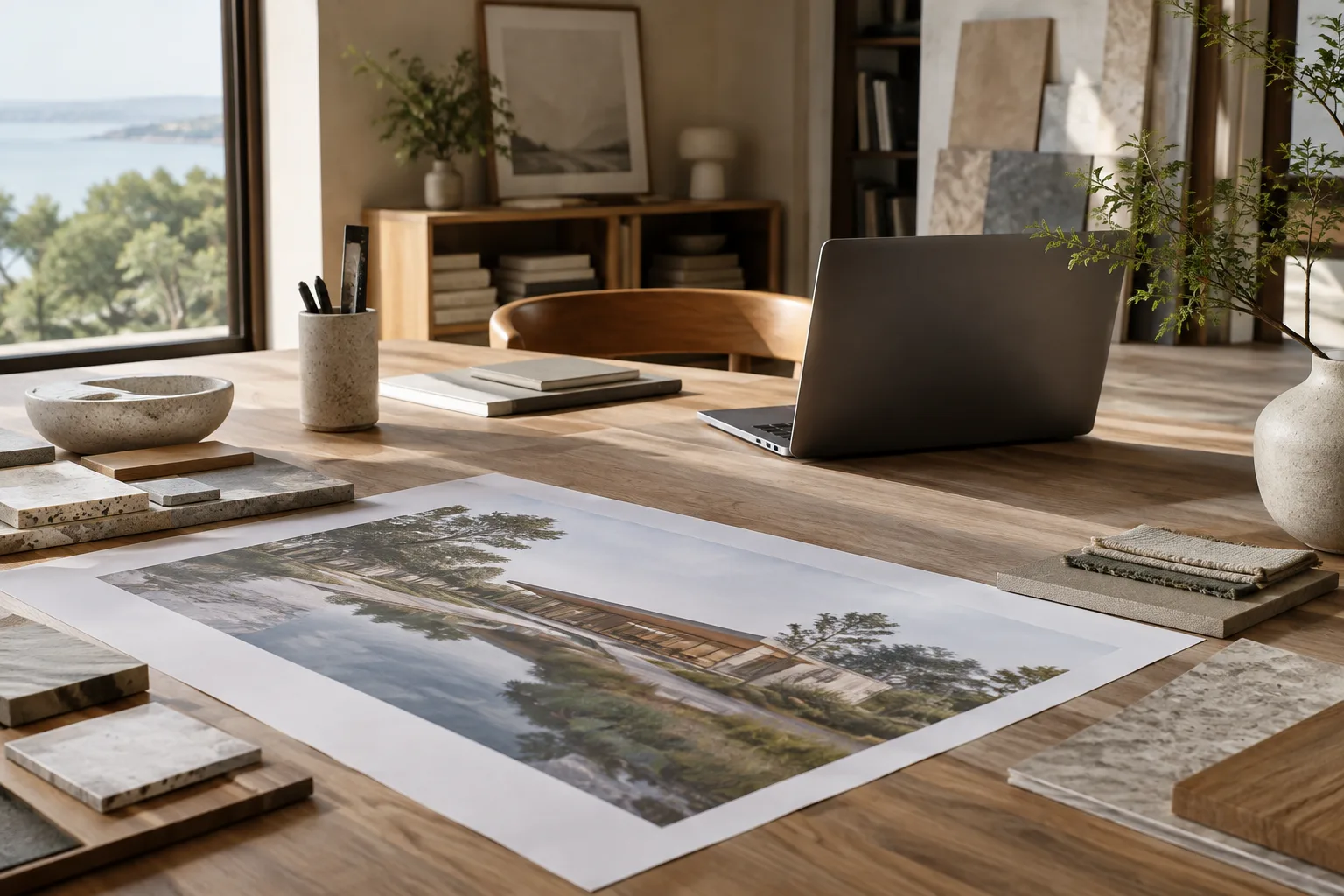
Architectural Image Analysis with the Gemini API: 5 Prompts and a Workflow
The Gemini API can send images to a model alongside text for use cases such as description, classification, and visual question answering. This guide covers five prompts for architectural images and the basic ways to submit them.
 AI image
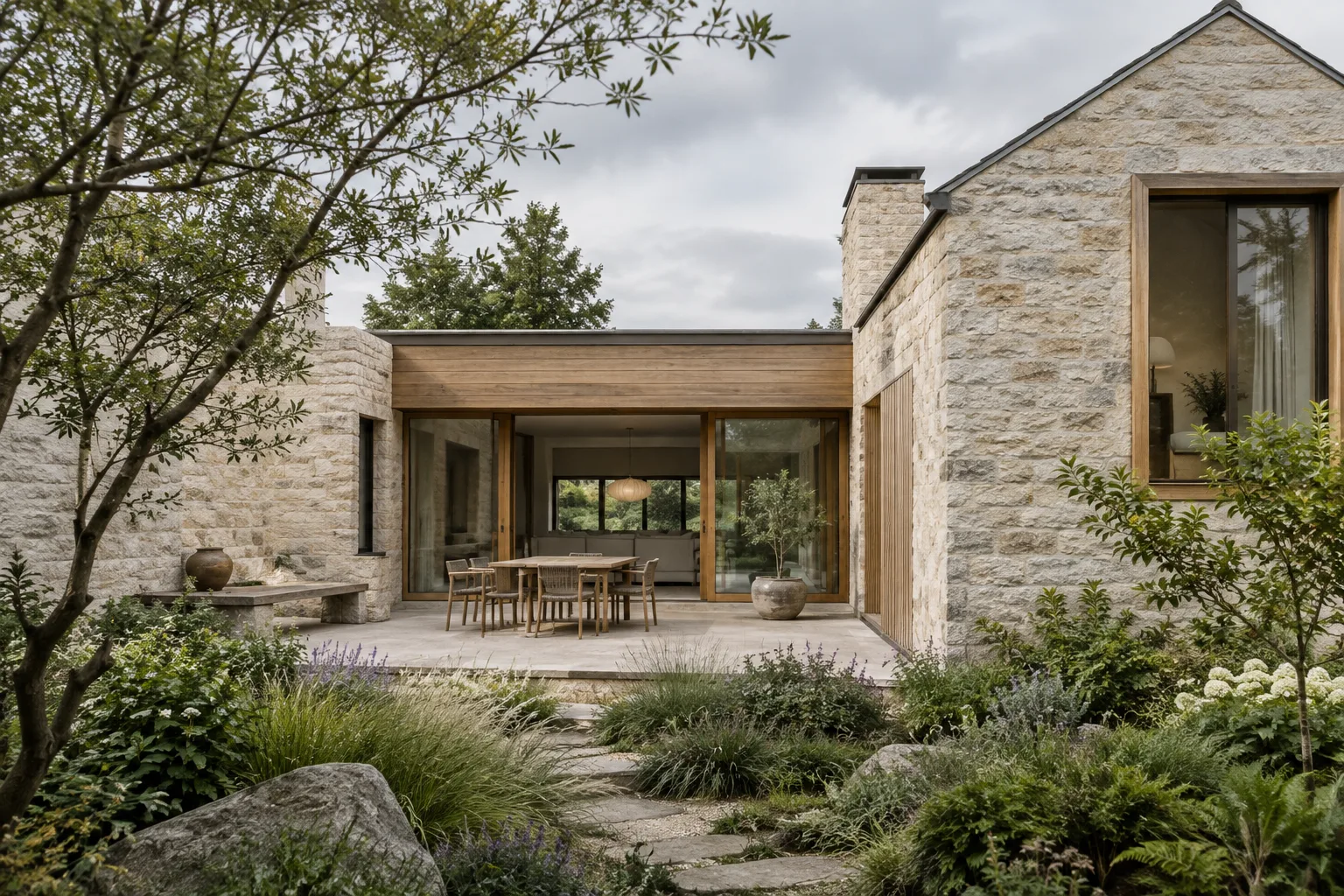
Architectural Image Generation with Nano Banana 2.1: A Step-by-Step Prompt Guide
We explore how to create architectural concept images and edit existing visuals using Nano Banana 2.1 and prompt design principles from Google’s Gemini API documentation.
 AI image
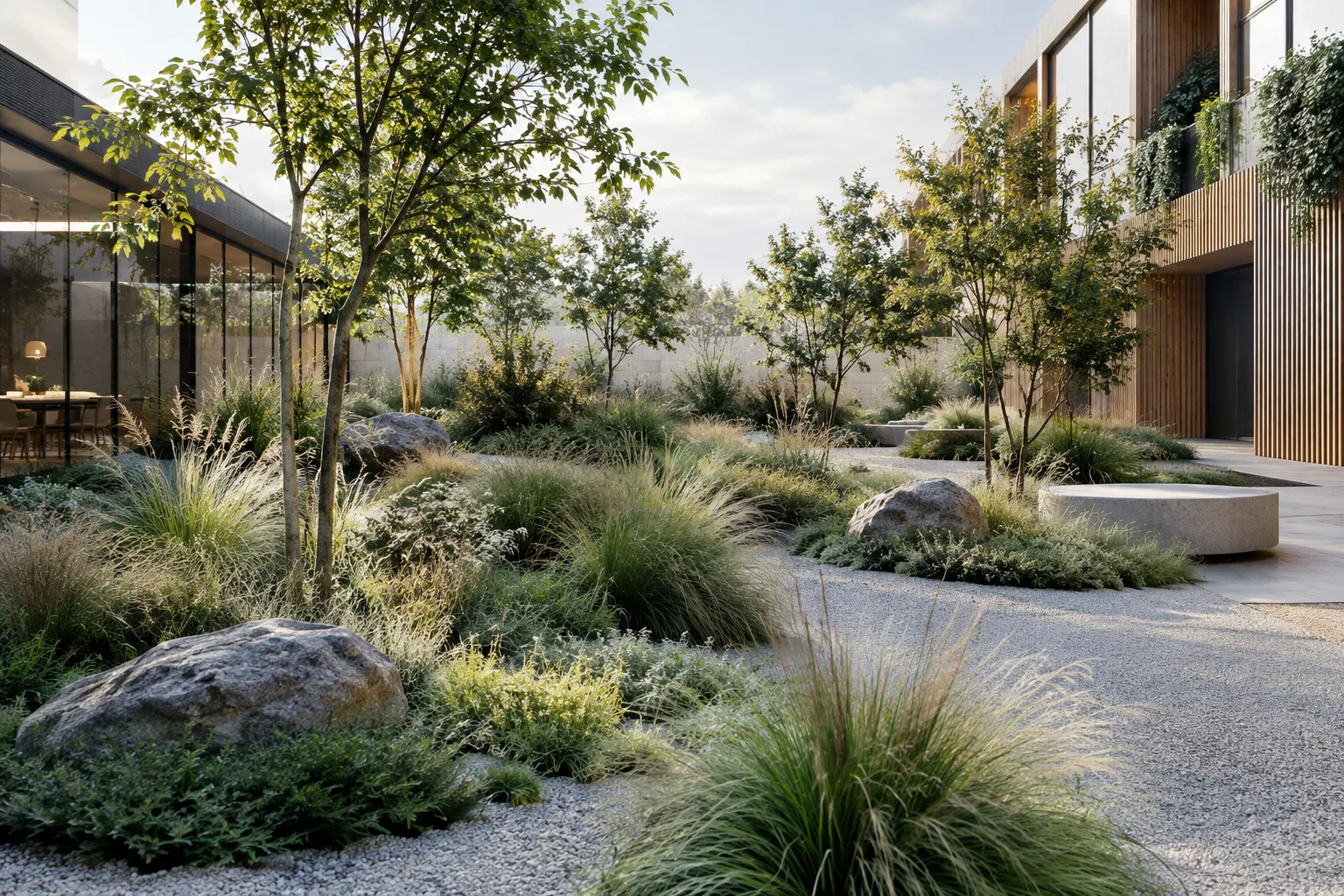
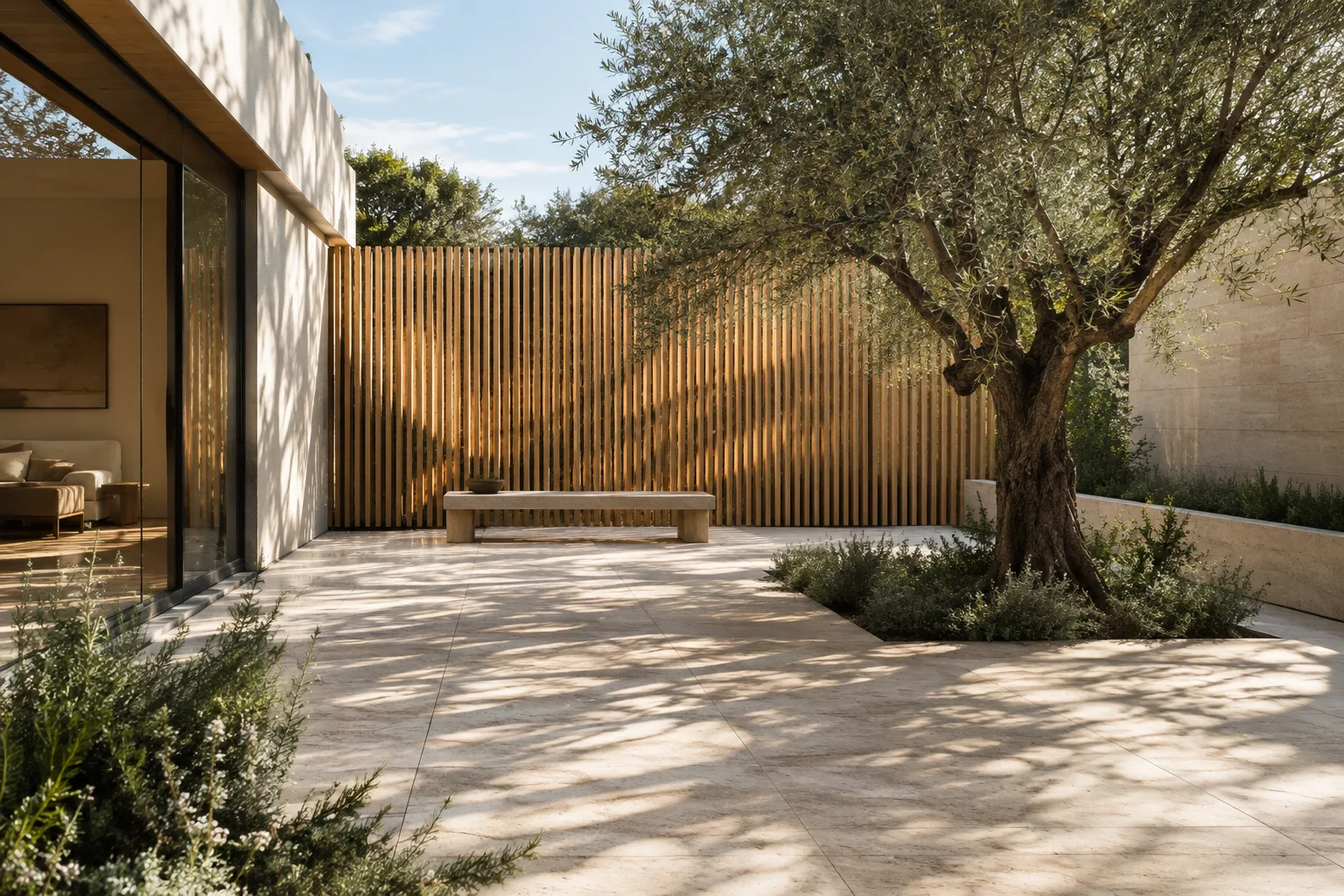
Distribute Plants and Objects Across Surfaces with Blender Geometry Nodes
Use the Distribute Points on Faces and Instance on Points nodes in Blender Geometry Nodes to place repeated objects across surfaces. This guide explains density, minimum distance, orientation, and stable ID settings.
 AI image
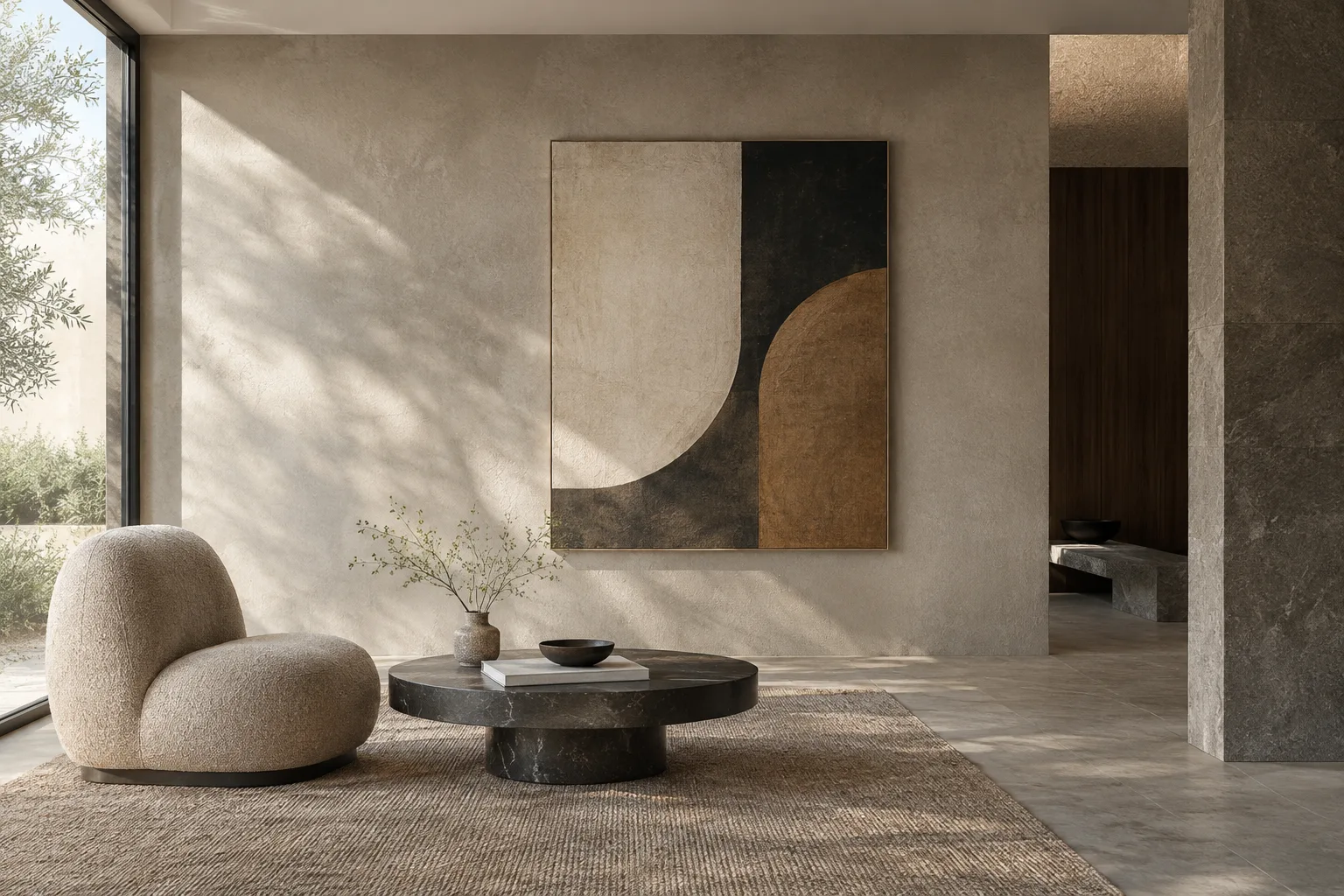
Architectural Video Generation with Gemini: Choosing a Model and Prompt
Gemini Omni Flash and Veo 3.1 support different workflows for architectural video generation with the Gemini API. This guide helps you choose a model, clarify scene descriptions, and refine prompts step by step.
 AI image
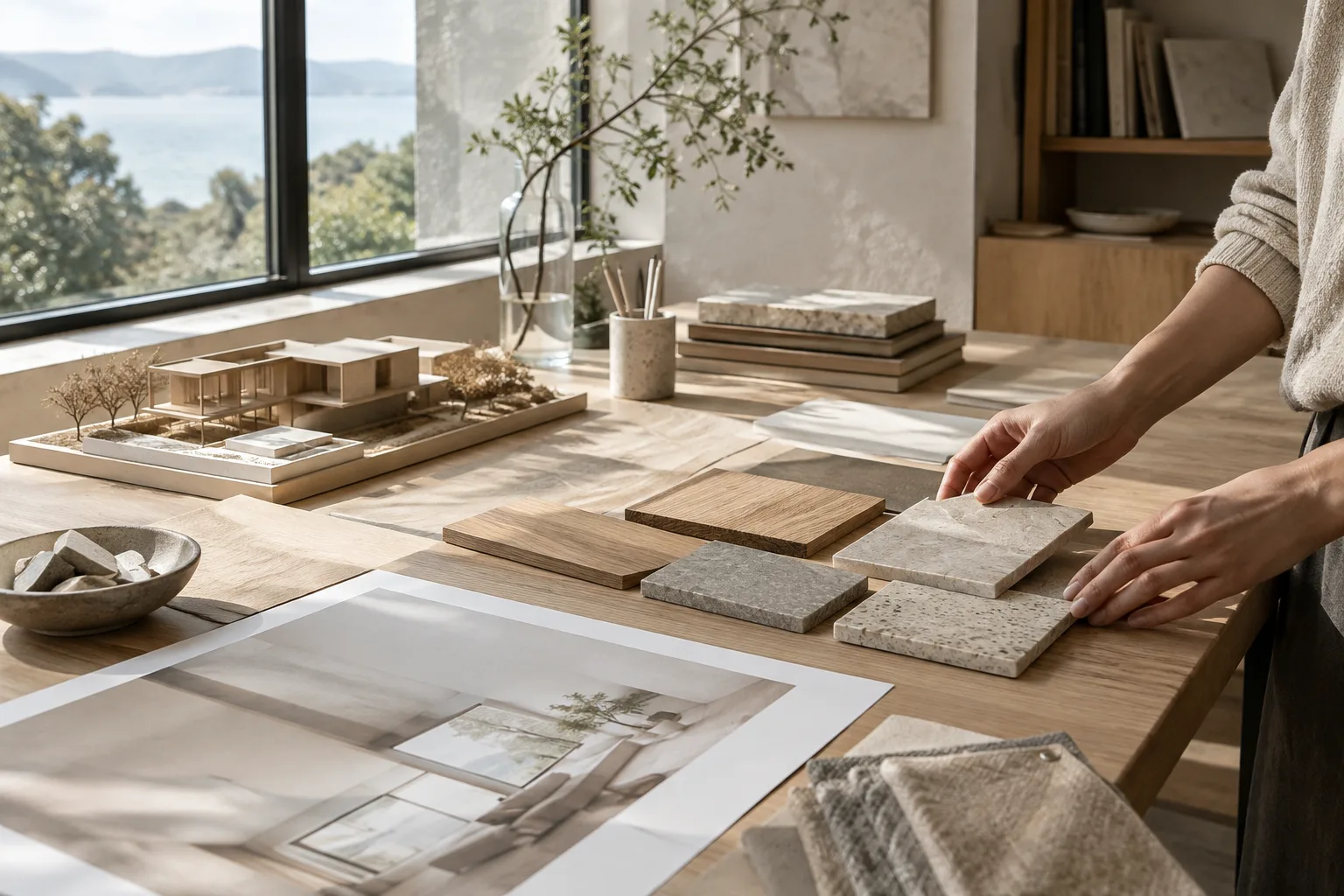
How to Place Textures in Blender with UV Project and UV Warp
Blender’s UV Project and UV Warp modifiers let you project image textures onto surfaces and transform existing UV coordinates. This guide also covers different coordinate options using the Texture Coordinate node.
 AI image
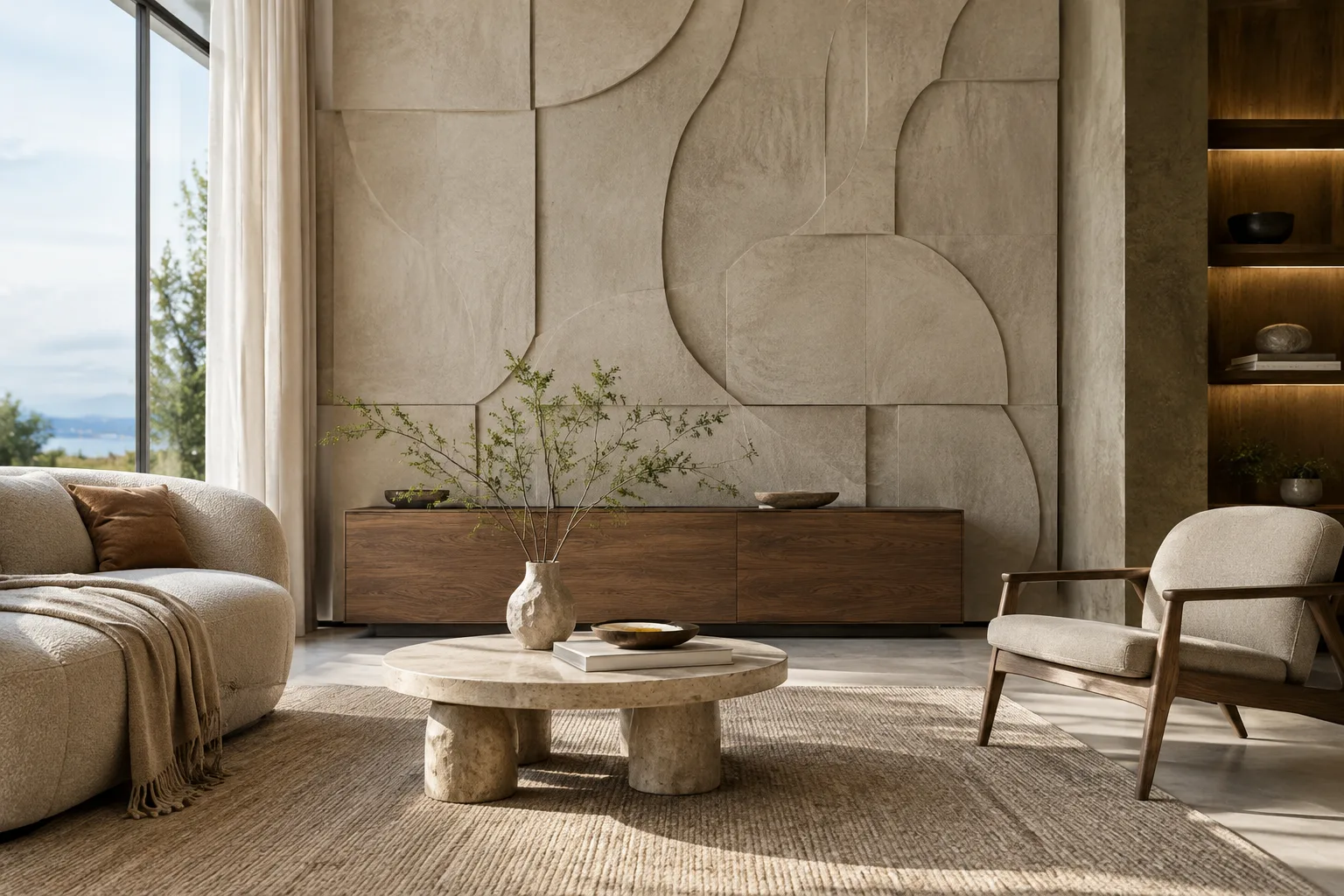
Architectural Image Generation with Nano Banana 2.1: A Prompt and Editing Guide
This guide explains how to create architectural concept images and edit reference images with Nano Banana 2.1 through the Gemini API. It covers model selection, prompt writing, and common mistakes.
 AI image
Texture Baking in Blender Cycles: A Step-by-Step Guide
Blender’s Cycles guide to texture baking covers the workflow from preparing a UV map, target image or Color Attribute to choosing a bake type and margin settings. It explains the essential steps and common issues.
 AI image
Gemini Omni Flash and Veo Prompt Guide for Architectural Video
We adapt the prompt components in the official guides for Gemini Omni Flash and Veo to architectural visualization. Clear descriptions of the subject, motion, setting, and camera can help you communicate short video ideas more effectively.
 AI image
Importing a Scene into Unreal Engine with Datasmith: Scale, Surfaces and Lighting
This guide explains how to check scale, naming, surface orientation and lightmap UVs in architectural scenes imported into Unreal Engine with Datasmith. You can troubleshoot common visibility and lighting issues by starting with the source application.
 AI image
Blender Render Passes and Compositing: Post-Process Architectural Images
Rendering separate passes in Blender and combining them with Compositor nodes lets you make targeted adjustments to specific elements and image properties in architectural visuals. This guide covers the basic setup and key considerations.
 AI image
Architectural Image Generation with Nano Banana 2.1: 5 Prompts and a Workflow
Nano Banana 2.1 can generate images from text and edit images you upload. This guide covers writing clear prompts for architectural and interior design concepts, working with reference images, and iterating on results.
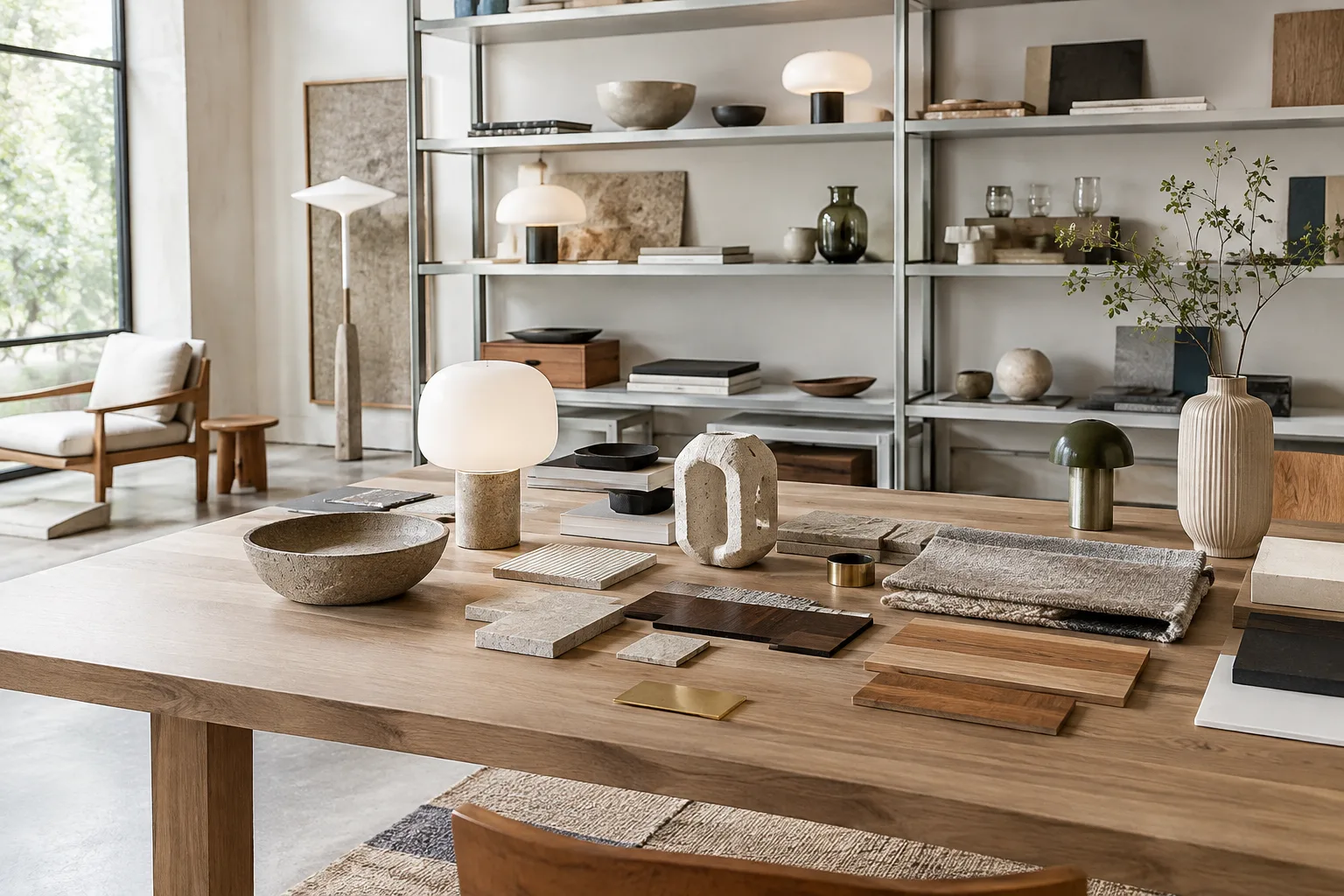 AI image
Using Blender Asset Browser: Build and Organize an Asset Library
Blender Asset Browser lets you organize objects, materials and collections as reusable assets. This guide covers creating assets, setting up libraries and catalogs, and choosing import methods.
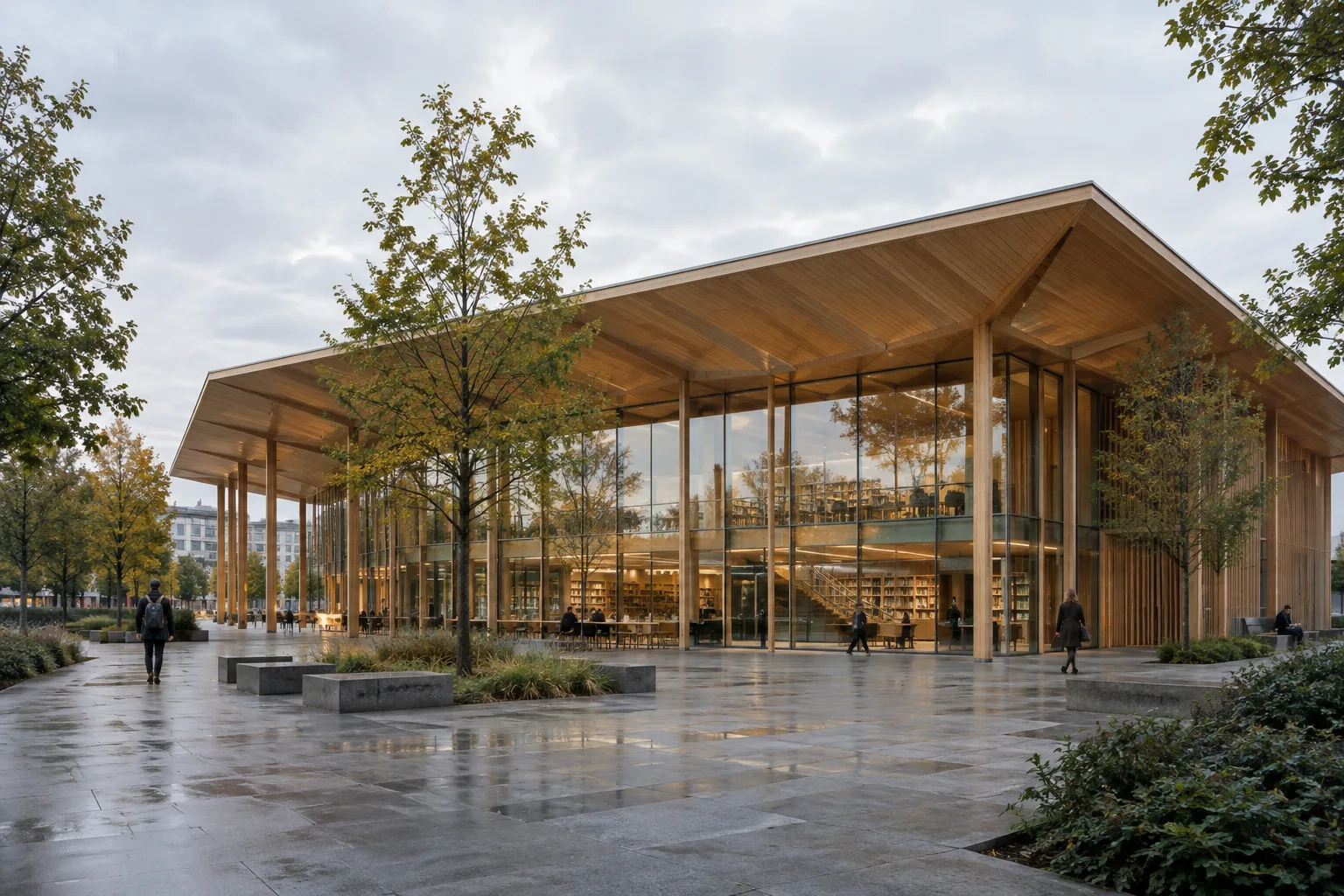 AI image
How to Create Architectural Video Prompts with Gemini Omni Flash and Veo
Gemini Omni Flash and Veo offer different workflows for turning architectural scenes into videos from text and images. This guide explains how to write prompts that describe the subject, scene, camera and movement.
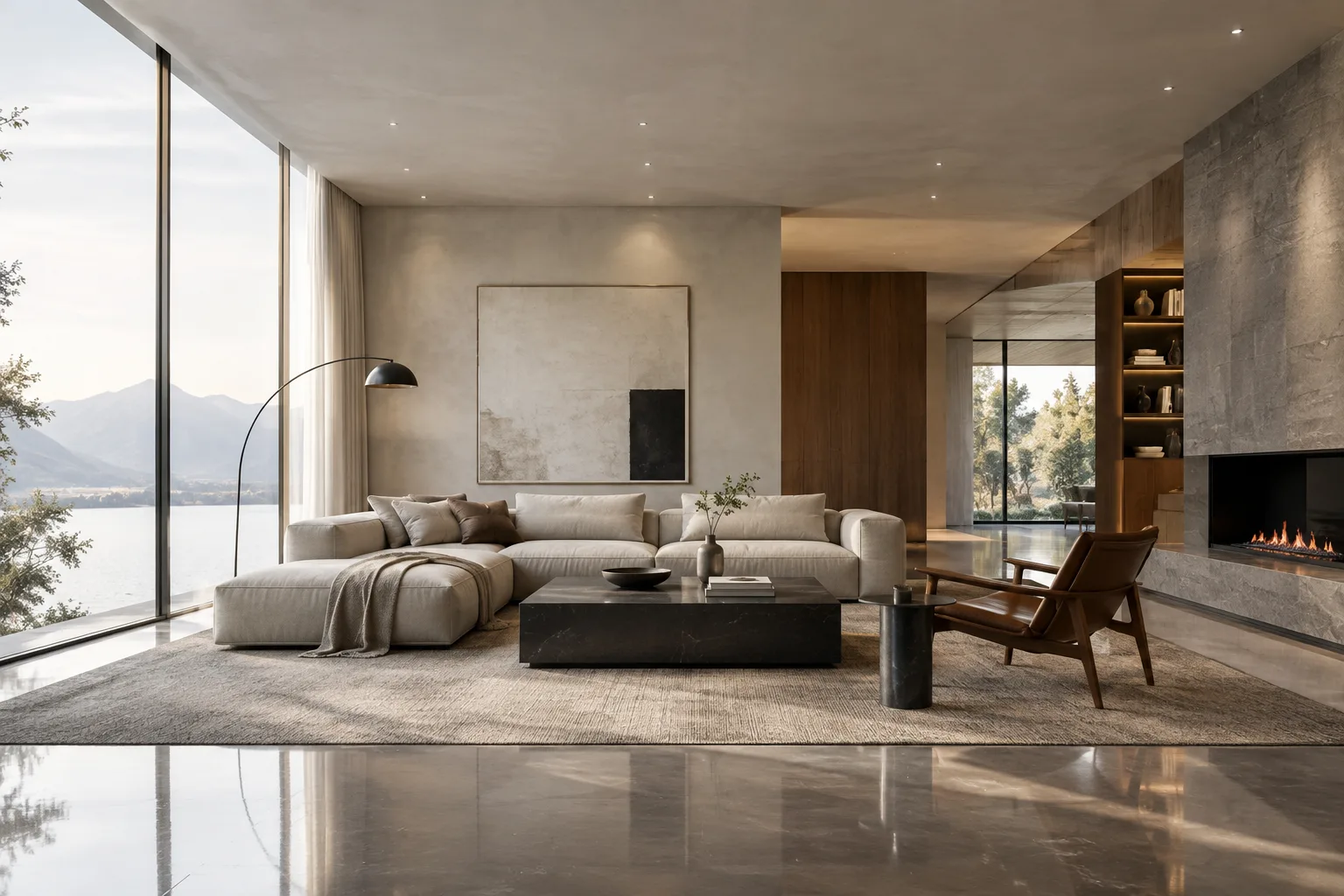 AI image
Interior lighting with Blender Eevee light probes: A practical guide
In Blender Eevee, volume and sphere light probes handle indirect light and reflections in interiors in different ways. This guide covers probe placement, bake settings, and troubleshooting common issues.
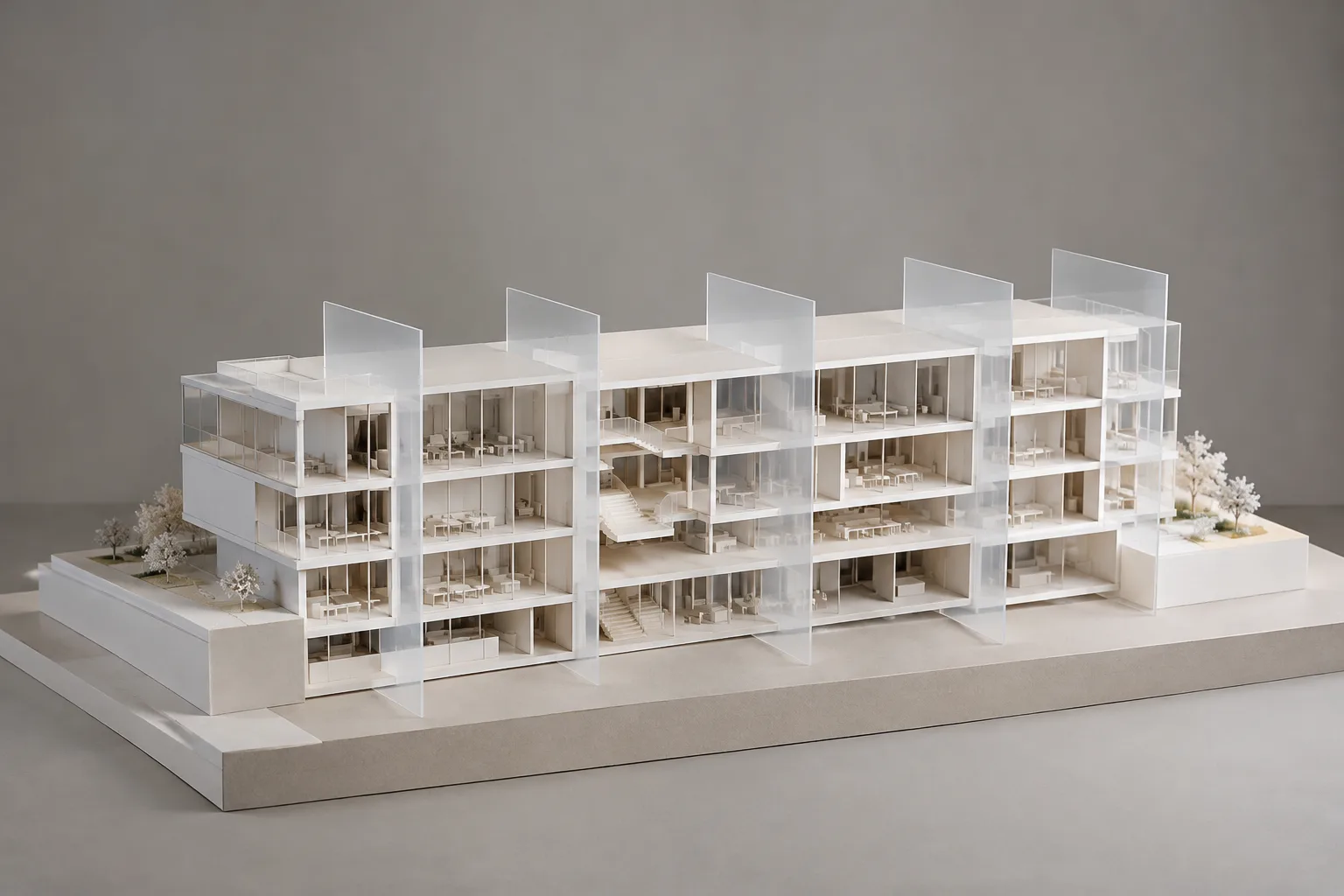 AI image
Rhino 8: Create Contour Curves with Contour and Section
In Rhino 8, Contour creates contours where evenly spaced planes intersect objects, while Section creates intersection curves using a defined plane. This guide explains the steps and output options for both methods.
 AI image
Architectural Image Generation with Nano Banana 2.1: 5 Prompts and Editing Steps
Nano Banana 2.1 in the Gemini API can generate images from text and edit uploaded images based on instructions. This guide covers prompt examples tailored to architectural visualization workflows and key considerations.
 AI image
Baking Physics Simulations in Blender: Cache and Render Guide
Baking a physics simulation in Blender can speed up playback by caching the calculated result and help ensure consistent results during rendering. This guide covers cache settings and common issues.
 AI image
Setting Up Lumen and Hardware Ray Tracing for Archviz in Unreal Engine
This guide explains how to enable Lumen and configure hardware ray tracing in Unreal Engine. It covers how the settings affect reflection quality, scene compatibility, and GPU costs.
 AI image
Unreal Engine Virtual Shadow Maps: A Guide to Shadow Settings
In Unreal Engine, Virtual Shadow Maps (VSM) are designed to deliver high-resolution shadows, particularly in scenes that use Nanite. This guide explains how to enable VSM, adjust lighting settings, and evaluate common quality and performance issues.